


Last updated: May 1, 2026
Quick Answer: The AI app landscape in 2026 spans more than 50 distinct tools across writing, design, video, voice, coding, and automation. ChatGPT leads with 900 million weekly active users, but specialized apps like ElevenLabs, Synthesia, NotebookLM, and Cursor are carving out strong positions in their own categories. Choosing the right AI app depends on your specific use case, budget, and workflow — not just brand recognition.
Key Takeaways
- ChatGPT is 2.7x larger than Gemini in web traffic and holds 8x more U.S. paid subscribers than Claude, making it the dominant general-purpose AI platform [1]
- Specialized AI apps — for video, voice, coding, and design — often outperform general chatbots for specific tasks
- AI automation tools like Zapier AI now let you describe a workflow in plain English and have it built automatically [2]
- Multimodal AI (text + image + video + voice in one tool) is the defining capability trend of 2026 [2]
- NotebookLM and Fathom are among the best document and meeting intelligence tools for knowledge workers [3]
- Lovable lets non-coders build simple web apps from a text prompt — no coding required [3]
- ElevenLabs leads the voice AI category with realistic text-to-speech and autonomous voice agents [3]
- The best AI stack for most professionals combines one general chatbot plus two to three specialized tools
- Free tiers exist across most major AI apps, but paid plans unlock the capabilities that actually matter
- OpenAI’s planned “Sign in with ChatGPT” feature signals a push to make ChatGPT the default internet interface [1]
What Makes an AI App Truly Worth Using in 2026?
A genuinely useful AI app does one of three things well: it saves you significant time, produces output you couldn’t easily create yourself, or automates a task you’d otherwise do manually. Apps that only check one of those boxes rarely justify a paid subscription.
When evaluating any AI tool, ask these four questions:
- Does it integrate with tools I already use? (Slack, Notion, Google Workspace, etc.)
- Is the free tier functional enough to test it properly?
- Does it improve with context — meaning, does it get better as it learns your preferences?
- Is there a clear ROI — time saved, revenue generated, or quality improved?
“The best AI app isn’t the most powerful one. It’s the one that fits cleanly into how you already work.”
For a deeper look at how AI tools integrate with content workflows, see our practical guide to AI-powered content optimization.
How Big Is the AI App Market Right Now?
The AI app market in 2026 is large, fast-moving, and increasingly concentrated at the top. ChatGPT alone reports 900 million weekly active users — that’s more than 10% of the global population using a single AI product every week [1].
Here’s a snapshot of where the major platforms stand:
| Platform | Weekly Active Users | Paid Subscriber Rank | Key Strength |
|---|---|---|---|
| ChatGPT | ~900 million [1] | #1 (8x Claude) | General purpose, ecosystem |
| Gemini | ~333 million (est.) [1] | #2 | Research, Google integration |
| Claude | ~110 million (est.) [1] | #3 | Coding, long documents |
| Perplexity | Growing rapidly | N/A | Real-time search |
| Copilot (Microsoft) | Enterprise-dominant | Enterprise | Office integration |
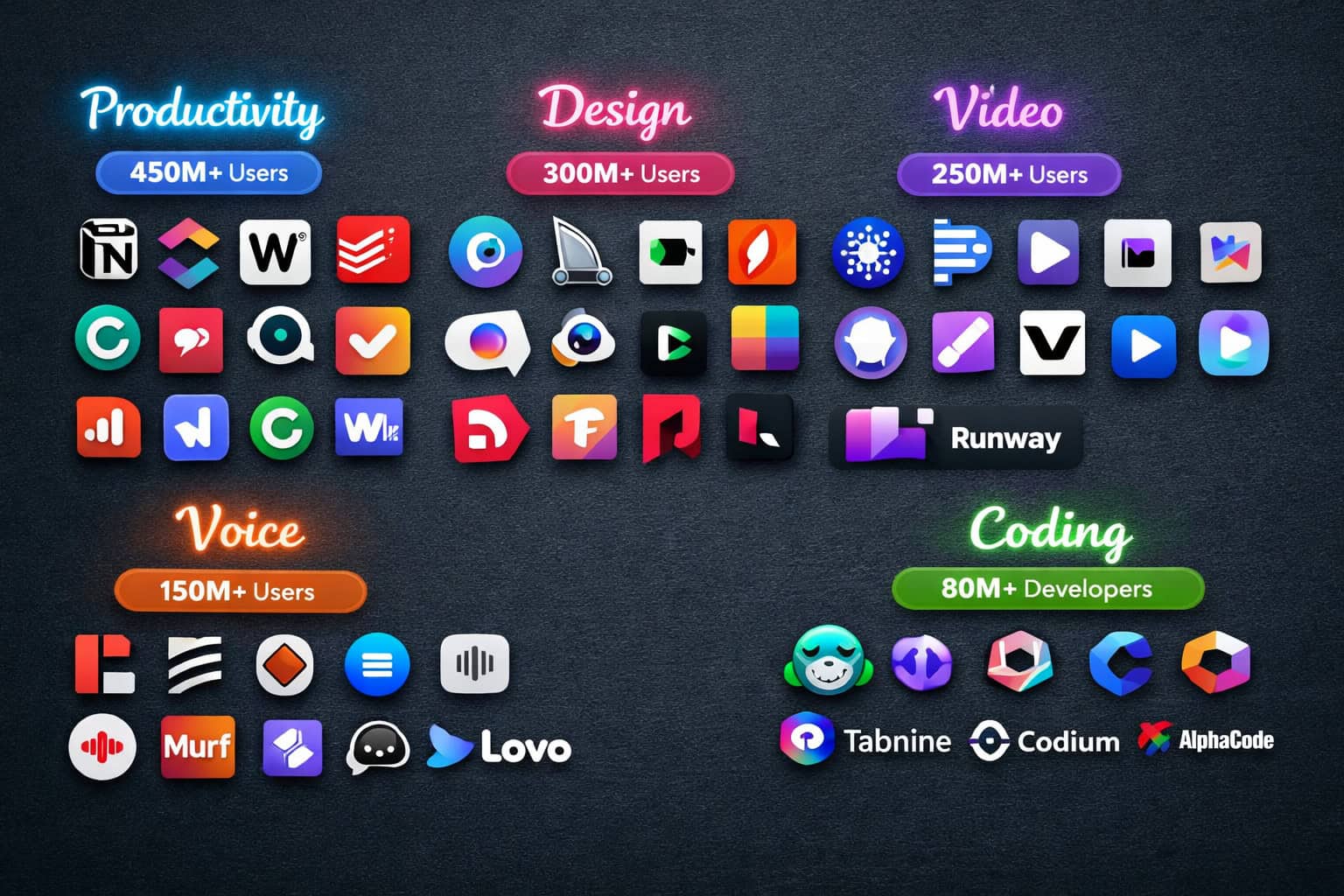
Beyond the big platforms, more than 50 specialized apps have built strong user bases in narrow categories. That’s the real story of 2026: the general chatbots are dominant, but the specialists are winning in depth [2].

The Ultimate Guide: 50+ Game-Changing AI Apps Redefining Technology by Category
This is where the Ultimate Guide: 50+ Game-Changing AI Apps Redefining Technology gets practical. Rather than listing 50 tools in a wall of text, here they are organized by what they actually do — so you can find what fits your workflow.
🤖 General AI Assistants
These are your starting point. Use them for writing, research, brainstorming, and document analysis.
- ChatGPT (OpenAI) — Best overall. 85+ integrated apps spanning travel, shopping, health, and more [1]. Integrations include Expedia, Instacart, Zillow, and MyFitnessPal.
- Claude (Anthropic) — Best for long documents and coding tasks. Handles 200K token context windows.
- Gemini (Google) — Best for research with Google Search integration and image generation.
- Perplexity AI — Best for real-time, citation-backed answers.
- Microsoft Copilot — Best for enterprises already in the Microsoft 365 ecosystem.
- Meta AI — Built into WhatsApp, Instagram, and Facebook for casual use.
✍️ AI Writing and Content Tools
- Jasper — Long-form marketing content with brand voice training
- Copy.ai — Short-form copy, ad headlines, email sequences
- Writesonic — Blog posts, landing pages, SEO content
- Rytr — Budget-friendly writing assistant for individuals
- Grammarly — Grammar, tone, and style suggestions with AI rewrites
- Hemingway Editor — Readability scoring and sentence simplification
For a comprehensive breakdown of writing tools, our guide to AI-powered content generation tools covers the category in depth.
🎨 AI Design and Image Tools
- Midjourney — Highest-quality image generation for creative work
- DALL-E 3 (via ChatGPT) — Fast image generation integrated into ChatGPT
- Adobe Firefly — Best for designers already in the Adobe ecosystem
- Canva AI — Magic design tools built into Canva’s interface
- Stable Diffusion — Open-source, highly customizable image generation
- Ideogram — Strong text rendering within generated images
- Runway ML — Image-to-video and creative visual effects
If you use Canva for design work, the Canva AI design assistant guide shows exactly how to use its AI features effectively.
🎬 AI Video Generation Tools
Video AI moved from novelty to practical in 2026 [3].
- Synthesia — Business video creation with AI avatars and video agents [3]
- Veo (Google) — Text-to-video generation with cinematic quality [3]
- Higgsfield — AI-driven video creation from scripts and prompts [3]
- Runway Gen-3 — Creative video editing and generation
- Pika Labs — Short-form video generation from text or images
- HeyGen — Talking avatar videos for sales and marketing
- Luma AI — 3D scene and video generation
🎙️ AI Voice and Audio Tools
- ElevenLabs — Industry-leading realistic voice generation, text-to-speech, and autonomous voice agents [3]
- Murf — Professional voiceovers for presentations and videos
- Descript — Podcast editing with AI voice cloning and transcription
- Otter.ai — Real-time meeting transcription and summaries
- Adobe Podcast — AI audio enhancement for recorded speech
- Suno — AI music generation from text prompts
- Udio — High-quality music creation with genre and style control
💻 AI Coding and Development Tools
- GitHub Copilot — In-editor code suggestions across all major IDEs
- Cursor — AI-first code editor built on VS Code
- Replit AI — Cloud-based coding with AI assistance
- Lovable — Build simple web apps from plain-language prompts, no coding needed [3]
- Tabnine — Privacy-focused AI code completion
- Codeium — Free alternative to Copilot with strong language support
- v0 (Vercel) — Generate React UI components from text descriptions
For teams building on WordPress, our guide to AI plugins for WordPress covers the best options for automating site management.
📊 AI Productivity and Automation Tools
- Notion AI — Writing, summarization, and Q&A inside Notion workspaces
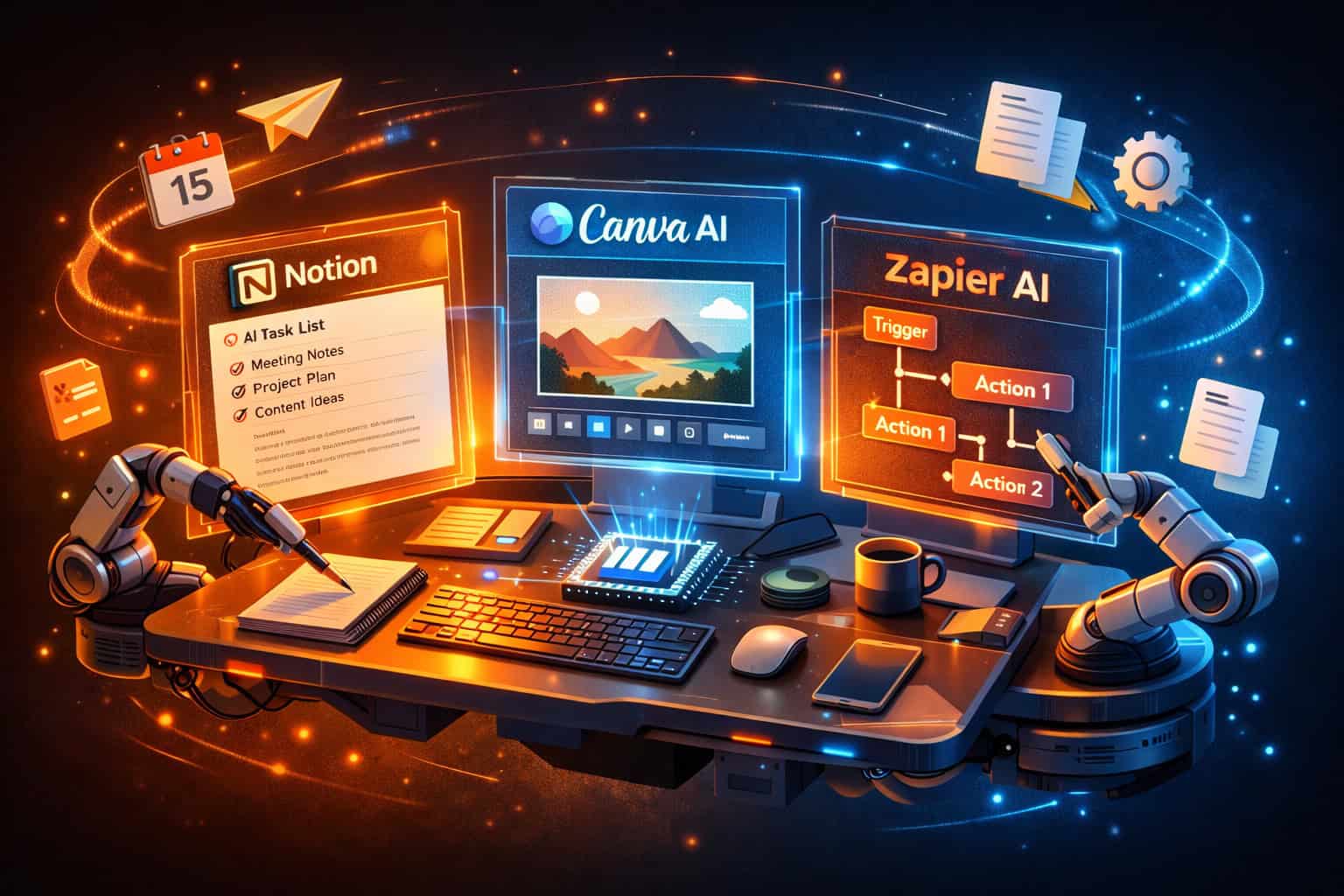
- Zapier AI — Natural-language workflow automation; describe a process and AI builds it [2]
- Make (Integromat) — Visual automation with AI-enhanced logic
- Fathom — Automated meeting recording, summaries, and action items [3]
- NotebookLM (Google) — Query and analyze your own documents through AI [3]
- Mem AI — AI-powered personal knowledge base
- Reclaim AI — Smart calendar scheduling and time blocking
- Otter.ai — Meeting intelligence and live transcription
🔍 AI Research and Knowledge Tools
- Perplexity AI — Real-time web search with cited answers
- Elicit — AI research assistant for academic papers
- Consensus — Search engine for scientific evidence
- Scite — Smart citation analysis for research
- NotebookLM — Document-based Q&A for your own files [3]
- Semantic Scholar — AI-powered academic search
🏥 AI Health, Wellness, and Lifestyle Apps
ChatGPT’s 85+ integrated apps include health and wellness partners like MyFitnessPal for nutrition tracking [1]. Beyond that ecosystem:
- Whoop AI — Personalized fitness and recovery coaching
- Noom — AI-driven behavior change for weight management
- Woebot — Mental health support through conversational AI
- Ada Health — AI symptom checker and health guidance
- Calm AI — Personalized meditation and sleep recommendations
🛒 AI Shopping and Commerce Tools
- ChatGPT + Instacart — Grocery shopping through conversational AI [1]
- ChatGPT + Zillow — Property search via natural language [1]
- ChatGPT + Expedia — Flight and travel booking through chat [1]
- Klarna AI — Shopping assistant and payment support
- Syte — Visual search for fashion and home products
Which AI Apps Are Actually Worth Paying For?
Most AI apps offer free tiers, but the paid plans are where the real capability lives. Here’s how to decide what to pay for.
Pay for it if:
- You use it more than three times per week
- The free tier has a usage cap that you hit regularly
- It directly replaces a more expensive tool or service
- It saves you more than one hour per week
Skip the paid plan if:
- You only need it occasionally
- A free alternative covers 80% of your use case
- You haven’t fully explored the free tier yet
Recommended paid stack for most professionals:
| Role | Primary Tool | Specialist Tool 1 | Specialist Tool 2 |
|---|---|---|---|
| Content creator | ChatGPT Plus | ElevenLabs | Canva Pro |
| Developer | Cursor Pro | GitHub Copilot | Lovable |
| Marketer | Claude Pro | Jasper | Fathom |
| Designer | Midjourney | Adobe Firefly | Runway |
| Researcher | Perplexity Pro | NotebookLM | Elicit |
How Is AI Changing Design and Creative Workflows?
AI design tools have moved from “interesting experiment” to core workflow component for most creative professionals. The shift happened because the output quality crossed a threshold — AI-generated images, videos, and voices are now good enough for professional use in many contexts [3].
Key changes in creative workflows in 2026:
- Concept iteration is faster. Designers use Midjourney or DALL-E 3 to generate 20 concept directions in the time it used to take to sketch three.
- Video production costs dropped. Synthesia and HeyGen let small teams produce professional-looking video content without cameras or studios [3].
- Voice production is democratized. ElevenLabs can generate a realistic voiceover in seconds, replacing expensive studio sessions for many use cases [3].
- Design-to-code pipelines improved. Tools like Figma’s AI features and v0 by Vercel reduce the gap between design and working code.
For teams working in Figma, our guide to Figma AI workflow automation shows how to integrate AI directly into your design process.

What Are the Biggest AI App Trends to Watch in 2026?
The Ultimate Guide: 50+ Game-Changing AI Apps Redefining Technology wouldn’t be complete without a look at where things are heading. Four trends are shaping the next 12 months.
1. Multimodal AI becomes standard Text-only AI tools are losing ground. The expectation in 2026 is that a single tool handles text, images, audio, and video. OpenAI, Google, and Anthropic are all racing to make their models fully multimodal [2].
2. AI as the default internet interface OpenAI’s planned “Sign in with ChatGPT” feature is designed to make ChatGPT the starting point for shopping, booking, health, and daily browsing — not just a chat window [1]. If this succeeds, it changes how people interact with the web entirely.
3. Autonomous AI agents Rather than answering questions, AI agents complete multi-step tasks independently. Zapier AI already does this for workflows [2]. ElevenLabs is doing it for voice [3]. The next 12 months will see agents expand into more categories.
4. Vertical AI specialization Generic AI tools are good. Specialized AI tools built for one industry — legal, medical, financial, educational — are often better for professionals in those fields. Expect more vertical-specific AI apps to reach maturity.
Common Mistakes People Make When Choosing AI Apps
Picking the wrong tool wastes money and time. Here are the mistakes I see most often:
- Choosing by brand name alone. ChatGPT is the biggest, but it’s not always the best tool for a specific task. Claude often outperforms it on long documents and coding.
- Paying for multiple overlapping tools. Many people subscribe to ChatGPT Plus, Claude Pro, and Gemini Advanced simultaneously. Pick one general chatbot and supplement with specialists.
- Skipping the free tier. Most AI apps have generous free tiers. Test thoroughly before paying.
- Ignoring integration compatibility. An AI tool that doesn’t connect to your existing stack creates more work, not less.
- Expecting perfection. AI output requires human review. The tools that save the most time are those you use as a first draft, not a final product.

How Do I Build an AI App Stack Without Overspending?
Building a practical AI stack doesn’t require subscribing to everything. A focused three-tool approach works for most professionals.
Step-by-step approach:
- Start with one general chatbot. ChatGPT Plus ($20/month) or Claude Pro ($20/month) covers most writing, research, and analysis needs.
- Identify your biggest time drain. Is it video production? Meeting notes? Coding? Pick one specialist tool that addresses it directly.
- Add one automation tool. Zapier AI or Make connects your tools and eliminates repetitive manual tasks [2].
- Evaluate after 30 days. If a tool hasn’t saved you at least two hours per week, cancel it.
- Add tools incrementally. Don’t build a 10-app stack on day one.
Estimated monthly costs for a practical AI stack:
| Stack Level | Tools | Monthly Cost (est.) |
|---|---|---|
| Starter | ChatGPT Free + Canva Free | $0 |
| Professional | ChatGPT Plus + ElevenLabs Starter | ~$27 |
| Power User | Claude Pro + Midjourney + Fathom | ~$60 |
| Team | Copilot for Microsoft 365 + Zapier Pro | ~$100+ |
Frequently Asked Questions
Q: What is the most popular AI app in 2026? ChatGPT is the most popular AI app by a significant margin, with 900 million weekly active users and 8x more U.S. paid subscribers than Claude [1]. It also has the largest ecosystem of integrated third-party apps.
Q: Is Claude better than ChatGPT? For long documents and complex coding tasks, Claude often outperforms ChatGPT. For general use, integrations, and ecosystem breadth, ChatGPT leads. The right choice depends on your specific use case.
Q: What AI app is best for video creation? Synthesia is best for business videos with AI avatars. Veo (Google) and Runway Gen-3 are better for creative, cinematic video generation from text prompts [3].
Q: Can I build an app without coding using AI? Yes. Lovable lets you describe a simple web application in plain English and builds it automatically — no coding knowledge required [3].
Q: What is the best free AI app? NotebookLM (Google) is one of the best free AI tools for knowledge workers — it lets you upload documents and ask questions about them at no cost [3]. Canva AI and Otter.ai also have strong free tiers.
Q: How does Zapier AI work? Zapier AI lets you describe an automation workflow in plain English. The AI interprets your description and builds the workflow automatically, connecting apps like Notion, Gmail, Slack, and ChatGPT without manual configuration [2].
Q: What is ElevenLabs used for? ElevenLabs generates realistic AI voices for text-to-speech, audiobooks, podcasts, and autonomous voice agents. It’s the leading tool in the voice AI category as of 2026 [3].
Q: Are AI apps safe to use for sensitive data? Most major AI platforms have enterprise tiers with data privacy controls. For sensitive data, use tools with explicit data isolation guarantees or on-premise deployment options. Always check the privacy policy before uploading confidential documents.
Q: What does “Sign in with ChatGPT” mean? OpenAI announced a feature that would let users sign into third-party websites and services using their ChatGPT account — similar to “Sign in with Google.” The goal is to make ChatGPT the default starting point for shopping, booking, health, and daily browsing [1].
Q: How much does a good AI app stack cost per month? A professional AI stack typically costs between $20 and $60 per month. A single ChatGPT Plus or Claude Pro subscription ($20/month) covers most needs. Adding one specialist tool brings the total to roughly $30 to $50/month.
Q: What AI tools are best for SEO and content marketing? ChatGPT, Claude, and Jasper are strong for content creation. For SEO-specific optimization, pairing an AI writing tool with a dedicated SEO platform works best. See our guide on using AI SEO tools for WordPress for a practical workflow.
Q: What is NotebookLM and who is it for? NotebookLM is a Google AI tool that lets you upload your own documents — PDFs, notes, research papers — and then ask questions about them. It’s ideal for students, researchers, and knowledge workers who need to extract insights from large document sets [3].
Conclusion
The AI app landscape in 2026 is both exciting and overwhelming. The Ultimate Guide: 50+ Game-Changing AI Apps Redefining Technology exists because most people don’t need 50 tools — they need the right three or four, chosen deliberately.
Here’s what to do next:
- Pick one general chatbot (ChatGPT, Claude, or Gemini) and use it daily for two weeks before adding anything else.
- Identify your biggest time drain and find the specialist tool that addresses it directly.
- Add one automation tool (Zapier AI is a strong starting point) to connect your apps and eliminate manual repetition.
- Evaluate every 30 days. Cancel anything that isn’t saving you at least two hours per week.
- Stay current. The AI app market moves fast. Check the AI category on WebAiStack for ongoing updates on new tools and capabilities.
The goal isn’t to use the most AI tools. It’s to use the right ones — and use them well.
AI tools resources: OpenAI and Anthropic (Claude).
References
[1] 100 Gen AI Apps 6 – https://a16z.com/100-gen-ai-apps-6/ [2] 50 Companies Building The Future Of AI – https://fueler.io/blog/50-companies-building-the-future-of-ai [3] AI Tools – https://www.synthesia.io/post/ai-tools
Related: 10 Powerful ChatGPT Alternatives: The Ultimate AI Chatbot Showdown in 2026
Related: ChatGPT 6: The Next Frontier of AI Language Technology Unveiled
Related: ChatGPT vs Claude: A Comprehensive AI Showdown of Language Models in 2026
Related: Mastering Content Rewriting: A Comprehensive Guide to ChatGPT Rewriting Techniques
Related: Decoding ChatGPT: The Full Form and Origins of OpenAI's Revolutionary Language Model
Related: Demystifying ChatGPT: A Deep Dive into Transformer Technology and AI Language Processing
Related: Decoding ChatGPT: The Full Story Behind Its Groundbreaking Name
Related: ChatGPT Browser Access: The Ultimate Guide to Seamless AI Browsing
Related: ChatGPT Zero: The Ultimate Guide to AI Text Detection and Academic Authenticity
Related: Unlocking Insights: ChatGPT Atlas and the Future of Intelligent Data Mapping
Related: ChatGPT 5: The Next Frontier of Conversational AI Technology
Related: ChatGPT Detectors: Separating AI-Generated Content from Human Writing
Related: ChatGPT AI: The Ultimate Guide to Revolutionizing Productivity and Creativity
Related: Mastering Remote Collaboration: How Claude AI Transforms Team Productivity
Related: Claude Cowork vs Claude Code: A Comprehensive AI Productivity Showdown
Related: Maximizing Productivity: Claude AI and Collaborative Windows Workflows in Modern Coworking Spaces
Related: Maximizing Team Productivity: A Comprehensive Guide to Using Claude in Collaborative Environments
Related: Decoding Claude Cowork Pricing: A Comprehensive Guide to Flexible Workspace Solutions
Related: Claude AI on Windows: The Ultimate Collaborative Productivity Guide
Related: Unlocking Learning Potential: How Claude AI Transforms Online Course Experiences
Related: Claude Desktop Download: The Complete Guide to Installing AI on Your Computer
Related: Claude AI in Coworking Spaces: Revolutionizing Collaborative Productivity
Related: Claude Desktop App: The Ultimate Guide to Accessing AI Productivity on Your Computer
Related: Mastering the Claude Console: A Comprehensive Guide to AI Interaction
Related: Claude vs ChatGPT: A Comprehensive Comparison of AI Chatbot Capabilities in 2024


