


Last updated: May 1, 2026
Quick Answer: Perplexity AI is an AI-powered search engine that combines large language models with real-time web search to deliver direct, cited answers instead of a list of links. Launched in December 2022, it’s available free with a paid Pro tier that unlocks advanced models, Deep Research, and the Comet browser. It’s best for users who want fast, sourced answers without manually reading through multiple web pages.
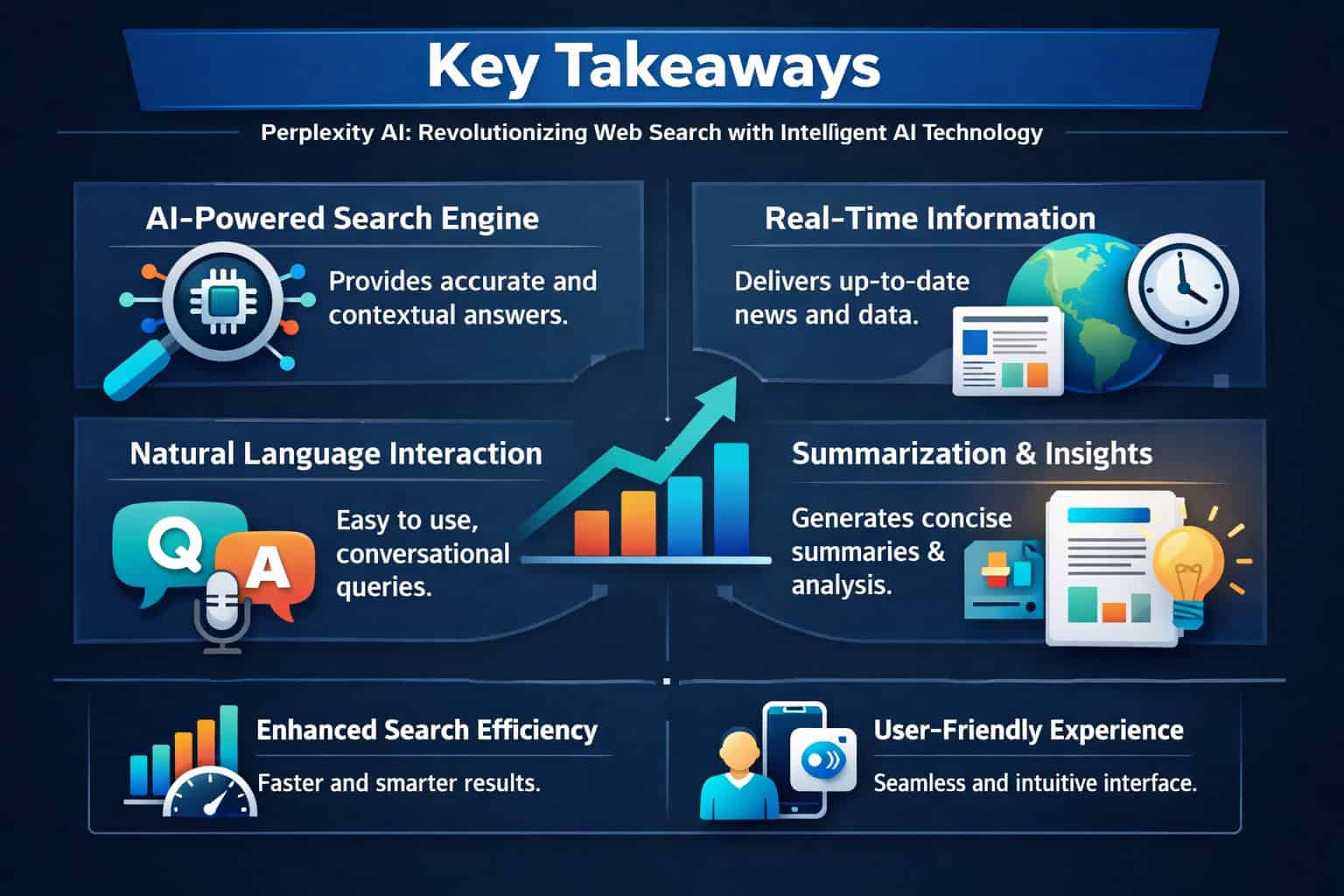
Key Takeaways
- Perplexity AI launched on December 7, 2022, built by four AI and systems engineers [1]
- Its core search engine, Sonar, is based on Meta’s Llama model and searches the web in real time [1]
- The Deep Research feature reads hundreds of sources and produces expert-level reports in 2–4 minutes [3]
- Pro subscribers can choose from multiple AI backends including GPT-5.4, Claude 4.6, and Gemini 3.1 Pro [1]
- The Comet browser (Chromium-based) launched in July 2025 and integrates Perplexity search natively [1]
- A Search API released in September 2025 lets developers build on Perplexity’s search infrastructure [1]
- The Perplexity Assistant (launched January 2025) handles multi-app tasks and uses phone cameras for multi-modal queries [1]
- Available on web, iOS, Android, and as a Chrome extension [1]
- Free tier is genuinely useful; Pro is worth it for heavy researchers and professionals
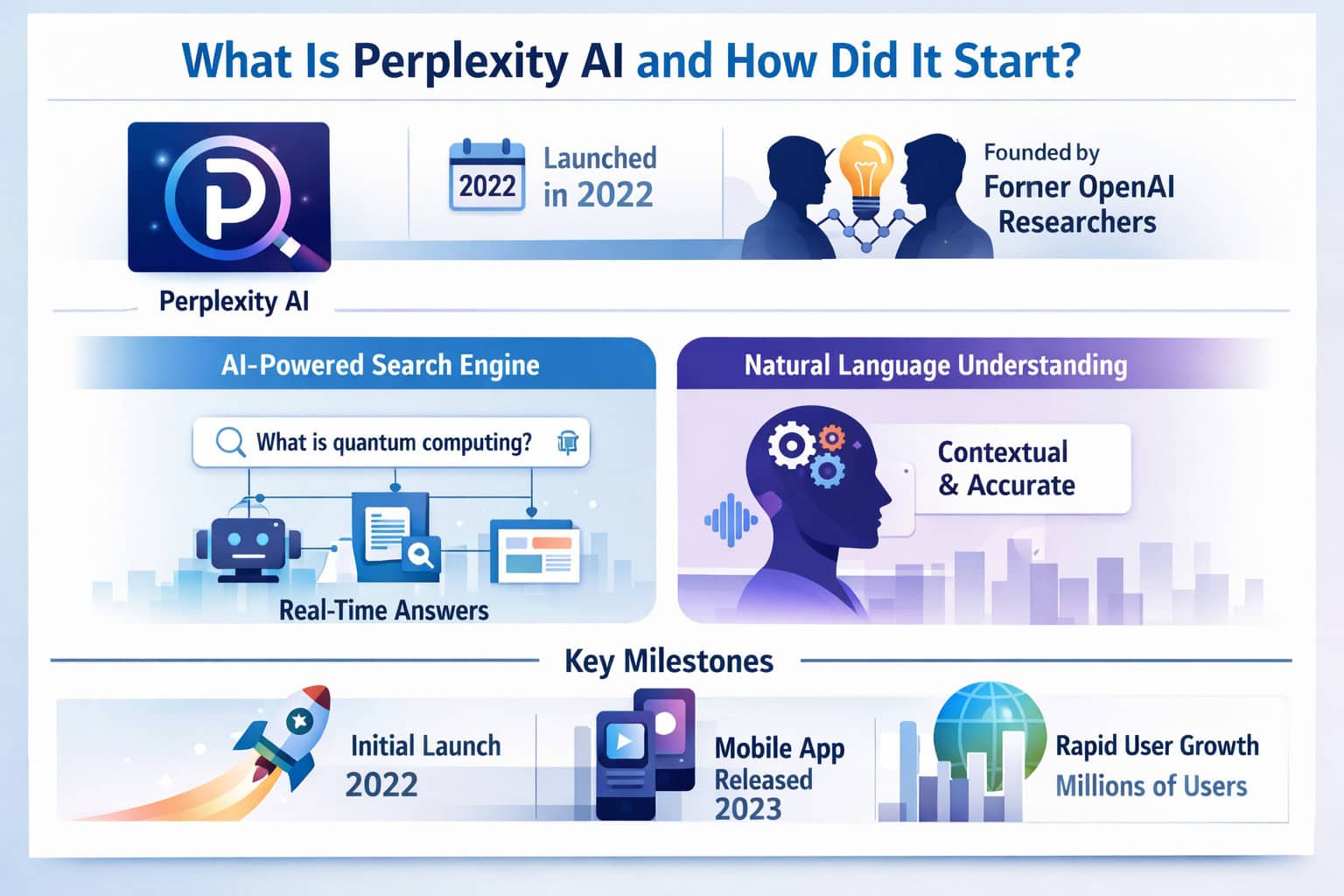
What Is Perplexity AI and How Did It Start?
Perplexity AI is an AI-powered answer engine that retrieves real-time web content and synthesizes it into direct, cited responses. Unlike a traditional search engine that returns a list of links, Perplexity reads those sources for you and presents a structured answer with references you can verify.
The company, Perplexity AI, Inc., was founded in August 2022 by four engineers: Aravind Srinivas, Denis Yarats, Johnny Ho, and Andy Konwinski. Their backgrounds span machine learning, artificial intelligence, and backend systems engineering — a combination that shaped the product’s technical depth from day one [1].
The main search engine went live on December 7, 2022 [1]. In under three years, the platform has expanded to include a browser, an assistant, a developer API, and a structured content tool called Perplexity Pages.
Why it matters: Most AI chatbots were trained on static datasets with knowledge cutoffs. Perplexity’s core design choice was to connect language models to live web search, which means answers reflect current information rather than what the model learned months or years ago.
How Does Perplexity AI Actually Work?
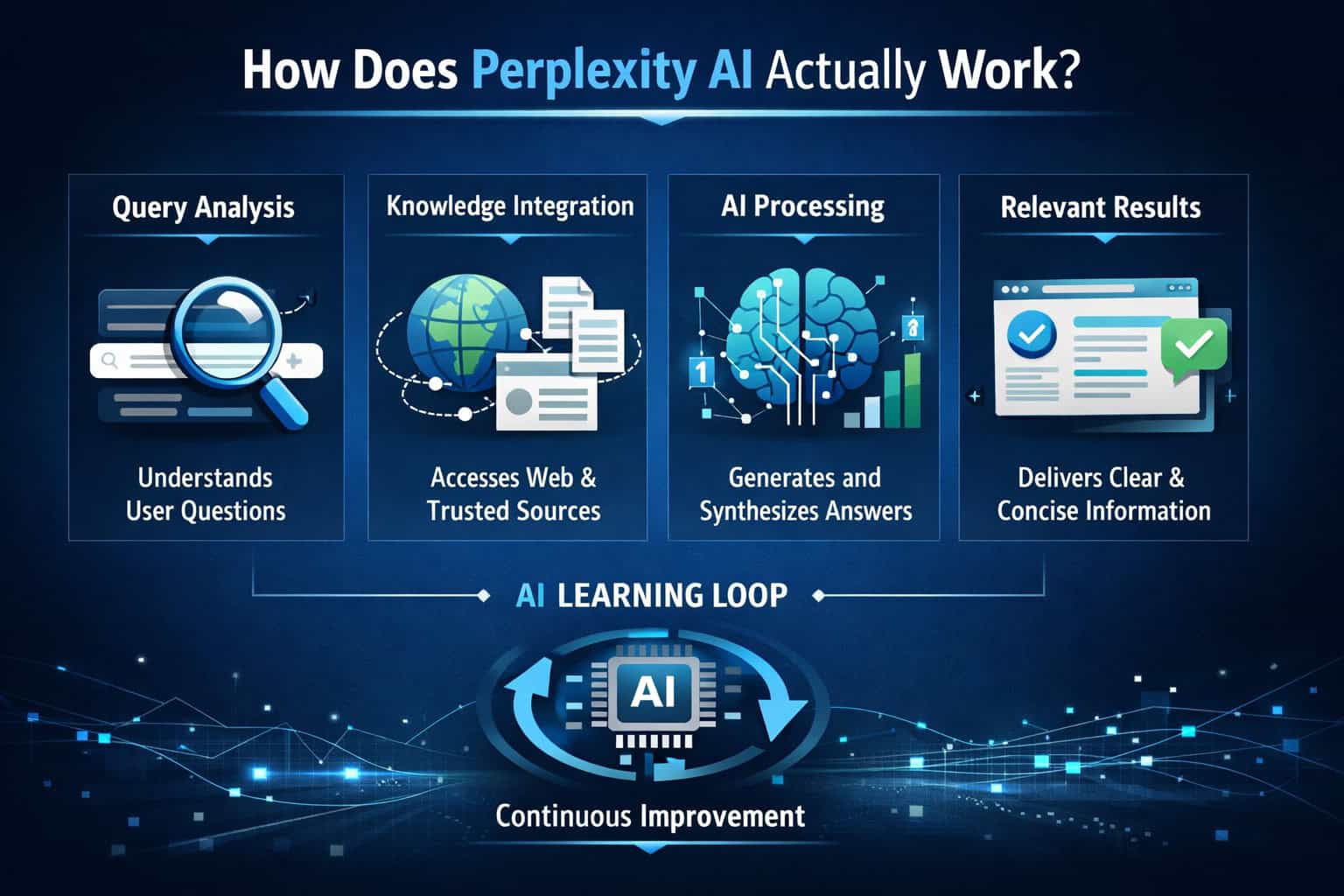
Perplexity AI works by combining a large language model with a real-time web search layer. When you submit a query, the system searches the web, retrieves relevant pages, and uses the language model to synthesize a clear answer — with inline citations so you can check every claim [1].
The core components:
- Sonar — Perplexity’s own search model, based on Meta’s Llama architecture, optimized for web retrieval and answer synthesis [1]
- Real-time indexing — queries trigger live web searches, not cached training data
- Source citations — every factual claim links back to the original source, displayed as numbered references
- Multi-model backend — Pro users can switch between Sonar, GPT-5.4, Claude 4.6, and Gemini 3.1 Pro depending on the task [1]
How a typical query works:
- User types a question in natural language
- Perplexity searches the live web for relevant pages
- The selected AI model reads and synthesizes the content
- A structured answer appears with numbered source citations
- Users can click any citation to verify the original source
“The key design principle is that every answer should be traceable. You’re not just getting an AI’s opinion — you’re getting a synthesis of current web content you can audit. [2]
This architecture makes Perplexity AI particularly strong for research tasks where accuracy and recency both matter.
What Features Make Perplexity AI Stand Out?
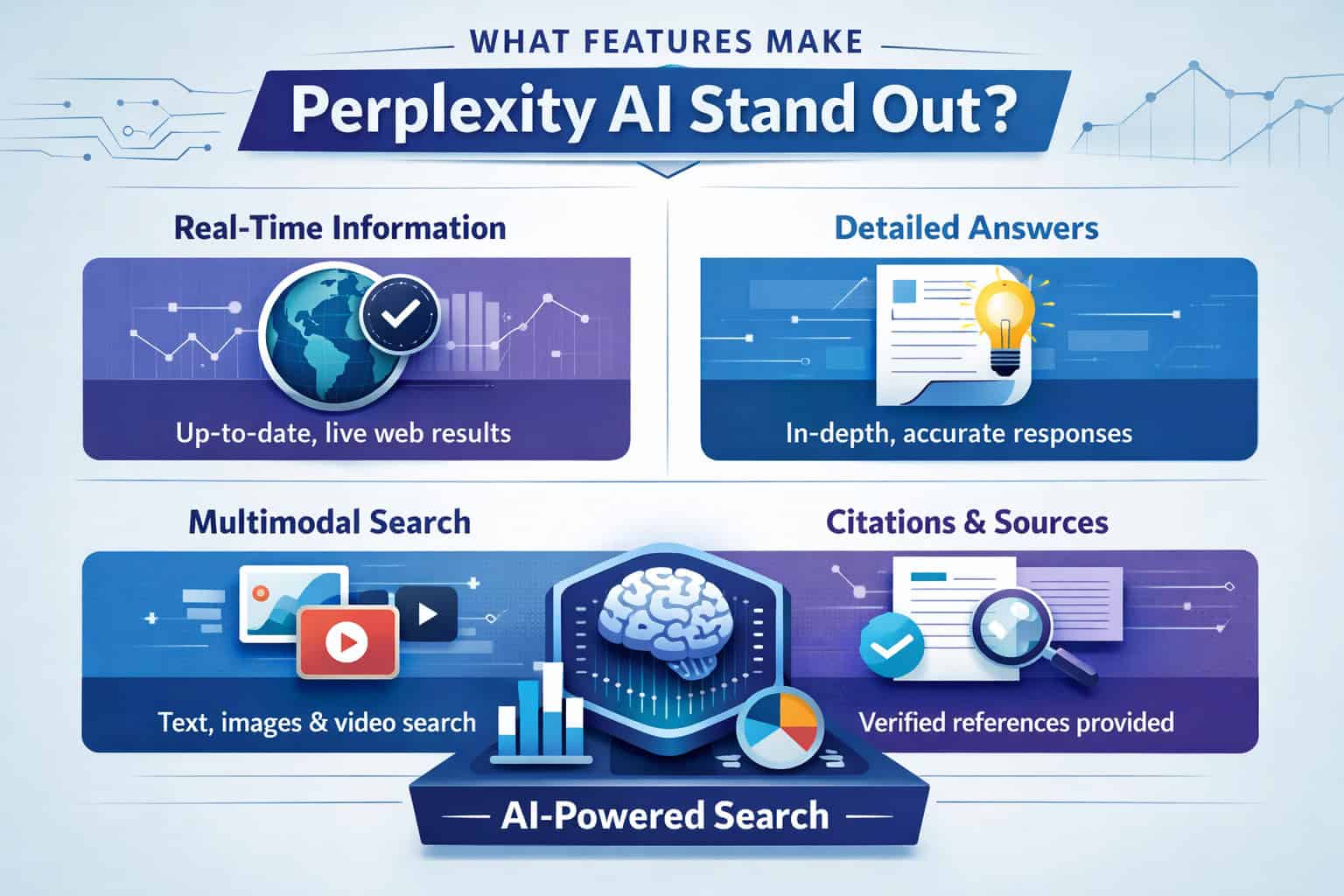
Perplexity AI’s feature set goes well beyond basic question-answering. The platform has added several tools since launch that address specific research and productivity needs.
Deep Research
Deep Research is the most powerful feature for serious users. It autonomously runs dozens of searches, reads hundreds of sources, and produces a comprehensive report in 2–4 minutes [3]. It performs especially well for expert-level tasks in finance, marketing, and product research [3].
Use Deep Research when you need:
- Competitive landscape analysis
- Investment or market research summaries
- Technical comparisons across multiple products
- Academic-style literature reviews on current topics
Perplexity Pages
Perplexity Pages generates structured, report-style content by aggregating and citing sources [1]. It’s useful for creating shareable research documents without manually compiling sources.
Perplexity Assistant
Launched in January 2025, the Perplexity Assistant goes beyond search [1]. It can:
- Perform tasks across multiple apps (booking rides, finding music)
- Maintain context across a sequence of actions
- Use your phone’s camera for multi-modal queries (point at an object and ask about it)
Comet Browser
The Comet browser, based on Chromium, launched in July 2025 with limited access for Pro subscribers, then became available for free download in October 2025 [1]. Key features include:
- Native Perplexity search integration
- Article summaries while browsing
- Image descriptions on any webpage
- In-browser research tasks without switching tabs
Search API
Released in September 2025, the Search API includes a software development kit, an open-source evaluation framework called search_evals, and full documentation [1]. Developers can build applications that tap directly into Perplexity’s real-time search infrastructure.
For teams building AI-powered tools, this pairs well with resources like a comprehensive guide to AI-powered content generation tools to understand how search APIs fit into broader content workflows.
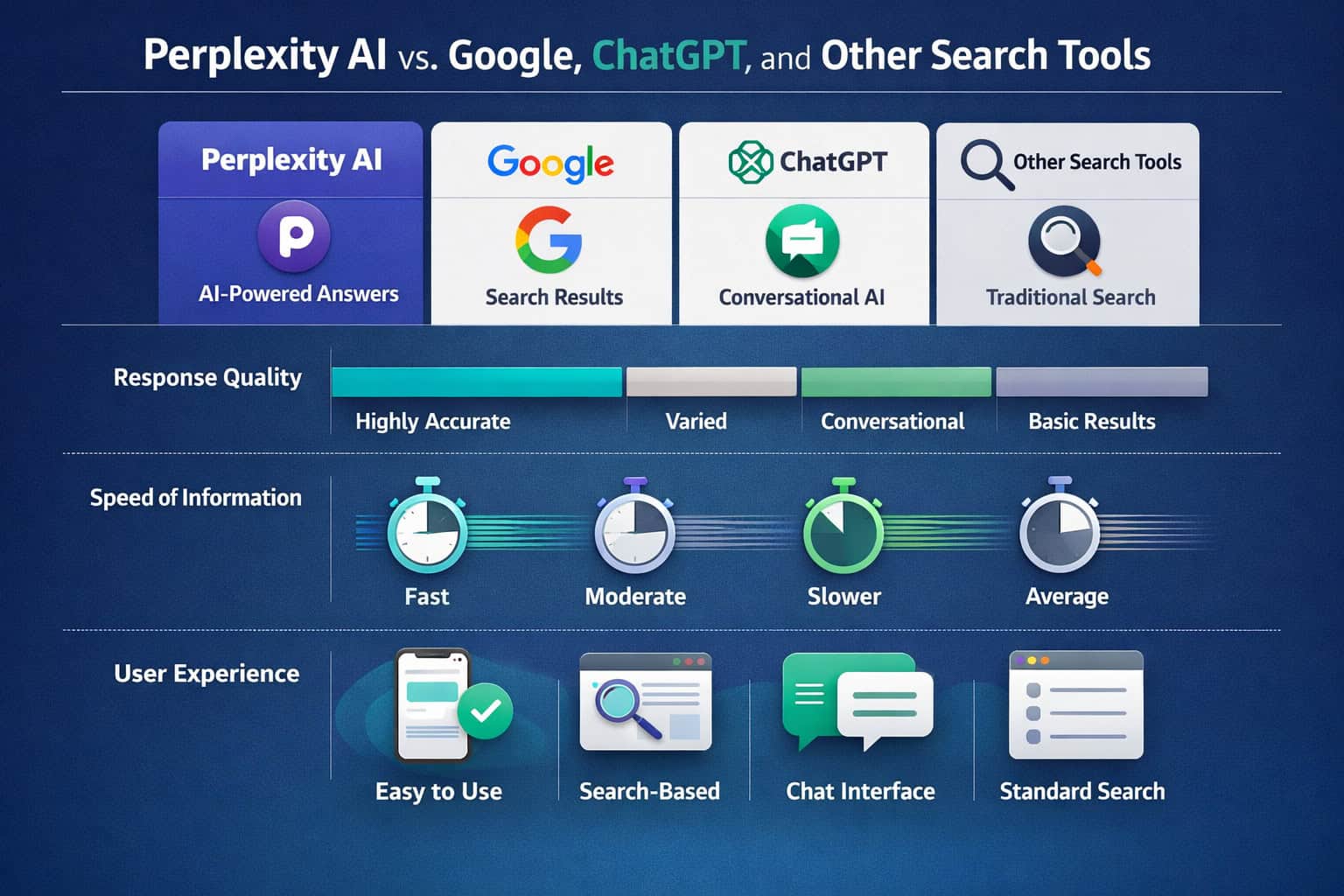
Perplexity AI vs. Google, ChatGPT, and Other Search Tools
Perplexity AI sits in a distinct category — it’s not a pure search engine and not a pure chatbot. Here’s how it compares to the main alternatives:
| Feature | Perplexity AI | Google Search | ChatGPT (Plus) |
|---|---|---|---|
| Real-time web search | ✅ Always | ✅ Always | ✅ With browsing |
| Source citations | ✅ Inline, numbered | ⚠️ Links only | ⚠️ Inconsistent |
| Direct answer synthesis | ✅ Primary format | ⚠️ AI Overviews only | ✅ Primary format |
| Multi-model selection | ✅ Pro tier | ❌ | ❌ (model-locked) |
| Deep Research reports | ✅ | ❌ | ⚠️ Limited |
| Native browser | ✅ Comet | ✅ Chrome | ❌ |
| Developer API | ✅ Search API | ✅ | ✅ |
| Free tier | ✅ Generous | ✅ | ✅ Limited |
Choose Perplexity AI if:
- You need cited, verifiable answers quickly
- You’re doing research that requires reading multiple sources
- You want to switch between AI models for different task types
- You’re a developer building search-augmented applications
Stick with Google if:
- You need local search results (maps, business hours, directions)
- You’re shopping and want product listings
- You need image search or YouTube integration
Use ChatGPT if:
- You need long-form creative writing or code generation
- You want a conversational back-and-forth without search emphasis
For teams managing digital content and SEO alongside research tools, understanding AI-powered content optimization can help integrate Perplexity’s research outputs into a broader content strategy.
How to Get Started with Perplexity AI
Getting started takes about two minutes. Here’s the practical path:
Step 1: Choose your access method
- Web browser: Go to perplexity.ai and search immediately — no account needed [7]
- Chrome extension: Install the Perplexity AI Search extension from the Chrome Web Store [6]
- Mobile: Download the iOS or Android app [1]
- Comet browser: Download directly from Perplexity’s site for a fully integrated experience [1]
Step 2: Decide free vs. Pro
The free tier covers standard searches with Sonar and basic features. Pro unlocks:
- Deep Research reports
- Model selection (GPT-5.4, Claude 4.6, Gemini 3.1 Pro, Sonar)
- Higher usage limits
- Priority access to new features [1]
Step 3: Write better queries
Perplexity handles natural language well, but more specific queries produce better results. Instead of “best laptops,” try “best laptops under $1,200 for video editing in 2026 with at least 16GB RAM.”
Step 4: Use follow-up questions
Perplexity maintains conversation context, so you can refine answers with follow-ups like “focus only on options available in Europe” or “now compare those two on battery life.”
Step 5: Verify your sources
Always click through to at least one or two citations for high-stakes decisions. The system is accurate, but no AI search tool is infallible [2].
For users who also manage websites and want to apply AI-driven research to improve their online presence, the Webflow SEO optimization guide and tips on using AI SEO tools for WordPress are practical next steps.
Who Benefits Most from Perplexity AI?
Perplexity AI is not equally useful for everyone. It delivers the most value in specific contexts.
Best fits:
- Researchers and academics who need current, cited information fast
- Finance and investment professionals using Deep Research for market analysis [3]
- Marketers and content strategists building research-backed content briefs
- Developers integrating real-time search into applications via the Search API [1]
- Students who need to understand complex topics with traceable sources
- Journalists verifying facts and finding recent sources quickly
Less ideal for:
- Users who need local business search (restaurants, stores, directions)
- E-commerce shoppers looking for product listings and price comparisons
- People who need image generation (Perplexity is search-focused, not generative art)
- Anyone who prefers a purely conversational AI without source constraints
Common mistake: Using Perplexity for tasks that require personal context, like “what should I eat for dinner based on what’s in my fridge.” It’s an information retrieval tool, not a personal assistant in that sense — though the Perplexity Assistant is expanding in that direction [1].
For content creators who use AI research to feed into visual workflows, pairing Perplexity with tools like the Canva AI design assistant or AI graphic design tools can create an efficient research-to-design pipeline.
What Are the Limitations and Risks of Perplexity AI?
Perplexity AI is a strong tool, but it has real limitations worth knowing before you rely on it.
Accuracy is not guaranteed. The system synthesizes web content, and if the web contains misinformation, Perplexity can reflect it. Always verify critical facts through primary sources [2].
Source quality varies. Citations link to whatever the web returns for a query. Low-quality or biased sources can appear alongside authoritative ones. Check who published a cited source before trusting it.
It can miss nuance. For highly technical or niche topics, the synthesized answer may oversimplify. Deep Research helps here, but even that has limits.
Privacy considerations. Like any cloud-based AI tool, queries are processed on Perplexity’s servers. Avoid entering sensitive personal, financial, or confidential business information in queries.
No offline capability. Because Perplexity depends on real-time web access, it doesn’t work without an internet connection.
Edge case: For legal, medical, or financial decisions, treat Perplexity’s output as a starting point for research — not a substitute for professional advice. The citations help, but the synthesis is still AI-generated.
Perplexity AI Pricing: Free vs. Pro
Perplexity operates on a freemium model [1]. Here’s what you get at each tier:
| Feature | Free | Pro |
|---|---|---|
| Standard search (Sonar) | ✅ Unlimited | ✅ Unlimited |
| Deep Research | ❌ | ✅ |
| Model selection (GPT, Claude, Gemini) | ❌ | ✅ |
| Perplexity Pages | ✅ Limited | ✅ Full |
| Perplexity Assistant | ✅ Basic | ✅ Full |
| Comet browser | ✅ (since Oct 2025) | ✅ |
| Search API access | Separate pricing | Separate pricing |
| Priority support | ❌ | ✅ |
Is Pro worth it? For casual users who want quick answers, the free tier is genuinely capable. Pro makes sense if you regularly need Deep Research reports, want to compare outputs from different AI models, or are using Perplexity as a core research tool for work.
Frequently Asked Questions
Is Perplexity AI free to use? Yes. The free tier gives unlimited access to Sonar-powered search with real-time citations. No account is required to start searching at perplexity.ai [7].
What is Perplexity’s Deep Research feature? Deep Research autonomously runs dozens of searches, reads hundreds of sources, and produces a comprehensive report in 2–4 minutes. It’s available on the Pro plan and excels at finance, marketing, and product research tasks [3].
How is Perplexity AI different from ChatGPT? Perplexity is built around real-time web search with inline citations. ChatGPT is primarily a conversational AI. Perplexity answers are grounded in current web content; ChatGPT’s responses rely more on training data unless browsing is enabled.
What is the Sonar model? Sonar is Perplexity’s own search-optimized language model, based on Meta’s Llama architecture. It’s the default model on the free tier and is tuned specifically for web retrieval and answer synthesis [1].
Can I use Perplexity AI on my phone? Yes. Native apps are available for both iOS and Android [1]. The Comet browser is also available for mobile.
What is the Comet browser? Comet is a Chromium-based browser built by Perplexity AI. It launched in July 2025 for Pro subscribers and became a free download in October 2025. It integrates Perplexity search natively for article summaries, image descriptions, and research tasks [1].
Is there a Perplexity AI Chrome extension? Yes. The Perplexity AI Search extension is available in the Chrome Web Store and lets you search directly from your browser toolbar [6].
Can developers access Perplexity’s search capabilities? Yes. The Search API launched in September 2025 with a full SDK, an open-source evaluation framework (search_evals), and documentation [1]. It’s priced separately from the subscription tiers.
What AI models can Pro subscribers use? Pro subscribers can select from GPT-5.4, Claude 4.6, Gemini 3.1 Pro, and Perplexity’s own Sonar model (based on Llama 3.3) [1].
Is Perplexity AI good for SEO research? It’s strong for gathering cited, current information about search trends, competitor content, and topic research. For applying those insights to your site, pairing it with an AI-powered content optimization guide or SEO resources helps translate research into action.
Does Perplexity AI work without an internet connection? No. Because it relies on real-time web search, an active internet connection is required for all queries.
Who founded Perplexity AI? Perplexity AI, Inc. was founded in August 2022 by Aravind Srinivas, Denis Yarats, Johnny Ho, and Andy Konwinski — engineers with backgrounds in AI, machine learning, and backend systems [1].
Conclusion
Perplexity AI has carved out a clear and practical position in the AI landscape: it’s the tool you reach for when you need accurate, current, cited answers without doing the manual reading yourself. From quick factual queries on the free tier to comprehensive Deep Research reports on Pro, it scales with how seriously you need to research a topic.
Actionable next steps:
- Try it free today — Go to perplexity.ai and run a few queries on topics you’d normally Google. Notice how the cited format changes how you evaluate the answer.
- Install the Chrome extension — The Perplexity AI Search extension makes it accessible from any tab without switching windows.
- Test Deep Research on one project — If you do any kind of market, competitor, or topic research professionally, run one Deep Research query and compare the output to your usual process.
- Explore the Comet browser — If you spend significant time researching while browsing, the native integration is worth testing.
- Check the Search API — If you’re a developer building content or search tools, review the API documentation to see how real-time search fits your stack.
For teams building AI-powered web projects alongside their research workflows, resources like the AI website creator guide and AI-powered content generation tools overview can help connect Perplexity’s research outputs to your broader digital toolkit.
References
[1] Perplexity AI – https://en.wikipedia.org/wiki/Perplexity_AI [2] Getting Started – https://www.perplexity.ai/hub/getting-started [3] Introducing Perplexity Deep Research – https://www.perplexity.ai/hub/blog/introducing-perplexity-deep-research [6] Perplexity AI Search Chrome Extension – https://chromewebstore.google.com/detail/perplexity-ai-search/bnaffjbjpgiagpondjlnneblepbdchol [7] perplexity.ai – https://www.perplexity.ai
Related: Mastering AI Communication: The Ultimate Guide to ChatGPT Prompt Generation
Related: Bing Chat GPT: Revolutionizing AI-Powered Search and Conversational Interactions
Related: Demystifying ChatGPT: A Deep Dive into Transformer Technology and AI Language Processing
Related: Mastering OpenAI Login: A Comprehensive Guide to Accessing Your Account
Related: Unlocking Free ChatGPT: A Comprehensive Guide to No-Cost AI Conversations
Related: Mastering Claude Login: A Complete Guide to Accessing AI Assistance


