
Over 1.09 billion websites exist on the internet today — yet most small business owners still believe building one requires a developer, a big budget, or months of work. That belief is now officially outdated. The 5 Revolutionary AI-Powered Tools to Build Your Website Absolutely Free in 2024 have changed the game completely, putting professional web design in the hands of anyone with a browser and an idea.
Whether you’re a freelancer, a startup founder, or a local business owner, these tools use artificial intelligence to generate layouts, write copy, and publish your site — often in under 30 minutes. No coding. No design degree. No credit card required.
Key Takeaways 🚀
- AI website builders can generate a complete, mobile-ready site in minutes using simple text prompts.
- Five standout free tools — Wix AI, Jotform, SITE123, Webador, and Figma Make — each serve different user needs.
- Free plans have real limitations (ads, branded domains), but they’re powerful enough to launch and test your online presence.
- No coding is required for any of the tools covered here.
- Upgrading to a paid plan is optional but unlocks custom domains, analytics, and advanced AI features.
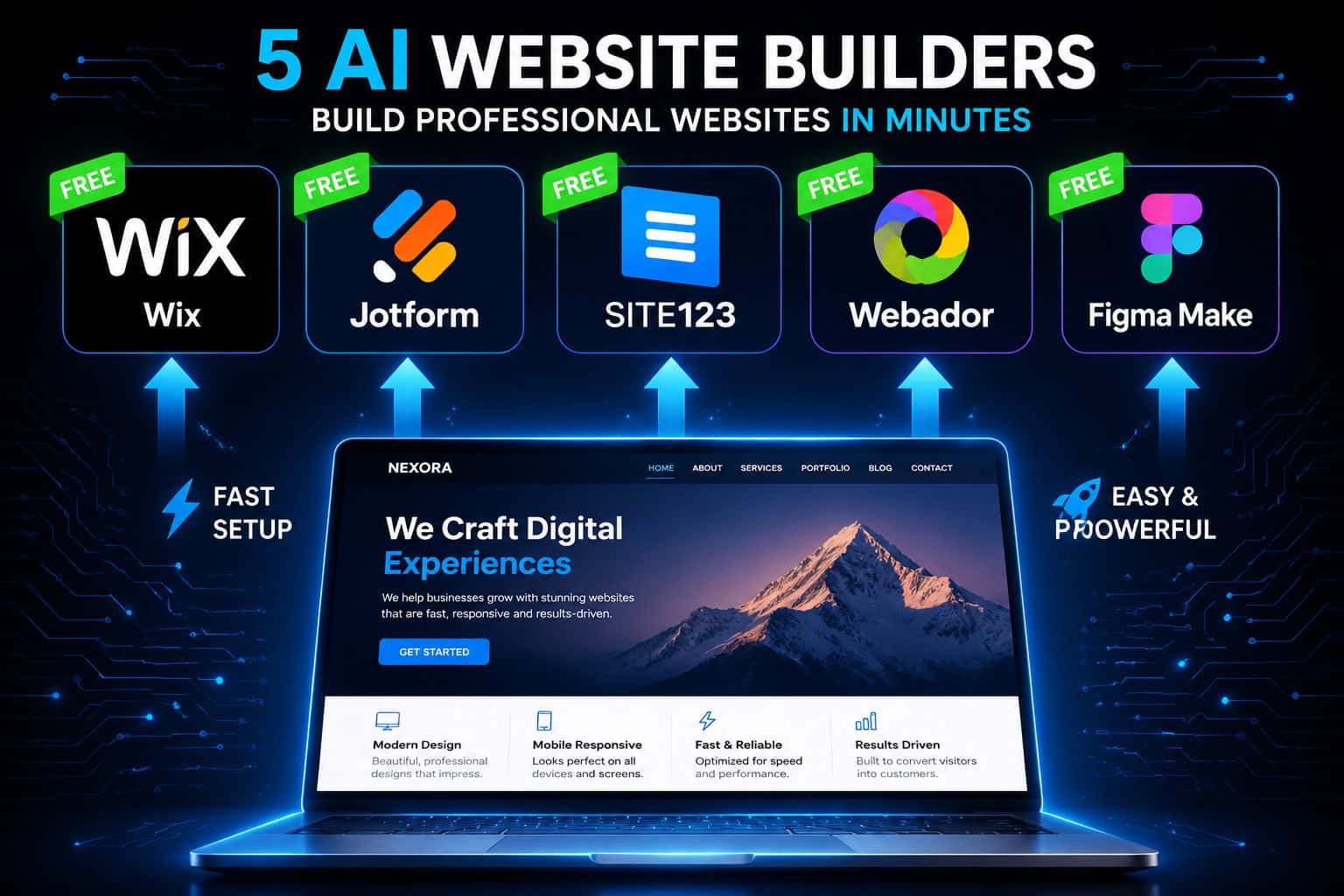
The 5 Revolutionary AI-Powered Tools to Build Your Website Absolutely Free in 2024
Let’s break down each tool, who it’s best for, and exactly what you get for free.
1. 🤖 Wix AI Website Builder — Best Overall Free Option
Wix remains the most feature-rich free AI website builder available. Its AI-powered setup uses a chat-based interface that asks about your brand, tone, goals, and preferred layout. Within approximately 30 minutes, you have a fully structured, mobile-optimized website — reviewers describe it as “having a web designer on your side [1].
What you get for free:
- Full drag-and-drop editor access
- AI-generated layouts, text, and images
- Mobile-optimized templates
- Basic SEO tools
- Secure hosting
⚠️ Free plan trade-off: Your site will display Wix ads and use a Wix-branded domain (e.g.,
yourname.wixsite.com). For a professional business presence, Wix’s Light plan removes these restrictions and unlocks the full AI toolkit with no paywalls [1].
Wix is ideal for entrepreneurs who want maximum creative control without touching a line of code. If you want to go deeper with SEO after building your site, check out this guide on how to optimize your Wix site for better SEO performance.
2. 📋 Jotform AI Website Builder — Best for Forms & PWA Features
Jotform takes a unique approach. You describe your website in plAIn text, and the AI generates a fully responsive, mobile-optimized site instantly — no coding required [2]. What sets Jotform apart is its use of Progressive Web App (PWA) technology, which means your site behaves like a native mobile app: fast loading, installable on home screens, and highly user-friendly [2].
Standout free features:
- Instant publishing with secure hosting
- Drag-and-drop customization after AI generation
- PWA-powered mobile performance
- Built-in form integration (Jotform’s core strength)
Jotform is the go-to choice if your website needs to collect leads, bookings, or payments through forms. The AI handles the design; you focus on the content.
3. ⚡ SITE123 — Best for Absolute Beginners
SITE123 is built for speed and simplicity. A few text prompts are all it takes for the AI to handle layout selection, font pairing, and full page structure — delivering a mobile-ready site faster than almost any other platform [1].
| Feature | SITE123 Free Plan |
|---|---|
| AI layout generation | ✅ Yes |
| Mobile optimization | ✅ Yes |
| Custom domain | ❌ Branded subdomain only |
| Ads on site | ✅ Displayed |
| Storage | 250MB |
| 24/7 support | ✅ Live chat |
SITE123 sacrifices deep customization for pure ease of use. If you’ve never built a website before and need something live today, this is your starting point. For a broader look at platforms like this, explore our roundup of the 11 best no-coding website design software platforms.
4. 🏪 Webador — Best for Small Business Auto-Setup
Webador targets small business owners who want a site that practically builds itself. The AI automatically generates pre-filled service pages and contact pages based on your business type — you don’t even need to write the initial content [1].
Key strengths:
- Auto-generated service and contact pages tailored to your industry
- Built-in analytics dashboard
- Clean, professional templates
- Faster initial setup than most competitors
The trade-off is flexibility. Webador offers less customization than Wix or Jotform, but if you run a local service business (plumber, photographer, consultant), the auto-filled pages alone save hours of work [1].
5. 🎨 Figma Make — Best for Designers & Developers
Figma Make is the most technically impressive entry on this list. Figma’s free AI website generator converts text descriptions into fully structured layouts, interactions, and responsive designs — with zero coding required [3].
This tool is best suited for designers who already use Figma for prototyping and want to push designs directly toward a live website. The AI handles structure and interactions; you retain full creative control over every visual element.
For those working in design-to-development workflows, pairing Figma Make with resources like our guide on Figma to code plugins for streamlining your design-to-development workflow can dramatically speed up your process.
💡 Pro tip: Figma Make works especially well when combined with Relume’s component library. Relume’s free tier ($0/month) includes 1 project, 1 page, Figma export, and access to 1,000+ Figma components — a powerful combo for professional-grade free web design [4].
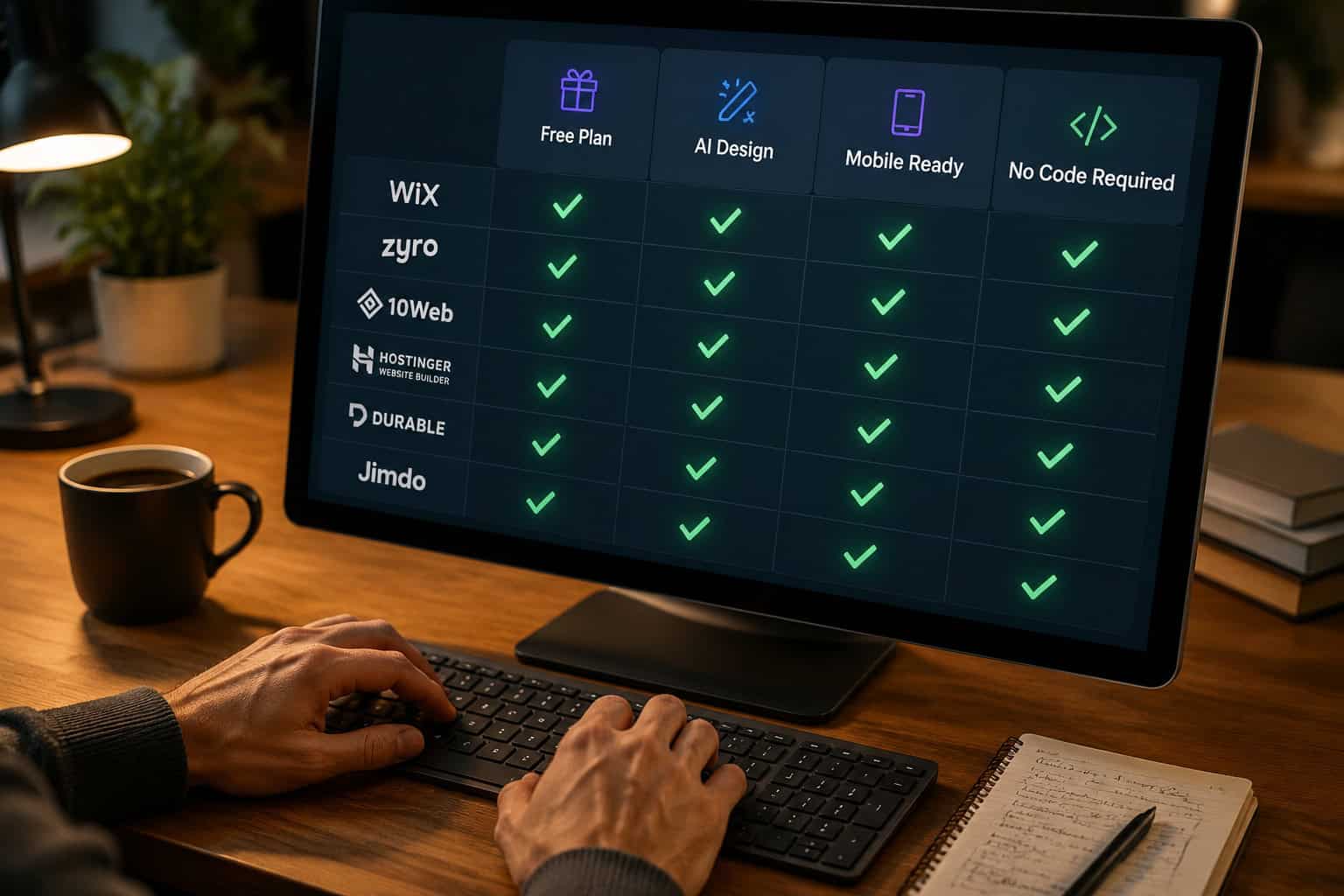
How to Choose the Right Free AI Website Builder for You
With 5 revolutionary AI-powered tools to build your website absolutely free, the right choice depends on your specific situation. Use this quick decision guide:
Choose Wix AI if: You want the most complete free tool with full design control and built-in SEO features.
Choose Jotform if: Your site needs forms, bookings, or payments — and you want mobile-app-level performance.
Choose SITE123 if: You’re a complete beginner who needs a site live within the hour.
Choose Webador if: You run a local service business and want AI to pre-fill your pages automatically.
Choose Figma Make if: You’re a designer or developer who wants professional-grade AI layout generation with full creative control.
What About Other Popular Tools?
You may have heard of Framer AI, Squarespace, and Wegic. Here’s the honest picture:
- Squarespace offers a 14-day free trial (no payment details required) but has no permanent free plan [1].
- Framer AI is excellent for designers but paid plans start at $15/month [4].
- Wegic costs $2.99 to launch after the AI generates your site [4].
These are great tools, but they don’t qualify as “absolutely free” in the same way the five tools above do. If budget is your primary constraint, stick with the five covered here.
For a deeper dive into the broader landscape of AI-powered creation, our comprehensive guide to AI-powered content generation tools is worth bookmarking.
Getting the Most Out of Free AI Website Builders
Building your site for free is just the beginning. Here are actionable steps to maximize results:
- Start with a clear goal. Know whether your site needs to generate leads, sell products, or simply establish credibility before you pick a tool.
- Use AI-generated content as a first draft. Edit the copy to match your actual brand voice — AI text is a starting point, not a final product.
- Optimize for mobile first. All five tools generate mobile-ready sites, but always preview on a phone before publishing.
- Add SEO basics immediately. Even free plans support meta titles and descriptions. Don’t skip this step.
- Plan your upgrade path. Free plans are great for launching; a paid plan becomes worthwhile once you’re ready for a custom domain and analytics.
If you eventually move to WordPress for more power and flexibility, our guide on how to use AI SEO tools for WordPress to improve site rankings will help you hit the ground running.
You should also explore the best drag-and-drop website builders if you want to compare AI-first platforms against traditional visual builders.

Conclusion: Your Website Is One Prompt Away
The 5 revolutionary AI-powered tools to build your website absolutely free in 2024 — Wix AI, Jotform, SITE123, Webador, and Figma Make — have genuinely democratized web design. The barrier to entry is no longer money or technical skill. It’s simply deciding to start.
Here’s your action plan:
- ✅ Pick the tool that matches your use case from the guide above
- ✅ Spend 30 minutes generating your first AI-powered site
- ✅ Edit the content to reflect your real brand voice
- ✅ Publish and share — even a free-plan site beats having no online presence
- ✅ Upgrade to a paid plan when you’re ready for a custom domain and full analytics
The best website is the one that actually exists. Start building today — for free.
See also: Wix.
References
[1] Best Free AI Website Builders – https://www.websiteplanet.com/blog/best-free-ai-website-builders/
[2] AI Website Builder – https://www.jotform.com/ai/website-builder/
[3] AI Website Generator – https://www.figma.com/solutions/ai-website-generator/
[4] Best AI Website Builder – https://www.marketermilk.com/blog/best-ai-website-builder