Last updated: May 1, 2026
Quick Answer: AI website builders are software platforms that use artificial intelligence to generate, design, and populate websites automatically, often from a simple text prompt or a few answered questions. In 2026, the best options (Wix, Framer AI, Jimdo, Base44, and Hostinger) can produce a functional, professional-looking website in under 10 minutes, without writing a single line of code. They suit small business owners, freelancers, and non-technical creators who need a live site fast and affordably.
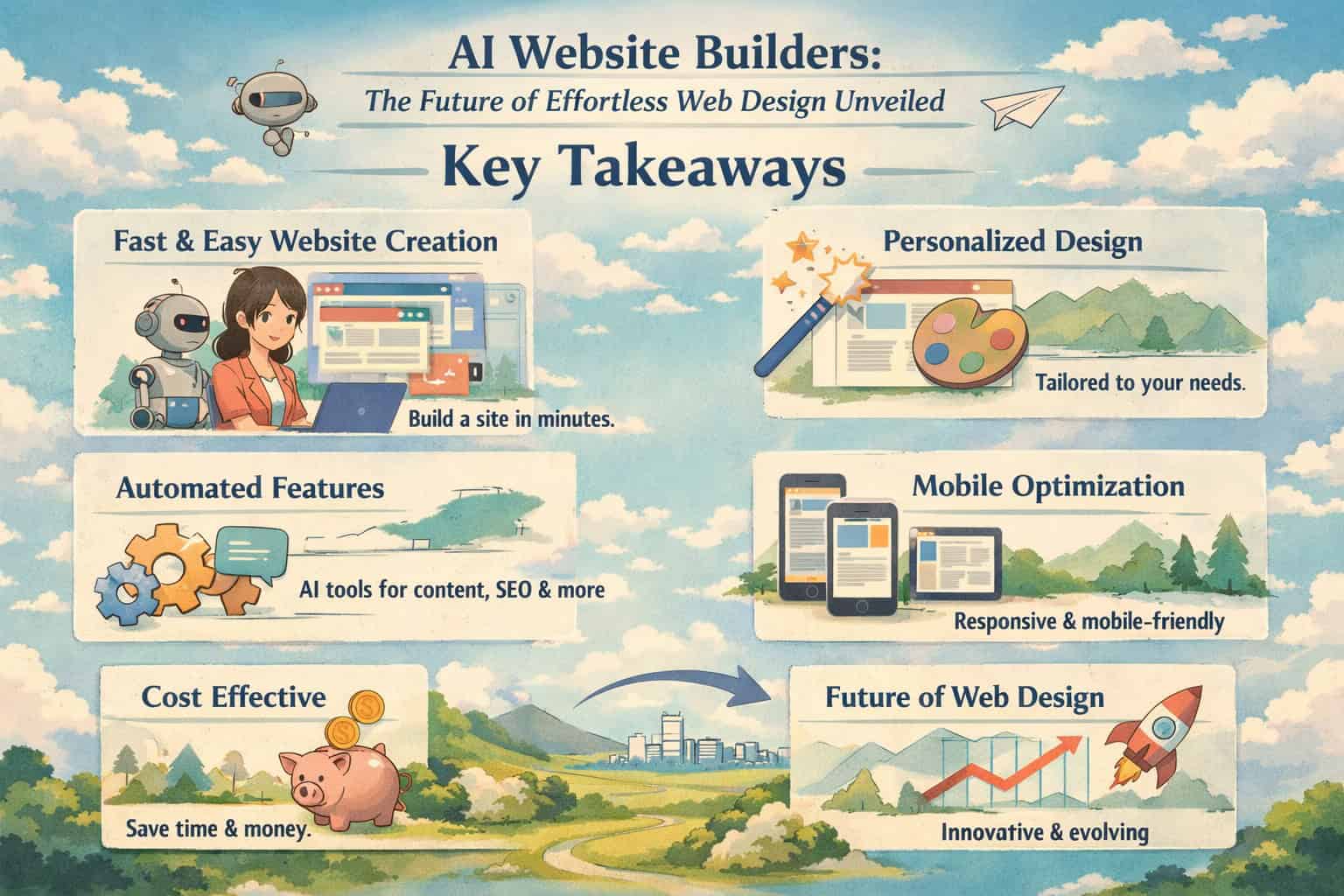
Key Takeaways
- AI website builders generate complete sites from text prompts, skipping the need for coding or design skills.
- Pricing ranges from free to ~$17/month for most mainstream platforms, with premium tiers unlocking eCommerce and advanced SEO tools.
- Top platforms in 2026 include Wix (most comprehensive), Framer AI (best for designers), Base44 (best for teams), Jimdo (most accessible free tier), and Relume (best for developers).
- No-code is now the default standard across all major AI builders, not a niche feature.
- AI builders are not a perfect fit for everyone: complex custom applications, highly branded enterprise sites, or projects needing deep back-end logic still benefit from traditional development.
- SEO, mobile responsiveness, and content generation are now bundled into most AI builder plans, reducing the need for separate tools.
- The biggest risk is over-relying on AI defaults and ending up with a site that looks identical to thousands of others. Customization still matters.
- Costs are predictable: monthly subscriptions replace unpredictable agency invoices, making budgeting simpler for small businesses.
What Is an AI Website Builder, and How Does It Actually Work?
An AI website builder is a platform that uses machine learning and natural language processing to create website layouts, copy, and structure automatically, based on inputs you provide. Instead of dragging elements manually or hiring a designer, you answer a few questions (or type a prompt), and the AI assembles a starting point for you.
Here’s what happens under the hood when you use one:
- You describe your site: You enter your business name, industry, and goals. Some platforms ask for a URL or social media profile to pull in existing brand details.
- The AI generates a layout: The system selects a template structure, arranges sections (hero, about, services, contact), and fills them with placeholder or AI-generated copy.
- You review and adjust: Most platforms then open a visual editor where you can swap sections, change colors, edit text, and add pages.
- You publish: One click makes your site live, usually on a free subdomain or your own custom domain.
The key difference from traditional website builders is the starting point. Classic builders like early WordPress or Squarespace gave you a blank template. AI builders give you a near-complete draft tailored to your stated purpose [1][4].
💡 Common mistake: Many users accept the AI’s first draft as final. Treat it as a strong rough draft, not a finished product. Spend 30-60 minutes personalizing the copy, swapping stock images for real photos, and adjusting the color palette to match your brand.
Which AI Website Builders Are Leading the Market in 2026?
The market has consolidated around a handful of platforms that consistently earn top marks from independent reviewers [2][3][4]. Here’s a direct comparison:
| Platform | Best For | Starting Price | Free Tier? |
|---|---|---|---|
| Wix | All-in-one businesses | $17/month | Yes (Wix branding) |
| Framer AI | Professional designers | $10/month/site | Yes (hobby projects) |
| Base44 | Teams & service businesses | $16/month | Limited trial |
| Jimdo | Beginners & tight budgets | $11/month | Yes (Jimdo branding) |
| Hostinger | Fast, affordable launches | ~$3-9/month | No |
| Kleap | Micro-businesses | $3/month | No |
| Relume | Developers & agencies | Custom pricing | No |
Wix offers the most complete toolkit: AI site generation, eCommerce, email marketing, SEO tools, and business automation in one dashboard [2][4]. It’s the safest default choice for most small businesses.
Framer AI is the pick for designers who want creative control. Its output is visually sophisticated, and it integrates well with design workflows. If you’re already using Figma or similar tools, Framer fits naturally into that process. For more on design-to-web workflows, see our guide on Figma to Webflow conversion.
Base44 stands out for collaborative teams. It includes workflow automation and marketing tools alongside the AI builder, making it more than just a site creator [2].
Jimdo is the most accessible entry point. Its free tier includes a Jimdo-branded domain and a live site, with paid upgrades starting at $11/month [2][4].
Relume is a different category entirely. It’s an AI framework for professional web designers and developers, generating component libraries and sitemaps that feed into Webflow, Framer, or custom React builds [3]. It’s not for beginners. For a detailed breakdown, read our Relume review covering features, pricing, and alternatives.
Choose Wix if you need an all-in-one platform with eCommerce and marketing tools.
Choose Framer AI if you’re a designer who wants pixel-level control.
Choose Jimdo if you’re on a zero budget and need something live today.
Choose Relume if you’re a developer building client sites at scale.

How Do AI Website Builders Create a Site Step by Step?
Most AI website builders follow a similar five-step process, though the details vary by platform [1][4].
Step 1: Onboarding prompt You describe your site’s purpose. Example: “I run a freelance photography business in Austin, Texas. I need a portfolio, a contact form, and a booking page.”
Step 2: AI site generation The platform generates a full multi-page site in seconds. This includes a homepage, relevant inner pages, navigation, and AI-written placeholder copy based on your industry.
Step 3: Visual editor review You enter a drag-and-drop or click-to-edit interface. Here you can:
- Swap or reorder sections
- Edit all text directly
- Replace stock images with your own
- Change fonts and colors to match your brand
Step 4: SEO and settings Most platforms prompt you to add a page title, meta description, and connect a custom domain. Some, like Wix, include an AI SEO assistant that suggests keyword improvements. For WordPress users doing something similar, our guide on AI SEO tools for WordPress covers comparable strategies.
Step 5: Publish
You go live. On free plans, your URL is typically yourbusiness.wixsite.com or similar. Paid plans let you connect a custom domain like yourbusiness.com.
Typical time from start to published site: 10-30 minutes for a basic site. A more polished, customized version takes 2-4 hours.
What Are the Real Advantages and Limitations of AI Website Builders?
AI website builders genuinely solve real problems for specific users. But they’re not the right tool for every situation.
Advantages
- Speed: A functional site in under an hour, compared to weeks for a custom build.
- Cost: Monthly subscriptions ($3-$17/month) vs. agency fees that often start at $2,000-$5,000 for a basic site.
- No technical skills required: No coding, no hosting configuration, no database management.
- Bundled tools: SEO, analytics, eCommerce, and email marketing are often included, reducing the need for separate subscriptions.
- Continuous updates: The platform handles security patches and software updates automatically.
Limitations
- Template similarity: AI-generated sites can look generic if you don’t customize them. Many businesses in the same industry end up with near-identical layouts.
- Limited custom functionality: If you need a complex booking system, a membership portal with tiered access, or a custom API integration, most AI builders hit a ceiling quickly.
- Vendor lock-in: Your site lives on the platform’s infrastructure. Migrating away is often difficult or impossible without rebuilding from scratch.
- SEO ceiling: While AI builders include basic SEO tools, advanced technical SEO (structured data, custom server-side rendering, complex redirects) is often restricted.
- Content ownership ambiguity: Read the terms of service carefully. Some platforms retain certain rights to AI-generated content.
🔑 Pull quote: “An AI website builder is an excellent starting point. It’s rarely the final destination for a growing business with complex digital needs.”
For users who want more design flexibility without full AI automation, our roundup of no-coding website design software platforms covers strong alternatives.

How Do AI Builders Compare to Traditional Web Design and DIY Builders?
AI website builders occupy a specific position in the web creation spectrum. Understanding where they sit helps you make the right choice.
| Factor | AI Website Builder | Traditional DIY Builder | Custom Web Design Agency |
|---|---|---|---|
| Time to launch | 10 min – 4 hours | 1-5 days | 4-12 weeks |
| Cost | $0-$17/month | $10-$50/month | $2,000-$50,000+ |
| Technical skill needed | None | Minimal | None (you hire it out) |
| Design uniqueness | Low-medium | Medium | High |
| Custom functionality | Limited | Moderate | Unlimited |
| Ongoing maintenance | Handled by platform | Handled by platform | Requires developer |
| SEO control | Basic-moderate | Moderate | Full |
Traditional DIY builders like early Squarespace or Weebly required you to select a template and manually populate every section. AI builders skip that blank-page problem entirely [1]. For a detailed look at the DIY builder category, our best drag-and-drop website builders review covers the top options side by side.
Custom agency work still wins when:
- Brand differentiation is critical (high-end luxury brands, enterprise companies)
- Complex back-end logic is required (custom CRMs, proprietary databases)
- You need full ownership of the codebase
AI builders win when:
- Speed and budget are the primary constraints
- The site is informational, portfolio-based, or a simple eCommerce store
- The team has no technical resources

What Should You Look for When Choosing an AI Website Builder?
The right AI website builder depends on your specific use case, not just the feature list. Here are the criteria that actually matter:
1. Output quality on first generation Test the AI’s first draft before committing. Generate a sample site in your industry and check: Is the copy relevant? Is the layout logical? Does it look professional without heavy editing?
2. Customization depth How much can you change after the AI generates the site? Look for: section reordering, custom fonts, color palette control, and the ability to add custom code (even if you don’t need it now).
3. eCommerce capability If you plan to sell products or services online, check whether eCommerce is included in your target plan or requires an expensive upgrade.
4. SEO tools At minimum, you need: editable meta titles and descriptions, image alt text fields, a sitemap, and SSL (HTTPS). Better platforms add AI-powered SEO suggestions and schema markup.
5. Mobile responsiveness Every AI builder claims mobile-friendly output. Verify this by previewing the generated site on a mobile screen before publishing.
6. Pricing transparency Watch for platforms that advertise low monthly prices but charge separately for a custom domain, SSL, removing platform branding, or basic analytics. Calculate the true monthly cost before signing up.
7. Export and portability Can you export your site’s code or content if you decide to move? This matters more than most people realize when they’re starting out.
For users who want to pair their AI builder with strong visual design tools, our guide to Canva AI design creation covers how to create branded graphics that elevate any AI-generated site.

Is an AI Website Builder Right for Your Business in 2026?
AI website builders are the right choice for most small businesses, freelancers, and content creators who need a professional web presence without a large budget or technical team. They’re not the right choice for every situation.
AI builders are a strong fit if you:
- Need a site live within days, not months
- Have a budget under $50/month for your entire web presence
- Run a service business, portfolio, restaurant, local shop, or simple online store
- Don’t have (or want to hire) a developer
AI builders are a poor fit if you:
- Need a fully custom application (booking engines with complex logic, marketplace platforms, SaaS products)
- Require deep brand differentiation from competitors in a visually competitive market
- Need full ownership and portability of your codebase
- Plan to scale to a high-traffic site requiring custom server configuration
For users exploring the broader AI content creation ecosystem alongside website building, our comprehensive guide to AI-powered content generation tools is a useful companion resource.
FAQ: AI Website Builders
Q: Can I use an AI website builder with no technical experience? Yes. All major AI website builders are designed for non-technical users. You don’t need to know HTML, CSS, or any programming language. The AI handles the structure; you handle the content and branding decisions.
Q: How long does it take to build a website with an AI builder? A basic published site takes 10-30 minutes. A polished, fully customized version with real photos, edited copy, and configured SEO settings takes 2-4 hours for most users.
Q: Are AI-generated websites good for SEO? They’re adequate for basic SEO. Platforms like Wix include meta tag editing, sitemaps, and SSL by default. However, advanced technical SEO (custom schema, server-side rendering, complex redirects) is limited on most AI builder platforms.
Q: What’s the cheapest AI website builder available? Kleap starts at $3/month, and Jimdo offers a completely free tier with Jimdo branding [2]. Wix also has a free plan, though it includes Wix branding and a Wix subdomain.
Q: Can I sell products on an AI-built website? Yes, most major platforms include eCommerce features. Wix supports full online stores including inventory management, payment processing, and shipping tools. Check whether eCommerce is included in your chosen plan or requires an upgrade.
Q: Do AI website builders own the content they generate? This varies by platform. Read the terms of service carefully. In most cases, you own the content you input and the final published site, but AI-generated text may have different terms. When in doubt, rewrite AI-generated copy in your own voice.
Q: Can I switch from one AI builder to another? Switching is difficult. Most platforms don’t offer a clean export of your site’s design. You’d typically need to rebuild the site on the new platform. This is why choosing the right platform upfront matters.
Q: Is Wix still the best AI website builder in 2026? Wix remains the most comprehensive option for most users, offering the broadest set of AI tools across site creation, eCommerce, SEO, and marketing [2][4]. However, Framer AI is the better choice for design-focused projects, and Jimdo is better for zero-budget beginners.
Q: What’s the difference between an AI website builder and a no-code website builder? A no-code builder lets you build visually without writing code. An AI website builder adds automated generation on top of that: it creates the initial layout, copy, and structure for you. All AI builders are no-code, but not all no-code builders use AI generation.
Q: How does Relume differ from other AI website builders? Relume is not a consumer-facing website builder. It’s a professional framework for web designers and developers that generates component libraries and sitemaps, which then feed into platforms like Webflow, Framer, or React [3]. It requires design and development knowledge to use effectively.
Conclusion: Your Next Steps with AI Website Builders
AI website builders have made professional web design genuinely accessible in 2026. What once required a developer, a designer, and a four-figure budget can now be done in an afternoon with a $17/month subscription.
Here’s what to do next:
- Define your site’s purpose first. Know whether you need a portfolio, a service business site, an eCommerce store, or a blog before picking a platform.
- Test before you commit. Every major platform offers a free tier or free trial. Generate a sample site and evaluate the output quality before paying.
- Budget for the real cost. Add up the base plan, custom domain, and any eCommerce or marketing add-ons to get your true monthly cost.
- Customize the AI’s output. Replace stock images with real photos, rewrite AI copy in your own voice, and adjust the color palette to match your brand.
- Set up basic SEO from day one. Fill in meta titles, meta descriptions, and image alt text before publishing. It takes 20 minutes and pays dividends for months.
- Revisit your platform choice at 12 months. If your business has grown and your site is hitting limitations, that’s the right time to evaluate a custom build or a more powerful platform.
The best AI website builder is the one that gets your site live, looks professional, and stays within your budget. For most people reading this, that’s Wix, Framer AI, or Jimdo, depending on your priorities.
See also: Wix.
References
[1] AI Website Builder – https://www.beehiiv.com/blog/ai-website-builder [2] Best AI Website Builders – https://base44.com/blog/best-ai-website-builders [3] Best AI Website Builder – https://www.marketermilk.com/blog/best-ai-website-builder [4] Best AI Website Builder – https://zapier.com/blog/best-ai-website-builder/