Last updated: May 7, 2026
Quick Answer: The 10 game-changing n8n projects on GitHub that will transform your workflow automation range from centralized workflow catalogs and AI-powered RAG pipelines to audit tools and self-hosted deployment kits. n8n itself has surpassed 150,000 GitHub stars [5], making it one of the most adopted open-source automation platforms available. Whether you’re a solo developer or running a team, these projects cut setup time, reduce errors, and extend n8n’s already broad capabilities.
Key Takeaways
- n8n is a fair-code workflow automation platform with 400+ integrations and native AI support, available as self-hosted or cloud [2]
- The main n8n GitHub repository has crossed 150,000 stars, reflecting strong community trust [5]
- Community-built GitHub projects extend n8n with ready-made workflow libraries, audit tools, and AI pipelines
- The
Zie619/n8n-workflowsrepository organizes 15+ workflow categories with smart search [3] - The
nusquama/n8nworkflows.xyzcatalog includes use cases like Adaptive RAG with Google Gemini and Qdrant, Google Calendar automation, and Notion database sync [7] - An n8n Audit Workflow tool exists that scans for security issues, performance risks, and error handling gaps [6]
- Self-hosting n8n gives you full data control, making it a strong choice for privacy-conscious teams
- Most of these projects are free and open source, with no vendor lock-in
- Pairing n8n with AI tools (like Gemini or OpenAI nodes) is one of the fastest-growing use cases in 2026
- You don’t need to be a developer to use most of these projects — many workflows are import-ready
What Is n8n and Why Does the GitHub Community Love It?
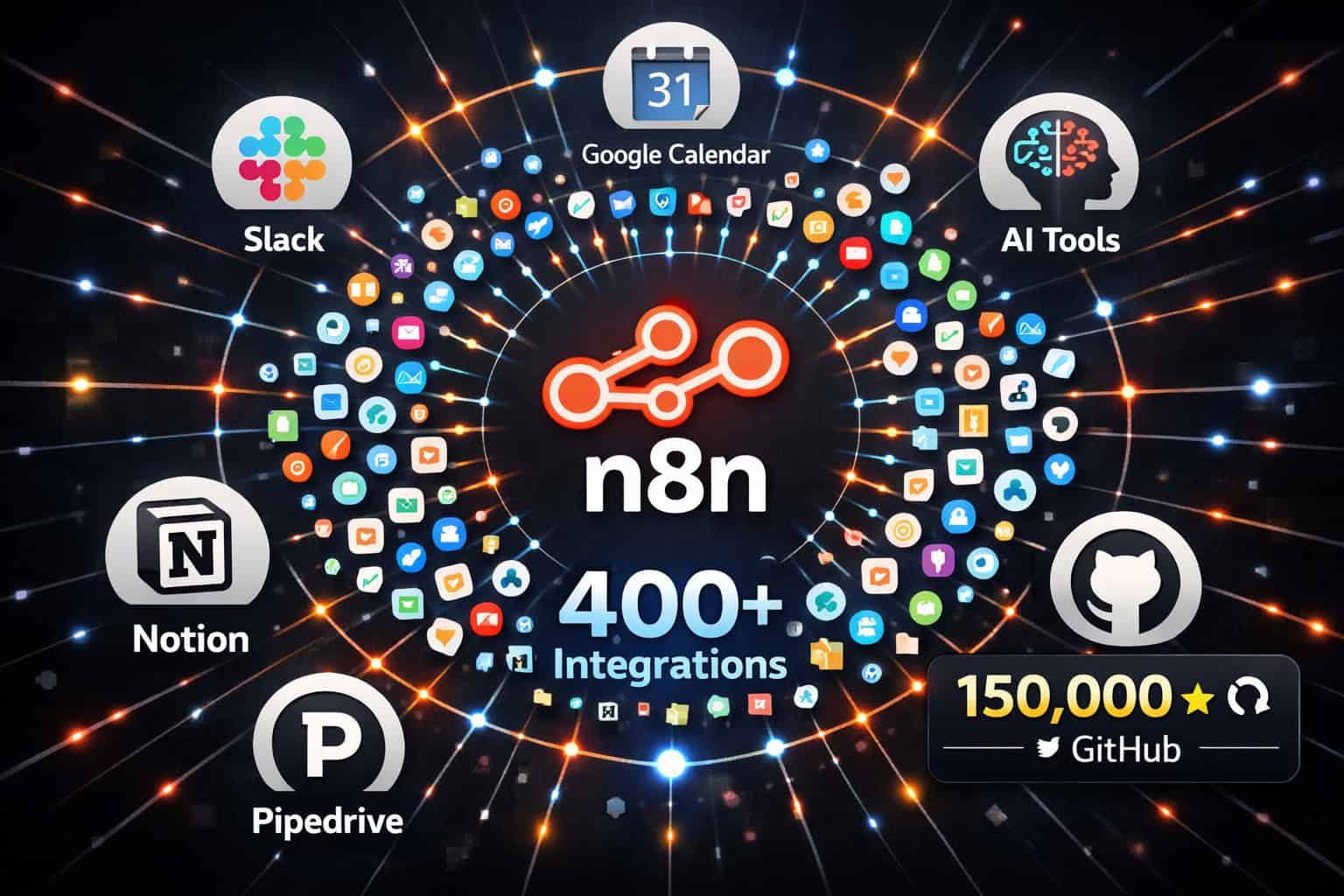
n8n is a fair-code workflow automation platform that lets you build automated pipelines visually or with custom code. It supports 400+ integrations and has native AI capabilities built in [2]. Unlike fully proprietary tools, n8n gives you the option to self-host, which means your data stays on your own infrastructure.
The GitHub community has responded strongly. The core n8n-io/n8n repository has earned over 150,000 stars [5], which places it among the top open-source automation tools globally. That star count isn’t just vanity — it reflects active forks, pull requests, and a growing library of community-built extensions.
Why developers choose n8n over alternatives:
- No per-task pricing — self-hosted plans don’t charge per workflow execution
- Code when you need it — add JavaScript or Python nodes alongside visual blocks
- AI-native — built-in LangChain support, vector database connections, and LLM nodes
- Fair-code license — free to self-host, with a cloud option for teams that want managed infrastructure [2]
“n8n sits in a rare position: it’s visual enough for non-developers but powerful enough that engineers actually enjoy using it.”
If you’re already exploring automation beyond n8n, check out the Automation Archives on WebAiStack for related tools and strategies.
The 10 Game-Changing n8n Projects on GitHub That Will Transform Your Workflow Automation
Here are the projects worth bookmarking. Each one solves a specific problem, and I’ve noted who each project is best suited for.
1. n8n-io/n8n — The Core Platform
Best for: Everyone starting with n8n automation.
The foundation of everything else on this list. The official repository [2] gives you the full n8n platform, including the visual editor, all 400+ integration nodes, and the AI toolkit. You can spin it up locally with a single Docker command or deploy to any cloud provider.
Quick start:
<code class="language-bash">docker run -it --rm --name n8n -p 5678:5678 n8nio/n8n
</code>
This is your starting point before any of the community projects below make sense [1].
2. Zie619/n8n-workflows — The Searchable Workflow Library
Best for: Teams that want ready-made workflows without building from scratch.
This repository organizes 15+ workflow categories with a smart search interface [3]. Categories cover everything from CRM automation and email handling to data transformation and social media posting. Instead of building a workflow node by node, you import a template and adjust the credentials.
What makes it useful:
- Categorized by use case (not just by app)
- Smart search so you can find workflows by keyword
- Community-contributed, so new templates appear regularly
Common mistake: People import a workflow and forget to update all credential references. Always audit imported workflows before running them in production.
3. nusquama/n8nworkflows.xyz — The Curated Catalog
Best for: Developers looking for advanced, AI-integrated workflow examples.
This project powers a browsable catalog of n8n workflows [7] with a focus on practical, production-ready use cases. Standout examples include:
| Workflow | What It Does |
|---|---|
| Adaptive RAG with Google Gemini & Qdrant | Retrieval-augmented generation with vector search |
| Google Calendar Automation | Smart scheduling and event-triggered actions |
| Pipedrive Integration | CRM data sync and lead routing |
| Notion Database Automation | Auto-update and query Notion databases |
The Adaptive RAG workflow alone is worth the visit if you’re building AI assistants that need to pull from a knowledge base dynamically.
4. n8n Audit Workflow Tool — Security and Quality Scanner
Best for: Teams running n8n in production who need to catch problems before they cause outages.
This community tool automatically analyzes your existing n8n workflows and flags issues across five dimensions [6]:
- Security risks — exposed credentials, insecure HTTP calls
- Performance problems — inefficient loops, missing pagination
- Error handling gaps — nodes with no fallback on failure
- Readability issues — unnamed nodes, missing notes
- AI usage review — checks AI node configurations for common misconfigurations
Choose this if: You have more than 10 workflows running and haven’t reviewed them systematically. It’s the kind of tool that pays for itself the first time it catches a credential leak before it hits production.
5. n8n-io Repositories — The Official Extension Suite
Best for: Developers who want official, maintained add-ons.
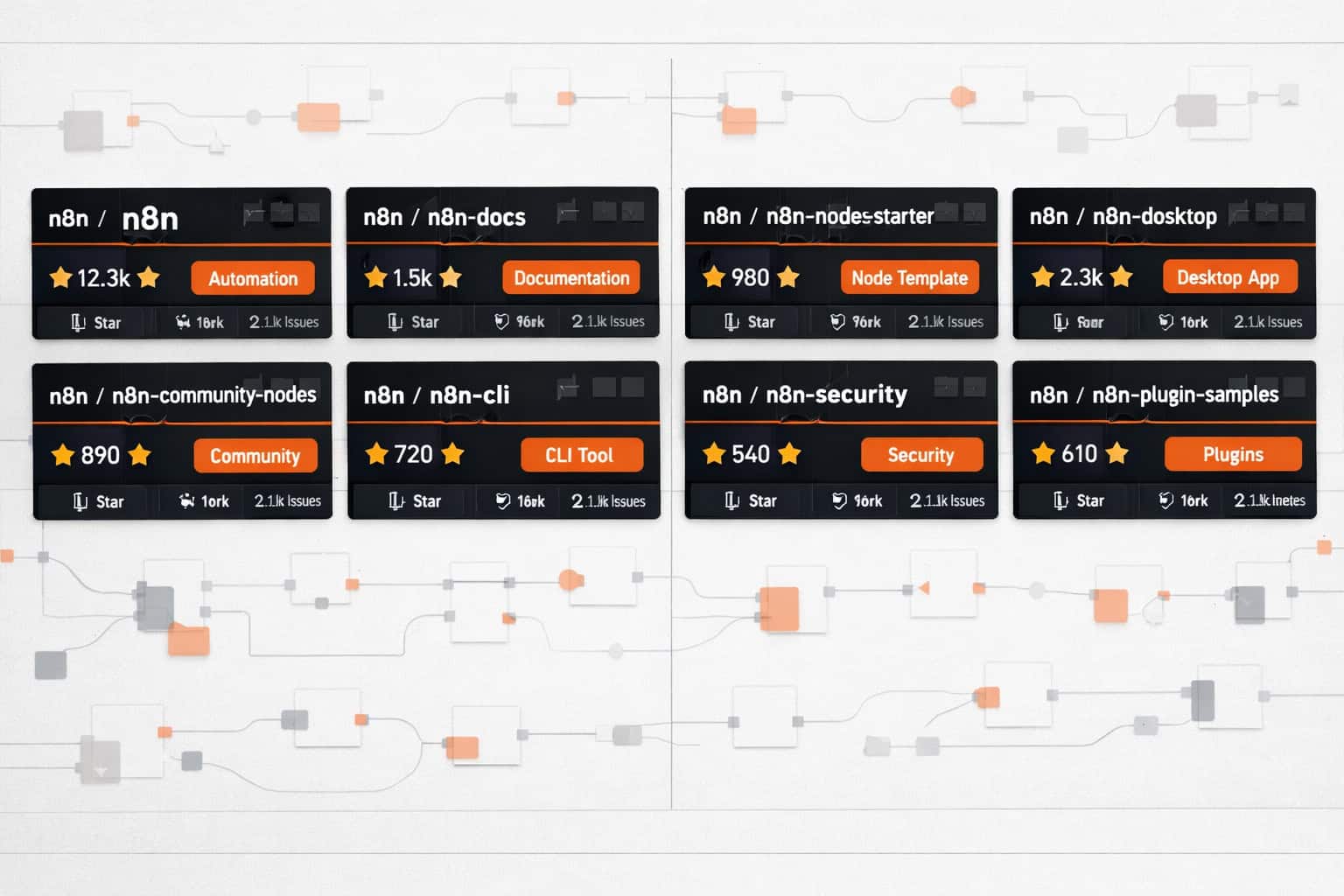
The n8n-io GitHub organization [1] [9] hosts more than just the core platform. You’ll find:
- n8n-docs — the official documentation source
- n8n-nodes-starter — a template for building custom nodes
- n8n-hosting — deployment configurations for AWS, GCP, and Azure
- n8n-chat — an embeddable chat widget that connects to n8n AI workflows
The n8n-nodes-starter project is particularly valuable if you need to connect n8n to an internal API or a niche SaaS tool that doesn’t have a built-in node yet.
6. AI Agent Workflow Collections — LLM-Powered Automation
Best for: Anyone building AI agents that take real-world actions.
Across the n8n-workflows and n8n-workflow GitHub topics [8] [10], you’ll find a growing collection of AI agent workflows. These go beyond simple chatbots. Examples include:
- Web research agents that browse, summarize, and store findings in Notion
- Email triage agents that classify and route incoming messages
- Code review assistants that post feedback to GitHub PRs automatically
- Social media schedulers that generate and post content using LLM output
These workflows pair well with n8n’s native LangChain support, letting you chain multiple AI steps without writing a line of Python.
If you’re also automating content publishing, the guide on how to auto-share WordPress blog posts to social media shows how n8n fits into a broader content pipeline.
7. Self-Hosting Deployment Kits
Best for: Privacy-first teams and developers who want full data control.
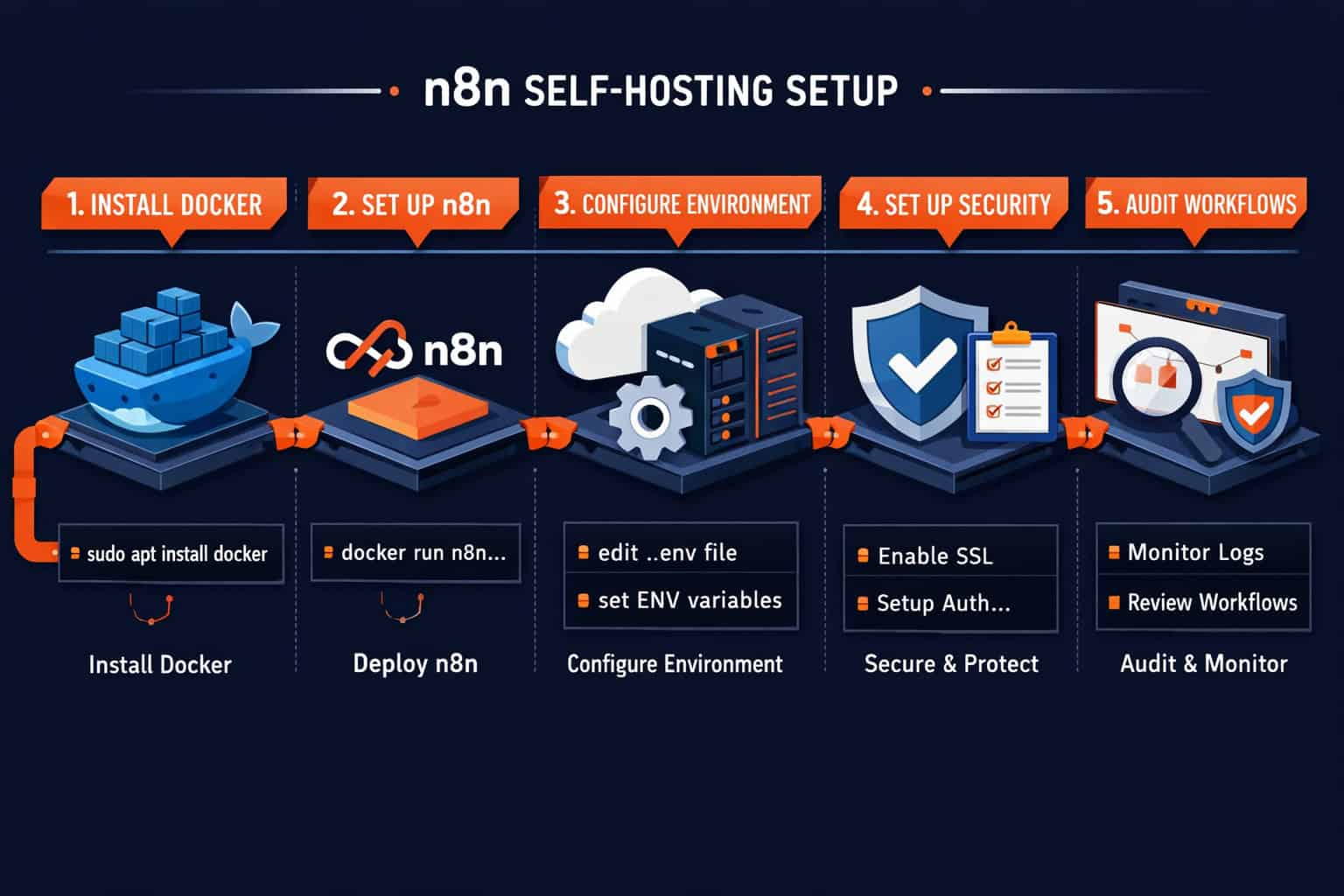
Several community members have published Docker Compose and Kubernetes deployment configurations on GitHub under the n8n-automation topic [4]. These kits handle:
- SSL certificate setup with Let’s Encrypt
- PostgreSQL database configuration (instead of the default SQLite)
- Reverse proxy setup with Nginx or Traefik
- Automated backups to S3-compatible storage
Self-hosted vs. cloud n8n:
| Factor | Self-Hosted | n8n Cloud |
|---|---|---|
| Cost | Infrastructure only | Subscription-based |
| Data control | Full | Vendor-managed |
| Setup time | 30–60 minutes | Under 5 minutes |
| Maintenance | Your responsibility | Managed |
| Execution limits | None (your hardware) | Plan-dependent |
Choose self-hosted if your team handles sensitive data or you run high-volume workflows that would be expensive on a per-execution pricing model.
8. n8n + WordPress Automation Workflows
Best for: Content teams and WordPress site owners who want to automate publishing and maintenance tasks.
The n8n-workflows topic on GitHub [6] includes a solid set of WordPress-specific automations. Common patterns:
- Post publishing triggers — fire actions in Slack, email, or CRM when a post goes live
- Form submission routing — send WPForms or Gravity Forms data to a CRM or spreadsheet
- Plugin update monitoring — alert your team when WordPress plugins need updates
- AI content drafting — generate post drafts via OpenAI and push them to WordPress as drafts
For teams managing WordPress at scale, pairing these workflows with advanced WordPress strategies for power users creates a genuinely powerful content operation.
Also worth reading: 12 best AI plugins for WordPress to automate your website management — some of these plugins integrate directly with n8n via webhooks.
9. n8n SEO and Content Automation Workflows
Best for: Digital marketers and SEO professionals who want to automate repetitive research and reporting tasks.
Found across the GitHub topics [8] [10], these workflows handle tasks like:
- Keyword rank tracking — pull data from Search Console API and log to Google Sheets
- Backlink monitoring — check new and lost backlinks via Ahrefs or SEMrush APIs
- Content brief generation — use an LLM to draft briefs based on SERP analysis
- Sitemap change detection — alert your team when new URLs appear or disappear
Edge case to watch: API rate limits. Search Console, Ahrefs, and similar tools have strict rate limits. Add a “Wait” node between API calls or use n8n’s built-in retry logic to avoid hitting limits mid-workflow.
For more on AI-driven content work, the AI-powered content optimization guide covers strategies that pair well with these n8n workflows.
10. n8n Community Workflow Hub — GitHub Topics Aggregator
Best for: Developers who want to stay current with the latest community-built workflows.
The GitHub topics n8n-workflows [6] and n8n-workflow [8] act as a live feed of community projects. Sorting by “recently updated” [10] shows you what’s actively maintained versus abandoned.
How to use this effectively:
- Go to
github.com/topics/n8n-workflows - Sort by “Recently updated”
- Filter by star count to find quality projects
- Check the last commit date — anything older than 6 months may have compatibility issues with recent n8n versions
- Read the README before importing — good projects document their credential requirements clearly
This aggregator approach means you’re never starting from zero. Someone has almost certainly already built a workflow close to what you need.
How Do These Projects Fit Into a Real Workflow Automation Strategy?
The 10 game-changing n8n projects on GitHub that will transform your workflow automation aren’t meant to be used all at once. The right approach depends on your current situation.
Start here based on your role:
- Solo developer: Start with the core n8n repo [2], then browse the Zie619 workflow library [3] for templates matching your stack
- Small team: Add the Audit Workflow tool early to catch problems before they compound
- Marketing team: Focus on the SEO automation workflows and WordPress integrations
- AI builders: Go straight to the nusquama catalog [7] for the RAG and agent workflow examples
- Enterprise/privacy-first: Prioritize the self-hosting deployment kits before anything else
The biggest mistake I see is people importing 20 workflows at once and then wondering why their n8n instance is slow. Start with one workflow, understand it fully, then expand.
What Are the Most Common Mistakes When Using n8n GitHub Projects?
Direct answer: The most common mistakes are importing workflows without reviewing credentials, skipping error handling setup, and running workflows in production without testing on sample data first.
Avoid these specific errors:
- Hardcoded credentials in workflow JSON — always use n8n’s credential manager, never paste API keys directly into node fields
- Missing “On Error” branches — n8n lets you add error handling paths; skipping this means a single failed API call can silently break your entire pipeline
- Ignoring n8n version compatibility — community workflows built on older n8n versions may use deprecated nodes; check the n8n changelog before importing
- No logging or alerting — add a Slack or email notification node at the end of critical workflows so you know when they succeed or fail
- Running as root in Docker — the self-hosting kits include notes on this, but it’s worth repeating: run n8n as a non-root user in production
How to Get Started With These n8n GitHub Projects Today
Getting started takes less time than most people expect. Here’s a practical path:
Step 1: Install n8n locally using Docker (5 minutes) [2]
Step 2: Browse the Zie619 workflow library [3] and import one workflow that matches a task you do manually today
Step 3: Run the workflow on test data and verify the output
Step 4: Run the Audit Workflow tool on your imported workflow to check for issues [6]
Step 5: Deploy to a self-hosted server or n8n Cloud when you’re ready to run it on a schedule
Step 6: Explore the nusquama catalog [7] for AI-enhanced versions of your workflows
Most people have their first automated workflow running within a day. The learning curve is real but manageable, especially with the template libraries cutting out most of the initial build work.
FAQ: n8n GitHub Projects and Workflow Automation
Q: Is n8n free to use? Yes. n8n is free to self-host under a fair-code license. The cloud-hosted version has a paid subscription. Self-hosting has no per-execution fees — you only pay for your infrastructure [2].
Q: Do I need coding skills to use n8n GitHub projects? Not for most template-based workflows. The Zie619 library [3] and the nusquama catalog [7] include import-ready workflows. You’ll need basic JavaScript knowledge only if you want to customize logic nodes.
Q: How do I import a workflow from GitHub into n8n? Download the workflow JSON file from the GitHub repository, then go to your n8n instance, click “Import from File,” and select the JSON. Update credentials before activating.
Q: Are community n8n workflows safe to use? Generally yes, but always review the JSON before importing. Check for hardcoded URLs, suspicious HTTP request nodes, or any node that sends data to unknown endpoints. The Audit Workflow tool [6] can help with this review.
Q: What’s the difference between n8n and Zapier? n8n is self-hostable, has no per-task pricing on self-hosted plans, and supports custom code nodes. Zapier is fully managed with a simpler interface but charges per task and has less flexibility for complex logic.
Q: Can n8n workflows connect to AI tools like ChatGPT or Gemini? Yes. n8n has native nodes for OpenAI, Google Gemini, Anthropic, and others. The nusquama catalog [7] includes workflows that use Gemini with vector databases for RAG pipelines.
Q: How often are community n8n GitHub projects updated? It varies. Sort by “recently updated” on the GitHub topics pages [10] to find actively maintained projects. Check the last commit date and open issues before relying on a community project in production.
Q: What’s the minimum server spec for self-hosting n8n? n8n runs on 1 vCPU and 1GB RAM for light use. For production with multiple concurrent workflows, 2 vCPU and 2–4GB RAM is more practical. PostgreSQL is recommended over SQLite for production [2].
Q: Can I build custom n8n nodes for internal APIs?
Yes. The n8n-nodes-starter repository in the n8n-io organization [9] provides a TypeScript template for building and publishing custom nodes.
Q: Are there n8n workflows specifically for WordPress automation?
Yes. The n8n-workflows GitHub topic [6] includes WordPress-specific workflows for post triggers, form routing, and AI content drafting. These pair well with AI plugins for WordPress.
Conclusion: Your Next Steps With n8n GitHub Projects
The 10 game-changing n8n projects on GitHub that will transform your workflow automation are not theoretical — they’re actively maintained, community-tested, and ready to use today. The core platform alone gives you 400+ integrations and native AI support [2]. The community projects on top of that give you a head start that would take weeks to build from scratch.
Your actionable next steps:
- Install n8n locally using the Docker command from the official repo [2] — takes under 10 minutes
- Browse the Zie619 workflow library [3] and find one workflow that replaces a manual task you do this week
- Run the Audit Workflow tool [6] on anything you import before it goes live
- Explore the nusquama catalog [7] if you’re building AI-powered automations
- Set up self-hosting with a community deployment kit [4] if data privacy is a priority for your team
Start with one workflow. Get it working. Then expand. That’s the approach that actually sticks.
For broader automation strategies beyond n8n, the Automation Archives on WebAiStack covers tools and workflows across the full stack. And if you’re automating content publishing specifically, how to auto-share WordPress blog posts to social media is a practical companion guide.
References
[1] N8n Io – https://github.com/n8n-io [2] github – https://github.com/n8n-io/n8n [3] N8n Workflows – https://github.com/Zie619/n8n-workflows [4] N8n Automation – https://github.com/topics/n8n-automation [5] github – https://github.com/topics/n8n [6] N8n Workflows – https://github.com/topics/n8n-workflows [7] N8nworkflows – https://github.com/nusquama/n8nworkflows.xyz [8] N8n Workflow – https://github.com/topics/n8n-workflow [9] Repositories – https://github.com/orgs/n8n-io/repositories [10] N8n Workflow – https://github.com/topics/n8n-workflow?o=desc&s=updated