Last updated: May 1, 2026
Quick Answer: N8N is an open-source, self-hostable workflow automation platform that lets you connect YouTube’s API to hundreds of other apps — without writing complex code. By building n8n workflows, you can automate video uploads, generate scripts with AI, schedule content, and run entire faceless YouTube channels on near-autopilot. This guide covers everything from setup to advanced workflow design.
Key Takeaways
- N8N is free to self-host and works as a powerful alternative to Make or Zapier for YouTube automation [9]
- You can automate the full YouTube content pipeline: research, scripting, voiceover, thumbnail creation, uploading, and analytics tracking [1]
- N8N connects natively with YouTube’s API, Google Sheets, OpenAI, ElevenLabs, and dozens of other tools [4]
- Faceless YouTube channels are one of the most popular use cases for n8n automation in 2026
- The biggest mistakes beginners make are skipping API authentication setup and building workflows that are too complex too soon
- Self-hosting n8n gives you full data control and removes per-task pricing limits that cloud platforms impose
- Most functional YouTube automation workflows take 2–6 hours to build for a beginner with basic technical knowledge
- You don’t need to know how to code — but understanding JSON data structures helps significantly
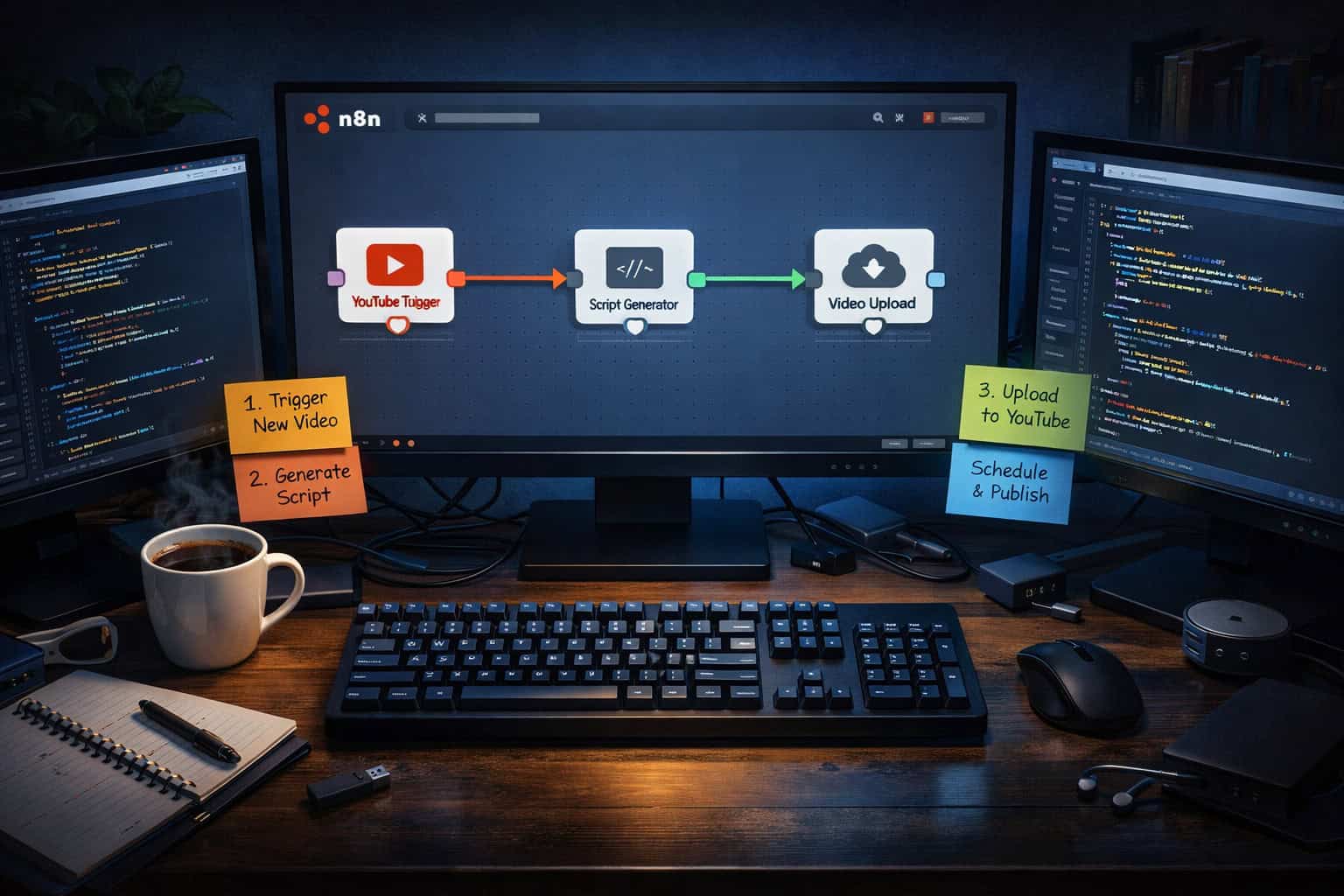
What Is N8N and Why Use It for YouTube Automation?
N8N is a self-hostable, node-based workflow automation tool that connects apps and services through visual “flows.” For YouTube creators and automation builders, it means you can trigger actions — like generating a video script or uploading a finished file — based on events in other systems, all without manual effort [9].
Unlike Zapier or Make, n8n charges no per-task fees when self-hosted. That makes it especially attractive for high-volume YouTube workflows where you might process dozens of videos per month.
Why n8n stands out for YouTube work:
- Open-source core: You own your data and your workflows
- Native YouTube node: Direct integration with YouTube’s API for uploads, metadata, and analytics [4]
- AI-ready: Built-in support for OpenAI, Anthropic, and other LLM providers
- Self-hosting options: Run it on a $5/month VPS, a home server, or use n8n Cloud
- Visual builder: Drag-and-drop nodes make logic readable without code
Choose n8n if: You want to run high-volume automation without per-task costs, or you need to keep your workflow data private.
Stick with Make or Zapier if: You need a fully managed service with zero server maintenance and you’re running fewer than ~1,000 tasks per month.
For a broader look at how AI tools fit into content workflows, see this comprehensive guide to AI-powered content generation tools.
How Does the N8N YouTube Integration Actually Work?
N8N connects to YouTube through Google’s official API, using OAuth2 authentication. Once connected, you can read channel data, upload videos, manage playlists, and pull analytics — all from inside your workflow [4].
The core YouTube nodes in n8n include:
| Node Action | What It Does |
|---|---|
| Upload Video | Sends a video file to your channel with title, description, tags |
| Get Video | Retrieves metadata for a specific video ID |
| Update Video | Edits title, description, or privacy settings post-upload |
| Get Channel | Pulls subscriber count, view stats, channel details |
| Get Playlist | Lists videos in a specific playlist |
| Add to Playlist | Moves a video into a playlist automatically |
Authentication setup (step-by-step):
- Go to Google Cloud Console and create a new project
- Enable the YouTube Data API v3
- Create OAuth2 credentials (choose “Web Application” type)
- Add your n8n instance URL as an authorized redirect URI
- In n8n, create a new Google credential using your Client ID and Secret
- Authorize the connection — n8n will handle token refresh automatically
⚠️ Common mistake: Many beginners forget to add the correct redirect URI in Google Cloud Console, which causes OAuth to fail silently. Double-check that your n8n URL matches exactly, including
https://and any trailing paths.
What Does a Full YouTube Automation Workflow Look Like?
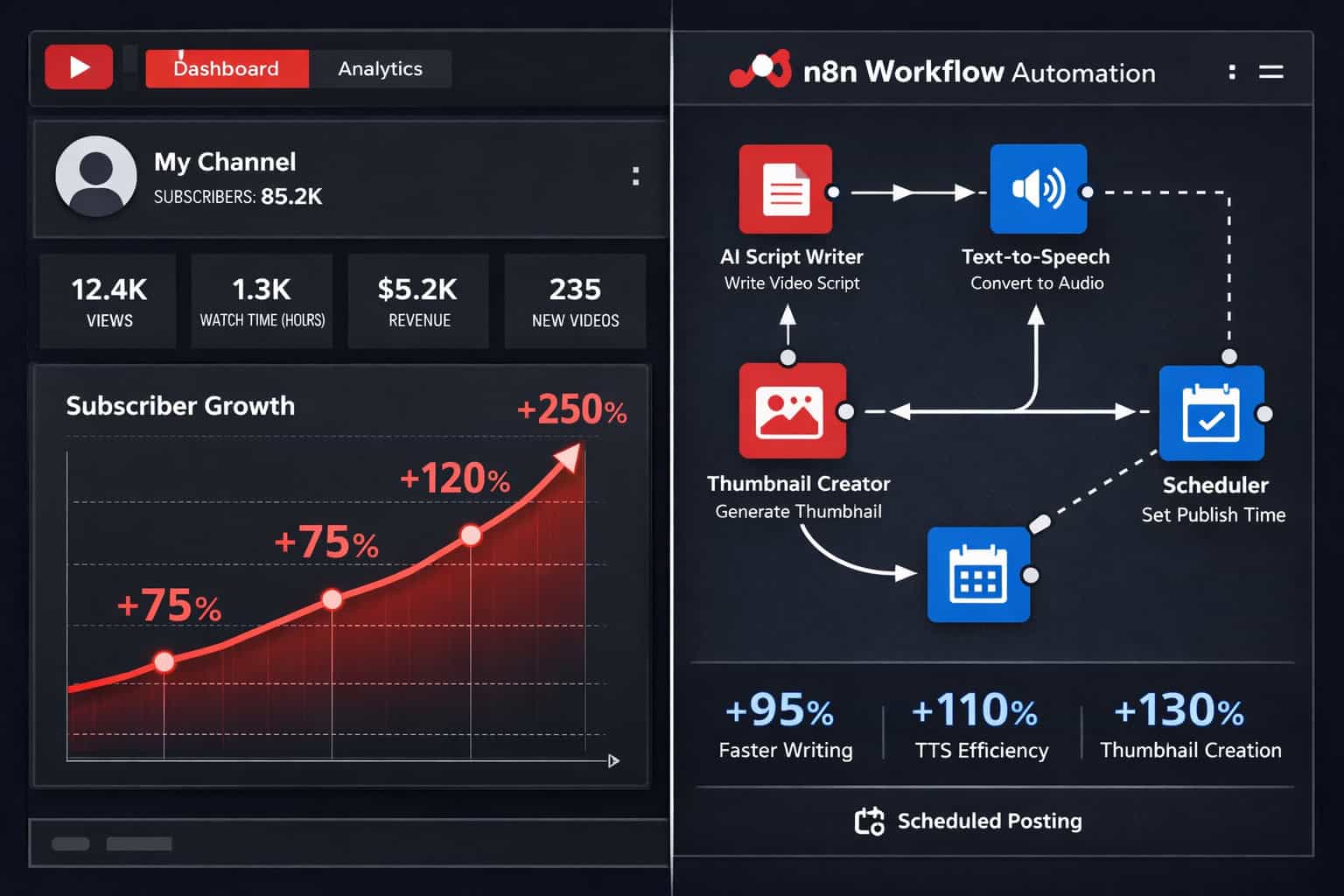
A complete YouTube automation workflow — the kind used for faceless channels — typically covers six stages: topic research, script generation, voiceover, visual creation, video assembly, and upload with metadata [1][3].
Here’s how those stages map to n8n nodes:
Stage 1 — Topic Research
- Trigger: Schedule node (runs daily or weekly)
- Action: HTTP Request node pulls trending topics from a Google Trends API or RSS feed
- Output: List of video ideas saved to Google Sheets
Stage 2 — Script Generation
- Trigger: New row in Google Sheets
- Action: OpenAI node generates a 500–1,000 word script based on the topic
- Output: Script stored back in Sheets or sent to a Google Doc
Stage 3 — Voiceover
- Action: HTTP Request to ElevenLabs API converts script text to MP3 audio
- Output: Audio file saved to Google Drive or S3 bucket
Stage 4 — Visual Creation
- Action: HTTP Request to a tool like Pika, Runway, or a static image generator
- Output: Image or video clips stored in Drive
Stage 5 — Video Assembly
- Action: HTTP Request to a video rendering API (e.g., Creatomate or Shotstack)
- Combines audio + visuals into a finished MP4
Stage 6 — Upload and Schedule
- Action: YouTube Upload node sends the MP4 with auto-generated title, description, and tags
- Privacy set to “private” first, then a second workflow publishes it on schedule [4]
This is the core pipeline that most faceless channel operators use. You can also pair this with AI-powered content optimization to improve video titles and descriptions before upload.
How Do You Set Up N8N for the First Time?
Getting n8n running takes under 30 minutes if you follow the right path. The two main options are self-hosting on a VPS or using n8n Cloud [9].
Option A — Self-Host on a VPS (recommended for cost control)
- Rent a VPS (DigitalOcean, Hetzner, or Vultr — a $6/month plan works for most workflows)
- Install Docker on your server
- Run:
docker run -d --name n8n -p 5678:5678 n8nio/n8n - Point a domain to your server IP and set up SSL (Let’s Encrypt via Nginx or Caddy)
- Access n8n at
https://yourdomain.com:5678 - Create your admin account on first login
Option B — N8N Cloud
- Sign up at n8n.io/cloud
- No server setup needed
- Starts at roughly $20/month (pricing varies — check n8n.io for current plans)
- Best for non-technical users who want managed infrastructure
After setup, your first tasks:
- Install the n8n desktop app or bookmark your cloud URL
- Connect your first credential (start with Google/YouTube OAuth)
- Run a test workflow with a simple trigger → HTTP Request → response check
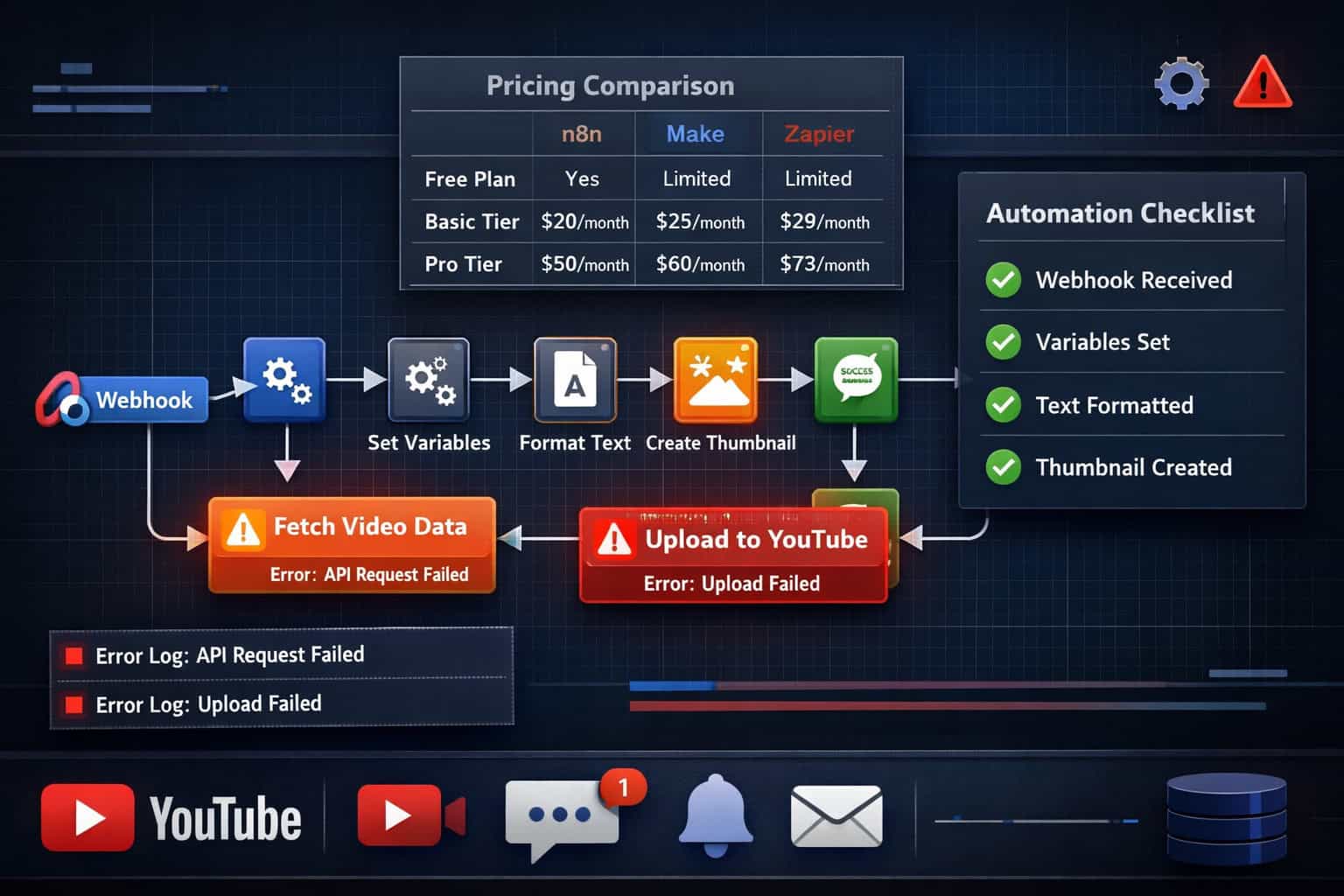
💡 Tip: Use n8n’s built-in “Execution Log” from day one. It shows every workflow run, what data passed through each node, and where errors occurred. This saves hours of debugging later.
What Are the Best N8N Workflows for YouTube Creators?
Beyond the full faceless channel pipeline, several targeted workflows solve specific creator pain points. Here are the most practical ones [1][5][6]:
1. Auto-Generate Video Descriptions and Tags
- Trigger: New video uploaded (webhook from YouTube or manual trigger)
- Action: Feed transcript or title to OpenAI → generate SEO-optimized description + 10 tags
- Action: YouTube “Update Video” node applies the new metadata
2. Repurpose YouTube Videos to Other Platforms
- Trigger: YouTube video published
- Action: Pull transcript via YouTube API → summarize with AI → post to Twitter/X, LinkedIn, or a blog
- This pairs well with auto-sharing blog posts to social media workflows
3. Analytics Dashboard Automation
- Trigger: Weekly schedule
- Action: YouTube “Get Channel” node pulls view counts, subscriber changes, top videos
- Action: Append data to Google Sheets → auto-update a Looker Studio dashboard
4. Comment Moderation and Response
- Trigger: Webhook or polling node checks for new comments every hour
- Action: AI node classifies comments (spam, question, positive, negative)
- Action: Auto-reply to common questions; flag others for manual review
5. Competitor Monitoring
- Trigger: Daily schedule
- Action: HTTP Request pulls RSS feeds from competitor channels
- Action: New video titles sent to Slack or email with AI-generated summary
6. Thumbnail A/B Testing Tracker
- Trigger: Manual or scheduled
- Action: Pull click-through rate (CTR) data for recent videos
- Action: Log results to Sheets and flag underperforming thumbnails for redesign
For creators also managing websites, advanced WordPress automation strategies can complement these YouTube workflows nicely.
How Does N8N Compare to Make and Zapier for YouTube Automation?
For YouTube-specific automation, n8n is the strongest choice for high-volume or technically complex workflows, while Zapier is better for simple, low-frequency tasks.
| Feature | N8N (Self-Hosted) | Make | Zapier |
|---|---|---|---|
| Cost (high volume) | ~$6–10/month (VPS only) | $16–29/month+ | $49–99/month+ |
| YouTube native node | ✅ Yes | ✅ Yes | ✅ Yes |
| Custom code support | ✅ Full (JS/Python) | ⚠️ Limited | ⚠️ Limited |
| Self-hosting option | ✅ Yes | ❌ No | ❌ No |
| Visual workflow builder | ✅ Yes | ✅ Yes | ✅ Yes |
| AI node integration | ✅ Native | ✅ Via HTTP | ✅ Via HTTP |
| Learning curve | Medium-High | Medium | Low |
| Data privacy | Full control | Cloud only | Cloud only |
Decision rule:
- Choose n8n if you’re running 500+ tasks/month, need custom logic, or want data privacy
- Choose Make if you want a managed service with a visual builder and moderate complexity
- Choose Zapier if you need the simplest possible setup and run fewer than 100 tasks/month
What Are the Most Common Mistakes When Building YouTube N8N Workflows?
Most workflow failures come down to a handful of predictable errors. Knowing them in advance saves significant time [1][9].
Mistake 1: Skipping error handling nodes N8N workflows fail silently if you don’t add “Error Trigger” nodes. Always connect a fallback path that sends you a Slack or email alert when something breaks.
Mistake 2: Hitting YouTube API quota limits YouTube’s Data API v3 has a daily quota of 10,000 units (as of 2026). Uploading a video costs 1,600 units alone. If you’re running multiple workflows, you’ll exhaust your quota fast.
Fix: Create multiple Google Cloud projects with separate API keys, or throttle your upload workflows to stay under limits.
Mistake 3: Storing credentials in workflow nodes Never paste API keys directly into HTTP Request nodes. Use n8n’s built-in Credentials manager so keys are encrypted and reusable.
Mistake 4: Building the whole pipeline at once Beginners often try to build a 15-node workflow from scratch and get lost when something breaks. Instead, build and test one node at a time, confirming data output before adding the next step.
Mistake 5: Ignoring data formatting between nodes N8N passes data as JSON. If a node outputs an array but the next node expects a string, the workflow breaks. Use the “Set” node to transform data between steps.
📌 Edge case: If you’re using ElevenLabs or another audio API, large audio files (over 10MB) can time out in n8n’s HTTP Request node. Use chunked processing or save the file to Drive first, then reference it by URL in subsequent nodes.
How Long Does It Take to Build a Working YouTube Automation Workflow?
Build time depends on your technical background and workflow complexity. Here’s a realistic breakdown:
| Workflow Type | Beginner | Intermediate |
|---|---|---|
| Simple upload trigger + metadata update | 2–3 hours | 30–60 min |
| Script generation + voiceover | 4–6 hours | 1–2 hours |
| Full faceless channel pipeline | 10–20 hours | 4–8 hours |
| Analytics dashboard automation | 3–5 hours | 1–2 hours |
These are estimates based on typical community reports — actual time varies by API familiarity and debugging needs.
How to speed up the process:
- Use n8n’s template library (search “YouTube” in the template browser)
- Watch workflow walkthroughs on YouTube before building [1][5]
- Join the n8n community forum — most common YouTube API issues are already documented
- Start with a simpler automation (like the analytics tracker) before attempting the full content pipeline
For those interested in pairing automation with better content strategy, AI-powered content optimization is a natural next step.
What Should You Automate First on YouTube with N8N?
Start with the workflow that removes the most repetitive work from your current process. For most creators, that’s either metadata generation or analytics tracking — both are low-risk and deliver immediate value [6][8].
Recommended starting order:
- Analytics tracker — Low complexity, no upload risk, immediate value
- Description and tag generator — Medium complexity, saves 15–30 min per video
- Comment classifier — Medium complexity, reduces moderation time significantly
- Repurposing workflow — Medium-high complexity, expands content reach
- Full content pipeline — High complexity, only attempt after building confidence with steps 1–4
🎯 Rule of thumb: If a task takes you more than 10 minutes and you do it more than once a week, it’s worth automating in n8n.
Mastering YouTube Automation: A Complete Guide to N8N Workflows — FAQ
Q: Do I need coding skills to use n8n for YouTube automation? No. N8N’s visual builder handles most use cases without code. However, knowing basic JavaScript helps when you need to transform data between nodes using the “Code” node.
Q: Is n8n free to use? N8N’s core is open-source and free to self-host. You pay only for server costs (typically $5–10/month on a VPS). N8N Cloud has paid plans starting around $20/month.
Q: Can n8n upload videos to YouTube automatically? Yes. N8N has a native YouTube node that supports video uploads, including title, description, tags, category, and privacy settings [4].
Q: How many YouTube videos can I automate per day? YouTube’s API quota limits you to roughly 6 uploads per day on a standard API project (each upload costs ~1,600 of your 10,000 daily units). You can request a quota increase from Google for higher volumes.
Q: What’s the difference between n8n and a YouTube automation service? Paid YouTube automation services (like TubeBuddy or VidIQ) focus on analytics and SEO suggestions. N8N is a general workflow tool that automates the actual production and upload process — a fundamentally different use case.
Q: Can I run a faceless YouTube channel entirely with n8n? Mostly yes. N8N handles research, scripting, voiceover API calls, video rendering API calls, and uploading. You still need third-party APIs for AI voice and video rendering — n8n orchestrates them but doesn’t generate media itself [1][3].
Q: Is it against YouTube’s Terms of Service to automate uploads? Automated uploads via the official YouTube Data API are explicitly permitted and supported by Google. What’s prohibited is artificially inflating views or engagement — automation for content production and scheduling is fine.
Q: What happens if my n8n workflow fails mid-run? N8N logs every execution. If a workflow fails, you can inspect the exact node and error, fix it, and re-run from that point. Adding error handling nodes ensures you get notified immediately when failures occur.
Q: Can I use n8n to monitor competitor YouTube channels? Yes. You can use HTTP Request nodes to pull RSS feeds from any public YouTube channel and trigger alerts or summaries when new videos are published.
Q: How do I keep my YouTube API credentials secure in n8n? Always use n8n’s built-in Credentials system rather than pasting keys directly into nodes. Credentials are encrypted at rest and never exposed in workflow exports.
Conclusion: Your Next Steps for YouTube Automation with N8N
Mastering YouTube Automation: A Complete Guide to N8N Workflows comes down to one principle: start small, test thoroughly, and build complexity gradually. The creators seeing the best results in 2026 aren’t running the most elaborate pipelines — they’re running reliable, well-tested ones that work every time.
Your actionable next steps:
- Set up n8n — either self-hosted on a $6/month VPS or via n8n Cloud
- Connect your YouTube OAuth credentials in Google Cloud Console
- Build your first workflow — start with the analytics tracker or description generator
- Add error handling to every workflow before considering it “done”
- Expand gradually — add script generation, then voiceover, then the full pipeline
- Monitor your API quota weekly until you understand your usage patterns
- Join the n8n community forum for workflow templates and troubleshooting help
The automation infrastructure you build now compounds over time. A workflow that saves you 2 hours per video saves 100 hours over 50 videos. That’s time you can spend on strategy, audience building, or building more workflows.
For more automation ideas beyond YouTube, explore the automation resources at WebAiStack — including workflows for WordPress, social media, and AI content tools.
References
[1] Watch – https://www.youtube.com/watch?v=PHmL2zlXtZ0 [3] Watch – https://www.youtube.com/watch?v=2GZ2SNXWK-c [4] Youtube – https://n8n.io/integrations/youtube/ [5] Watch – https://www.youtube.com/watch?v=KLDgOn7VuPg [6] Watch – https://www.youtube.com/watch?v=UIf-SlmMays [8] Watch – https://www.youtube.com/watch?v=4cQWJViybAQ [9] Watch – https://www.youtube.com/watch?v=7mEzvJVrFfk&vl=en
Related: 5 Game-Changing Claude AI Plugins to Transform Your Team's Workflow
Related: Mastering the Claude API: A Comprehensive Guide for Developers in 2026