Last updated: May 11, 2026
Quick Answer: Base44 refers to two distinct but related things in the developer world: a data encoding scheme that converts binary data into a compact 44-character alphabet (commonly used in QR codes), and a no-code/low-code app-building platform with GitHub integration. This guide covers both, with a focus on the encoding method’s GitHub implementations and the Base44 platform’s developer tools, so you can pick the right one for your project.
Key Takeaways
- Base44 encoding uses a 44-character alphabet to represent binary data more compactly than Base16 or Base32, making it especially useful for QR code payloads [1].
- The
qr-base44GitHub repository by kookyleo is one of the most referenced open-source implementations of the Base44 encoding algorithm [1]. - The Base44 app-building platform offers direct GitHub integration for version control and code export [8].
- Base44 encoding achieves roughly 2 bytes per 3 encoded characters, which is more efficient than Base32 but less dense than Base64.
- The Base44 platform added GPT-5.5 support, SEO/GEO optimization tools, and Telegram integration in April 2026 [7].
- For production-scale applications, the Base44 platform has known limitations around database performance and scaling [4].
- Alternatives to the Base44 platform include Bolt.new, Lovable, Replit, and Vercel v0, each with different strengths.
- Multiple programming languages have Base44 encoding libraries available on GitHub, including Kotlin-based implementations [9].

What Is Base44 Encoding and Why Does It Matter?
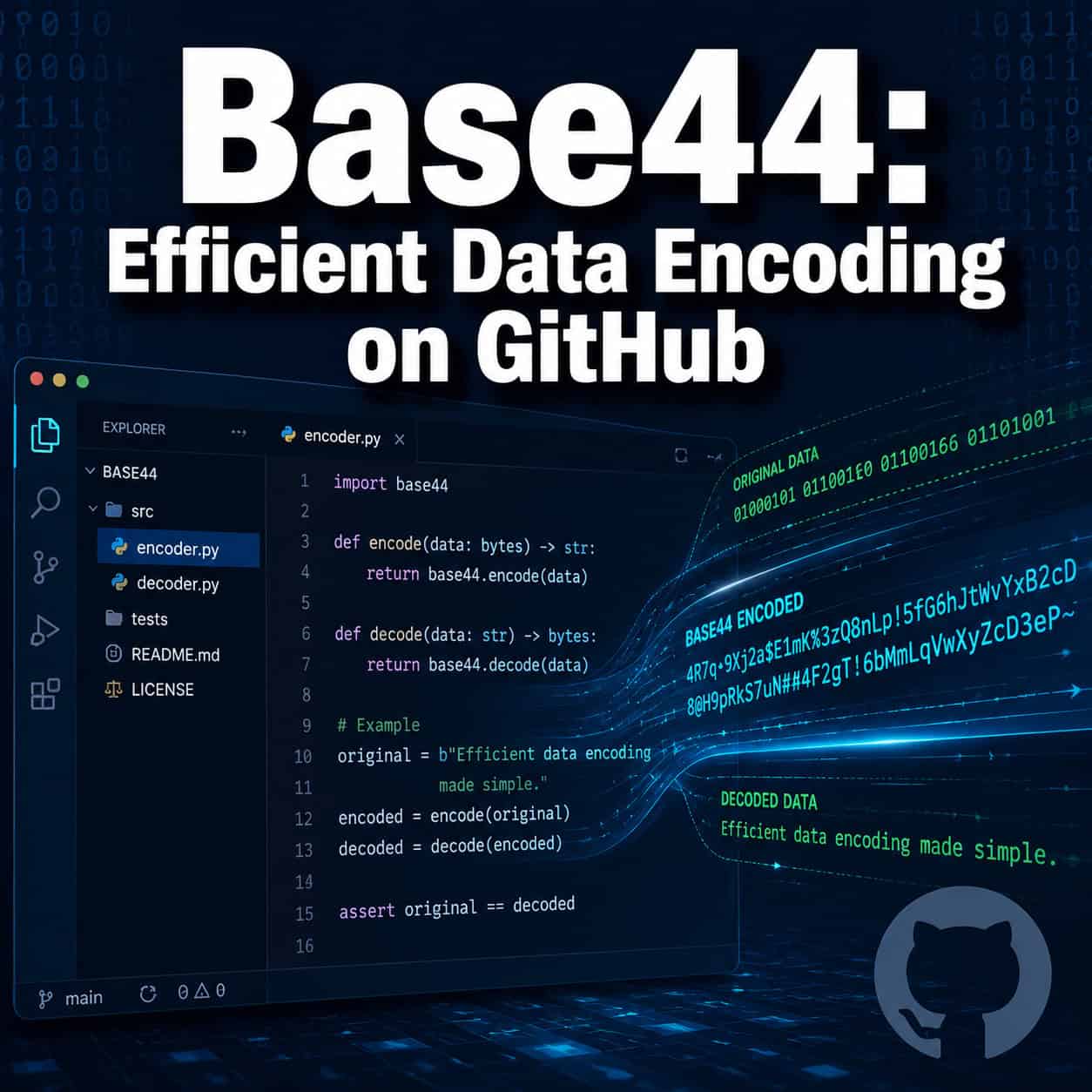
Base44 is a binary-to-text encoding scheme that maps binary data onto a set of 44 printable ASCII characters. It was designed primarily for environments where character set restrictions make Base64 impractical, most notably QR codes.
Standard QR codes support several encoding modes, and the alphanumeric mode uses a limited character set. Base44 fits neatly within that constraint. By encoding data using only characters the QR alphanumeric mode accepts, Base44 lets you pack more information into a smaller QR code compared to encoding the same data as raw UTF-8 or hex.
How it works in simple terms:
- Take your binary input data
- Split it into groups of 2 bytes (16 bits)
- Convert each group into 3 characters from the 44-character alphabet
- The last group may produce 2 characters if there’s only 1 byte remaining
This gives Base44 an encoding ratio of about 1.5 characters per byte, which sits between Base32 (1.6 characters per byte) and Base64 (1.33 characters per byte).
Choose Base44 if your target output needs to be QR-code compatible in alphanumeric mode. Choose Base64 if you have no character set restrictions and want maximum density.
How Does Base44 Compare to Other Encoding Schemes?
Base44 occupies a specific niche. Here’s how it stacks up against common alternatives:
| Feature | Base16 (Hex) | Base32 | Base44 | Base64 |
|---|---|---|---|---|
| Character set size | 16 | 32 | 44 | 64 |
| Characters per byte | 2.0 | 1.6 | ~1.5 | 1.33 |
| QR alphanumeric compatible | Yes | Partially | Yes | No |
| Common use cases | Debugging, hashes | Case-insensitive systems | QR codes | Email, web APIs |
| Padding required | No | Yes | Sometimes | Yes |
| GitHub library availability | Extensive | Extensive | Limited but growing | Extensive |
The key advantage of Base44 over Base64 isn’t raw efficiency. It’s compatibility. When you need encoded data inside a QR code’s alphanumeric mode, Base64’s character set (which includes +, /, and =) causes the QR encoder to fall back to byte mode, roughly doubling the QR code’s size. Base44 avoids this entirely [1].
A common mistake: developers sometimes use Base64 for QR payloads without realizing the QR code silently switches to a less efficient encoding mode. If your QR codes seem larger than expected, check whether your encoding scheme is actually compatible with alphanumeric mode.

Where Can You Find Base44 Implementations on GitHub?
Several open-source Base44 implementations exist on GitHub, and the qr-base44 repository by kookyleo is among the most referenced [1]. The GitHub topic page for “base44” aggregates related repositories across multiple languages [2].
Notable implementations include:
- qr-base44 (JavaScript/TypeScript): A focused library for encoding and decoding data using the Base44 scheme, specifically targeting QR code use cases [1].
- Diglol Encoding (Kotlin Multiplatform): A broader encoding library that includes Base44 alongside Base16, Base32, and Base64, designed for Kotlin multiplatform projects [9].
- Community forks and ports: Various developers have ported Base44 to Python, Go, and Rust, though these tend to be smaller projects.
To get started with qr-base44:
- Clone the repository:
git clone https://github.com/kookyleo/qr-base44 - Install dependencies per the README
- Import the encode/decode functions into your project
- Pass binary data to the encoder and receive a QR-safe string
If you’re building web applications and want to understand how code generation tools can speed up your workflow, our comprehensive guide to AI-powered content generation tools covers the broader landscape.
What Is the Base44 App-Building Platform?
Separate from the encoding scheme, Base44 is also the name of a no-code/low-code platform that lets you build web applications using AI-assisted prompts. The platform has its own developer documentation [3] and a growing community.
Recent platform updates (April 2026):
- April 27: Instagram Business connector for reading posts and publishing content [7]
- April 26: SEO and GEO optimization tab with AI-powered meta tag fixes and
llms.txtsupport [7] - April 24: GPT-5.5 model integration for improved complex reasoning [7]
- April 20: Telegram integration for in-app agents with one-click bot connections [7]
- April 30: New SDK module for app-user OAuth connectors [7]
The platform’s GitHub integration lets you export your app’s source code to a repository, giving you version control and the ability to continue development outside the platform [8]. This is a significant differentiator from some competitors that lock you into their ecosystem.
For developers exploring no-code tools more broadly, our roundup of the best no-coding website design software platforms for 2026 provides additional context.
How Does Base44’s GitHub Integration Work?
The Base44 platform connects directly to GitHub repositories, allowing you to push your application code for version control and external development [8].
Key capabilities:
- Code export: Push your entire app’s generated codebase to a GitHub repo
- Version tracking: Each deployment can be tied to a commit
- External editing: Once exported, you can modify the code in any IDE
- Collaboration: Team members can review and contribute via standard GitHub workflows
Setup steps:
- Navigate to your Base44 project settings
- Connect your GitHub account via OAuth
- Select or create a target repository
- Push your current codebase
- Configure automatic pushes on deployment (optional)
Edge case to watch for: If you modify the exported code significantly in GitHub and then continue building in the Base44 platform, you may create divergent codebases. The platform doesn’t currently support bidirectional sync, so pick one direction for ongoing development.
This workflow is similar to how designers use tools like Figma-to-code plugins to streamline design-to-development workflows, bridging the gap between visual building and production code.
Does the Base44 Platform Actually Scale for Production?
This is the most debated question in the Base44 community. The honest answer: it depends on your definition of “production.”
For prototypes, MVPs, and internal tools with modest user counts, Base44 works well. The platform’s documentation includes specific guidance on app performance optimization [10]. But community feedback raises legitimate concerns about scaling beyond a few hundred concurrent users [4].
What works well:
- Rapid prototyping (hours instead of weeks)
- Simple CRUD applications
- Internal business tools
- Landing pages and marketing sites
Where users report friction:
- Database query performance at scale [4]
- API response times under heavy load
- Limited control over infrastructure configuration
- Credit-based pricing that can create unexpected costs
The platform’s mobile optimization capabilities have also been a topic of community discussion, with users sharing prompt strategies for better mobile performance [6].
Decision rule: Use Base44 for building and validating ideas quickly. If your app gains traction and needs to handle significant traffic, plan for a migration path using the GitHub export feature [8].
If you’re weighing your options for building web applications, our guide on AI website creators that build professional sites without code covers several alternatives worth considering.
What Are the Best Alternatives to the Base44 Platform?
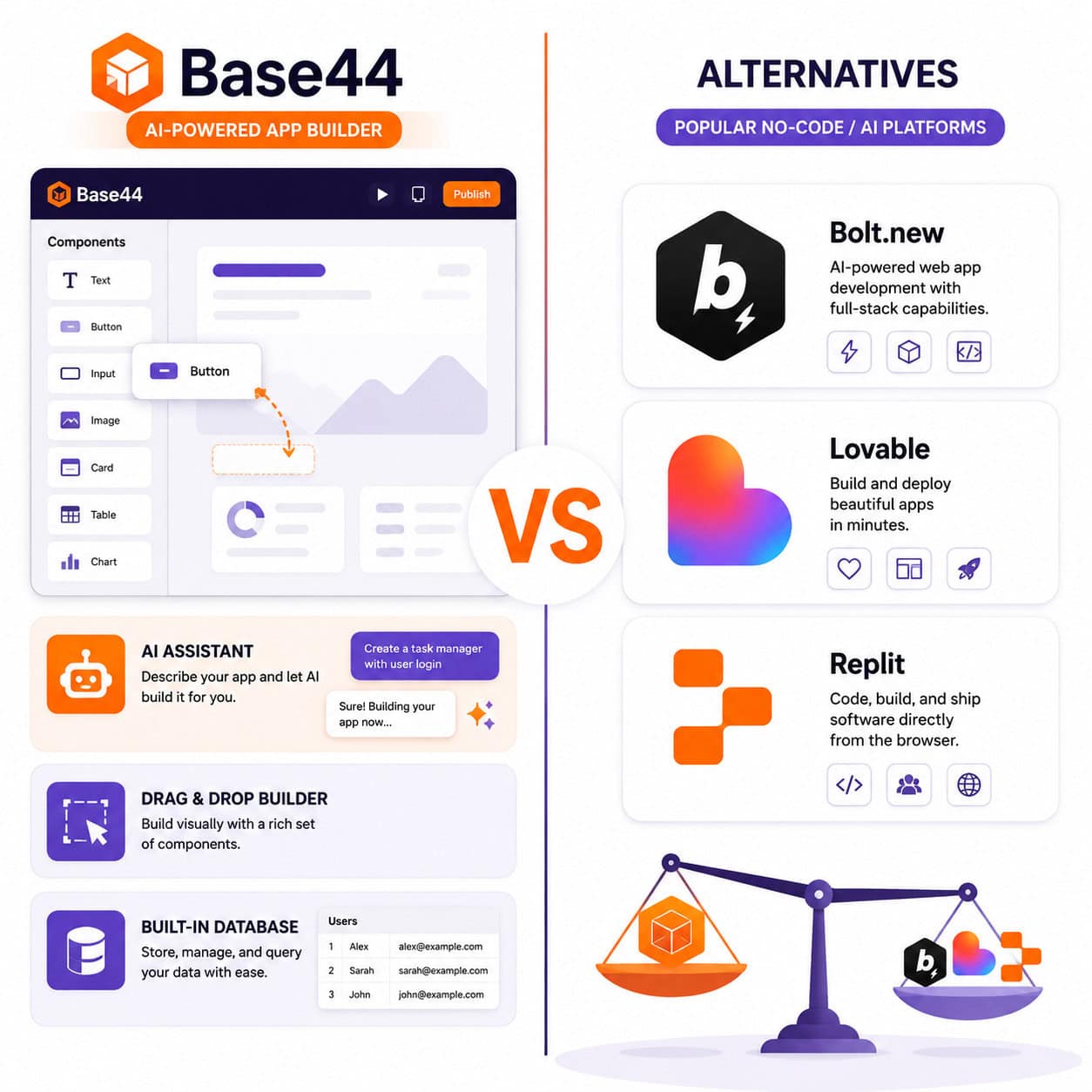
Several platforms compete in the AI-assisted app-building space. Here’s a practical comparison:
| Platform | Best For | Price Range | Code Export | Key Limitation |
|---|---|---|---|---|
| Base44 | Quick prototypes, MVPs | Free tier + credits | Yes (GitHub) | Scaling concerns |
| Bolt.new | Full-stack browser apps | ~$25/mo | Yes | Learning curve |
| Lovable | Prompt-to-app generation | Varies | Limited | Less customization |
| Replit | Collaborative coding | Free + paid tiers | Yes (native) | More code-heavy |
| Vercel v0 | Frontend/Next.js projects | Free + paid | Yes | Frontend-focused |
| UI Bakery | Enterprise internal tools | Paid plans | Yes | Enterprise pricing |
Choose Base44 if you want the fastest path from idea to working prototype with AI assistance. Choose Bolt.new if you need more control over the full stack. Choose Replit if you’re comfortable writing code and want a collaborative environment.
For teams already working in design tools, understanding how to convert Figma designs to Webflow or use Webflow SEO optimization techniques may provide a more mature production path.
FAQ
What character set does Base44 encoding use? Base44 uses 44 characters from the ASCII printable range that are compatible with QR code alphanumeric mode. The exact set includes digits 0-9, uppercase letters A-Z, and select symbols like space, $, %, *, +, -, ., /, and colon [1].
Is Base44 encoding the same as the Base44 platform? No. Base44 encoding is a data encoding algorithm. The Base44 platform is a separate no-code app-building tool. They share a name but serve completely different purposes.
Can I use Base44 encoding in Python? Yes. Community implementations exist on GitHub, though they’re less established than Base64 libraries. Check the GitHub “base44” topic page for current options [2].
Is the Base44 platform free? Base44 offers a free tier with limitations. Paid plans unlock unlimited apps and code editing capabilities, but some features use a credit-based system that can add costs.
How do I export my Base44 app code to GitHub? Connect your GitHub account in project settings, select a repository, and push your codebase. The platform supports one-way code export [8].
What programming languages have Base44 encoding libraries? JavaScript/TypeScript and Kotlin have the most mature implementations [1][9]. Community ports exist for Python, Go, and Rust in varying stages of completeness.
Does Base44 encoding work with all QR code generators? Base44-encoded strings are compatible with any QR code generator that supports alphanumeric mode, which is virtually all of them. The benefit is that the QR code stays in the more efficient alphanumeric mode rather than falling back to byte mode [1].
Can I build a mobile app with the Base44 platform? The Base44 platform primarily generates web applications. Mobile-responsive design is possible, and the community has shared optimization prompts for better mobile experiences [6].
What happened in the latest Base44 platform updates? The most recent changelog entry (May 6, 2026) enhanced entity filtering with MongoDB operators. April 2026 saw major additions including GPT-5.5 support, Instagram integration, and SEO tools [7].
Is Base44 encoding more secure than Base64? Neither Base44 nor Base64 provides encryption or security. They are encoding schemes, not encryption methods. If you need security, encrypt your data first, then encode it.
Conclusion
Base44 serves two distinct communities in 2026. For developers working with QR codes, the Base44 encoding scheme offers a practical way to pack more data into smaller codes by staying within the alphanumeric character set. GitHub repositories like qr-base44 make implementation straightforward [1].
For no-code builders, the Base44 platform provides a fast path from idea to working application, with GitHub integration that gives you an escape hatch to traditional development when needed [8]. Just be realistic about its scaling limitations for production use [4].
Your next steps:
- If you need QR-optimized encoding: Clone the
qr-base44repository and test it against your current Base64 approach. Measure the QR code size difference. - If you’re evaluating app-building platforms: Build a small prototype on Base44’s free tier. Test the GitHub export early to verify the code quality meets your standards.
- If you’re already on the Base44 platform: Review the April 2026 changelog updates, especially the SEO/GEO optimization tools and GPT-5.5 integration [7].
For more developer resources and tools, explore our latest articles covering web development, AI tools, and design workflows.
References
[1] Qr Base44 – https://github.com/kookyleo/qr-base44 [2] Base44 – https://github.com/topics/base44 [3] Home – https://docs.base44.com/developers/home [4] Does Base44 Actually Work – https://www.reddit.com/r/Base44/comments/1luld15/does_base44_actually_work/ [6] Base44 Mobile Optimization Guide Prompts – https://www.reddit.com/r/Base44/comments/1rfkv68/base44_mobile_optimization_guide_prompts/ [7] Changelog – https://docs.base44.com/Getting-started/changelog [8] Base44 Github Integration – https://base44.com/blog/base44-github-integration [9] Encoding – https://github.com/diglol/encoding [10] App Performance – https://docs.base44.com/Performance-and-SEO/App-performance