Last updated: May 11, 2026
Quick Answer
Base44 offers four subscription tiers in 2026: Free ($0), Starter ($16/month annual), Pro ($80/month), and Elite ($160/month). Each plan is built around a credit system that governs how much AI-powered app building you can do. The Pro plan at $80/month is widely considered the best value for startups and serious builders, while the Free tier works well for testing the platform before committing [1][5].
Key Takeaways
- Base44 uses a credit-based system where AI generations consume credits; running out mid-project is a common frustration [5]
- The Free plan includes limited credits and one published app, suitable only for exploration
- Starter ($16/month annual) doubles credits but still lacks custom domains [6]
- Pro ($80/month) is the recommended tier for startups, offering doubled credits over Starter and custom domain support [5]
- Elite ($160/month) targets professionals with unlimited apps and GitHub integration [4]
- GPT-5.5 integration (April 2026) improved AI generation speed across all plans [8]
- Four new connectors (Calendly, Contentful, Hugging Face, Supabase) launched in April 2026 for paid plans [9]
- Credit depletion in high-usage scenarios can create unexpected costs [5]
- Competitors like Lovable ($21/month) and Zite ($15/month) offer advantages in code export and production-readiness, respectively [6][10]
- Annual billing saves roughly 20% compared to monthly billing across all paid tiers [1]
What Is Base44 and Who Is It For?
Base44 is an AI-powered no-code platform that lets you build functional web applications by describing what you want in plain language. The AI generates the code, database structure, and UI components for you.
It’s designed for:
- Solo founders building MVPs quickly
- Non-technical entrepreneurs who need working prototypes
- Agencies testing concepts before full development
- Developers who want to speed up repetitive tasks
It’s not ideal for enterprise production apps requiring SOC 2 compliance, multi-source data handling without credit limits, or teams needing per-seat flexibility [6]. If you’re building production-grade applications, you may want to explore no-code website design platforms that offer more deployment flexibility.
How Does Base44’s Credit System Work?
Every AI action in Base44—generating a page, creating a database table, modifying UI elements—consumes credits. Your plan determines how many credits you receive monthly, and they reset each billing cycle [2].
Here’s what matters about credits:
- Credits don’t roll over. Unused credits expire at the end of your billing period.
- Complex generations cost more. A simple form might use 1-2 credits; a multi-page app with database logic can burn through dozens.
- You can purchase additional credits mid-cycle, but this adds up fast.
- No real-time feedback on credit consumption has been a common complaint on G2 reviews [3].
Common mistake: Many users start on the Free or Starter plan, burn through credits during their first serious project, and end up paying for top-ups that would have been cheaper as a Pro subscription from the start [5].

What Does Each Base44 Plan Include?
Here’s a breakdown of the four tiers as of May 2026 [1][4][5]:
| Feature | Free ($0) | Starter ($16/mo) | Pro ($80/mo) | Elite ($160/mo) |
|---|---|---|---|---|
| Monthly credits | Limited | Standard | 2x Standard | High volume |
| Published apps | 1 | 3 | 10 | Unlimited |
| Custom domain | No | No | Yes | Yes |
| New connectors (Calendly, etc.) | No | Yes | Yes | Yes |
| GitHub integration | No | No | No | Yes |
| GPT-5.5 AI engine | Yes | Yes | Yes | Yes |
| Priority support | No | No | Yes | Yes |
| Team collaboration | No | Basic | Full | Full |
Choose Free if you want to test whether Base44’s AI generation style matches your workflow. Don’t expect to ship anything real.
Choose Starter if you’re building a personal project or learning the platform, and you’re comfortable with credit constraints.
Choose Pro if you’re a startup founder, freelancer, or small team building client-facing MVPs. This is where the value-to-cost ratio peaks [5].
Choose Elite if you’re running an agency or building multiple apps monthly and need GitHub export for developer handoff [4].
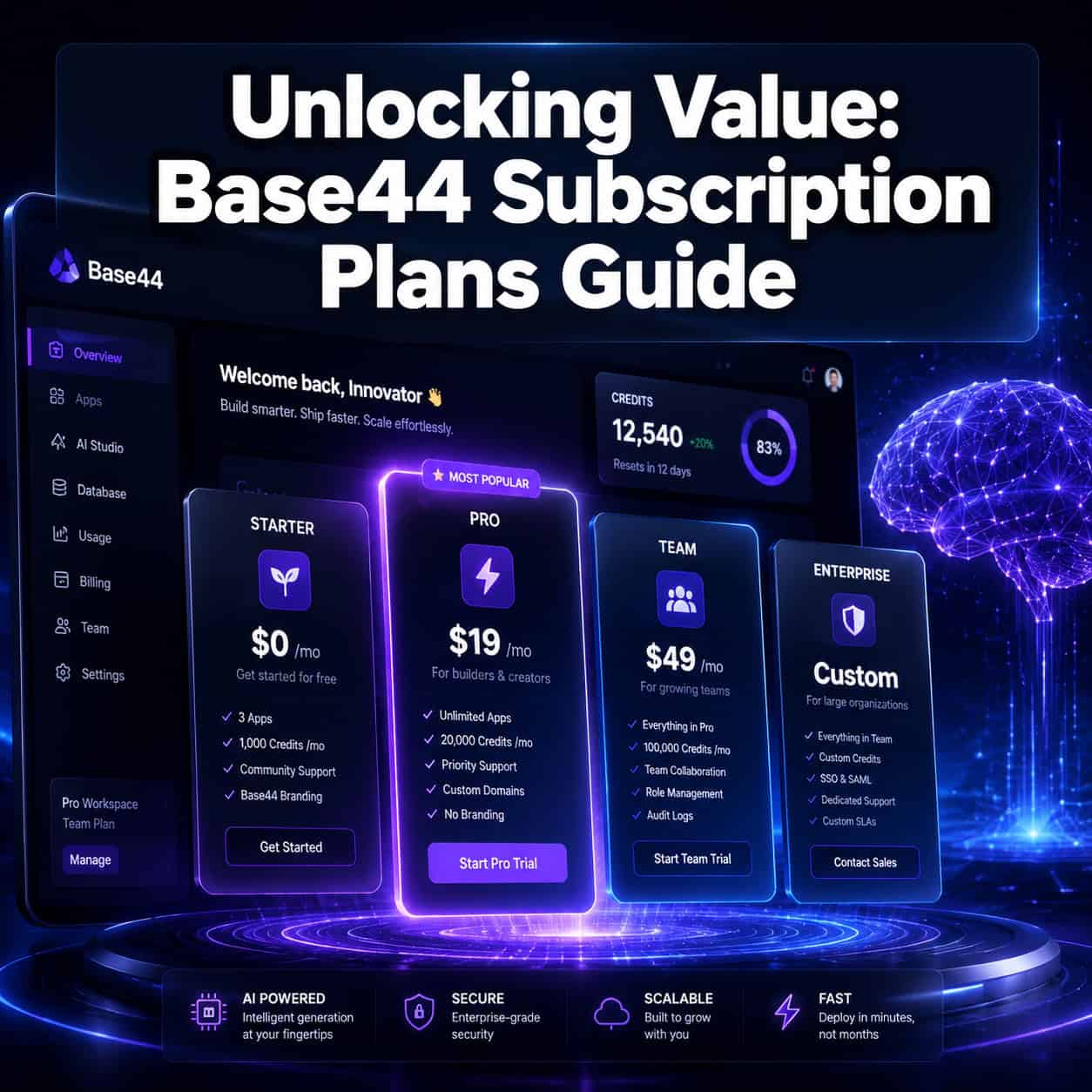
Unlocking Value: A Comprehensive Guide to Base44 Subscription Plans and Recent Updates
Base44 made significant platform improvements in April 2026 that affect the value proposition of every plan.
GPT-5.5 Integration (April 18, 2026): All plans now use OpenAI’s GPT-5.5 model, which handles complex multi-step tasks faster. This means your credits go further because the AI needs fewer iterations to produce correct output [8].
Four New Connectors (Late April 2026): Paid plans gained access to [9]:
- Calendly – scheduling integration
- Contentful – headless CMS connection
- Hugging Face – custom AI model integration
- Supabase – database connectivity
These connectors are significant because they reduce the need to build custom backend logic (which burns credits). If you’re connecting to external services, you’ll find these similar to workflows covered in our guide on AI-powered content generation tools.
Promotional Pricing: A May 2026 YouTube review noted a 20% discount promotion with credit system improvements for better app launching and testing. Check Base44’s pricing page for current offers [1].

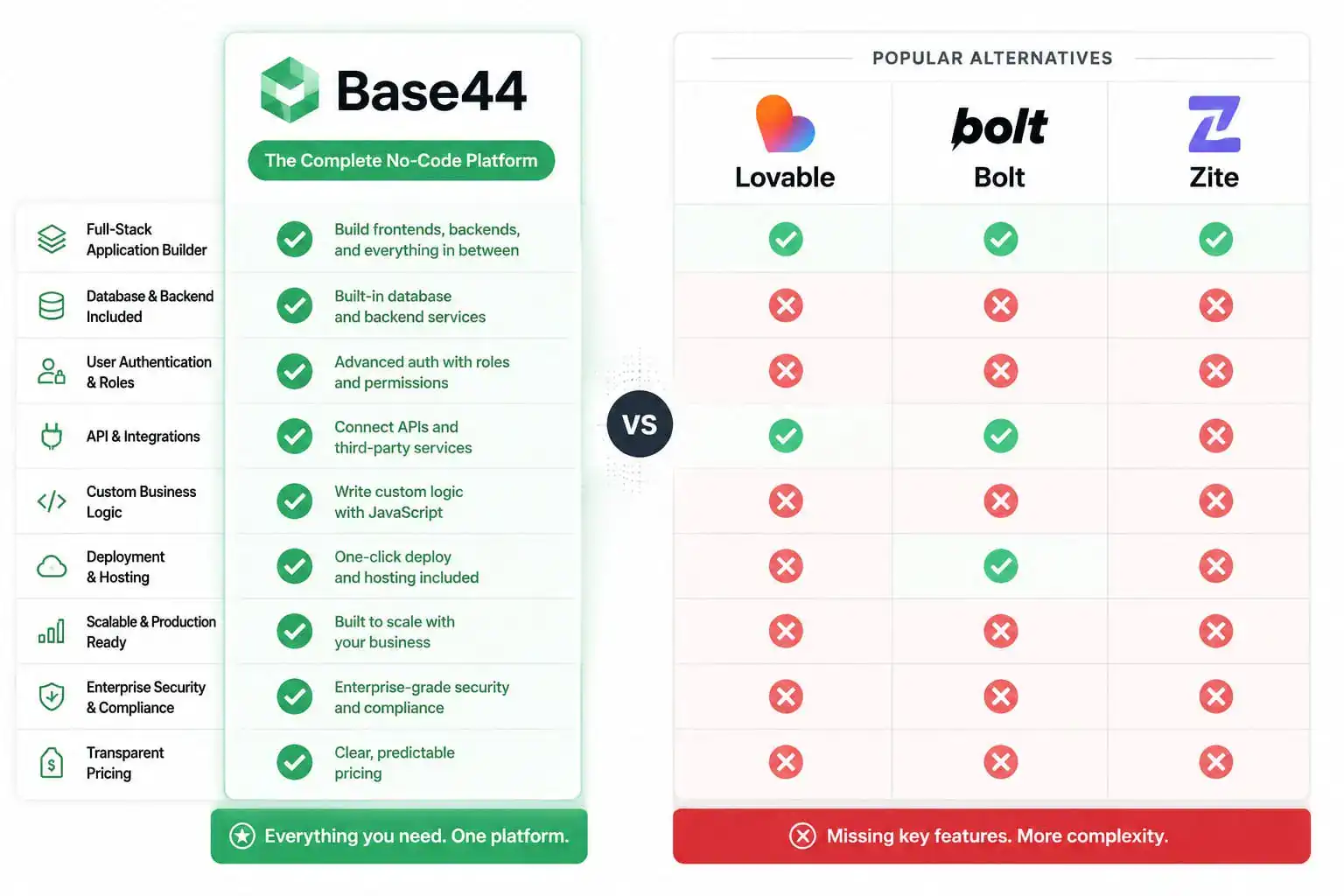
How Do Base44 Plans Compare to Competitors?
This is where the decision gets interesting. Base44 isn’t the only AI app builder in 2026, and your choice depends on what you prioritize.
| Platform | Starting Price | Code Export | Production-Ready | Credit System |
|---|---|---|---|---|
| Base44 | $16/mo | Elite only | Limited | Yes |
| Lovable | $21/mo | All plans (GitHub) | Moderate | No |
| Zite | $15/mo | Yes | High (SOC 2) | No |
| Bolt | $20/mo | Yes | Moderate | Token-based |
Base44 wins for rapid prototyping and non-technical users who want the fastest path from idea to working demo.
Lovable wins if you need full-stack apps with code ownership and Supabase integration from day one [10].
Zite wins for production apps requiring compliance, multi-source data, and no per-seat fees [6].
Edge case: If you’re building apps that need to eventually move to a custom codebase, Base44’s backend lock-in on lower plans is a real concern. Only Elite provides GitHub integration, and even then, the generated JavaScript may need refactoring for production use.
For teams focused on design-to-development workflows, our Figma to code plugins guide covers complementary tools that work alongside these platforms.
What Are the Hidden Costs and Limitations?
Analysts at Banani.co specifically warn about “hidden costs” from credit depletion in high-usage scenarios [5]. Here’s what to watch for:
- Credit overages – Buying additional credits mid-cycle is more expensive per-credit than upgrading your plan
- No custom domains below Pro – If you need a branded URL, you’re paying $80/month minimum [6]
- Connector access requires paid plans – The new Calendly, Contentful, Hugging Face, and Supabase integrations aren’t available on Free [9]
- JavaScript-only output – Base44 generates JS apps, which limits your technology choices compared to platforms offering Python, React Native, or Flutter output
- Backend lock-in – Without GitHub export (Elite only), your app lives on Base44’s infrastructure
Decision rule: Calculate your expected monthly AI generations before choosing a plan. If you’ll build more than 2-3 apps or iterate heavily on one app, skip Starter and go directly to Pro [5].
If you’re weighing whether to build with AI tools or traditional development, our AI website creator guide provides broader context on the no-code AI landscape.
How to Choose the Right Base44 Plan in 2026
Follow this decision framework:
Step 1: Define your use case
- Exploring/learning → Free
- Single personal project → Starter
- Client work or startup MVP → Pro
- Agency with multiple projects → Elite
Step 2: Estimate credit usage
- Build one simple app per month → Starter is sufficient
- Build 2-3 apps or iterate heavily → Pro minimum
- Build 5+ apps or need unlimited iterations → Elite
Step 3: Check integration needs
- Need Calendly, Contentful, Hugging Face, or Supabase? → Any paid plan [9]
- Need custom domain? → Pro or Elite [6]
- Need GitHub export? → Elite only [4]
Step 4: Consider your exit strategy
- If you might migrate away from Base44 later, the Elite plan’s GitHub integration matters more than the monthly cost suggests.
For teams also working with design tools, understanding Figma’s design system essentials can help streamline the design-to-app pipeline alongside Base44.
Is Base44 Worth the Investment?
For prototyping and MVPs, yes. For production applications, it depends on your tolerance for platform lock-in and credit constraints.
Best-case scenario: You’re a non-technical founder who needs a working prototype in days rather than weeks. Base44’s Pro plan at $80/month replaces thousands in developer costs for the validation phase.
Worst-case scenario: You build your entire business on Base44, hit credit limits during a growth spike, and discover you can’t easily export your code to independent hosting.
G2 reviews reflect this split—users praise the core AI building experience but express frustration with credit feedback and limitations [3]. The platform scores well for what it does (rapid app generation) but loses points for what it doesn’t do (production deployment, code portability).
If you’re optimizing your broader web presence alongside app building, our AI-powered content optimization guide covers complementary strategies.
Conclusion
Unlocking value from Base44’s subscription plans comes down to matching your plan choice to your actual usage patterns and goals. The Pro plan ($80/month) offers the strongest value for most serious users—startups, freelancers, and small teams building MVPs. The Elite plan ($160/month) makes sense only if you need GitHub integration or build at high volume [4][5].
Your next steps:
- Start with the Free plan to test Base44’s AI generation quality for your specific use case
- Track how many credits you consume during your trial builds
- If you exceed Free limits within a week, go directly to Pro (skipping Starter saves frustration) [5]
- Evaluate whether the April 2026 connectors (Calendly, Contentful, Hugging Face, Supabase) cover your integration needs [9]
- Before committing long-term, compare Base44’s output quality against Lovable and Zite for your specific app type [6][10]
The platform’s GPT-5.5 upgrade makes 2026 the strongest version of Base44 yet—but credit-based pricing means you should always plan your builds before you start generating.
FAQ
How much does Base44 cost per month? Base44 ranges from free to $160/month. Starter is $16/month (annual billing), Pro is $80/month, and Elite is $160/month [1].
Can I use Base44 for free? Yes. The Free plan includes limited credits and allows one published app, but it lacks custom domains and advanced connectors [1][2].
What happens when I run out of credits? You can purchase additional credits or wait until your next billing cycle resets them. Credits don’t roll over between months [2][5].
Does Base44 offer annual discounts? Yes. Annual billing reduces monthly costs by approximately 20% across all paid plans [1].
Can I export my Base44 app code? Only on the Elite plan ($160/month), which includes GitHub integration. Lower plans keep your code on Base44’s infrastructure [4].
Is Base44 good for production apps? Base44 excels at prototyping and MVPs but has limitations for production use, including backend lock-in and credit constraints. Competitors like Zite offer better production-readiness with SOC 2 compliance [6].
What AI model does Base44 use? As of April 2026, all plans use OpenAI’s GPT-5.5 model for AI generation [8].
What integrations does Base44 support? Paid plans include Calendly, Contentful, Hugging Face, and Supabase connectors added in April 2026, plus existing integrations [9].
How does Base44 compare to Lovable? Lovable ($21/month) offers GitHub code export on all plans and Supabase integration, making it better for full-stack development. Base44 is faster for non-technical users building simple apps [10].
Is there a money-back guarantee? Check Base44’s current terms of service. Billing policies are outlined in their documentation [2].
References
[1] Pricing – https://base44.com/pricing [2] Billing And Plans – https://docs.base44.com/Account-and-billing/Billing-and-plans [3] Is Base44 Worth It – https://www.reddit.com/r/Base44/comments/1r0pftl/is_base44_worth_it/ [4] Base44 Pricing – https://www.nocode.mba/articles/base44-pricing [5] Base44 Pricing And Credits – https://www.banani.co/blog/base44-pricing-and-credits [6] Base44 Pricing – https://www.zite.com/blog/base44-pricing [8] Announcements – https://base44.com/blog/explore/categories/announcements [9] Changelog – https://docs.base44.com/Getting-started/changelog [10] Base44 Pricing – https://allaboutcookies.org/base44-pricing
See also: Base44 vs Claude: A Comprehensive AI Model Showdown in 2026
See also: Unlock Massive Savings: The Ultimate Guide to Base44 Coupon Codes in 2026