Last updated: May 11, 2026
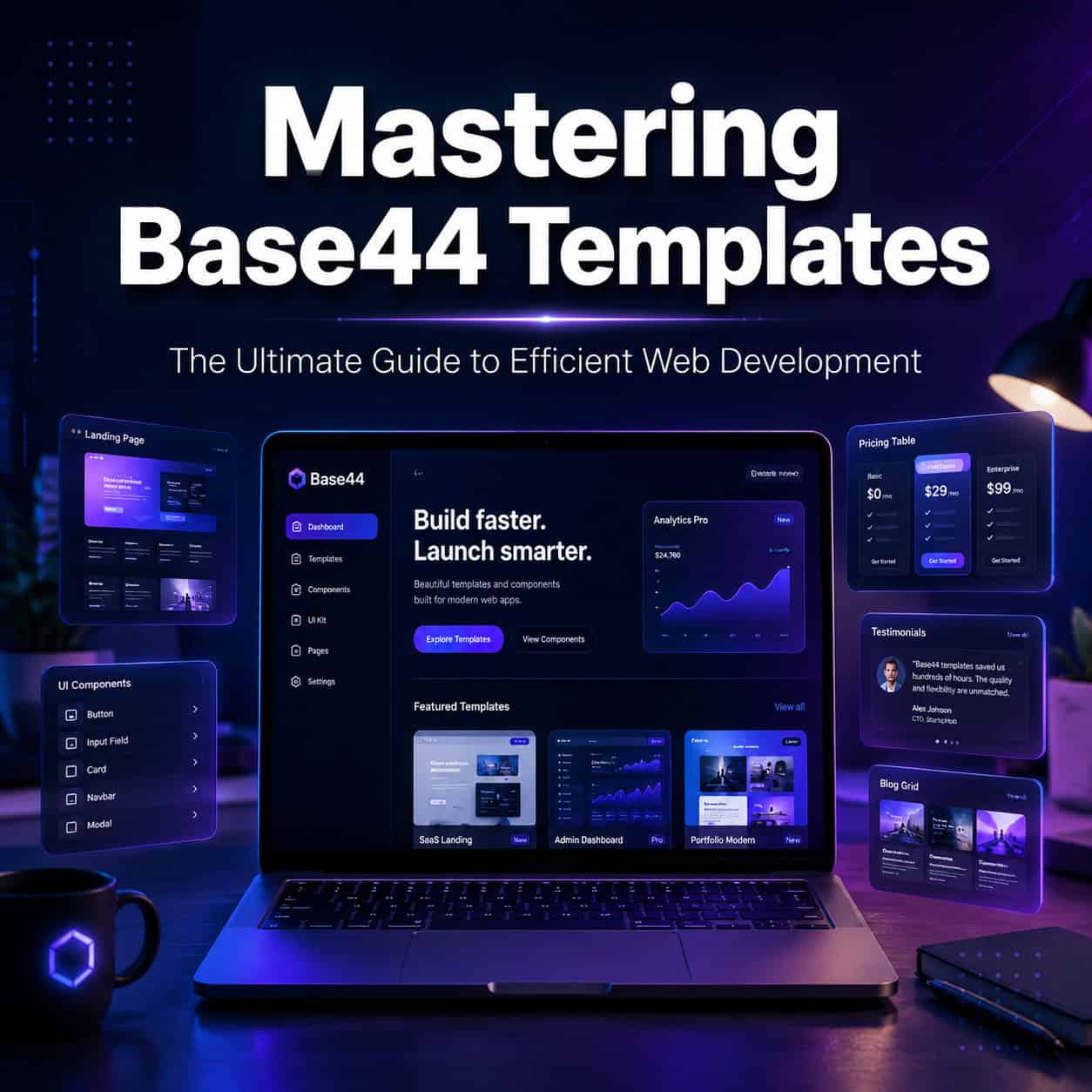
Quick Answer: Base44 templates let you build functional web apps and websites using plain English prompts instead of code. The platform’s marketplace offers over 100 community-built templates across 19 categories, and you can clone, customize, and deploy a working app in under 15 minutes [1]. This guide covers everything from choosing the right template to customizing it for production use.
Key Takeaways
- Base44 turns natural language prompts into full applications with databases, UI, and backend logic — no coding required [6].
- The template marketplace spans 19 categories, with Productivity (55 apps) and Educational (43 apps) as the most popular [1].
- Top templates like “Task management flow” have been cloned over 10,000 times, signaling strong community validation [1].
- Pricing starts at free (25 message credits) and scales to $50/month for the Builder plan with 200 messages and 5,000 integrations.
- Base44 is best for MVPs and rapid prototypes; production-scale apps may need more mature platforms.
- Alternatives like Bolt.new, Bubble, and Vercel v0 offer more code control but require more technical skill.
- A Super Bowl ad in February 2026 brought Base44 significant mainstream attention, with the spot garnering an estimated 350 million views.

What Is Base44 and Why Do Its Templates Matter?
Base44 is an AI-powered app builder that converts written descriptions into working applications. You type what you want — “build me a project tracker with team assignments and deadline alerts” — and Base44 generates the database schema, user interface, and backend logic automatically [6].
Templates are where most users start. Instead of building from scratch, you pick a pre-built app that’s close to what you need, then modify it with additional prompts. Think of templates as starting points that save you the first 70-80% of the work.
Here’s why this matters for web development in 2026:
- Speed: PCMag reported that Base44 can produce a professional website in roughly 15 minutes using templates and natural language [6].
- Accessibility: People without programming experience can build functional tools, dashboards, and client-facing apps [4].
- Cost: The free tier gives you 25 message credits to test the platform before committing any money.
If you’re exploring other no-code options, our roundup of the best no-coding website design platforms for 2026 provides broader context.
How Does the Base44 Template Marketplace Work?
The marketplace is a searchable library of community-built and official templates you can clone into your own account with one click [2]. Each template includes the full app structure: database tables, page layouts, workflows, and integrations.
Key details about the marketplace:
- 19 categories covering use cases from business tools to educational apps [1]
- Clone counts visible on each template, so you can gauge popularity (the top template has 10,611 clones) [1]
- Community contributions — developers can publish their own templates, and Base44 recently added the ability to monetize them [8]
| Category | Approximate App Count | Example Template |
|---|---|---|
| Productivity | 55 | Task management flow |
| Educational | 43 | Quiz builder |
| Business | 30+ | Invoice generator |
| Social | 20+ | Event planner |
| Creative | 15+ | Portfolio site |
Data based on marketplace listings as of May 2026 [1].
To use a template, you browse the marketplace, preview the app, click “Clone,” and then start customizing with prompts [10]. The entire process from selection to first customization takes about two minutes.
How to Choose the Right Base44 Template for Your Project
Start by matching your project type to the closest template category, then filter by clone count and recency.
Decision framework:
- Choose a high-clone template if you want something battle-tested with fewer bugs. Templates with thousands of clones have been stress-tested by the community.
- Choose a newer template if you need features that use Base44’s latest capabilities (the platform ships updates frequently) [9].
- Choose a blank project if your use case is highly specific and no template comes close. Base44’s prompt-based builder works well from scratch too [5].
Common mistake: Picking a template based on how it looks rather than its data structure. The UI is easy to change with prompts, but restructuring the underlying database takes more effort. Always check what data tables a template includes before cloning.
For design-first thinkers who prefer visual prototyping before building, consider starting with Figma for UI/UX design and then moving to Base44 for the functional build.

Step-by-Step: Customizing a Base44 Template
Once you’ve cloned a template, customization happens through natural language prompts. Here’s the process:
- Clone the template from the marketplace into your workspace [10].
- Review the existing structure. Open the database view to understand what tables and fields exist.
- Write your first modification prompt. Be specific: “Add a ‘priority’ dropdown field to the tasks table with options High, Medium, and Low” works better than “make it more organized.”
- Preview changes in real time. Base44 shows you the updated app immediately after each prompt [4].
- Iterate with follow-up prompts. Each prompt builds on the previous state. You can chain 5-10 prompts to reshape a template significantly.
- Test the app by clicking through all pages, submitting forms, and checking that data saves correctly.
- Deploy when satisfied. Base44 handles hosting automatically [6].
Pro tip: Save your message credits by batching related changes into a single prompt. Instead of five separate prompts for five new fields, describe all five in one message.
If you’re building something that also needs strong SEO, our guide on Webflow SEO optimization covers principles that apply across platforms.
What Are the Limitations of Base44 Templates?
Base44 excels at speed but has real constraints you should know before committing to it for a serious project.
Where Base44 falls short:
- Production reliability. Multiple analyses note that Base44 apps can behave unpredictably under heavy traffic or complex logic. It’s built for prototypes and internal tools more than customer-facing products at scale.
- Limited code access. Unlike Bolt.new or Replit, you can’t drop into the source code to fix edge cases manually. You’re dependent on the AI interpreting your prompts correctly.
- Integration depth. The Builder plan offers 5,000 integration calls per month, which sounds generous until you’re running a tool that syncs data every few minutes.
- Message credit limits. The free plan’s 25 credits disappear fast. Even the $50/month Builder plan caps you at 200 messages, which can feel tight during heavy customization phases.
Who should NOT use Base44 templates:
- Teams building apps that need to handle thousands of concurrent users
- Projects requiring strict data compliance (HIPAA, SOC 2)
- Developers who want full code ownership and version control
For enterprise-grade no-code needs, platforms like Bubble or UI Bakery offer more mature data handling and compliance features.
How Does Base44 Compare to Alternatives?
Base44’s main competitors serve different niches. Here’s how they stack up:

| Feature | Base44 | Bolt.new | Bubble | Vercel v0 |
|---|---|---|---|---|
| Primary approach | AI prompts | AI + browser IDE | Drag-and-drop | AI + Next.js |
| Starting price | Free (25 credits) | ~$25/month | Free (limited) | Free (limited) |
| Code access | No | Yes | Partial | Yes |
| Best for | Fast MVPs, prototypes | Full-stack apps | Complex workflows | React/Next.js apps |
| Template library | 100+ templates [1] | Growing | Large | Smaller |
| Production readiness | Low-Medium | Medium-High | High | High |
Choose Base44 if you want the fastest path from idea to working prototype and you don’t need production-grade reliability.
Choose Bolt.new if you want AI-assisted development but also need to edit code directly.
Choose Bubble if you’re building a complex app with multi-step workflows and need a mature ecosystem.
For those weighing AI-powered building tools more broadly, our guide to AI-powered content generation tools and our overview of AI website creators cover adjacent options worth considering.
Base44 Pricing: What Does Each Plan Include?
Base44 uses a credit-based pricing model. Every prompt you send to modify or build your app costs one message credit.
- Free plan: 25 message credits. Good for testing the platform with a single small project.
- Starter plan: Lower-tier paid option for light users who need more credits than the free tier.
- Builder plan ($50/month): 200 message credits, 5,000 integration calls, and priority support. This is the plan most serious builders use.
Compared to Bubble’s per-app pricing or Retool’s $10/user/month model, Base44’s flat-rate approach is simpler but can feel restrictive if you’re iterating heavily on multiple projects.
Tips for Getting the Most Out of Base44 Templates in 2026
Based on community patterns and published tutorials, here are practical strategies that work:
- Start with the most-cloned template in your category. High clone counts correlate with fewer structural issues [1].
- Write detailed prompts. “Add a dashboard page showing total tasks completed this week as a bar chart, grouped by team member” gets better results than “add analytics.”
- Use the preview before each new prompt. Catching issues early saves credits.
- Check the changelog regularly. Base44 ships updates frequently — the February 2026 update added mobile app publishing [2], and weekly feature drops continue [9].
- Join the Reddit community. The r/Base44 subreddit has active discussions about template strategies and workarounds [3].
If you’re also working with design tools alongside Base44, our Figma to code plugin guide explains how to bridge design and development workflows.
Conclusion
Mastering Base44 templates comes down to three things: picking the right starting template, writing precise prompts, and knowing when the platform fits your project — and when it doesn’t.
Your next steps:
- Create a free Base44 account and browse the template marketplace [1]. Clone one template in a category that matches a real project you have in mind.
- Spend your first 10 credits on specific modifications. Focus on data structure changes first, then UI tweaks.
- Evaluate honestly whether the result meets your quality bar. If you’re building an MVP or internal tool, Base44 will likely save you days of work. If you need production reliability, plan to migrate to a more mature platform after validating your concept.
Base44 templates won’t replace custom development for complex applications. But for turning an idea into a working prototype in an afternoon, few tools in 2026 match its speed.
FAQ
How long does it take to build an app with a Base44 template? Most users can go from template selection to a working customized app in 15-30 minutes, depending on how many modifications they make [6].
Is Base44 truly no-code? Yes. You interact entirely through natural language prompts. There’s no code editor or visual programming interface — the AI handles all technical implementation [4].
Can I monetize templates I create on Base44? Yes. Base44 introduced the ability for creators to sell templates through the marketplace [8].
How many templates are available? The marketplace has over 100 templates across 19 categories as of May 2026 [1].
Is Base44 free to use? There’s a free tier with 25 message credits. After that, paid plans start at a lower tier and go up to $50/month for the Builder plan.
Can I export my Base44 app’s code? No. Base44 doesn’t provide source code access, which is a key difference from competitors like Bolt.new and Vercel v0.
Is Base44 good for production apps? It’s best for prototypes, MVPs, and internal tools. Multiple reviews note reliability limitations for high-traffic, customer-facing applications.
What’s the most popular Base44 template? “Task management flow” in the Productivity category, with over 10,611 clones [1].
Does Base44 support mobile apps? Yes. Mobile app publishing was added in a February 2026 update [2].
How does Base44 compare to WordPress for websites? Base44 is faster for simple apps and tools but lacks WordPress’s ecosystem of plugins, themes, and SEO capabilities. For content-heavy sites, WordPress remains stronger. See our guide to custom WordPress theme development for that path.
References
[1] Templates – https://base44.com/templates [2] The App Template Marketplace – https://base44.com/changelog/feature/the-app-template-marketplace [3] New Base44 Template Full Instagram Graphics Saas – https://www.reddit.com/r/Base44/comments/1p4zvdg/new_base44_template_full_instagram_graphics_saas/ [4] Watch – https://www.youtube.com/watch?v=ahupFSj7gsw [5] Watch – https://www.youtube.com/watch?v=4Gb1WXixXkg [6] How Base44 Makes Building A Website As Easy As Writing An Email – https://www.pcmag.com/articles/how-base44-makes-building-a-website-as-easy-as-writing-an-email [8] Base44 Just Dropped Its Biggest Update Yet And You Can Finally Make Money From Your Templates – https://www.wearefounders.uk/base44-just-dropped-its-biggest-update-yet-and-you-can-finally-make-money-from-your-templates/ [9] Maor Shlomo 1088b4144 Heres What We Shipped This Week With A Team Activity 7398386739507171328 Sxhp – https://www.linkedin.com/posts/maor-shlomo-1088b4144_heres-what-we-shipped-this-week-with-a-team-activity-7398386739507171328-SxHp [10] How To Use An App Template – https://base44.com/blog/how-to-use-an-app-template