Last updated: May 7, 2026
Quick Answer: n8n is an open-source, node-based workflow automation platform that connects apps, APIs, and AI agents through a visual canvas. It supports self-hosting, custom code, and native AI integrations, making it one of the most flexible automation tools available in 2026. Automation projects that once took weeks of engineering work can now be built in hours using n8n’s no-code and hybrid development approach. [4]
Key Takeaways
- n8n is free and self-hostable, giving teams full data control without vendor lock-in.
- Workflows are built by connecting trigger nodes and action nodes on a visual canvas.
- n8n supports JavaScript and Python inside nodes, so developers can write custom logic when drag-and-drop isn’t enough.
- The platform now includes native AI nodes for OpenAI, LangChain, and multi-agent orchestration. [1]
- Real-time triggers via WebSockets and Server-Sent Events (SSE) enable sub-millisecond reactivity. [1]
- n8n offers enterprise-grade security including SSO, SAML, LDAP, and role-based access control. [3]
- Multi-agent systems in n8n can decompose complex tasks into specialized sub-agents that work in parallel. [1]
- Common mistakes include skipping error handling, ignoring credential security, and building monolithic workflows instead of modular ones.
- n8n competes directly with Zapier and Make (Integromat), but stands out on self-hosting, AI depth, and code flexibility.
- The best starting point is the n8n official documentation and the built-in template library.

What Is n8n and Who Should Use It?
n8n is an open-source workflow automation platform that lets you connect apps, APIs, databases, and AI models through a visual, node-based interface. It runs on your own server or in the cloud, and it gives you full access to the underlying logic through JavaScript or Python when you need it. [3]
n8n is a strong fit for:
- Developers and technical teams who want automation speed without sacrificing flexibility.
- Small to mid-size businesses that need to connect SaaS tools without paying per-task fees.
- Enterprises that require on-premises deployment for compliance or data sovereignty.
- AI builders who want to create multi-agent systems with LangChain or OpenAI integrations. [1]
n8n is probably not the right choice if:
- You need a fully managed, zero-maintenance solution with no technical setup (Zapier is simpler for that).
- Your team has no one comfortable with JSON, APIs, or basic scripting.
- You only need to connect two or three apps with simple linear logic.
💡 Choose n8n if you want self-hosting, AI agent capabilities, or custom code inside your automations. Choose Zapier if you want the fastest possible setup with no technical overhead.
How Do n8n Workflows Actually Work?
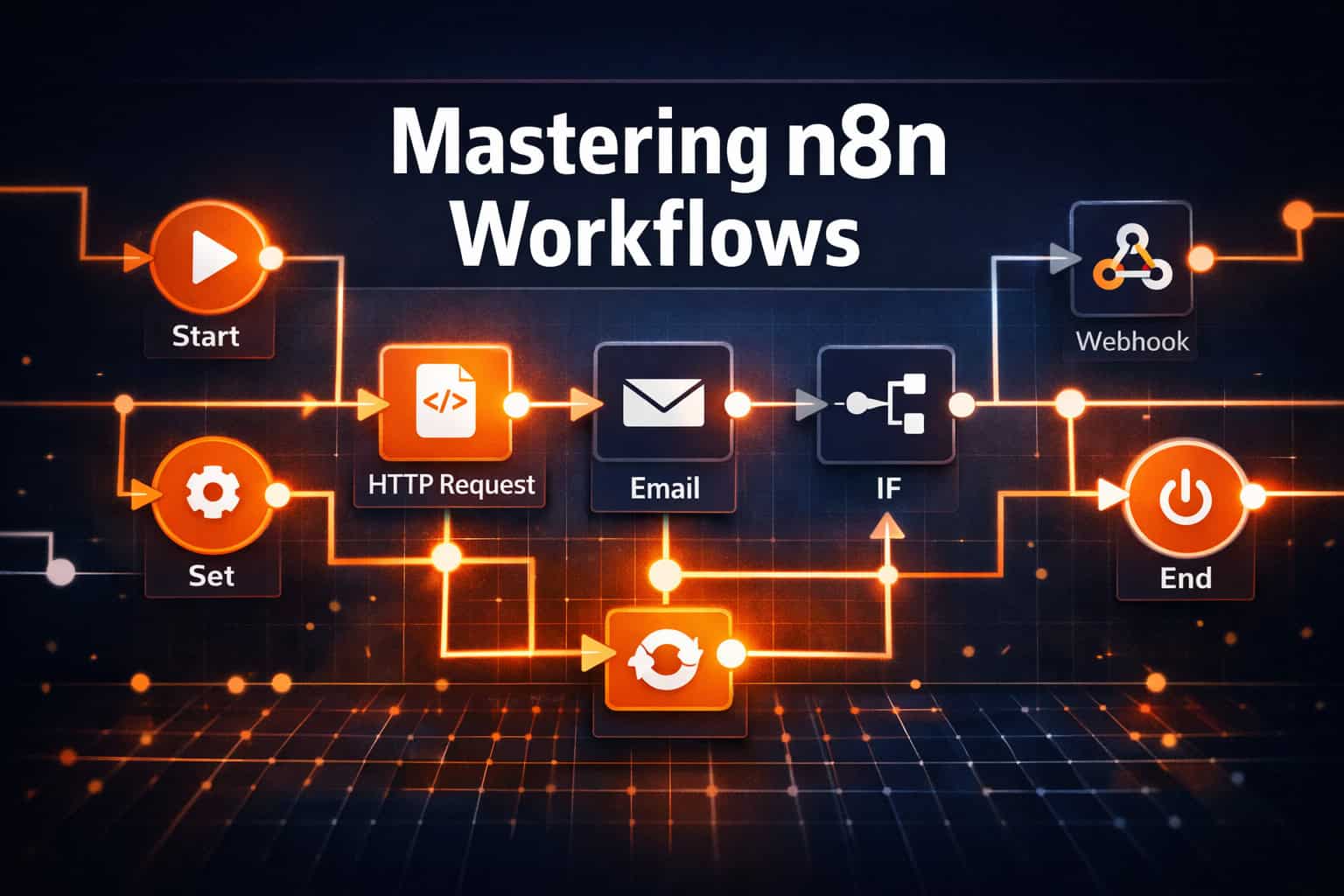
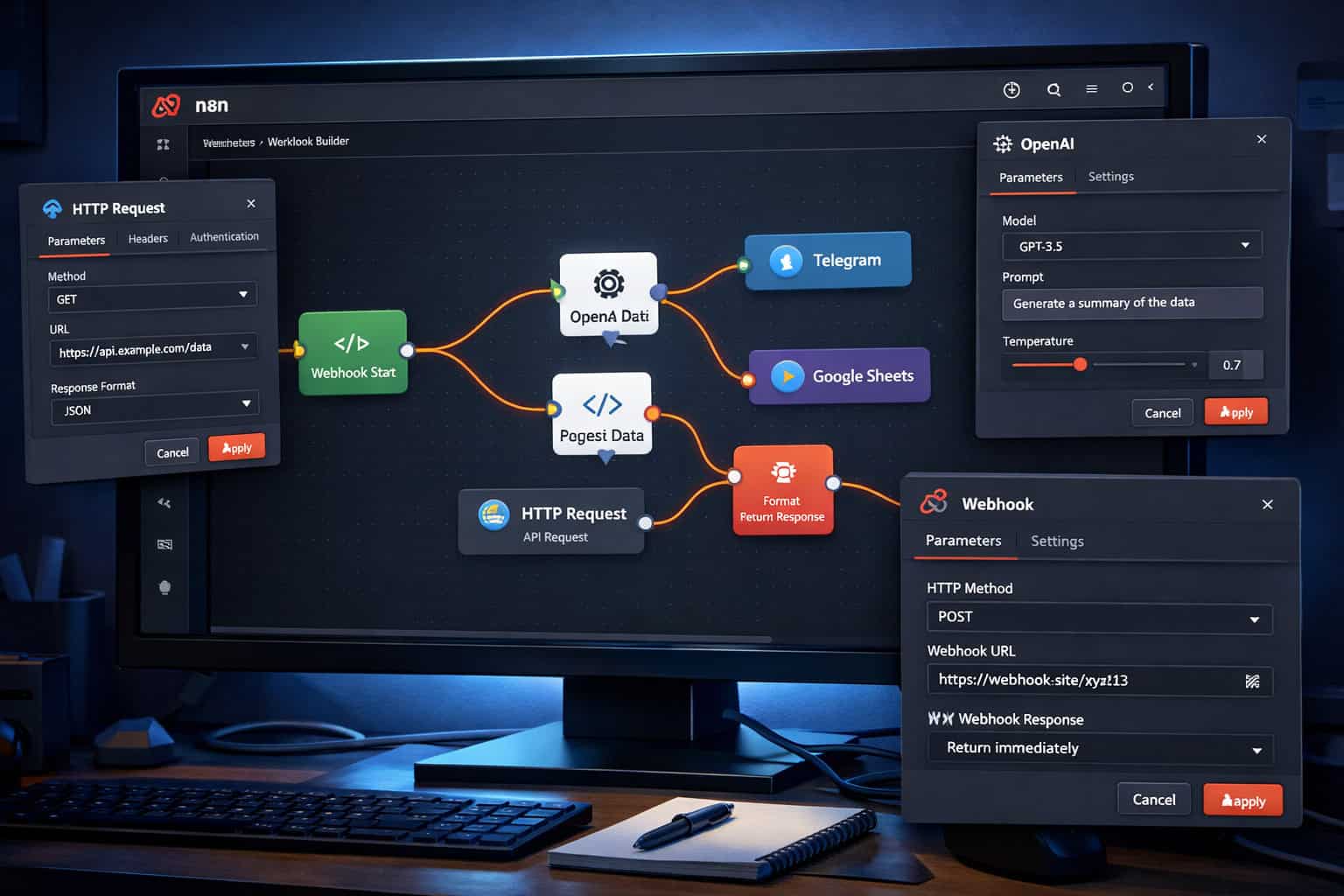
Every n8n workflow follows the same core structure: a trigger node starts the workflow, and a series of action nodes process and route data from there. [5]
Here’s the basic anatomy:
| Component | Role | Example |
|---|---|---|
| Trigger Node | Starts the workflow | Webhook, Schedule, Gmail |
| Action Node | Performs an operation | HTTP Request, Slack, OpenAI |
| Logic Node | Routes or filters data | IF, Switch, Merge |
| Code Node | Runs custom JavaScript or Python | Data transformation |
| Output Node | Sends the final result | Google Sheets, Database, Email |
Data flows between nodes as JSON objects. Each node receives items from the previous node, processes them, and passes new items forward. This structure makes it easy to inspect data at every step using the built-in execution viewer.
A simple example: A webhook receives a form submission → an IF node checks if the email domain is valid → a valid submission gets added to a Google Sheet and triggers a Slack notification → an invalid one sends an automated rejection email.
For teams already managing content pipelines, this kind of logic pairs well with tools like AI-powered content generation workflows that feed into n8n for distribution and tracking.
n8n vs. Zapier vs. Make: Which Platform Wins?
n8n, Zapier, and Make (formerly Integromat) are the three dominant workflow automation platforms in 2026. Each has a different philosophy.
| Feature | n8n | Zapier | Make |
|---|---|---|---|
| Self-hosting | ✅ Yes | ❌ No | ❌ No |
| Free tier | ✅ Community edition | ⚠️ Limited | ⚠️ Limited |
| Custom code | ✅ JS + Python | ❌ No | ⚠️ Limited |
| AI agent nodes | ✅ Native | ⚠️ Basic | ⚠️ Basic |
| Pricing model | Per workflow run (cloud) or free (self-hosted) | Per task | Per operation |
| Learning curve | Medium-High | Low | Medium |
| Enterprise security | ✅ SSO, SAML, RBAC | ✅ Yes | ✅ Yes |
| Node/app count | 400+ | 6,000+ | 1,000+ |
The honest trade-off: Zapier wins on app count and ease of use. Make wins on visual scenario complexity. n8n wins on cost at scale, self-hosting, and AI depth. [3][4]
Common mistake: Teams choose Zapier for simplicity, hit the per-task pricing wall at scale, then migrate to n8n. Starting with n8n if you anticipate high volume saves significant cost over time.
For teams building on WordPress, n8n pairs naturally with advanced WordPress automation strategies to handle post publishing, user management, and plugin triggers automatically.
A Step-by-Step Guide to Building Your First n8n Workflow
Building your first workflow in n8n takes about 20-30 minutes if you follow a clear sequence. Here’s a practical walkthrough for a real use case: automatically sharing new blog posts to social media. (This also complements the manual approach covered in our guide on how to auto-share WordPress blog posts to social media.)
Step 1: Install or Access n8n
- Cloud: Sign up at n8n.cloud for a managed instance.
- Self-hosted: Run
docker run -it --rm --name n8n -p 5678:5678 n8nio/n8nusing Docker. - Local (testing): Install via
npm install n8n -gthen runn8n start.
Step 2: Create a New Workflow
- Open n8n in your browser (default:
localhost:5678). - Click “New Workflow” in the top navigation.
- Give it a clear name (e.g., “WordPress → Twitter Auto-Post”).
Step 3: Add a Trigger Node
- Click the “+” button on the canvas.
- Search for “Schedule” (for time-based polling) or “Webhook” (for real-time triggers).
- Configure the trigger interval or webhook URL.
Step 4: Add Action Nodes
- Click the “+” after your trigger node.
- Search for the app you want to connect (e.g., WordPress, Twitter/X, Slack).
- Authenticate using OAuth or API keys in the Credentials panel.
Step 5: Map Your Data
- Click a node to open its configuration panel.
- Use the expression editor (the
{{ }}icon) to map fields from previous nodes. - Example: Map
{{ $json.post_title }}to the tweet text field.
Step 6: Test and Activate
- Click “Execute Workflow” to run a test with real data.
- Check each node’s output in the execution log.
- Fix any errors, then toggle “Active” to enable the workflow.
Mastering n8n Workflows: AI Agents and Multi-Agent Systems
This is where n8n in 2026 separates itself from most automation tools. n8n now functions as a platform for building collaborative multi-agent systems, not just linear automations. [1]

What Is Agentic Orchestration in n8n?
Agentic Orchestration means n8n workflows can make autonomous decisions mid-execution rather than following a fixed, predetermined path. An orchestrator agent receives a goal, breaks it into subtasks, delegates those subtasks to specialized sub-agents, and assembles the results. [1]
A real example: A market research workflow where:
- A Research Agent searches the web and pulls relevant articles.
- An Analysis Agent summarizes findings using an LLM.
- An Execution Agent formats the report and sends it to Notion and Slack.
All three agents run with minimal human input, and the orchestrator handles task sequencing automatically.
Native AI Integrations n8n Supports
n8n provides built-in nodes for: [1]
- OpenAI (GPT-4o, embeddings, DALL-E)
- LangChain (chains, memory, tools)
- Anthropic Claude
- Google Gemini
- Vector store connections (Pinecone, Weaviate, Milvus) for RAG workflows [8]
Self-Healing Workflows
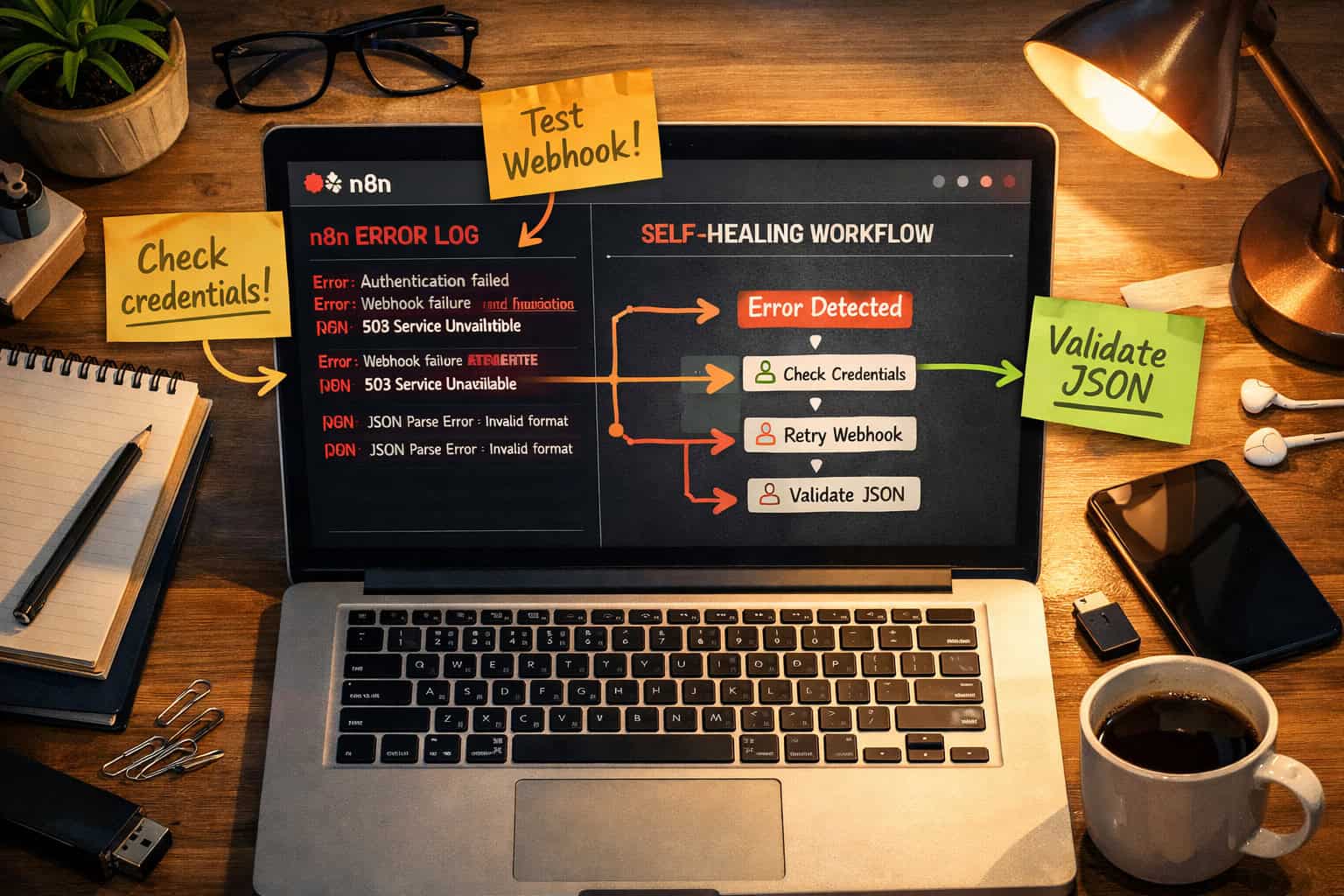
Modern n8n AI agents can analyze their own error codes and attempt recovery routines automatically, such as retrying with a different API endpoint or fetching data from a backup source. Human escalation only happens as a last resort. [1] This makes production workflows significantly more resilient against external service failures.
For teams exploring AI-driven content pipelines, this connects well with AI-powered content optimization strategies that can be triggered and managed entirely within n8n.
Real-Time Triggers and High-Stakes Use Cases
n8n workflows have moved well beyond scheduled polling. The platform now supports persistent real-time connections via WebSockets and Server-Sent Events (SSE), enabling reactions in milliseconds rather than minutes. [1]
Use cases that benefit from real-time triggers:
- Financial trading alerts: React to market price changes before a window closes.
- IoT sensor monitoring: Trigger actions the moment a sensor threshold is breached.
- Cybersecurity triage: Flag and isolate anomalous activity in near real-time.
- E-commerce inventory: Update stock levels and notify buyers instantly when items sell out.
- Live customer support routing: Assign tickets based on real-time agent availability.
Edge case to watch: WebSocket connections can drop silently if a server restarts or a network interruption occurs. Always add a reconnection handler or a fallback polling trigger for critical workflows where missed events are unacceptable.
Mastering n8n Workflows: Deployment, Security, and Compliance
Getting n8n into production requires more than just building workflows. Deployment model and security configuration matter significantly, especially for regulated industries. [3]
Deployment Options
| Model | Best For | Trade-offs |
|---|---|---|
| n8n Cloud | Teams wanting zero infrastructure management | Monthly cost, data leaves your servers |
| Self-hosted (Docker) | Teams needing data sovereignty | Requires DevOps maintenance |
| On-premises | Enterprises with strict compliance requirements | Highest control, highest setup effort |
| Kubernetes | Large-scale, high-availability deployments | Complex but scalable |
Enterprise Security Features
n8n includes: [3]
- SSO and SAML for centralized identity management.
- LDAP integration for directory-based access control.
- Encrypted secrets management so credentials are never stored in plain text.
- Granular RBAC allowing admins to control who can view, edit, or execute specific workflows.
- Audit logs for tracking workflow changes and execution history.
Common compliance mistake: Teams often store API keys directly in node configuration fields rather than using n8n’s Credentials vault. This exposes secrets in execution logs and workflow exports. Always use the Credentials panel.
Common n8n Mistakes and How to Avoid Them
Even experienced builders run into the same set of problems. Here are the most frequent mistakes and their fixes.
1. No Error Handling
Problem: A workflow fails silently when an API returns a 429 or 500 error. Fix: Add an Error Trigger node as a separate workflow that catches failures and sends a Slack alert or logs to a spreadsheet.
2. Monolithic Workflows
Problem: One massive workflow with 40+ nodes becomes impossible to debug and maintain. Fix: Break workflows into smaller, focused units. Use the Execute Workflow node to call sub-workflows, similar to calling functions in code.
3. Hardcoded Values
Problem: API URLs, email addresses, or thresholds are typed directly into node fields. Fix: Use n8n environment variables or a configuration node at the start of the workflow that feeds values downstream.
4. Ignoring Rate Limits
Problem: A workflow processes 1,000 records and hits an API rate limit halfway through. Fix: Add a Wait node between batches, or use the Split In Batches node to process items in controlled chunks.
5. Not Testing with Real Data
Problem: A workflow passes tests with sample data but breaks in production because real data has unexpected fields or null values. Fix: Always run at least one test execution with actual production data before activating a workflow.
For teams automating WordPress-based content operations, these same principles apply when using WordPress AI integration plugins alongside n8n for end-to-end publishing automation.
FAQ: Mastering n8n Workflows
Q: Is n8n really free? Yes. The self-hosted community edition is free with no usage limits. The cloud version charges based on workflow executions and active workflows. [3]
Q: Can non-developers use n8n? Yes, but there’s a learning curve. The drag-and-drop canvas is accessible, but understanding JSON data structures and API concepts helps significantly. Complete beginners may find Zapier easier to start with.
Q: How many apps does n8n support? n8n has over 400 built-in integrations as of 2026, plus an HTTP Request node that can connect to any REST API, and a community node library with hundreds of additional connectors. [5]
Q: Can I run n8n on a Raspberry Pi or low-spec server? Yes, for light workloads. n8n’s base installation is relatively lightweight. For high-volume or AI-heavy workflows, a server with at least 2 CPU cores and 4GB RAM is recommended.
Q: What’s the difference between a workflow and a sub-workflow? A workflow is any standalone automation. A sub-workflow is a workflow called by another workflow using the Execute Workflow node. Sub-workflows help keep complex automations modular and reusable.
Q: How does n8n handle sensitive data like passwords and API keys? n8n stores credentials in an encrypted vault separate from workflow definitions. Credentials are referenced by name in nodes but never exposed in plain text in the workflow JSON. [3]
Q: Can n8n replace a full backend for a SaaS product? For simple use cases, yes. n8n can handle webhooks, data processing, notifications, and database writes. For complex transactional logic or high-concurrency scenarios, it works better as a complement to a dedicated backend.
Q: What’s the best way to learn n8n quickly? Start with the official n8n documentation and the intro AI tutorial. [5][6] Then clone a template from the n8n template library that matches your use case and modify it. Building something real is faster than following tutorials alone.
Q: Does n8n support version control for workflows? Workflows can be exported as JSON and committed to Git manually. n8n also has a native Git integration in the enterprise tier for version-controlled workflow management.
Q: How does n8n compare to building custom scripts? n8n is faster to build and easier to maintain for most integration tasks. Custom scripts give you more control but require more engineering time and ongoing maintenance. n8n’s Code node lets you write custom logic inside a workflow when you need it. [4]
Conclusion: Your Next Steps for Seamless Automation
Mastering n8n Workflows: A Comprehensive Guide to Seamless Automation comes down to one core principle: start small, build modularly, and add complexity only when the simpler version is working reliably.
Here’s a practical action plan:
- Install n8n today using Docker or sign up for a free cloud trial.
- Build one real workflow that solves an actual problem in your work, even if it’s simple.
- Add error handling to every workflow before you consider it production-ready.
- Explore AI nodes once you’re comfortable with basic data flow and node configuration. [6]
- Join the n8n community forum to find templates, ask questions, and follow platform updates.
- Review your automation library regularly. Workflows that made sense six months ago may need restructuring as your tools and processes evolve.
The teams getting the most value from n8n in 2026 aren’t the ones with the most complex workflows. They’re the ones with the most reliable ones. Build for resilience first, sophistication second.
For more automation resources, browse the Automation Archives at WebAiStack for guides on connecting n8n with design tools, content systems, and AI platforms.
References
[1] Build N8n Workflow Automation – https://www.zignuts.com/blog/build-n8n-workflow-automation [3] Mastering N8n A Comprehensive Guide To Workflow Automation – https://futuremartech.ai/blog/mastering-n8n-a-comprehensive-guide-to-workflow-automation [4] N8n Workflow Automation – https://www.helloroketto.com/articles/n8n-workflow-automation [5] Workflows – https://docs.n8n.io/workflows/ [6] Intro Tutorial – https://docs.n8n.io/advanced-ai/intro-tutorial/ [8] I Discovered This N8n Repo That Actually 10xd My Workflow Automation Efficiency – https://milvus.io/blog/i-discovered-this-n8n-repo-that-actually-10xd-my-workflow-automation-efficiency.md