Last updated: May 10, 2026
Quick Answer
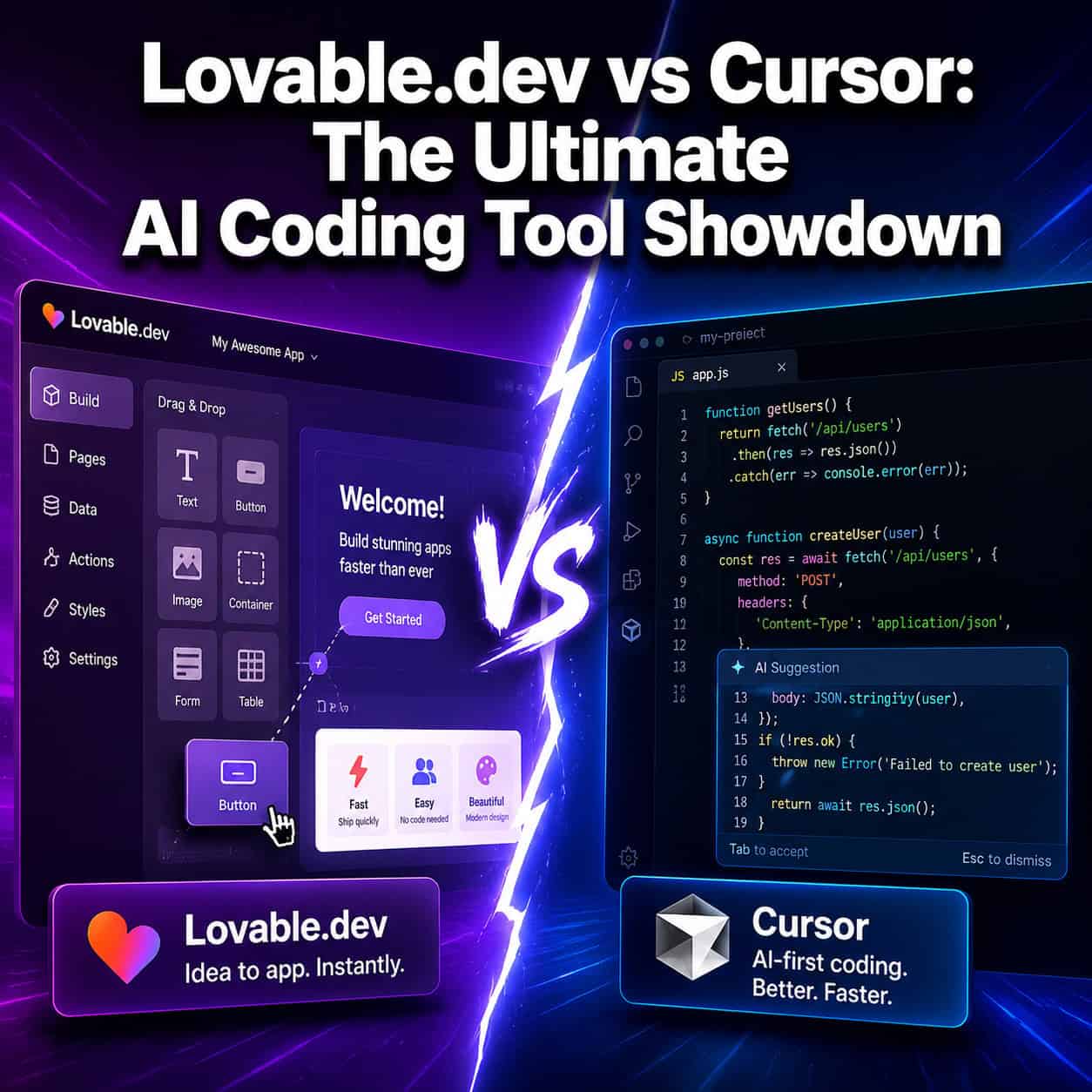
Lovable.dev and Cursor solve different problems. Lovable turns plain-language prompts into full web applications for non-technical builders. Cursor is an AI-powered code editor that helps professional developers write and edit code faster within existing projects. Most teams benefit from using both rather than choosing one [7][10].
Key Takeaways
- Lovable.dev is best for non-technical users who want to go from idea to working web app without writing code ($25/mo Pro plan) [10]
- Cursor is best for software engineers who want AI assistance inside a full IDE ($20/mo Pro plan) [10]
- Cursor’s AI is codebase-aware, meaning it understands your entire project context when suggesting edits [6]
- Lovable generates complete applications from prompts; Cursor edits and extends code you already have
- Both tools had security incidents in early 2026 that were quickly patched [1][9]
- Lovable added Claude Opus 4.7 support, payments integration, and a macOS desktop app in April 2026 [2]
- Cursor 3 introduced parallel cloud agents and multi-workspace support in April 2026 [6]
- Analysts recommend using Lovable for prototyping and Cursor for production development [7]
What Is Lovable.dev and Who Is It For?
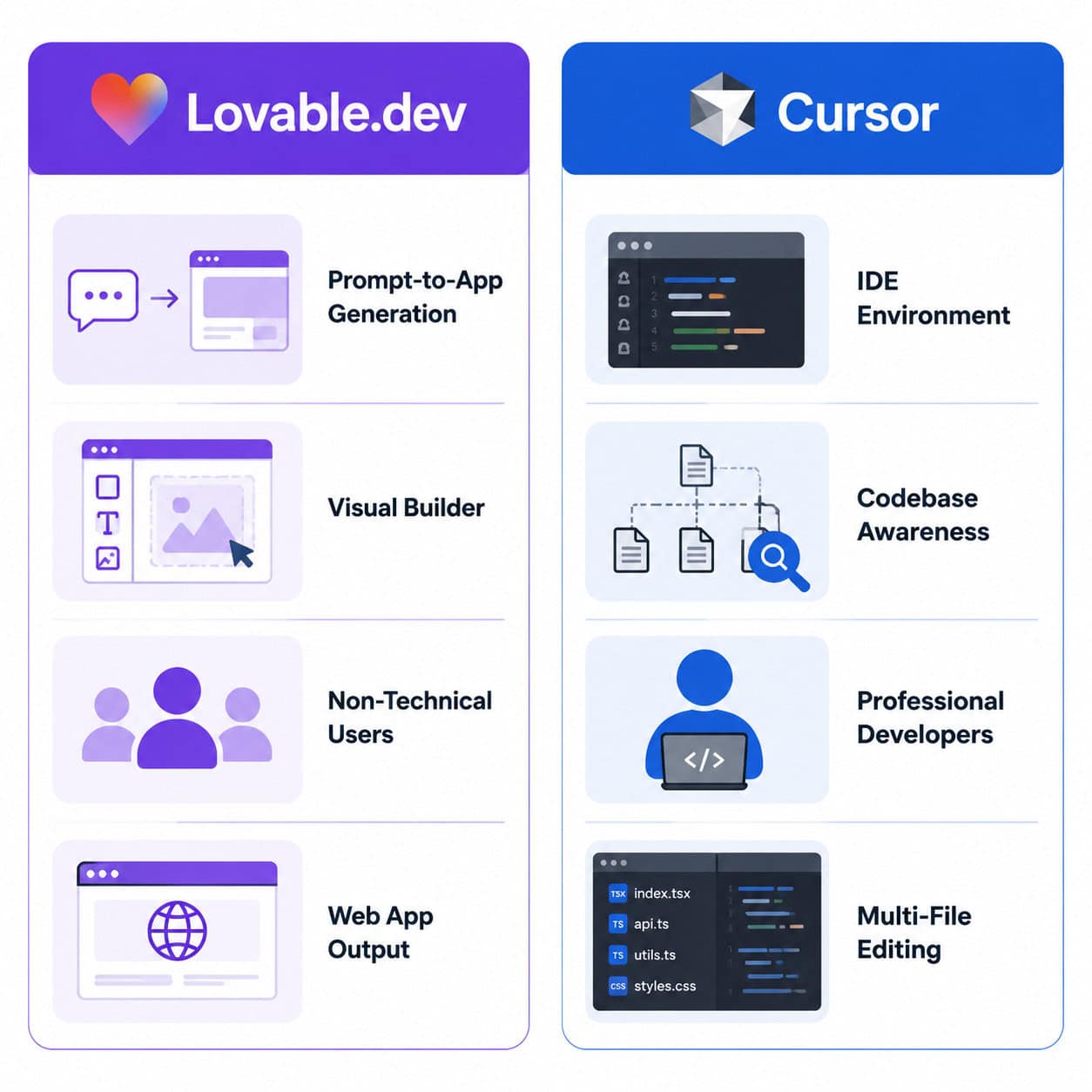
Lovable.dev is a prompt-to-app platform that generates full-stack web applications from natural language descriptions. It’s designed for founders, designers, and product managers who want working software without hiring a developer.
You describe what you want—”build me a SaaS dashboard with user authentication and Stripe billing”—and Lovable produces a deployable application. The platform handles frontend, backend logic, database setup, and deployment in one flow.
Choose Lovable if you:
- Have no coding experience but need a working MVP
- Want to validate a business idea in hours, not weeks
- Need quick prototypes for investor demos or user testing
- Prefer visual iteration over writing code
Lovable scored 7.5/10 for MVP prototyping in independent reviews, though reviewers noted limitations when scaling to production-grade applications. Recent updates in April 2026 added Stripe/Paddle payments integration, Google Workspace connectors, and BigQuery support [2].
Common mistake: Treating Lovable as a production platform for complex apps. It excels at getting you from zero to working prototype, but teams building enterprise software will likely outgrow it. For those exploring similar approaches, our guide to no-coding website design software platforms covers the broader landscape.
What Is Cursor and Who Is It For?
Cursor is a VS Code-based AI code editor that integrates large language models directly into your development workflow. It’s built for professional developers who already know how to code but want to ship faster.
Unlike Lovable, Cursor doesn’t generate entire applications from scratch. Instead, it understands your existing codebase and helps you write, refactor, debug, and extend code with AI assistance. Think of it as a very smart pair programmer that’s read every file in your project.
Choose Cursor if you:
- Are a software engineer working on existing codebases
- Need AI that understands multi-file project context
- Want to stay in a familiar IDE environment (VS Code-based)
- Require fine-grained control over every line of code
Cursor 3, released April 2, 2026, introduced multi-workspace interfaces, parallel cloud agents that can run demos and take screenshots, and a /multitask command for running async subagents [6]. The May 2026 v3.3 update added Bugbot learned rules and improved the Agents Window [6].
Reports from developers suggest Cursor enables 30-40% faster coding through its deep project context awareness. On CursorBench, Composer 2 scored 61.3 (a 37% improvement), particularly excelling at locating functions across large repositories.
If you’re interested in how AI tools integrate with design-to-development workflows, see our piece on Figma to code plugins.
Lovable.dev vs Cursor: The Ultimate AI Coding Tool Showdown — Feature Comparison
The core difference comes down to output type: Lovable produces complete applications, while Cursor produces code edits within your existing project.
| Feature | Lovable.dev | Cursor |
|---|---|---|
| Primary output | Full web applications | Code edits and generation |
| Target user | Non-technical builders | Professional developers |
| Input method | Natural language prompts | Code + natural language |
| Codebase awareness | Limited (single project) | Deep (entire repo context) |
| Deployment | Built-in hosting | You handle deployment |
| IDE experience | Browser-based builder | VS Code fork (desktop) |
| Pro price | $25/month | $20/month |
| Latest AI model | Claude Opus 4.7 [2] | Multiple (GPT-4, Claude, etc.) |
| Desktop app | macOS (Windows coming) [2] | macOS, Windows, Linux |
| Version control | Basic | Full Git integration |
Edge case worth noting: If you’re a developer who wants to quickly scaffold a frontend and then refine it in Cursor, you can use both. Several practitioners recommend exactly this workflow—Lovable for the initial prompt-to-app MVP, then export the code and continue development in Cursor [7].
Lovable.dev vs Cursor: The Ultimate AI Coding Tool Showdown — Pricing Breakdown
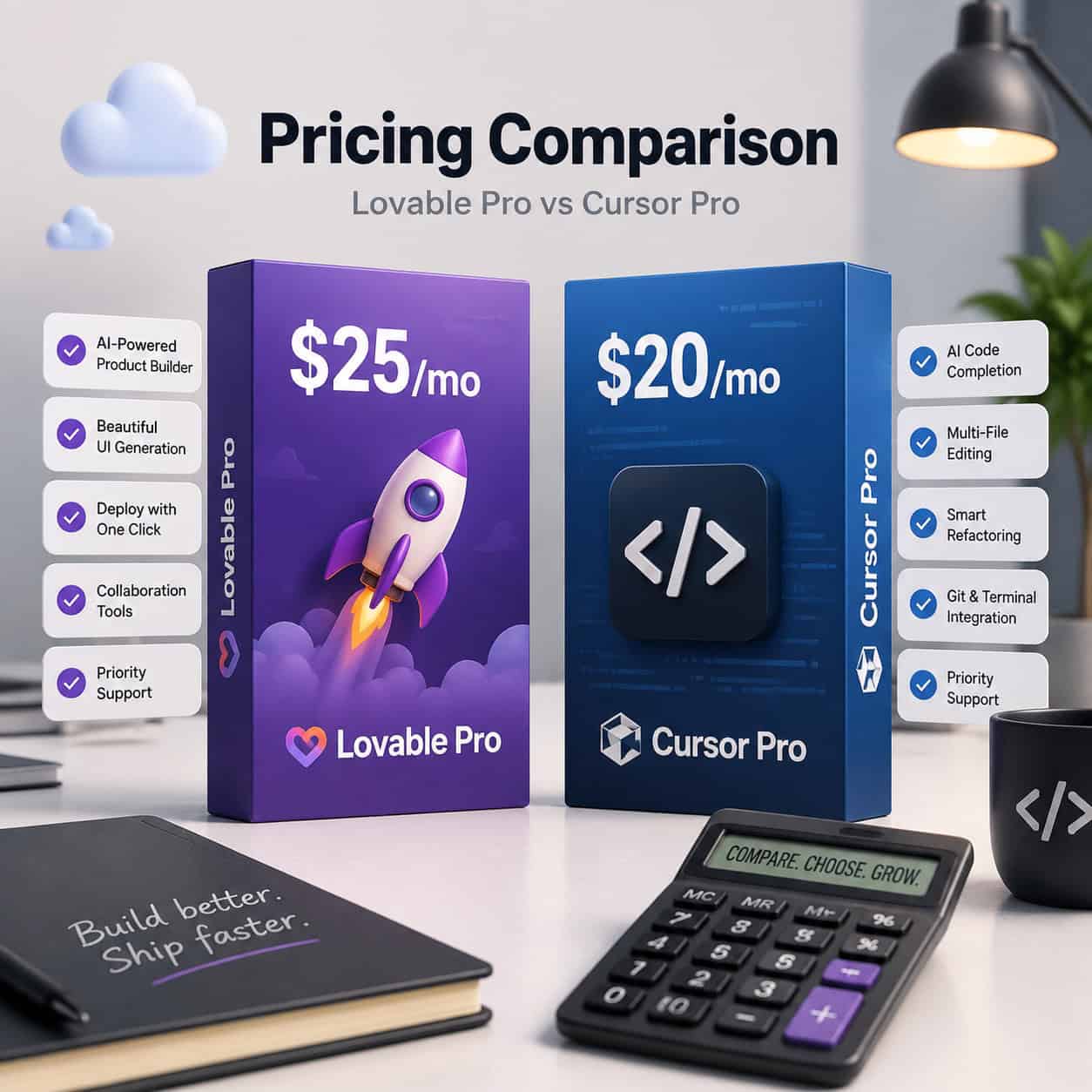
Lovable.dev Pro costs $25/month and includes generous generation credits, deployment hosting, and access to the latest AI models including Claude Opus 4.7 [2][10]. Cursor Pro costs $20/month and provides unlimited AI completions, premium model access, and cloud agent capabilities [10].
What you get for each dollar:
Lovable.dev ($25/mo Pro):
- Prompt-to-app generation
- Built-in deployment and hosting
- Payments integration (Stripe/Paddle)
- Database and authentication setup
- Connectors (Google Workspace, BigQuery, HubSpot) [2]
Cursor ($20/mo Pro):
- Unlimited AI code completions
- Multi-file context awareness
- Parallel cloud agents
- Background task execution
- Full Git integration [6]
The $5 price difference is negligible. The real cost consideration is whether you’ll need additional developer time. With Lovable, you might save thousands on initial development but face limitations later. With Cursor, you still need a developer—but that developer ships significantly faster.
For teams also exploring AI-powered content generation tools, both platforms can complement content workflows when building web applications that need dynamic content.
Security and Reliability: What Happened in 2026
Both tools faced security incidents in early 2026, and both responded quickly.
Lovable.dev (April 20, 2026): A backend regression from February 3, 2026 made public project chat history and source code accessible to any authenticated user. The issue was fixed within two hours. All public projects were made private (except templates), and affected users were notified [1].
Cursor (May 2026): A Git remote code execution vulnerability in v2.5+ could allow malicious Git repositories to execute code via AI agents. The patch was deployed with no known in-the-wild exploitation [9].
Lovable.dev (May 7, 2026): Degraded cloud performance was detected, monitored, and resolved [8].
What this means for you: Both teams demonstrated responsible disclosure and fast response times. Neither incident resulted in confirmed data theft. But if you’re building applications with sensitive user data, Cursor’s local-first approach (code lives on your machine) offers an inherent security advantage over cloud-based generation platforms.
When Should You Use Both Tools Together?
Using Lovable and Cursor together isn’t just possible—it’s the recommended approach for many teams [7].
A practical combined workflow:
- Ideation phase: Use Lovable to generate a working prototype from your product description
- Validation: Share the Lovable-generated app with stakeholders or early users
- Export: Pull the generated code into a local repository
- Production development: Open the codebase in Cursor for refinement, optimization, and feature additions
- Ongoing iteration: Use Cursor’s codebase-aware AI for all subsequent development
This workflow gives you the speed of prompt-to-app generation without sacrificing the control and depth needed for production software. Teams building AI-powered websites often follow a similar pattern—rapid generation followed by professional refinement.
What Are the Main Alternatives?
If neither Lovable nor Cursor fits your needs, consider these options:
- v0 (Vercel): Generates individual UI components rather than full apps. Good for developers who want AI-generated React components to drop into existing projects.
- Bolt: Instant preview-based app generation similar to Lovable, though users report credit-heavy iteration cycles that can get expensive.
- Windsurf: Another AI code editor competing with Cursor, with a focus on agentic coding workflows.
- GitHub Copilot: Inline code suggestions within VS Code or JetBrains IDEs. Less powerful than Cursor for multi-file operations but deeply integrated with GitHub.
For design-focused workflows, tools like Figma with AI workflow automation can complement either Lovable or Cursor by handling the design phase before development begins. And if you’re working with WordPress specifically, our guide on AI plugins for WordPress covers that ecosystem.
FAQ
Can Lovable.dev replace a developer entirely? For simple MVPs and prototypes, yes. For production applications with complex business logic, custom integrations, or high-traffic requirements, you’ll eventually need developer involvement [7].
Is Cursor just GitHub Copilot with extra features? Cursor goes well beyond inline suggestions. It understands your entire codebase, can edit multiple files simultaneously, run background agents, and execute multi-step development tasks autonomously [6].
Which tool is better for a solo founder with no coding skills? Lovable.dev. It’s specifically designed for non-technical builders who want working software from natural language descriptions [10].
Can I export code from Lovable and continue in Cursor? Yes. This is a common and recommended workflow. Lovable generates standard code that you can pull into any IDE, including Cursor [7].
Does Cursor work with languages other than JavaScript/TypeScript? Yes. Cursor supports Python, Go, Rust, Java, C++, and virtually any language you’d use in VS Code. It’s language-agnostic.
Is Lovable.dev safe to use after the April 2026 security incident? The vulnerability was patched within two hours, all public projects were made private, and affected users were notified. The team published a detailed post-mortem [1].
Which has better AI model support? Both support frontier models. Lovable added Claude Opus 4.7 in April 2026 [2]. Cursor supports multiple models including GPT-4 and Claude variants, with the ability to switch between them.
Can Cursor generate an entire app from a prompt like Lovable? Not in the same way. Cursor can scaffold projects and generate significant code from prompts, but it’s designed to work within existing codebases rather than create complete deployable applications from scratch.
Conclusion
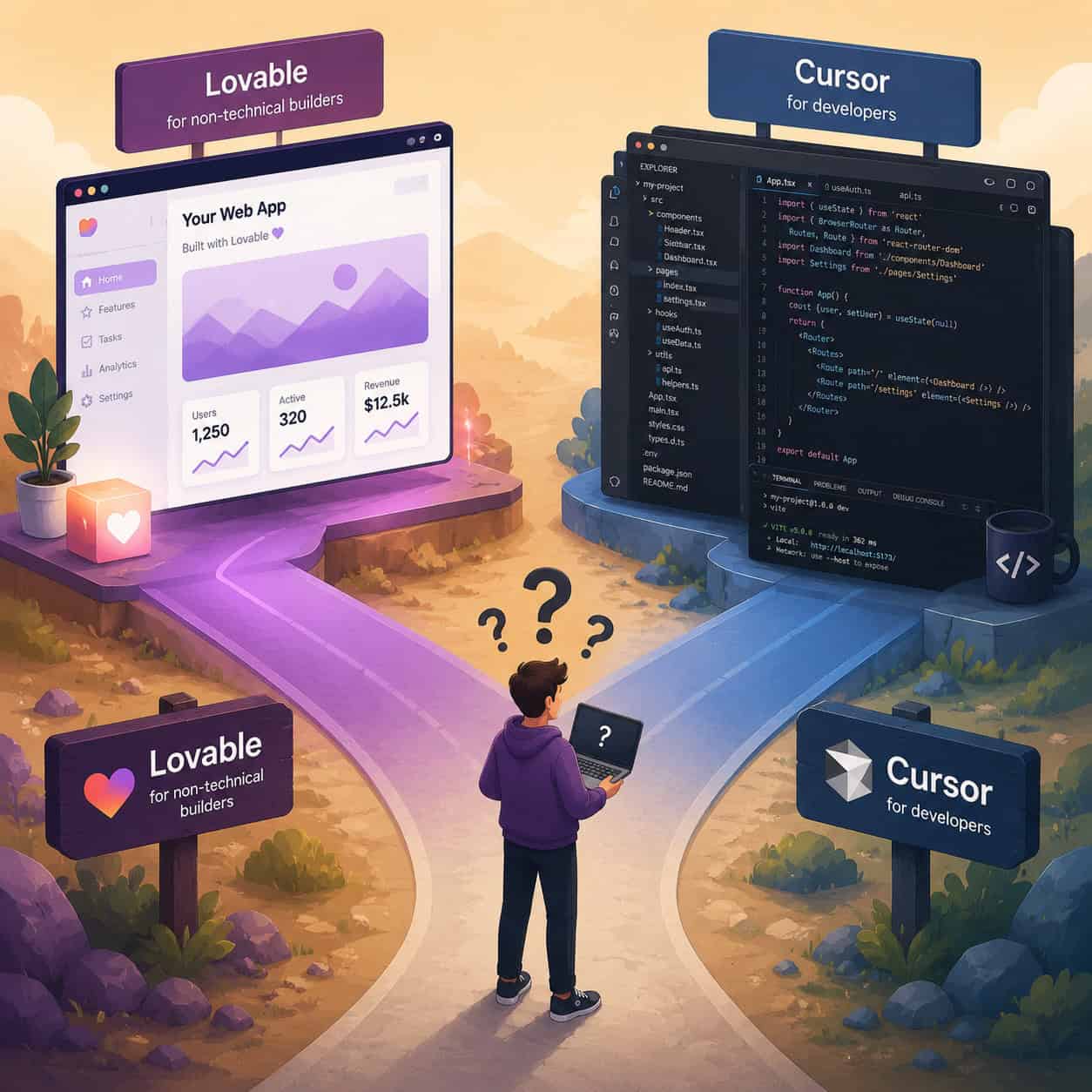
The Lovable.dev vs Cursor decision isn’t really a competition—it’s a question of where you are in the building process and what skills you bring.
Your next steps:
- If you’re non-technical with an app idea: Start with Lovable.dev’s free tier. Generate your MVP this week.
- If you’re a developer wanting to ship faster: Try Cursor’s free plan on your current project. Test the multi-file editing and agent features.
- If you’re a technical founder: Use both. Generate your prototype in Lovable, export the code, and refine it in Cursor.
- If you’re evaluating for a team: Consider Lovable for product/design team prototyping and Cursor for your engineering team’s daily workflow.
The best tool is the one that matches your current skill level and project stage. For most serious projects in 2026, the answer is likely both.
References
[1] Our Response To The April 2026 Incident – https://lovable.dev/blog/our-response-to-the-april-2026-incident [2] Changelog – https://docs.lovable.dev/changelog [6] Cursor 3 In 2026 The Ai Code Editor That Changed How I Ship Software E4d – https://dev.to/rachef_khoulod_a166c693fa/cursor-3-in-2026-the-ai-code-editor-that-changed-how-i-ship-software-e4d [7] Lovable Vs Cursor – https://www.vibecodingacademy.ai/blog/lovable-vs-cursor [8] History – https://status.lovable.dev/history [9] Cursor News May 2026 – https://blog.mean.ceo/cursor-news-may-2026/ [10] Lovable Vs Cursor – https://www.appaca.ai/compare/lovable-vs-cursor