Last updated: May 9, 2026
Quick Answer
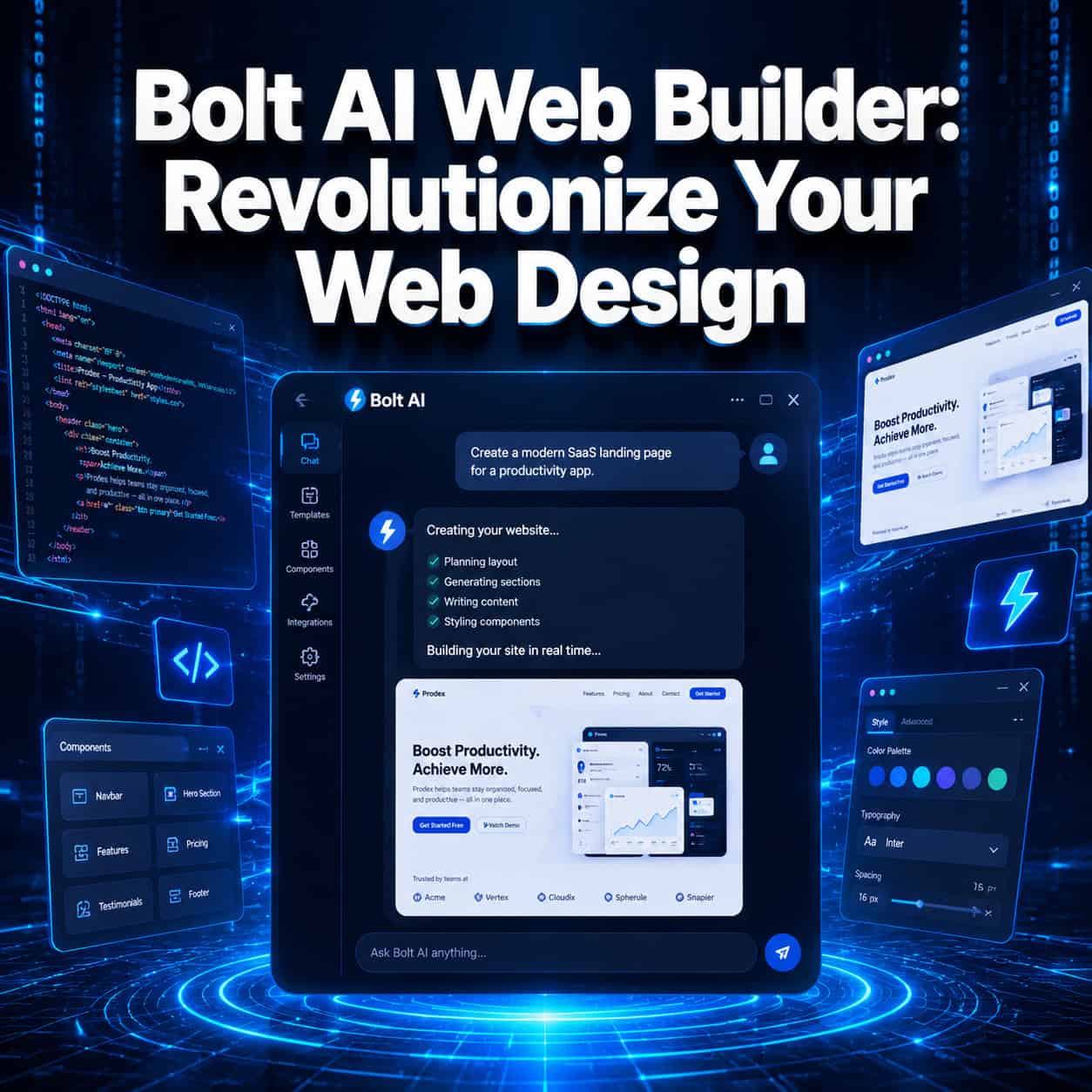
Bolt AI Web Builder (bolt.new) is a browser-based platform that turns plain-language prompts into fully functional websites and web apps in minutes, without requiring any coding knowledge. It combines AI-powered code generation with a live runtime environment, so you can build, preview, and deploy a complete site from a single tab. It’s one of the most practical tools available in 2026 for anyone who wants to go from idea to live website fast.
Key Takeaways
- Bolt.new is a StackBlitz product that runs a full development environment inside your browser, no local setup needed [4]
- It’s powered by Claude and other large language models (LLMs) that convert natural language into production-ready code [4]
- The technical stack includes React, Tailwind CSS, Node.js, Express, PostgreSQL, and Prisma ORM [4]
- Users can build and deploy a complete 5-page website (Home, Services, About, Team, Contact) in under 20 minutes [1][3]
- Customization works across three levels: prompt-based edits, a visual preview editor, and direct code access [4]
- Projects deploy directly to platforms like Netlify, completing the full build-to-publish workflow [1]
- Bolt supports premium design integrations (such as paper.design shaders converted to Tailwind CSS) for polished, non-generic aesthetics [5]
- Millions of users are actively building on the platform as of 2026 [7]

What Exactly Is Bolt AI Web Builder, and How Does It Work?
Bolt.new is a browser-based AI development environment that lets you describe what you want in plain English and then generates a working website or web app from that description. It’s built by StackBlitz and runs entirely in your browser using WebContainers technology, which means there’s no installation, no local server, and no terminal commands required [4].
Here’s the basic workflow:
- Write a prompt — Describe your site in plain language (e.g., “Build a 5-page business website for a digital marketing agency with a dark color scheme”)
- AI generates the code — Bolt uses Claude and other LLMs to produce React + Tailwind CSS frontend code, plus backend logic if needed [4]
- Preview live — The site renders in a live preview panel immediately, so you see changes as they happen [2]
- Iterate — Refine with follow-up prompts, use the visual editor, or edit the code directly [4]
- Deploy — Push the finished project to Netlify or another host with one click [1]
Common mistake: Vague prompts produce generic results. The more specific your initial description (colors, page names, content tone, features), the better the first output.
Who Should Use Bolt AI to Revolutionize Their Web Design Process?
Bolt AI Web Builder is best suited for non-developers, freelancers, and small business owners who need functional websites without hiring a development team. It also works well for designers who want to prototype ideas quickly before moving into tools like Figma.
Choose Bolt if you:
- Have no coding background but need a real, deployable website
- Want to test a landing page concept in under an hour
- Are a freelancer building client sites on a tight timeline
- Need a working prototype to show stakeholders before committing to a full build
Bolt may not be the best fit if you:
- Need highly custom backend logic or complex database relationships
- Are building enterprise-scale applications with strict security requirements
- Prefer full control over your codebase from day one
For those who want to compare Bolt against other platforms before deciding, our guide to the 10 best drag-and-drop website builders reviewed in 2026 covers the competitive landscape in detail. If you’re specifically interested in no-code options, the 11 best no-coding website design software platforms for 2026 is also worth a read.
How Does Bolt’s Three-Layer Customization System Work?

Bolt’s customization system gives users three distinct ways to modify their projects, and you can move between them freely [4]. This is one of the features that sets it apart from simpler AI site generators.
| Layer | Method | Best For |
|---|---|---|
| Layer 1 | Prompt-based edits | Quick changes, content updates, style shifts |
| Layer 2 | Visual preview editor | Layout adjustments, color changes, component tweaks |
| Layer 3 | Direct code access (browser IDE) | Precise control, custom logic, advanced styling |
This layered approach means beginners stay in Layers 1 and 2, while developers who want to dig into the code can do so without leaving the browser. You’re never locked into one mode.
Edge case: If you make direct code edits in Layer 3 and then run a new prompt, the AI may overwrite some of your manual changes. It’s worth saving a snapshot before running major prompt updates.
For designers who already work in Figma and want a similar layered workflow, Figma AI workflow automation covers how to bring that same iterative approach into design tools.
How Fast Can You Actually Build a Website with Bolt?
A complete 5-page website — including Home, Services, About, Team, and Contact pages — can be built and deployed in under 20 minutes using Bolt [1][3]. That’s not a marketing claim; it’s demonstrated in step-by-step tutorials that walk through the entire process from first prompt to live URL.
The 2026 iteration model also lets you generate multiple versions of the same landing page and switch between them for comparison before publishing [5]. This is useful when you’re testing different value propositions or visual directions without committing to one approach.
Realistic timeline breakdown:
- Initial prompt and first generation: 2-4 minutes
- Review and refinement prompts: 5-10 minutes
- Visual editor adjustments: 3-5 minutes
- Deployment to Netlify: 1-2 minutes
That said, more complex projects (multi-user apps, e-commerce with payment logic, custom APIs) will take longer and may require more technical input.
How Does Bolt Compare to Traditional Web Development?
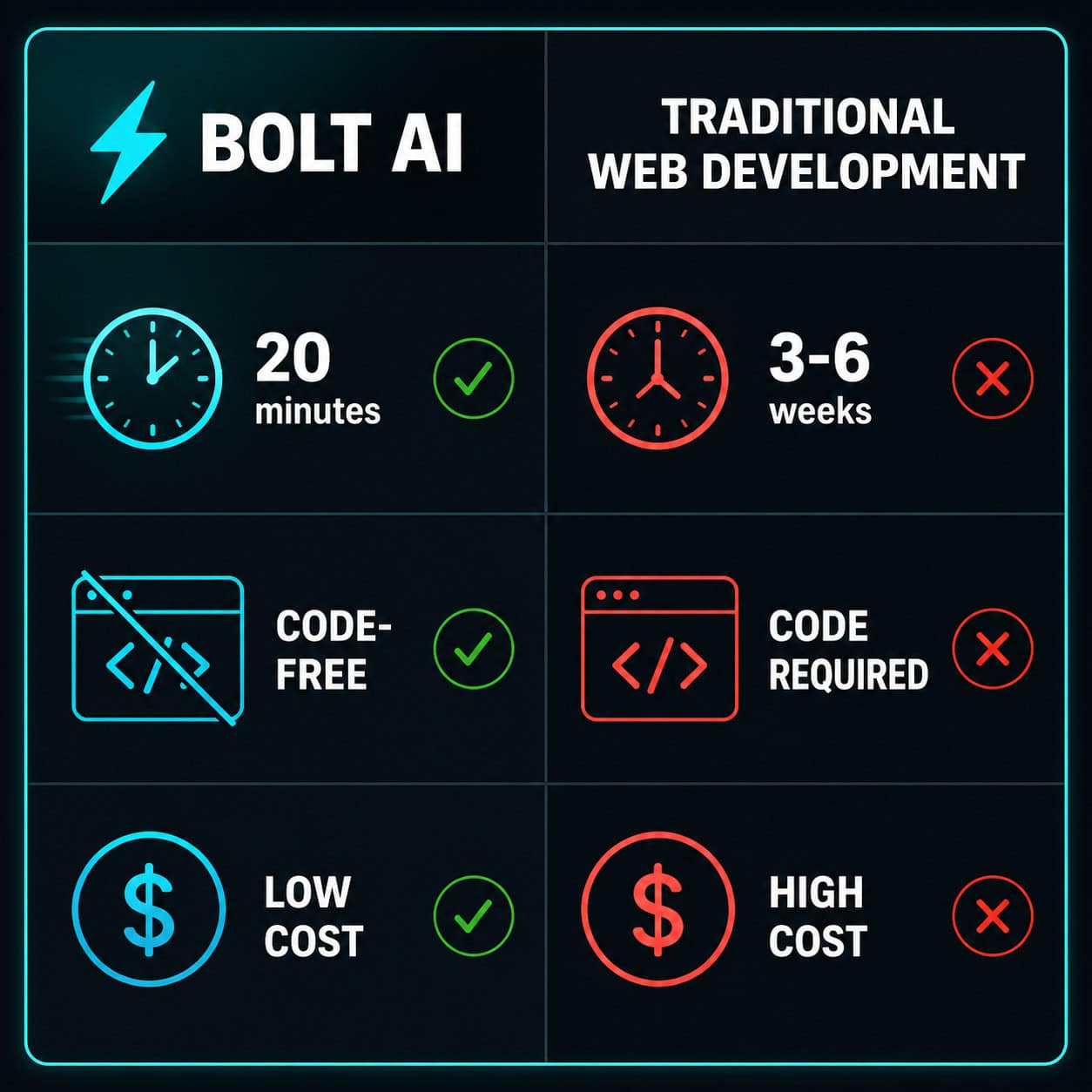
Traditional web development for a 5-page business site typically involves hiring a developer or agency, waiting weeks for delivery, and paying several thousand dollars. Bolt compresses that timeline dramatically and makes the process accessible to people without technical backgrounds [3][4].
Here’s a practical comparison:
| Factor | Bolt AI | Traditional Development |
|---|---|---|
| Time to first draft | Under 20 minutes | 1-3 weeks |
| Coding required | None | Yes (or hire someone) |
| Cost (basic site) | Low (subscription-based) | $1,500–$10,000+ (estimate) |
| Customization depth | Moderate to high | Very high |
| Deployment | One-click (Netlify) | Manual or DevOps setup |
| Design quality | Good (with good prompts) | Depends on designer |
Bolt doesn’t replace experienced developers for complex projects. But for the majority of small business websites, portfolios, and landing pages, it covers the full scope of what’s needed.
If you’re coming from a design background and want to understand how AI fits into the broader creative workflow, the best AI graphic design tools for creative workflows article gives useful context. You might also find the guide on AI website creators that build professional sites without code helpful for comparing approaches.
What Design Quality Can You Expect from Bolt-Generated Sites?
Out of the box, Bolt produces clean, modern layouts using React and Tailwind CSS. The default output looks professional but can feel somewhat generic if you use simple prompts. The platform addresses this with support for premium design integrations [5].
For example, Bolt supports importing paper.design shaders converted to Tailwind CSS, which adds visual depth and a polished, product-quality aesthetic that doesn’t read as AI-generated [5]. Combined with specific prompt instructions about typography, spacing, and color, the output quality improves significantly.
Tips for better design output:
- Specify a color palette in hex codes rather than color names
- Reference design styles you admire (e.g., “minimal SaaS aesthetic, similar to Linear.app”)
- Use the iteration feature to generate 2-3 versions and compare
- Test in preview mode before finalizing any design direction [2]
For additional design inspiration and color strategy, the guide on how to use color palettes for Canva designs covers principles that apply equally well when writing color-specific prompts in Bolt.
FAQ
Q: Is Bolt.new free to use? Bolt.new offers a free tier with usage limits and paid plans for heavier use. Check bolt.new directly for current pricing, as plans have been updated in 2026 [7].
Q: Do I need to know how to code to use Bolt AI Web Builder? No. Bolt is designed for users with no coding background. You write prompts in plain English and the AI handles code generation [3].
Q: Can Bolt build more than just static websites? Yes. Bolt supports full-stack development, including backend logic with Node.js and Express, and database setup with PostgreSQL and Prisma ORM [4].
Q: How do I deploy a site built with Bolt? Bolt integrates directly with Netlify for one-click deployment. You can go from finished project to live URL in under two minutes [1].
Q: Can I edit the code Bolt generates? Yes. The platform includes a browser-based IDE where you can view and edit the raw code directly, without leaving the browser [4].
Q: What AI model powers Bolt? Bolt is powered by Claude and other major LLMs, which handle the natural language-to-code conversion [4].
Q: Is Bolt suitable for client work? Yes, especially for freelancers building straightforward business sites. The speed advantage is significant for client projects with tight deadlines [3].
Q: Can Bolt generate multiple design versions for comparison? Yes. The 2026 iteration model lets you generate several versions of a page and switch between them before publishing [5].
Q: What happens if the AI makes an error in the code? Bolt includes error debugging capabilities. You can describe the problem in a follow-up prompt and the AI will attempt to fix it [1].
Q: Is the output code clean enough for a developer to take over? Generally yes. The generated React + Tailwind code follows standard conventions, making it readable for developers who want to extend the project [4].
Conclusion
Bolt AI Web Builder makes it genuinely possible to go from a blank page to a live, professional website in under 20 minutes, without writing a single line of code. The combination of natural language input, a live browser runtime, and a three-layer customization system gives both beginners and experienced designers a practical tool for fast digital creation.
Actionable next steps:
- Start with a specific prompt — Visit bolt.new and describe your site in detail: industry, pages, color scheme, and tone
- Use the iteration feature — Generate 2-3 versions of your key page and compare before committing
- Refine with the visual editor — Don’t rely solely on prompts; use Layer 2 to fine-tune layout and colors
- Test before publishing — Use preview mode to check responsiveness and functionality across devices [2]
- Deploy to Netlify — Complete the full workflow by publishing your site with one click [1]
If you want to build on what you’ve learned here, explore how Relume AI integration fits into efficient web design workflows for another perspective on AI-assisted site building.
References
[1] Build a 5-page website using Bolt – https://www.youtube.com/watch?v=1yxmzUslHuo [2] Bolt.new Tutorial 2025 – https://www.youtube.com/watch?v=GcH5sn_0Src [3] Bolt.New AI Tutorial for Beginners – https://www.youtube.com/watch?v=5zfOitaKfmM [4] Bolt New Review – https://www.banani.co/blog/bolt-new-review [5] 2026 Create Stunning Websites Bolt – https://bolt.new/blog/2026-create-stunning-websites-bolt [7] bolt.new – https://bolt.new