


Last updated: May 11, 2026
Quick Answer
Cursor AI is a VS Code-based editor that uses large language models to generate, edit, and refactor code directly within your workflow. It offers codebase-aware autocomplete, an agent mode for multi-file edits, and features like /multitask for parallel AI operations [1]. In 2026, it’s one of the most talked-about AI coding tools, with a reported $2B funding round and a potential $60B acquisition option from SpaceX [5][6].
Key Takeaways
- Cursor AI is a full code editor, not just a plugin. It’s a fork of VS Code with AI built into every interaction.
- Developers report 30-40% faster coding on routine tasks, according to Taskade’s 2026 review.
- Pricing starts free (Hobby tier) and scales to $200/month (Ultra), using a credit-based system introduced in mid-2025 [8].
- Agent mode can handle multi-file changes, terminal commands, and even PR reviews as of May 2026 [3].
- A University of Chicago study found Cursor users at large firms merged 39% more pull requests, though quality trade-offs exist.
- Main competitors include GitHub Copilot ($10/month), Claude Code ($20/month), and Cline (free, open-source).
- Security matters: a critical Git RCE vulnerability was patched in version 2.5 in early May 2026 [2].
- SpaceX’s $60B acquisition option signals how seriously the industry takes AI-assisted development [5].
What Is Cursor AI and How Does It Revolutionize Your Coding?
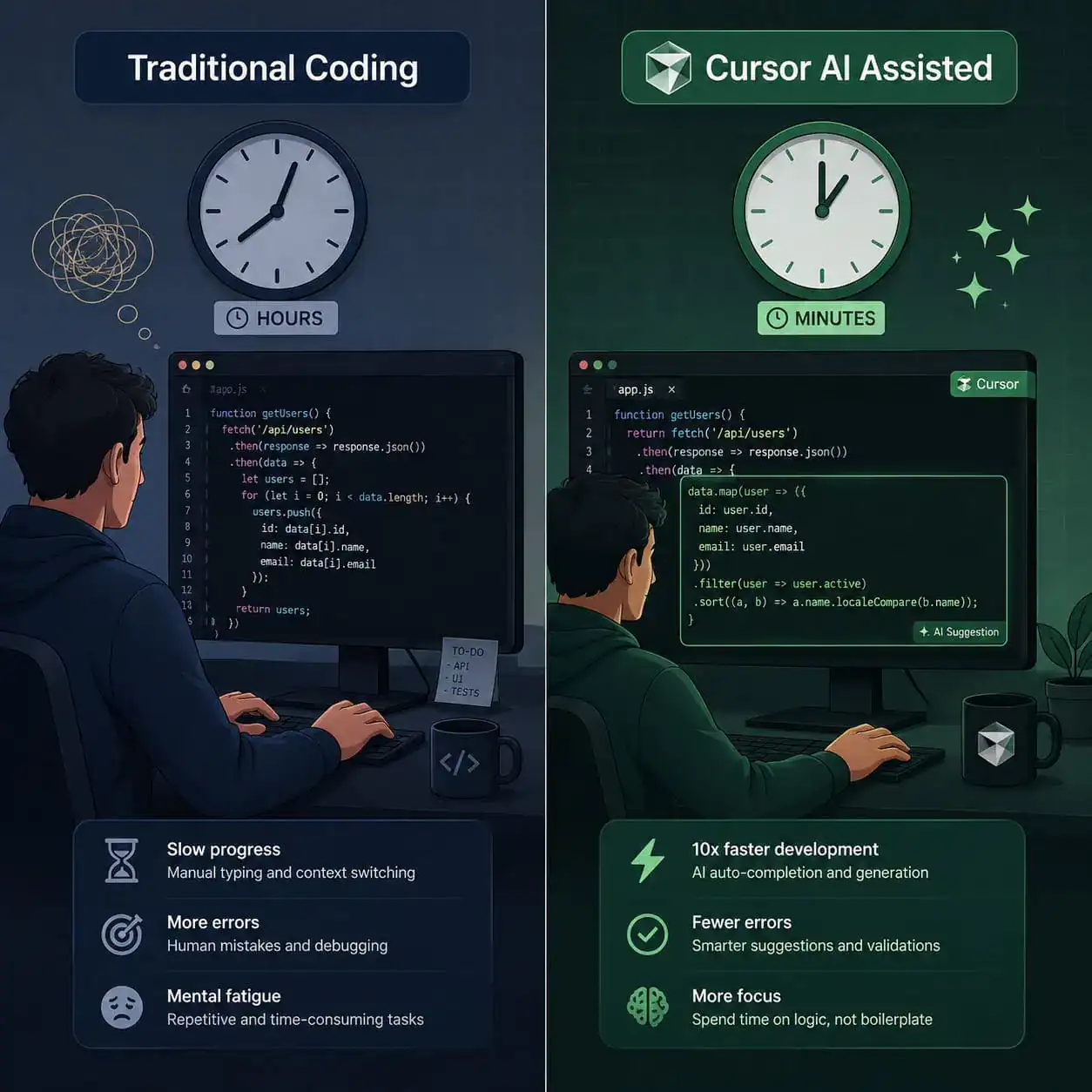
Cursor AI is an AI-powered code editor built on top of Visual Studio Code. It embeds large language models directly into the editing experience so you can write, refactor, and debug code using natural language prompts instead of typing everything manually.
Here’s what makes it different from adding a plugin to your existing editor:
- Codebase awareness: Cursor indexes your entire project. When you ask it to make a change, it understands how files relate to each other, not just the file you’re looking at.
- Tab autocomplete (Supermaven engine): Nxcode.io rated this as “industry-best” in their March 2026 review, calling it almost predictive of what you’ll type next.
- Agent mode: You describe what you want in plain English, and Cursor writes code across multiple files, runs terminal commands, and fixes errors in a loop.
- Inline chat: Highlight any code block, ask a question, and get an explanation or refactor without leaving the editor.
A deep dive into Cursor AI’s intelligent code generation reveals that it compresses what used to take hours into minutes for common tasks like scaffolding components, writing tests, or refactoring legacy code. If you’re already working with AI-powered content and development tools, Cursor fits naturally into that ecosystem.
Common mistake: Treating Cursor like a magic box. It works best when you give it clear, specific prompts with context. Vague instructions like “make this better” produce vague results.
What New Features Shipped in May 2026?
Cursor’s May 2026 updates are substantial and focused on multi-agent workflows and collaboration.
Key updates from the May 4, 2026 changelog [1]:
/multitaskcommand: Spawns parallel async subagents so you can run multiple AI tasks at once (e.g., writing tests in one thread while refactoring in another)- Improved prompt undo grouping: Easier to roll back AI-generated changes without losing your manual edits
- Better long-chat handling: Conversations with the AI no longer degrade as they get longer
- More predictable MCP (Model Context Protocol) connections: Fewer dropped connections when using external tools
May 7, 2026 PR review experience [3]:
- Inline review threads directly in the editor
- Focused commits view for reviewing specific changes
- Built-in actions like splitting changes into separate PRs
Bugbot improvements [3]:
- Learns rules from your PR feedback and self-improves in real-time
- MCP support for connecting to external services
- Highest bug resolution rate since launch
These updates matter because they move Cursor from “AI autocomplete” to “AI teammate.” If you’re exploring how AI integrates into professional workflows, our guide on AI-powered content optimization covers similar principles applied to content creation.
How Much Does Cursor Cost in 2026?
Cursor uses a credit-based pricing model introduced in mid-2025, replacing the older per-request system [8].

| Plan | Monthly Cost | Credits Included | Best For |
|---|---|---|---|
| Hobby | Free | Limited | Trying it out, light personal projects |
| Pro | $20 | $20 worth of credits | Individual developers, daily use |
| Pro+ | $60 | 3x Pro limits | Power users, frequent agent mode use |
| Ultra | $200 | 20x Pro limits | Teams, heavy multi-file refactoring |
Choose Pro if you write code daily and want reliable autocomplete plus occasional agent mode. Choose Pro+ if you find yourself hitting credit limits on Pro within the first two weeks. Choose Ultra if you’re running agent mode constantly across large codebases.
Credit confusion is real: Multiple reviewers, including Nxcode.io and WeavAI, note that understanding how credits are consumed isn’t intuitive. Different models and operations burn credits at different rates. Cursor added usage alerts after complaints in late 2025 [8].
Cost-cutting tip: Use the Hobby tier for exploration, then upgrade only after you’ve established which features you actually use daily.
How Does Cursor Compare to Other AI Coding Tools?
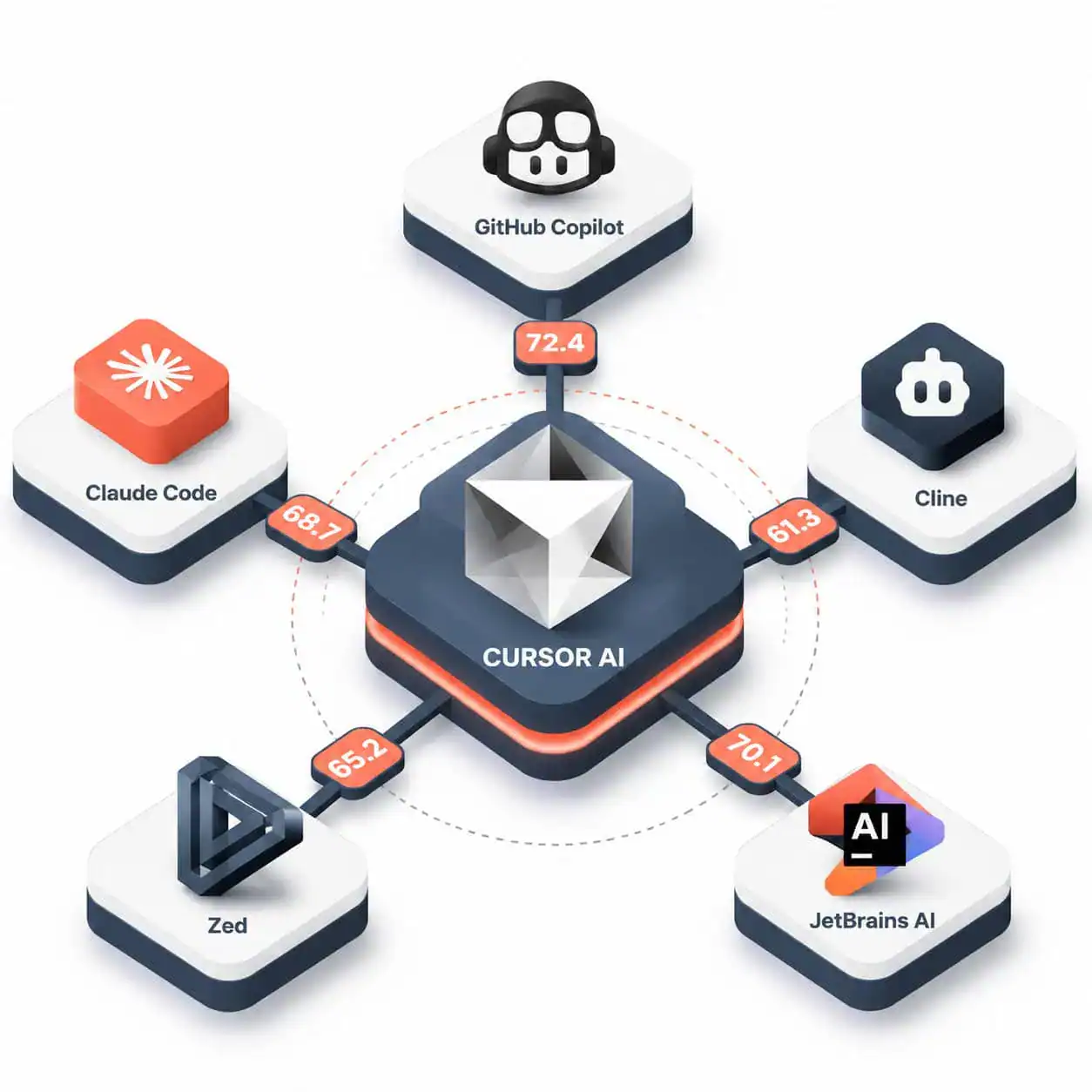
Cursor isn’t the only option. Here’s how it stacks up against the main alternatives in 2026:
| Tool | Price | SWE-bench Score | IDE | Key Strength |
|---|---|---|---|---|
| Cursor | $0-200/mo | Not publicly disclosed | Own editor (VS Code fork) | Deep codebase awareness, agent mode |
| GitHub Copilot | $10/mo | ~55% | Multi-IDE plugin | Broad IDE support, GitHub integration |
| Claude Code | $20/mo | ~80.8% | Terminal-based | Highest benchmark scores |
| Cline | Free | ~80.8% | VS Code extension | Open-source, no vendor lock-in |
| Zed | $10 + usage | N/A | Own editor | Speed, multiplayer editing |
| JetBrains AI | $10-20/user/mo | N/A | JetBrains IDEs | Offline capability, enterprise features |
Choose Cursor if you want a single editor that handles everything from autocomplete to PR reviews. Choose GitHub Copilot if you work across multiple IDEs and want the simplest setup. Choose Claude Code if raw benchmark performance matters most and you’re comfortable in a terminal. Choose Cline if you want full control and zero cost.
For developers who also work on the design side, tools like Figma-to-code plugins can pair well with Cursor to streamline the full design-to-development pipeline.
Does Cursor AI Actually Make You More Productive?
Yes, but with caveats. A University of Chicago study found that Cursor users at large firms merged 39% more pull requests. A separate MSR 2026 paper, however, noted that the velocity boost can be transient and may come with quality trade-offs.
Taskade’s 2026 review reports 30-40% faster coding for experienced developers, particularly on:
- Boilerplate generation (API routes, database models, form validation)
- Test writing (unit tests, integration tests)
- Code refactoring across multiple files
- Documentation generation
Where it struggles:
- Large projects: Nxcode.io’s review flagged lag when working with very large codebases
- Novel architecture decisions: AI suggestions default to common patterns, which isn’t always what you want
- Over-reliance risk: Accepting AI suggestions without review can introduce subtle bugs
Edge case: If you’re a junior developer, Cursor can accelerate learning, but it can also mask gaps in understanding. Use it to generate code, then study what it produced and why.
For those building websites without deep coding knowledge, no-code platforms might be a better starting point than an AI code editor.
Is Cursor AI Safe to Use?
Security is a valid concern with any AI coding tool. In early May 2026, Cursor patched a critical Git remote code execution (RCE) vulnerability in version 2.5 [2]. The flaw meant that malicious repositories could trigger arbitrary code execution through the AI agent. No in-the-wild abuse was reported before the patch.
Security checklist for Cursor users:
- Keep Cursor updated to the latest version
- Don’t clone untrusted repositories without reviewing them first
- Review AI-generated code before committing, especially for security-sensitive operations
- Use
.cursorignoreto exclude sensitive files (credentials, environment variables) from AI indexing - Monitor your credit usage for unexpected spikes that might indicate misuse
For teams running WordPress sites alongside their development work, our guide on AI plugins for WordPress automation covers similar security considerations for AI tools in production environments.
What Does the SpaceX Deal Mean for Cursor’s Future?
On April 21, 2026, SpaceX announced a partnership with Cursor that includes an option to acquire the company for $60B later in 2026, or pay $10B upfront for a collaboration agreement [5][6]. This values Cursor at roughly 30x its $2B funding round.
Investor Chamath Palihapitiya commented that the deal is strategic for AI coding ahead of SpaceX’s potential IPO [5]. Whether the acquisition happens or not, it signals that AI-assisted coding is becoming infrastructure-level technology, not just a developer convenience.
For everyday users, this likely means more investment in Cursor’s capabilities and potentially tighter integration with enterprise workflows. It also means Cursor isn’t going away anytime soon.
How to Get Started with Cursor AI
If you want to revolutionize your coding with Cursor AI’s intelligent code generation, here’s a practical starting path:
- Download Cursor from cursor.com (it imports your VS Code settings automatically)
- Start with the free Hobby tier to test autocomplete and inline chat
- Try agent mode on a small, well-defined task (e.g., “add form validation to this component”)
- Set up
.cursorrulesto define project-specific instructions the AI should follow [10] - Use
/multitaskonce comfortable, to run parallel AI operations [1] - Upgrade to Pro only after you’ve used it for at least a week and know which features matter
If you’re also working with design tools, check out how AI website creators complement coding workflows for full-stack projects.
Conclusion
Cursor AI in 2026 is a capable, fast-evolving code editor that genuinely changes how developers work. It’s not perfect: credit-based pricing can be confusing, large projects sometimes lag, and AI-generated code still needs human review. But for routine coding tasks, multi-file refactoring, and even PR reviews, it delivers measurable time savings.
Your next steps:
- Download the free tier and spend a week with it on a real project
- Compare it against GitHub Copilot or Cline if you want options
- Set up
.cursorrulesearly to get better, project-specific suggestions - Keep security in mind: update regularly and review AI output before shipping
The tool is strong enough that SpaceX is willing to pay $60B for it. Whether you adopt Cursor or one of its competitors, AI-assisted coding is no longer optional knowledge for professional developers.
FAQ
Q: Is Cursor AI free? A: Yes, the Hobby tier is free with limited credits. Paid plans start at $20/month (Pro) [8].
Q: Can I use my existing VS Code extensions with Cursor? A: Yes. Cursor is a VS Code fork, so most extensions work out of the box.
Q: Does Cursor work offline? A: No. It requires an internet connection to communicate with AI models. JetBrains AI offers offline capability if that’s a requirement.
Q: Is Cursor better than GitHub Copilot? A: Cursor offers deeper codebase awareness and agent mode. Copilot offers broader IDE support and simpler pricing at $10/month. Choose based on your workflow.
Q: What programming languages does Cursor support? A: It supports any language VS Code supports, including Python, JavaScript, TypeScript, Go, Rust, Java, C++, and more.
Q: Can Cursor AI write entire applications? A: Agent mode can scaffold significant portions of an application, but you’ll still need to guide architecture decisions and review output.
Q: Is my code sent to external servers?
A: Yes, code context is sent to AI model providers for processing. Use .cursorignore to exclude sensitive files.
Q: What is the /multitask command?
A: Introduced May 2026, it lets you run multiple AI subagents in parallel for different tasks simultaneously [1].
Q: Did SpaceX actually buy Cursor? A: As of May 2026, SpaceX has an option to acquire Cursor for $60B but hasn’t completed the purchase [5][6].
Q: How do Cursor credits work? A: Different AI operations consume credits at different rates. Pro includes $20 worth of credits per month. Usage alerts help track consumption [8].
References
[1] Changelog – https://cursor.com/changelog [2] Cursor News May 2026 – https://blog.mean.ceo/cursor-news-may-2026/ [3] Cursor – https://releasebot.io/updates/cursor [5] Spacex Acquires Cursor Ai For 60b After Microsoft Passes – https://www.heygotrade.com/en/news/spacex-acquires-cursor-ai-for-60b-after-microsoft-passes/ [6] nampa – https://www.nampa.org/text/22914321 [8] What Happened To Cursor Pricing 2026 Guide 5 Cost Cutting Tips – https://www.finout.io/blog/what-happened-to-cursor-pricing-2026-guide-5-cost-cutting-tips [10] Cursorrules 2026 Best Practices – https://github.com/murataslan1/cursor-ai-tips/blob/main/rules/cursorrules-2026-best-practices.md



