Last updated: May 10, 2026
Quick Answer
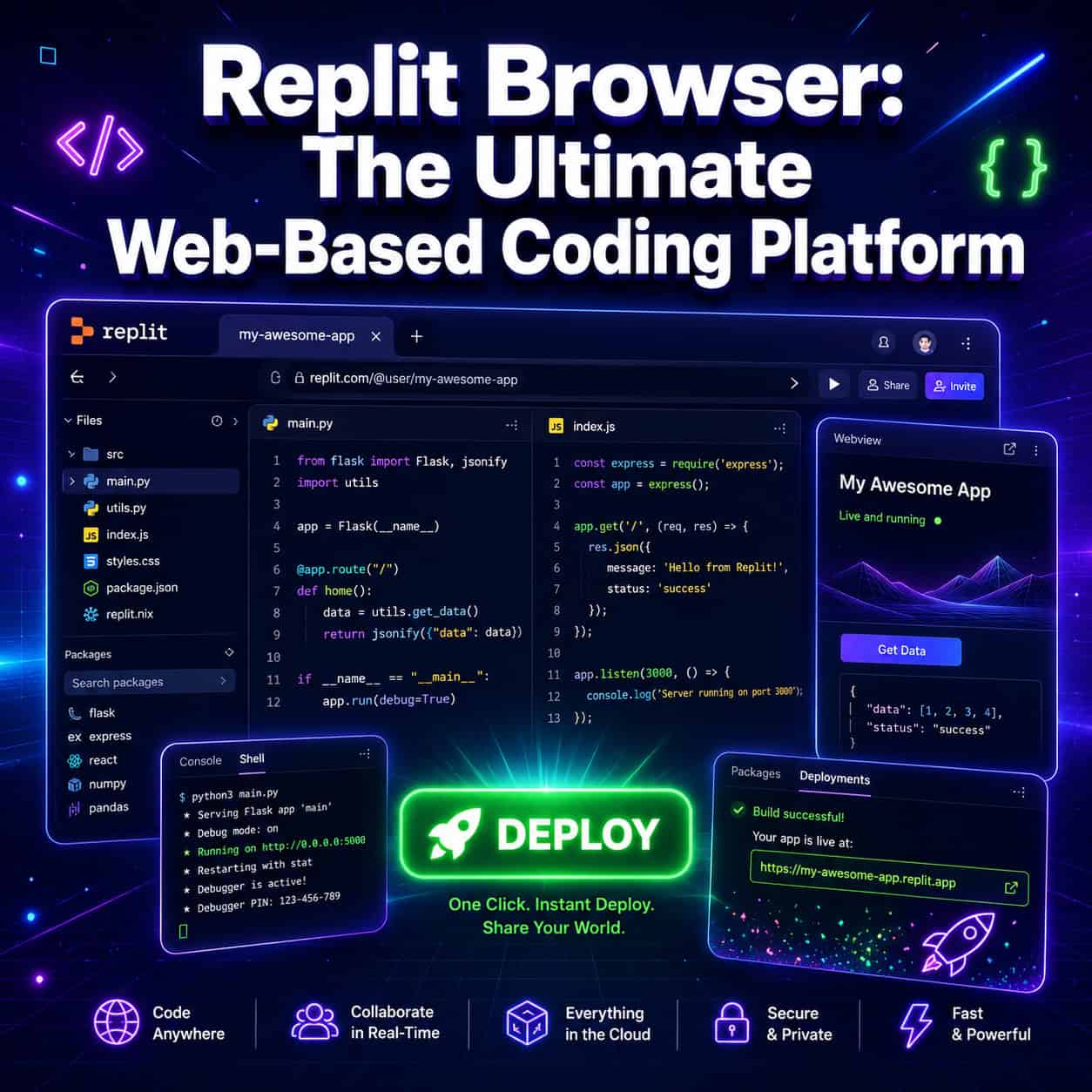
Replit is a browser-based integrated development environment (IDE) that combines a code editor, AI coding agent, hosting, databases, and deployment into a single browser tab. It supports 50+ programming languages, requires zero local setup, and has grown from $2.8M revenue in 2024 to a billion-dollar annual run rate as of May 2026 [10]. For developers who want to code, collaborate, and ship applications without leaving their browser, Replit remains the most complete all-in-one platform available in 2026.
Key Takeaways
Replit runs entirely in the browser with no local installation, supporting 50+ languages including Python, JavaScript, Go, and Rust [5]
The AI Agent can build, test, and debug full applications from natural language prompts
Real-time multiplayer editing lets teams collaborate on the same codebase simultaneously
New Security Agent and CVE Auto-Protect automatically patch critical vulnerabilities [4]
App Monitoring provides real-time uptime checks and Agent-powered outage investigations [2]
Pricing starts with a free tier; Core plan is $20+/month with higher compute resources
Competes directly with GitHub Codespaces and CodeSandbox but offers deeper AI integration
Private publishing and external access tokens now allow secure sharing without public exposure [1]
Best suited for rapid prototyping, MVPs, education, and small-to-medium production apps

What Is Replit Browser and Why Do Developers Use It?
Replit is a cloud-based development environment that runs entirely in your web browser. You open a tab, pick a language, and start coding immediately—no terminal commands, no dependency installations, no environment configuration.
What makes it different from a simple online code editor is scope. Replit combines:
Code editor with syntax highlighting, autocomplete, and LSP support
AI Agent that can scaffold entire applications from a text description
Built-in hosting so your app goes live with one click
Databases (PostgreSQL, key-value store) accessible within the same workspace
Multiplayer editing for real-time collaboration with teammates [5]
Till Freitag’s 2026 platform analysis describes Replit as “the only platform combining code editor, AI agent, hosting, database, and deployment in one browser tab” [5]. That assessment holds up. If you’re building a web app, API, Discord bot, or data script, you can go from idea to deployed product without switching tools.
Choose Replit if: You want the fastest path from concept to deployed app and don’t need deep enterprise infrastructure controls.
Skip Replit if: You’re working on large monorepos, need fine-grained CI/CD pipelines, or require air-gapped enterprise environments.
For those exploring platforms that don’t require traditional coding, our guide to no-coding website design software platforms covers complementary options.
How Does Replit’s AI Agent Work for Building Apps?
Replit’s AI Agent accepts natural language instructions and generates working applications, including frontend, backend, database schema, and deployment configuration. It handles automated testing, iterates based on error output, and can investigate production issues.
Here’s how the workflow typically looks:
Describe what you want to build (e.g., “Create a task management app with user authentication and a PostgreSQL database”)
Agent generates the project structure, writes code, and runs tests
You review the output, request changes in plain English
Agent iterates until the app passes its own test suite
Deploy with a single click
As of April 2026, Replit also released Security Agent, which performs full codebase security reviews and identifies vulnerabilities across your project [4]. This pairs with CVE Auto-Protect, which automatically patches critical vulnerabilities without manual intervention [4].
Common mistake: Treating the Agent as infallible. Review sites note inconsistent Agent results on complex tasks, and high credit consumption can lead to unexpected bills. Always review generated code before deploying to production.
If you’re interested in how AI tools integrate with other platforms, see our overview of AI-powered content optimization.
What Security Features Does Replit Browser Offer in 2026?
Replit has significantly expanded its security capabilities. The platform now offers a layered security approach covering dependency scanning, automated patching, and access control.

Key security features released in 2026:
FeatureRelease DateWhat It DoesWorkspace Security Center 2.0May 8, 2026Review and act on dependency vulnerabilities across all projects from one interface [1]Security AgentApril 24, 2026Full codebase security reviews with AI-powered recommendations [4]CVE Auto-ProtectApril 24, 2026Automatic patching of critical vulnerabilities [4]Private PublishingMay 8, 2026Share apps securely without public exposure [1]External Access TokensMay 8, 2026Secure authentication for Private Deployments [3]
Edge case to watch: SVG uploads through Agent are now sanitized in-browser for security [1]. If you’re uploading user-generated SVGs in your app, Replit handles the sanitization layer, but you should still validate inputs on your backend for defense in depth.
How Does Replit Compare to GitHub Codespaces and CodeSandbox?
Replit occupies a unique position: it’s more AI-native than GitHub Codespaces and more full-stack than CodeSandbox. Here’s how they compare on the factors that matter most.
CriteriaReplitGitHub CodespacesCodeSandboxBest forFull-stack AI-assisted buildingEnterprise teams on GitHubWeb prototypingPricingFree tier; Core $20+/month$0.36/hr (4-core); 120 free core-hours/month$9/user/month; 20 free VM hoursAI depthFull Agent (build, test, deploy, debug)Copilot integrationAI assist (lighter)Language support50+ languagesAny (Docker-based)Primarily web languagesDeploymentBuilt-in hostingRequires external hostingBuilt-in for web appsCollaborationReal-time multiplayerLive Share via VS CodeReal-time collaborationIDE feelCustom browser IDEFull VS CodeCustom browser IDE
Decision rules:
Choose Replit if you want AI to handle most of the coding and you need hosting included
Choose GitHub Codespaces if your team already lives in GitHub and needs VS Code with enterprise controls
Choose CodeSandbox if you’re building frontend prototypes on a tighter budget ($9 vs $20+)
For developers building websites specifically, our drag-and-drop website builders review covers visual alternatives that don’t require writing code at all.

What Are the Latest Features in Replit Browser for 2026?
Replit ships updates weekly. Here are the most significant additions from early 2026:
App Monitoring (May 1, 2026) [2]
Real-time uptime checks for published apps
Colored uptime bars showing availability history
Downtime alerts sent to your notification preferences
Agent-powered outage investigations that diagnose why your app went down
Slide Decks Enhancement (May 8, 2026) [1]
Speaker notes and Presenter view added
Useful for developer presentations and pitch decks built directly in Replit
Mobile Previews (April 24, 2026) [4]
iOS Simulator and Android Emulator previews available in-browser
Test responsive layouts without physical devices
Animated Mode Icons [1]
Lite, Economy, and Power modes now display animated icons, making it clearer which compute tier you’re using
These updates reflect Replit’s strategy of becoming a complete development lifecycle platform, not just an editor. The App Monitoring feature in particular moves Replit from “build and deploy” into “build, deploy, and maintain.”
Who Should Use Replit Browser in 2026?
Replit works well for specific use cases and less well for others. Here’s an honest breakdown.
Ideal users:
Solo developers building MVPs or side projects who want speed over configuration
Students and educators who need zero-setup coding environments
Small teams (2-5 people) collaborating on web applications
Non-technical founders using AI Agent to build first versions of products
Freelancers prototyping ideas for clients quickly
Less ideal for:
Large engineering teams needing fine-grained access controls and audit logs
Projects with strict compliance requirements (HIPAA, SOC 2—check Replit’s current certifications)
Developers who prefer local tooling and offline access
Cost-sensitive projects that require heavy compute (credits add up fast)
Capterra reviews describe Replit as “ideal for rapid prototyping and lightweight collaboration, suitable for MVPs and code testing.” G2 reviews (updated April 2026) praise the fast browser IDE and helpful AI but note that high credit consumption can lead to unexpected bills.
If you’re building websites for clients specifically, our guide on creating professional Wix websites for clients offers an alternative approach for non-developers.
What Are the Pros and Cons of Replit Browser?
Pros:
Zero setup—code in any browser on any device
Built-in hosting eliminates deployment complexity
50+ language support in one platform [5]
Real-time collaboration without extra tools
Security features (CVE Auto-Protect, Security Agent) now built in [4]
Growing from startup to billion-dollar run rate suggests long-term viability [10]
Cons:
Credit consumption can be unpredictable and expensive
Limited offline capabilities (browser-dependent)
Less customizable than local VS Code setups
Performance can lag on resource-intensive projects
Review sites average 4.3-4.6 stars, suggesting room for improvement
How Much Does Replit Cost?
Replit offers a free tier with limited compute, then paid plans starting at $20+/month for the Core plan. The pricing model includes base subscription plus usage-based credits for AI Agent interactions and compute time.
Cost management tips:
Start on the free tier to evaluate whether the platform fits your workflow
Monitor credit usage daily during your first paid month
Use Lite mode for simple edits (saves credits vs Power mode)
Set budget alerts if available in your account settings
Reserve Agent usage for scaffolding and debugging, not trivial edits
For teams exploring AI-powered website building without per-credit costs, our AI website creator guide covers flat-rate alternatives.
FAQ
Can I use Replit Browser offline?
No. Replit requires an internet connection because all computation happens on their servers. If you need offline coding, use a local IDE like VS Code.
What programming languages does Replit support?
Over 50 languages including Python, JavaScript, TypeScript, Go, Rust, Java, C++, Ruby, and more [5].
Is Replit free to use?
Yes, there’s a free tier with limited compute resources. Paid plans start at $20+/month for more power and AI Agent access.
Can I deploy production apps on Replit?
Yes. Replit includes built-in hosting, and the new App Monitoring feature tracks uptime and alerts you to outages [2]. It’s suitable for small-to-medium production workloads.
How does Replit’s AI Agent differ from GitHub Copilot?
Copilot suggests code completions within your editor. Replit’s Agent builds entire applications, runs tests, debugs errors, and can investigate production outages autonomously.
Is my code private on Replit?
With paid plans and the new Private Publishing feature (May 2026), yes. Free tier projects may be public by default [1].
Can teams collaborate in real time on Replit?
Yes. Multiplayer editing allows multiple developers to work on the same file simultaneously, similar to Google Docs for code [5].
Does Replit handle security vulnerabilities automatically?
CVE Auto-Protect patches critical vulnerabilities automatically, and Security Agent performs full codebase reviews [4]. You should still review patches before deploying.
What’s the biggest complaint about Replit?
Unexpected costs from credit consumption. Multiple review platforms mention this as the primary friction point for users.
Can I use Replit for mobile app development?
Replit now offers iOS Simulator and Android Emulator previews in-browser [4], making it viable for testing mobile-responsive web apps and basic mobile development.
Conclusion
Replit has evolved from a simple browser code editor into a complete development platform that handles coding, AI-assisted building, security, hosting, and monitoring in one tab. Its growth to a billion-dollar run rate [10] validates the market demand for this approach.
Your next steps:
Try the free tier at replit.com—build a small project to test the AI Agent
Set a budget before upgrading to paid plans (credit costs surprise many users)
Use Security Agent on existing projects to identify vulnerabilities [4]
Compare against your current workflow—if you’re already efficient with VS Code + GitHub, Replit may not save you time on complex projects
Monitor the changelog at docs.replit.com for weekly feature updates
For developers who value speed over customization, Replit in 2026 delivers on its promise of turning ideas into deployed applications faster than any traditional setup. Just watch your credit usage.
Related Replit guides: master proxy configuration in Replit, learn about proxy servers on Replit for anonymous networking, and optimize with the complete Replit and Firefox integration guide.
References
[1] Changelog – https://docs.replit.com/updates/2026/05/08/changelog
[2] Changelog – https://docs.replit.com/updates/2026/05/01/changelog
[3] Replit – https://releasebot.io/updates/replit
[4] Changelog – https://docs.replit.com/updates/2026/04/24/changelog
[5] Replit 2026 Platform En – https://till-freitag.com/blog/replit-2026-platform-en
[10] Replits Amjad Masad On The Cursor Deal Fighting Apple And Why Hed Rather Not Sell – https://techcrunch.com/2026/05/01/replits-amjad-masad-on-the-cursor-deal-fighting-apple-and-why-hed-rather-not-sell/
Meta Title: Replit Browser: Web-Based Coding Platform Guide for Developers
Meta Description: Complete guide to Replit Browser’s AI agent, security features, pricing, and comparisons with GitHub Codespaces and CodeSandbox. Updated May 2026.
Tags: Replit, browser IDE, cloud coding platform, AI coding agent, web-based development, GitHub Codespaces alternative, CodeSandbox comparison, online code editor, rapid prototyping, developer tools, no-setup coding, Replit AI