Last updated: May 7, 2026
Quick Answer: The 15 Mind-Blowing n8n Automation Ideas Straight from Reddit’s Tech Community cover everything from AI-powered lead enrichment and auto-publishing blog posts to Telegram bots, CRM syncing, and real-time Slack alerts. These ideas come directly from active discussions in r/n8n, r/automation, and r/nocode, making them battle-tested by real users, not just marketing copy.
Key Takeaways
- n8n is a free, self-hostable workflow automation tool that connects 400+ apps without writing much code [3]
- Reddit’s tech communities (especially r/n8n) are one of the best sources for real-world, working automation ideas
- The most upvoted Reddit automation ideas focus on saving time in content publishing, lead management, and AI-assisted research
- Many of these workflows can be built in under an hour using n8n’s visual editor and pre-built templates [3]
- AI-node integrations (OpenAI, Claude, Gemini) are the fastest-growing category in community-shared workflows [6]
- You don’t need to be a developer to run most of these automations — n8n’s no-code interface handles the heavy lifting
- Self-hosting n8n gives you full data control, which Reddit’s privacy-conscious tech users consistently prefer over SaaS alternatives
What Is n8n and Why Does Reddit Love It?
n8n is an open-source workflow automation platform that lets you connect apps, APIs, and AI models using a visual node-based editor. Unlike many SaaS automation tools, n8n can be self-hosted, which means your data stays on your own server.
Reddit’s tech community gravitates toward n8n for three specific reasons:
- Cost: The self-hosted version is free. You only pay for cloud hosting if you choose it.
- Flexibility: n8n supports custom JavaScript/Python code nodes, webhooks, and API calls, so advanced users aren’t boxed in.
- Community templates: The n8n workflow library has hundreds of shareable, ready-to-run workflows [3].
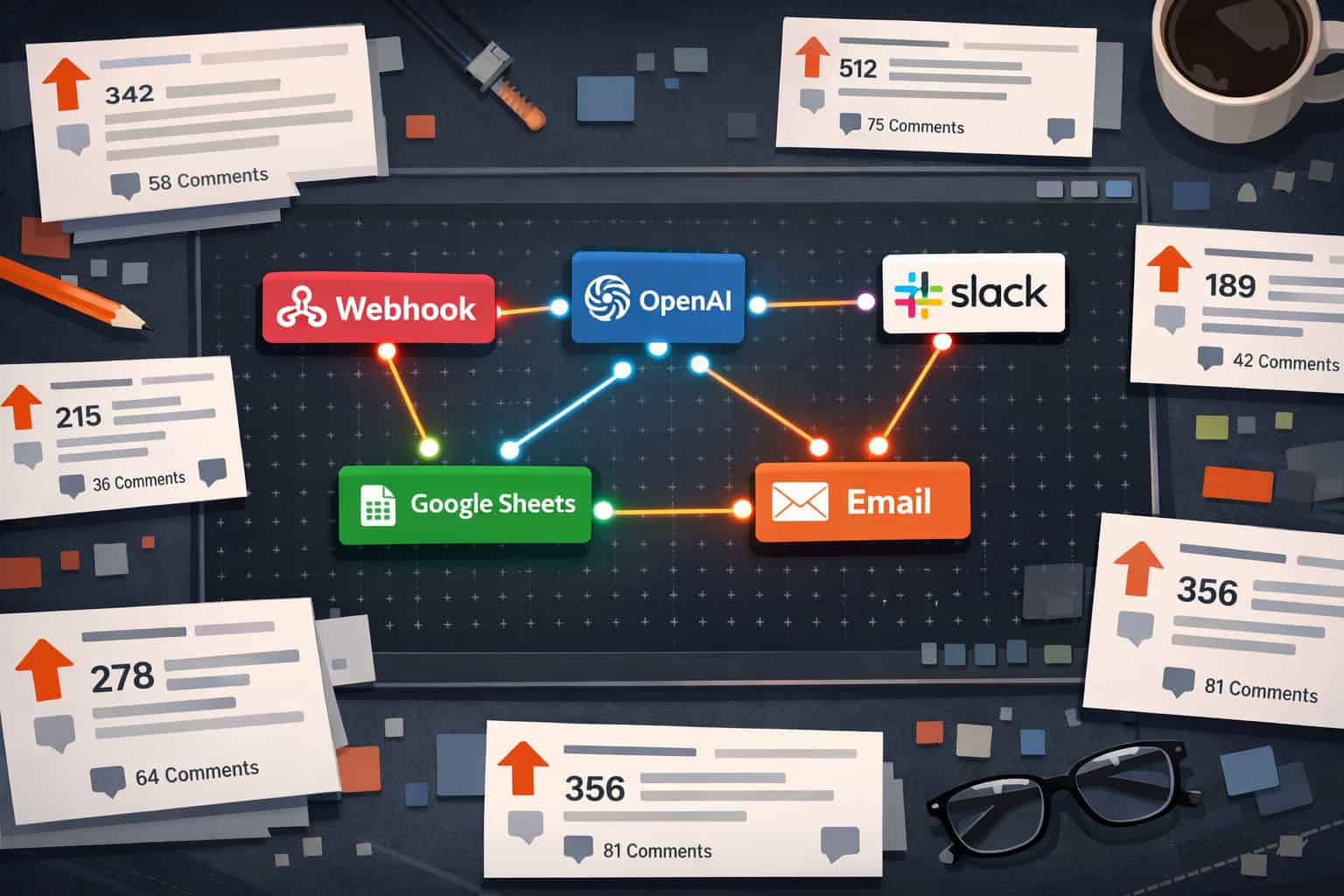
Threads in r/n8n regularly hit hundreds of upvotes when someone shares a clever workflow, and those discussions are where the 15 Mind-Blowing n8n Automation Ideas Straight from Reddit’s Tech Community in this article come from.
The 15 Mind-Blowing n8n Automation Ideas Straight from Reddit’s Tech Community
Here are the 15 ideas, grouped by use case so you can find what’s most relevant to your situation quickly.
🤖 AI-Powered Workflows
1. AI Lead Enrichment from Web Forms
When a new lead fills out a form, n8n triggers an OpenAI node to research the company, summarize their LinkedIn profile, and score the lead based on your criteria — all before the lead lands in your CRM. Reddit users in r/n8n report this cuts manual research time by several hours per week (estimate based on community reports; individual results vary).
How it works:
- Trigger: New form submission (Typeform, Tally, or native webhook)
- Node 2: OpenAI GPT-4o — generate a company summary
- Node 3: Write enriched data to HubSpot or Airtable
2. Automated AI Content Summarizer for Newsletters
A popular Reddit thread described a workflow that monitors RSS feeds from 20+ blogs, uses an AI node to summarize each article in 3 sentences, and compiles a weekly digest email. This is one of the most-shared workflow types in n8n’s marketing category [9].
3. AI-Powered Customer Support Ticket Routing
n8n reads incoming support emails, classifies them by topic using an AI node, and routes them to the right team channel in Slack — with a suggested reply drafted automatically. Several Reddit users in r/automation noted this reduced first-response time significantly in their small teams.
📢 Content Publishing & Social Media
4. Auto-Publish WordPress Blog Posts to Social Media
One of the most requested automations on Reddit: when you publish a post in WordPress, n8n automatically creates platform-specific captions and posts to LinkedIn, X (Twitter), and Facebook. You can learn more about setting this up in our guide on how to auto-share WordPress blog posts to social media.
Trigger options: WordPress webhook, RSS feed, or a scheduled check every 15 minutes.
5. Repurpose YouTube Videos into Blog Posts
n8n pulls a YouTube transcript via the YouTube Data API, sends it to an AI node for reformatting, and publishes a structured blog draft to WordPress or Notion. Reddit users pair this with the AI-powered content generation tools available in 2026 for even better output quality.
6. Social Media Monitoring and Competitor Alert
Set up n8n to monitor brand mentions across Reddit, X, and Google Alerts using webhooks and RSS. When a keyword appears, n8n sends a Slack or Telegram message with the source link and sentiment score from an AI node [10].

📊 Data, CRM, and Business Operations
7. Google Sheets to CRM Sync (Bidirectional)
A heavily upvoted Reddit post described syncing Google Sheets with HubSpot in both directions — changes in either system propagate automatically. n8n handles conflict resolution using a “last updated” timestamp comparison node.
Common mistake: Not setting a deduplication check. Without it, the workflow creates duplicate records on every sync cycle.
8. Automated Invoice Generation and Follow-Up
n8n watches a Google Sheet or Airtable base for new project completions, generates a PDF invoice using a template, emails it to the client, and sets a follow-up reminder if payment isn’t confirmed within 7 days. This workflow appears repeatedly in r/freelance and r/n8n as a time-saver for solo operators.
9. E-Commerce Order Fulfillment Notifications
When a WooCommerce or Shopify order changes status, n8n sends a personalized WhatsApp or SMS message to the customer and updates a Google Sheet dashboard. Reddit users in r/ecommerce praise this for replacing expensive SMS platform subscriptions.
10. Real-Time Slack Alerts for Critical Business Metrics
n8n polls your analytics platform (Google Analytics 4, Plausible, or a custom database) every hour. If a metric drops below a threshold — say, conversion rate falls under 1% — it fires a Slack alert with a chart screenshot attached. For teams running advanced WordPress automation strategies, this pairs well with WooCommerce revenue tracking.
🔔 Notifications and Personal Productivity
11. Telegram Bot for Personal Task Management
Send a message to your Telegram bot like “remind me to call John at 3pm Friday” and n8n parses it with an AI node, creates a Google Calendar event, and adds a task to Notion or Todoist. This is one of the most-starred workflow types in the Awesome N8n GitHub repository [6].
12. Job Listing Aggregator and Daily Digest
n8n scrapes job boards (LinkedIn, Indeed, remote job boards via RSS) for specific keywords, deduplicates results, and emails a clean daily digest. Reddit’s r/cscareerquestions and r/remotework communities have shared variations of this workflow dozens of times.
13. Smart Email Inbox Triage
n8n monitors a Gmail inbox, classifies each email by priority using an AI node, and applies labels automatically. High-priority emails trigger a Telegram notification. This is a personal favorite in r/productivity threads because it removes the need to check email constantly.
🔗 Developer and Technical Workflows
14. GitHub Issue to Project Management Sync
When a new GitHub issue is opened with a specific label, n8n creates a corresponding task in Linear, Jira, or Notion, assigns it based on a team rotation schedule, and posts a summary in a Slack channel. Reddit’s r/devops community rates this as one of the highest-ROI automations for small engineering teams [4].
15. Automated API Health Monitoring
n8n pings a list of your APIs and endpoints every 5 minutes. If any return an error or slow response, it logs the incident to a Google Sheet, sends a PagerDuty alert, and posts in a Slack incident channel. The n8n community templates library includes several variations of this pattern [3].
How to Pick the Right n8n Automation for Your Situation
Not every workflow on this list will suit every user. Here’s a simple decision framework:
| Your Situation | Best Starting Workflow |
|---|---|
| Solo freelancer | Invoice automation (#8) or email triage (#13) |
| Content creator | WordPress-to-social (#4) or YouTube repurposing (#5) |
| Small SaaS team | GitHub-to-project sync (#14) or API monitoring (#15) |
| E-commerce store | Order notifications (#9) or CRM sync (#7) |
| Marketing team | Lead enrichment (#1) or competitor monitoring (#6) |
| Personal productivity | Telegram task bot (#11) or job aggregator (#12) |
Choose self-hosted n8n if you handle sensitive customer data or want to avoid per-workflow pricing. Choose n8n Cloud if you want managed infrastructure and don’t want to deal with server maintenance.
What Makes These Reddit-Sourced Ideas Different from Generic Tutorials?
Generic n8n tutorials show you how to connect two apps. Reddit-sourced ideas come from people who’ve already run the workflow in production, hit the edge cases, and shared what actually works.
A few patterns I noticed across the most upvoted Reddit threads:
- Error handling is always mentioned. Community members add “Error Trigger” nodes and fallback paths that tutorials skip.
- They combine AI with traditional automation. The most popular 2026 workflows almost always include an OpenAI, Claude, or Gemini node [1][2].
- They’re built for real constraints — limited budgets, small teams, and the need to run 24/7 without babysitting.
For teams that also use AI tools in their design and content stack, pairing n8n with AI-powered content optimization practices can multiply the output quality of workflows like #2 and #5.

Common Mistakes to Avoid When Building n8n Workflows
Even experienced users run into these problems:
- No rate limit handling. APIs like OpenAI and Gmail have rate limits. Add a “Wait” node between bulk operations.
- Missing credentials rotation. API keys expire. Build a reminder or use n8n’s credential manager with expiry alerts.
- Skipping test runs on real data. n8n’s “Execute once” mode is useful, but test with actual production data before activating.
- Over-engineering the first version. Start with 3–4 nodes. Add complexity after the core workflow runs reliably.
- No logging. Add a Google Sheets or database node to log every workflow run. You’ll thank yourself when debugging.
For teams managing WordPress sites alongside n8n, integrating AI chatbot capabilities into WordPress can complement several of the customer-facing workflows above.
FAQ: n8n Automation Ideas from Reddit
Q: Do I need coding skills to build these n8n workflows? No. Most of the 15 workflows in this list use n8n’s visual node editor without writing code. A few (like API monitoring) benefit from basic JSON knowledge, but there are community templates you can import and run immediately [3].
Q: Is n8n free to use? The self-hosted version of n8n is free and open-source. n8n Cloud has a paid tier with usage-based pricing. Most Reddit users in r/n8n self-host on a $5–$10/month VPS to keep costs low.
Q: Where can I find n8n workflow templates to start from? The official n8n workflow library at n8n.io/workflows has hundreds of templates [3]. The Awesome N8n GitHub repository is another curated list of community-built workflows [6].
Q: How is n8n different from Zapier or Make? n8n is self-hostable and open-source. Zapier and Make are fully cloud-based SaaS products. n8n also supports code nodes (JavaScript/Python), which gives developers more control. For privacy-sensitive workflows, self-hosted n8n is the Reddit community’s consistent recommendation.
Q: Can n8n handle AI integrations like ChatGPT? Yes. n8n has native nodes for OpenAI, Anthropic (Claude), Google Gemini, and Hugging Face. These are the most-discussed integrations in r/n8n threads as of 2026 [1][2].
Q: How long does it take to set up one of these workflows? Simple workflows (like email triage or Slack alerts) take 30–60 minutes for a first-time user. More complex ones (like bidirectional CRM sync) may take 2–4 hours including testing.
Q: What’s the most common reason n8n workflows fail in production? Rate limiting and expired API credentials are the top two causes, based on troubleshooting threads in r/n8n. Adding error-handling nodes and credential expiry reminders prevents most failures.
Q: Can I run n8n on a Raspberry Pi or home server? Yes. n8n runs on any system with Node.js or Docker. Many Reddit users in r/selfhosted run n8n on a Raspberry Pi 4 or a home NAS for personal automation workflows.
Q: Are there n8n automations specifically for WordPress users? Several workflows in this list connect directly to WordPress, including auto-publishing posts to social media (#4) and YouTube-to-blog repurposing (#5). For more, see our guide on advanced WordPress automation strategies for 2026 and the best AI plugins for WordPress.
Q: What Reddit communities should I follow for n8n ideas? The main communities are r/n8n, r/automation, r/nocode, and r/selfhosted. For AI-specific workflow ideas, r/LocalLLaMA and r/MachineLearning occasionally feature n8n integration discussions.
Conclusion: Your Next Steps with n8n
The 15 Mind-Blowing n8n Automation Ideas Straight from Reddit’s Tech Community in this article aren’t theoretical — they come from people who’ve shipped them, debugged them, and shared what works. That’s what makes Reddit-sourced ideas more reliable than most tutorial content.
Here’s how to move forward:
- Pick one workflow from the table above that matches your role. Don’t try to build all 15 at once.
- Check n8n’s template library [3] for a starting point — you rarely need to build from scratch.
- Self-host if you can. A $6/month VPS running Docker is enough for most personal and small-team workflows.
- Add error handling from day one. Every production workflow needs an Error Trigger node and a logging step.
- Join r/n8n. The community posts new workflow ideas weekly, and members are genuinely helpful with debugging.
For teams that publish content regularly, pairing n8n with tools covered in our automation resources hub will give you the most connected workflow stack in 2026.
References
[1] Watch – https://www.youtube.com/watch?v=jXm5yv2YVV0 [2] Watch – https://www.youtube.com/watch?v=PhVTDydFGo0 [3] Workflows – https://n8n.io/workflows/ [4] Watch – https://www.youtube.com/watch?v=2GZ2SNXWK-c [6] Awesome N8n – https://github.com/restyler/awesome-n8n [7] What Can You Automate With N8n – https://www.hostinger.com/tutorials/what-can-you-automate-with-n8n [9] Marketing – https://n8n.io/workflows/categories/marketing/ [10] Watch – https://www.youtube.com/watch?v=fl2Pqciuwzo