

Last updated: May 9, 2026
Quick Answer: If Make.com appears to be down, check the official status page at status.make.com first [6]. If no outage is listed there, the problem is likely on your end — a browser cache issue, network block, or VPN conflict. Most Make.com outages resolve within 1–3 hours, and background automation scenarios often continue running even when the dashboard is inaccessible [5].
Key Takeaways
- Always check status.make.com first — it’s the authoritative source for real-time outage information [6].
- Third-party tools like StatusGator, Downdetector, and IncidentHub provide independent confirmation when you’re unsure whether the official status page is accurate [1][8][2].
- Make.com has multiple regional components (e.g., eu2.make.com) — an outage in one region doesn’t mean all regions are affected [2].
- Background scenarios can keep running during partial outages, even if you can’t log in to the dashboard [5].
- Most connectivity issues users report are local — caused by browser cache, extensions, or VPN settings — not actual Make.com downtime.
- Subscribing to status alerts means you get notified before you even notice a problem.
- If Make.com is genuinely down, the best action is to wait, monitor the incident history, and document affected scenarios for later review [7].
What Does “Make.com Down” Actually Mean?
Not all outages are equal. Make.com can experience several types of service disruption, and knowing the difference helps you respond correctly.
Here’s how disruptions typically break down:
| Type | What It Affects | Your Scenarios Still Run? |
|---|---|---|
| Full outage | Login, dashboard, scenario execution | No |
| Partial outage | Dashboard or specific integrations only | Often yes [5] |
| Regional issue | One data center (e.g., EU2) | Depends on your region [2] |
| Scheduled maintenance | Announced in advance on status page | Usually no impact |
| Local issue | Only your browser or network | Yes — Make is fine |
A “full outage” is rare. Most disruptions are partial, affecting specific components like webhooks or the login interface while leaving scheduled scenarios intact [5].
How to Check if Make.com Is Actually Down Right Now
Start with the official Make status page at status.make.com [6]. It shows real-time status for all major components and is updated directly by the Make team. If it shows “All Systems Operational,” the issue is almost certainly on your end.
Step-by-step status check:
- Go to status.make.com — check each listed component, not just the top-level summary [6].
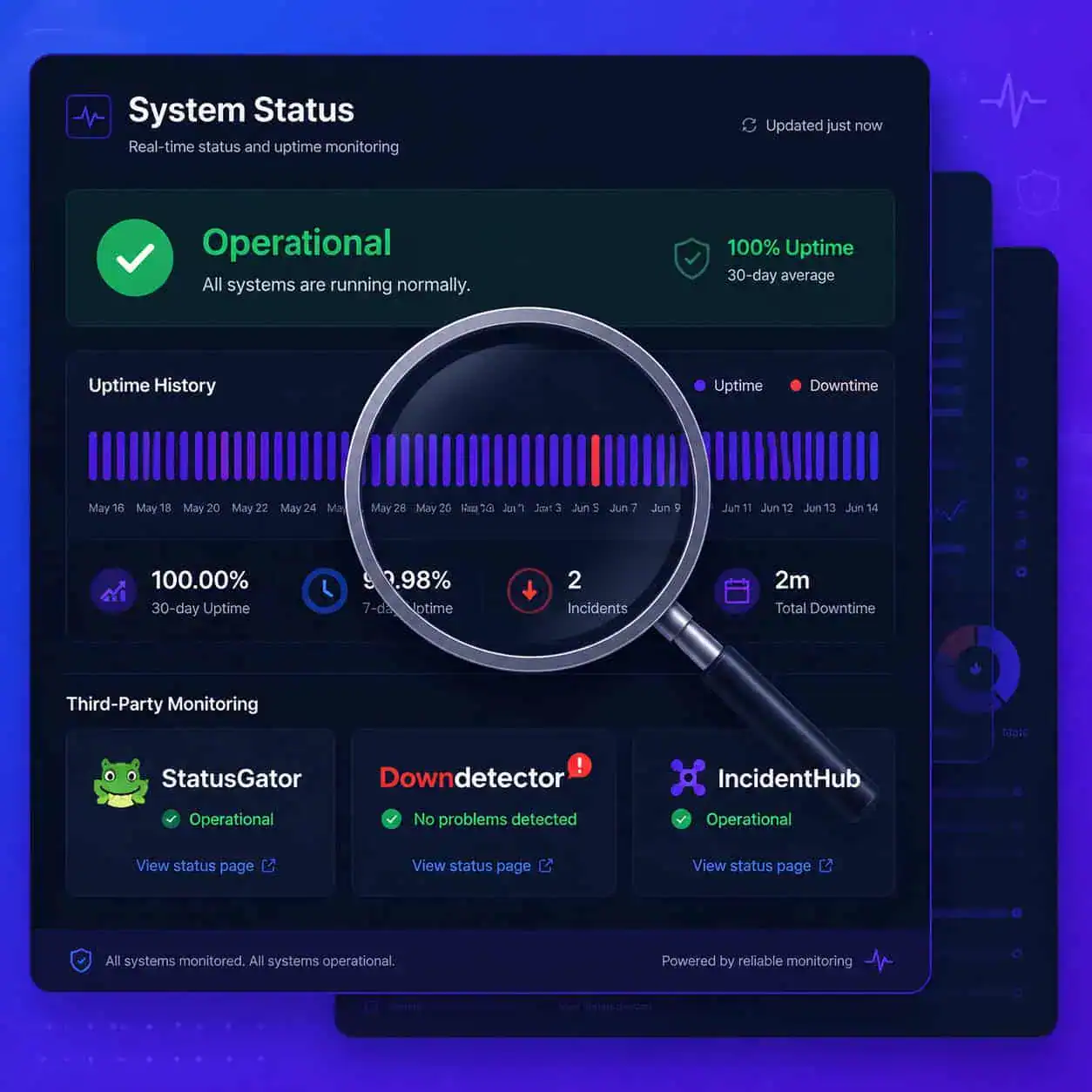
- Cross-reference with StatusGator for independent monitoring data [1].
- Check Downdetector for user-submitted outage reports in the last 24 hours [8].
- For EU region users, check IncidentHub’s EU2 component page specifically [2].
- Search the Make Community forums for recent posts about outages [10].
Pro tip: If StatusGator and Downdetector both show normal activity but your Make.com isn’t loading, stop troubleshooting the service and start troubleshooting your local setup.
Where to Find Make.com’s Official Incident History
Make.com maintains a public incident history at status.make.com/history [7]. This page documents every past outage, its duration, affected components, and the resolution steps taken.
Why this matters:
- You can see patterns — for example, a July 23rd incident documented in the Make Community involved complete service downtime and webhook failures [3].
- Incident history helps you estimate how long a current outage might last based on similar past events.
- If you’re reporting an issue to your team or a client, the history page gives you a credible, timestamped reference.
Common mistake: Many users assume that if the status page shows “Operational,” there’s no issue. In reality, there can be a lag between an outage starting and Make officially acknowledging it. That’s why cross-referencing with community reports [10] and third-party monitors [1][8] is worth doing during the first 10–15 minutes of a suspected outage.
How to Troubleshoot Make.com Connectivity Issues on Your End
If Make.com’s status page shows no active incidents, the problem is local. Work through these steps before contacting support.

Local troubleshooting checklist:
- Clear browser cache and cookies — stale session data is the most common culprit.
- Try a different browser — Chrome, Firefox, and Edge all handle session tokens differently.
- Disable browser extensions — ad blockers and privacy tools can block Make.com scripts.
- Turn off your VPN — VPNs can route traffic through blocked IP ranges or slow regional endpoints.
- Test on mobile data — if it works on your phone’s data but not your Wi-Fi, the issue is your network.
- Flush your DNS cache — on Windows, run
ipconfig /flushdns; on Mac, usesudo dscacheutil -flushcache. - Check firewall rules — corporate firewalls sometimes block Make.com’s webhook endpoints.
- Try an incognito/private window — rules out extension and cookie conflicts in one step.
Choose this approach if: You can access other SaaS tools normally but Make.com won’t load. That pattern almost always points to a local or network-level block rather than a platform outage.
What Happens to Your Automation Scenarios During an Outage?
Background scenarios often continue running even when the Make.com dashboard is inaccessible. This is one of the more reassuring aspects of Make’s architecture — the execution engine and the user interface are separate systems [5].
What this means in practice:
- Scheduled scenarios (time-triggered) typically keep executing during partial outages.
- Webhook-triggered scenarios may fail if the webhook endpoint itself is affected — this was documented during the July 23rd server outage [3].
- You may not be able to monitor or edit scenarios if the dashboard is down, but completed runs are logged and visible once service restores.
Edge case: If Make.com experiences a full outage (all systems down), queued webhook events are not always replayed after recovery. Check your connected apps (e.g., Slack, Google Sheets) to verify whether data was processed or dropped after a full outage resolves.
How to Set Up Proactive Make.com Status Alerts
Don’t wait to discover an outage by accident. Both Make’s official status page and third-party monitors offer free alert subscriptions.
Options for status notifications:
- Make’s official status page (status.make.com) [6]: Click “Subscribe to Updates” to receive email alerts for incidents and maintenance windows.
- StatusGator [1]: Aggregates Make.com status alongside other tools you use — useful if you manage multiple SaaS platforms.
- IncidentHub [2]: Offers component-level alerts, so you can subscribe only to the EU2 region if that’s what you use.
- Downdetector [8]: Sends alerts when user-reported outage volume spikes, which often precedes an official acknowledgment.
For teams running critical automations, I’d recommend combining Make’s official alerts with at least one third-party monitor. Official acknowledgment can lag by 10–30 minutes during fast-moving incidents.
Make.com Alternatives to Consider During Extended Downtime
If Make.com is down for an extended period and your workflows are time-sensitive, having a backup plan matters. Here’s a quick comparison of the main alternatives.

| Platform | Best For | Free Tier? | Key Difference vs. Make |
|---|---|---|---|
| Zapier | Simple, linear workflows | Yes (limited) | Easier to use, less flexible |
| n8n | Self-hosted, complex logic | Yes (self-host) | Full control, requires tech setup |
| Pabbly Connect | High-volume, budget-conscious | No | One-time pricing option |
| Activepieces | Open-source teams | Yes | Growing integration library |
Choose n8n if you need guaranteed uptime control and can manage your own server. Choose Zapier if you need something running in under 30 minutes with minimal setup.
For teams deeply invested in no-code automation, it’s also worth exploring advanced WordPress automation strategies that can reduce your dependency on a single platform for content and publishing workflows.
If you use Make.com to power content pipelines, our guide to AI-powered content generation tools covers platforms that have their own built-in automation, reducing single points of failure. Similarly, teams using Make to automate SEO tasks may find value in reviewing AI SEO tools for WordPress as a complementary or backup approach.
FAQ: Make.com Down — Common Questions Answered
Q: Is Make.com down right now?
Check status.make.com for the current status [6]. As of this writing, Make.com is operational with no active incidents reported by StatusGator or IncidentHub [1][2].
Q: Why can’t I log in to Make.com even though the status page says it’s up?
Clear your browser cache, disable extensions, and try an incognito window. A stale session cookie is the most common cause of login failures when the platform itself is operational.
Q: Will my scenarios still run if Make.com’s dashboard is down?
Often yes — background scenario execution is separate from the dashboard interface. Scheduled scenarios typically continue running during partial outages [5].
Q: How long do Make.com outages usually last?
Based on historical incidents documented at status.make.com/history [7], most partial outages resolve within 1–3 hours. Full outages are rare but can take longer.
Q: Where do users report Make.com issues in real time?
The Make Community forums [10] and Downdetector [8] are the fastest places to see user-reported problems, often before an official acknowledgment.
Q: Does Make.com have different regional servers?
Yes. The EU2 region (eu2.make.com) is monitored separately [2]. An issue in one region doesn’t always affect others.
Q: How do I subscribe to Make.com outage alerts?
Visit status.make.com [6] and click “Subscribe to Updates.” You can also set up alerts via StatusGator [1] or IncidentHub [2].
Q: What should I do if a webhook didn’t fire during an outage?
Check your connected app for the original trigger event. In most cases, you’ll need to manually re-trigger the webhook, as Make.com does not automatically replay missed events after a full outage [3].
Q: Can I use the Make.com app as a workaround during a browser issue?
Yes. The Make.com mobile app and the apps.make.com statuspage [9] can sometimes be accessible when a specific browser or network path is blocked.
Q: Is there a way to monitor Make.com uptime automatically?
Yes. Services like Uptime.com [4] and StatusGator [1] monitor Make.com continuously and can send alerts to email, Slack, or PagerDuty.
Conclusion: Your Action Plan When Make.com Goes Down
When Make.com appears to be down, the fastest path to resolution follows a clear order: check the official status page, cross-reference with independent monitors, then troubleshoot locally if no outage is confirmed.
Your immediate action checklist:
- Check status.make.com — look at individual components, not just the summary [6].
- Verify with StatusGator or Downdetector for independent confirmation [1][8].
- If no outage is listed: clear cache, disable VPN, try incognito mode.
- If an outage is confirmed: check whether your scenarios are still running in the background [5], and document any affected workflows.
- Subscribe to status alerts so you’re notified before users or clients are impacted.
- Review incident history after resolution to understand what failed and adjust your setup if needed [7].
For teams running business-critical automations, building redundancy — whether through backup platforms, local fallback scripts, or diversified tooling — is the most durable protection against any single platform’s downtime. Explore our automation category for more strategies on building resilient no-code workflows.
References
[1] Make – https://statusgator.com/services/make
[2] Apps Eu2 Make Com – https://incidenthub.cloud/status/make/apps-eu2-make-com
[3] community.make – https://community.make.com/t/server-outage/91107
[4] Make – https://uptime.com/make.com
[5] community.make – https://community.make.com/t/service-unavailable/100005
[6] status.make – https://status.make.com
[7] History – https://status.make.com/history
[8] Make – https://downdetector.com/status/make/
[9] Statuspage – https://apps.make.com/statuspage
[10] community.make – https://community.make.com


