Last updated: May 10, 2026
Quick Answer
Replit offers multiple support channels depending on your plan: all users can email [email protected], Core/Pro members get in-app live help (9am–8pm ET, Monday–Friday), and every user has access to Replit AI directly in the editor for instant code-level assistance. For fastest results in 2026, start with Replit AI for code issues, use the community forum for peer troubleshooting, and reserve email or in-app support for account and billing problems.
Key Takeaways
- Replit AI (accessible via a tab in the Project Editor) is the platform’s recommended first stop for code-level help [1]
- Email [email protected] handles account, billing, and technical issues for all users
- Pro Plan members get priority support and Turbo Mode for faster AI responses [2]
- The Community Forum (replit.discourse.group) provides peer-driven answers, often faster than tickets
- @ReplitSupport on X offers quick informal help for simple questions
- Workspace Security Center 2.0 (launched May 2026) lets you self-resolve dependency vulnerabilities [1]
- Connectors power over 100,000 active integrations, reducing the need for deployment support tickets [5]
- Free Agent usage events (like the 10th anniversary on May 2, 2026) periodically give all users AI-powered self-help at no cost [6]
What Support Channels Does Replit Offer in 2026?
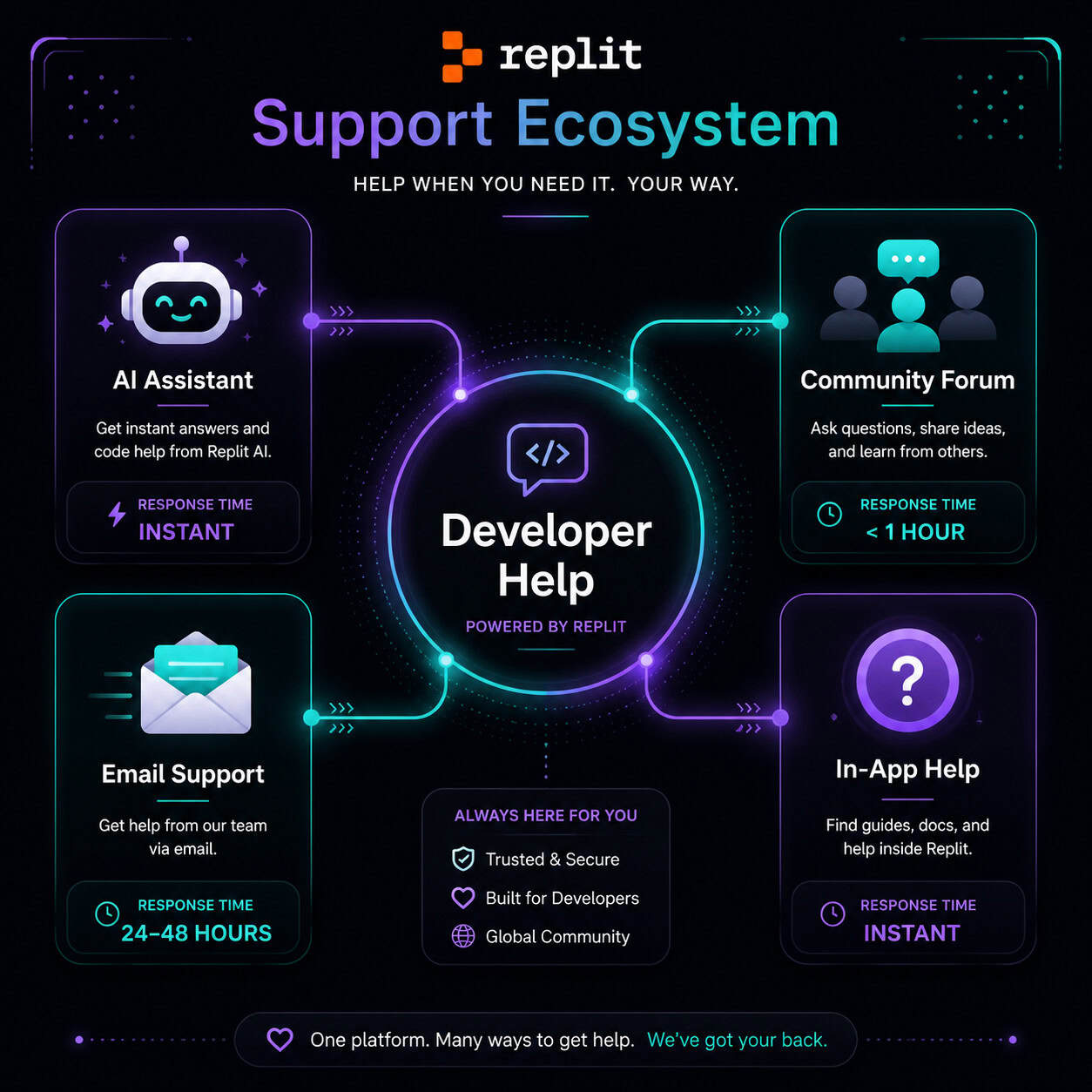
Replit provides four main support channels, each suited to different problem types. Choosing the right one saves you hours of waiting.
| Channel | Best For | Availability | Who Can Use It |
|---|---|---|---|
| Replit AI (in-editor) | Code errors, debugging, explanations | 24/7 | All users |
| Email ([email protected]) | Account issues, billing, bugs | Async (24–72 hr response) | All users |
| In-App “Get Help” | Technical issues, priority resolution | 9am–8pm ET, Mon–Fri | Core/Pro members |
| Community Forum | Peer help, workarounds, feature questions | 24/7 | All users |
| @ReplitSupport on X | Quick questions, status updates | Irregular | All users |
Common mistake: Submitting a code-level bug via email when Replit AI can diagnose it instantly. Save email for things only a human can fix, like billing disputes or account lockouts.
How Does Replit AI Work as Your First Line of Developer Assistance?
Replit AI is the fastest path to help for code problems. It lives inside the Project Editor as a dedicated tab, and it can debug, explain, refactor, and generate code on demand [1].
Here’s how to use it effectively:
- Open your project in the Replit editor
- Click the AI tab on the right panel (or use the keyboard shortcut)
- Describe your problem in plain language — be specific about what you expected vs. what happened
- Review the suggestion before applying it to your code
- Iterate if the first response doesn’t solve the issue
Pro Plan users get Turbo Mode, which provides faster AI responses and higher-quality outputs [2]. At roughly $0.25 per prompt for non-plan users, it’s still cheaper than waiting days for a support ticket response.
Choose Replit AI if: your problem is code-related, you need an answer in seconds, or you want to understand why something broke.
Skip Replit AI if: your issue involves account access, billing, or platform-level outages.
If you’re exploring how AI tools can accelerate your development workflow beyond Replit, check out our comprehensive guide to AI-powered content generation tools for a broader perspective on AI-assisted creation.
Why Is Navigating Replit Support Challenging, and How Can You Get Faster Responses?
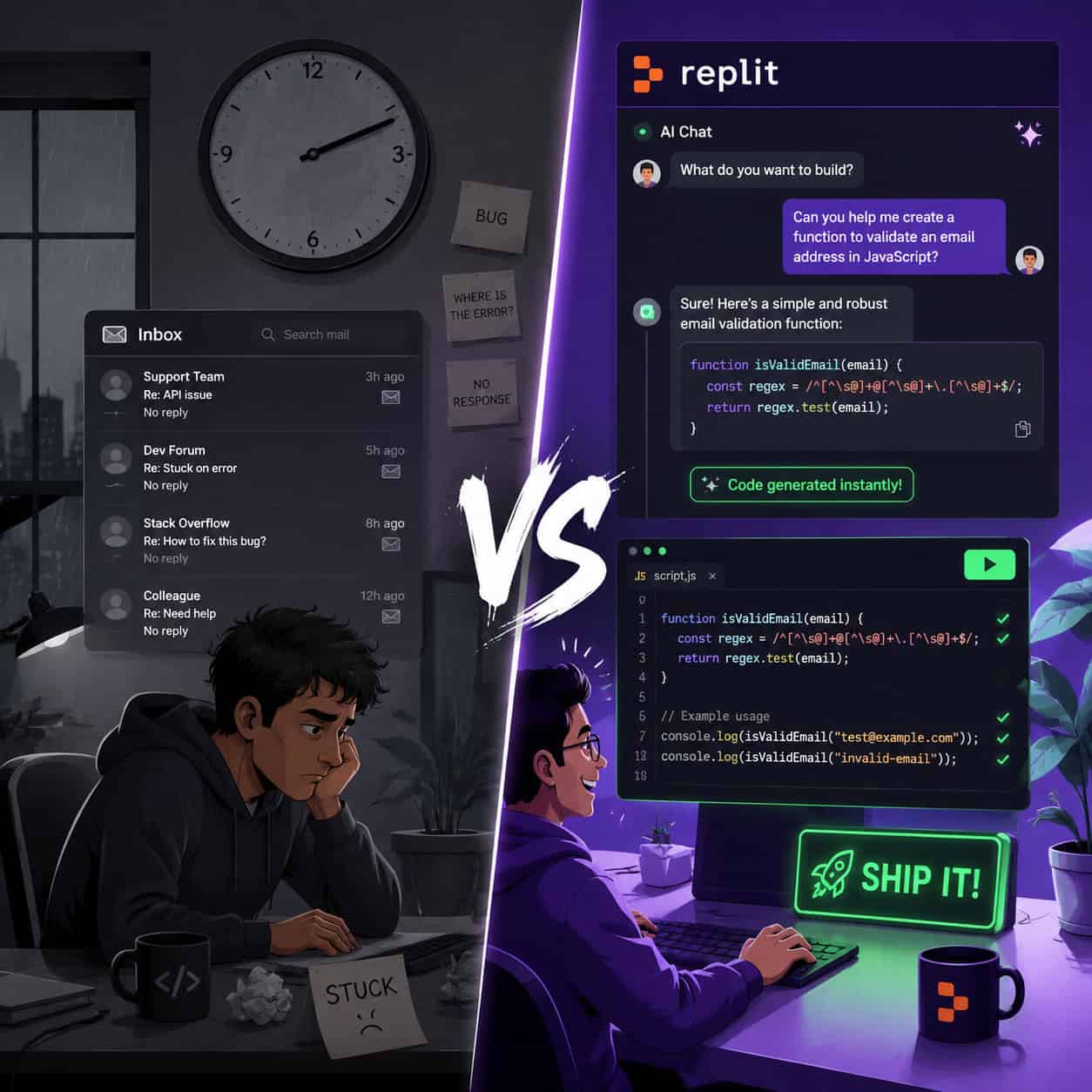
Multiple Reddit threads and forum posts from early 2026 highlight slow email response times and confusion about which channel to use. The core issue: Replit has scaled rapidly from a cloud editor to a full AI-powered development platform [10], but support staffing hasn’t always kept pace.
Three strategies for faster responses:
- Be specific in your first message. Include your Repl URL, error messages, browser/OS info, and steps to reproduce. Vague tickets get deprioritized.
- Check status.replit.com first. If the platform is experiencing an outage, no support ticket will fix it faster than waiting for the engineering team.
- Use the forum for known issues. Search replit.discourse.group before submitting a ticket — someone likely hit the same problem and posted a workaround.
Edge case: If you’re locked out of your account entirely, email is your only option. Include your username, associated email, and any recent payment receipts to speed up verification.
For developers building projects that involve external integrations, Replit’s new external access tokens for private Apps (launched May 2026) can eliminate many deployment issues that previously required support intervention [1].
What Self-Service Tools Reduce Your Need for Support?
Replit has invested heavily in self-service features that solve problems before you ever need to contact anyone. Here are the most useful ones in 2026:
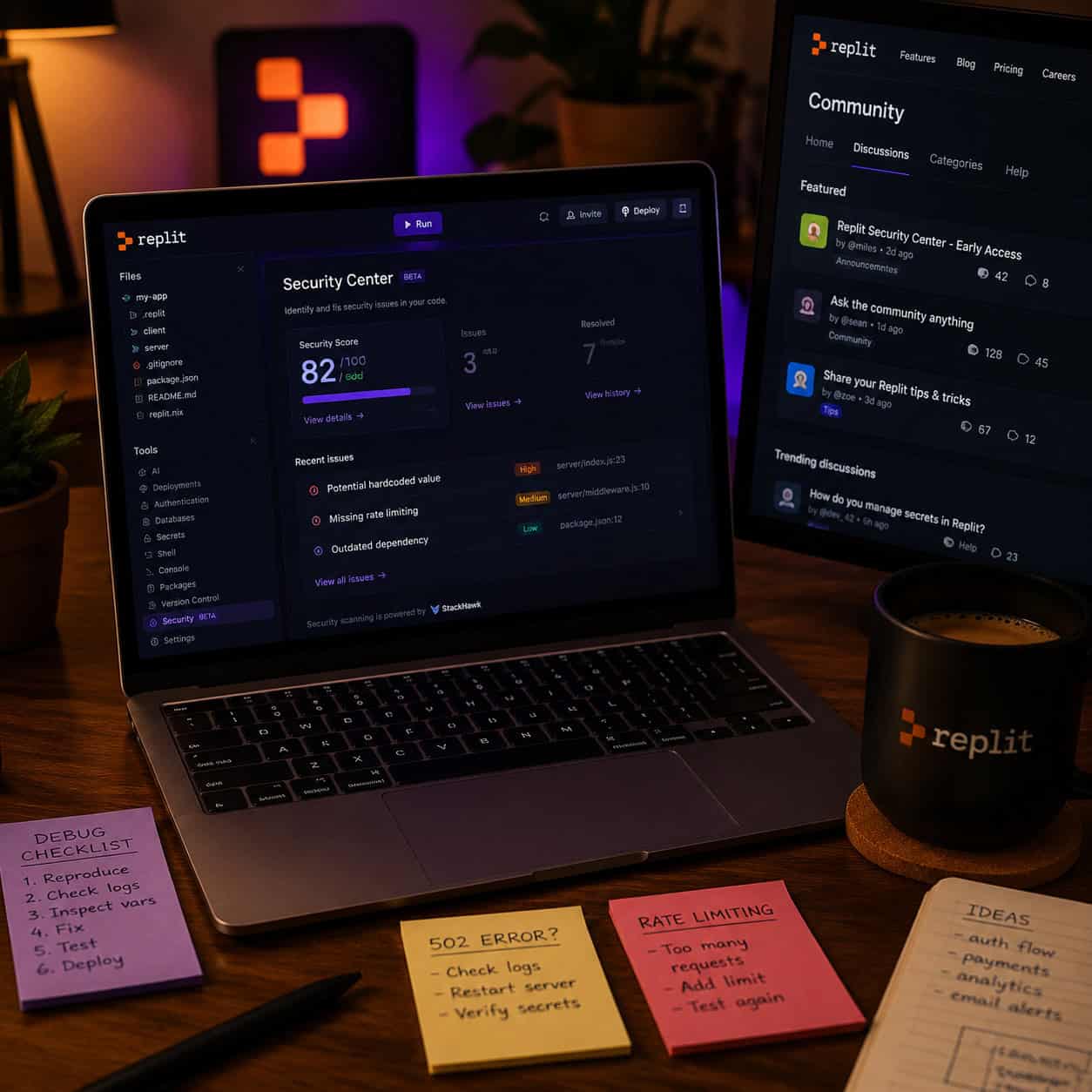
Workspace Security Center 2.0 (May 2026): Scans your project dependencies for vulnerabilities and lets you patch them directly from the editor [1]. Previously, developers would file support tickets about mysterious build failures caused by outdated packages.
Connectors: With over 450,000 created and 100,000+ active connections [5], Connectors handle database, API, and service integrations without manual configuration. If your deployment isn’t connecting to a database, check Connectors before filing a ticket.
Replit Agent: An AI agent that can build entire features, set up environments, and troubleshoot configurations. During Replit’s 10th anniversary celebration on May 2, 2026, all users received 24 hours of free Agent usage [6], demonstrating its power as a support alternative.
External Access Tokens: Secure integrations with Slack, GitHub, and other services without exposing credentials [1]. This eliminates a common class of “why won’t my webhook work” support requests.
These tools align with the broader trend of AI-powered platforms reducing manual support needs. Developers who master self-service tools spend less time waiting and more time building.
How Does the Pro Plan Change Your Support Experience?
The Pro Plan (which replaced the older Teams upgrades) offers priority support as a headline feature [2]. Here’s what that means in practice:
- Faster response times on in-app support requests
- Turbo Mode for AI assistance (better model, faster outputs)
- Credits for Agent and AI usage included monthly
- Direct escalation paths for critical issues
Choose Pro if: you’re shipping production apps on Replit, your time is worth more than the subscription cost, or you need guaranteed response windows.
Skip Pro if: you’re a hobbyist, your projects aren’t time-sensitive, or you’re comfortable using community resources and AI for troubleshooting.
For context on choosing the right development platform for your needs, our guide to the best no-coding website design software platforms for 2026 compares Replit against alternatives.
What Are the Best Alternatives When Replit Support Is Slow?
Sometimes you need answers faster than any official channel can provide. Here are proven alternatives:
- Stack Overflow — Search for your specific error message. Many Replit-related questions have existing answers.
- ChatGPT or Claude — Paste your error and code snippet for instant debugging help (free tiers available).
- Replit Community Forum — Peer developers often respond within hours, especially for common issues.
- GitHub Issues — If your problem involves a specific package or integration, check the library’s issue tracker.
- Discord communities — Unofficial Replit Discord servers have active help channels.
Decision rule: If your problem is code logic or a common error, external AI tools are fastest. If it’s Replit-platform-specific (deployment, hosting, billing), stick with official channels.
Developers working across multiple platforms might also benefit from understanding how to integrate AI chatbots into their workflow for automated troubleshooting.
Step-by-Step: How to File an Effective Support Request
When you do need human help, here’s how to get the fastest resolution:
- Identify the category: Account/billing, technical bug, or feature request
- Gather evidence: Screenshots, error logs, Repl URL, browser console output
- Write a clear subject line: “Build fails on Python 3.11 Repl after adding numpy” beats “Help my code is broken”
- Include reproduction steps: Number them. Be specific about what you clicked or typed.
- State what you’ve already tried: This prevents back-and-forth asking you to do things you’ve done
- Choose the right channel: Email for billing, in-app for technical (if Pro/Core), forum for peer help
- Follow up after 48 hours if no response — politely, with your ticket reference
Pro tip: Attach a short screen recording (Loom or similar) showing the bug. Support teams resolve visual evidence 2–3x faster than text-only descriptions.
How Does Replit Compare to Other Platforms for Developer Support?
| Platform | AI Help | Community | Paid Support | Response Time (estimate) |
|---|---|---|---|---|
| Replit | Built-in AI tab | Active forum | Pro Plan priority | Minutes (AI) / Hours–Days (human) |
| GitHub Codespaces | Copilot integration | GitHub Discussions | Enterprise plans | Minutes (AI) / Varies (human) |
| Glitch | Limited | Community forum | None | Hours–Days |
| CodeSandbox | AI assist | Discord | Team plans | Minutes (AI) / Hours (human) |
Replit’s advantage is having AI, hosting, database, and support in one browser tab — what industry observers have called the only platform combining all these elements in a single interface. This reduces context-switching when troubleshooting.
For teams evaluating development workflows, our guide to Figma-to-code plugins covers how design-to-development handoffs can be streamlined similarly.
Conclusion
Getting help on Replit in 2026 comes down to choosing the right channel for your specific problem. Start with Replit AI for code issues — it’s instant and surprisingly capable. Use self-service tools like Security Center 2.0 and Connectors to solve infrastructure problems without waiting. Reserve human support for account and billing issues, and when you do file a ticket, make it count with specific details and reproduction steps.
Your action plan:
- Bookmark status.replit.com for outage checks
- Learn the Replit AI tab shortcuts in your editor
- Join the community forum and search before posting
- If you ship production apps, evaluate whether Pro Plan priority support is worth the investment
- Keep external AI tools (ChatGPT, Claude) as backup for when you need a second opinion fast
The developers who get the most from Replit are the ones who treat AI and self-service tools as their primary support layer — and save human interaction for the problems only humans can solve.
FAQ
How do I contact Replit support directly? Email [email protected] for all account and billing issues. Pro/Core members can also use the in-app “Get Help” button during business hours (9am–8pm ET, Monday–Friday).
Is Replit AI free to use? Basic AI assistance is available to all users. Pro Plan members get Turbo Mode with faster, higher-quality responses and monthly credits [2].
How long does Replit email support take to respond? Typical response times range from 24 to 72 hours. Pro Plan members report faster responses due to priority queuing.
Can I get live chat support on Replit? In-app live support is available to Core and Pro members during business hours. Free users do not have access to live chat.
What should I do if Replit is down? Check status.replit.com first. If there’s a known outage, wait for the engineering team to resolve it. Filing a support ticket during an outage won’t speed up the fix.
Does Replit have phone support? No. Replit does not offer phone support for any plan tier as of 2026.
What’s the best way to report a bug? Include your Repl URL, steps to reproduce, expected vs. actual behavior, and screenshots. Submit via email or in-app support depending on your plan.
Is the Replit Community Forum official? The forum (replit.discourse.group) is community-driven. Replit staff occasionally participate, but it’s not a guaranteed official support channel.
What happened to Replit Teams support? Teams upgrades were sunsetted. The Pro Plan now covers features previously available through Teams, including priority support [2].
Can Replit AI fix deployment issues? Replit AI can diagnose code-level deployment problems. For infrastructure issues (DNS, hosting outages), you’ll need human support or the Security Center tools [1].
How do external access tokens reduce support needs? They let you securely connect private Replit Apps to services like Slack and GitHub without manual configuration, eliminating common integration errors that previously required support tickets [1].
References
[1] Changelog – https://docs.replit.com/updates/2026/05/08/changelog [2] Replit – https://releasebot.io/updates/replit [5] Changelog – https://docs.replit.com/updates/2026/03/06/changelog [6] May 2nd Free – https://www.reddit.com/r/replit/comments/1sxgdtk/may_2nd_free/ [10] Replit – https://en.wikipedia.org/wiki/Replit