Last updated: May 13, 2026
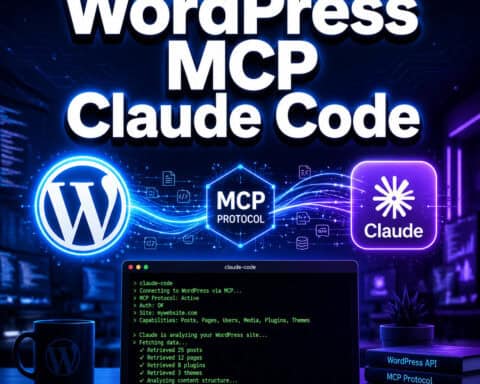
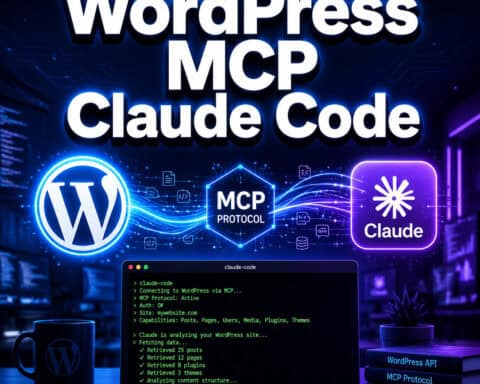
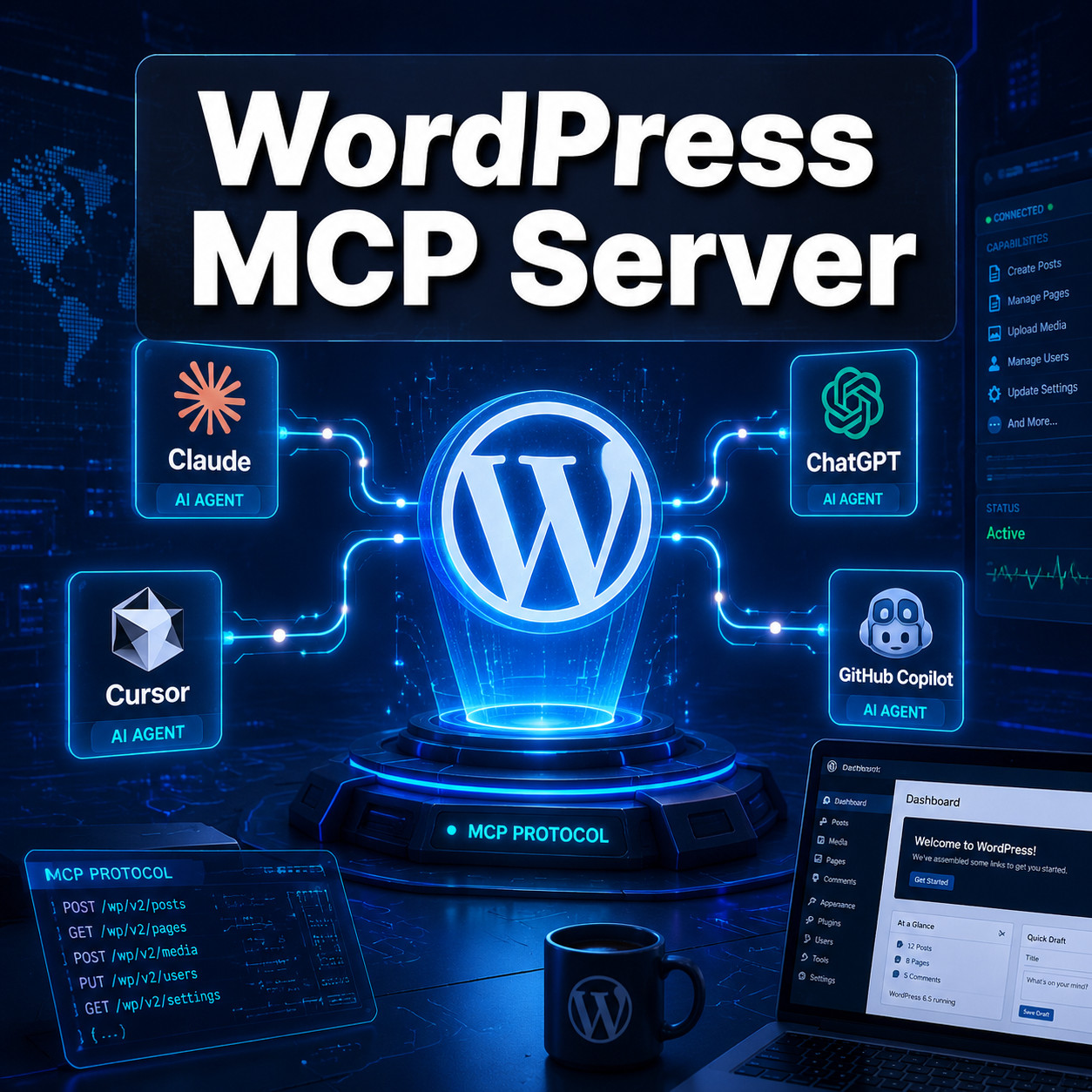
Quick Answer: A WordPress MCP server is a bridge that lets AI assistants like Claude and ChatGPT interact directly with your WordPress site using the Model Context Protocol (MCP). Instead of manually logging into your dashboard, you can ask an AI agent to create posts, manage media, update plugins, and query content — all through structured, secure commands. Automattic’s official mcp-adapter plugin and several third-party options are available in 2026 [1][2].
Key Takeaways
- MCP stands for Model Context Protocol, an open standard that gives AI tools a structured way to communicate with external services like WordPress.
- Automattic deprecated its original
wordpress-mcpGitHub repo in favor of the stable mcp-adapter plugin, which aligns with WordPress Core’s Abilities API in version 6.9 [1][2]. - WP Engine launched its Smart Search AI MCP Server on May 4, 2026, offering real-time access to live WordPress content via a managed vector database [8].
- WordPress.com added native MCP support with write capabilities (March 2026), requiring no plugins or Node.js for hosted sites.
- MCP differs from the REST API by enabling dynamic tool discovery — AI agents can find and use available WordPress functions without hardcoded endpoints [8].
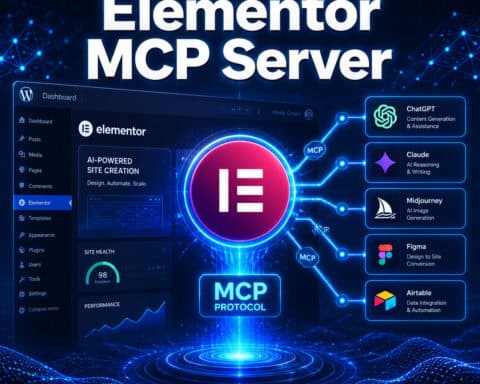
- Third-party MCP servers like Respira (for WooCommerce) and IATO (for SEO auditing) serve specialized workflows.
- Security features include OAuth 2.1 authentication, rate limiting, and human-approval steps for sensitive actions.
- WordPress Playground also offers an MCP server via
@wp-playground/mcp, letting AI agents manage browser-based instances over WebSocket.
What Is a WordPress MCP Server and How Does It Work?
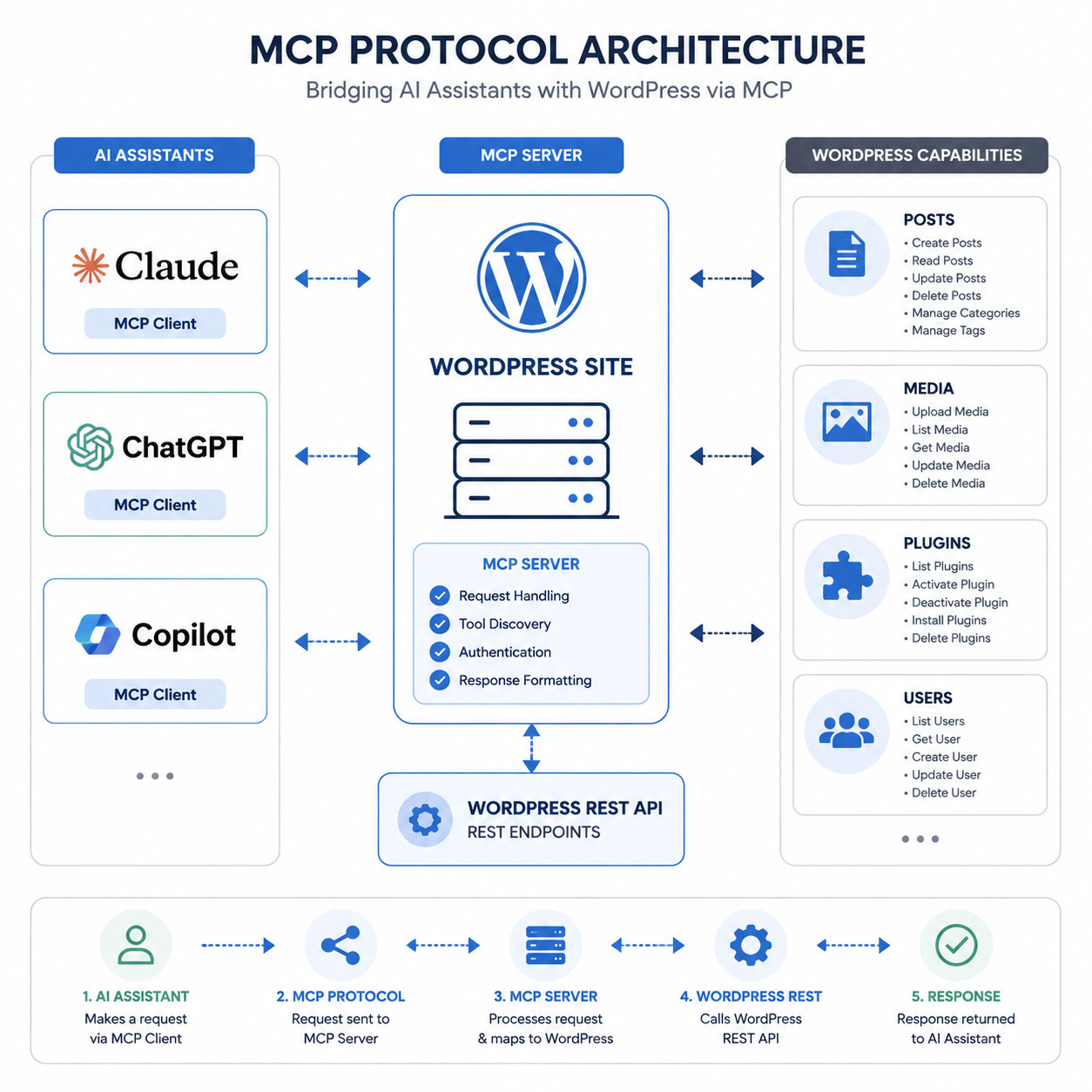
A WordPress MCP server acts as a translator between AI assistants and your WordPress installation. It uses the Model Context Protocol — an open standard originally championed by Anthropic — to let AI tools discover what actions are available on your site and then execute them with proper authorization.
Here’s the basic flow:
- AI client (Claude, ChatGPT, or a custom agent) connects to the MCP server.
- The MCP server exposes a set of “tools” — things like
create_post,upload_media,list_plugins, orsearch_content. - The AI agent picks the right tool based on your natural language request.
- The server executes the action against your WordPress site and returns the result.
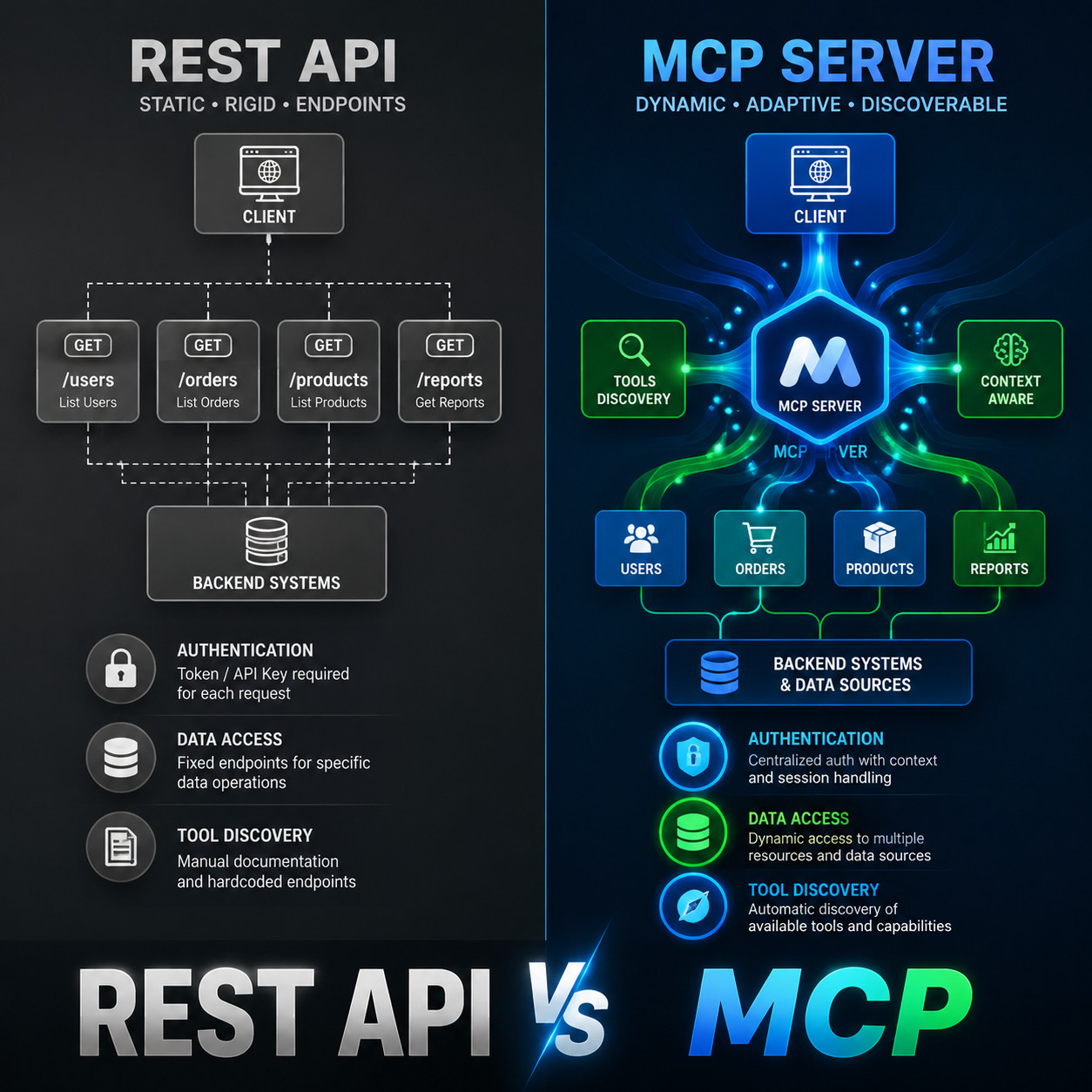
This is fundamentally different from the WordPress REST API. With REST, you need to know exact endpoints and build specific integrations. MCP allows dynamic discovery, meaning the AI agent can ask the server “what can you do?” and adapt on the fly [8]. That’s why Automattic called WordPress “the Operating System of the Agentic Web” in their April 2026 announcement [2].
For those exploring broader AI integration with WordPress, our guide on AI plugins for WordPress automation covers complementary tools worth pairing with MCP.
Why Use MCP Instead of the WordPress REST API?
MCP doesn’t replace the REST API — it sits on top of it (or alongside it) and adds a layer purpose-built for AI interaction. The REST API was designed for developers building apps. MCP was designed for AI agents that need to figure out what’s possible and act accordingly.
| Feature | WordPress REST API | WordPress MCP Server |
|---|---|---|
| Endpoint discovery | Static, documented manually | Dynamic, AI queries available tools |
| Authentication | Application passwords, JWT, OAuth | OAuth 2.1 with human approval steps |
| Intended user | Human developers | AI agents and assistants |
| Data access | Structured JSON responses | Context-rich responses with metadata |
| Real-time content | Requires polling or webhooks | Native real-time access (varies by server) |
| Setup complexity | Moderate | Low to moderate (plugin-based) |
Choose MCP if you want AI assistants to manage content, answer questions about your site, or automate workflows without writing custom API integrations. Stick with REST if you’re building traditional apps or need fine-grained programmatic control.
WP Engine’s implementation specifically highlights that MCP enables AI assistants “grounded in live content” — meaning the AI works with your actual current data, not a stale snapshot [8].
Which WordPress MCP Servers Are Available in 2026?
Several MCP server options exist in 2026, each targeting different use cases. Here are the most notable:
Automattic’s Official MCP Adapter Plugin
This is the recommended starting point for most self-hosted WordPress sites. Automattic deprecated the original wordpress-mcp GitHub repository and consolidated everything into the mcp-adapter plugin, which integrates with WordPress Core’s Abilities API introduced in version 6.9 [1][2]. It supports post creation, media management, and plugin queries with built-in human approval for sensitive operations.
Best for: Self-hosted WordPress sites that want official, maintained MCP support.
WP Engine Smart Search AI MCP Server
Launched May 4, 2026, this managed solution provides a vector database layer on top of your WordPress content. AI tools get real-time access to live content with secure authentication and rate limiting, and WP Engine claims zero performance impact on the frontend [8].
Best for: WP Engine customers who want AI-powered search and content retrieval without managing infrastructure.
WordPress.com Native MCP
WordPress.com added write capabilities to its native MCP support in March 2026. The big advantage here is simplicity: no plugins, no Node.js, just OAuth 2.1 setup directly through your WordPress.com account. It works with Claude and ChatGPT out of the box.
Best for: WordPress.com hosted sites that want the fastest path to MCP.
WordPress Playground MCP
The @wp-playground/mcp package (released April 9, 2026) lets AI agents manage browser-based WordPress instances over WebSocket. This is ideal for testing and development — you can spin up a WordPress instance, let an AI agent modify it, and tear it down without touching a production site.
Best for: Developers testing AI workflows, plugin development, and sandboxed experiments.
Specialized Third-Party Servers
- Respira MCP — Focused on page builders and WooCommerce, with add-ons for e-commerce workflows.
- IATO MCP — Specializes in SEO auditing through AI agents.
- Southleft MCP — An open-source community option available on GitHub [7].
If you’re building custom WordPress plugins that need to work with MCP, our plugin development best practices guide covers the foundational patterns you’ll need.
How to Set Up a WordPress MCP Server (Step by Step)
Setting up the official Automattic MCP adapter is the most common path. Here’s how to do it:
Prerequisites:
- WordPress 6.9 or later (for Abilities API support)
- PHP 8.0+
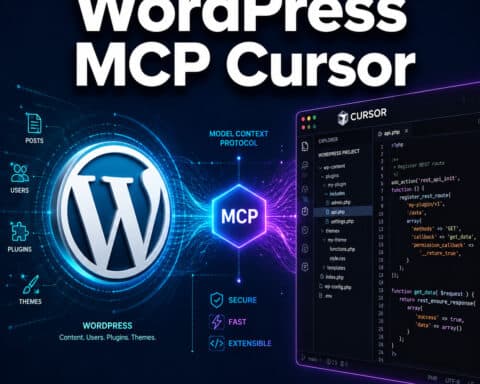
- An AI client that supports MCP (Claude Desktop, ChatGPT, Cursor, or similar)
Steps:
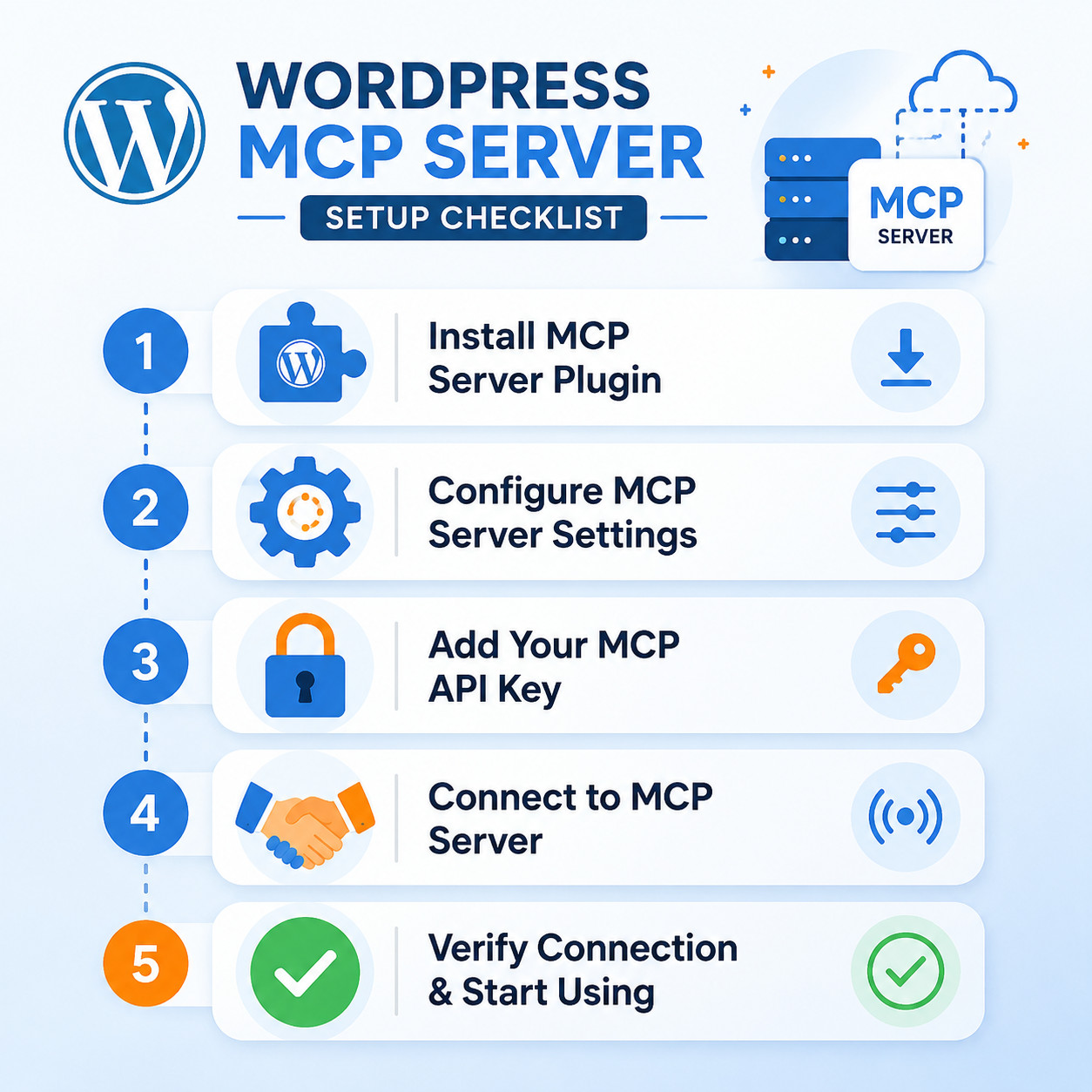
- Install the mcp-adapter plugin. Download it from the WordPress plugin directory or install via WP-CLI:
wp plugin install mcp-adapter --activate[2]. - Configure authentication. Navigate to Settings > MCP Adapter in your WordPress dashboard. Set up OAuth 2.1 credentials. You’ll get a client ID and secret.
- Define allowed tools. Choose which WordPress capabilities the MCP server exposes. Start conservatively — enable read operations first, then add write operations as you gain confidence.
- Connect your AI client. In your AI tool’s MCP configuration, add the server URL (typically
https://yoursite.com/wp-json/mcp/v1) along with your OAuth credentials. - Test with a simple query. Ask your AI assistant something like “List my five most recent published posts.” If it returns accurate results, your connection is working.
Common mistake: Exposing all capabilities immediately. Start with read-only access and add write permissions incrementally. This reduces the risk of an AI agent making unintended changes to your live site.
For users looking to combine MCP with other automation tools, our advanced WordPress strategies for power users guide covers complementary approaches.
What Can You Actually Do With a WordPress MCP Server?
The practical applications break down into a few categories:
Content management:
- Create, edit, and schedule posts and pages through natural language
- Bulk-update metadata, categories, and tags
- Search and retrieve content based on semantic queries (especially with WP Engine’s vector database approach) [8]
Site administration:
- Check plugin status and trigger updates
- Monitor site health metrics
- Manage user roles and permissions
SEO and marketing:
- Run content audits via IATO or similar specialized servers
- Auto-generate meta descriptions and structured data
- Coordinate AI-powered SEO improvements alongside MCP workflows
E-commerce (with Respira or WooCommerce-compatible servers):
- Update product listings and inventory
- Pull order data for analysis
- Modify pricing rules
Development and testing:
- Use WordPress Playground MCP to prototype changes in a sandbox
- Let AI agents build and test theme modifications
- Automate repetitive development tasks via Claude Code with WP-CLI [4]
“WordPress is becoming the Operating System of the Agentic Web.” — Automattic, April 2026 [2]
Security Considerations for WordPress MCP Servers
Connecting AI agents to your WordPress site introduces real security surface area. Here’s what to watch:
- OAuth 2.1 is non-negotiable. Never use basic authentication for MCP connections. Both Automattic’s adapter and WP Engine’s server enforce OAuth 2.1 [2][8].
- Human approval for destructive actions. The official adapter supports approval workflows — the AI proposes an action, and a human confirms before execution. Enable this for delete operations and settings changes.
- Rate limiting. Both WP Engine and the official adapter include rate limiting to prevent runaway AI agents from overwhelming your server [8].
- Scope your permissions. If your AI agent only needs to read content, don’t give it write access. The Abilities API in WordPress 6.9 makes granular permission scoping straightforward [2].
- Audit logging. Track what actions AI agents take on your site. This is critical for multi-user environments where multiple agents might be connected.
If you’re also integrating chatbots alongside MCP, our guide on AI-powered chatbot integration for WordPress covers related security patterns.
WordPress MCP Server vs. Traditional Automation: When to Choose What
MCP isn’t the right tool for every automation task. Here’s a quick decision framework:
Choose MCP when:
- You want natural language control over WordPress
- The workflow benefits from AI reasoning (content creation, analysis, SEO auditing)
- You need flexible, ad-hoc automation that changes frequently
- Multiple AI tools need to interact with the same site
Choose traditional automation (cron jobs, Zapier, custom scripts) when:
- The task is simple and repetitive (scheduled backups, auto-sharing posts)
- You need guaranteed execution timing
- No AI reasoning is required
- Cost sensitivity is high (MCP adds AI API costs)
For straightforward automations like social sharing, a tool covered in our auto-share WordPress posts guide might be more practical than setting up MCP.
Frequently Asked Questions
Is the WordPress MCP server free? Automattic’s mcp-adapter plugin is free and open source. WP Engine’s Smart Search AI MCP Server is included with WP Engine hosting plans [8]. You’ll still pay for AI API usage (Claude, ChatGPT, etc.).
Do I need coding skills to use a WordPress MCP server? No. The plugin-based setup requires minimal technical knowledge. However, customizing tool definitions or building specialized workflows benefits from PHP and JavaScript familiarity.
Which AI assistants support WordPress MCP? Claude Desktop, ChatGPT (via plugins), Cursor, Claude Code, and any client that implements the MCP standard. The ecosystem is growing rapidly in 2026.
Can MCP break my WordPress site? Yes, if misconfigured. An AI agent with write access can modify or delete content. Always start with read-only permissions and enable human approval for write operations [2].
What happened to the original wordpress-mcp GitHub repo? Automattic deprecated it in favor of the mcp-adapter plugin, which aligns with WordPress Core’s Abilities API in version 6.9. Users should migrate to the new plugin for ongoing support [1].
Does MCP slow down my WordPress site? The official adapter and WP Engine’s server are designed to avoid frontend performance impact. MCP operations happen server-side and don’t affect page load times for visitors [8].
Can I use MCP with WooCommerce? Yes. The official adapter supports basic WooCommerce operations, and Respira MCP offers specialized WooCommerce add-ons for deeper e-commerce integration.
Is MCP the same as the WordPress REST API? No. MCP is a separate protocol layer designed for AI agents. It can use the REST API internally but adds dynamic tool discovery, AI-specific authentication, and structured interaction patterns [8].
How does WordPress Playground MCP differ from production MCP? Playground MCP runs browser-based WordPress instances for testing. It’s sandboxed and temporary — ideal for development but not for managing live sites.
Conclusion
The WordPress MCP server ecosystem has matured quickly in 2026. For most site owners, the path forward is clear: install Automattic’s official mcp-adapter plugin, configure OAuth 2.1 authentication, start with read-only permissions, and gradually expand what your AI agents can do [2].
Your next steps:
- Update to WordPress 6.9 if you haven’t already — you need the Abilities API.
- Install the mcp-adapter plugin and configure basic read access.
- Connect one AI client (Claude Desktop is the most straightforward) and test with simple queries.
- Explore specialized servers like WP Engine’s Smart Search [8] or Respira if you have specific needs around search or e-commerce.
- Review our WordPress automation strategies to see how MCP fits into a broader AI-powered workflow.
MCP is still evolving, but the foundation is solid. The sites that adopt it now will have a meaningful head start as AI-driven content management becomes standard practice.
References
[1] WordPress Mcp – https://github.com/Automattic/wordpress-mcp [2] From Abilities To Ai Agents Introducing The WordPress Mcp Adapter – https://developer.wordpress.org/news/2026/02/from-abilities-to-ai-agents-introducing-the-wordpress-mcp-adapter/ [4] Watch – https://www.youtube.com/watch?v=xPZJACF11es [7] Southleft Mcp – https://github.com/southleft/southleft-mcp [8] Mcp Server – https://wpengine.com/mcp-server/