Last updated: May 13, 2026
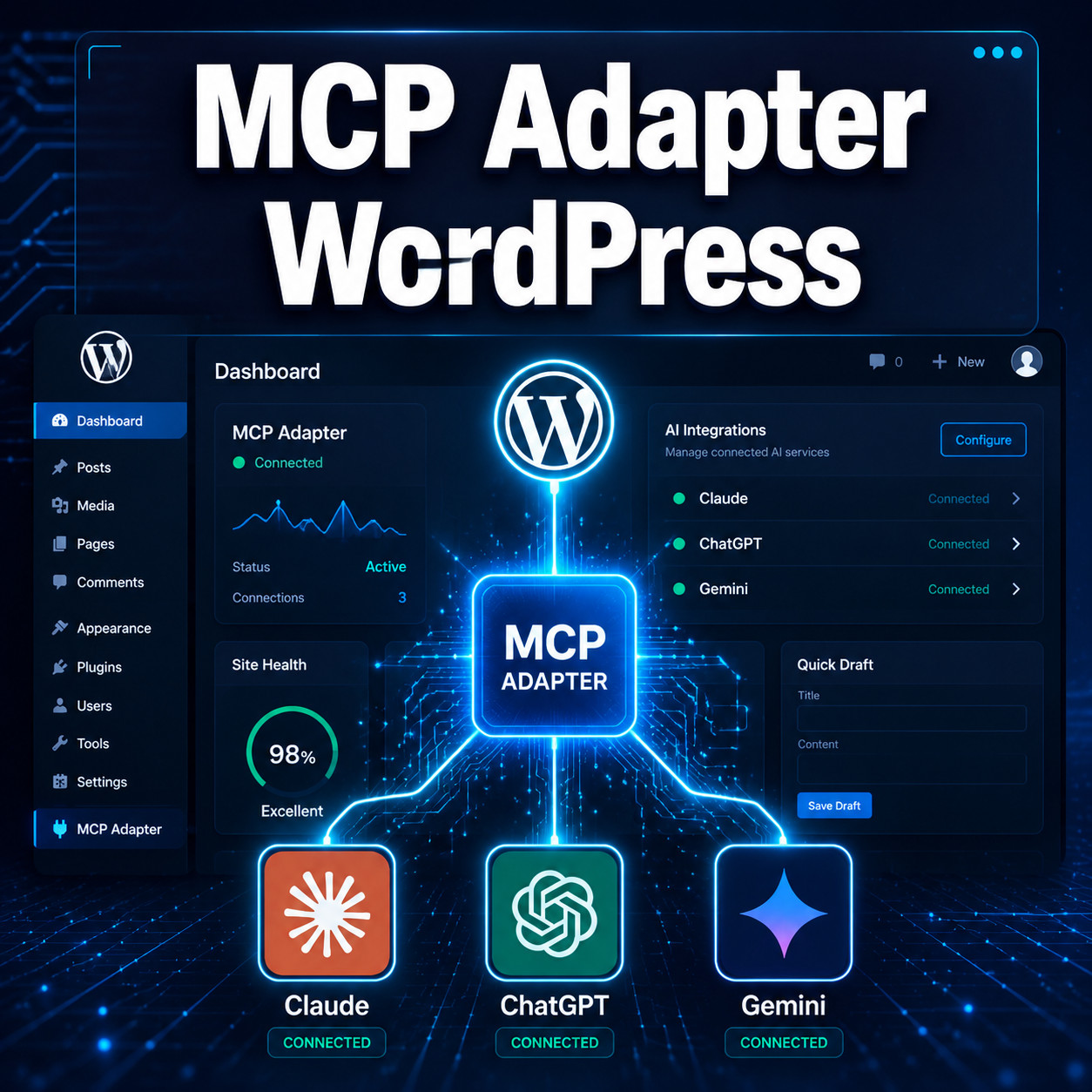
Quick Answer: The MCP Adapter for WordPress is an official plugin that connects AI assistants like Claude, ChatGPT, and Gemini directly to your WordPress site through the Model Context Protocol (MCP). Released by the WordPress Core AI team in February 2026 [1], it lets AI agents read, create, and modify your site’s content, themes, and settings without requiring you to learn each AI provider’s API. The Abilities API powering it is set to merge into WordPress 7.0 core in April 2026 [3].
Key Takeaways
- The MCP Adapter was officially launched on February 3, 2026, as part of WordPress’s AI Building Blocks initiative [1].
- It works with any MCP-compatible AI assistant, including Claude, ChatGPT, and Gemini.
- WordPress 7.0 will include the Abilities API natively, making MCP support a core feature [3].
- The adapter supports both STDIO (local development) and HTTP (remote sites) transport methods [1].
- WooCommerce added official MCP integration on May 11, 2026, extending AI capabilities to e-commerce.
- Developers can build custom MCP servers for specific plugins rather than relying only on the default server [1].
- Automattic describes WordPress as “The Operating System of the Agentic Web,” with MCP at the center of that vision.
- Community-driven alternatives exist alongside the official adapter, including implementations from Automattic’s GitHub [9] and third-party MCP servers [7].
What Is the MCP Adapter for WordPress?
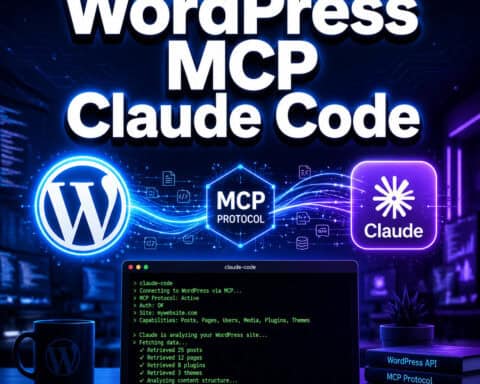
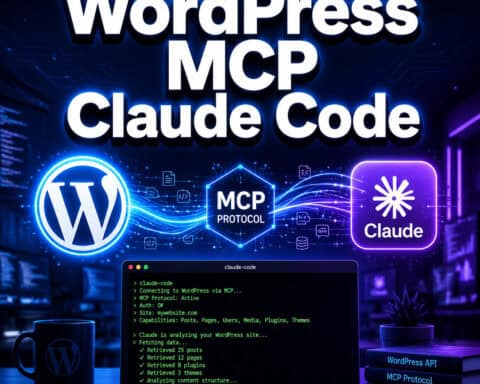
The MCP Adapter is a WordPress plugin that acts as a bridge between AI assistants and your WordPress site. It translates AI requests into WordPress actions using the Model Context Protocol, an open standard for AI-to-application communication.
Think of it this way: before MCP, connecting an AI tool to WordPress meant writing custom API integrations for each AI provider. The MCP Adapter eliminates that. It operates on three core principles [6]:
- Abstraction: You don’t need to understand each AI provider’s API.
- Consistency: The same implementation works regardless of which AI model you use.
- Scalability: New capabilities can be added without rebuilding existing integrations.
The adapter exposes WordPress “abilities” (like creating posts, managing media, or editing themes) to any AI agent that speaks MCP. This means Claude can create a blog post, ChatGPT can update your site settings, and Gemini can manage your media library, all through the same interface.

If you’re exploring how AI tools are changing WordPress workflows, our guide to AI plugins for WordPress automation covers the broader landscape.
How Does the MCP Adapter WordPress Plugin Work?
The adapter sits between AI assistants and the WordPress REST API, translating MCP requests into WordPress actions and returning structured responses.
Here’s the technical flow:
- AI assistant sends an MCP-formatted request (e.g., “create a new post about hiking trails”).
- MCP Adapter receives the request and maps it to the appropriate WordPress ability.
- Abilities API checks permissions and executes the action through WordPress core functions.
- Response flows back through the adapter to the AI assistant in a structured format.
The adapter supports two transport methods [1]:
| Transport Method | Best For | How It Works |
|---|---|---|
| STDIO | Local development | Communicates through standard input/output streams on your local machine |
| HTTP | Remote/production sites | Uses HTTP requests to connect AI tools to live WordPress installations |
Choose STDIO if you’re developing locally and want fast iteration. Choose HTTP if you need to connect AI tools to a hosted WordPress site.
A common mistake is assuming the adapter gives AI unrestricted access. It doesn’t. The Abilities API respects WordPress’s existing permission system, so an AI agent can only do what the authenticated user is allowed to do.
How to Install and Set Up the MCP Adapter for WordPress
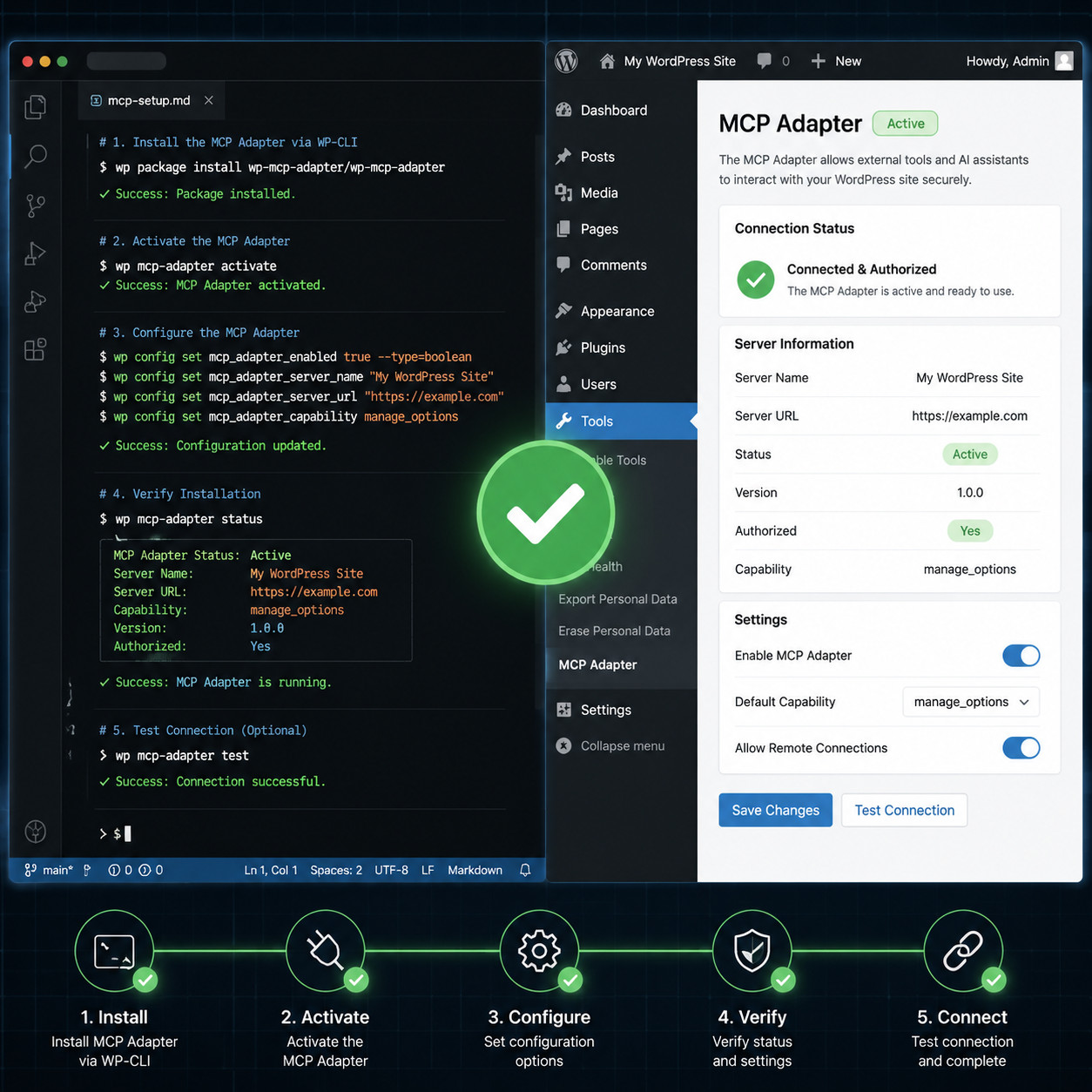
Setting up the MCP Adapter involves installing the plugin, configuring transport, and connecting your AI assistant. Here’s the process step by step.
Step-by-Step Installation
Install the plugin: Download the MCP Adapter from the WordPress plugin repository [2] or install it via WP-CLI:
wp plugin install mcp-adapter --activateChoose your transport method: Navigate to Tools > MCP Adapter in your WordPress admin. Select STDIO for local setups or HTTP for remote connections [1].
Generate authentication credentials: The adapter uses application passwords or OAuth tokens. Create an application password under Users > Profile > Application Passwords.
Configure your AI assistant: In your AI tool’s MCP settings, add your WordPress site’s MCP endpoint URL and authentication credentials.
Test the connection: Ask your AI assistant to perform a simple task, like listing recent posts, to verify the connection works.
For Pressable users: Pressable launched a Developer Preview of the MCP Adapter on February 17, 2026, accessible directly through the MyPressable Tools section [8]. This simplifies setup since the hosting environment is pre-configured.
Configuration Checklist
- Plugin installed and activated
- Transport method selected (STDIO or HTTP)
- Application password generated
- AI assistant configured with endpoint and credentials
- Test query successful
- User permissions reviewed for AI access scope
For those building custom plugins that integrate with MCP, our WordPress plugin development best practices guide covers the fundamentals you’ll need.
What Can You Do with the MCP Adapter WordPress Integration?
The MCP Adapter enables AI assistants to perform a wide range of WordPress tasks. Here are the primary use cases available in 2026.

Content Management
- Create, edit, and publish posts and pages
- Manage categories, tags, and taxonomies
- Generate and insert media (with appropriate prompts)
- Schedule content for future publication
Theme and Design
- Modify theme settings and customizer options
- Edit template files (with developer-level permissions)
- Adjust site identity, menus, and widget areas
Reddit users reported in February 2026 that they were able to create entire website themes from scratch using AI through MCP integration [4]. If you’re interested in theme work, check out our guide to custom WordPress theme development.
WooCommerce (as of May 2026)
WooCommerce’s official MCP integration documentation, released May 11, 2026, extends AI capabilities to:
- Product creation and inventory management
- Order processing and status updates
- Customer data queries (within permission boundaries)
- Store settings configuration
Development Workflows
Developers can also add MCP servers to the WordPress core development environment itself [5], which is useful for contributing to WordPress core or testing plugin behavior with AI assistance.
For advanced automation strategies, our WordPress automation guide for power users goes deeper into what’s possible.
MCP Adapter WordPress vs. Traditional API Integrations
Before MCP, connecting AI to WordPress meant building provider-specific integrations. Here’s how the two approaches compare:
| Feature | MCP Adapter | Traditional API Integration |
|---|---|---|
| Setup complexity | Install plugin, configure once | Custom code per AI provider |
| AI provider support | Any MCP-compatible assistant | One provider per integration |
| Maintenance | Plugin updates handle compatibility | Manual updates when APIs change |
| Permission handling | Uses WordPress’s native system | Must implement custom auth |
| Extensibility | Add abilities via hooks | Rebuild for new features |
| Community support | Growing ecosystem [7][9] | Varies by provider |
Choose the MCP Adapter if you want flexibility across AI providers and don’t want to maintain custom code. Stick with direct API integration if you need very specific behavior from a single AI provider that MCP doesn’t yet expose.
The MCP approach also aligns with Automattic’s broader vision of WordPress as an AI-native platform. As industry analyst Mike Kwal noted in May 2026, WordPress 7.0’s MCP Adapter unlocks the ability for any AI assistant to read and edit WordPress sites directly.
Can You Build Custom MCP Servers for WordPress Plugins?
Yes. Beyond the default MCP server, developers can create custom MCP servers tailored to specific plugins [1]. This gives you more granular control over which abilities are exposed and how AI agents interact with your plugin’s functionality.
Why build a custom server?
- Expose plugin-specific actions (e.g., form submissions, custom post type operations)
- Limit AI access to only the data your plugin manages
- Create specialized workflows that the default adapter doesn’t cover
Several community-driven MCP server implementations already exist [7][9], and they demonstrate different approaches to structuring WordPress-AI communication. The Automattic wordpress-mcp repository on GitHub is a good reference point [9].
If you’re integrating AI chatbots alongside MCP, our guide on AI-powered chatbot integration for WordPress covers complementary techniques.
Common Mistakes When Using the MCP Adapter
Based on community discussions [4][9] and documentation [1], here are the pitfalls I see most often:
- Overly broad permissions: Giving the AI agent admin-level access when editor-level would suffice. Always apply the principle of least privilege.
- Ignoring transport security: Using HTTP transport without SSL on production sites exposes your credentials. Always use HTTPS.
- Not testing in staging first: AI agents can modify content at scale. A misconfigured prompt can bulk-edit posts in ways you didn’t intend. Test in a staging environment.
- Assuming all abilities are available: The Abilities API is still expanding. Check the current list of supported abilities before assuming a specific action is possible.
- Skipping the WordPress 7.0 migration path: If you’re building on the plugin version now, plan for the transition when Abilities API merges into core [3].
For SEO-conscious site owners, our guide to AI SEO tools for WordPress can help you understand how MCP-connected AI tools affect your search strategy.
FAQ
What AI assistants work with the MCP Adapter for WordPress? Any AI assistant that supports the Model Context Protocol, including Claude, ChatGPT, and Gemini. The adapter is provider-agnostic by design [6].
Is the MCP Adapter free? Yes. The official MCP Adapter plugin is free and open source, available on GitHub [2].
Do I need coding skills to use the MCP Adapter? Basic WordPress admin skills are enough for standard setup. Custom MCP server development requires PHP and familiarity with WordPress hooks [1].
When will MCP be built into WordPress core? The Abilities API is planned for inclusion in WordPress 7.0, targeted for April 2026 [3].
Does the MCP Adapter work with WooCommerce? Yes. WooCommerce released official MCP integration documentation on May 11, 2026, supporting product management, orders, and store configuration.
Is it safe to let AI modify my WordPress site? The adapter respects WordPress’s permission system. AI agents can only perform actions the authenticated user is authorized to do. Use application passwords with limited roles for added safety [1].
Can I use MCP on WordPress.com? Yes. WordPress.com added read-only MCP support in October 2025 and full write capabilities in March 2026.
What’s the difference between the official adapter and community MCP servers? The official adapter [2] is maintained by the WordPress Core AI team. Community servers [7][9] offer alternative implementations, sometimes with different feature sets or plugin-specific capabilities.
Does MCP work with page builders like Elementor or Gutenberg? MCP interacts with WordPress at the data level through the REST API. It works well with Gutenberg blocks. Compatibility with third-party page builders depends on whether those builders expose their functionality through standard WordPress APIs.
Can I restrict which abilities AI has access to? Yes. You can configure which abilities are exposed through the adapter’s settings, and WordPress role-based permissions provide an additional layer of control [1].
Conclusion
The MCP Adapter for WordPress represents a real shift in how AI tools interact with WordPress sites. Instead of building one-off integrations for each AI provider, you get a single, standardized connection point that works across assistants.
Your next steps:
- Install the MCP Adapter from GitHub [2] and test it in a staging environment.
- Start with read-only tasks (listing posts, checking settings) before enabling write capabilities.
- Plan for WordPress 7.0 by familiarizing yourself with the Abilities API now, so the transition to core integration is smooth.
- Explore WooCommerce MCP if you run an online store, as the May 2026 integration opens up AI-powered store management.
- Join the community on Reddit [4] and GitHub [2] to stay current with new abilities and best practices.
The WordPress ecosystem is moving toward AI-native workflows, and the MCP Adapter is the foundation. Getting comfortable with it now puts you ahead of the curve as WordPress 7.0 makes these capabilities standard for every site.
References
[1] From Abilities To Ai Agents Introducing The WordPress Mcp Adapter – https://developer.wordpress.org/news/2026/02/from-abilities-to-ai-agents-introducing-the-wordpress-mcp-adapter/ [2] Mcp Adapter – https://github.com/wordpress/mcp-adapter [3] WordPress Mcp Adapter Review – https://instawp.com/wordpress-mcp-adapter-review/ [4] New Mcp Adapter For WordPress Plugin Development – https://www.reddit.com/r/WordpressPlugins/comments/1r7e8q4/new_mcp_adapter_for_wordpress_plugin_development/ [5] Adding An Mcp Server To The WordPress Core Development Environment – https://weston.ruter.net/2026/04/08/adding-an-mcp-server-to-the-wordpress-core-development-environment/ [6] WordPress Mcp – https://growthmethod.com/wordpress-mcp/ [7] Wp Mcp – https://mcpservers.org/servers/kungtekno/wp-mcp [8] Feature Release WordPress Mcp Adapter Beta – https://pressable.com/changelog/feature-release-wordpress-mcp-adapter-beta/ [9] Claude Takes Over WordPress With Mcp – https://www.reddit.com/r/Wordpress/comments/1kbdrji/claude_takes_over_wordpress_with_mcp/