Last updated: May 13, 2026
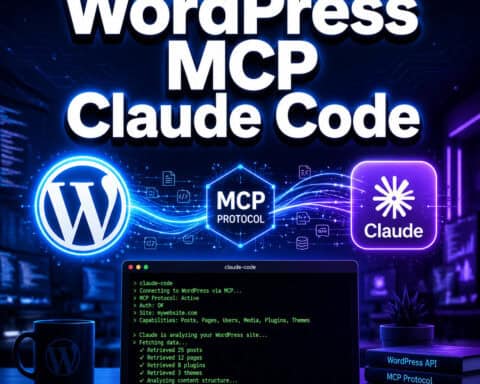
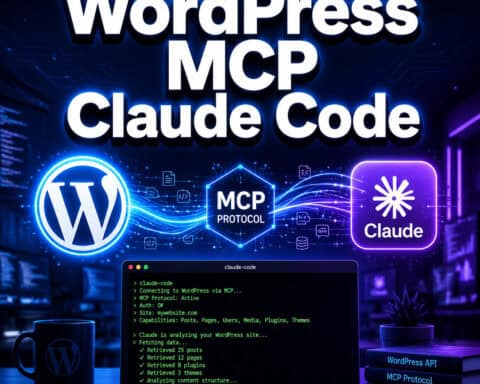
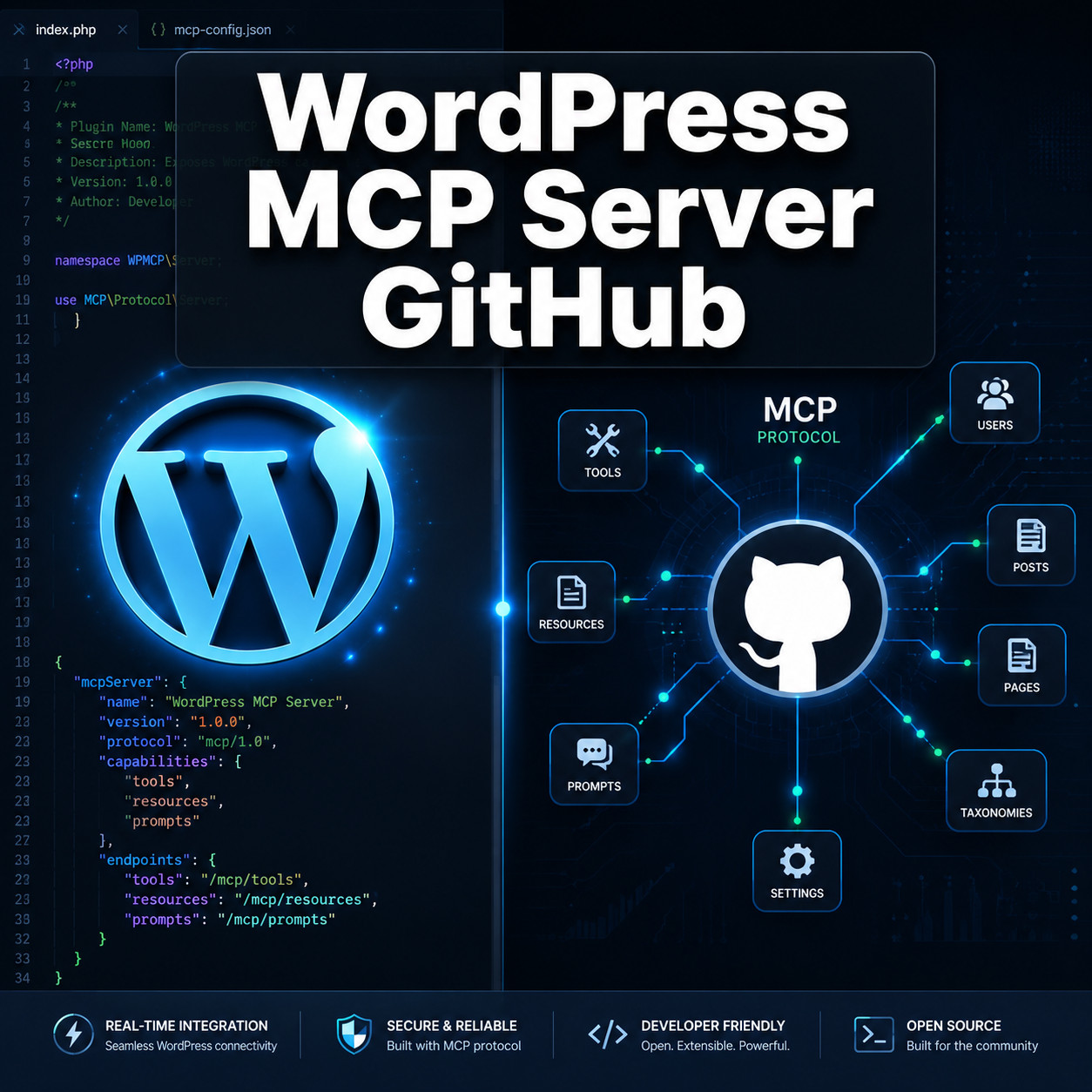
Quick Answer: A WordPress MCP server is a bridge that lets AI assistants like Claude and ChatGPT interact directly with your WordPress site using the Model Context Protocol (MCP). The official project lives at WordPress/mcp-adapter on GitHub [2], and it replaces the now-deprecated Automattic/wordpress-mcp repository [1]. You install it as a WordPress plugin, configure a transport method (HTTP or STDIO), and your AI tools can then create posts, query users, manage content, and more — all through a standardized protocol.
Key Takeaways
- The official WordPress MCP server GitHub repo is WordPress/mcp-adapter [2], with v0.1.0 released in August 2025 [4].
- The older Automattic/wordpress-mcp repo (622 stars) is deprecated [1]. Don’t start new projects with it.
- MCP Adapter uses the Abilities API, which is entering WordPress Core as of version 6.9, giving plugins a standardized way to expose capabilities to AI agents.
- You can run the adapter via Docker and WP-CLI in a local dev environment, as detailed by WordPress core contributor Weston Ruter [7].
- WP Engine launched its own MCP server on May 4, 2026, focused on managed hosting with a vector database for semantic search [8].
- Community alternatives like stefans71/wordpress-mcp-server offer simpler REST API setups but lack multi-transport support [3].
- MCP support is expanding fast: Pressable (Automattic hosting) now offers MCP for site provisioning, PHP updates, and log access.

What Is a WordPress MCP Server and Why Does It Matter?
A WordPress MCP server is a plugin or service that implements the Model Context Protocol — an open standard for connecting AI models to external tools and data sources. Instead of copy-pasting content between ChatGPT and your WordPress admin panel, MCP lets the AI talk to WordPress directly.
Here’s why this matters for WordPress developers and site owners in 2026:
- Direct AI integration: AI assistants can create, edit, and query WordPress content without manual intervention.
- Standardized protocol: MCP works across different AI tools (Claude, ChatGPT, custom agents), so you’re not locked into one vendor.
- Developer extensibility: Plugins can register their own “abilities” that AI tools discover automatically.
- Safety controls: The Abilities API includes permission checks and environment-type guards, so you can restrict AI actions to local development environments [7].
If you’re exploring AI plugins for WordPress to automate your website management, MCP represents the next step — a protocol-level integration rather than a plugin-specific one.
Which WordPress MCP Server GitHub Repos Should You Use?
The official and recommended repository is WordPress/mcp-adapter [2]. But several repos exist, and choosing the wrong one wastes time. Here’s a direct comparison:
| Feature | WordPress/mcp-adapter [2] | Automattic/wordpress-mcp [1] | stefans71/wordpress-mcp-server [3] |
|---|---|---|---|
| Status | Active (official) | Deprecated | Community-maintained |
| GitHub Stars | ~231 | ~622 | Smaller |
| Transport | HTTP + STDIO | JWT + STDIO | JSON-RPC (REST API) |
| Core Integration | Abilities API (WP 6.9) | None | None |
| Best For | Production + dev | Legacy reference only | Simple REST API CRUD |
| Multi-plugin support | Yes (layered architecture) | No | No |
Decision rule: Choose WordPress/mcp-adapter if you want future-proof Core integration. Choose stefans71/wordpress-mcp-server only if you need a quick, lightweight REST API bridge for basic post management and don’t need the Abilities API [3].
Additional options worth noting:
- mcp-wp/mcp-server [5] — a community project with WP-CLI installation support [9]
- WP Engine MCP Server [8] — a managed service (not self-hosted) with vector database for semantic search
- Zapier WordPress MCP [10] — connects WordPress to AI through Zapier’s automation layer
For those interested in advanced WordPress strategies for power users, the official adapter is the clear choice.

How to Set Up WordPress MCP Adapter from GitHub
Setting up the WordPress MCP server from GitHub requires a local WordPress development environment, Docker (recommended), and WP-CLI. Weston Ruter’s April 2026 guide [7] is the most authoritative walkthrough. Here’s the condensed process:
Step-by-Step Installation
Clone the repository:
git clone https://github.com/WordPress/mcp-adapter.gitInstall the plugin in your WordPress development environment. You can place it in
wp-content/plugins/mcp-adapter/or use Composer.Activate the plugin via WP-CLI:
wp plugin activate mcp-adapterConfigure transport. The adapter supports HTTP (for remote AI tools) and STDIO (for local CLI-based agents). For local development with Claude, STDIO is typical.
Register abilities via filters. The adapter exposes WordPress capabilities through the Abilities API. Plugins can hook into this to declare what actions AI tools can perform.
Connect your AI client. For Claude Desktop, add the MCP server configuration to your Claude config file pointing to your WordPress instance.
Common Mistake: Running MCP in Production Without Guards
Weston Ruter specifically recommends using an environment check before enabling non-MCP abilities [7]:
<code class="language-php">if ( wp_get_environment_type() === 'local' ) {
    // Enable AI abilities
}
</code>
Without this guard, AI agents could modify production content. Always restrict broad abilities to local or staging environments unless you’ve built proper approval workflows.
If you’re new to WordPress plugin development, review our essential guide to WordPress plugin development best practices before building custom MCP abilities.
How Does the Abilities API Work with WordPress MCP Server GitHub?
The Abilities API is the architectural backbone of the official MCP Adapter. It’s a WordPress Core feature (arriving in WP 6.9) that lets any plugin declare “abilities” — specific actions or data queries that AI tools can discover and use.
Here’s how the flow works:
- Plugin registers an ability (e.g., “create_post,” “list_taxonomies,” “update_user_meta”) using WordPress filters.
- MCP Adapter collects all registered abilities and exposes them via the MCP protocol.
- AI tool connects and receives a list of available abilities with their schemas.
- AI tool calls an ability with parameters, and the adapter executes it within WordPress, returning results.
This layered approach means:
- ACF (Advanced Custom Fields) 6.8 already registers MCP-compatible abilities for custom fields and taxonomies.
- Third-party plugins can add their own abilities without modifying the adapter.
- Permissions are enforced at the WordPress level, so AI tools respect user roles and capabilities.
The convergence of AI Client, Connectors, and MCP Adapter into a foundational layer means WordPress is building AI support into its core infrastructure, not just bolting it on as a plugin.
This is a significant shift for anyone building AI-powered chatbot integrations for WordPress — MCP provides a standardized way for chatbots to interact with site content.

WordPress MCP Server GitHub: Managed vs. Self-Hosted Options
Not everyone wants to run their own MCP server. Here’s how the options break down:
Self-hosted (GitHub repos):
- Full control over configuration and security
- Free to use
- Requires technical setup (Docker, WP-CLI, server management)
- Best for developers and agencies
Managed services:
- WP Engine MCP Server [8]: Includes a managed vector database for semantic search across your WordPress content. Launched May 4, 2026. Best for teams that want AI-powered content workflows without infrastructure management.
- Pressable (Automattic): Offers MCP support for site provisioning, PHP version updates, and log access. More focused on hosting operations than content management.
- Zapier WordPress MCP [10]: Connects WordPress to AI through Zapier’s automation platform. Good for non-developers who want simple triggers and actions.
Choose self-hosted if you need custom abilities, want full control, or are building a product on top of MCP. Choose managed if you want quick setup, don’t have DevOps resources, or need enterprise features like vector search.
For more on AI SEO tools that integrate with WordPress, managed MCP options can complement your existing SEO workflows.
What Can AI Actually Do Through a WordPress MCP Server?
Once connected, AI tools can perform a wide range of WordPress operations. The specific capabilities depend on which abilities are registered, but common ones include:
- Content management: Create, read, update, and delete posts, pages, and custom post types
- Media handling: Upload images, query the media library
- Taxonomy operations: Create and assign categories, tags, and custom taxonomies
- User queries: List users, check roles, update user meta
- Site configuration: Read and modify WordPress options (with appropriate permissions)
- Custom field management: With ACF 6.8+, manage custom fields through MCP-compatible abilities
- Search: Semantic search across content (WP Engine’s managed server) [8]
A Reddit user highlighted the Stifli Flex MCP plugin for its Git-like undo support, addressing a real concern: what happens when an AI makes a bad edit? Full undo capability makes AI-driven content changes reversible, which is critical for production sites.
Another community project, the Easy MCP AI plugin, turns any WordPress site into an MCP server via the REST API, enabling browser-based AI tools like Claude.ai Web to connect directly.
These capabilities align well with broader AI-powered content generation tools that are reshaping how teams produce and manage content.
Troubleshooting Common WordPress MCP Server Issues
Connection failures are the most common problem. Check these first:
- Verify the plugin is activated (
wp plugin listvia WP-CLI) - Confirm your transport configuration matches your AI client’s expectations (HTTP vs. STDIO)
- Check that your WordPress environment type is set correctly if you’re using environment guards
- Review firewall rules if using HTTP transport — your AI tool needs network access to the WordPress instance
Abilities not appearing:
- Make sure the plugin registering abilities is active
- Check filter priority — abilities registered too late in the WordPress lifecycle may not be picked up
- Verify the Abilities API is available (requires WP 6.9+ or the backport)
Permission errors:
- MCP respects WordPress user roles. The authenticated user must have the right capabilities (e.g.,
edit_postsfor content creation) - For STDIO transport, the WP-CLI user context matters
FAQ
What is MCP in the context of WordPress? MCP stands for Model Context Protocol. It’s an open standard that lets AI assistants communicate with external tools like WordPress through a structured interface, enabling actions like content creation and site management [2].
Is the Automattic/wordpress-mcp repo still maintained? No. It was deprecated in mid-2025 in favor of the official WordPress/mcp-adapter repository [1] [2]. Existing projects should migrate.
Do I need coding skills to use a WordPress MCP server? For the GitHub-based solutions, yes — you’ll need familiarity with WordPress development, WP-CLI, and ideally Docker [7]. Managed options like WP Engine’s MCP server [8] or Zapier [10] require less technical skill.
Which AI tools work with WordPress MCP servers? Claude (Anthropic), ChatGPT (with plugin/MCP support), and custom AI agents that implement the MCP client protocol. The protocol is tool-agnostic by design.
Is it safe to use MCP on a production WordPress site? It can be, but proceed with caution. Use environment checks, enforce WordPress capabilities/permissions, and consider plugins with undo support. Most developers currently use MCP in local or staging environments [7].
What’s the difference between MCP Adapter and MCP Server? The MCP Adapter (WordPress/mcp-adapter) [2] is a WordPress plugin that exposes abilities via MCP. An MCP server is the broader concept — any service implementing the MCP protocol. The adapter is one specific implementation.
Can I build custom MCP abilities for my WordPress plugins? Yes. The Abilities API lets any plugin register abilities using WordPress filters. The MCP Adapter then automatically exposes them to connected AI tools [2] [7].
How does WP Engine’s MCP server differ from the GitHub version? WP Engine’s version [8] is a managed service with a built-in vector database for semantic search. The GitHub version is self-hosted and more customizable but requires your own infrastructure.
What version of WordPress do I need? The Abilities API is entering WordPress Core in version 6.9. For earlier versions, you may need the standalone plugin or a backport.
Conclusion
The WordPress MCP server ecosystem on GitHub has matured quickly. The official WordPress/mcp-adapter [2] is the clear starting point for developers who want AI-powered WordPress workflows with Core integration. If you’re already using AI tools in your development process, connecting them to WordPress through MCP removes the manual copy-paste friction and opens up real automation possibilities.
Your next steps:
- Star and clone the WordPress/mcp-adapter repo [2].
- Set up a local dev environment following Weston Ruter’s guide [7] with Docker and WP-CLI.
- Connect your preferred AI tool (Claude Desktop is the easiest starting point).
- Experiment with built-in abilities before building custom ones.
- Explore managed options like WP Engine’s MCP server [8] if you want a faster path to production.
For broader WordPress automation strategies, check out our advanced WordPress automation guide for power users and explore the full WordPress resource archive for more guides.
References
[1] WordPress Mcp – https://github.com/Automattic/wordpress-mcp [2] Mcp Adapter – https://github.com/wordpress/mcp-adapter [3] WordPress Mcp Server – https://github.com/stefans71/wordpress-mcp-server [4] Releases – https://github.com/WordPress/mcp-adapter/releases [5] Mcp Server – https://github.com/mcp-wp/mcp-server [7] Adding An Mcp Server To The WordPress Core Development Environment – https://weston.ruter.net/2026/04/08/adding-an-mcp-server-to-the-wordpress-core-development-environment/ [8] Mcp Server – https://wpengine.com/mcp-server/ [9] Installation – https://mcp-wp.github.io/docs/wp-cli/installation [10] WordPress – https://zapier.com/mcp/wordpress