Last updated: May 8, 2026
Quick Answer: Zapier AI chatbots let businesses build conversational automation without writing a single line of code. They run on OpenAI’s GPT-4o mini model, connect to 9,000+ apps, and can handle customer queries, collect leads, and trigger multi-step workflows automatically. [2][6]
Key Takeaways
- Zapier AI chatbots are powered by GPT-4o mini and can be trained on your own business data (websites, files, tables) for context-aware responses.
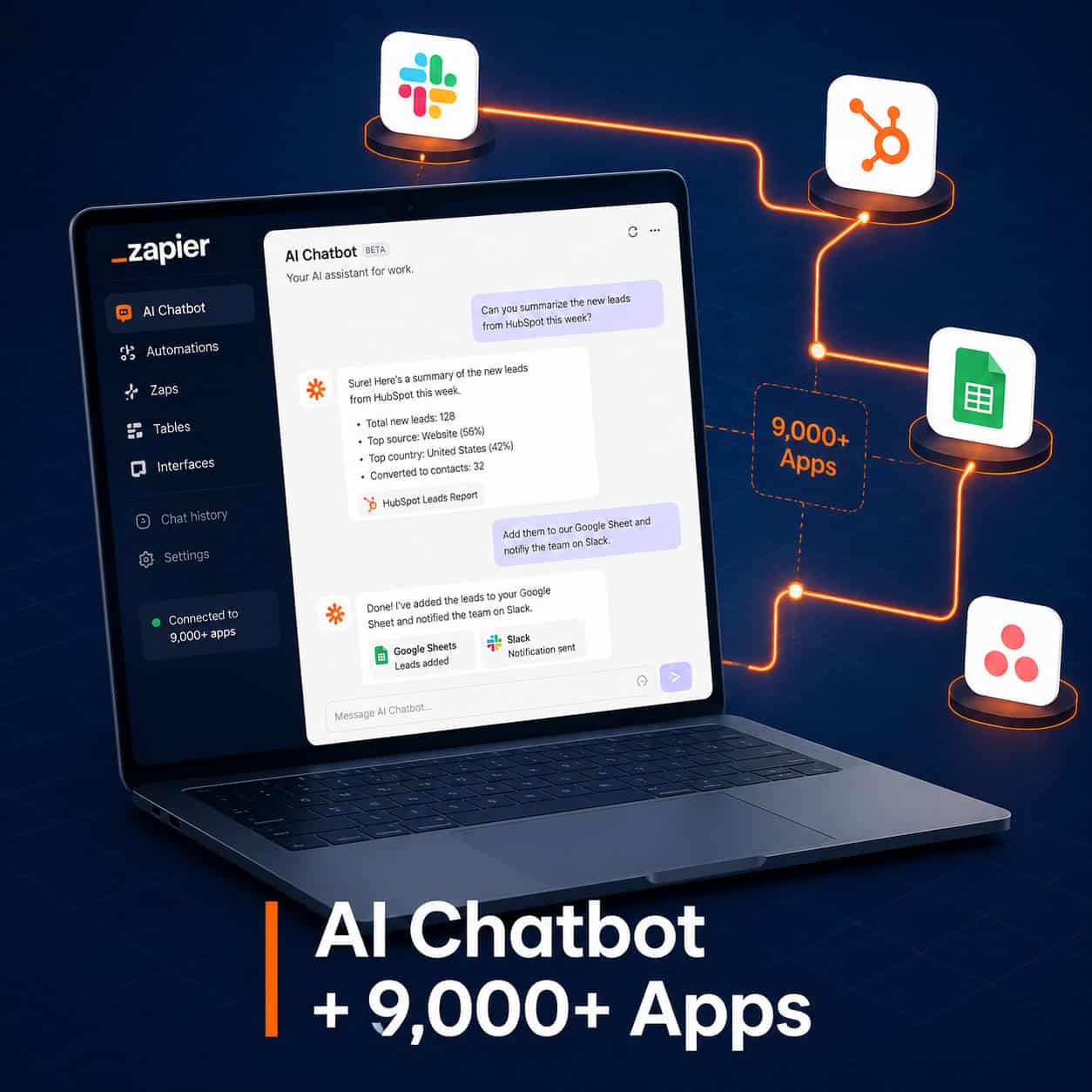
- They connect to 9,000+ apps via Zaps, so a single chatbot conversation can update your CRM, send a Slack alert, and create a task in Asana simultaneously.
- No coding is required — Zapier’s Copilot assistant lets you describe workflows in plain English.
- Chatbots handle dialogue; AI Agents go further and act independently on triggers from external events.
- Common use cases include customer support, lead capture, appointment scheduling, and order processing.
- Human-in-the-loop checkpoints let you keep oversight on sensitive or high-stakes actions.
- Zapier is trusted by 3+ million businesses, making it a well-established option for teams of all sizes. [6]
What Is a Zapier AI Chatbot and How Does It Work?
A Zapier AI chatbot is a conversational interface you build inside Zapier that uses AI to respond to users and trigger automated actions across connected apps. It sits at the intersection of natural language conversation and workflow automation.
Here’s what happens under the hood:
- A user sends a message to the chatbot (embedded on your website, in Slack, or via a shareable link).
- The AI processes the message using GPT-4o mini, drawing on your custom knowledge sources. [2]
- Logic rules route the conversation — for example, routing billing questions to one flow and support requests to another.
- A Zap fires based on the conversation outcome, updating a CRM record, sending an email, or creating a task. [1]
The chatbot can be trained on your website content, uploaded files, or data tables, so it gives answers specific to your business rather than generic AI responses. [2]
Common mistake: Many users build a chatbot and forget to connect it to a Zap. The real value isn’t the conversation — it’s what happens after the conversation ends.
Who Should Use Zapier AI Chatbots (and Who Shouldn’t)?
Zapier AI chatbots work best for small to mid-sized businesses that handle repetitive, conversation-driven tasks and already use cloud-based tools like HubSpot, Google Workspace, or Slack.
Good fit if you:
- Receive high volumes of similar customer questions
- Want to capture leads 24/7 without hiring additional staff
- Use multiple SaaS tools that currently require manual data entry between them
- Have non-technical team members who need to build automations
Not the right tool if you:
- Need real-time voice support or complex telephony integrations
- Require on-premise data processing due to compliance restrictions
- Need highly customized AI behavior that goes beyond GPT-4o mini’s capabilities
- Are building a product where AI is a core differentiator (a dedicated AI platform will serve you better)
For teams already exploring AI-powered tools, pairing Zapier chatbots with other automation strategies — like those covered in our automation resources — can multiply the impact significantly.
How to Build Your First Zapier AI Chatbot: Step-by-Step
Building a Zapier AI chatbot takes less time than most people expect. Here’s a practical walkthrough:

Step 1: Set up your chatbot
- Go to Zapier and navigate to the Chatbots section.
- Click “Create Chatbot” and give it a name and persona (tone, greeting message, fallback response).
Step 2: Train it on your knowledge sources
- Add your website URL, upload PDFs, or connect a data table.
- The bot will reference these sources when answering questions. [2]
Step 3: Configure conversation logic
- Set up logic paths — for example, “If the user asks about pricing, collect their email and send a follow-up.”
- Use the lead collection feature to gather name, email, and company automatically during conversation. [2]
Step 4: Connect a Zap
- Create a Zap that triggers when the chatbot conversation ends or a specific condition is met.
- Map the collected data to your CRM, email tool, spreadsheet, or project management app. [1]
Step 5: Deploy and test
- Embed the chatbot on your website using the provided code snippet, or share the direct link.
- Run test conversations to confirm data flows correctly into your connected apps.
💡 Pro tip: Use Zapier’s Copilot assistant to describe your workflow in plain English. It will suggest the Zap structure and pre-fill many of the fields for you. [2]
What Can Zapier AI Chatbots Actually Automate?
The short answer: far more than most businesses currently use them for. Zapier chatbots can trigger actions across thousands of apps, making them useful across multiple departments. [1]
| Business Function | Chatbot Action | Downstream Automation |
|---|---|---|
| Customer Support | Answer FAQs, escalate complex issues | Create Zendesk ticket, notify Slack |
| Lead Generation | Collect contact info | Add to HubSpot, send welcome email |
| Appointment Booking | Gather availability | Create Calendly event, send confirmation |
| E-commerce | Handle order status queries | Pull from Shopify, update customer record |
| Internal HR | Answer policy questions | Log request in Airtable, alert manager |
| Content Distribution | Accept content submissions | Add to Notion, post to social queue |
For businesses already using WordPress, combining Zapier chatbots with an AI-powered chatbot integration for WordPress creates a particularly strong lead capture and support setup.
If you’re also exploring AI tools beyond chatbots, our comprehensive guide to AI-powered content generation tools covers complementary options worth knowing about.
Zapier AI Chatbots vs. Zapier AI Agents: What’s the Difference?
This is one of the most common points of confusion. Chatbots and AI Agents are related but serve different purposes. [1]
Chatbots:
- Conversation-focused
- Require a human to initiate the interaction
- Best for structured dialogue with defined outcomes (lead capture, FAQ, support triage)
AI Agents:
- Action-oriented and more autonomous
- Can be triggered by external events (a new email, a form submission, a calendar event)
- Operate independently across multiple tools to complete multi-step tasks
- Better for complex, branching workflows that don’t need a human conversation to start
Choose a chatbot if your automation starts with a user asking a question. Choose an AI Agent if your automation needs to run in the background based on data events.
Many businesses use both: a chatbot captures the lead, and an AI Agent handles the follow-up sequence automatically.
How to Supercharge Your Business Automation with Advanced Zapier Chatbot Strategies
Once your basic chatbot is running, these strategies will significantly increase its impact. This is where you truly supercharge your business automation with Zapier AI chatbots.
1. Add ChatGPT steps inside your Zaps
You can use ChatGPT (GPT-4 or GPT-3.5-turbo) as an action step within a Zap to summarize conversation transcripts, draft personalized follow-up emails, or classify leads by intent. [4]
2. Build multi-step workflows
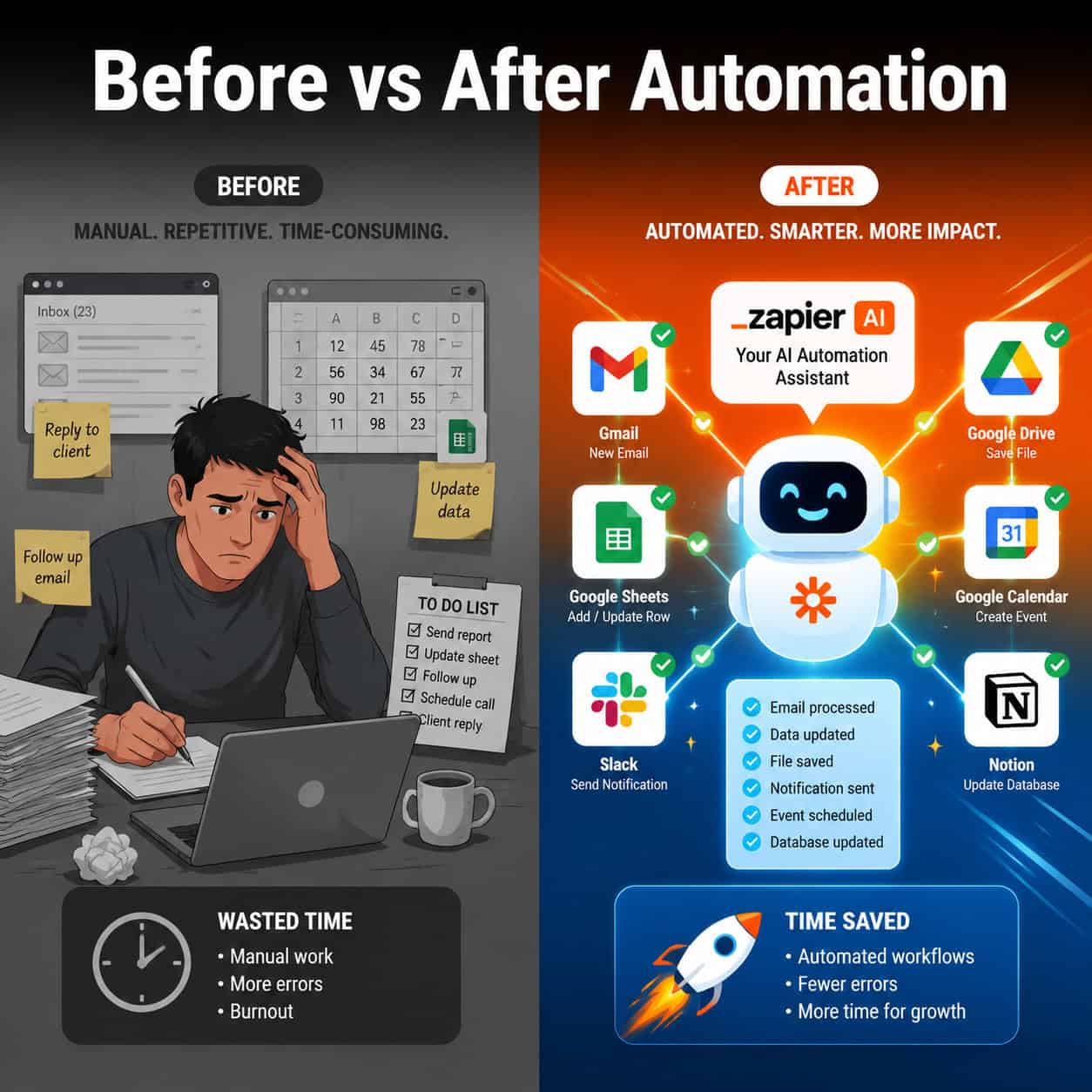
Example: A chatbot collects a lead’s details → Zap creates a HubSpot contact → sends a personalized email → posts a Slack notification to the sales team → adds a task in Asana. All from one conversation. [2]
3. Use human-in-the-loop checkpoints
For sensitive actions (like issuing refunds or scheduling demos with enterprise clients), add an approval step where a human reviews the AI’s proposed action before it executes. This reduces errors without sacrificing speed. [7]
4. Segment your knowledge sources
Instead of training one chatbot on everything, build separate bots for support, sales, and internal HR. Each stays focused and gives more accurate answers.
5. Combine with AI content tools
Use Zapier to route chatbot-collected content briefs directly into your AI-powered content optimization workflow for faster content production.
For WordPress users, pairing these strategies with advanced WordPress automation techniques creates a fully automated publishing and lead-generation pipeline.
What Are the Costs and Limitations of Zapier AI Chatbots?
Zapier AI chatbots are included in several Zapier plans, but the depth of features depends on your tier. Here’s what to know before committing:
Pricing considerations:
- Basic chatbot creation is available on paid Zapier plans (starting from the Professional tier as of 2026 — check Zapier’s current pricing page for exact figures, as plans change frequently).
- More complex Zaps with multiple steps require higher-tier plans.
- AI usage (GPT-4o mini calls) may count against your task limits depending on your plan.
Limitations to know:
- The chatbot’s AI is based on GPT-4o mini, which is capable but not the most powerful model available. For highly nuanced tasks, this may produce inconsistent results. [2]
- Knowledge sources need to be updated manually when your business information changes.
- The chatbot interface is functional but not highly customizable in terms of visual design — if brand-perfect UI matters, you may need a custom solution.
- Response latency can vary depending on the complexity of the Zap triggered.
FAQ: Zapier AI Chatbots
Q: Do I need coding skills to build a Zapier AI chatbot?
No. Zapier’s Copilot assistant lets you describe what you want in plain English, and it builds the workflow for you. [2]
Q: How many apps can a Zapier chatbot connect to?
Zapier connects to 9,000+ apps, and chatbots can trigger Zaps that interact with any of them. [6]
Q: Can I embed a Zapier chatbot on my website?
Yes. Zapier provides an embed code you can add to any website, including WordPress, Webflow, or Wix.
Q: Is Zapier’s chatbot GDPR-compliant?
Zapier has data processing agreements and privacy controls, but you are responsible for how you collect and use customer data. Review Zapier’s privacy documentation and your local regulations before deploying.
Q: What’s the difference between a Zap and a chatbot in Zapier?
A Zap is an automated workflow between apps (trigger + action). A chatbot is a conversational interface that can initiate or be connected to a Zap. They work together but serve different functions.
Q: Can the chatbot handle multiple languages?
GPT-4o mini supports multiple languages, so the chatbot can generally respond in the language the user writes in. However, your knowledge sources should ideally be in the same language for best accuracy.
Q: How do I keep the chatbot’s knowledge up to date?
You need to manually refresh or re-upload knowledge sources when your content changes. Zapier does not automatically sync live website changes.
Q: Can I use Zapier chatbots for internal employee support?
Yes. Many businesses deploy internal chatbots for HR policy questions, IT support triage, and onboarding assistance. [3]
Q: What happens if the chatbot can’t answer a question?
You can set a fallback response that directs users to a human agent, a support email, or a contact form. This is configurable in the chatbot settings.
Conclusion: Your Next Steps to Automate Smarter
Zapier AI chatbots give businesses a practical, low-code path to automating repetitive conversations and connecting them to real workflows across thousands of apps. The technology is mature, the setup is accessible, and the ROI potential — in time saved and leads captured — is concrete.
Here’s how to move forward:
- Audit one repetitive task your team handles manually today (FAQ responses, lead intake, appointment booking). That’s your first chatbot use case.
- Set up a free or trial Zapier account and build a simple chatbot using their guided setup.
- Connect one Zap to prove the concept — even just logging chatbot leads to a Google Sheet is a meaningful win.
- Expand gradually. Add knowledge sources, build more logic paths, and layer in multi-step Zaps as your confidence grows.
- Review performance monthly. Check which questions the bot handles well and which need better training data.
If you want to go deeper on AI-powered automation across your business stack, explore our 12 best AI plugins for WordPress and our broader automation resources for complementary strategies.
References
[1] Chatbot Use Cases – https://zapier.com/blog/chatbot-use-cases/
[2] What Is Zapier AI Everything You Need To Know About The AI Automation Tool – https://www.techradar.com/computing/artificial-intelligence/what-is-zapier-ai-everything-you-need-to-know-about-the-ai-automation-tool
[3] Custom GPT Zapier Automation – https://customgpt.ai/custom-gpt-zapier-automation/
[4] Zapier And AI Part 3 – https://solvaa.co.uk/zapier-and-ai-part-3/
[5] Zapier Chatbots Community – https://community.zapier.com/p/zapier-chatbots
[6] Zapier Official – https://zapier.com
[7] Watch (CIO.com on Human-in-the-Loop Automation) – https://www.youtube.com/watch?v=gVCD2M8ikf4