Last updated: May 8, 2026
Quick Answer: n8n is an open-source workflow automation platform that connects apps, APIs, and services through a visual node-based editor. It lets you build automated workflows without writing code, supports over 1,000 ready-to-use templates, and runs on both cloud and self-hosted infrastructure. This guide covers everything from setup to advanced AI-powered automation.
Key Takeaways
- n8n is free and open-source, with paid cloud plans and a self-hosted option for full data control.
- The platform supports thousands of app integrations via native nodes and direct API connections. [2]
- You can start with 1,000+ pre-built workflow templates, so you don’t need to build from scratch. [2]
- Error handling, version control, and logging are built in, making production workflows reliable. [2]
- Enterprise deployments include SSO, SAML, LDAP, and role-based access control (RBAC). [3]
- n8n now supports AI agent workflows, letting you connect LLMs like OpenAI directly into your automation logic. [5]
- The biggest beginner mistake is skipping error handling, which causes silent failures in live workflows.
- Self-hosting on a VPS costs roughly $5–$20/month (estimate based on typical VPS pricing), while n8n Cloud starts at a free tier with usage limits.
What Is n8n and Who Is It For?
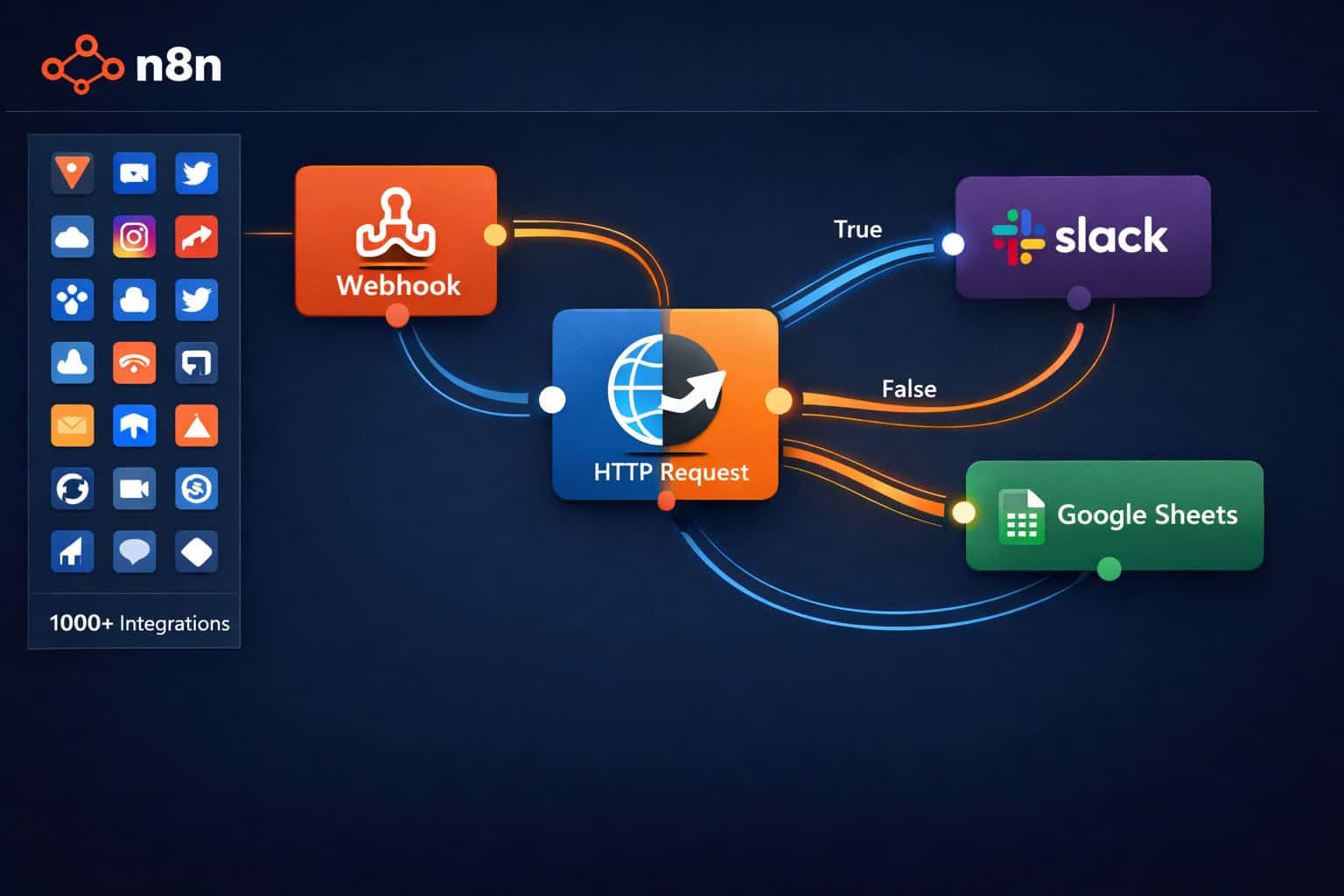
n8n is an open-source, no-code workflow automation platform built to connect apps and automate backend processes without requiring deep programming knowledge. [2] It uses a visual canvas where you drag, drop, and connect “nodes” — each node represents an app, action, or logic step.
Who benefits most from n8n:
- Solo developers and freelancers who want to automate client reporting, lead capture, or content publishing
- Small to mid-sized businesses automating internal processes like HR onboarding, invoice routing, or CRM updates
- Marketing and ops teams connecting tools like Slack, Google Sheets, HubSpot, and email platforms
- Developers who want to extend automations with custom JavaScript or Python code nodes
Who might not need it:
- Teams with zero technical staff who need a fully managed, click-only tool (Zapier or Make.com may be simpler starting points)
- Organizations with extremely simple, single-step automations where a native app integration already exists
💡 Choose n8n if you want self-hosting, open-source flexibility, or need to build complex multi-step workflows with conditional logic and AI agents.
How Does n8n Work? Core Concepts Explained
n8n workflows are built from three types of components: triggers, nodes, and connections. A trigger starts the workflow (for example, a new form submission or a scheduled time), nodes perform actions or transformations, and connections pass data between them. [10]
The Three Building Blocks
| Component | What It Does | Example |
|---|---|---|
| Trigger Node | Starts the workflow | Webhook receives a form submission |
| Action Node | Performs a task | Sends a Slack message or updates a spreadsheet |
| Logic Node | Controls flow | IF condition, Switch, Merge, Loop |
How Data Flows
Each node receives input data as JSON objects, processes it, and passes output to the next node. You can inspect the exact data at every step using n8n’s built-in execution viewer — this makes debugging much faster than traditional scripting.
Key workflow patterns:
- Linear: Trigger → Action → Action (simplest)
- Branching: Trigger → IF node → two separate paths
- Looping: Process each item in a list individually
- Error handling path: Main workflow → Error trigger → notification or retry
Getting Started: Setting Up n8n for the First Time
You can run n8n in under 10 minutes using Docker or sign up for the cloud version at n8n.io. [6] Here’s the fastest path for each option.
Option 1: n8n Cloud (Recommended for Beginners)
- Go to n8n.io and create a free account
- Your workspace loads instantly — no server setup needed
- Start from a template or build a blank workflow
- Connect your first app using OAuth or API key
Free tier limitations: The cloud free plan caps workflow executions per month. Check the current limits on n8n’s pricing page, as these change periodically.
Option 2: Self-Hosted with Docker
<code class="language-bash">docker run -it --rm
  --name n8n
  -p 5678:5678
  -v ~/.n8n:/home/node/.n8n
  n8nio/n8n
</code>
Then open http://localhost:5678 in your browser. For production, deploy on a VPS with a reverse proxy (Nginx or Caddy) and an SSL certificate.
Self-hosting costs (estimate): A basic VPS (2 vCPU, 2GB RAM) runs $5–$20/month depending on the provider. This covers unlimited workflow executions.
Your First Workflow: A Practical Example
A good first workflow: “Save new Gmail attachments to Google Drive automatically.”
- Add a Gmail Trigger node — set it to fire on new emails with attachments
- Add a Google Drive node — set it to upload the attachment
- Connect the two nodes
- Test using n8n’s built-in “Execute Workflow” button
- Activate the workflow to run it live
This single workflow eliminates a repetitive manual task and takes about 5 minutes to build. [10]
What Can You Automate? Real-World Use Cases
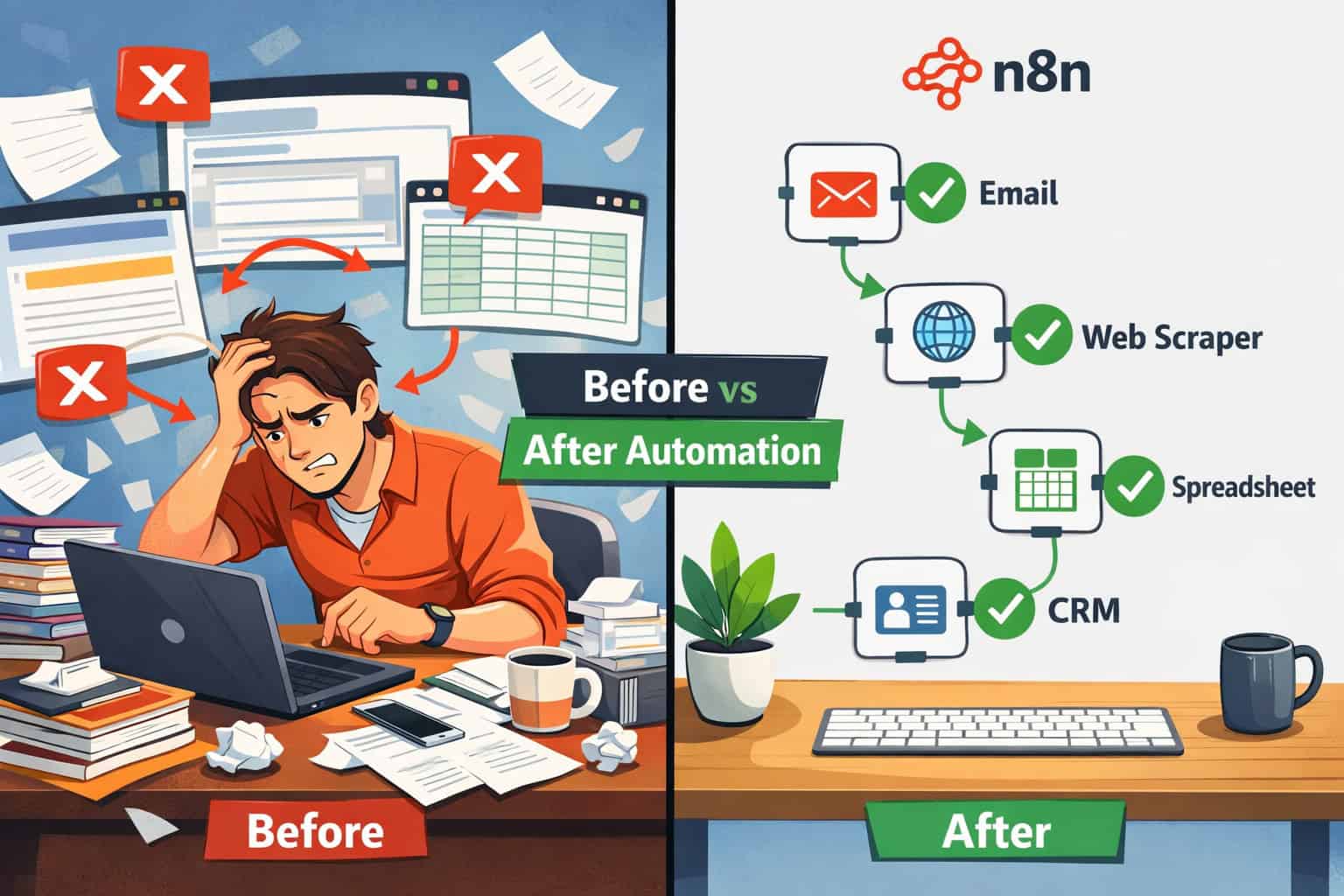
Mastering n8n Automation opens up a wide range of practical applications across business functions. The platform’s strength is connecting tools that don’t natively talk to each other. [2]
Top Use Cases by Category
Marketing & Content:
- Auto-publish blog posts to social media when new content goes live (see how this pairs with auto-sharing WordPress posts to social media)
- Scrape competitor pricing and send a weekly summary to Slack
- Trigger email sequences when a lead fills out a form
Operations & HR:
- Route new support tickets from email to a project management tool
- Send onboarding checklists to new employees via Slack on their start date
- Sync customer data between a CRM and a billing platform
Development & DevOps:
- Post a Slack alert when a GitHub pull request is merged
- Run automated tests and notify the team of failures
- Generate weekly reports from database queries
AI-Powered Workflows:
- Pass incoming customer emails to an OpenAI node for sentiment analysis, then route to the right support queue
- Summarize long documents automatically before filing them
- Build AI agents that can take actions based on natural language instructions [5]
For teams already using AI tools in their stack, n8n connects naturally with AI-powered content generation tools and AI-powered content optimization platforms.
How Do You Handle Errors and Keep Workflows Reliable?
Error handling is where most beginners underinvest, and it’s the difference between a workflow that runs reliably for months and one that silently fails. n8n includes built-in error handling tools that make production deployments stable. [2]
Three Layers of Error Handling
1. Node-level retry settings Right-click any node and set it to retry on failure (up to a configurable number of attempts with a delay). Use this for API calls that occasionally time out.
2. Error trigger node Add a dedicated “Error Trigger” node to your workflow. When any node fails, execution jumps to this path. You can then send yourself a Slack message, log the error to a spreadsheet, or trigger a fallback action.
3. Execution logs Every workflow run is logged with full input/output data at each node. When something breaks, you can pinpoint the exact node and the exact data that caused the failure — no guesswork.
Version Control
n8n has built-in version history for workflows. [2] You can see every change made, who made it (on team plans), and roll back to any previous version. For teams, this prevents the common problem of someone editing a live workflow and breaking it without a recovery path.
⚠️ Common mistake: Activating a workflow without testing the error path. Always test what happens when an API returns a 500 error or when expected data is missing.
n8n vs. Zapier vs. Make: Which Should You Choose?
Mastering n8n Automation: A Comprehensive Guide to Streamlining Your Workflows wouldn’t be complete without a direct comparison to the two most common alternatives. Each tool fits a different profile.
| Feature | n8n | Zapier | Make (Integromat) |
|---|---|---|---|
| Pricing model | Free self-hosted; cloud plans | Per-task pricing | Per-operation pricing |
| Self-hosting | ✅ Yes | ❌ No | ❌ No |
| Open source | ✅ Yes | ❌ No | ❌ No |
| AI agent support | ✅ Native | Limited | Limited |
| Code nodes | ✅ JS + Python | ❌ No | Limited |
| Learning curve | Moderate | Low | Moderate |
| Enterprise security | ✅ SSO, SAML, RBAC | ✅ (higher tiers) | ✅ (higher tiers) |
| Template library | 1,000+ [2] | 6,000+ | 1,000+ |
Choose n8n if: You want self-hosting, open-source code, AI agent workflows, or need to avoid per-task pricing at scale.
Choose Zapier if: Your team is non-technical and needs the simplest possible setup with the largest app library.
Choose Make if: You want a visual, scenario-based builder with more flexibility than Zapier but don’t need self-hosting.
What Are n8n’s Security and Enterprise Features?
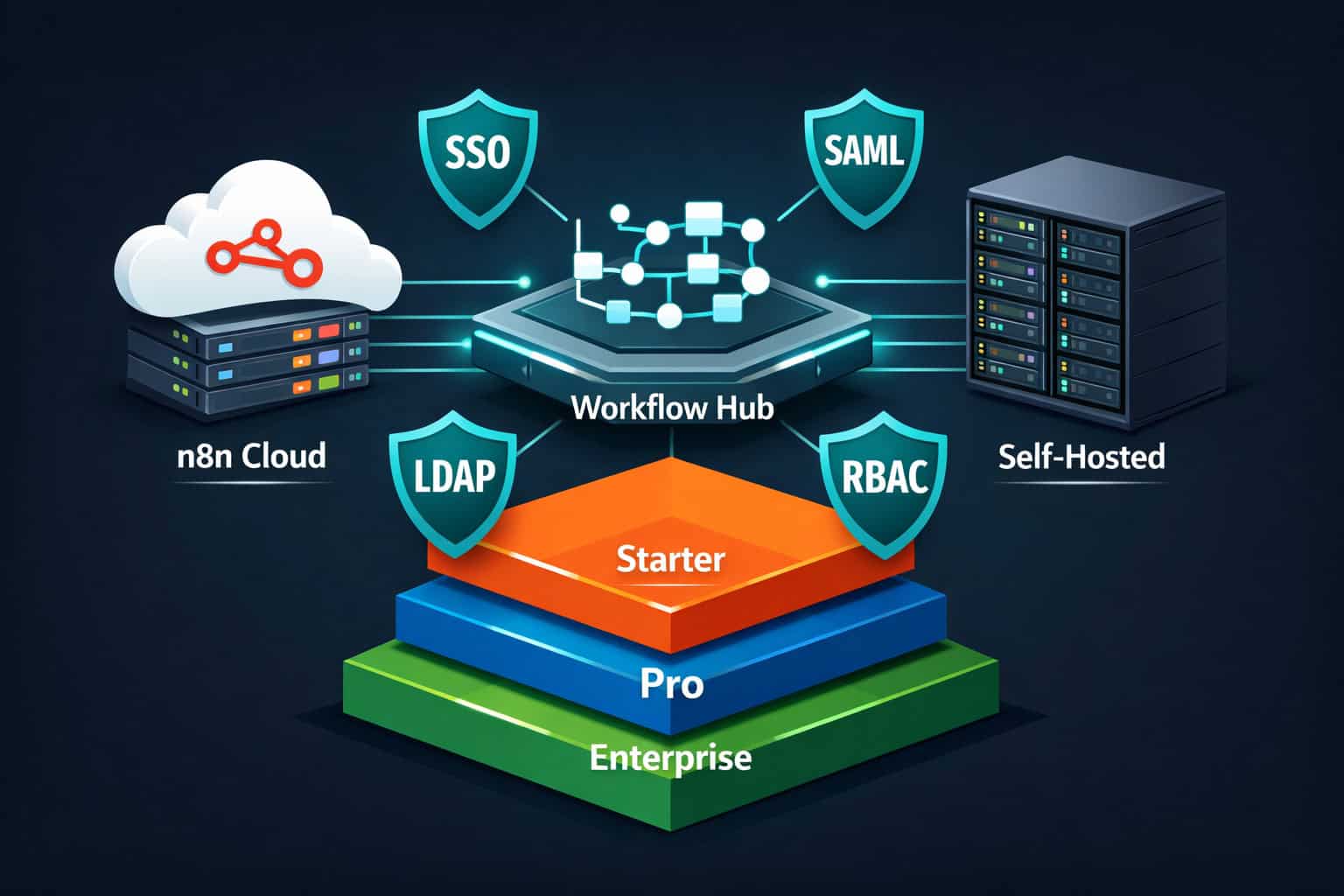
For organizations with compliance requirements, n8n’s enterprise tier provides the controls needed to deploy automation safely. [3]
Security Features at a Glance
- SSO (Single Sign-On): Connect n8n to your identity provider so employees log in with company credentials
- SAML and LDAP: Standard enterprise identity protocols supported out of the box
- Encrypted secrets: API keys and credentials are encrypted at rest, not stored in plain text
- Granular RBAC: Assign roles (viewer, editor, admin) at the workflow or folder level
- Audit logs: Track who changed what and when across all workflows
Deployment Options
n8n offers both cloud and on-premise deployment. [4] On-premise means your data never leaves your infrastructure — important for healthcare, finance, and government use cases where data residency rules apply.
For teams building on WordPress or managing web properties, n8n pairs well with AI plugins for WordPress automation and can trigger or receive webhooks from virtually any CMS or web platform.
How Do You Build AI Agent Workflows in n8n?
n8n added native AI agent support, making it one of the few automation platforms where you can build multi-step AI workflows without external orchestration tools. [5]
What an AI Agent Workflow Looks Like
A basic AI agent in n8n has three parts:
- A trigger (webhook, schedule, or chat message)
- An AI Agent node connected to an LLM (OpenAI, Anthropic, or others)
- Tool nodes the agent can call — like a Google Search node, a database query, or a calendar action
The agent decides which tools to use based on the user’s input. For example, a customer support agent might check an order database, look up a FAQ document, and draft a reply — all in one automated flow.
Practical AI Workflow Examples
- Content summarizer: Receive a URL via webhook → scrape the page → pass text to OpenAI → return a summary via email
- Lead qualifier: New CRM lead → AI scores the lead based on company size and job title → routes to the right sales rep
- Document processor: Receive a PDF → extract text → classify document type → file in the correct folder
For teams already working with AI in design and content tools, n8n’s AI nodes complement workflows built around AI-powered content generation and can automate the distribution side of content pipelines.
What Are the Most Common n8n Mistakes (and How to Avoid Them)?
Even experienced automation builders run into predictable problems. Here are the ones that cost the most time.
Mistake 1: Not Using Sub-Workflows
Building one giant workflow with 40+ nodes is hard to maintain. Instead, break complex processes into smaller sub-workflows and call them with the “Execute Workflow” node. This makes debugging faster and reuse easier.
Mistake 2: Ignoring Rate Limits
Many APIs (Google, Slack, HubSpot) have rate limits. If your workflow loops through 500 records and fires an API call for each one without a delay, you’ll hit a rate limit error partway through. Add a Wait node between iterations or use batch processing.
Mistake 3: Hardcoding Credentials
Never paste API keys directly into node settings as plain text. Always use n8n’s Credentials Manager so keys are encrypted and can be updated in one place across all workflows that use them.
Mistake 4: Not Testing with Real Data
n8n’s test mode uses sample data, which often doesn’t match the edge cases in real data. Before activating a workflow, run it against actual live data at least once and inspect every node’s output.
Mistake 5: Skipping Documentation
n8n lets you add sticky notes to your canvas. Use them. A workflow you built three months ago will look confusing without notes explaining why certain logic exists.
Frequently Asked Questions
Q: Is n8n really free? Yes. The self-hosted version is free and open-source with no execution limits. n8n Cloud has a free tier with monthly execution caps, and paid plans start at a low monthly rate. Check n8n.io for current pricing since tiers change. [4]
Q: Can non-technical users build n8n workflows? Yes, for straightforward workflows. The visual canvas is accessible to non-coders, and the 1,000+ templates mean many common automations are ready to activate. Complex conditional logic or API debugging still benefits from some technical familiarity. [10]
Q: How does n8n compare to Zapier for cost at scale? At high volumes, n8n self-hosted is significantly cheaper because there are no per-task fees. Zapier’s pricing scales with the number of “Zaps” and tasks, which adds up quickly for high-frequency workflows. n8n’s flat-rate cloud plans or free self-hosting are better for volume-heavy use cases. [4]
Q: Can I run n8n on a Raspberry Pi or low-spec server? Yes, for light workloads. n8n’s Docker image runs on ARM architecture and modest hardware. A Raspberry Pi 4 (4GB RAM) handles small-scale personal automations, but production workflows with many concurrent executions need a proper VPS.
Q: Does n8n support webhooks? Yes. n8n has a dedicated Webhook node that generates a unique URL you can use as a trigger from any external service. It supports GET, POST, PUT, and DELETE methods and can respond with custom data. [2]
Q: How do I connect n8n to an API that doesn’t have a native node? Use the HTTP Request node. It lets you call any REST API by configuring the URL, method, headers, and body manually. Most modern APIs work this way, and you can chain multiple HTTP Request nodes for complex API interactions.
Q: Is n8n suitable for HIPAA or GDPR-compliant workflows? Self-hosted n8n gives you full data control, which is a prerequisite for compliance. The enterprise tier adds SSO, RBAC, and audit logs. However, compliance also depends on your infrastructure setup, data handling practices, and legal review — n8n alone doesn’t make a workflow compliant. [3]
Q: What programming languages can I use in n8n Code nodes? n8n Code nodes support JavaScript and Python. You can write custom transformation logic, call Node.js libraries (in JS mode), or run Python scripts directly within the workflow.
Q: How do I keep workflows running if my server restarts?
Use Docker with a restart policy (--restart unless-stopped) or configure n8n as a systemd service. This ensures n8n starts automatically after a server reboot. Active workflows resume their scheduled triggers once n8n is back online.
Q: Where can I find n8n workflow templates? The official template library is at n8n.io/workflows. You can filter by category (marketing, DevOps, AI, etc.) and import templates directly into your n8n instance with one click. [2]
Conclusion: Your Next Steps for Mastering n8n Automation
Mastering n8n Automation: A Comprehensive Guide to Streamlining Your Workflows comes down to one principle: start small, build reliability, then scale. The platform’s power isn’t in its feature list — it’s in how quickly you can connect real tools and eliminate real manual work.
Actionable next steps:
- Set up your environment today. Use n8n Cloud for the fastest start, or Docker if you want self-hosting. Both take under 15 minutes.
- Build your first workflow from a template. Don’t start from scratch. Find a template close to your use case and modify it.
- Add error handling before you activate anything. Connect an Error Trigger node and have it notify you via email or Slack.
- Explore AI agent workflows. If you’re already using OpenAI or similar tools, connect them to n8n for a significant productivity gain. [5]
- Document as you build. Use sticky notes on the canvas so future-you (and your team) understands the logic.
For teams managing web properties alongside automation, n8n pairs naturally with tools covered in our guides on advanced WordPress strategies for power users and AI plugins for WordPress website management. If you’re automating content workflows specifically, see our overview of AI-powered content generation tools for the tools that pair best with n8n.
The automation skills you build with n8n transfer across every tool in your stack. Every workflow you ship is one less repetitive task taking up your time.
References
[1] Watch – https://www.youtube.com/watch?v=UB0w0vuyMw4 [2] Mastering N8n Automation Guide – https://www.automake.io/blog/mastering-n8n-automation-guide [3] Mastering N8n A Comprehensive Guide To Workflow Automation – https://futuremartech.ai/blog/mastering-n8n-a-comprehensive-guide-to-workflow-automation [4] N8n Workflow Automation – https://www.helloroketto.com/articles/n8n-workflow-automation [5] Intro Tutorial – https://docs.n8n.io/advanced-ai/intro-tutorial/ [6] Learning Path – https://docs.n8n.io/learning-path/ [10] A Beginners Guide To Automation With N8n – https://www.freecodecamp.org/news/a-beginners-guide-to-automation-with-n8n/