Last updated: May 13, 2026
Quick Answer
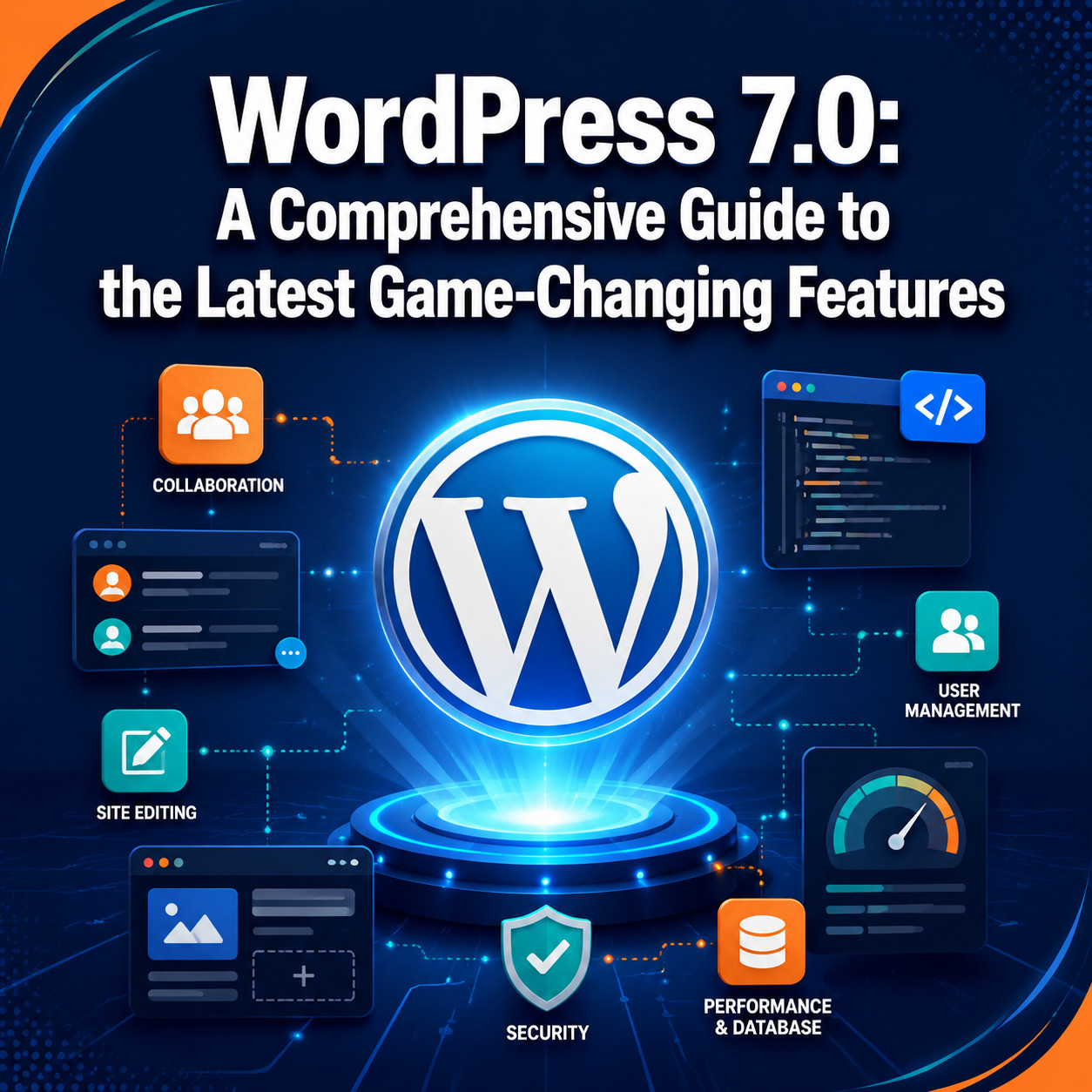
WordPress 7.0 launches on May 20, 2026, bringing real-time collaboration, foundational AI infrastructure, stricter PHP requirements (minimum 7.4), and significant performance improvements. It’s the most substantial core release since WordPress 5.0 introduced the block editor in 2018. If you run a WordPress site, you need to verify your PHP version and test plugin compatibility before upgrading.
Key Takeaways
- Release date: May 20, 2026 (delayed from the original April 9 target) [5][6]
- PHP minimum raised: PHP 7.2 and 7.3 are no longer supported; PHP 7.4 is the minimum, PHP 8.2+ recommended [1]
- Real-time collaboration (RTC): Multiple users can edit the same post simultaneously using Yjs CRDT technology [1]
- RTC uses a dedicated database table instead of post_meta, preserving query cache performance [1]
- AI infrastructure: Not fully AI-native, but introduces standardized APIs for plugin-based AI integration
- Performance: Early beta testing shows stable response times with no failed requests under moderate load [10]
- Unprecedented release process: The team returned to beta status after reaching Release Candidate phase to fix RTC database issues [1]
- Hosting compatibility: RTC uses HTTP polling rather than WebSockets, so it works on shared hosting [1]
- Three-release cadence: WordPress aims to ship three major releases in 2026
Why Was WordPress 7.0 Delayed, and When Does It Actually Launch?
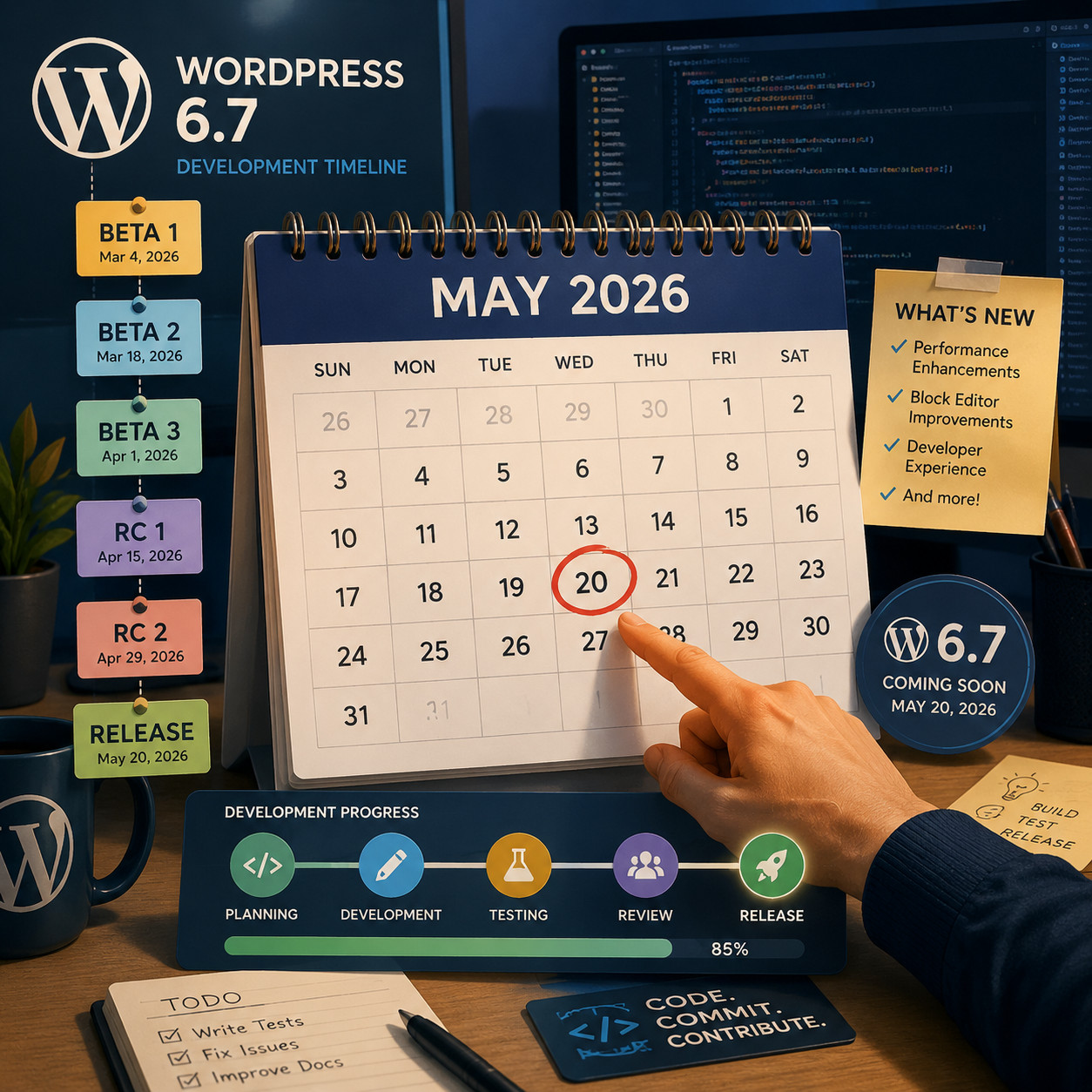
WordPress 7.0 officially releases on May 20, 2026, after being pushed back from its original April 9 target date [5]. The delay happened because the core team made an unprecedented decision to return to beta status after already entering the Release Candidate phase [1].
Here’s what happened: On March 31, 2026, developers discovered that the Real-Time Collaboration feature’s database architecture was disabling WordPress’s persistent post query caches [1]. Rather than ship a broken feature, the team reset the clock.
Updated release milestones (announced April 22, 2026) [5]:
| Milestone | Date |
|---|---|
| RC 3 (treated as Beta 1) | May 8, 2026 |
| RC 4 (new RC 1) | May 14, 2026 |
| Dry run and code freeze | May 19, 2026 |
| Final release | May 20, 2026 |
Why this matters for you: If you’re planning site updates or migrations around the release, build in extra testing time. The delay signals that WordPress prioritized stability over speed, which is a good sign for production readiness.
For those managing complex WordPress installations, our guide to advanced WordPress strategies for power users covers preparation steps in detail.
How Does Real-Time Collaboration Work in WordPress 7.0?
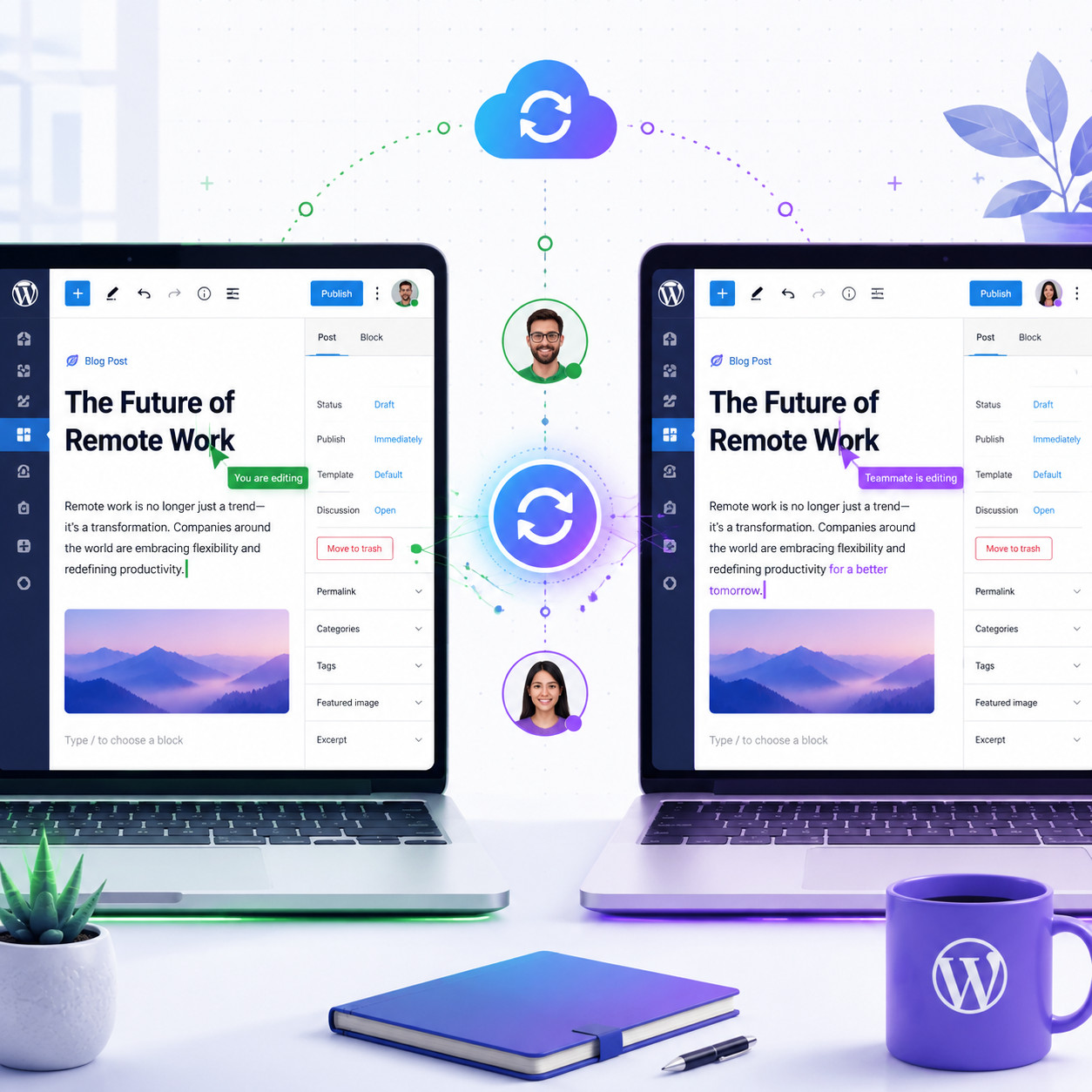
Real-time collaboration lets multiple users edit the same post or page simultaneously, with live cursor tracking and conflict-free merging. It’s built on Yjs, a CRDT (Conflict-free Replicated Data Type) engine, and syncs via HTTP polling [1].
Technical Architecture
The RTC system went through a major redesign during the delayed release cycle. Key technical decisions:
- Dedicated database table: Instead of storing collaboration data in
post_meta, WordPress 7.0 uses a separate table. This prevents the system from invalidating persistent post query caches [1]. - HTTP polling sync provider: Rather than requiring WebSocket support (which many shared hosts don’t offer), RTC uses standard HTTP polling for universal hosting compatibility [1].
- CRDT-based merging: Yjs handles conflict resolution automatically. Two editors typing in the same paragraph won’t overwrite each other’s work.
- Post meta compatibility: The feature works with any post meta registered with
show_in_restset to true [1].
Who Benefits Most
Choose RTC if:
- Your editorial team has 2+ people editing content simultaneously
- You manage a news site or publication with tight deadlines
- You want Google Docs-style collaboration without leaving WordPress
Skip RTC (or disable it) if:
- You’re a solo blogger or single-site operator
- Your hosting environment has strict resource limits
- You rely heavily on custom post meta that isn’t REST-registered
The Controversy
Not everyone is excited. Critics argue that real-time collaboration “does not match how agencies or businesses actually create content” and introduces unnecessary complexity for shared hosting environments. The counterargument: WordPress VIP’s beta testing (running since October 2025) found that “real-time collaboration works seamlessly when sites are built for modern WordPress.”
Common mistake: Assuming RTC will work with all plugins out of the box. Any plugin that stores custom fields without show_in_rest enabled won’t sync in real time. Check your critical plugins before relying on this feature.
What Are the New PHP Requirements and Performance Changes?
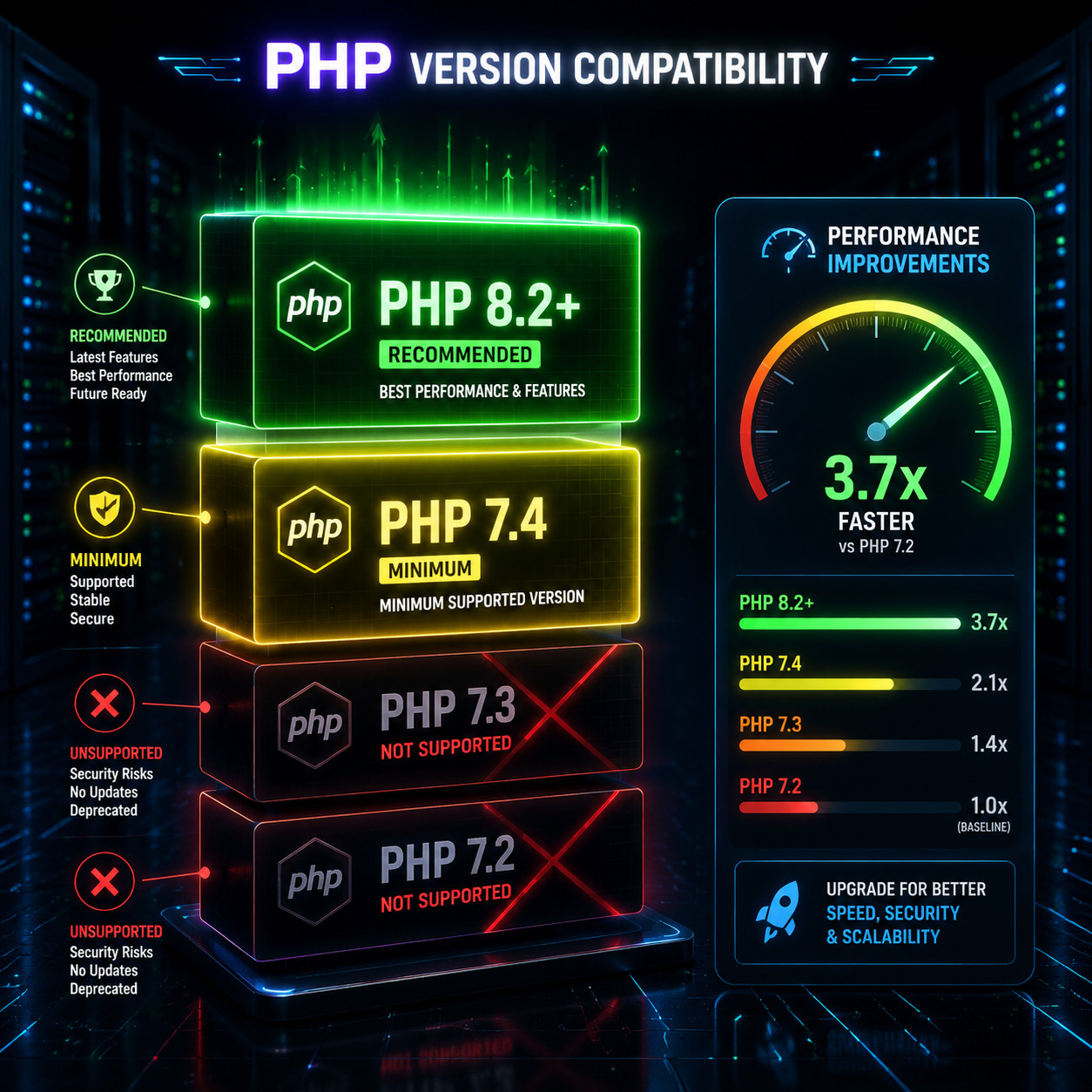
WordPress 7.0 drops support for PHP 7.2 and 7.3. The new minimum is PHP 7.4, with PHP 8.2+ recommended for best performance [1].
Why This Matters
PHP 7.2 reached end-of-life in November 2020. PHP 7.3 followed in December 2021. Running these versions means no security patches for years. WordPress is finally cutting the cord.
Performance implications:
| PHP Version | Status in WP 7.0 | Security Updates |
|---|---|---|
| PHP 7.2 | Not supported | Ended Nov 2020 |
| PHP 7.3 | Not supported | Ended Dec 2021 |
| PHP 7.4 | Minimum required | Ended Nov 2022* |
| PHP 8.0 | Supported | Ended Nov 2023* |
| PHP 8.1 | Supported | Active |
| PHP 8.2+ | Recommended | Active |
*Still receives some hosting-level patches from providers.
What to Do Before Upgrading
- Check your current PHP version in WordPress under Tools > Site Health
- Contact your host if you’re below PHP 7.4 and ask them to upgrade
- Test your plugins on PHP 8.2 in a staging environment
- Update your theme — older themes may use deprecated PHP functions
HostWP.io’s testing with WordPress 7.0 Beta 3 showed “incremental performance improvements compared to WordPress 6.9” with stable response times during concurrent traffic simulations and no failed requests during moderate load testing [10].
If you’re developing custom plugins, review our essential guide to WordPress plugin development best practices to ensure compatibility with the new PHP requirements.
What AI Features Does WordPress 7.0 Include?
WordPress 7.0 is not fully AI-native. Instead, it introduces foundational APIs that allow plugins and services to integrate AI-powered features in a standardized, secure way. Think of it as plumbing, not a finished product.

What the AI Infrastructure Provides
- Standardized API endpoints for AI service connections
- Security framework for handling API keys and data transmission
- Hook system that plugins can use to add AI features to the editor
- Content suggestion architecture that third-party tools can plug into
What It Doesn’t Do (Yet)
- No built-in AI writing assistant in core
- No automatic image generation
- No AI-powered SEO recommendations without plugins
- No autonomous content creation
Practical Applications Right Now
The AI infrastructure means plugin developers can build consistent, secure AI integrations without reinventing authentication and data handling. For site owners, this translates to:
- Better AI plugin interoperability
- Reduced security risks from ad-hoc AI implementations
- A clear path for future AI features in WordPress core
If you’re already using AI tools with WordPress, check out our roundup of the 12 best AI plugins for WordPress to see which ones are already compatible with the new APIs. You can also explore how to integrate an AI-powered chatbot into WordPress using the new standardized framework.
Decision rule: If you need AI content tools today, use established plugins like Jetpack AI or third-party integrations. The core AI infrastructure in 7.0 is a foundation for the future, not a replacement for current solutions.
How Does WordPress 7.0 Compare to Competitors Like Webflow?
WordPress 7.0 strengthens its position for large-scale content operations, while platforms like Webflow maintain advantages in visual design control. The right choice depends on your team size, content volume, and technical requirements.
WordPress 7.0 vs. Webflow: Quick Comparison
| Factor | WordPress 7.0 | Webflow |
|---|---|---|
| Content limits | Unlimited pages/posts | 300 pages (Business plan), 10,000 CMS items |
| Starting price | ~$4/month (hosting + free domain) | $15-$45/seat/month + hosting |
| Real-time collab | Built into core | Available in Designer |
| AI features | API infrastructure + plugins | Webflow AI (built-in) |
| Design control | Theme/block-based | Pixel-level visual editor |
| Plugin ecosystem | 60,000+ plugins | Limited integrations |
| PHP requirement | 7.4+ | N/A (hosted platform) |
| Team scaling cost | Minimal (user roles are free) | $15-$45 per additional seat |
When WordPress 7.0 Wins
- Large content operations with hundreds or thousands of posts
- Teams that need granular user roles without per-seat fees
- Sites requiring specific functionality through the plugin ecosystem
- Organizations that want hosting flexibility and data ownership
When Webflow Wins
- Design-focused teams that want pixel-level control without code
- Smaller sites (under 300 pages) where visual editing speed matters
- Teams already invested in the Webflow ecosystem
For a deeper dive into theme customization options in the new version, see our complete guide to WordPress theme customization.
How Should You Prepare for the WordPress 7.0 Upgrade?
Start testing now in a staging environment. Don’t upgrade production sites on day one unless you’ve verified compatibility with your specific setup.

Pre-Upgrade Checklist
- Verify PHP version — Must be 7.4 or higher (8.2+ recommended)
- Back up everything — Database, files, media, and wp-config.php
- Create a staging site — Test the upgrade without risking your live site
- Check plugin compatibility — Visit each plugin’s changelog or support forum
- Test your theme — Especially if it’s custom-built or hasn’t been updated recently
- Review custom code — Any PHP 7.2/7.3-specific syntax will break
- Test RTC with your workflow — If you plan to use real-time collaboration, verify it works with your content types
- Monitor Site Health — After upgrading, check Tools > Site Health for new warnings
Common Mistakes to Avoid
- Upgrading without checking PHP version first. If your host runs PHP 7.3, the upgrade will fail or cause errors.
- Assuming all plugins will work immediately. Give plugin developers a few days post-release to push compatibility updates.
- Enabling RTC on sites with heavy custom post meta. Test first to confirm your custom fields sync properly.
- Ignoring the staging step. Even if you’ve upgraded WordPress dozens of times, 7.0’s architectural changes make testing essential.
For those building custom themes, our ultimate guide to custom WordPress theme development includes compatibility considerations for the new release.
Timeline Recommendation
| When | Action |
|---|---|
| Now (before May 20) | Set up staging, verify PHP, back up |
| May 20-27 | Upgrade staging site, test thoroughly |
| May 28 – June 3 | Wait for plugin compatibility updates |
| After June 3 | Upgrade production if staging tests pass |
What’s the Broader Roadmap Beyond WordPress 7.0?
WordPress has signaled a return to three major releases per year in 2026. This means 7.0 is just the beginning of a more aggressive development cycle.
Expected Focus Areas After 7.0
- Deeper AI integration built on the 7.0 API foundation
- Enhanced block editor capabilities for full-site editing
- Performance optimizations leveraging the new PHP 8.2+ features
- Expanded RTC features including commenting and revision tracking
What This Means for Site Owners
If you’re invested in the WordPress ecosystem, 7.0 represents a commitment to modernization. The platform is actively addressing its historical weaknesses (collaboration, performance, modern PHP) while maintaining backward compatibility where possible.
For teams evaluating whether to stay on WordPress or migrate to alternatives, the 7.0 release makes a strong case for staying. The combination of real-time collaboration, AI infrastructure, and unlimited scalability at low cost is difficult to match elsewhere.
You can stay current with WordPress developments and related tools on our WordPress category page.
Frequently Asked Questions
When does WordPress 7.0 release?
May 20, 2026. The original April 9 date was postponed due to database architecture issues with the Real-Time Collaboration feature [5][6].
What PHP version do I need for WordPress 7.0?
PHP 7.4 minimum. PHP 8.2 or higher is recommended for best performance and security [1].
Is WordPress 7.0 a free upgrade?
Yes. Like all WordPress core updates, 7.0 is free for self-hosted WordPress.org installations.
Will my plugins break after upgrading?
Possibly. Plugins that rely on deprecated PHP functions or haven’t been updated for 7.0 compatibility may have issues. Always test in staging first.
Can I disable real-time collaboration?
Yes. RTC can be disabled if your workflow doesn’t require simultaneous editing or if it causes conflicts with your setup.
Does WordPress 7.0 require WebSocket support on my host?
No. The RTC feature uses HTTP polling specifically to ensure compatibility with shared hosting environments that don’t support WebSockets [1].
Is WordPress 7.0 the biggest update since Gutenberg?
Industry analysis positions it as the most significant core release since version 5.0 introduced the block editor in 2018, primarily due to the collaboration and infrastructure changes.
Will WordPress 7.0 have built-in AI writing tools?
No. WordPress 7.0 provides API infrastructure for AI integrations, but built-in AI writing tools are not included in core. You’ll need plugins for that functionality.
How long should I wait before upgrading my production site?
I recommend waiting 1-2 weeks after release to let plugin developers push compatibility updates. Upgrade your staging site immediately, but give production sites a buffer.
Does real-time collaboration work with custom post types?
Yes, as long as your custom post types and their meta fields have show_in_rest set to true in their registration [1].
Will my existing content be affected by the upgrade?
No. Your existing posts, pages, and media remain unchanged. The upgrade adds new capabilities without modifying stored content.
Conclusion
WordPress 7.0 is a significant release that modernizes the platform’s collaboration capabilities, tightens security through PHP version requirements, and lays groundwork for AI integration. It’s not a flashy, feature-packed update for end users — it’s an infrastructure release that makes WordPress more competitive for the next several years.
Your action steps:
- Check your PHP version today and upgrade to 8.2+ if possible
- Set up a staging environment before May 20
- Back up your production site completely
- Test the upgrade on staging during the first week after release
- Wait for plugin compatibility confirmations before upgrading production
- Explore RTC if you have a multi-editor team, but test it with your specific workflow first
The delayed release and unprecedented return to beta status actually inspire confidence — the WordPress team chose quality over deadlines. That’s the kind of decision-making that matters for a platform powering a significant portion of the web.
See also: WordPress News.
References
[1] Whats New For Developers April 2026 – https://developer.wordpress.org/news/2026/04/whats-new-for-developers-april-2026/ [5] WordPress 7 0 Release Date – https://www.inmotionhosting.com/support/edu/wordpress/wordpress-news/wordpress-7-0-release-date/ [6] WordPress 7 0 Release Party Updated Schedule – https://make.wordpress.org/core/2026/04/22/wordpress-7-0-release-party-updated-schedule/ [10] WordPress 7 Real Time Collaboration Ai Admin Improvements – https://hostwp.io/blog/wordpress-7-real-time-collaboration-ai-admin-improvements/