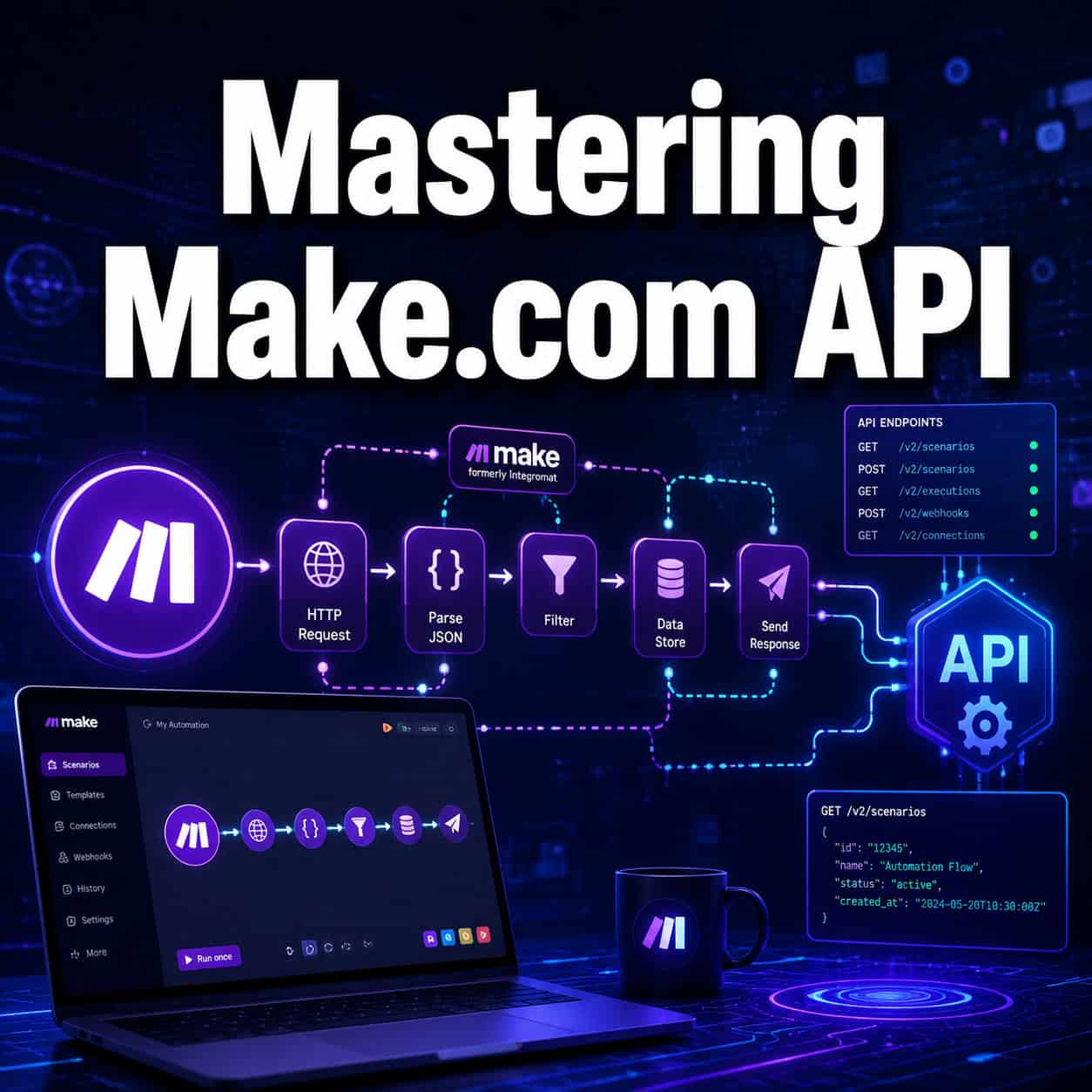
Last updated: May 9, 2026This master make.com API workflow automation guide will help you optimise your automation processes efficiently.
Quick Answer: Make.com (formerly Integromat) is a visual automation platform that connects apps and APIs through drag-and-drop scenario builders. Mastering Make.com API means learning to trigger, map, and route data between 2,000+ services without writing traditional code. Anyone from a solo freelancer to an enterprise team can use it to eliminate repetitive tasks, sync data across tools, and build multi-step workflows in hours rather than weeks.
Key Takeaways
- Make.com now supports 2,000+ app integrations, including Google Workspace, Slack, Shopify, and custom HTTP APIs [4]
- The platform uses a visual, node-based scenario builder — no coding required for most use cases
- HTTP modules with AI-assisted response mapping make connecting custom APIs significantly faster [4]
- Webhooks let you capture real-time data from any external source and route it into your workflows
- The AI Scenario Builder lets you describe a workflow in plain language and auto-generates the scenario [4]
- Error monitoring dashboards now include real-time trend analysis, so you catch broken automations before they cause damage [4]
- Best practices include modular design, individual branch testing, and thorough inline documentation
- Free and paid plans are available; operations (tasks) are the core billing unit, not the number of scenarios
- Make.com is ideal for marketing, e-commerce, operations, and content teams who need cross-app automation without a developer
- For WordPress users, combining Make.com with tools like AI plugins can dramatically extend site automation (see 12 best AI plugins for WordPress)

What Is Make.com and Why Does the API Matter?
Make.com is a no-code automation platform that connects apps, databases, and APIs through visual workflows called “scenarios.” The API layer is what makes it genuinely powerful: it lets you reach beyond Make.com’s native connectors and talk directly to any service that exposes an HTTP endpoint.
Most people start with pre-built app modules (Gmail, Airtable, Stripe). But once you understand the HTTP and webhook modules, you can connect virtually anything — custom internal tools, third-party APIs without native connectors, or legacy systems that only expose REST endpoints.
Why this matters in 2026: The gap between “I use a few Zaps” and “I run my entire operations stack on Make.com” comes down to API fluency. Teams that master the HTTP module and data mapping layer automate processes that most tools simply can’t reach.
How Does Make.com’s Visual Scenario Builder Work?
The scenario builder is a canvas where you place modules (app actions or triggers) and connect them with arrows. Each module represents one step: receive a webhook, fetch data from an API, filter a result, or send an email.
Core components of every scenario:
| Component | What It Does |
|---|---|
| Trigger | Starts the scenario (webhook, schedule, or app event) |
| Module | Performs an action or retrieves data |
| Router | Splits the flow into multiple branches |
| Filter | Passes data only when conditions are met |
| Aggregator | Combines multiple bundles into one |
| Iterator | Breaks an array into individual items |
The platform processes data in bundles — think of each bundle as one row of data moving through the pipeline. If a webhook sends 50 form submissions at once, Make.com processes each as a separate bundle, which is important for understanding your operation count.
Common mistake: New users build one giant scenario for everything. Better practice is to break complex workflows into smaller, linked scenarios using webhooks or data stores. This makes debugging and testing far easier [4].
How Do You Connect a Custom API Using HTTP Modules?
Make.com’s HTTP module is the bridge to any API not covered by a native connector. You configure the request URL, method (GET, POST, PUT, DELETE), headers, and body — then map the response fields to downstream modules.
Step-by-step: connecting a custom REST API
- Add an HTTP > Make a Request module to your scenario
- Enter the API endpoint URL
- Set the method (GET, POST, etc.)
- Add authentication headers (Bearer token, API key, or OAuth2)
- Define the request body (JSON, form data, or raw)
- Run the module once to capture a sample response
- Use AI-assisted response mapping to auto-map returned fields [4]
- Connect the mapped fields to the next module in your flow
Choose HTTP modules if: The service has a documented REST API but no native Make.com connector, or you need fine-grained control over request headers and payloads.
Choose native connectors if: Speed matters and the app is in Make.com’s library — setup is 5x faster and error handling is pre-built.
For teams also building automated content workflows, pairing Make.com API calls with AI-powered content generation tools can create end-to-end publishing pipelines.
What Are Webhooks and How Do You Use Them in Make.com?
A webhook is a URL that Make.com generates for your scenario. When an external service sends data to that URL, your scenario triggers instantly — no polling required.
Practical webhook use cases:
- Capture contact form submissions and push them to a CRM
- Trigger a scenario when a Shopify order is placed
- Start a workflow when a GitHub pull request is merged
- Receive real-time payment events from Stripe
Setting up a webhook in Make.com:
- Add a Webhooks > Custom Webhook module as your trigger
- Copy the generated webhook URL
- Paste it into the external service’s webhook settings
- Send a test payload to let Make.com detect the data structure
- Map the incoming fields to downstream modules (e.g., write to Google Sheets column by column) [1]
Edge case: If an external service sends inconsistent JSON structures, use a JSON > Parse JSON module after the webhook to normalize the data before mapping. This prevents scenarios from breaking when optional fields are missing.

What Are the Best Practices for Building Reliable Make.com Scenarios?
Reliable automation requires more than just connecting modules. The scenarios that break least share a few consistent design patterns [4].
Top best practices:
- Modular design: Keep each scenario focused on one logical task. Use webhooks to chain scenarios rather than building 30-module monoliths
- Error handling: Add an error handler route to every critical module. Route failures to a Slack alert or a Google Sheet log
- Filtering early: Place filters as close to the trigger as possible to avoid wasting operations on irrelevant data
- Branch testing: Test each router branch individually before running the full scenario
- Inline documentation: Use the Notes feature on modules to explain what each step does — your future self will thank you
- Version control: Duplicate scenarios before making major changes; Make.com doesn’t have native rollback
For teams managing automated social publishing, these same principles apply when you auto-share WordPress blog posts to social media via Make.com scenarios.
How Does Make.com Handle Errors and Monitoring?
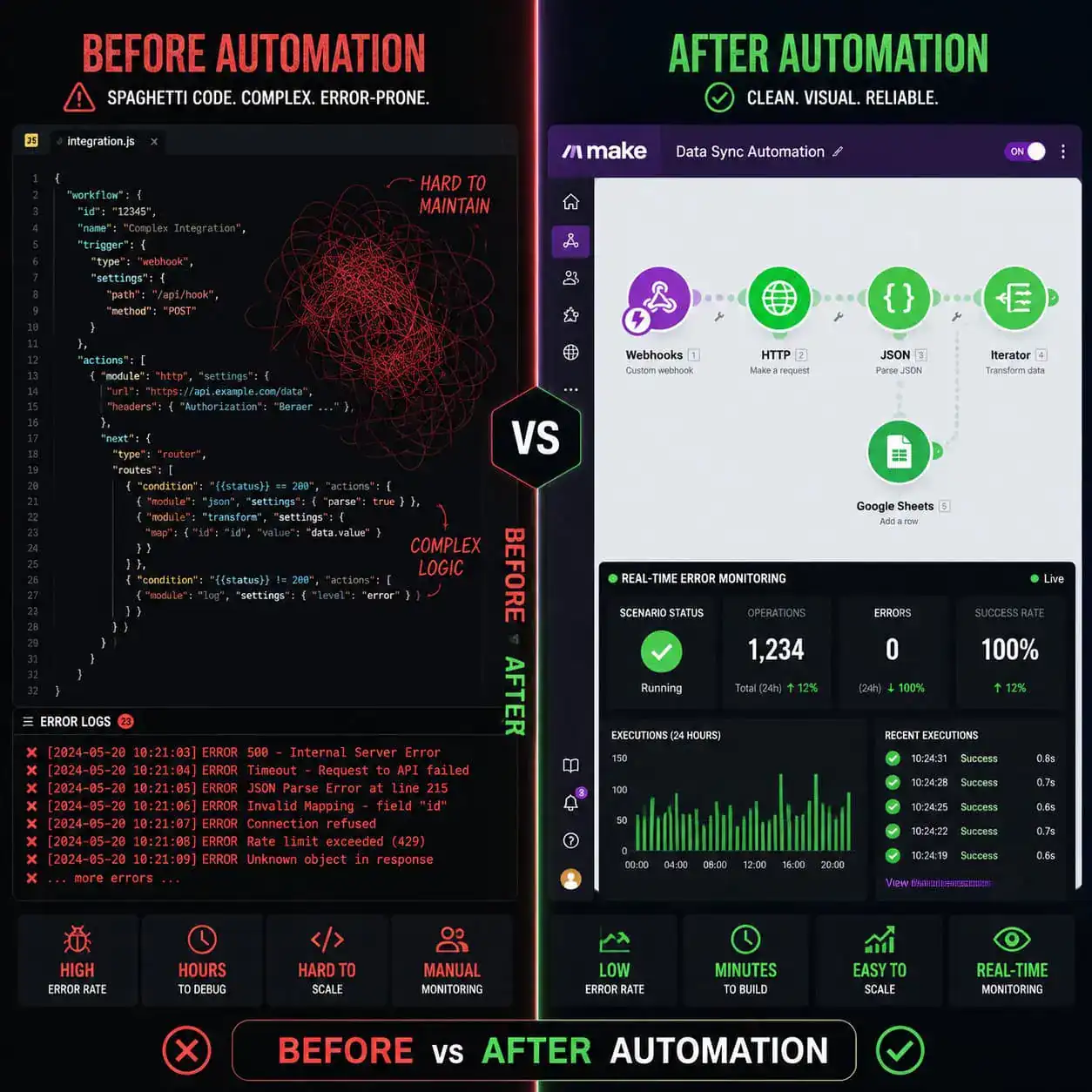
Make.com’s Enhanced Error Monitoring dashboard provides real-time tracking of scenario failures, with trend analysis so you can spot patterns before they become outages [4].
Three error handling strategies:
- Resume: Skip the failed bundle and continue processing others
- Ignore: Log the error silently and move on
- Break: Stop the scenario and mark it as incomplete for manual review
The dashboard shows error frequency, affected scenarios, and the specific module that failed. For production workflows, set up an Incomplete Executions review process — Make.com stores failed runs so you can retry them after fixing the root cause.
Monitoring checklist:
- Enable email alerts for scenario errors
- Route critical failures to a Slack channel
- Review incomplete executions weekly
- Check operation usage against your plan limit monthly
How Does the AI Scenario Builder Change the Workflow?
The AI Scenario Builder lets you type a plain-language description of what you want — for example, “When a new lead fills out my Typeform, add them to HubSpot and send a welcome email via Gmail” — and Make.com auto-generates the scenario structure [4].
This doesn’t replace understanding the platform. You still need to authenticate connectors, review data mappings, and test each module. But it cuts initial setup time significantly, especially for common workflow patterns.
Best used for: Standard trigger-action patterns, getting a starting scaffold for complex scenarios, and onboarding new team members who aren’t yet fluent in the builder.
Not a substitute for: Custom HTTP API configuration, complex routing logic, or scenarios with unusual data transformation requirements.
Teams exploring broader AI-assisted workflow design may also find value in Figma AI workflow automation for design-side process automation.
What Are the Most Powerful Real-World Automation Examples?
Understanding where Make.com API integration delivers the most value helps you prioritize which workflows to build first [2].
High-impact automation scenarios:
- Lead routing: Form submission triggers CRM record creation, Slack notification, and personalized email — all in under 30 seconds
- E-commerce operations: New Shopify order triggers inventory update, fulfillment request, and customer receipt [5]
- Content publishing: Blog post published in WordPress triggers social media posts, newsletter segment update, and SEO tool ping
- Meeting scheduling: Calendar event created triggers Zoom link generation, attendee email, and CRM activity log
- Research workflows: Webhook receives a URL, HTTP module scrapes metadata, AI module summarizes content, result saved to Notion [2]
For WordPress-heavy operations, combining Make.com with advanced WordPress automation strategies creates a particularly powerful stack.
How Do You Learn Make.com API Fast in 2026?
The fastest path to competence combines structured tutorials with hands-on scenario building from day one.
Recommended learning path:
- Start with the community beginner guide — covers scenario creation from scratch with step-by-step walkthroughs [1]
- Watch the 2-hour master course on YouTube — covers the full platform including HTTP modules and webhooks [8]
- Build one real workflow from your own work immediately after each lesson
- Take a certification course (Codefinity offers a structured Make.com course with hands-on projects) [9]
- Join the Make.com community forum for troubleshooting and advanced patterns [6]
Pro tip: The fastest skill jump comes from building a scenario that uses an HTTP module to connect an API you actually use at work. Abstract tutorials stick less than solving a real problem.
For teams also working with content automation, pairing Make.com skills with knowledge of AI-powered content optimization creates a compounding productivity advantage.
Conclusion: Your Next Steps for Mastering Make.com API
Mastering Make.com API and workflow automation is one of the highest-leverage skills for anyone managing digital operations in 2026. The platform’s visual builder removes the coding barrier, while the HTTP module and webhook system give you the depth to connect virtually any service.
Actionable next steps:
- This week: Build your first scenario using a native connector (Gmail or Google Sheets) to understand the basics
- Week 2: Connect a custom API using the HTTP module — pick an API you already use
- Week 3: Add error handling and a monitoring alert to every production scenario
- Month 2: Explore the AI Scenario Builder for common patterns, then refine the output manually
- Ongoing: Review the Make.com community documentation and the Automation Archives for new patterns and platform updates
The teams winning with automation aren’t necessarily the most technical — they’re the ones who build consistently, test thoroughly, and document everything. Start small, ship one working scenario, and build from there.
FAQ
What is Make.com used for?
Make.com is used to automate repetitive tasks by connecting apps and APIs through visual workflows called scenarios. Common uses include lead routing, e-commerce order processing, content publishing, and data synchronization between tools.
Do I need coding skills to use Make.com?
No. Most workflows use pre-built app connectors with no code required. The HTTP module for custom APIs requires understanding of REST concepts (URLs, methods, headers), but not programming.
How many apps does Make.com integrate with?
Make.com supports 2,000+ app integrations as of 2026, including Google Workspace, Slack, Shopify, HubSpot, and custom HTTP endpoints [4].
What is a Make.com operation?
An operation is one action performed by a module in a scenario — for example, reading one row from Google Sheets or sending one email. Your plan’s operation limit determines how many total actions your scenarios can perform per month.
How does Make.com differ from Zapier?
Make.com offers more complex multi-branch logic, better data transformation tools, and generally lower cost per operation. Zapier has a simpler interface and broader name recognition. Choose Make.com if you need routing, aggregators, or iterators; choose Zapier for simple two-step automations.
What is a webhook in Make.com?
A webhook is a unique URL Make.com generates for your scenario. When an external service sends data to that URL, your scenario triggers immediately. It’s the fastest way to react to real-time events from other platforms.
Can Make.com connect to any API?
Yes, through the HTTP module. As long as a service has an accessible REST or SOAP endpoint, Make.com can send requests to it and process the response.
How do I handle errors in Make.com?
Add an error handler route to critical modules. Choose Resume (skip and continue), Ignore (log silently), or Break (stop for manual review). The Error Monitoring dashboard tracks failures in real time [4].
Is Make.com free?
Make.com offers a free plan with limited operations per month. Paid plans scale by operation volume and add features like priority execution and advanced team collaboration tools.
What is the AI Scenario Builder?
It’s a feature that lets you describe a workflow in plain English and auto-generates the scenario structure. You still need to authenticate connections and verify mappings, but it reduces initial setup time significantly [4].
How do I test a Make.com scenario safely?
Use the “Run Once” button to execute a single test cycle. Test each router branch individually before enabling the full scenario. Duplicate the scenario before making major changes to preserve a working version.
Where can I find Make.com learning resources?
The Make.com community forum [1], YouTube tutorials [8], and structured courses on platforms like Codefinity [9] are the best starting points. The community documentation topic is particularly comprehensive [6].
References
[1] community.make – https://community.make.com/t/make-com-automation-tutorial-for-beginners-step-by-step-guide/55299
[2] Watch – https://www.youtube.com/watch?v=CLutx-rqGgc
[4] Make Automation Guide – https://till-freitag.com/en/blog/make-automation-guide
[5] Mastering Integrated Ecommerce Workflow – https://www.make.com/en/mastering-integrated-ecommerce-workflow.pdf
[6] community.make – https://community.make.com/t/the-ultimate-make-documentation-topic/4386
[8] Watch – https://www.youtube.com/watch?v=MpmpC4C5fZs
[9] 665ad698 83ca 4d2d A2dc 87d86d6ad807 – https://codefinity.com/courses/v2/665ad698-83ca-4d2d-a2dc-87d86d6ad807