Last updated: May 11, 2026
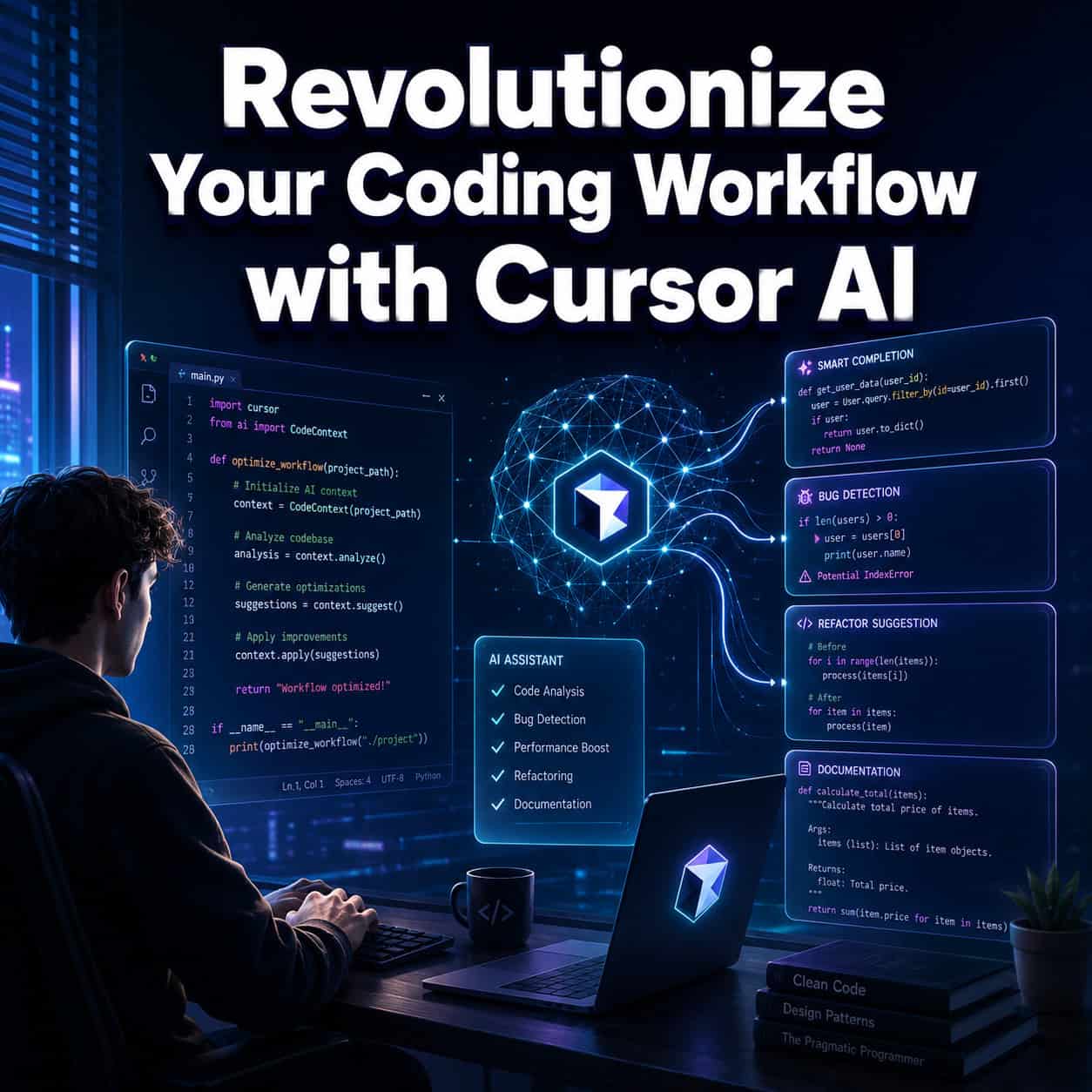
Quick Answer: Cursor AI has evolved from an autocomplete-style code editor into a full agent platform that can run parallel tasks, review pull requests for security flaws, and trigger cloud automations from tools like Slack and GitHub — all without leaving your IDE. If you write code professionally in 2026, Cursor is one of the most capable AI programming assistants available, with plans starting at free and scaling to enterprise-grade controls.
Key Takeaways
- Cursor 3.3 (May 2026) added inline PR review threads, context usage breakdowns, and the ability to split changes into multiple PRs [1].
- The “Build in Parallel” feature lets async subagents handle independent tasks at the same time, while dependent steps stay in order [1].
- Cloud Automations (launched March 2026) run always-on agents triggered by Slack, Linear, GitHub, PagerDuty, and webhooks [2].
- Cursor now works inside JetBrains IDEs (IntelliJ, PyCharm, WebStorm) via the Agent Client Protocol [2].
- Security Review beta scans PRs for vulnerabilities, auth regressions, and prompt injection attacks [1].
- Enterprise admins get granular model access controls with allow/blocklists and soft spend limits with alerts at 50%, 80%, and 100% thresholds [1].
- Over 30 new plugins launched in March 2026, including integrations with Atlassian, Datadog, GitLab, and Figma [2].
- Mission Control grid view lets you manage up to 8 parallel agent workflows from a single dashboard [2].

What Is Cursor AI, and Why Should You Care in 2026?
Cursor AI is a code editor built on top of VS Code that embeds large language models directly into your development environment. It goes well beyond simple code completion — it can write functions, refactor files, answer questions about your codebase, and (as of 2026) run autonomous agent workflows in the cloud.
Here’s what makes it different from a standard AI coding plugin: Cursor controls the entire editor experience. That means it can modify multiple files at once, maintain long-running context across sessions, and integrate deeply with version control. According to industry analysis, “March 2026 was the month AI coding assistants stopped being autocomplete engines and started becoming autonomous agents [2].
If you’re exploring how AI tools fit into broader web development workflows, our guide to AI-powered content optimization covers the content side of that equation.
How Does Cursor AI’s Parallel Agent Execution Actually Work?
The “Build in Parallel” feature, released in May 2026, spawns async subagents that work on independent tasks simultaneously [1]. Dependent steps are automatically kept in sequence, so you don’t end up with race conditions in your workflow.
How it works in practice:
- You describe a multi-part task (e.g., “Add user authentication, create the database schema, and write unit tests”).
- Cursor identifies which parts are independent and which depend on others.
- Independent tasks run in parallel subagents. Dependent tasks queue automatically.
- Mission Control’s grid view shows all active agents — up to 8 at once [2].
This was first introduced in a simpler form with Composer 1.5 (February 2026), which added long-running agents that could spawn subagents and featured dynamic context discovery that reduced token usage by 46.9% [2], [5].
Choose parallel execution if you’re working on a feature that touches multiple unrelated files or services. Avoid it for tightly coupled logic where every change depends on the previous one — sequential mode is safer there.

What Security Features Does Cursor Offer for Teams?
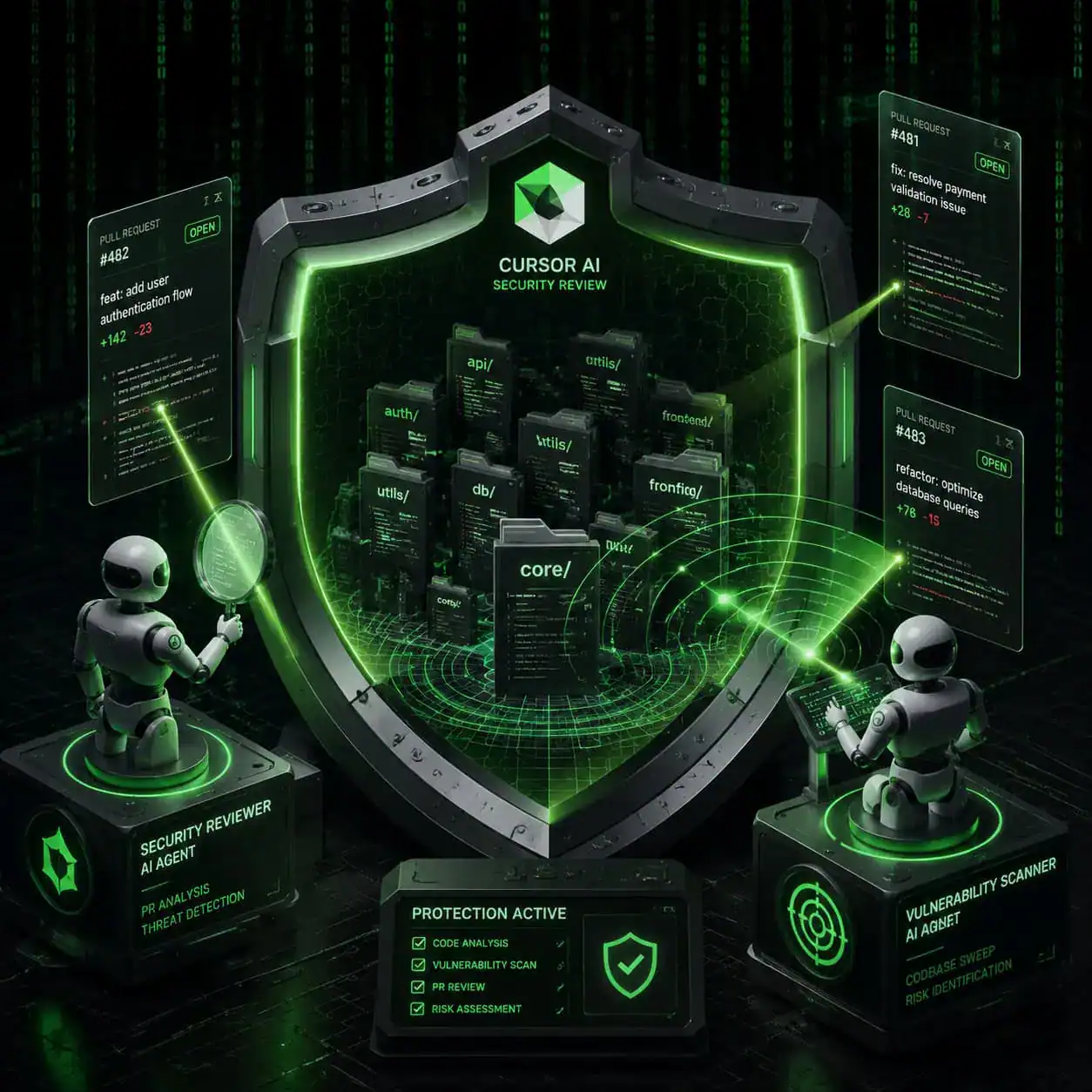
Cursor’s Security Review entered beta in April 2026 on Teams and Enterprise plans [1]. It includes two distinct agent types:
| Agent Type | What It Does | When It Runs |
|---|---|---|
| Security Reviewer | Checks PRs for vulnerabilities, auth regressions, and prompt injection attacks | On each pull request |
| Vulnerability Scanner | Scans the full codebase for known vulnerabilities | On a scheduled basis |
This matters because AI-generated code can introduce subtle security issues that human reviewers miss during fast iteration cycles. The Security Reviewer catches problems at the PR level before they merge, while the Vulnerability Scanner handles broader, ongoing hygiene.
Enterprise admins also gained granular model access controls in May 2026 [1]. You can set allow/blocklists at both the model and provider level, with a migration deadline originally set for June 1, 2026. Soft spend limits send intelligent alerts at 50%, 80%, and 100% of usage thresholds, so teams don’t get surprise bills.
For teams building WordPress-based projects, pairing Cursor’s security scanning with WordPress plugin development best practices creates a solid safety net.
How Do Cloud Automations Change the Development Workflow?
Cloud Automations, launched in March 2026, are always-on agents that run in cloud sandboxes without any user intervention [2]. They’re triggered by external events from services like Slack, Linear, GitHub, PagerDuty, and generic webhooks.
Practical examples:
- A GitHub issue labeled “bug” triggers an agent that investigates the codebase, proposes a fix, and opens a draft PR.
- A PagerDuty alert spawns an agent that checks logs, identifies the failing service, and suggests a hotfix.
- A Slack message in a specific channel kicks off a code review agent.
This is the feature that prompted analysts to describe Cursor as “no longer just an IDE — it’s becoming an agent platform [2]. The cloud agents and event triggers represent a shift from reactive coding assistance to proactive, background automation.
Common mistake: Setting up too many automation triggers early on without clear ownership. Start with one or two high-value triggers (like auto-investigating critical PagerDuty alerts) and expand from there.
If you’re interested in automation beyond coding, check out our roundup of AI-powered content generation tools for the content creation side.
What’s New in Cursor 3.3’s PR Review Experience?
Cursor 3.3, released May 6, 2026, overhauled how developers review pull requests inside the editor [1]. The key additions:
- Inline review threads — comment directly on specific lines within Cursor, similar to GitHub’s review UI but with full AI context.
- Commit history view — browse the evolution of a PR commit by commit without switching to a browser.
- File tree navigation — navigate larger PRs through a structured file tree instead of scrolling through a flat diff.
- PR Split — a quick action that splits changes into multiple PRs. It uses chat context to identify logical slices and creates backup snapshots before splitting [1].
The context usage breakdown feature is also worth noting. It lets you see exactly how your context budget is being consumed across rules, skills, MCPs (Model Context Protocol servers), and subagents [1]. This is useful for diagnosing why an agent might be giving poor results — often it’s a context issue, not a model issue.
How Does Cursor Compare to GitHub Copilot and Other AI Coding Tools?
This is the question most developers ask first. Here’s a direct comparison based on features available as of May 2026:
| Feature | Cursor | GitHub Copilot | Codeium/Windsurf |
|---|---|---|---|
| Parallel agent execution | Yes (up to 8) | Limited | No |
| Cloud automations | Yes (Slack, GitHub, etc.) | No | No |
| PR review inside IDE | Yes (inline threads) | Partial | No |
| Security scanning agents | Yes (beta) | No | No |
| JetBrains support | Yes (March 2026) | Yes | Yes |
| Free tier | Yes (limited) | Yes (limited) | Yes |
| Enterprise model controls | Yes (allow/blocklists) | Yes | Limited |
Cursor’s biggest advantage is its agent architecture. GitHub Copilot remains strong for inline completions and has deep GitHub integration, but it hasn’t matched Cursor’s autonomous agent capabilities [6], [9]. Some Reddit users have noted that Copilot’s completions can feel faster for simple tasks, while Cursor excels at complex, multi-file operations [6].
Choose Cursor if you want an AI that can run tasks autonomously, manage PRs, and integrate with external tools. Choose Copilot if you primarily need fast inline completions and already rely heavily on GitHub’s ecosystem.
For developers working across design and code, our guide on Figma to code plugins covers how to bridge that gap efficiently.

What Does the Plugin Ecosystem Look Like?
Cursor launched over 30 new plugins in March 2026 [2]. The ecosystem now includes integrations from:
- Atlassian (Jira, Confluence)
- Datadog (monitoring and observability)
- GitLab (repository management)
- Hugging Face (model access)
- Figma (design context)
- Amplitude (analytics charts)
- tldraw (whiteboard diagrams)
The Team Marketplace, updated May 1, 2026, lets admins create curated plugin collections with three distribution modes: Default Off, Default On, and Required [1]. Admins can now set up marketplaces without connecting repositories first, which simplifies onboarding.
Interactive UIs within plugins now support charts, diagrams, and whiteboards directly inside the editor [2]. This means a designer can share a Figma component, and a developer can see it rendered in Cursor alongside the code — no browser tab switching needed. If you work with Figma regularly, our Figma for beginners guide covers the design fundamentals.
Who Is Cursor AI Best For (and Who Should Skip It)?
Best for:
- Professional developers working on medium-to-large codebases
- Teams that want AI-assisted PR reviews and security scanning
- Developers who manage multiple services and want cloud automation triggers
- Anyone comfortable with VS Code or JetBrains IDEs
Not ideal for:
- Complete beginners who haven’t written code before (the AI can generate code, but you need to understand what it produces)
- Developers locked into ecosystems where Copilot’s GitHub integration is essential
- Teams with strict policies against cloud-based AI processing of source code
For non-coders building websites, no-code website design platforms might be a better starting point than an AI coding assistant.
Conclusion
Cursor AI in 2026 is a fundamentally different tool than it was even a year ago. The shift from autocomplete to autonomous agents — with parallel execution, cloud automations, security scanning, and a growing plugin ecosystem — makes it the most feature-rich AI coding assistant available today.
Your next steps:
- Try the free tier at cursor.com to test basic features.
- Start with one automation — pick a repetitive task (like investigating bug reports) and set up a cloud automation trigger.
- Enable Security Review if you’re on a Teams or Enterprise plan. It catches issues that manual review often misses.
- Explore the plugin marketplace for tools your team already uses (Jira, Datadog, GitLab).
- Use Mission Control to monitor parallel agents — don’t let more than 2-3 run unsupervised until you trust the outputs.
The developers getting the most from Cursor aren’t using it as a fancy autocomplete. They’re treating it as a team member that handles the tedious parts of shipping code.
FAQ
How much does Cursor AI cost? Cursor offers a free tier with limited AI usage. The Pro plan and Business/Enterprise plans add higher usage limits, cloud automations, security features, and admin controls. Check cursor.com for current pricing [1].
Can I use Cursor with JetBrains IDEs? Yes. Since March 2026, Cursor runs inside IntelliJ, PyCharm, and WebStorm via the Agent Client Protocol [2].
Is Cursor AI safe to use with proprietary code? Cursor offers enterprise-grade controls including model allow/blocklists and provider-level restrictions [1]. Review your organization’s data policies before enabling cloud features.
What programming languages does Cursor support? Cursor supports any language that VS Code or JetBrains IDEs support. The AI models work best with widely-used languages like Python, JavaScript, TypeScript, Java, Go, and Rust.
How does the Security Review feature work? Two agent types: Security Reviewer checks individual PRs for vulnerabilities and prompt injection attacks, while Vulnerability Scanner runs scheduled full-codebase scans [1].
Can Cursor AI write an entire application from scratch? It can generate substantial amounts of code, but you should review and test everything. The parallel agent feature handles multi-file generation well, but human oversight remains essential.
What is Mission Control in Cursor? Mission Control is a grid view dashboard that lets you monitor and manage up to 8 parallel agent workflows simultaneously [2].
Does Cursor replace GitHub Copilot? They serve overlapping but different needs. Cursor excels at autonomous multi-file tasks and cloud automations. Copilot is strong for inline completions and GitHub-native workflows [9].
What are Cloud Automations? Always-on agents running in cloud sandboxes, triggered by events from Slack, Linear, GitHub, PagerDuty, or webhooks — no manual intervention needed [2].
How do I split a large PR in Cursor? Use the PR Split quick action. Cursor analyzes chat context to identify logical slices, creates backup snapshots, and generates separate PRs [1].
References
[1] Cursor – https://cursor.com [2] Best AI Coding Assistants – https://vibehackers.io/blog/best-ai-coding-assistants [5] Cursor Announces Major Update As AI Coding Agent Battle Heats Up – https://www.cnbc.com/2026/02/24/cursor-announces-major-update-as-ai-coding-agent-battle-heats-up.html [6] GitHub Copilot vs Cursor in 2025 Why I’m Paying – https://www.reddit.com/r/GithubCopilot/comments/1jnboan/github_copilot_vs_cursor_in_2025_why_im_paying/ [9] Cursor vs GitHub Copilot – https://www.builder.io/blog/cursor-vs-github-copilot