Last updated: May 10, 2026
Quick Answer: Firefox works well with Replit for most coding tasks, but it requires specific configuration tweaks to avoid sluggish editor performance, high memory use, and missing features like mobile simulator support. This guide covers the exact Firefox settings, Replit workspace adjustments, and workarounds you need to get a smooth development experience in 2026.
Key Takeaways
- Firefox does not support Replit’s iOS Simulator or Android Emulator streaming — these require Chrome or Safari [1].
- Adjusting
dom.ipc.processCountand disabling unnecessary extensions in Firefox can cut Replit editor lag significantly. - Replit Core now costs $25/month with free hosting removed, making performance tuning more important to get value from your plan.
- Replit’s new Security Agent and CVE Auto-Protect work in any browser, including Firefox [1].
- App Monitoring with real-time uptime checks is available on all paid plans and functions fully in Firefox [2].
- Firefox’s built-in DevTools (Performance Monitor, Network tab) are excellent for debugging Replit app output.
- Agent 3 can run autonomously for up to 200 minutes per session, and its output renders the same in Firefox as in Chrome [3].

Why Does Replit Run Differently on Firefox Than Chrome?
Replit’s editor is built on web technologies that behave slightly differently across browsers. Firefox uses a different JavaScript engine (SpiderMonkey vs. Chrome’s V8), and its rendering pipeline handles complex DOM updates — like those in a live code editor — with different priorities.
The practical result: Firefox can feel slower when you’re editing large files or running the Replit preview panel alongside the editor. Here’s what causes the gap:
- WebSocket handling: Replit relies heavily on WebSocket connections for real-time collaboration and console output. Firefox’s WebSocket implementation occasionally introduces micro-delays under heavy load.
- DOM rendering: The Monaco-based editor in Replit triggers frequent DOM repaints. Firefox batches these differently than Chrome, which can cause visible input lag on files over ~500 lines.
- Missing features: As of April 2026, Replit’s mobile simulator streaming (iOS Simulator and Android Emulator in the Preview panel) is explicitly not supported on Firefox [1]. You’ll need Chrome or Safari for that.
Common mistake: Assuming Firefox is “broken” when the preview panel doesn’t load a mobile simulator. It’s a known limitation, not a bug.
How Do You Configure Firefox for Better Replit Performance?
Start with Firefox’s about:config page. These three changes make the biggest difference for Replit specifically.

Step-by-step Firefox configuration
- Open
about:config— type it in the address bar and accept the warning. - Set
dom.ipc.processCountto 8 (or match your CPU core count). This gives Firefox more processes for handling Replit’s multiple panels. - Set
gfx.webrender.alltotrue— enables hardware-accelerated rendering, which helps with editor smoothness. - Set
network.http.max-persistent-connections-per-serverto 10 (default is 6). Replit opens several simultaneous connections for the editor, console, and preview. - Disable content blocking for
replit.com— Firefox’s Enhanced Tracking Protection can interfere with Replit’s analytics and WebSocket connections. Addreplit.comto your exceptions list.
Extensions to disable while using Replit
| Extension Type | Why It Causes Issues | Action |
|---|---|---|
| Ad blockers (uBlock Origin, etc.) | Can block Replit’s CDN resources and WebSocket connections | Disable on replit.com |
| Privacy extensions (Privacy Badger) | May interfere with Replit’s authentication tokens | Whitelist replit.com |
| Tab suspenders | Can suspend the Replit tab during long Agent runs | Exclude Replit tabs |
| Translation extensions | Inject DOM elements that conflict with the editor | Disable entirely while coding |
Decision rule: If you’re running Replit Agent 3 sessions (which can last up to 200 minutes [3]), close all other tabs. Firefox’s per-tab memory use adds up fast, and Agent sessions need consistent WebSocket connectivity.
What Replit Features Work Best (and Worst) in Firefox?
Not all Replit features perform equally across browsers. Here’s an honest breakdown for Firefox users in 2026.
Works well in Firefox
- Code editor (with the config tweaks above): Responsive for files under 1,000 lines
- Replit Agent 3: All Agent modes, including Power mode with Claude Opus 4.7 [1], function correctly
- Security Agent and CVE Auto-Protect: Full codebase reviews, threat modeling, and automatic patching work without browser-specific issues [1]
- App Monitoring: Real-time uptime checks, colored uptime bars, and downtime email alerts all render properly [2]
- Workspace Security Center 2.0: Bulk remediation and SBOM downloads for compliance audits work fine [1]
- Screenshot-to-UI building: Agent’s ability to recreate UIs from screenshots works across all browsers [1]
Doesn’t work or works poorly in Firefox
- Mobile simulator streaming: iOS Simulator and Android Emulator are Chrome/Safari only [1]
- WebAssembly-heavy projects: Firefox’s WASM performance trails Chrome’s by a noticeable margin for compute-intensive tasks
- Large file editing (2,000+ lines): Noticeable input lag even with config optimizations
If your workflow depends on mobile simulator testing, you’ll need to keep Chrome installed alongside Firefox. There’s no workaround for this limitation — it’s a Replit platform decision, not a Firefox bug.
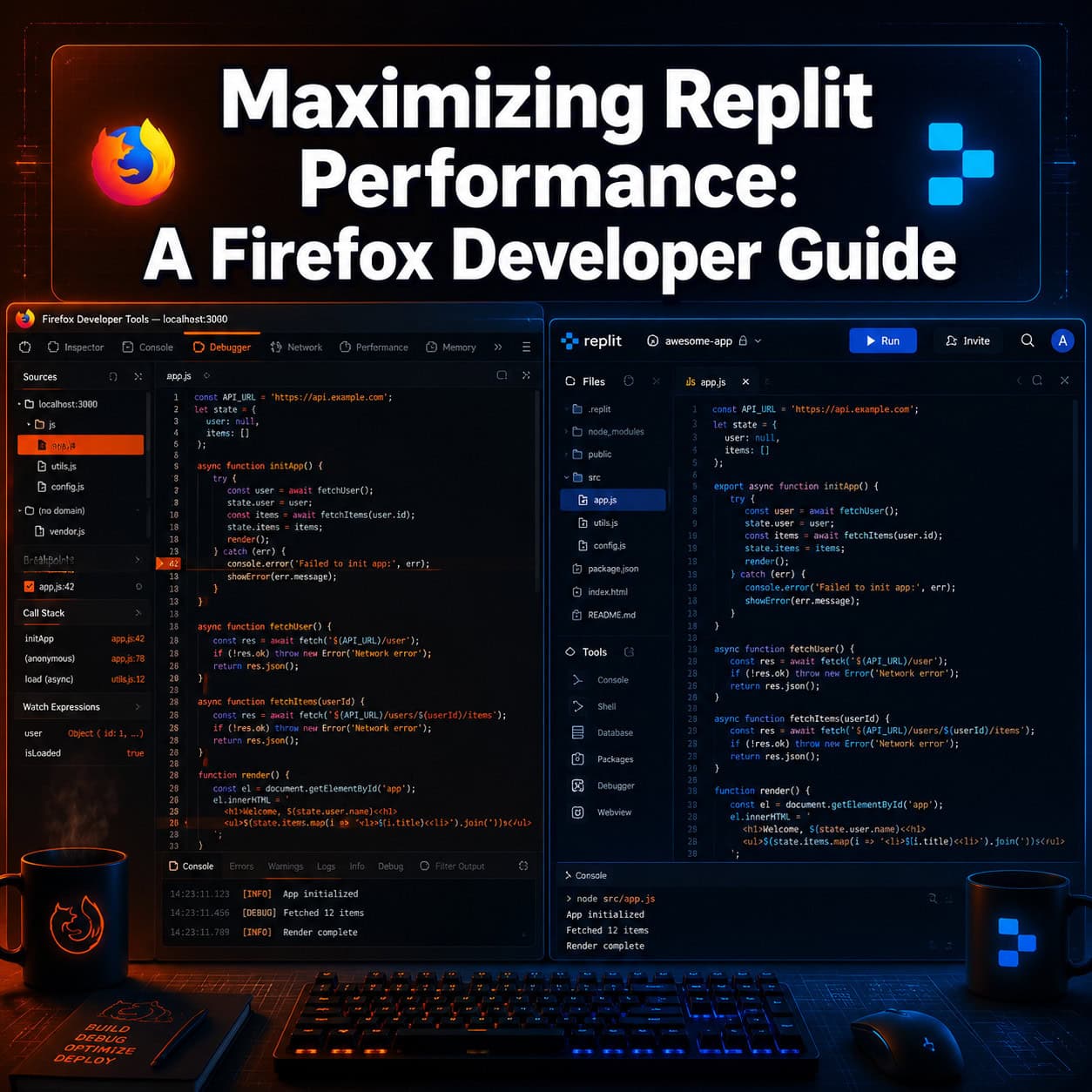
How Can You Use Firefox DevTools to Debug Replit Apps?
Firefox’s built-in developer tools are arguably better than Chrome’s for certain debugging tasks, and they work perfectly with Replit’s preview panel output.
Useful Firefox DevTools for Replit development
- Performance Monitor (Shift+F5): Profile your Replit app’s runtime performance directly in the preview panel. Firefox’s flame chart is cleaner than Chrome’s for identifying layout thrashing.
- Network tab: Monitor the WebSocket connections between your browser and Replit’s servers. Look for connection drops that might explain console disconnects.
- Responsive Design Mode (Ctrl+Shift+M): Since Firefox can’t run Replit’s mobile simulators, use this as a partial substitute for testing responsive layouts.
- Accessibility Inspector: Test your Replit app’s accessibility without leaving Firefox.
Replit’s own blog has discussed the value of browser DevTools for debugging deployed apps [9], and Firefox’s tools integrate naturally with the preview panel output.
For developers building web applications on Replit who also work with design tools, our guide on Figma to code plugins for streamlining design-to-development workflows covers how to bridge the gap between design files and Replit code.
What About Replit’s 2026 Pricing and Firefox Users?
Replit’s pricing changes matter for Firefox developers because they affect which features you can access. Replit Core costs $25/month, and free hosting has been removed — deployments require a paid plan.
Here’s what’s relevant:
- Private and password-protected publishing was recently expanded from Pro/Enterprise to Core and Starter plans [1]. This works in Firefox without issues.
- External access tokens for private deployments (integrating with Slack, GitHub, Twilio) are browser-independent [1].
- App Monitoring is available on all paid plans [2].
If you’re budget-conscious, consider that some developers have explored alternatives like GitHub Codespaces, which offers 60 free hours per month and full VS Code integration. However, Codespaces lacks Replit’s AI Agent capabilities.
For those looking to get more from their web development tools generally, our guide to AI-powered content tools and no-code website builders roundup provide useful context on the broader ecosystem.

What Are the Most Common Firefox-Specific Replit Problems?
Here are the issues I see Firefox users report most often, along with fixes.
Problem 1: Editor freezes after 30+ minutes
Cause: Firefox’s garbage collector struggles with long-lived WebSocket connections and accumulated DOM nodes. Fix: Refresh the Replit tab every 45 minutes during long sessions, or set javascript.options.mem.gc_incremental to true in about:config.
Problem 2: Console output stops updating
Cause: Firefox sometimes throttles background tab activity. Fix: Keep the Replit tab in the foreground, or set dom.min_background_timeout_value to 1000 (default is higher).
Problem 3: Preview panel shows blank white screen Cause: Usually a Content Security Policy conflict with Firefox extensions. Fix: Try Firefox’s Troubleshoot Mode (Help > Troubleshoot Mode) to confirm, then whitelist Replit in your extensions.
Problem 4: Slow file tree loading in large projects Cause: Firefox renders the file tree component less efficiently than Chrome for deeply nested structures. Fix: Collapse unused directories and consider splitting large projects into smaller Repls.
If you’re working on web projects and want to improve your overall site performance, our guide on optimizing Webflow grid layouts for performance covers principles that apply broadly, and our WordPress theme development guide addresses performance from the server side.
Should You Switch to Chrome for Replit, or Stick with Firefox?
Choose Firefox if: You value privacy, prefer Firefox’s DevTools, don’t need mobile simulator streaming, and are willing to spend 10 minutes on configuration. Firefox handles 90% of Replit’s features without problems after tuning.
Choose Chrome if: You need mobile simulator support, work with WebAssembly-heavy projects, or regularly edit files over 2,000 lines. Chrome’s V8 engine handles Replit’s editor more smoothly out of the box.
Use both if: You want Firefox as your primary browser but need occasional access to Chrome-only Replit features. This is what I recommend for most developers.
For web developers exploring broader SEO and performance strategies, browser choice can also affect how you test and validate your deployed applications.
FAQ
Can I use Replit’s AI Agent in Firefox? Yes. All Agent modes, including Power mode with Claude Opus 4.7, work in Firefox. Agent 3 sessions can run up to 200 minutes regardless of browser [3].
Why can’t I access mobile simulators in Firefox? Replit’s iOS Simulator and Android Emulator streaming uses technology that currently only works in Chrome and Safari [1]. This is a platform limitation.
Does Replit officially support Firefox? Replit works in Firefox but recommends Chromium-based browsers for the best experience. Firefox is not listed as unsupported, but certain features are Chrome-only.
Will the about:config changes affect my regular browsing?
The changes recommended in this guide are minor and generally improve Firefox performance for all web apps, not just Replit. They’re safe to keep enabled.
Is Replit’s Security Agent browser-dependent? No. The Security Agent performs server-side analysis using Semgrep and HoundDog.ai [1]. Results display correctly in any modern browser.
Can Firefox’s Responsive Design Mode replace Replit’s mobile simulators? Partially. It simulates screen sizes and touch events, but it doesn’t run actual iOS or Android operating systems like Replit’s simulators do.
Does Replit’s App Monitoring work in Firefox? Yes. Uptime checks, colored status bars, and downtime alerts all function normally in Firefox [2].
How much does Replit cost in 2026? Replit Core is $25/month. Free hosting has been removed, and deployments require a paid plan. Private publishing is now available on Core and Starter plans [1].
Conclusion
Maximizing Replit performance in Firefox comes down to three things: configuring about:config settings for better WebSocket and rendering performance, disabling extensions that interfere with Replit’s connections, and knowing which features require Chrome instead.
Your next steps:
- Apply the five
about:configchanges listed above — this takes under 5 minutes. - Whitelist
replit.comin your ad blocker and privacy extensions. - Keep Chrome installed for mobile simulator testing if your projects need it.
- Use Firefox’s Performance Monitor to profile your Replit apps — it’s genuinely excellent for this.
- If you’re on a paid plan, enable App Monitoring [2] to catch deployment issues regardless of which browser you’re using.
Firefox remains a strong choice for Replit development in 2026, especially after tuning. The mobile simulator gap is real but narrow, and Firefox’s privacy features and DevTools quality more than compensate for most workflows.
See also: Firefox Developer Edition.
References
[1] Replit – https://releasebot.io/updates/replit [2] Changelog – https://docs.replit.com/updates/2026/05/01/changelog [3] Replit Review – https://www.taskade.com/blog/replit-review [9] Devtools – https://blog.replit.com/devtools