Last updated: May 10, 2026
Quick Answer
Replit works in Firefox for most web development tasks, but with notable limitations. Firefox lacks support for Replit’s mobile simulators [2], and some users report console output glitches and dark mode conflicts. You can still write, run, and preview code effectively in Firefox by adjusting a few settings and understanding where the gaps are.
Key Takeaways
- Replit’s cloud IDE runs in Firefox but is primarily optimized for Chromium-based browsers
- Mobile simulator previews are explicitly unsupported in Firefox as of April 2026 [2]
- Firefox DevTools can supplement Replit’s built-in developer tools for CSS debugging and network analysis
- Replit’s native DevTools (launched 2022) mirror some Chrome/Firefox functionality but don’t replace full browser DevTools [10]
- Browser extensions and dark mode themes may cause console failures in Firefox
- For full automation testing, external services like BrowserStack are recommended over native Replit solutions [5]
- Replit reached over 35 million users by early 2026, though growth is driven by AI features, not browser-specific integrations
- GitHub Codespaces and CodeSandbox are strong alternatives if Firefox compatibility is a priority
- Fast Mode in Replit improves preview refresh speed regardless of browser

What Is Replit and Why Does Browser Choice Matter?
Replit is a cloud-based integrated development environment (IDE) that runs entirely in your browser. You write code, run it, deploy it, and collaborate with others without installing anything locally. Because everything happens in the browser, your choice of browser directly affects performance, feature availability, and debugging capabilities.
Firefox users face a specific set of trade-offs:
- What works well: Code editing, terminal access, file management, deployment, collaboration features, and basic web previews all function in Firefox
- What doesn’t work: Mobile device simulators, some console output rendering, and certain preview interactions
- What’s unreliable: Dark mode extension conflicts, occasional WebSocket disconnections, and slower initial workspace loading compared to Chrome
This matters because roughly 3% of developers use Firefox as their primary browser (per StatCounter, 2025), and many prefer its privacy features and DevTools for CSS work.
How Does Replit’s Built-In Preview Work in Firefox?
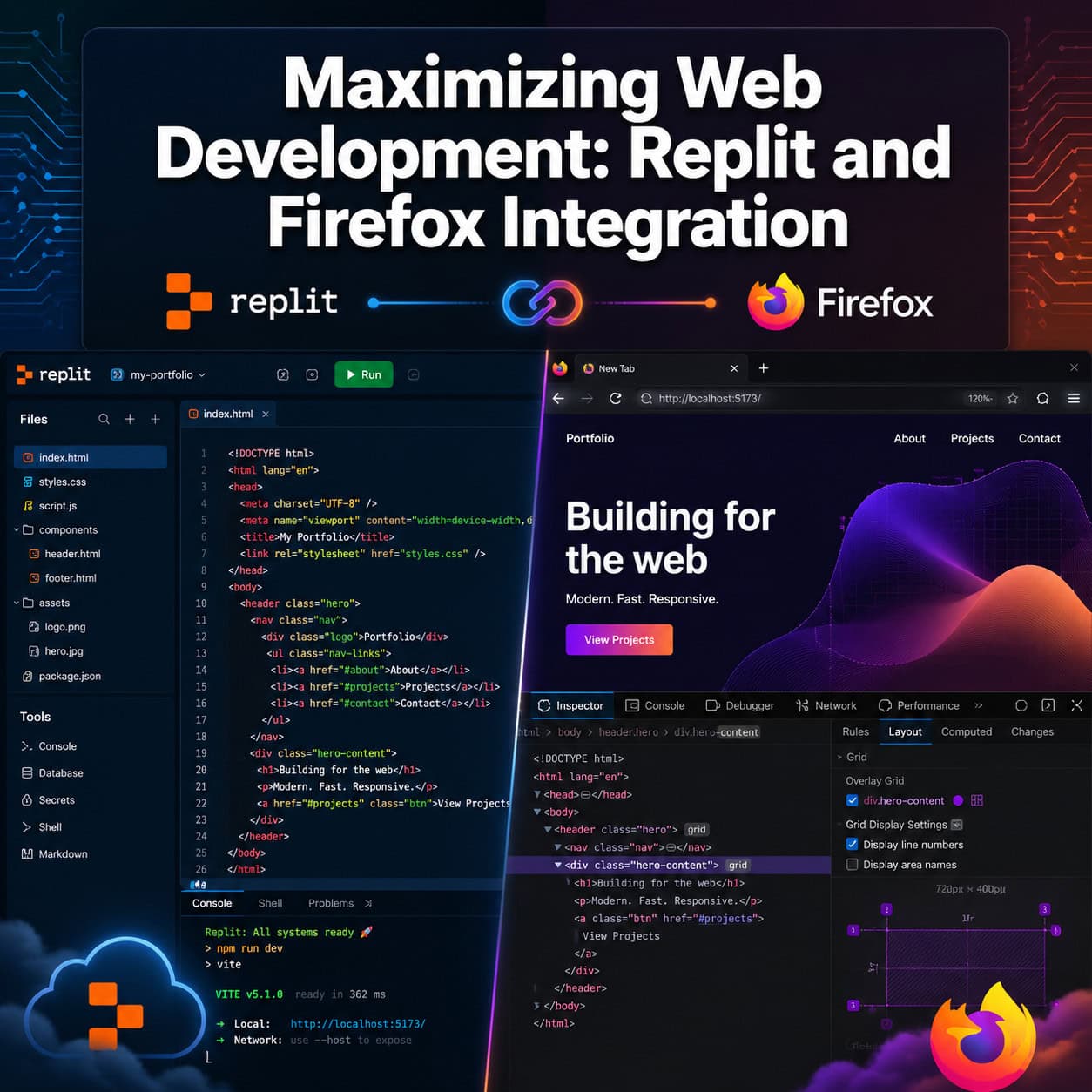
Replit’s preview panel renders your web application in an iframe within the IDE. When you run a web server, Replit assigns a URL and displays the output inline. This works in Firefox without issues for standard HTML, CSS, and JavaScript projects.
The key limitation: Replit’s mobile simulator is not supported in Firefox [2]. If you need to test responsive layouts using Replit’s built-in mobile preview, you’ll need to switch to Chrome or Edge. However, Firefox’s own Responsive Design Mode (Ctrl+Shift+M) provides an excellent alternative for testing viewport sizes.
Choose Firefox if: You primarily need CSS Grid/Flexbox inspection, privacy-focused browsing, or prefer Firefox’s network analysis tools.
Switch to Chrome if: You need Replit’s mobile simulator, run into console rendering bugs, or use Replit’s AI features heavily (which are browser-agnostic but occasionally render UI elements better in Chromium).
For developers working on responsive designs, our guide on optimizing grid layouts for performance and responsiveness covers principles that apply regardless of your IDE choice.
Can You Use Firefox DevTools Alongside Replit’s Native Tools?
Yes, and you should. Replit introduced its own DevTools in 2022 [10], providing basic console output, element inspection, and network monitoring within the IDE. But these tools don’t match the depth of Firefox’s full DevTools suite.
Here’s how to combine them effectively:
- Use Replit’s DevTools for: Quick console.log checks, basic DOM inspection, and monitoring Replit-specific errors
- Use Firefox DevTools for: CSS Grid/Flexbox visualization, detailed network waterfall analysis, accessibility auditing, and JavaScript profiling
- Open the preview in a new tab (click the external link icon in Replit’s preview panel) to get full Firefox DevTools access on your running application
Common mistake: Trying to use Firefox DevTools directly on Replit’s iframe preview. The iframe has cross-origin restrictions. Always open the preview URL in a separate tab for full DevTools access.

What Are the Known Firefox Issues with Replit in 2026?
Based on user reports and Replit’s documentation, these are the confirmed issues:
| Issue | Severity | Workaround |
|---|---|---|
| Mobile simulator unsupported | High | Use Firefox Responsive Design Mode |
| Console output rendering glitches | Medium | Open preview in new tab; use Firefox console instead |
| Dark mode extension conflicts | Medium | Disable dark mode extensions on Replit domains |
| Occasional WebSocket drops | Low | Refresh workspace; check network tab for timeouts |
| Slower initial workspace load | Low | Clear cache; disable unnecessary extensions |
Replit’s May 2026 changelog focused on their Workspace Security Center 2.0 for dependency vulnerabilities [1], with no Firefox-specific fixes mentioned. The platform’s recent development priorities center on AI integrations (RevenueCat in March 2026 [9], Razorpay in February 2026 [4]) rather than browser compatibility improvements.
Step-by-Step: Setting Up Firefox for the Best Replit Experience
Follow these steps to minimize friction when using Replit in Firefox:
Step 1: Configure Firefox settings
- Navigate to
about:config - Set
dom.webnotifications.enabledtotrue(for Replit collaboration notifications) - Ensure WebSocket connections aren’t blocked by any privacy extensions
Step 2: Manage extensions
- Disable dark mode extensions (Dark Reader, etc.) specifically for
replit.comdomains - Keep ad blockers active but whitelist Replit’s WebSocket connections
- Consider using Firefox’s built-in tracking protection in “Standard” mode rather than “Strict”
Step 3: Set up your workflow
- Pin the Replit workspace tab to prevent accidental closure
- Open a second tab with your preview URL for full DevTools access
- Use Firefox’s Multi-Account Containers if you manage multiple Replit accounts
Step 4: Enable Fast Mode
- In Replit’s workspace settings, enable Fast Mode for quicker preview refreshes
- This works identically across all browsers and reduces the perceived lag in Firefox
For developers building complete web projects, understanding how design-to-development workflows connect to your coding environment helps you plan which tools handle which stage.
How Does Replit Compare to Alternatives for Firefox Users?
If Firefox compatibility is a priority, here’s how the major cloud IDEs stack up:
| Platform | Firefox Support | Mobile Preview | Built-in DevTools | Free Tier |
|---|---|---|---|---|
| Replit | Partial (no mobile sim) | Limited | Basic [10] | Yes |
| GitHub Codespaces | Full | Via extensions | VS Code DevTools | Limited |
| CodeSandbox | Full | Yes | Yes | Yes |
| StackBlitz | Full | Yes | Basic | Yes |
GitHub Codespaces runs full VS Code in the browser and reports no Firefox-specific compatibility issues. It offers better Git integration and avoids Replit’s platform lock-in [5].
CodeSandbox provides disposable environments with strong preview capabilities and doesn’t exhibit the console glitches Firefox users sometimes encounter in Replit.
Choose Replit despite Firefox limitations if: You value AI-assisted coding (Replit Agent), instant deployment, and collaborative multiplayer editing. These features work in Firefox even if some preview tools don’t.
For teams evaluating no-code and low-code platforms alongside Replit, browser compatibility should factor into your decision matrix.

What About Automated Testing from Replit in Firefox?
Running automated browser tests (Selenium, Playwright, Puppeteer) targeting Firefox from within Replit is not straightforward. Replit’s cloud environment lacks OS-level browser drivers like Geckodriver, which Firefox automation requires [5].
Your options:
- BrowserStack or Sauce Labs: Connect from Replit to external browser testing services that provide real Firefox instances
- Playwright with Firefox: Possible but requires downloading the browser binary, which may exceed Replit’s storage limits on free plans
- Local testing: For serious test suites, run Firefox automation locally while keeping your code on Replit
This is one area where a local VS Code setup or Cursor ($20/month) clearly outperforms Replit for Firefox-specific testing workflows.
Developers building WordPress themes or plugins who need cross-browser testing should review our guide to WordPress plugin development best practices for testing strategies that complement cloud IDE workflows.
Tips for Maximizing Web Development: A Complete Guide to Replit and Firefox Integration in Practice
Based on real-world usage patterns, here are the most effective strategies:
- Use Firefox for what it does best: CSS debugging, accessibility audits, and privacy-conscious development
- Use Replit’s preview for quick iterations but validate in a separate Firefox tab for production-ready testing
- Leverage Replit’s AI features (which are browser-agnostic) for code generation and refactoring
- Keep a Chrome/Edge installation handy for the rare cases where you need Replit’s mobile simulator
- Report bugs through Replit’s feedback system — Firefox issues get less attention because fewer users report them
For teams working on AI-powered content and web projects, Replit’s AI Agent capabilities function identically regardless of browser choice.
Conclusion
Replit and Firefox can work together productively, but you need to understand the boundaries. The mobile simulator gap is real [2], console rendering can be flaky, and dark mode extensions will cause headaches. That said, Firefox’s superior CSS tools, privacy features, and accessibility inspector make it a legitimate choice for web development on Replit.
Your action plan:
- Configure Firefox following the steps above (disable dark mode extensions on Replit, enable Fast Mode)
- Always open previews in a separate tab for full DevTools access
- Use Firefox Responsive Design Mode instead of Replit’s mobile simulator
- Consider GitHub Codespaces or CodeSandbox if Firefox compatibility is non-negotiable for your workflow
- Keep monitoring Replit’s changelog [1] for Firefox-specific improvements
The combination isn’t perfect, but with the right setup, it’s entirely workable for daily web development.
FAQ
Does Replit officially support Firefox? Replit works in Firefox but doesn’t list it as a fully supported browser. Mobile simulators are explicitly unsupported [2], and some UI elements render better in Chromium browsers.
Why does my Replit console look broken in Firefox? Dark mode browser extensions commonly conflict with Replit’s console rendering. Disable them for replit.com or use Firefox’s built-in dark theme instead.
Can I run Firefox-based Selenium tests on Replit? Not natively. Replit lacks Geckodriver and OS-level browser binaries [5]. Use external services like BrowserStack or run tests locally.
Is Replit slower in Firefox than Chrome? Initial workspace loading may feel slightly slower. Once loaded, code editing and terminal performance are comparable. Preview rendering speed depends more on your project than the browser.
Should I switch to Chrome for Replit? Only if you frequently need mobile simulators or encounter persistent console bugs. For standard coding, editing, and deployment, Firefox works fine.
Does Replit’s AI Agent work in Firefox? Yes. Replit’s AI features (Agent, code completion, chat) are server-side and browser-agnostic. They function identically in Firefox.
What’s the best Firefox extension for Replit users? Firefox’s built-in DevTools are sufficient. Avoid adding extensions that modify page rendering. The React/Vue DevTools extensions work normally on Replit preview URLs opened in separate tabs.
Can I use Replit’s collaboration features in Firefox? Yes. Real-time multiplayer editing, comments, and sharing all work in Firefox through WebSocket connections.
References
[1] Replit – https://releasebot.io/updates/replit [2] Changelog – https://docs.replit.com/updates/2026/02/13/changelog [4] Changelog – https://docs.replit.com/updates/2026/02/20/changelog [5] Replit Review 2026 Can It Replace Local – https://www.techlistic.com/2026/01/replit-review-2026-can-it-replace-local.html [9] Changelog – https://docs.replit.com/updates/2026/03/06/changelog [10] Devtools – https://blog.replit.com/devtools