Last updated: May 13, 2026
Quick Answer
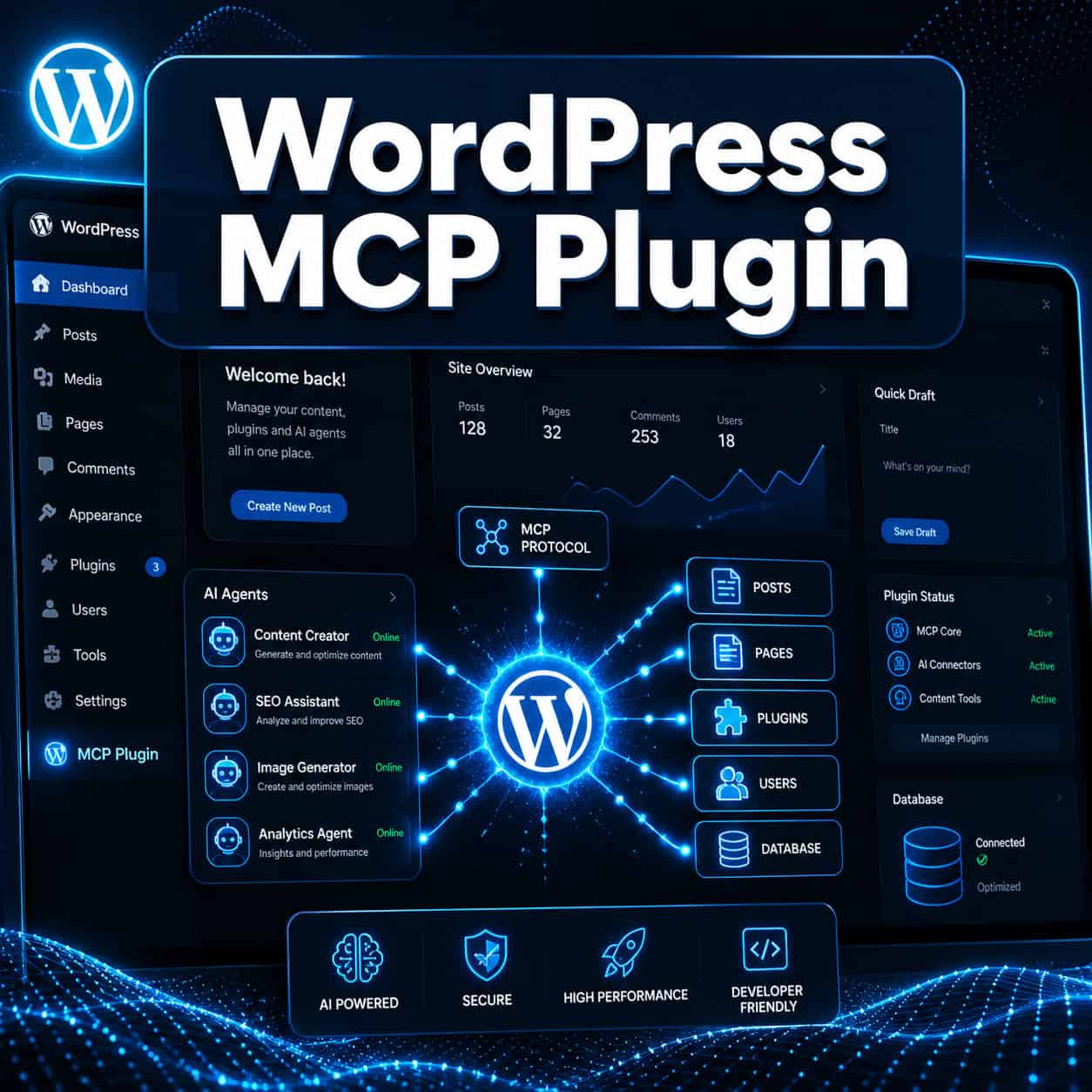
A WordPress MCP plugin connects your WordPress site to AI assistants like Claude or ChatGPT using the Model Context Protocol (MCP), letting those AI agents read, write, and manage your site through natural language commands. The official approach in 2026 uses the MCP Adapter paired with the Abilities API, both shipping as part of WordPress 7.0. This means AI agents can create posts, query data, manage users, and execute site tasks — all with human approval built in.
Key Takeaways
- The WordPress MCP plugin ecosystem centers on the official MCP Adapter, which translates WordPress capabilities into tools AI agents can discover and use [2].
- WordPress 7.0 (release candidate set for May 20, 2026) integrates the Abilities API and MCP Adapter into core, making most of WordPress scriptable by AI agents out of the box.
- The Abilities API acts as the “microphone” for plugins to announce what they can do, while the MCP Adapter serves as the “door” AI assistants walk through [2].
- Full write access (not just read-only) has been available since March 2026 for self-hosted sites [6].
- Third-party options like NovaMira MCP offer deeper PHP-level access but carry more risk [3].
- You need WP-CLI or HTTP access and a compatible AI client (Claude Desktop, Cursor, etc.) to use MCP with WordPress.
- Human approval is required for write actions, keeping you in control of what AI agents actually change.
What Is a WordPress MCP Plugin and How Does It Work?
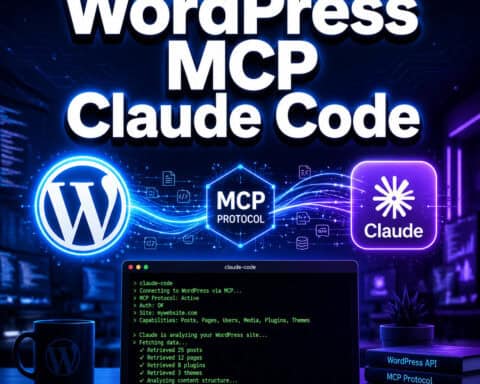
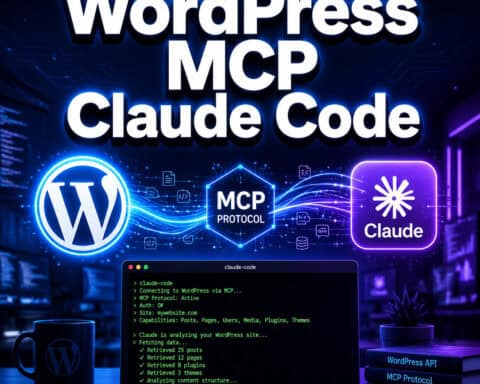
A WordPress MCP plugin exposes your site’s functionality to AI agents through the Model Context Protocol — an open standard that lets AI models interact with external tools and data sources. Think of it as giving an AI assistant a set of keys to your WordPress site, but with clear rules about which doors those keys can open.
Here’s the basic flow:
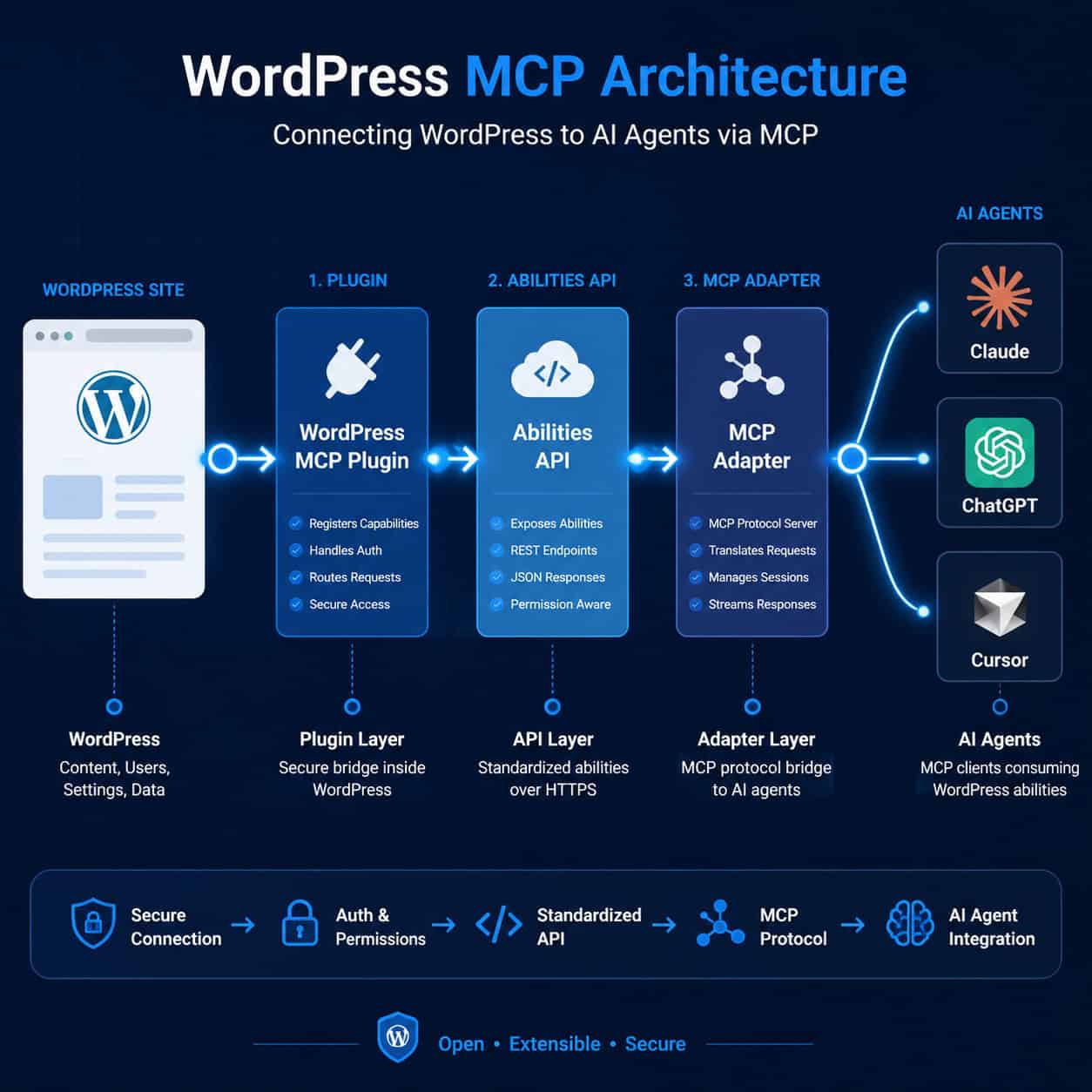
- A WordPress plugin registers its capabilities (called “Abilities”) — for example, “I can create a draft post” or “I can look up order history.”
- The Abilities API collects these capabilities into a standardized list.
- The MCP Adapter translates that list into MCP-compatible tools and resources.
- An AI agent (Claude, ChatGPT, Cursor, etc.) connects via WP-CLI or HTTP, discovers available tools, and executes them when you give a prompt.
Jonathan Bossenger from the WordPress Core AI team explained that the MCP Adapter exposes Abilities as MCP tools and resources, enabling AI to discover and execute functions like core/get-site-info securely [2].
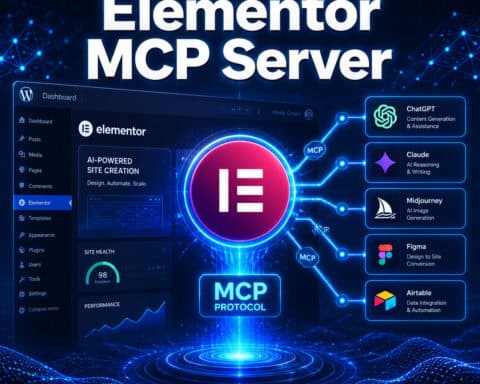
The result is a direct path from your natural language prompt to a WordPress action — no custom code needed for supported operations. SureCart’s team described the chain as: WordPress Plugin → Abilities → MCP → AI Agent → Store Action [10].
For a broader look at how AI is changing WordPress workflows, see our guide to AI plugins for WordPress that automate website management.
Why Does the WordPress MCP Plugin Matter in 2026?
WordPress powers roughly 40% of the web, and the MCP standard is quickly becoming the default way AI agents interact with external services. The WordPress MCP plugin matters because it positions WordPress sites as first-class citizens in the emerging “agentic web” — where AI assistants don’t just answer questions but actually perform tasks on your behalf.
Automattic declared WordPress the “Operating System of the Agentic Web” in April 2026, noting that full write MCP capabilities were added by March 2026 for self-hosted sites [6]. This isn’t a niche developer tool anymore. With WordPress 7.0 baking MCP support into core, every WordPress site becomes AI-accessible by default.
Who benefits most:
- Content teams who want to draft, edit, and schedule posts through AI assistants
- eCommerce operators using WooCommerce or SureCart who want AI to handle order queries and product updates
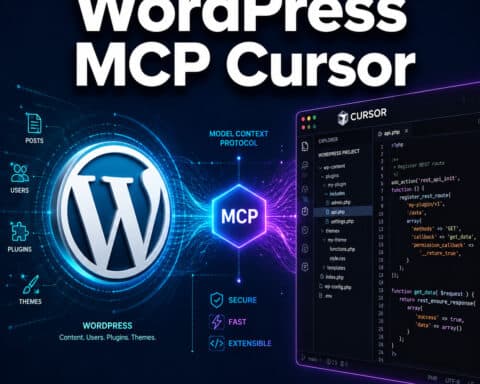
- Developers who can now build and test WordPress features through AI-powered coding tools like Cursor
- Agency owners managing multiple client sites who need faster workflows
If you’re exploring advanced WordPress strategies for power users, MCP integration is the biggest shift to understand this year.
How to Set Up the WordPress MCP Plugin (Step-by-Step)
Setting up MCP on your WordPress site requires a self-hosted WordPress installation and a compatible AI client. Here’s the process:
Prerequisites
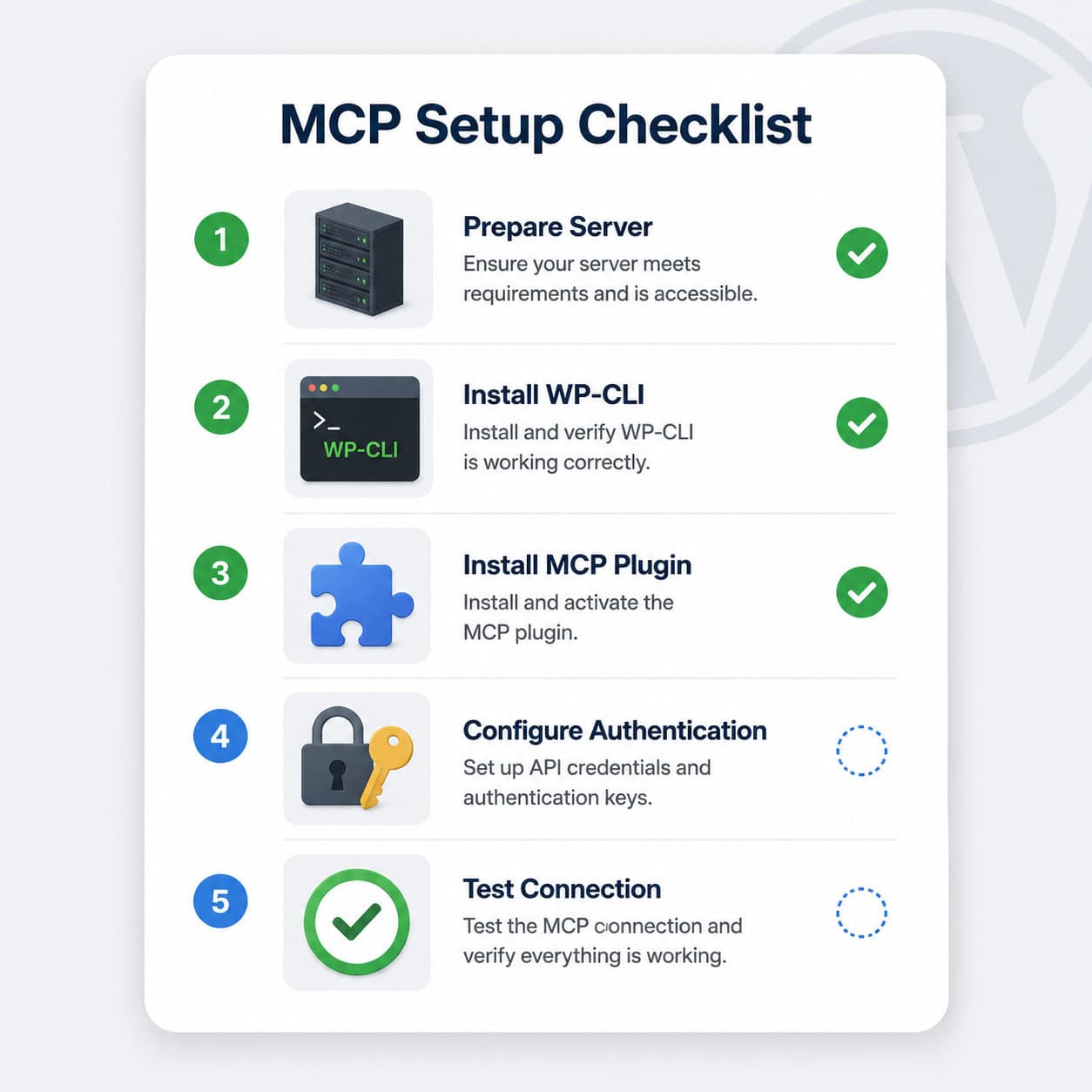
- Self-hosted WordPress 6.7+ (or WordPress 7.0 RC for built-in support)
- WP-CLI installed on your server
- An MCP-compatible AI client (Claude Desktop, Cursor, Windsurf, etc.)
- SSH or terminal access to your server
Installation Steps
- Install the MCP Adapter plugin. Download from the official WordPress plugin repository or install via WP-CLI:
wp plugin install mcp-adapter --activate[4]. - Verify Abilities registration. Run
wp mcp list-abilitiesto confirm which plugin capabilities are exposed. Core abilities likecore/get-site-infoandcore/create-postshould appear by default. - Configure your AI client. In Claude Desktop (or your preferred client), add the WordPress MCP server configuration pointing to your site’s WP-CLI path or HTTP endpoint [7].
- Authenticate. Set up application passwords or token-based auth so the AI client can securely connect.
- Test with a read-only command. Ask your AI assistant something like “What plugins are active on my site?” to confirm the connection works before trying write operations.
Common mistake: Trying to use MCP on WordPress.com hosted sites without a Business plan. MCP requires either WP-CLI access or the ability to install custom plugins, which isn’t available on free or lower-tier WordPress.com plans. Pressable (an Automattic hosting brand) offers built-in MCP support for managed hosting customers [7].
For developers building custom plugin capabilities, our guide to WordPress plugin development best practices covers the foundations you’ll need.
Official MCP Adapter vs. Third-Party MCP Plugins: Which Should You Use?
The official MCP Adapter from WordPress core is the recommended option for most users, but alternatives exist for specific use cases.
| Feature | Official MCP Adapter [4] | NovaMira MCP [3] | WP-MCP (Community) [5] |
|---|---|---|---|
| Access level | Abilities API (controlled) | Full PHP-level access | REST API based |
| Human approval | Yes, built in | No (direct execution) | Varies |
| Security model | Sandboxed via Abilities | Open — higher risk | Standard REST auth |
| Core integration | Ships with WP 7.0 | Separate plugin | Separate plugin |
| Best for | Most users and agencies | Advanced developers | Simple read/write tasks |
| Cost | Free | Free / open source | Free |
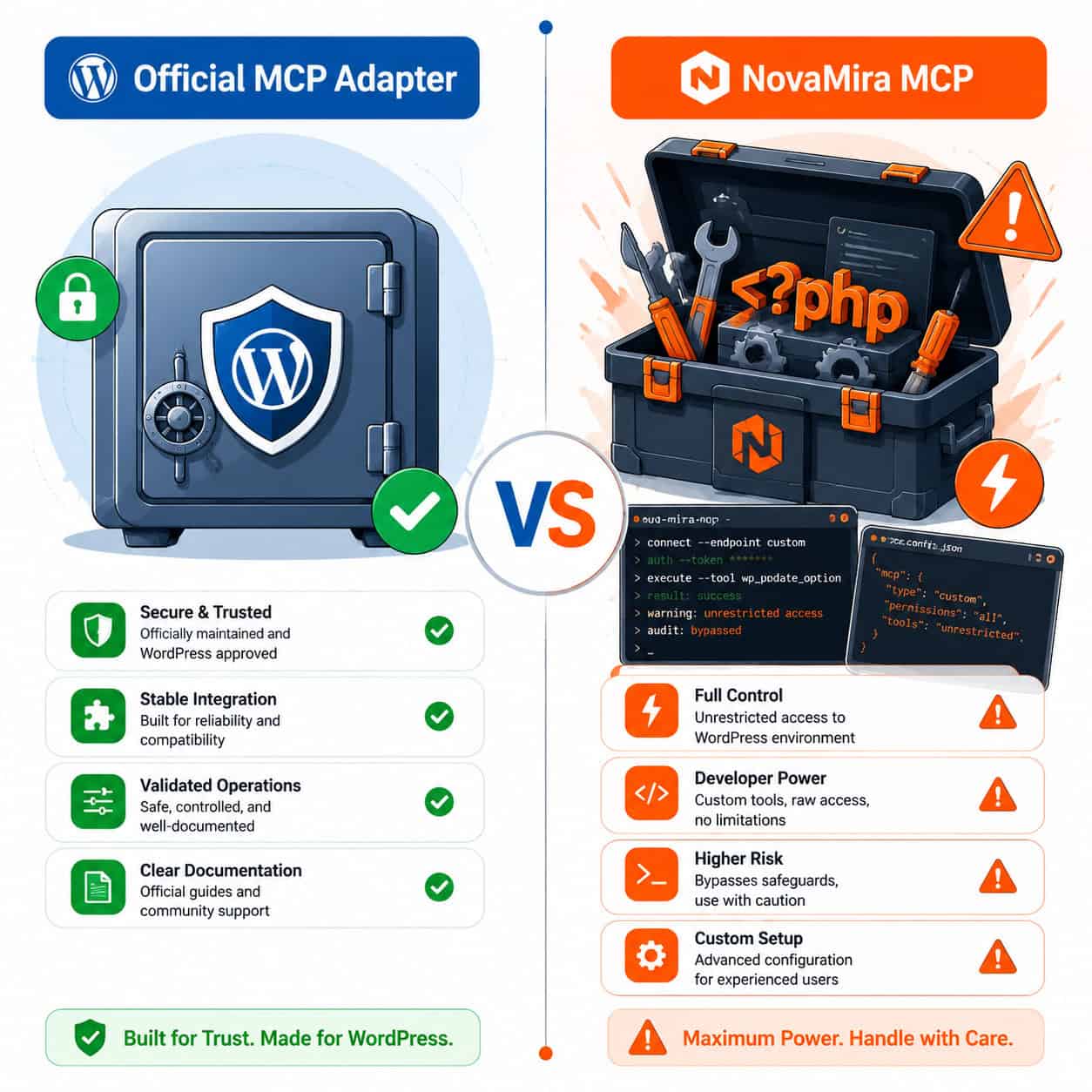
Choose the official MCP Adapter if you want stability, security, and long-term support. It’s maintained by the WordPress core team and designed to work with the Abilities API that plugin authors are adopting.
Choose NovaMira MCP if you’re a developer who needs PHP-level access beyond what the REST API or Abilities API exposes. Be aware this grants Claude (or other agents) deep access to your site — it was tested in March 2026 and described as “more powerful but riskier” than the official adapter [3].
Choose a community MCP server if you have a narrow use case (like read-only content queries) and want a lightweight setup.
The earlier wordpress-mcp package from Automattic’s GitHub has been deprecated in favor of the stable mcp-adapter [1][4]. If you’re using the old package, migrate soon.
What Can AI Agents Actually Do With a WordPress MCP Plugin?
With the MCP Adapter active, AI agents can perform a wide range of tasks depending on which Abilities are registered. Here are concrete examples:
Content management:
- Create, edit, and schedule blog posts
- Generate and assign categories/tags
- Query existing content by date, author, or status
Site administration:
- Check active plugins and theme status
- Query user roles and permissions
- Review site health and configuration
eCommerce (with compatible plugins):
- Look up order history and customer data
- Update product descriptions and pricing
- Generate sales reports from WooCommerce or SureCart data
Development tasks:
- Create draft pages with specific templates
- Query the database for debugging
- Test PHP code execution (via WordPress Playground MCP) [8]
WordPress Playground also launched an official MCP server (@wp-playground/mcp package) in April 2026, allowing AI agents to connect via WebSocket for file read/write and PHP execution in browser-based instances [8]. This is particularly useful for testing changes before deploying to production.
WebDevStudios described the wordpress-mcp setup as a “development tool” that turns sites into MCP interfaces for tasks like creating drafts or querying users [9].
If you’re interested in how AI can also help with content strategy, check out how to use AI SEO tools for WordPress to improve site rankings.
Security Considerations for WordPress MCP Plugins
Giving AI agents access to your WordPress site raises legitimate security questions. Here’s what you need to know:
- Human-in-the-loop approval is built into the official MCP Adapter. Write operations require your explicit confirmation before execution [6].
- Abilities are scoped. Plugins only expose the capabilities they explicitly register. An AI agent can’t access functions that haven’t been declared as Abilities.
- Authentication matters. Always use application passwords or token-based auth — never share your admin credentials directly with an MCP client.
- Audit logging. Enable activity logging on your site so you can review what actions AI agents have taken.
Edge case to watch: If you use NovaMira or similar PHP-level MCP plugins, there’s no Abilities-based scoping. The AI agent has access to anything PHP can touch, which on a WordPress site means everything — database, filesystem, configuration. Only use this on development or staging environments.
For teams managing AI integrations alongside chatbots and other tools, our guide on integrating an AI-powered chatbot into WordPress covers complementary security practices.
What’s Coming Next for WordPress MCP?
The WordPress MCP ecosystem is moving fast. WordPress 7.0’s release candidate (May 20, 2026) will make MCP Adapter and Abilities API part of core — no separate plugin installation needed. Mike Kwal noted that plugins are going “AI-native” via these tools, meaning plugin developers are actively registering Abilities for their products [10].
Expect to see:
- More WooCommerce and eCommerce plugins shipping with built-in Abilities
- Managed hosting providers (beyond Pressable) offering one-click MCP setup
- Multi-agent workflows where different AI assistants handle different site tasks
- Improved audit and rollback tools for AI-initiated changes
For broader WordPress automation strategies, explore our advanced WordPress automation guide for 2026.
Conclusion
The WordPress MCP plugin ecosystem has matured rapidly in 2026. The official MCP Adapter paired with the Abilities API gives site owners a secure, standardized way to let AI agents manage their WordPress sites — from content creation to eCommerce operations.
Your next steps:
- If you’re on WordPress 6.7+, install the MCP Adapter plugin now and experiment with read-only queries through Claude Desktop or Cursor.
- If you’re waiting for WordPress 7.0, the release candidate drops May 20, 2026 — MCP support will be built in.
- If you’re a plugin developer, start registering Abilities for your plugin’s key functions. The earlier you do this, the more useful your plugin becomes in AI-powered workflows.
- If you’re evaluating security, stick with the official MCP Adapter for production sites and reserve PHP-level tools like NovaMira for development environments only.
The agentic web is here, and WordPress is at its center. The WordPress MCP plugin isn’t optional infrastructure anymore — it’s becoming the standard way AI interacts with the web’s most popular CMS.
FAQ
What does MCP stand for in WordPress context? MCP stands for Model Context Protocol. It’s an open standard that lets AI models connect to external tools and data sources, including WordPress sites [2].
Do I need coding skills to use a WordPress MCP plugin? No. The official MCP Adapter works through natural language commands via AI clients like Claude Desktop. You give instructions in plain English, and the AI agent handles the technical execution.
Is the WordPress MCP plugin free? Yes. The official MCP Adapter is free and open source. It ships with WordPress 7.0 and is available as a standalone plugin for earlier versions [4].
Which AI assistants work with WordPress MCP? Claude Desktop, Cursor, Windsurf, and any AI client that supports the MCP standard. The list is growing as MCP adoption increases [7].
Can MCP plugins break my WordPress site? The official MCP Adapter requires human approval for write operations, which minimizes risk. Third-party plugins with PHP-level access (like NovaMira) carry higher risk and should be used cautiously [3].
Does WordPress MCP work on WordPress.com? Only on WordPress.com Business plans or higher that allow custom plugin installation and WP-CLI access. Self-hosted WordPress sites have full MCP support.
What’s the difference between the Abilities API and the MCP Adapter? The Abilities API is how plugins declare what they can do. The MCP Adapter translates those declarations into MCP-compatible tools that AI agents can discover and use. They work together [2].
Can I limit what an AI agent can do on my site? Yes. The Abilities API only exposes capabilities that plugins explicitly register. You can also configure which Abilities are available to specific AI clients.
Is the old wordpress-mcp GitHub package still supported?
No. The Automattic/wordpress-mcp package has been deprecated in favor of the stable mcp-adapter [1][4]. Migrate to the official adapter.
Can multiple AI agents connect to one WordPress site? Yes. The MCP Adapter supports multiple concurrent connections, each authenticated separately. This enables multi-agent workflows where different AI tools handle different tasks.
References
[1] WordPress Mcp – https://github.com/Automattic/wordpress-mcp [2] From Abilities To AI Agents: Introducing The WordPress MCP Adapter – https://developer.wordpress.org/news/2026/02/from-abilities-to-ai-agents-introducing-the-wordpress-mcp-adapter/ [3] Claude Takes Over WordPress With MCP – https://www.reddit.com/r/Wordpress/comments/1kbdrji/claude_takes_over_wordpress_with_mcp/ [4] MCP Adapter – https://github.com/wordpress/mcp-adapter [5] WP MCP – https://mcpservers.org/servers/kungtekno/wp-mcp [6] WordPress MCP Announcement – https://wordpress.com/blog/2025/10/07/mcp/ [7] Get Started With Pressable MCP – https://pressable.com/knowledgebase/get-started-with-pressable-mcp/ [8] WordPress Playground MCP Server – https://www.youtube.com/watch?v=jsmCj1ZK62U [9] Using WordPress MCP As A Development Tool – https://webdevstudios.com/2025/06/11/using-wordpress-mcp-as-a-development-tool/ [10] What’s New In MCP In 2026 – https://strategizeyourcareer.com/p/whats-new-in-mcp-in-2026