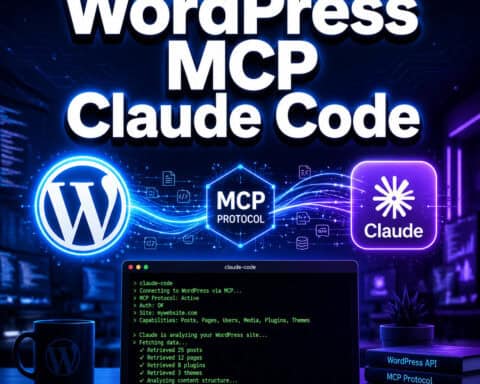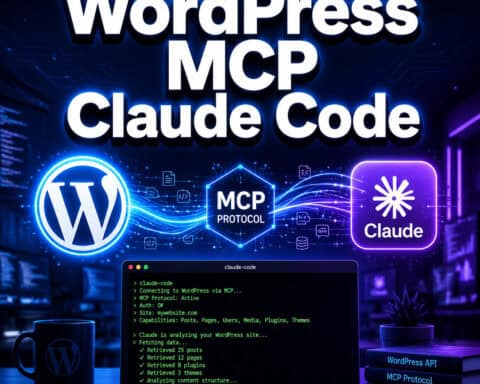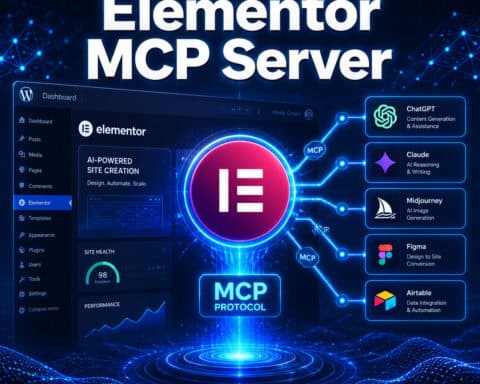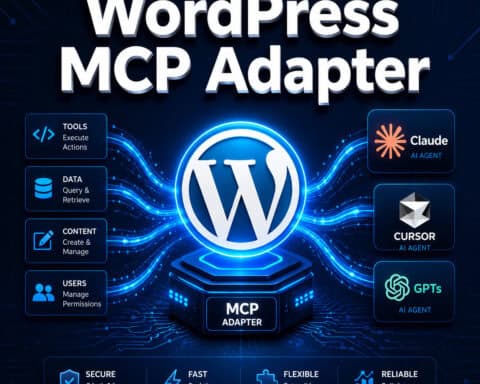
Last updated: May 13, 2026 This article provides a wordpress mcp cursor setup guide full overview to help you get started.
Quick Answer: WordPress MCP Cursor refers to using the Model Context Protocol (MCP) to connect the Cursor AI code editor directly to WordPress sites. This lets you draft posts, edit content, manage media, and even execute PHP — all through natural language commands inside Cursor. WordPress.com enabled full write access via MCP in March 2026 [7], and self-hosted sites can connect using Automattic’s official MCP plugin or the WordPress Playground MCP server [10].
Key Takeaways
- WordPress MCP Cursor bridges your AI-powered code editor (Cursor) with WordPress so you can manage content and code through conversation.
- WordPress.com added 19 write functions to its MCP server in March 2026, at no additional cost on paid plans [6].
- Self-hosted WordPress sites use Automattic’s
wordpress-mcpplugin or the new WordPress MCP Adapter introduced in February 2026 [2]. - WordPress Playground launched an MCP server (
@wp-playground/mcp) in April 2026 for browser-based site management via Cursor [10]. - All MCP connections require opt-in authentication (OAuth 2.1 or application passwords), so nothing happens without your approval.
- Alternatives to Cursor for WordPress MCP include Claude Code, Windsurf, GitHub Copilot, and Cline.
- Community-built MCP servers like GravityMCP (for forms) and Respira (multi-site snapshots) are expanding what’s possible.

What Is WordPress MCP Cursor and Why Does It Matter?
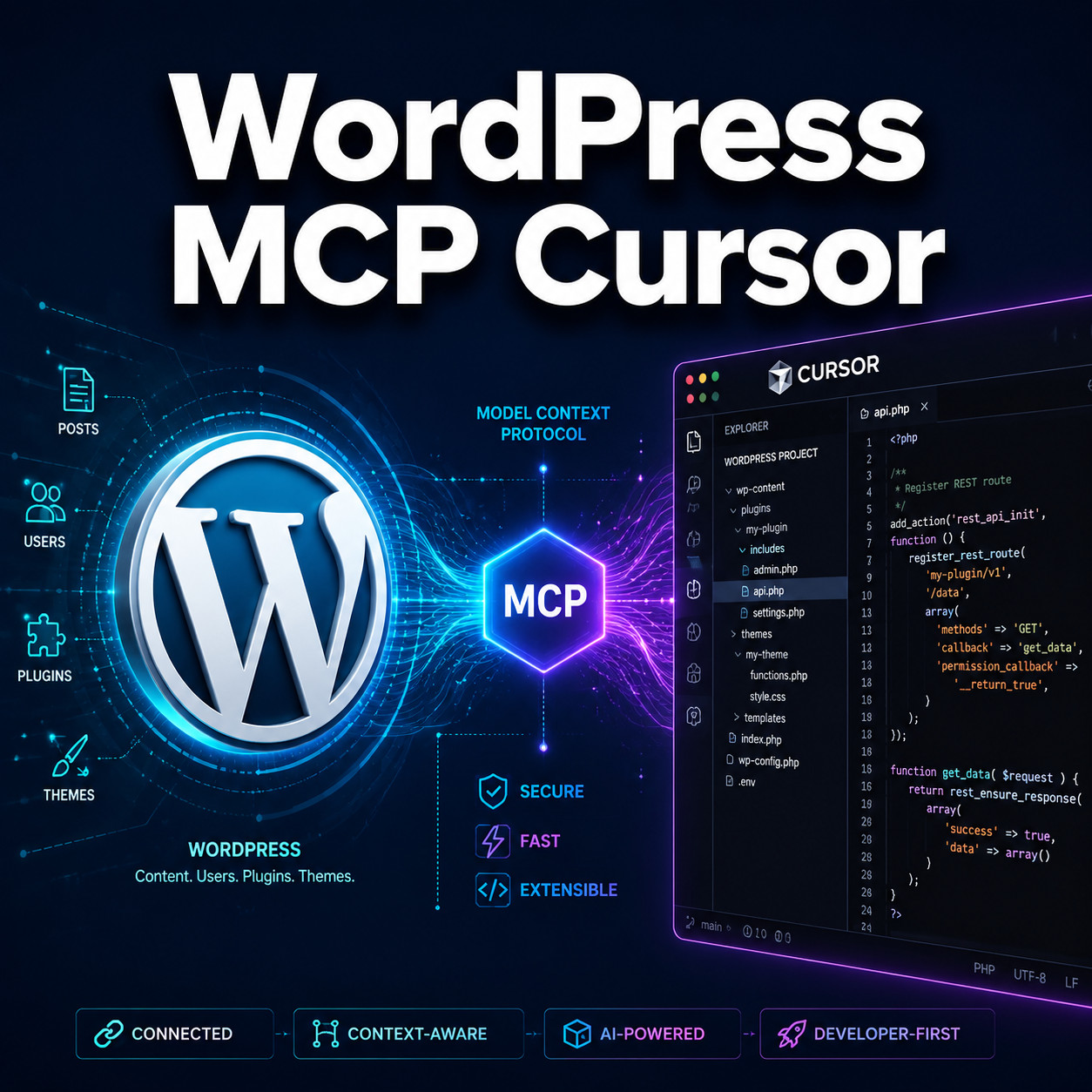
WordPress MCP Cursor is the combination of three things: WordPress (the CMS), MCP (a standardized protocol for AI tool connections), and Cursor (an AI-first code editor built on VS Code). Together, they let an AI agent inside Cursor read and write to your WordPress site directly.
MCP stands for Model Context Protocol. Think of it as a universal adapter that lets AI tools talk to external services in a structured way. Before MCP, connecting Cursor to WordPress meant writing custom API scripts or copying content back and forth manually. MCP standardizes that connection.
Here’s why this matters in 2026:
- Speed: You can tell Cursor to “create a new blog post about summer recipes with a featured image” and it drafts, formats, and publishes it — with your confirmation.
- Developer workflows: Debugging PHP, managing plugin settings, and editing theme files happen inside one interface [5].
- Content operations: Teams can use AI to bulk-edit posts, moderate comments, or reorganize media libraries without touching the WordPress dashboard.
Automattic’s April 2026 blog post described WordPress as the “Operating System of the Agentic Web,” and the MCP integration is central to that vision [7]. For a broader look at AI-driven WordPress workflows, see our guide to advanced WordPress strategies for power users.
How Does WordPress MCP Cursor Work?
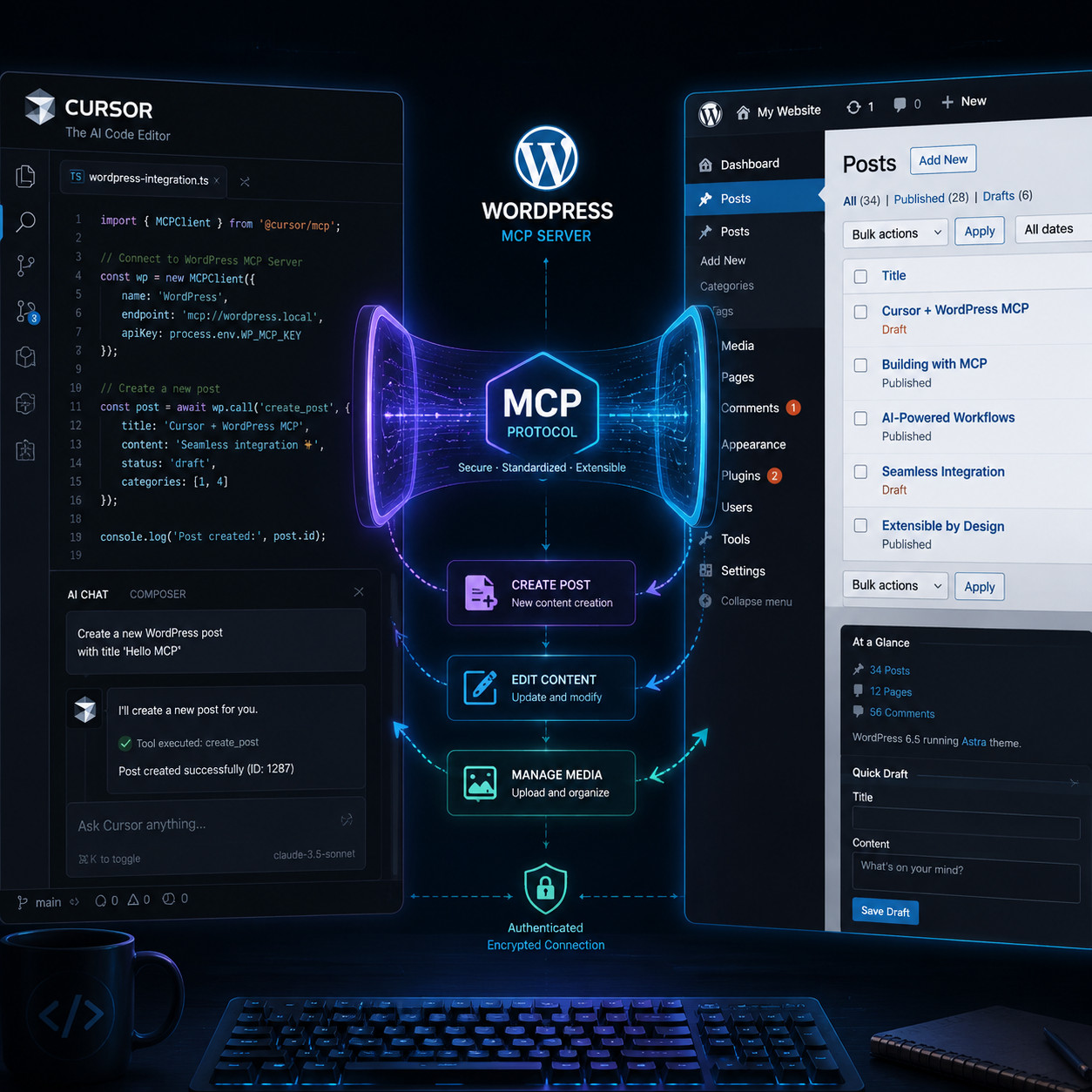
The MCP server acts as a middleman between Cursor and your WordPress site. Cursor sends a request (like “list all draft posts”), the MCP server translates that into WordPress REST API calls or WP-CLI commands, and returns the results to Cursor.
There are three main MCP server options for WordPress in 2026:
| MCP Server | Best For | Setup Complexity | Auth Method |
|---|---|---|---|
| WordPress.com native MCP | WordPress.com paid plans | Low (OAuth 2.1, no Node.js) | OAuth 2.1 |
| Automattic wordpress-mcp plugin | Self-hosted WordPress | Medium (requires npx or WP-CLI) | Application passwords |
| WordPress Playground MCP | Testing and prototyping | Low-Medium (WebSocket) | Local/sandbox |
The WordPress.com native MCP is the easiest path — no Node.js installation, no config files. You authenticate with OAuth 2.1 and Cursor connects directly [7]. Self-hosted sites need more setup but offer deeper control, including PHP execution and debug log access [5].
Every action requires user confirmation. Cursor proposes the change, you approve it. This opt-in safety model was a key design decision discussed in the WordPress community [9].
How to Set Up WordPress MCP Cursor (Step by Step)
Setting up the WordPress MCP Cursor connection takes about 10-15 minutes for WordPress.com sites and 20-30 minutes for self-hosted installs.
For WordPress.com Sites
- Confirm your plan: MCP write access requires a paid WordPress.com plan.
- Open Cursor settings: Go to Settings > MCP Servers in Cursor [8].
- Add the WordPress.com MCP server: Use the server URL provided in the Cursor marketplace [3].
- Authenticate: Follow the OAuth 2.1 flow — you’ll log into your WordPress.com account and grant permissions.
- Test the connection: Ask Cursor to “list my recent posts” to verify it’s working.
For Self-Hosted WordPress
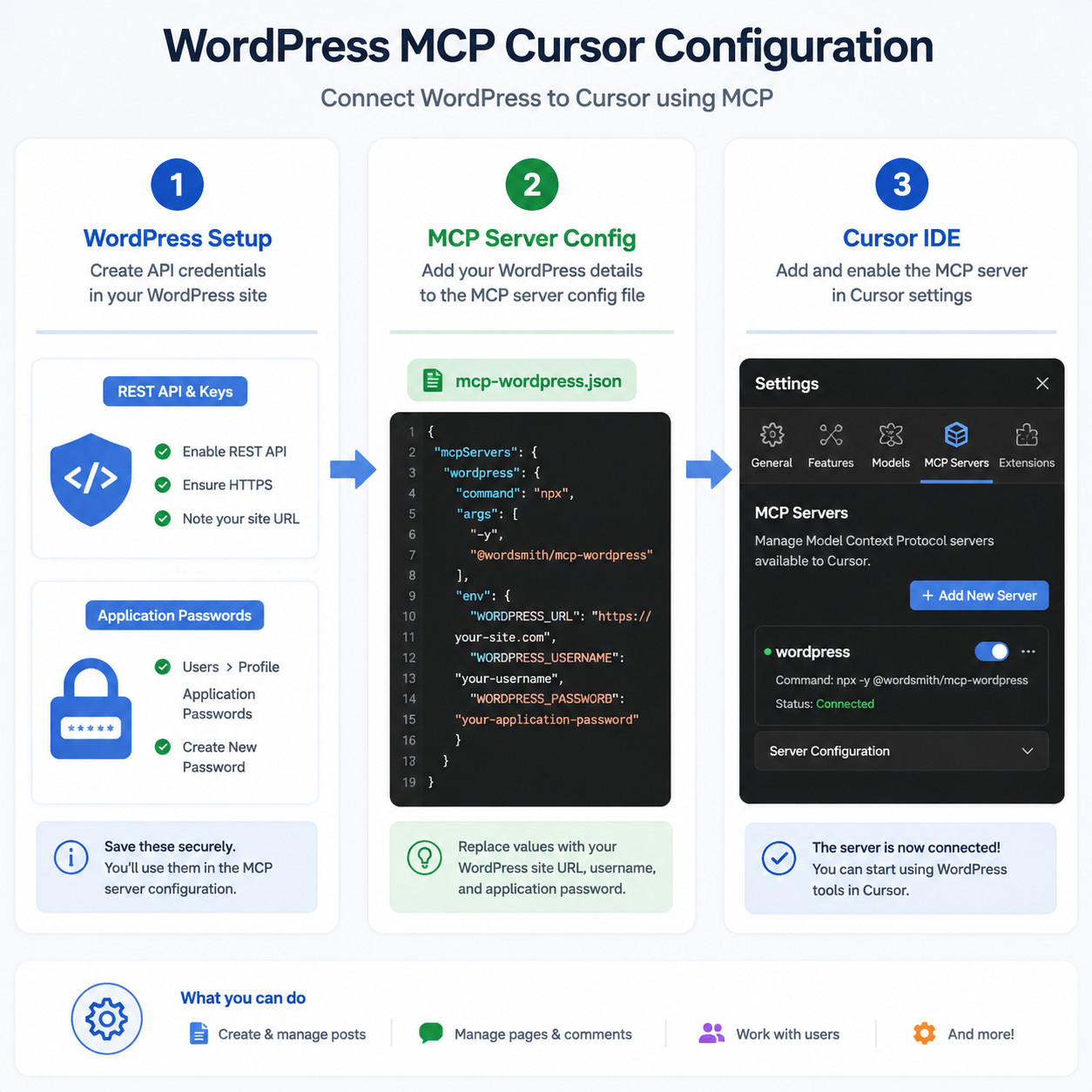
- Install the wordpress-mcp plugin: Download from Automattic’s GitHub repository or use the WordPress MCP Adapter from developer.wordpress.org [2].
- Generate an application password: In your WordPress dashboard, go to Users > Profile > Application Passwords.
- Configure Cursor’s MCP settings: Add the server configuration to your
mcp.jsonfile, including your site URL and credentials. - Run the MCP server: Use
npxor WP-CLI to start the server locally. - Connect and test: Verify the connection in Cursor by running a simple read command.
Common mistake: Forgetting to enable the REST API on self-hosted sites. If your hosting provider or a security plugin has disabled it, MCP connections will fail silently.
For developers building custom plugins that interact with MCP, our essential guide to WordPress plugin development best practices covers the foundational patterns you’ll need.
What Can You Actually Do with WordPress MCP Cursor?
Once connected, Cursor can perform a wide range of WordPress operations through natural language. WordPress.com’s March 2026 update added 19 write functions [6], and self-hosted setups offer even more through WP-CLI access.
Content management:
- Create, edit, and publish posts and pages
- Manage categories, tags, and taxonomies
- Upload and organize media files
- Moderate and respond to comments
Development tasks:
- Read and write theme and plugin files
- Execute PHP code directly (self-hosted only) [10]
- Access and parse debug logs [5]
- Run database queries through WP-CLI
Site administration:
- Update plugin and theme settings
- Manage user roles and permissions
- Configure site options
Choose WordPress.com MCP if you want zero-config content management. Choose the self-hosted plugin if you need PHP execution and full file system access.
This level of AI integration pairs well with other automation strategies. If you’re also looking to automate content distribution, check out how to auto-share WordPress blog posts to social media.
WordPress MCP Cursor vs. Other AI Coding Tools
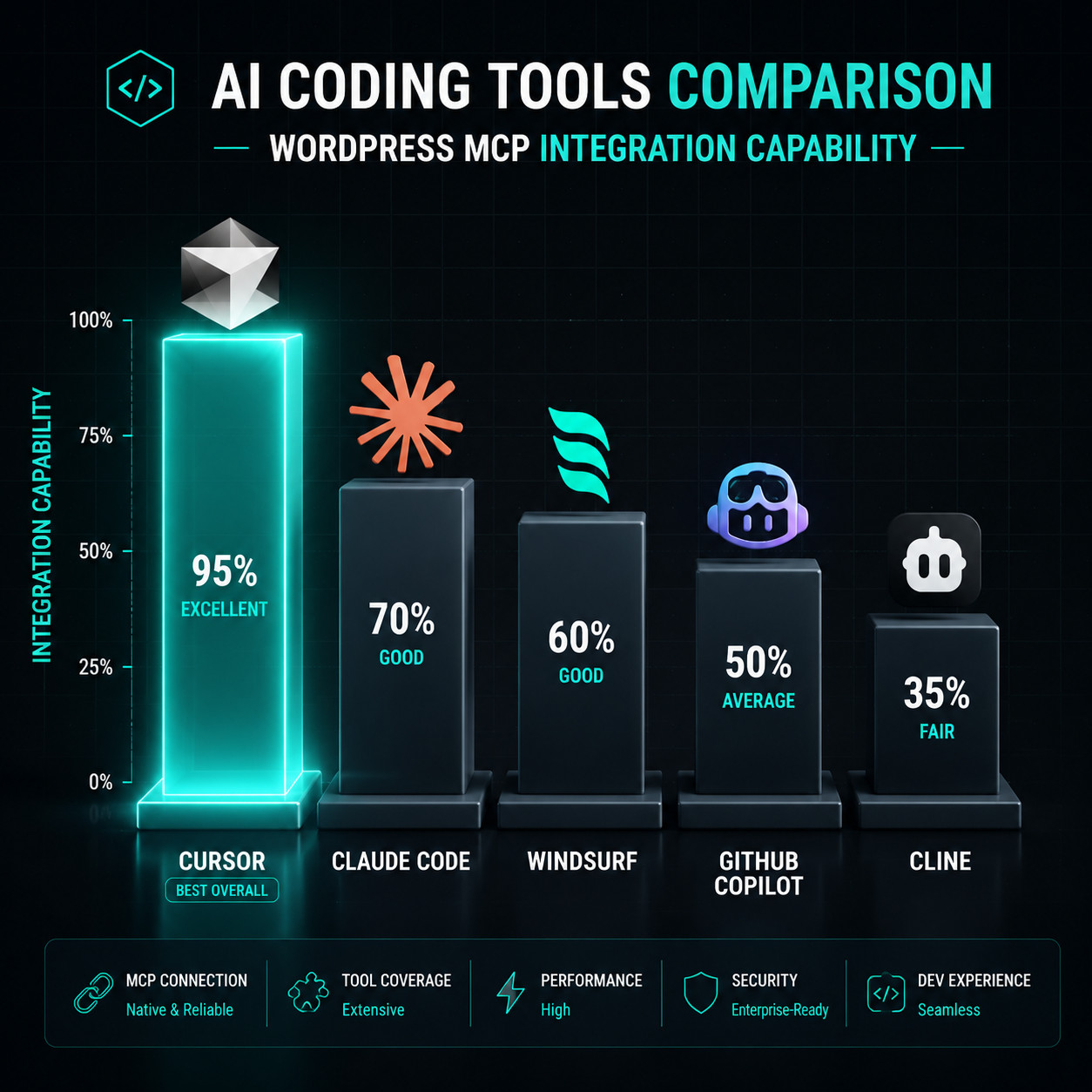
Cursor isn’t the only AI editor that supports WordPress MCP. Here’s how the main options compare in 2026:
| Tool | MCP Support | WordPress Integration | Price | Best For |
|---|---|---|---|---|
| Cursor | Full native | Excellent (marketplace + config) | Free tier + $20/mo Pro | All-around WordPress MCP work |
| Claude Code | Full native | Good (terminal-based) | Freemium | Multi-file reasoning, complex refactors |
| Windsurf | Full native | Good | $10/mo | Budget-friendly VS Code alternative |
| GitHub Copilot | Limited | Basic (inline completions) | $10/mo | Quick code suggestions |
| Cline | Full (any model) | Good | Free (open-source) | Developers who want model flexibility |
Cursor’s advantage is its deep MCP marketplace integration [3] and the fact that most WordPress MCP documentation and tutorials target Cursor specifically. If you’re already in the VS Code ecosystem, Cursor feels immediately familiar.
For teams exploring broader AI tool integration with WordPress, our roundup of the 12 best AI plugins for WordPress covers complementary options.
What Are the Risks and Limitations?
WordPress MCP Cursor is powerful, but it comes with real constraints you should understand before relying on it.
Security considerations:
- Application passwords grant broad API access. Use dedicated accounts with minimal permissions for MCP connections.
- OAuth 2.1 (WordPress.com) is more secure than application passwords but limits you to WordPress.com’s feature set.
- Every write action requires user confirmation, but you still need to review what the AI proposes carefully.
Current limitations:
- No multisite support in the core WordPress.com MCP (community tools like Respira are filling this gap).
- PHP execution is only available on self-hosted setups with the Playground MCP server [10].
- Rate limits on WordPress.com can throttle heavy automation workflows.
- AI hallucination risk: Cursor might suggest WordPress functions that don’t exist or generate incorrect PHP. Always review generated code before approving.
Edge case: If you’re running a heavily customized WordPress install with non-standard REST API endpoints, MCP may not recognize your custom post types without additional configuration.
How Is the WordPress MCP Ecosystem Evolving?
The pace of development has been fast. WordPress went from read-only MCP support in October 2025 to full write access by March 2026 [7]. The WordPress MCP Adapter shipped with WordPress in April 2026, making MCP a first-party feature rather than a third-party add-on [2].
Community contributions are expanding rapidly. GravityMCP connects Gravity Forms to AI agents, and Respira enables multi-site snapshots for Cursor and Claude integration. One developer on the J.CV blog described the MCP development pace as “unexpectedly fast.”
For developers interested in theme work through AI, our complete guide to WordPress theme customization and ultimate guide to custom WordPress theme development provide the background knowledge that makes MCP-assisted development more effective.
The broader trend is clear: WordPress is positioning itself as the primary CMS for AI agent workflows. If you’re using AI SEO tools for WordPress, MCP integration will likely become the standard connection method.
Frequently Asked Questions
Is WordPress MCP Cursor free to use? The MCP protocol itself is free. WordPress.com requires a paid plan for write access [7]. Cursor offers a free tier, with Pro at $20/month. Self-hosted WordPress MCP plugins are free.
Do I need coding skills to use WordPress MCP Cursor? Not for basic content management on WordPress.com. You can create and edit posts through natural language. Developer tasks like PHP execution or theme editing do require coding knowledge.
Is it safe to let Cursor write to my WordPress site? MCP uses opt-in confirmation for every write action. You review and approve each change before it executes. Use dedicated accounts with limited permissions for additional safety [9].
Can I use WordPress MCP Cursor with a self-hosted site? Yes. Install Automattic’s wordpress-mcp plugin or the official WordPress MCP Adapter, set up application passwords, and configure Cursor’s MCP settings [2] [5].
What’s the difference between WordPress.com MCP and the self-hosted plugin? WordPress.com MCP uses OAuth 2.1 and requires no local setup. The self-hosted plugin needs npx or WP-CLI but offers deeper access including PHP execution and file system control.
Does WordPress MCP work with page builders like Elementor? MCP interacts with WordPress at the REST API and WP-CLI level. It can manage posts and pages, but it doesn’t directly manipulate page builder layouts. You’d work with the underlying content, not the visual builder interface.
Can I use Claude or ChatGPT instead of Cursor? Yes. MCP is a protocol, not a Cursor-exclusive feature. Claude Desktop, ChatGPT, and other MCP-compatible clients can connect to WordPress MCP servers [7].
What happens if the MCP connection drops mid-operation? WordPress treats each API call independently. If the connection drops, any uncommitted changes are lost, but your site remains in its last confirmed state. No partial writes occur.
How do I troubleshoot WordPress MCP Cursor connection issues? Check three things: REST API availability on your site, correct application password or OAuth credentials, and that your MCP server process is running. Cursor’s MCP logs (accessible in Settings) show detailed error messages [8].
Conclusion
WordPress MCP Cursor represents a genuine shift in how developers and content teams interact with WordPress. Instead of switching between your code editor and the WordPress dashboard, you work in one place and let the AI handle the translation layer.
Your next steps:
- Decide your path: WordPress.com (easier setup) or self-hosted (more control).
- Set up authentication: OAuth 2.1 for WordPress.com, application passwords for self-hosted.
- Install and configure: Add the MCP server to Cursor following the steps above.
- Start small: Test with read operations (listing posts, checking settings) before moving to write operations.
- Review everything: Always verify AI-proposed changes before confirming, especially for code and published content.
The WordPress MCP ecosystem is growing fast, and Cursor is currently the best-supported client for this workflow. Whether you’re managing a single blog or a network of client sites, the combination of WordPress MCP and Cursor can meaningfully reduce the friction in your daily work.
References
[2] From Abilities To AI Agents: Introducing The WordPress MCP Adapter – https://developer.wordpress.org/news/2026/02/from-abilities-to-ai-agents-introducing-the-wordpress-mcp-adapter/ [3] Marketplace – https://cursor.com/marketplace [5] Using WordPress MCP As A Development Tool – https://webdevstudios.com/2025/06/11/using-wordpress-mcp-as-a-development-tool/ [6] WordPress.com Now Lets AI Agents Write And Publish Posts And More – https://techcrunch.com/2026/03/20/wordpress-com-now-lets-ai-agents-write-and-publish-posts-and-more/ [7] Claude, ChatGPT, Cursor And Other AI Agents Can Now Take Direct Action On WordPress.com Sites Through Natural Conversation – https://www.prnewswire.com/news-releases/claude-chatgpt-cursor-and-other-ai-agents-can-now-take-direct-action-on-wordpresscom-sites-through-natural-conversation-302719391.html [8] Cursor MCP Documentation – https://cursor.com/docs/mcp [9] Using The MCP Server – https://developer.wordpress.org/plugins/wordpress-org/using-the-mcp-server/ [10] What’s New For Developers: April 2026 – https://developer.wordpress.org/news/2026/04/whats-new-for-developers-april-2026/