Last updated: June 7, 2026
Quick Answer: A Canva contributor is a designer who creates templates, graphics, photos, illustrations, or videos and sells them through Canva’s marketplace to millions of users worldwide. Contributors earn a royalty each time someone uses their content, making it a viable source of passive income for designers at various skill levels. The program is free to join, but you need to apply and get approved before you can start uploading.
Key Takeaways
- A Canva contributor earns royalties every time a Canva user selects their template, photo, illustration, or video from the marketplace.
- You do not need formal design credentials to apply, but a strong portfolio of original work significantly improves your approval chances.
- Earnings vary widely: most contributors report between $50 and $2,000 per month, with top creators earning considerably more through high-volume libraries.
- Social media templates, presentation decks, and Instagram story templates are consistently among the best-selling content categories.
- Contributors are paid monthly via PayPal or Skrill once they reach the minimum payout threshold.
- The biggest mistakes new contributors make include uploading low-quality work, ignoring keyword optimization, and not studying what Canva users actually search for.
- You only need a computer, design software (Canva Pro or Adobe Illustrator work well), and a reliable internet connection to get started.
What Exactly Does a Canva Contributor Do?
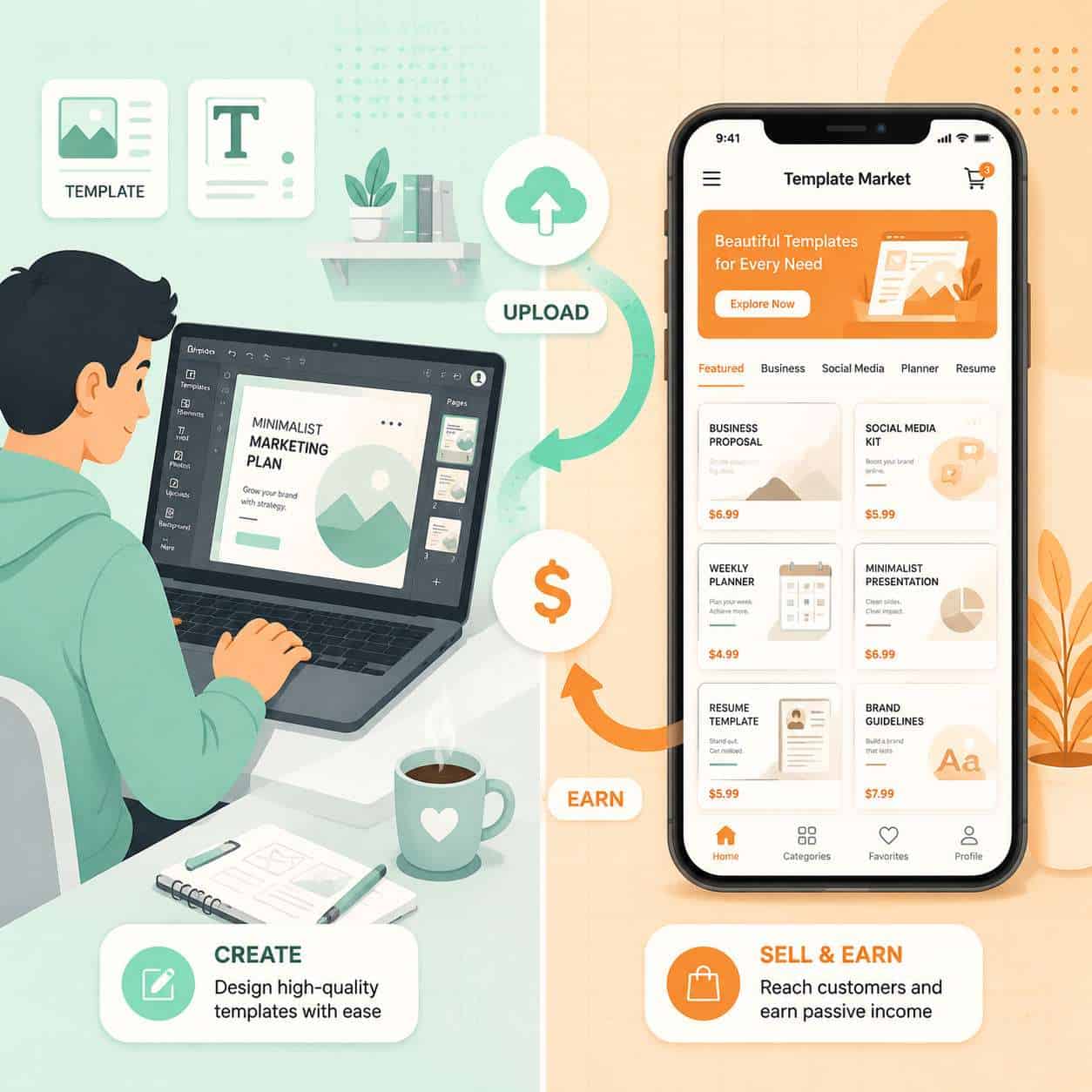
A Canva contributor creates original design assets and uploads them to Canva’s marketplace, where over 190 million monthly active users can discover and use them. Think of it as running a small digital storefront inside one of the world’s most popular design platforms.
The types of content you can contribute include:
- Templates (social media posts, presentations, flyers, resumes, invitations)
- Photos and stock photography
- Illustrations and vector graphics
- Videos and motion graphics
- Background textures and patterns
Your job is to create content that solves a problem for Canva’s user base. A small business owner needs a professional Instagram post template. A teacher needs a classroom presentation layout. A nonprofit needs an event flyer. When they pick your design, you earn a royalty.
I started exploring this space after noticing how many freelance designers were quietly building passive income streams through template marketplaces. The appeal is clear: you create the asset once, and it can generate income for months or years.
How Much Can You Earn as a Canva Contributor?
Most Canva contributors earn between $50 and $2,000 per month, though earnings depend heavily on the size and quality of your content library. A handful of top contributors with thousands of published templates report earnings exceeding $5,000 monthly.
Here’s what affects your income:
| Factor | Impact on Earnings |
|---|---|
| Number of published templates | More templates = more chances to earn |
| Template quality and relevance | Higher quality ranks better in search |
| Keyword optimization | Proper tags increase discoverability |
| Trending categories | Seasonal and trending designs sell faster |
| Consistency of uploads | Regular uploads signal activity to the algorithm |
Common mistake: Many new contributors upload 10-20 templates, wait a month, see minimal earnings, and quit. The reality is that most successful contributors have libraries of 200+ assets before they see meaningful monthly income. This is a long game.
Canva pays a fixed royalty per use rather than a percentage of a sale price. The exact per-use rate isn’t publicly disclosed and can vary by content type, but contributors generally report it ranges from a few cents to a couple of dollars per use depending on the asset category and licensing tier.
Is Being a Canva Contributor Worth It?
Yes, for designers who want a passive income stream and are willing to invest time upfront without immediate returns. It’s not worth it if you need quick cash or dislike creating content within marketplace guidelines.
Pros and Cons of Being a Canva Contributor
Pros:
- Passive income potential once your library grows
- Access to Canva’s massive global user base without marketing costs
- No upfront fees to join the program
- Flexible schedule; work from anywhere
- Builds your portfolio while earning
Cons:
- Earnings start slow and take months to build
- Canva controls pricing and royalty rates
- Your designs must meet Canva’s quality and style guidelines
- High competition in popular template categories
- No direct relationship with end customers
Choose this if you already create design templates and want to monetize existing skills. Skip it if you’re looking for a primary income source right away.
For designers interested in expanding their creative toolkit, exploring AI-powered graphic design tools can help speed up your template creation workflow.
How Do I Become a Canva Contributor?
You become a Canva contributor by applying through Canva’s official contributor program website, submitting a portfolio of your work, and waiting for approval. The process typically takes a few weeks.
Step-by-step process:
- Visit the Canva Creators program page on Canva’s website.
- Create an account or sign in with your existing Canva account.
- Choose your contributor type (template designer, photographer, illustrator, or video creator).
- Submit your portfolio with 5-10 of your best original works that match Canva’s style.
- Wait for review. Canva’s team manually reviews applications. This can take anywhere from one week to several weeks.
- If approved, you’ll get access to the contributor dashboard where you can start uploading and tagging your content.
- If rejected, you can reapply after improving your portfolio based on Canva’s feedback.
Edge case: Canva has rebranded parts of this program over the years. As of 2026, the program operates under the “Canva Creators” umbrella, but the contributor functionality remains the same. Search for either term when looking for the application page.
How to Get Approved as a Canva Contributor
Getting approved requires submitting a portfolio that demonstrates clean, modern design skills aligned with Canva’s aesthetic. Canva looks for originality, versatility, and designs that their user base will actually want to use.
Tips that improve your approval odds:
- Submit templates across multiple categories (don’t just send five Instagram posts)
- Use clean typography, balanced layouts, and on-trend color palettes
- Make sure every element in your designs is original or properly licensed
- Show range: include both minimalist and more detailed designs
- Avoid overly complex designs that would be hard for non-designers to customize
Common rejection reasons:
- Low-resolution or pixelated images
- Designs that look too similar to existing Canva templates
- Use of copyrighted fonts, photos, or graphics you don’t own
- Inconsistent quality across submitted samples
If you’re building your design skills, our guide on creating engaging Instagram story templates in Canva covers layout principles that translate directly to contributor-quality work.
What Types of Templates Sell Best on Canva?
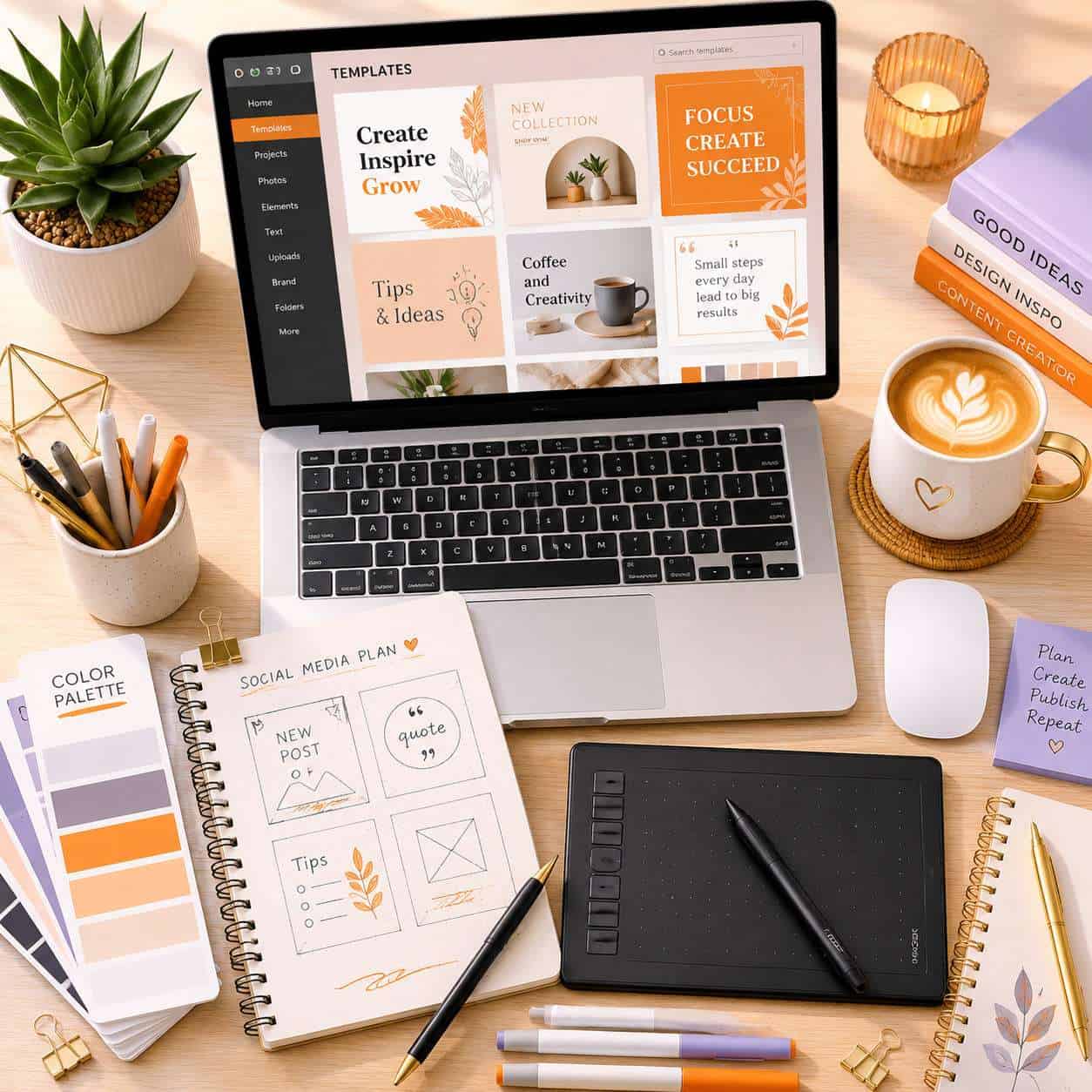
Social media templates, presentation decks, and business marketing materials consistently rank among the top-selling content categories on Canva’s marketplace. Templates tied to seasonal events and trending formats also perform well in short bursts.
Top-performing categories in 2026:
- Instagram posts and stories (especially Reels covers and carousel templates)
- Presentation templates for business and education
- Resume and CV templates
- Wedding and event invitations
- Small business marketing kits (logo + social + business card bundles)
- Pinterest pin templates
- Email newsletter headers
Decision rule: If you’re unsure where to start, create social media templates first. They have the highest volume of searches and the fastest feedback loop so you can learn what works. For inspiration on high-performing carousel formats, check out our guide on creating engaging carousel designs.
You can also explore email template creation in Canva as a less competitive niche with steady demand from business users.
What Skills Do I Need to Be a Successful Canva Contributor?
You need solid graphic design fundamentals (typography, color theory, layout composition), an understanding of current design trends, and basic keyword research skills to tag your content effectively.
Essential skills:
- Typography pairing and hierarchy
- Color theory and palette creation
- Layout composition and whitespace management
- Understanding of Canva’s grid and template system
- Basic SEO and keyword tagging for marketplace discoverability
Helpful but not required:
- Illustration skills (for creating custom vector elements)
- Photography (if contributing stock photos)
- Motion design (for video templates)
- Experience with Adobe Illustrator, Figma, or similar tools
You don’t need a design degree. Many successful contributors are self-taught designers who learned through practice and online courses. What matters most is whether your output looks professional and serves a clear user need.
If you’re coming from a Figma background, your component organization skills transfer well to creating modular, reusable Canva templates.
Canva Contributor vs Graphic Designer Salary
A Canva contributor’s income is royalty-based and variable, while a graphic designer typically earns a fixed salary or project-based fees. The two aren’t directly comparable because contributing to Canva is usually a side income stream, not a full-time replacement.
| Canva Contributor | Employed Graphic Designer | |
|---|---|---|
| Income type | Royalty-based, passive | Salary or hourly/project rate |
| Typical monthly range | $50-$2,000+ (varies widely) | $3,500-$7,000+ (U.S. median) |
| Income ceiling | Scales with library size | Limited by hours worked |
| Stability | Unpredictable, especially early on | Steady paycheck |
| Client interaction | None | Frequent |
| Creative freedom | Moderate (must fit marketplace demand) | Varies by employer |
The smart approach: Many designers treat Canva contributions as supplemental income alongside client work or a full-time design job. The passive nature of contributor royalties makes it a good complement to active income, not necessarily a replacement.
Can Anyone Be a Canva Contributor, or Are There Restrictions?
Almost anyone can apply, but Canva does have an approval process and content guidelines that serve as quality gates. There are no geographic restrictions for most countries, and you don’t need formal qualifications.
Key restrictions to know:
- You must be at least 18 years old
- All submitted content must be 100% original (no stock elements you don’t have commercial rights to)
- Content must comply with Canva’s community guidelines (no offensive, misleading, or trademarked material)
- You need a PayPal or Skrill account to receive payments
Edge case: Some contributors use AI design tools to speed up their workflow. Canva’s policies require that AI-generated content meets the same originality and quality standards as manually created work. Always check the latest contributor terms before uploading AI-assisted designs.
How Often Do Canva Contributors Get Paid?
Canva contributors are paid monthly, typically within the first half of the following month, once their earnings reach the minimum payout threshold. Payments are processed through PayPal or Skrill.
The minimum payout threshold is generally around $10-$25 (this can vary by payment method and region). If your balance doesn’t meet the threshold in a given month, it rolls over to the next period.
Quick tip: Keep your payment details updated in your contributor dashboard. Missed payments due to expired PayPal accounts are more common than you’d think, and recovering them adds unnecessary delays.
What Equipment Do I Need to Create Canva Templates?
You need a computer (laptop or desktop), a reliable internet connection, and design software. That’s the minimum. A graphics tablet and external monitor are helpful but optional.
Essential equipment:
- Computer with at least 8GB RAM (16GB preferred for smooth multitasking)
- Stable internet connection for uploading and testing templates
- Design software: Canva Pro, Adobe Illustrator, Figma, or Affinity Designer
Nice to have:
- Graphics tablet (Wacom or similar) for illustration work
- Color-calibrated external monitor
- Cloud storage for backup and version control
You can create perfectly sellable templates using nothing more than Canva Pro itself. Many successful contributors work entirely within Canva’s own editor, which eliminates the need for expensive third-party software. For those starting from scratch, our beginner’s guide to Canva logo design covers the fundamentals of working within Canva’s design environment.
Common Mistakes New Canva Contributors Make
The biggest mistake is treating the contributor program like a “set it and forget it” opportunity. Success requires ongoing effort, market research, and iteration.
Mistakes to avoid:
- Uploading too few templates. A library of 10 designs won’t generate meaningful income. Aim for at least 100 before evaluating results.
- Ignoring keyword tags. Your templates won’t appear in search results without proper, relevant tags. Research what terms Canva users actually search for.
- Copying trending styles too closely. Canva reviews for originality. Templates that look like clones of existing popular designs get rejected.
- Using unlicensed fonts or elements. This can lead to removal of your content and potential account suspension.
- Not studying the marketplace. Spend time browsing Canva’s template library to understand gaps, trends, and quality benchmarks before you start creating.
- Inconsistent uploads. Regular publishing keeps your portfolio fresh and signals activity to Canva’s discovery algorithm.
Conclusion
Becoming a Canva contributor is one of the more accessible ways for designers to build a passive income stream in 2026. The barrier to entry is low, the platform’s user base is enormous, and the work scales well over time.
Here’s your action plan:
- This week: Review Canva’s contributor program page and study the marketplace for gaps in your skill area.
- Next two weeks: Create 5-10 high-quality, original templates across at least two categories.
- Submit your application with your strongest work and wait for approval.
- Once approved: Commit to uploading at least 5-10 new templates per week for the first three months.
- Track and iterate: Monitor which templates get the most usage, then create more in those categories.
The contributors who earn meaningful income are the ones who treat this like a real business, not a weekend experiment. Start building your library now, stay consistent, and let the compounding effect of a growing catalog work in your favor.
For more design resources and creative workflow tips, explore our Canva resource library and design category archives.
Frequently Asked Questions
How long does it take to get approved as a Canva contributor? Most applicants hear back within one to four weeks. The timeline depends on application volume and the quality of your submitted portfolio.
Do I need Canva Pro to be a contributor? No, but Canva Pro gives you access to more design elements and features that can improve your template quality. Many contributors use it or external tools like Adobe Illustrator.
Can I sell the same templates on other platforms? Check Canva’s current contributor terms. Generally, you retain ownership of your designs, but there may be exclusivity clauses for certain content types. Always read the latest agreement before cross-listing.
How many templates should I upload before expecting income? Aim for at least 100 published templates before evaluating your earnings potential. Contributors with fewer than 50 assets rarely see consistent monthly income.
What file formats does Canva accept for contributor uploads? Templates are typically created directly within Canva’s editor or uploaded as compatible file types. Photos are accepted as high-resolution JPEG or PNG files. Check the contributor dashboard for current format specifications.
Is there a limit to how many templates I can upload? There is no publicly stated cap on uploads. However, every submission goes through a quality review, so focus on quality over quantity.
Can I use AI tools to create my Canva contributor templates? You can use AI to assist your workflow, but all submitted content must meet Canva’s originality and quality standards. Fully AI-generated content without meaningful human creative input may be rejected.
Do Canva contributors get any special platform benefits? Approved contributors typically get access to a dedicated dashboard with analytics, earnings tracking, and upload tools. Some contributors report receiving early access to new Canva features.
What happens if my Canva contributor application is rejected? You can reapply after improving your portfolio. Study Canva’s style guidelines, upgrade your design quality, and resubmit with stronger samples.
Are earnings from Canva contributions taxable? Yes. Contributor royalties are considered taxable income in most countries. Consult a tax professional about reporting requirements in your jurisdiction.
Useful Resources: Canva design platform & Canva Design School free tutorials