Last updated: June 7, 2026
Quick Answer: A Canva logotipo is a logo created using Canva’s free online logo maker, which offers hundreds of editable templates, a drag-and-drop editor, and export options in PNG, JPG, PDF, and SVG. It’s a practical choice for small businesses, startups, and personal brands that need a decent logo without hiring a professional designer. You can start from a blank 500×500 px canvas or pick a template and customize it in minutes [5].
Key Takeaways
- Canva’s logo maker is free to use, with premium elements and transparent PNG export available on Canva Pro (starting around $13/month or $120/year).
- You can export your Canva logotipo in PNG, JPG, PDF, SVG, and even GIF formats depending on your plan [5].
- Canva logos are licensed for commercial use, but elements marked as “Pro” require a paid plan for commercial licensing.
- The Brand Kit feature lets you store multiple logo versions, color palettes, and fonts for consistent branding across all designs [3].
- For best results, design at 500×500 px minimum and always download at the highest resolution available.
- Canva works well for startups and small businesses but may not replace a custom-designed identity for enterprise-level branding.
- Common mistakes include using too many fonts, ignoring scalability, and not exporting with a transparent background.
- Alternatives like Adobe Illustrator, Looka, and Hatchful exist, but Canva offers the best balance of ease and cost for beginners.
What Is a Canva Logo and How Do I Make One?
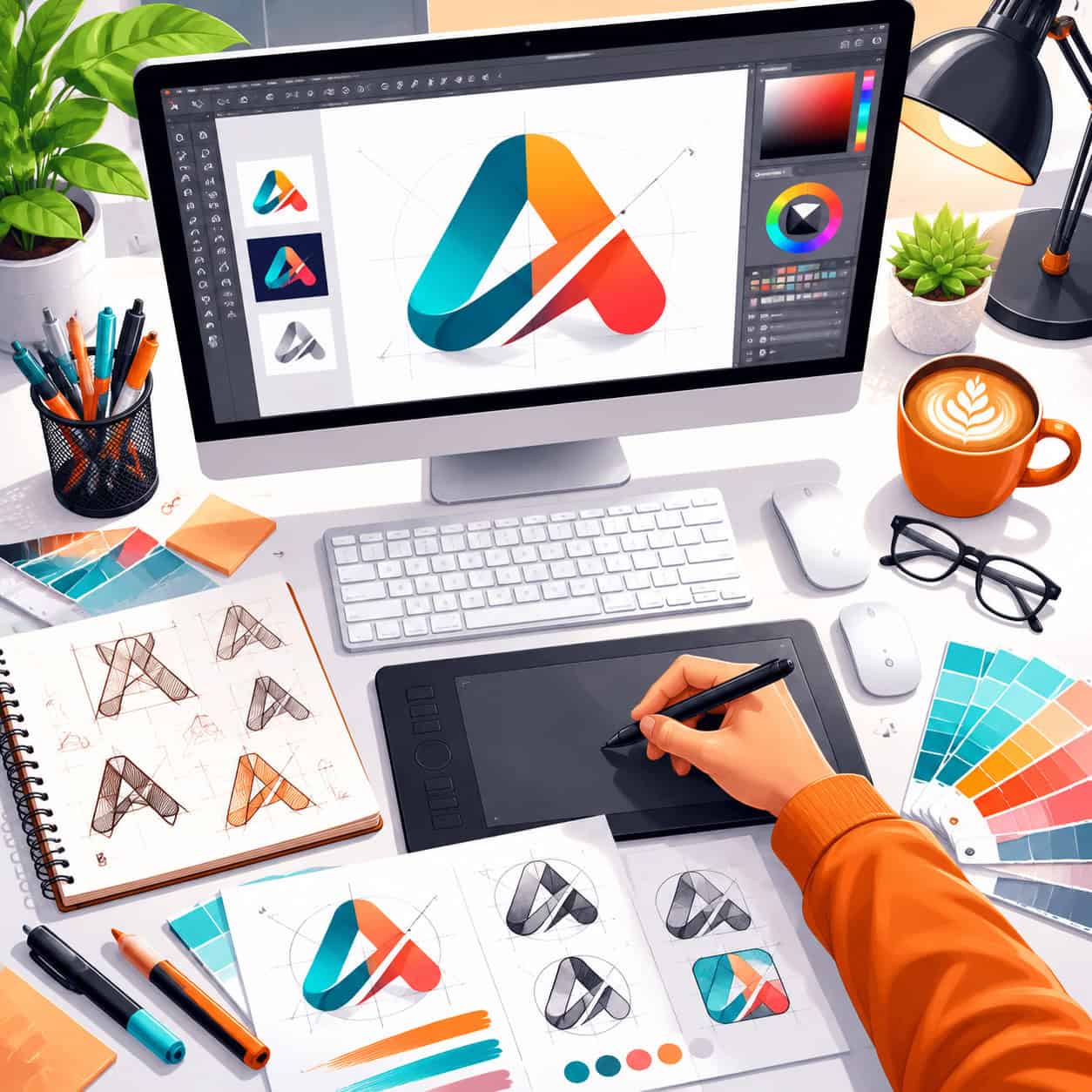
A Canva logo (or “canva logotipo”) is any logo designed using Canva’s built-in logo creation tool. You access it by going to Canva’s website or app, selecting “Logo” as your design type, and choosing either a blank canvas or one of hundreds of templates [5].
Here’s the basic process in 2026:
- Open Canva and search for “Logo” or go directly to the logo creation section.
- Choose a template or start with a blank 500×500 px canvas.
- Customize by changing text, fonts, colors, icons, and shapes using the drag-and-drop editor.
- Use the Brand Kit (if on Pro) to apply your brand colors and fonts with one click [3].
- Download your finished logo in your preferred format.
The whole process can take as little as 10 minutes for a simple design. If you want a detailed walkthrough, check out our Canva logo design for beginners step-by-step guide.
Common mistake: Many beginners skip the step of testing their logo at small sizes. Always preview your canva logotipo at favicon size (32×32 px) before finalizing. If you can’t read it or recognize the icon at that scale, simplify the design.
Canva vs Adobe Illustrator for Logo Design: Which Is Better?
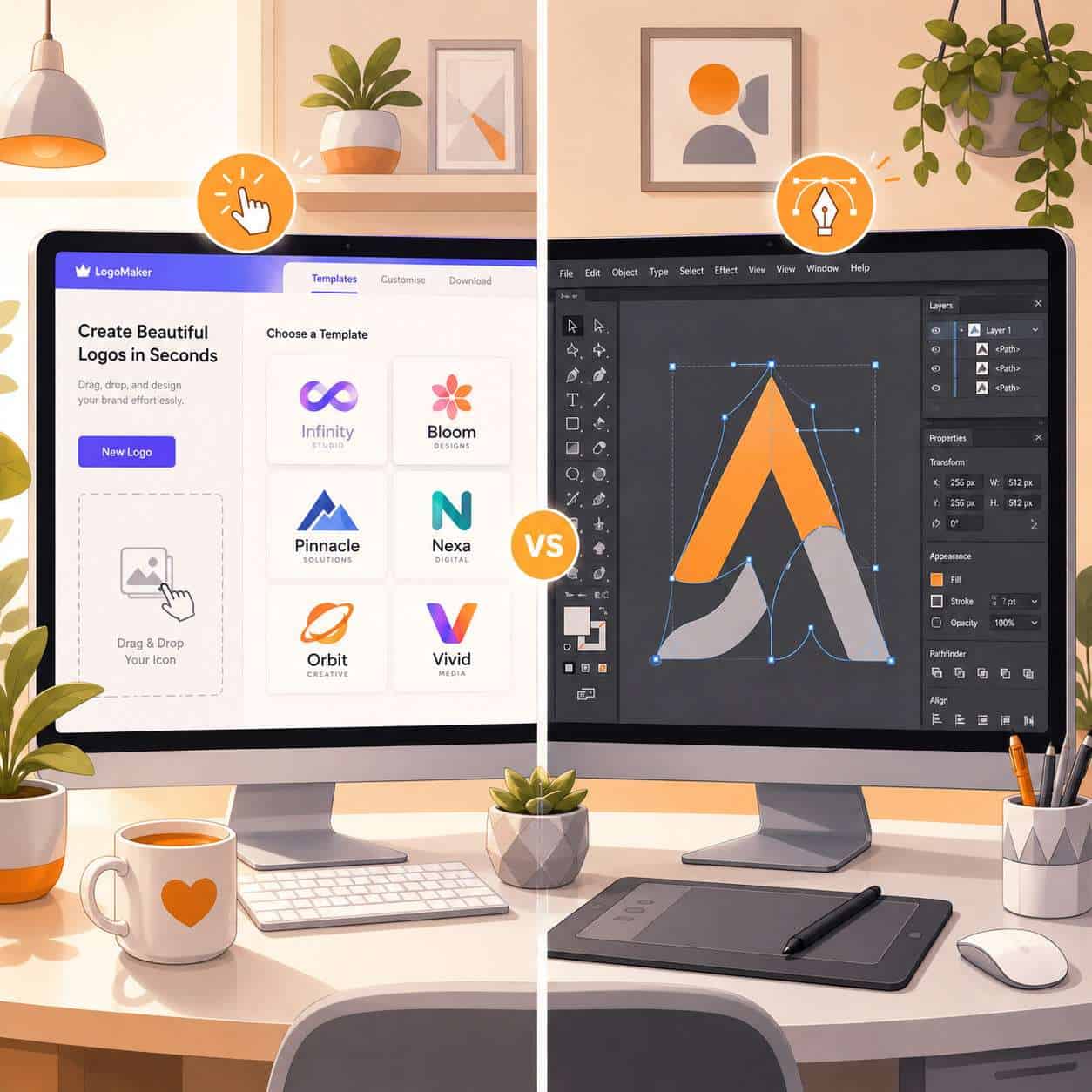
Canva is better for speed, simplicity, and cost. Adobe Illustrator is better for precision, scalability, and professional-grade vector work. The right choice depends on your skill level and needs.
| Feature | Canva | Adobe Illustrator |
|---|---|---|
| Learning curve | Very low (minutes) | High (weeks to months) |
| Cost | Free / $13 per month for Pro | $22.99 per month (single app) |
| Vector editing | Limited | Full vector control |
| Templates | Hundreds of logo templates | Fewer built-in templates |
| Export formats | PNG, JPG, PDF, SVG (Pro) | AI, EPS, SVG, PDF, PNG, and more |
| Best for | Beginners, small businesses | Professional designers, agencies |
| Scalability | Good for digital; limited for large print | Infinite scalability |
Choose Canva if you need a logo fast, have no design experience, and your primary use is digital (website, social media, email). Choose Illustrator if you need a logo that will appear on billboards, packaging, or merchandise where infinite scalability matters.
For those exploring other AI-powered design options, our roundup of the best AI graphic design tools covers additional alternatives worth considering.
How Much Does It Cost to Create a Professional Logo in Canva?
Creating a logo in Canva is free if you stick to free templates and elements. Canva Pro costs approximately $13/month (or $120/year) and unlocks premium templates, transparent background export, the Brand Kit, and SVG downloads [5][7].
Here’s the cost breakdown:
- Free plan: Access to basic templates, standard fonts, and PNG/JPG export. You’ll see a watermark or pay-per-element fee for any premium graphics.
- Canva Pro: Full template library, transparent backgrounds, SVG export, Brand Kit, and background remover tool.
- Canva Teams: $15/month per person for teams that need shared brand assets.
Compared to hiring a freelance designer (typically $200 to $2,500+ for a logo package), Canva is dramatically cheaper. SaaS reviewers in 2026 note that Canva’s logo tools offer strong value for small businesses and solopreneurs, though they recommend professional custom work for high-level brand identities [4].
Why Is My Canva Logo Looking Pixelated or Blurry?
Your canva logotipo looks pixelated because you’re either designing at too small a canvas size, downloading at low resolution, or enlarging a raster image beyond its original dimensions.
Fixes:
- Start with the right canvas size. Use at least 500×500 px for your logo. For print, go larger (1000×1000 px or above).
- Download at the highest quality. When exporting as PNG, Canva offers a quality slider on Pro plans. Max it out.
- Don’t stretch raster elements. If you drag a small icon to fill a large space, it will blur. Use vector-based shapes and text instead.
- Export as SVG (Pro only) for logos you need to scale to any size without quality loss.
- Avoid screenshots. Always use the download button rather than screenshotting your design.
Edge case: If you’re using a free account and need a transparent background, the exported PNG may include compression artifacts. Consider upgrading to Pro or using an external background removal tool [2][11].
Best Free Logo Templates in Canva for Small Business
Canva’s template library includes hundreds of free logo templates organized by industry: restaurants, technology, fashion, personal brands, fitness, and more [7]. The templates are updated regularly with new styles reflecting current design trends.
Top categories for small businesses in 2026:
- Minimalist wordmarks for consulting and service businesses
- Icon-based logos for food, fitness, and retail
- Monogram logos for personal brands and freelancers
- Badge-style logos for craft businesses and local shops
- Abstract mark logos for tech startups
2026 design trends highlighted by Canva emphasize expressive logos, bold color combinations, and hand-drawn typography styles [6]. Many of the newest templates reflect these trends.
Tip: Filter templates by “Free” in the Canva template browser to avoid accidentally using Pro-only elements. If a template contains even one premium element, you’ll need Pro to download it without a watermark.
If you also need branded social content to match your new logo, see our guide on how to create engaging Instagram story templates in Canva.
Is Canva Good for Logo Design for Startups or Only for Big Companies?
Canva is particularly well-suited for startups and small businesses, not large enterprises. Analysts reviewing Canva in 2026 praise it for its ease of use and low cost for entrepreneurs, while noting that enterprise brands typically need custom vector work from professional designers [4].
Canva works well for startups because:
- Speed matters more than perfection in early stages
- Budgets are tight, and free or low-cost tools reduce overhead
- The Brand Kit keeps visual identity consistent as the team grows [3]
- Templates provide a professional starting point without design skills
Where Canva falls short for large companies:
- Limited vector editing means logos can’t always scale for all media
- Templates are shared, so another business might use a similar design
- Advanced brand guidelines (multiple logo lockups, exclusion zones, detailed specs) require tools beyond Canva
Decision rule: If you’re pre-revenue or early-stage, use Canva to get a solid logo quickly. Plan to invest in a custom identity once your brand matures and your budget allows.
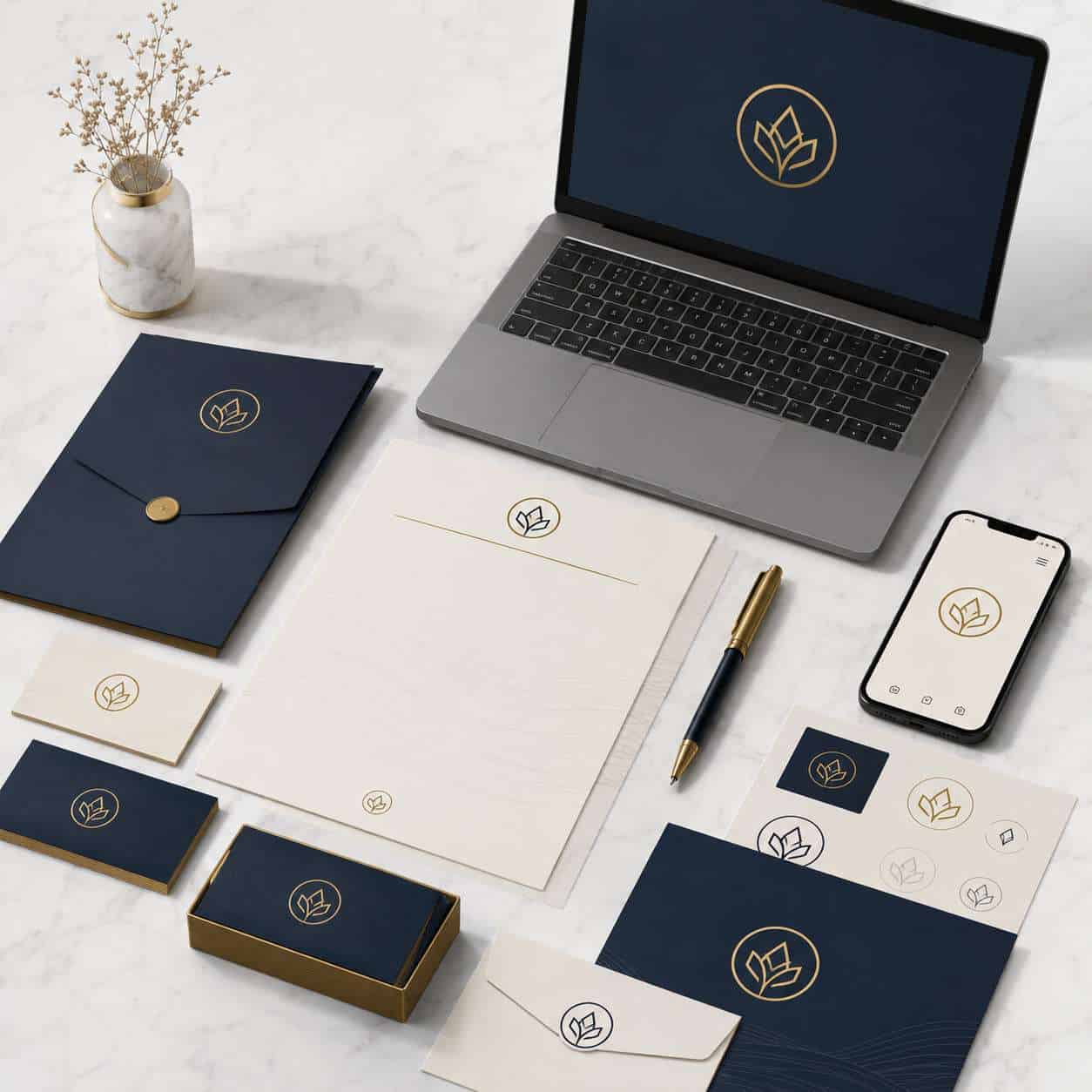
Common Mistakes People Make When Designing Logos in Canva
The most frequent mistakes are overcomplicating the design, ignoring scalability, and choosing trendy elements over timeless ones.
Mistakes to avoid:
- Using more than two fonts. Stick to one or two complementary typefaces. Three or more creates visual chaos.
- Relying on color alone for recognition. Your logo should work in black and white too.
- Choosing overly detailed icons. Fine details disappear at small sizes like favicons or social media profile pictures.
- Not checking for similar existing logos. Search Google Images before finalizing to avoid unintentional similarity to established brands.
- Skipping the transparent background. A logo on a white square looks amateur when placed on colored backgrounds.
- Using too many effects. Drop shadows, gradients, and glows can make a logo look dated quickly.
- Forgetting about versatility. Test your canva logotipo on dark backgrounds, light backgrounds, and at multiple sizes before committing.
Branding experts recommend treating Canva as a prototyping tool and focusing on simplicity, legibility, and color coherence [4][5].
Can I Use a Canva Logo for Commercial Purposes?
Yes, you can use a Canva logo for commercial purposes. Canva’s content license allows commercial use of designs you create, including logos, as long as you follow their licensing terms [5].
Key licensing details:
- Free elements: Can be used commercially but cannot be trademarked as standalone graphics.
- Pro elements: Licensed for commercial use with a Pro subscription.
- Your own uploads: Fully yours to use however you want.
- Third-party trademarks: You cannot use other companies’ registered logos or trademarks in your designs without permission [13].
Important note: If you plan to trademark your logo, make sure every element in it is either original (text you typed, shapes you created) or confirmed as licensable for trademark registration. Stock graphics from Canva’s library generally cannot be registered as exclusive trademarks because other users have access to the same elements.
How to Download a High-Resolution Logo From Canva
To get the sharpest possible canva logotipo file, export as PNG with the highest quality setting or use SVG format (Pro only) for infinite scalability.
Step-by-step:
- Click Share then Download in the top-right corner.
- Select your file type (PNG for most uses, SVG for scalable vector).
- If on Pro, check the Transparent background box if needed.
- Adjust the size multiplier (Pro feature) to increase resolution.
- Click Download.
Pro tip: For print materials, export as PDF Print, which uses 300 DPI and CMYK-friendly color profiles. For web use, PNG at 1x or 2x is sufficient [2][5].
For more on using Canva’s AI features to speed up your design workflow, explore our guide to Canva AI design creation.
What File Formats Can I Export My Canva Logo In?
Canva supports exporting logos in PNG, JPG, PDF (Standard and Print), SVG (Pro only), and GIF. Each format serves a different purpose [5].
| Format | Best For | Transparency | Plan Required |
|---|---|---|---|
| PNG | Web, social media, email | Yes (Pro) | Free / Pro |
| JPG | Web backgrounds, photos | No | Free |
| PDF Standard | Digital documents | No | Free |
| PDF Print | Professional printing | No | Free |
| SVG | Scalable vector use | Yes | Pro only |
| GIF | Animated logos | No | Free |
Choose SVG if you need your logo to scale perfectly at any size. Choose PNG if you primarily use your logo digitally and need transparency. Choose PDF Print if you’re sending files to a professional printer.
How to Customize a Canva Logo Template to Look Unique
Start with a template, then change at least three major elements: the font, the color palette, and the icon or graphic. This prevents your logo from looking identical to someone else’s.
Customization checklist:
- Swap the font for one that matches your brand personality. Canva offers hundreds of free fonts, and Pro users can upload custom typefaces.
- Change the color scheme to your brand colors. Use the Brand Kit to save these for future designs [3].
- Replace or modify the icon. Search Canva’s element library for alternatives, or remove the icon entirely and focus on typography.
- Adjust spacing and layout. Move elements around, resize them, and experiment with alignment.
- Add your own graphics. Upload a custom illustration or icon to make the design truly yours.
- Test variations. Create horizontal, vertical, and icon-only versions of your logo.
Canva Create 2026 introduced AI-powered brand style features that can automatically adapt templates to match your uploaded logo and color preferences [9][10]. This makes customization even faster.
You can also apply your new logo across other brand materials. Our guide on creating effective email templates in Canva shows how to maintain brand consistency in email campaigns.
Logo Design Tips in Canva for Beginners
The single most important tip for beginners: keep it simple. A great logo communicates one idea clearly at any size.
Practical tips:
- Start in black and white. Design the shape and typography first, then add color. If it works without color, it’ll work with it.
- Use no more than three colors. Most iconic logos use one or two.
- Test at multiple sizes. Preview your logo at 32px (favicon), 100px (social media), and 500px+ (website header).
- Align everything precisely. Use Canva’s snap-to-grid and alignment tools. Misaligned elements look unprofessional.
- Leave breathing room. Don’t crowd elements together. White space makes logos feel more premium.
- Save multiple versions. Keep a full-color version, a single-color version, and a version with a transparent background.
For more visual branding ideas, check out our guide to engaging Canva carousel designs that complement your logo.
Alternatives to Canva for Logo Design
Canva isn’t the only option. Several other tools serve different needs and skill levels.
- Adobe Illustrator: Industry standard for professional vector logo design. Steep learning curve, $22.99/month.
- Looka: AI-powered logo generator. Creates logos based on your preferences. Starts at $20 for a single download.
- Hatchful by Shopify: Free logo maker aimed at e-commerce businesses. Very simple but limited customization.
- Figma: Free for individuals. More design control than Canva but requires more skill.
- LogoMakr: Free browser-based tool with basic icon and text options.
- Tailor Brands: AI-driven branding platform. Logo packages start around $10/month.
Choose Canva over these if you want the best combination of template variety, ease of use, and additional design capabilities (social media posts, presentations, print materials) all in one platform.
Conclusion
Creating a canva logotipo is one of the fastest and most affordable ways to establish a visual identity for your business or personal brand in 2026. The platform’s template library, drag-and-drop editor, and Brand Kit make it accessible to complete beginners while still producing professional-looking results.
Your next steps:
- Go to Canva’s logo maker and browse templates in your industry category.
- Pick a template and customize at least the font, colors, and icon to make it unique.
- Test your logo at small and large sizes before finalizing.
- Export as PNG (with transparent background if possible) and SVG for maximum flexibility.
- Save your logo in Canva’s Brand Kit so you can apply it consistently across all future designs.
- Plan to revisit your logo as your brand grows, and consider investing in custom design work when your budget allows.
A logo made in Canva can absolutely serve you well for years, especially if you follow the design principles covered here. Start simple, stay consistent, and let your brand evolve naturally.
FAQ
Can I create a logo in Canva for free? Yes. Canva’s logo maker is free to use with access to basic templates, fonts, and elements. Premium templates and features like transparent backgrounds require Canva Pro [5].
Is a Canva logo good enough for a real business? For small businesses and startups, absolutely. SaaS reviewers in 2026 rate Canva positively for entrepreneurs who need professional-looking logos without the cost of hiring a designer [4].
Can I trademark a logo made in Canva? You can trademark a logo made in Canva, but only if the design elements are original or fully licensed. Stock graphics from Canva’s library are available to all users, so they generally can’t be registered as exclusive trademarks.
How do I get a transparent background on my Canva logo? Check the “Transparent background” option when downloading as PNG. This feature requires Canva Pro. Free users can use external background removal tools as a workaround [2].
What size should my Canva logo be? Start with a 500×500 px canvas for standard use. For print or large-format needs, use 1000×1000 px or larger. Always export at the highest resolution available [5].
Can I upload my own fonts to Canva for my logo? Yes, Canva Pro users can upload custom fonts through the Brand Kit feature, which allows you to maintain consistent typography across all designs [3].
Does Canva support SVG export for logos? Yes, but only on Canva Pro. SVG files are vector-based and can scale to any size without losing quality, making them ideal for logos.
How do I make my Canva logo look different from others using the same template? Change at least three major elements: the font, color palette, and icon. Adjust spacing, add your own graphics, and create multiple layout variations to make the design uniquely yours.
Can I use Canva logos on merchandise? Yes, Canva’s license permits commercial use including merchandise, as long as you comply with their content license terms and aren’t reselling the raw template as a design asset [5].
What’s the best file format for a Canva logo? PNG for web use with transparency, SVG for scalable vector needs, and PDF Print for professional printing. Keep copies in multiple formats for flexibility.
References
[1] Branding Canva Refresca Su Logo Arrimandose Al Hand Lettering – https://www.mercadonegro.pe/publicidad/branding/branding-canva-refresca-su-logo-arrimandose-al-hand-lettering/ [2] Watch – https://www.youtube.com/watch?v=2sECvbHxXLE [3] Watch – https://www.youtube.com/watch?v=RcBwzEOtU1I [4] Reviews – https://findstack.es/products/canva/reviews [5] Logos – https://www.canva.com/es_es/crear/logos/ [6] Canva Presenta Las Tendencias De Diseno Que Marcaran El 2026 – https://diariomasnoticias.com/canva-presenta-las-tendencias-de-diseno-que-marcaran-el-2026/ [7] Plantillas – https://www.canva.com/es_es/logotipos/plantillas/ [9] Canva Create 2026 Todas Las Novedades Que Cambiaran Como Disena – https://www.lola-digital.com/blog/canva-create-2026-todas-las-novedades-que-cambiaran-como-disena/ [10] Launches – https://www.canva.com/es_419/launches/ [13] Canva Help Center – https://www.canva.com/help/