Last updated: May 22, 2026
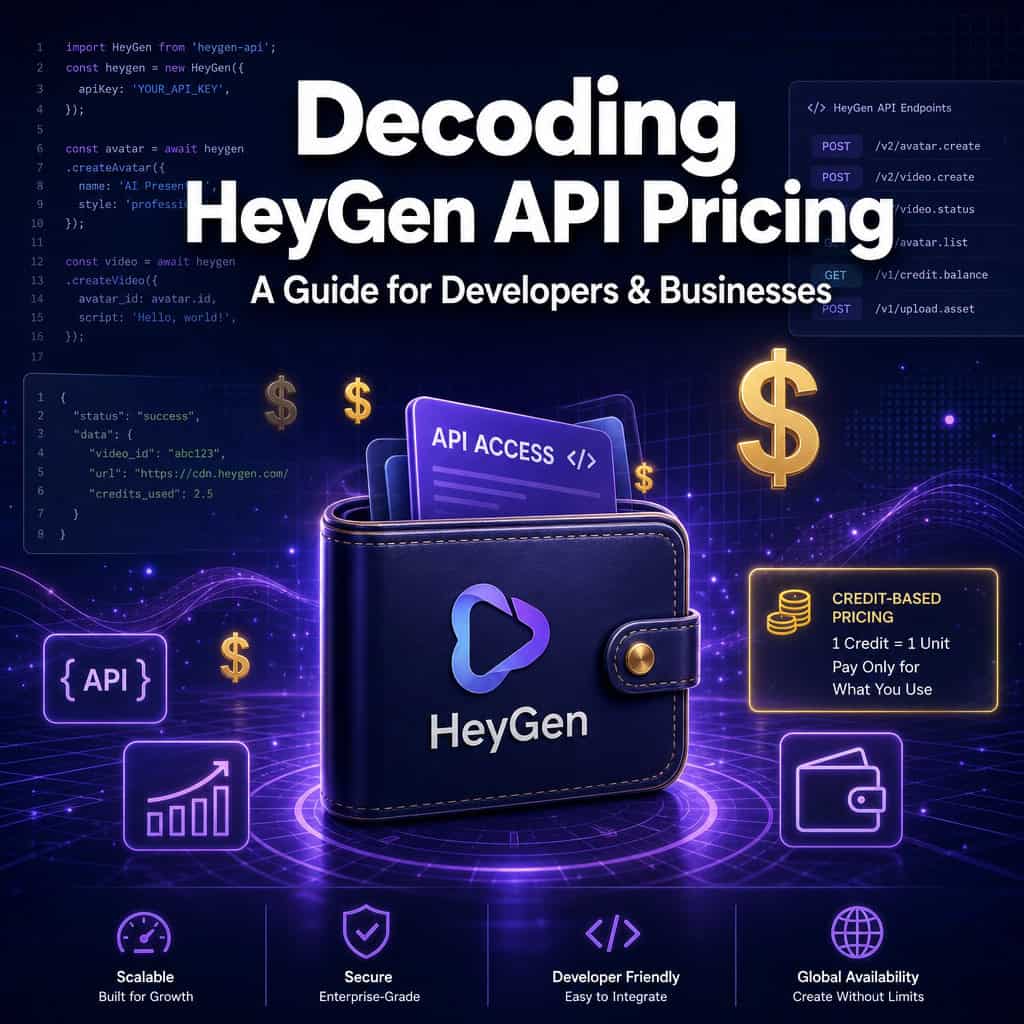
Quick Answer: HeyGen’s API now runs on a pay-as-you-go wallet model where you prepay USD credits and get billed per second of output based on the specific feature used (avatars, translation, lip-sync, TTS). There are no mandatory subscription tiers for API access — you can start with as little as $5. API-key requests draw from your wallet, while OAuth bearer-token calls bill against your web subscription plan instead [1].
Key Takeaways
- HeyGen eliminated fixed API subscription tiers in early 2026 and moved to a unified self-serve wallet [1][10].
- Any user, including those on the Free web plan, can purchase API credits starting at $5 [2][10].
- Billing is based on output duration (seconds) and feature type, not number of videos [1].
- Pay-as-you-go credits expire after 12 months, a major improvement over the old 30-day expiration [2].
- Legacy API Pro ($99/month) and Scale ($330/month) plans are deprecated but grandfathered for existing customers who maintain uninterrupted payments [2].
- Higher-fidelity features like Avatar V and lip-sync cost more per second than basic TTS [1].
- API-key billing and OAuth billing are separate paths — understanding the difference prevents surprise charges [1].
- There are no free API credits as of February 2026 [2].
How Much Does HeyGen API Actually Cost Per Month?
There is no fixed monthly cost. HeyGen’s API uses a prepaid wallet where you load USD credits and pay per second of generated output. Your monthly spend depends entirely on how many seconds of video you produce and which features you use [1][2].
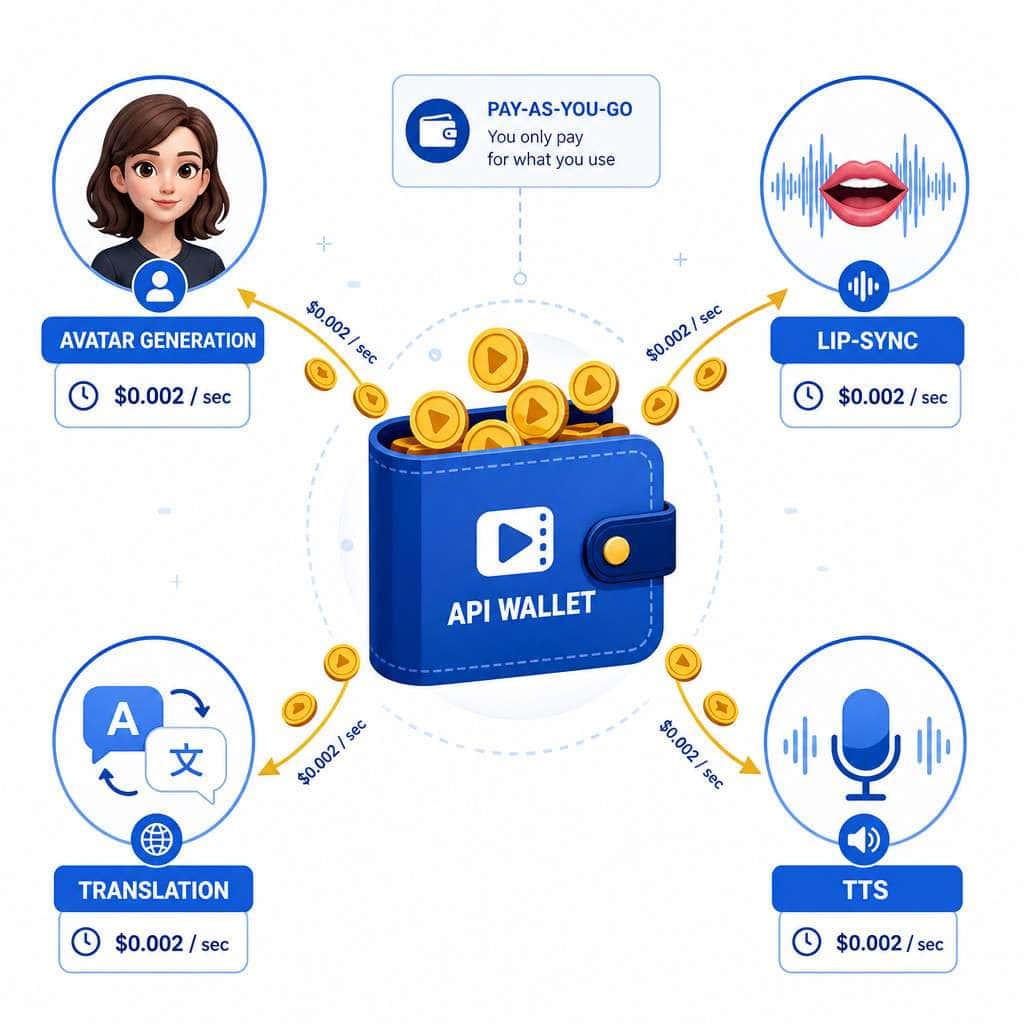
Here’s what that looks like in practice. When I first tested the API for a client project, I loaded $20 into the wallet and generated about 8 minutes of Avatar III video over two weeks. The per-second rates vary by feature:
| Feature | Billing Basis | Relative Cost |
|---|---|---|
| Text-to-Speech (TTS) | Per second of audio | Lowest |
| Avatar III | Per second of video | Moderate |
| Avatar IV / V | Per second of video | Higher |
| Lip-sync | Per second of video | Higher |
| Video Translation | Per second of video | Higher |
| Avatar Creation | Per creation | Varies |
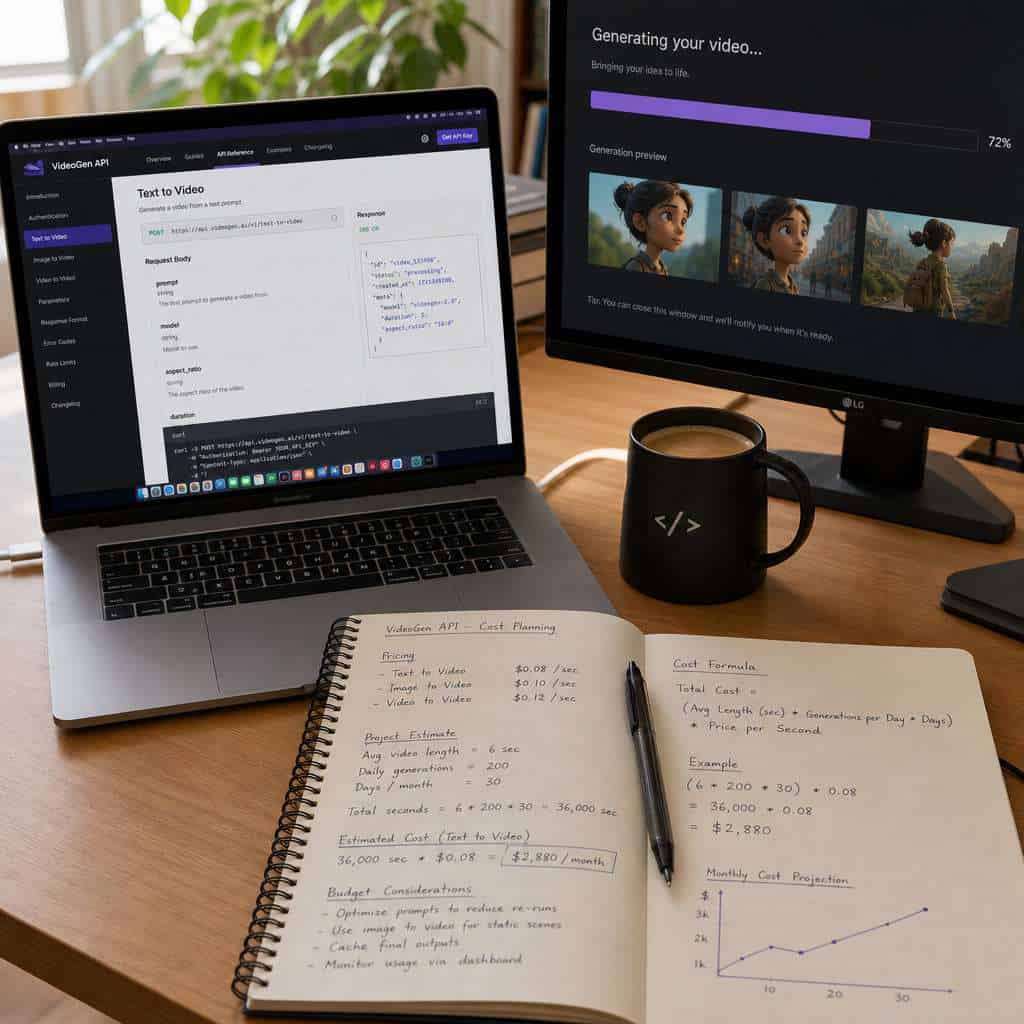
The exact per-second rates are published on HeyGen’s official API pricing page [1]. Because costs scale linearly with output duration, the best budgeting approach is to estimate your total seconds of output per month rather than counting videos [6].
Common mistake: Developers often estimate costs by “number of videos” instead of total output seconds. A single 3-minute video costs the same as three 1-minute videos using the same feature. Always think in seconds.
What Are the Different Pricing Tiers for HeyGen’s Video Generation API?
As of 2026, HeyGen no longer offers tiered API subscriptions. The company replaced its legacy Pro ($99/month) and Scale ($330/month) API plans with a single pay-as-you-go wallet model [2][3].
The old tiers worked like this:
- API Pro (Legacy): $99/month with bundled credits, suited for steady workloads
- API Scale (Legacy): $330/month with more credits and priority support
- Pay-as-you-go (Current): No monthly commitment, load credits as needed starting at $5
If you’re currently on a legacy plan and payments remain uninterrupted, you can keep it. But once canceled, these plans cannot be restored [2]. Third-party reviews urge heavy-usage customers to model their costs carefully before giving up grandfathered terms, because the per-second rates on pay-as-you-go may be higher or lower depending on your usage pattern [3][8].
The shift to pay-as-you-go makes more sense for bursty or seasonal workloads — think SaaS products, chatbots, or marketing campaigns that spike during launches and go quiet between them [3]. If you’re building AI-powered content generation tools, this flexibility is a real advantage.
Can I Use HeyGen API for Free to Test It Out?
No. As of February 2026, HeyGen no longer provides free monthly API credits [2]. However, you can start experimenting for as little as $5 by purchasing credits through the self-serve wallet [10].
HeyGen’s March 2026 product update framed this as a simplification: “API access no longer requires a subscription,” and the low entry point is designed for proof-of-concept work and small apps [10]. My recommendation is to start with a $5 or $10 load, generate a few short clips (under 15 seconds each), and validate your integration before committing more budget.
Decision rule: Choose the $5 minimum if you’re testing a single feature. Load $20–$50 if you need to test multiple features (avatar + translation + TTS) across several iterations.
What Video Generation Features Come With Each Pricing Plan?
Every feature on the API is available to all users — there are no feature gates tied to spending levels [1]. What changes is the per-second rate based on the feature’s computational intensity.
Available API features include:
- Avatar video generation (Avatar III, IV, and V at different quality/cost levels)
- Video Translation (translate existing videos into other languages)
- Lip-sync (match lip movements to new audio tracks)
- Text-to-Speech (generate voiceovers)
- Custom avatar creation (create branded AI avatars)
- Video Agent (conversational video AI)
Higher-fidelity avatars (Avatar V) and compute-heavy features like lip-sync carry higher per-second rates than basic TTS [1][5]. HeyGen’s pricing philosophy keeps “unlimited standard videos” on web plans while isolating premium compute behind per-second billing on the API [5].
If you’re exploring how AI tools can enhance your content workflows more broadly, our guide on AI-powered content optimization covers complementary strategies.
How Does HeyGen API Billing Work for Enterprise Teams?
Enterprise billing depends on whether your integration uses API keys or OAuth bearer tokens. API-key authenticated requests bill against the prepaid USD wallet. OAuth bearer-token calls bill against the user’s web subscription plan [1].
This distinction matters for larger teams. If you’re building an internal tool where employees authenticate via OAuth, their usage draws from your company’s web subscription credits. If you’re building a customer-facing product that calls HeyGen’s API with your API key, that usage comes from your wallet [1][3].
HeyGen intentionally decouples creator-style web subscriptions from programmatic API costs. This prevents resellers or SaaS builders from relying on bundled credits in creator plans and forces explicit cost accounting for API workloads [3].
For enterprise teams, the recommended setup is a Business or Enterprise web plan for SSO, custom avatars, and 4K exports on the creator side, layered with a separately funded API wallet for automated tasks [6].
Is HeyGen API Cheaper Than Synthesia or DeepBrain AI?
It depends on your usage volume and feature mix. HeyGen’s pay-as-you-go model tends to be more cost-effective for low-volume or bursty workloads because there’s no monthly minimum. Synthesia and DeepBrain AI typically require monthly subscriptions starting at higher price points for API access.

| Factor | HeyGen API | Synthesia API | DeepBrain AI API |
|---|---|---|---|
| Minimum commitment | $5 (no subscription) | Monthly subscription required | Monthly subscription required |
| Billing model | Per-second, pay-as-you-go | Credit-based with monthly plans | Credit-based with monthly plans |
| Free trial for API | No (but $5 minimum) | Limited | Limited |
| Best for | Variable workloads, SaaS integrations | Steady enterprise video production | Conversational AI video |
Choose HeyGen if your usage fluctuates month to month or you’re building a product where video generation is one feature among many. Choose Synthesia if you need a predictable monthly budget for steady, high-volume corporate training videos. Choose DeepBrain if conversational AI avatars are your primary use case.
For teams evaluating multiple AI tools for their tech stack, our roundup of the best AI graphic design tools provides useful context on the broader ecosystem.
Are There Limitations on Video Length or Quality in Lower Tier Plans?
Since there are no tiers, there are no tier-based restrictions on video length or quality. Any user with wallet credits can generate videos at any supported quality level and duration [1]. The only constraint is your credit balance — longer videos and higher-fidelity features consume credits faster.
That said, the API does have technical limits on individual request parameters (maximum duration per single API call, supported resolutions). Check the current API documentation for exact limits, as these are updated periodically [1].
Edge case: If you’re generating very long videos (10+ minutes), it’s often more reliable and cost-efficient to break them into shorter segments and stitch them together. This also reduces the risk of a failed generation wasting credits on a long render.
How Scalable Is HeyGen API for High-Volume Video Generation?
HeyGen’s API scales well for high-volume use because billing is purely consumption-based — there are no artificial caps tied to plan levels [1]. You load more credits, you generate more video.
For production workloads generating hundreds or thousands of videos monthly, the key considerations are:
- Wallet balance management: Set up alerts or automated top-ups to avoid interruptions.
- Rate limits: The API has per-minute and per-hour rate limits. Contact HeyGen for increased limits if needed.
- Cost modeling: At scale, small per-second rate differences between Avatar III and Avatar V compound significantly. Choose the lowest-fidelity avatar that meets your quality requirements.
- Concurrent requests: Plan your queue architecture to handle API response times, which vary by feature complexity.
If you’re building a platform that automates video creation, treating HeyGen as a metered backend service is the right mental model [6]. Teams building on no-code website platforms can also integrate HeyGen via Zapier or Make without deep technical work.
What Technical Requirements Do I Need to Use HeyGen API?
You need an API key (generated from your HeyGen dashboard), a way to make HTTPS requests, and a funded wallet. That’s it for the basics [1].
More specifically:
- Authentication: API key passed in request headers
- Request format: RESTful JSON endpoints
- Webhook support: For async video generation callbacks
- Minimum programming knowledge: Ability to make HTTP POST/GET requests in any language (Python, Node.js, cURL, etc.)
- Storage: A place to store or serve the generated video files (HeyGen provides temporary download URLs)
Common developer mistake: Forgetting to set up webhook handlers for async responses. Video generation isn’t instant — it can take 30 seconds to several minutes. If your app expects a synchronous response, it will time out. Always implement webhook or polling-based architectures.
For developers working with WordPress plugin development, integrating HeyGen’s API into a custom plugin is straightforward using WordPress’s built-in wp_remote_post() function.
Does HeyGen Offer Custom Pricing for Startups or Non-Profits?
HeyGen does not publicly advertise startup or non-profit discounts for API usage. However, the Enterprise plan on the web side includes custom pricing and dedicated support, and it’s worth contacting their sales team directly if you have a compelling use case or high-volume commitment [6].
The $5 minimum entry point already makes the API accessible for bootstrapped startups. For non-profits generating educational or awareness content, the pay-as-you-go model means you only pay for what you actually produce — there’s no wasted subscription cost during quiet months.
What Happens If I Exceed My Monthly API Call Limits?
Under the current wallet model, there are no monthly call “limits” in the traditional sense. Your API calls simply deduct from your prepaid wallet balance. When your balance hits zero, API requests will fail until you add more credits [1][2].
Pay-as-you-go credits expire after 12 months, giving you a generous window to use them [2]. This is a significant improvement over the legacy plans, where credits expired after just 30 days.
Tip: Set up balance monitoring in your application. HeyGen’s API returns wallet balance information that you can use to trigger alerts or automatic top-ups before you run dry.
Which Industries or Use Cases Is HeyGen API Best Suited For?
HeyGen’s API is best suited for any workflow that requires programmatic, repeatable video generation — especially personalized videos at scale.
Top use cases include:
- E-commerce: Personalized product demo videos for each SKU
- Sales enablement: Custom video outreach with prospect-specific messaging
- Education and e-learning: Automated course content in multiple languages
- Customer support: Video responses to common support tickets
- Marketing agencies: Batch video creation for social media campaigns
- SaaS platforms: Embedded video generation as a product feature
- HR and internal communications: Onboarding videos localized for global teams
The video translation and lip-sync features make HeyGen particularly strong for businesses operating across multiple languages. If you’re already using AI tools for content creation, adding HeyGen’s API to your stack can automate the video layer of your content strategy.
Common Mistakes Developers Make When Integrating HeyGen API
Here are the most frequent pitfalls I’ve seen (and made myself):
- Confusing API-key billing with OAuth billing. These are two separate billing paths. Using the wrong authentication method means charges hit the wrong account [1].
- Not testing with short clips first. Always validate your integration with 5–10 second clips before generating minutes of content.
- Ignoring webhook setup. Treating video generation as synchronous will break your app.
- Choosing Avatar V when Avatar III suffices. Higher-fidelity avatars cost more per second. Match quality to your actual needs.
- Failing to handle errors gracefully. API calls can fail due to rate limits, invalid inputs, or temporary outages. Build retry logic with exponential backoff.
- Not monitoring wallet balance. Running out of credits mid-batch means incomplete output and wasted processing time.
- Overlooking the 12-month credit expiration. While generous, it’s not unlimited. Don’t over-purchase credits you won’t use within a year [2].
Conclusion
HeyGen’s 2026 shift to a pay-as-you-go wallet model makes their API more accessible but also puts the burden of cost management squarely on developers and businesses. The good news: there’s no subscription required, the $5 entry point is genuinely low, and credits last 12 months.
Your next steps:
- Create a HeyGen account and generate an API key from the dashboard.
- Load $5–$10 into your wallet for initial testing.
- Build a small proof of concept using short clips (under 15 seconds) to validate your use case.
- Estimate your monthly output in seconds, broken down by feature type, to project real costs.
- Set up webhook handlers and balance monitoring before going to production.
- Compare per-second costs against your legacy plan (if applicable) before canceling grandfathered terms.
The API is a strong fit for variable workloads, SaaS integrations, and multilingual content at scale. Just think in seconds, not videos, and you’ll budget accurately from day one.
FAQ
Q: Do I need a paid HeyGen web subscription to use the API? A: No. Any user, including those on the Free web plan, can purchase API credits and use the API [2][10].
Q: How much does it cost to generate one minute of avatar video via the API? A: It varies by avatar version. Avatar III costs less per second than Avatar V. Check HeyGen’s official pricing page for current per-second rates [1].
Q: Can I get a refund on unused API credits? A: HeyGen’s refund policy for API credits is not publicly detailed. Contact their support team directly for refund requests.
Q: Do pay-as-you-go credits expire? A: Yes, after 12 months. Legacy plan credits expired after 30 days [2].
Q: Is there a free trial for the API? A: No free credits are provided as of February 2026. The minimum purchase is $5 [2][10].
Q: Can I use the API to build a commercial product that resells video generation? A: The API architecture supports this — HeyGen intentionally separated API billing from web plan billing to enable SaaS and reseller models [3]. Review their terms of service for specific commercial use policies.
Q: What programming languages does the API support? A: The API is language-agnostic. Any language that can make HTTPS requests works — Python, JavaScript, Ruby, Go, PHP, cURL, etc. [1].
Q: How long does it take to generate a video via the API? A: Generation time varies by feature and video length. Expect 30 seconds to several minutes. Use webhooks for async handling.
Q: What happens to my legacy API Pro or Scale plan if I cancel? A: Once canceled, legacy plans cannot be restored. You’ll move to the pay-as-you-go wallet model [2].
Q: Does HeyGen offer an SLA for API uptime? A: Enterprise plans include SLA commitments. Pay-as-you-go users should check HeyGen’s status page for uptime information.
References
[1] HeyGen API Pricing Explained – https://help.heygen.com/en/articles/10060327-heygen-api-pricing-explained [2] HeyGen Legacy Unlimited Plans – https://help.heygen.com/en/articles/9204682-heygen-legacy-unlimited-plans [3] CheckThat.ai HeyGen Pricing – https://checkthat.ai/brands/heygen/pricing [5] Flowith HeyGen Pricing 2026 – https://flowith.io/blog/heygen-pricing-2026-free-vs-creator-vs-business/ [6] Arcade HeyGen Pricing – https://www.arcade.software/post/heygen-pricing [8] SaaSWorthy HeyGen Pricing – https://www.saasworthy.com/product/heygen/pricing [10] HeyGen March 2026 Release – https://www.heygen.com/blog/heygen-march-2026-release