Last updated: May 10, 2026
Quick Answer
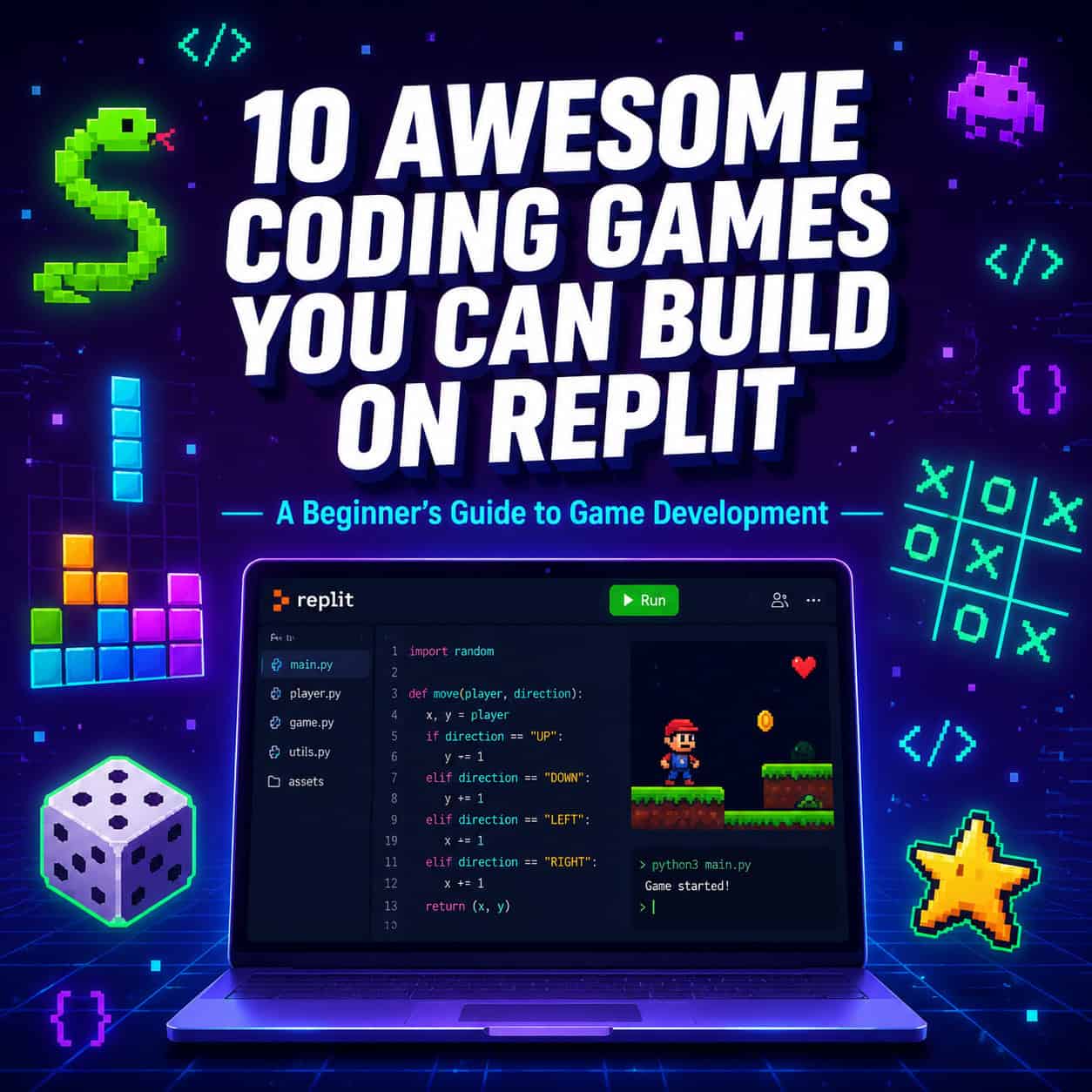
Replit is a free, browser-based coding platform where beginners can build games without installing any software. The 10 best starter games to build include number guessers, rock-paper-scissors, tic-tac-toe, hangman, quiz games, text adventures, snake, memory match, dice games, and simple Pong clones. Each project teaches core programming concepts while producing something fun and shareable.
Key Takeaways
- Replit requires zero setup—open a browser, pick a language, and start coding immediately [2]
- Python is the best starting language for game development beginners on Replit
- You can build your first playable game in under 30 minutes with basic Python knowledge
- Replit’s AI Agent can help debug your code and suggest follow-up features [10]
- Each game project builds on skills from the previous one, creating a natural learning path
- All 10 games can run in Replit’s console or with simple web output
- Replit now supports private publishing so you can share beta games with select testers [10]
- Over 35 million users across 200+ countries use Replit, with 38% being students learning to code
- Games can be published and shared via a unique URL with one click
- Real-time app monitoring lets you track whether your published games stay online [10]
Why Is Replit the Best Platform for Beginner Game Development?
Replit removes every barrier that stops beginners from coding their first game. There’s no software to download, no environment to configure, and no terminal commands to memorize. You sign up, choose Python (or JavaScript, or 50+ other languages), and write code that runs instantly in your browser [2].
Here’s what makes Replit stand out for game projects:
- Instant setup: No installing Python, no PATH variables, no IDE configuration
- Built-in multiplayer collaboration: Code with friends in real time, like Google Docs for programming [4]
- One-click publishing: Share your finished game with a URL anyone can visit
- AI assistance: Replit’s Agent (used by 500,000+ developers) can help you debug errors and suggest improvements [10]
- Free tier available: Build and run games without paying anything
For context, Replit now serves over 750,000 businesses and is approaching $1 billion in annual run-rate revenue—this isn’t a toy platform. It’s production-grade infrastructure with a beginner-friendly interface.
Choose Replit if: You want to start building games today without spending hours on setup. Choose a local IDE instead if you need offline access or are building performance-intensive 3D games.
What Are the 10 Awesome Coding Games You Can Build on Replit?
Here’s the complete list, ordered from easiest to most challenging. Each game introduces new programming concepts that build on the last.

| # | Game | Key Concepts Learned | Difficulty | Time to Build |
|---|---|---|---|---|
| 1 | Number Guessing Game | Variables, loops, conditionals | Easy | 15 min |
| 2 | Rock-Paper-Scissors | Random module, user input | Easy | 20 min |
| 3 | Dice Roller Simulator | Functions, randomization | Easy | 15 min |
| 4 | Word Scramble | String manipulation, lists | Easy | 25 min |
| 5 | Quiz Game | Data structures, scoring | Medium | 30 min |
| 6 | Hangman | String indexing, game state | Medium | 40 min |
| 7 | Tic-Tac-Toe | 2D arrays, win detection | Medium | 45 min |
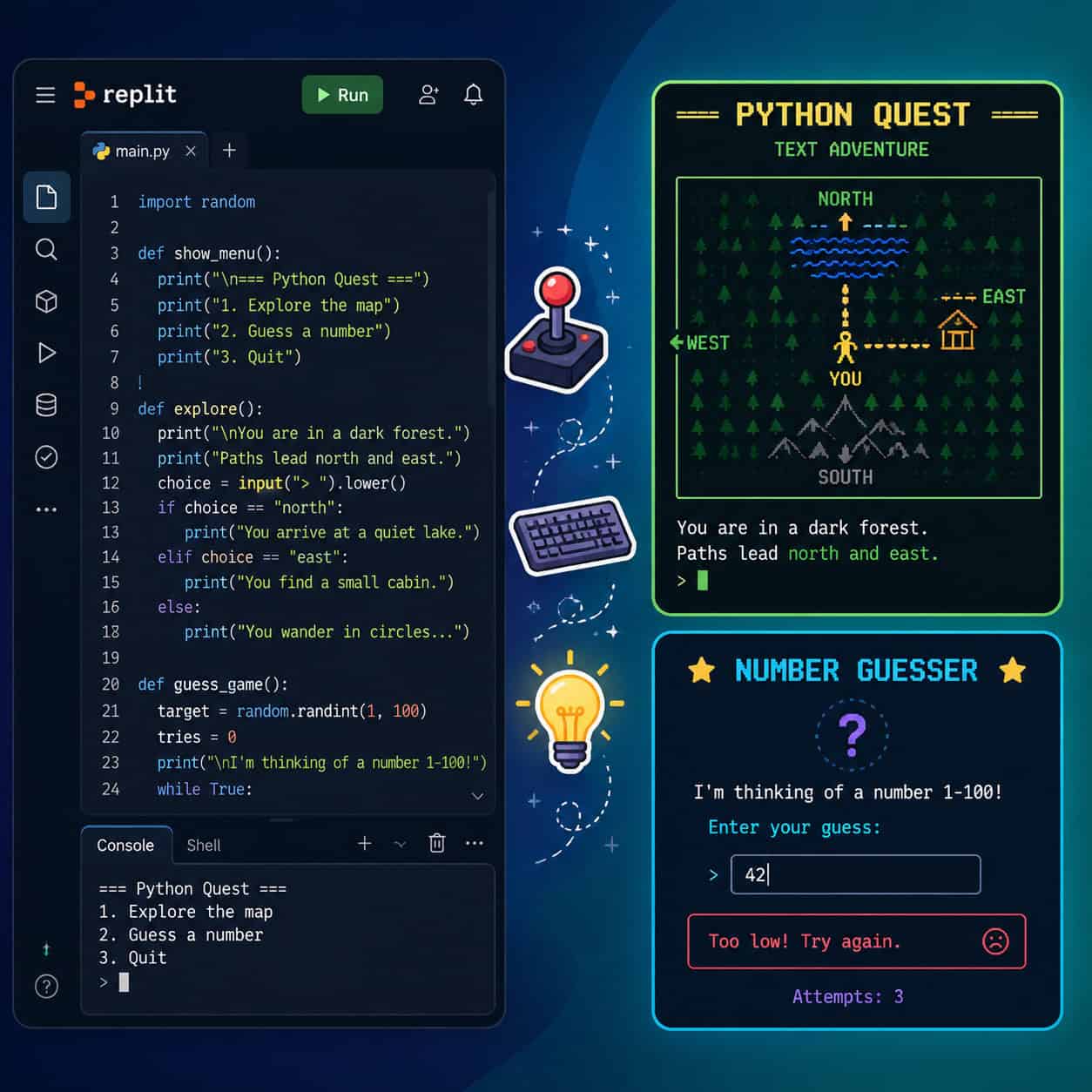
| 8 | Text Adventure | Functions, game flow, dictionaries | Medium | 60 min |
| 9 | Memory Match | Object tracking, game loops | Hard | 75 min |
| 10 | Console Snake/Pong | Real-time input, animation | Hard | 90 min |
How Do You Build Your First Game on Replit? (Step-by-Step)
Start with the Number Guessing Game. It’s the “Hello World” of game development—simple enough to finish in one sitting, but satisfying enough to make you want to build more.
Step-by-step process:
- Go to replit.com and create a free account
- Click “Create Repl” and select Python as your language
- Name your project (e.g., “number-guesser”)
- Write this starter code:
<code class="language-python">import random

secret = random.randint(1, 100)
attempts = 0

print("I'm thinking of a number between 1 and 100!")

while True:
    guess = int(input("Your guess: "))
    attempts += 1
    if guess < secret:
        print("Too low!")
    elif guess > secret:
        print("Too high!")
    else:
        print(f"You got it in {attempts} attempts!")
        break
</code>- Click the green “Run” button
- Play your game in the console panel
Common mistake: Forgetting to convert input() to int(). Python reads all input as text by default, so comparing a string to a number will crash your program.
Once this works, try adding difficulty levels (easy: 1-50, hard: 1-500) or a high-score tracker. Replit’s Agent can suggest follow-up enhancements automatically based on your project context [10].
If you’re interested in building web interfaces for your games later, our guide on AI website creators that work without code covers tools that complement Replit nicely.
Which Programming Language Should Beginners Use for Games on Replit?
Python is the clear winner for beginners building their first 5-7 games. Its syntax reads like English, error messages are relatively clear, and it has built-in modules for randomization and text processing that games need.
Language comparison for Replit game development:
| Language | Best For | Learning Curve | Game Library Support |
|---|---|---|---|
| Python | Console games, logic games | Low | Pygame, Turtle |
| JavaScript | Browser games with graphics | Medium | Canvas API, Phaser |
| C++ | Performance-heavy games | High | Limited on Replit |
Choose Python if you’re building text-based or simple graphical games and want the fastest path to a working product. Choose JavaScript if you want your games to have visual graphics in a browser window from day one.
For designers who want to prototype game UI before coding, our Figma UI/UX design guide can help you plan layouts visually first.
What Makes Each of These 10 Games a Good Learning Project?
Each game targets specific programming skills. Here’s what you’ll actually learn from each one:
Games 1-4 (Foundation skills):
- Number Guessing: While loops, comparison operators, variable tracking
- Rock-Paper-Scissors: Importing modules, conditional chains (if/elif/else)
- Dice Roller: Defining and calling functions, parameters
- Word Scramble: Working with lists, string slicing, the
random.shuffle()method
Games 5-7 (Intermediate concepts):
- Quiz Game: Dictionaries to store question/answer pairs, score tracking across rounds
- Hangman: Tracking game state (wrong guesses, revealed letters), ASCII art display
- Tic-Tac-Toe: 2D lists (the board), checking rows/columns/diagonals for wins, turn alternation
Games 8-10 (Advanced patterns):
- Text Adventure: Multi-room navigation using dictionaries, inventory systems, branching narratives
- Memory Match: Hiding/revealing elements, tracking pairs, timer implementation
- Snake/Pong: Game loops running at fixed intervals, coordinate-based movement, collision detection
“The best way to learn programming is to build things you actually want to use. Games give you immediate feedback—you see your code come alive.” — Common advice across Replit’s learning community [4]
How Can Replit’s AI Features Help You Build Games Faster?
Replit’s AI tools in 2026 are specifically designed to accelerate development. The platform now runs on Claude Opus 4.7 in Power mode, which handles complex coding tasks with high accuracy [10].
Practical AI features for game builders:
- Code completion: Start typing a function and AI suggests the rest
- Debugging assistance: Paste an error message and get a plain-English explanation
- Follow-up task suggestions: After you finish a game, Agent proposes enhancements like adding difficulty levels or a leaderboard [10]
- Security Agent: Scans your code for vulnerabilities if you’re building multiplayer games with user input [10]
Edge case to watch: AI-generated code sometimes uses deprecated methods or creates logic that works but is inefficient. Always play-test your game manually after accepting AI suggestions.
For those exploring other AI-powered creative tools, check out our roundup of AI-powered content generation tools that can help with game narratives and descriptions.

How Do You Share and Publish Your Finished Games?
Once your game works, Replit makes publishing straightforward. As of May 2026, even free-tier users can publish apps, and private/password-protected publishing is now available on all paid plans [10].
Publishing steps:
- Click “Deploy” or “Publish” in your Repl’s top menu
- Choose visibility: public (anyone with the link) or private (password-protected) [10]
- Replit generates a shareable URL
- Enable App Monitoring to get email alerts if your game goes down [10]
Pro tip: Use Replit’s real-time uptime tracking to monitor whether your published games stay accessible. The colored uptime bars show you at a glance if there have been any outages [10].
If you’re building a portfolio site to showcase your games, our no-code website builder comparison can help you pick the right platform. You might also find our drag-and-drop website builder reviews useful for creating a game showcase page.
What Are Common Mistakes Beginners Make When Building Games on Replit?
Knowing these pitfalls saves hours of frustration:
- Starting too complex: Don’t attempt a multiplayer RPG as your first project. Start with the number guesser.
- Ignoring input validation: Players will type “abc” when you expect a number. Always wrap
input()in try/except blocks. - Infinite loops without exit conditions: Every
while Trueloop needs abreakstatement or the game hangs. - Not saving progress: Replit auto-saves, but version history helps you revert mistakes. Use it.
- Skipping comments: Future-you won’t remember why you wrote that nested loop. Comment your code.
Decision rule: If you’ve been stuck on a bug for more than 15 minutes, use Replit’s AI chat to explain the error. Don’t spend hours guessing—that kills motivation.
Conclusion
Building games on Replit is one of the fastest ways to go from “I want to learn coding” to “I built something real.” The 10 games in this guide form a structured learning path: start with the number guesser today, and within a few weeks you’ll have the skills to build Snake or a text adventure.
Your next steps:
- Create a free Replit account right now
- Build the Number Guessing Game (15 minutes)
- Move to Rock-Paper-Scissors once you’re comfortable with loops
- Challenge yourself with Tic-Tac-Toe once you understand lists
- Publish your first game and share the link with someone
The platform’s AI features, zero-setup environment, and instant publishing make it the most accessible entry point for game development in 2026. You don’t need a computer science degree. You need curiosity and 15 minutes.
For expanding your skills into web design and development after mastering game logic, explore our guide to graphic design for social media to learn how to create promotional materials for your games.
FAQ
Do I need to pay for Replit to build games? No. Replit’s free tier supports all 10 games in this guide. Paid plans add more compute power, private publishing, and always-on hosting [2].
What’s the easiest game to build first? The Number Guessing Game. It requires only 15 lines of Python and teaches variables, loops, and conditionals in one project.
Can I build graphical games on Replit, not just text-based ones? Yes. Use Python’s Pygame library or JavaScript with HTML5 Canvas for visual games. Replit supports both approaches [4].
How long does it take to build all 10 games? A complete beginner can finish all 10 in roughly 2-3 weeks spending 30-60 minutes per day. Experienced programmers might finish in a weekend.
Can I collaborate with friends on a game project? Yes. Replit supports real-time multiplayer editing. Invite collaborators by username and code together simultaneously [2].
Will my published games stay online permanently? Games on free accounts may spin down after inactivity. Paid plans offer always-on deployments. App Monitoring alerts you to any downtime [10].
Is Python or JavaScript better for Replit games? Python for learning fundamentals and text-based games. JavaScript for browser-based games with graphics and animations.
Can Replit’s AI write an entire game for me? It can generate working game code, but you’ll learn more by writing code yourself and using AI for debugging and suggestions rather than full generation [10].
How do I add sound effects to my Replit games? Use JavaScript with the Web Audio API for browser games. Python console games don’t support audio natively on Replit.
What should I build after completing all 10 games? Move to web-based games with frameworks like Phaser.js, or try building a multiplayer game using Replit’s database and web hosting features.
Replit and coding resources: Replit Docs and MDN Game Development.
References
[2] What Is Replit The Complete Beginners Guide To Online Coding – https://www.wearefounders.uk/what-is-replit-the-complete-beginners-guide-to-online-coding/ [4] learn.replit – https://learn.replit.com [10] Replit – https://releasebot.io/updates/replit