Last updated: May 13, 2026
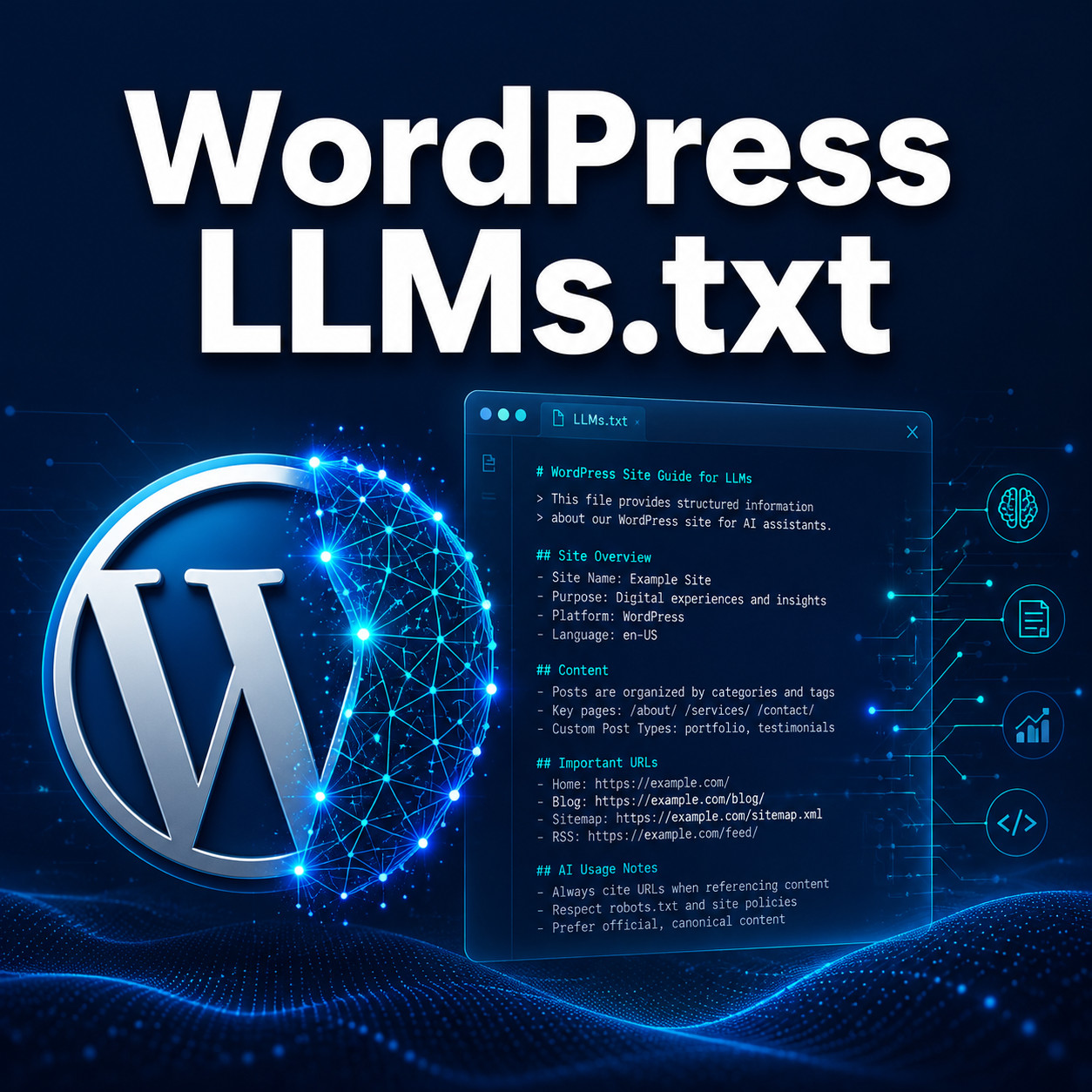
Quick Answer: WordPress llms.txt is a markdown file placed at your site’s root (e.g., yoursite.com/llms.txt) that tells large language models what your site is about and which pages matter most. Think of it as a robots.txt equivalent built specifically for AI systems like ChatGPT, Claude, and Gemini. Several WordPress plugins now generate and manage this file automatically, though no major AI company has officially committed to following the standard yet.
Key Takeaways
- LLMs.txt is a proposed standard, not an official requirement. It acts as a structured guide for AI models to understand your site’s content [1].
- It does not affect Google rankings. Google’s John Mueller has stated that no AI system currently uses llms.txt for crawling or ranking purposes.
- Major WordPress SEO plugins support it. Yoast SEO [8], SEOPress [7], Rank Math, and AIOSEO all offer llms.txt features in 2026.
- Dedicated plugins exist like Website LLMs.txt [4] and LLMs.txt Generator [6] for sites not using those SEO suites.
- Security matters. A reflected cross-site scripting vulnerability (CVE-2026-6711) was found in the Website LLMs.txt plugin in April 2026, so keeping plugins updated is critical.
- robots.txt remains the primary control for managing crawler access. LLMs.txt is supplementary [1].
- Schema markup is a more reliable method for helping AI systems interpret your content accurately right now.
- Setting it up takes under 10 minutes with any of the available plugins.
What Is WordPress LLMs.txt and Why Does It Exist?
WordPress llms.txt is a plain markdown file that sits at your website’s root directory and provides AI language models with a structured summary of your site. Yoast describes it as “a new, LLM-friendly markdown file that helps AI tools like ChatGPT, Claude, and Gemini understand your site better” [8].
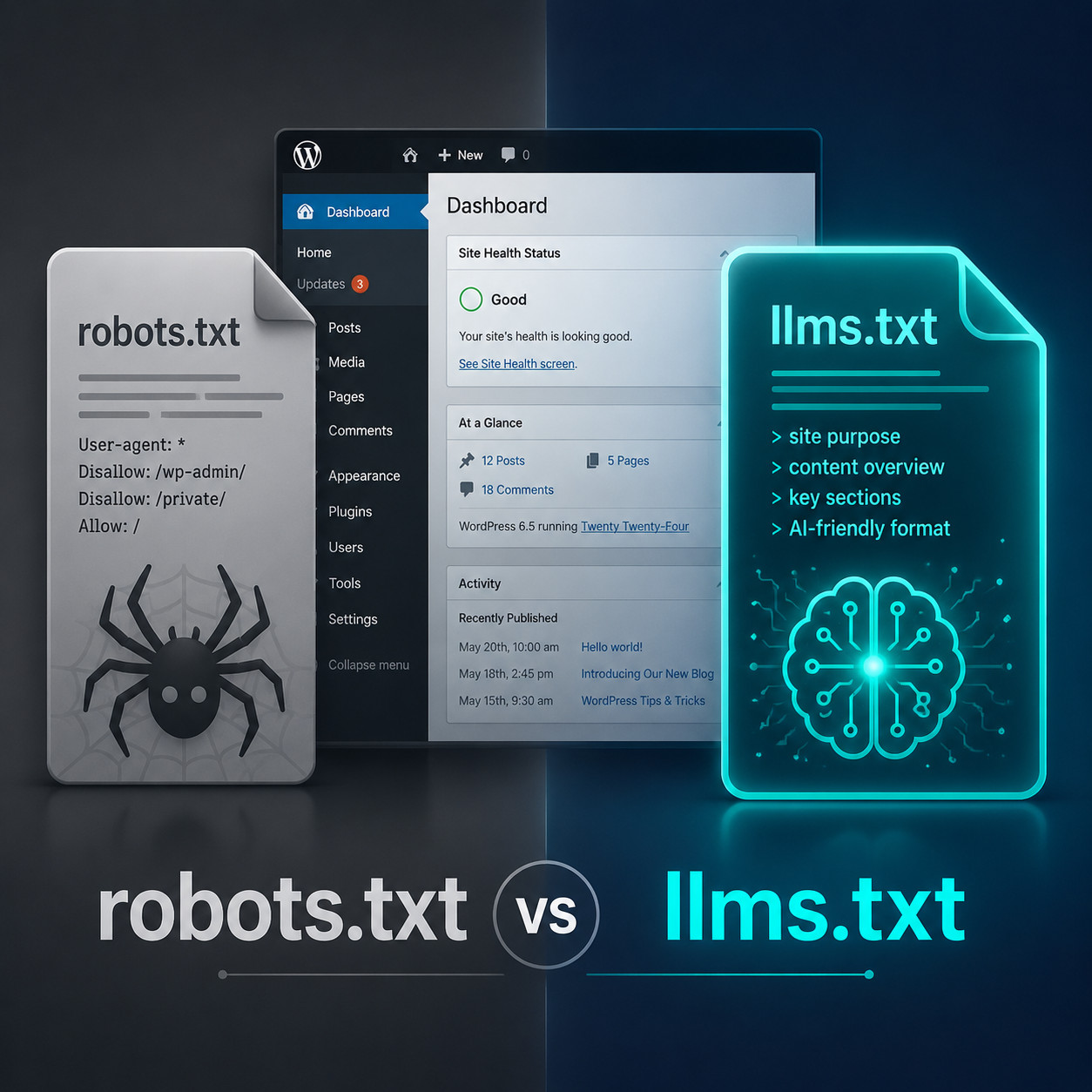
The concept borrows from the familiar robots.txt convention. Where robots.txt tells search engine crawlers which pages to access or avoid, llms.txt tells AI models:
- What your site is about (a brief description)
- Which pages contain your most valuable content
- How your content is organized
- What topics you cover authoritatively
The file uses simple markdown formatting, making it easy for both humans and machines to read. A typical llms.txt file includes your site title, a short description, and a categorized list of important URLs with brief annotations.
Why it was created: As AI-powered search and chatbots grow, site owners want a way to influence how their content appears in AI-generated answers. Traditional SEO signals don’t directly translate to AI citation behavior, so llms.txt aims to fill that gap.
Does WordPress LLMs.txt Actually Help With SEO or AI Visibility?
No, llms.txt does not help your website rank higher on Google. According to Digital4Design, it is “not an SEO tool” but rather “a way to manage how AI systems use your content [1]. This distinction matters because many site owners conflate the two.
Here’s the honest reality in 2026:
- Google doesn’t use it. John Mueller from Google has said directly that no AI system currently relies on llms.txt.
- No major AI company has committed. Reddit community members report that “none of the prominent LLM companies, including OpenAI, Google, or Anthropic, have officially stated that they adhere to these files while crawling.
- Testing shows minimal impact. Some users tracked zero visits from AI crawlers (GPTBot, ClaudeBot, Perplexity Bot) to their llms.txt files over several months.
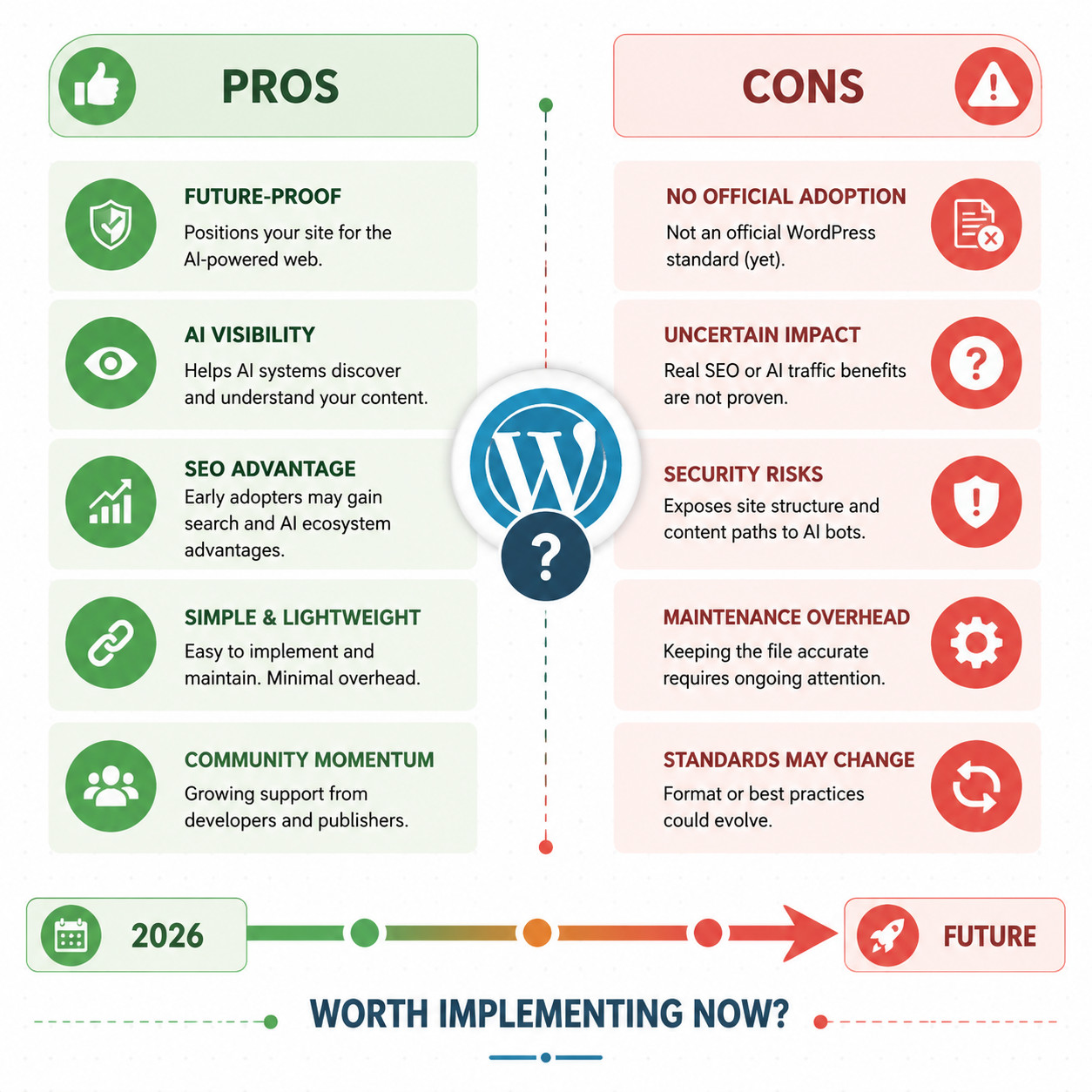
So why bother? SEOPress frames it as a “forward-looking feature to prepare sites ahead of the curve” as AI crawling and content attribution continue to evolve [7]. If AI companies do adopt the standard later, early adopters will already be set up.
Choose llms.txt if: You want to be proactive about AI visibility and the setup cost is minimal (it is). Skip it for now if: You’re expecting immediate SEO benefits or traffic increases.
For strategies that deliver measurable results today, our guide on how to use AI SEO tools for WordPress covers proven approaches.
Which WordPress Plugins Support LLMs.txt?
Several plugins now handle llms.txt generation for WordPress sites. Here’s how they compare:
| Plugin | Type | SEO Plugin Integration | Auto-Generation | Free Version | Notable Feature |
|---|---|---|---|---|---|
| Website LLMs.txt [4] | Dedicated | Yoast, Rank Math, SEOPress, AIOSEO | Yes | Yes | Full multi-plugin integration |
| LLMs.txt Generator [6] | Dedicated | Limited | Yes | Yes | Crawler and API functionality |
| Yoast SEO [8] | SEO Suite | Native | Yes | Premium | Built into existing SEO workflow |
| SEOPress 9.5+ [7] | SEO Suite | Native | Yes | Premium | Launched January 2026 |
| AIOSEO | SEO Suite | Native | Yes | Premium | Step-by-step setup via settings [5] |
Common mistake: Installing multiple llms.txt plugins at once. This can create conflicting files or duplicate entries. Pick one approach and stick with it.
If you’re already running Yoast or Rank Math, the dedicated Website LLMs.txt plugin [4] integrates with your existing setup and pulls metadata from your SEO plugin automatically. If you’re exploring broader WordPress automation, check out our roundup of the best AI plugins for WordPress.
How to Set Up WordPress LLMs.txt Step by Step
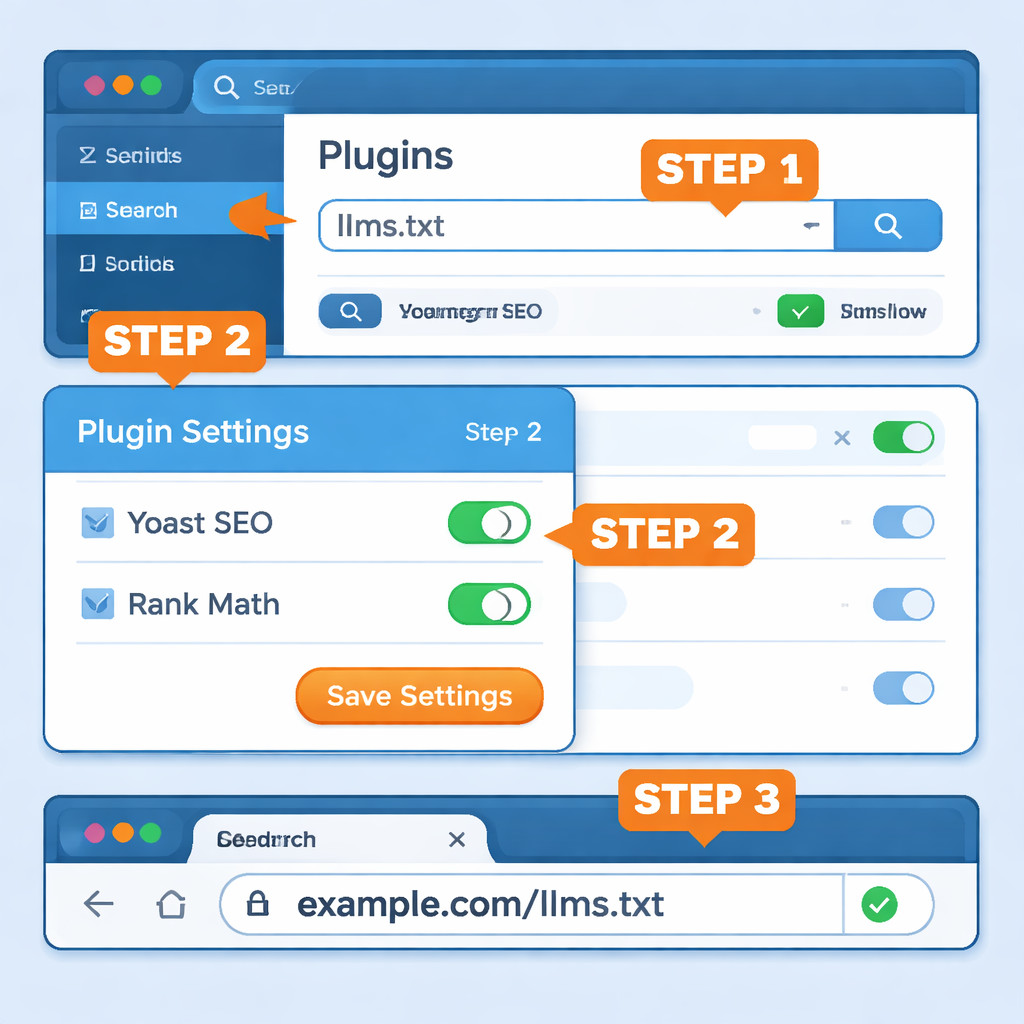
Setting up llms.txt on a WordPress site takes about 5-10 minutes with a plugin. Here’s the process using the Website LLMs.txt plugin [4], which is the most widely integrated option:
Step 1: Install the Plugin
- Go to Plugins > Add New in your WordPress dashboard
- Search for “Website LLMs.txt”
- Click Install Now, then Activate
Step 2: Configure Basic Settings
- Navigate to the plugin’s settings page (usually under Settings > LLMs.txt)
- Enter your site description (keep it under 200 words, focused on what your site covers)
- Select which post types to include (posts, pages, custom post types)
Step 3: Connect Your SEO Plugin
If you use Yoast, Rank Math, SEOPress, or AIOSEO, enable the integration toggle. The plugin will pull your existing meta descriptions and focus keywords to enrich the llms.txt output [4].
Step 4: Choose Priority Content
Select your most authoritative pages and posts. Focus on:
- Cornerstone content
- Product or service pages
- Comprehensive guides
- About and contact pages
Step 5: Generate and Verify
- Click Generate to create the file
- Visit
yoursite.com/llms.txtin your browser to confirm it’s live - Check that the markdown renders correctly and all URLs are valid
Edge case: If your site uses a caching plugin (WP Super Cache, W3 Total Cache, etc.), you may need to flush your cache before the llms.txt file appears at the correct URL.
For sites with custom themes, make sure your theme doesn’t interfere with root-level file serving. Our guide to custom WordPress theme development covers how theme configurations can affect file routing.
What Should You Include in Your LLMs.txt File?
A well-structured llms.txt file contains specific sections that help AI models parse your content quickly [3]. Here’s what to include:
Required elements:
- Site name and URL at the top
- Brief site description (1-3 sentences explaining your site’s purpose and expertise)
- Primary content URLs with short descriptions
Recommended additions:
- Content categorized by topic or section
- Links to your most comprehensive, authoritative pages
- Contact or about page references
- Any content licensing or attribution preferences
What to leave out:
- Thin content pages or tag archives
- Duplicate content or paginated URLs
- Private or gated content
- Pages you don’t want AI systems referencing
Here’s a simplified example structure:
<code class="language-markdown"># Example Site Name
> A WordPress resource covering theme development, plugin guides, and site optimization.

## Main Content
- [Complete Theme Guide](https://example.com/theme-guide): Comprehensive guide to WordPress theme customization
- [Plugin Best Practices](https://example.com/plugin-guide): How to develop and maintain WordPress plugins

## About
- [About Us](https://example.com/about): Our team and mission
</code>
Some sites also create an llms-full.txt file that includes the actual content of key pages in markdown format, giving AI models direct access to your text without needing to crawl and parse HTML [1].
WordPress LLMs.txt Security Concerns You Should Know
In April 2026, a reflected cross-site scripting vulnerability (CVE-2026-6711) was discovered in the Website LLMs.txt plugin, affecting all versions up to 8.2.6. The vulnerability had a CVSS severity score of 6 (medium) and exploited improper input handling via the ‘tab’ parameter.
What this means for you:
- Always update llms.txt plugins immediately when new versions release
- Monitor the WordPress plugin repository for security advisories
- Use a WordPress security plugin alongside any llms.txt solution
- Review plugin permissions and limit admin access
This vulnerability is a good reminder that any plugin, no matter how simple, can introduce security risks. Following WordPress plugin development best practices helps if you’re building custom solutions.
LLMs.txt vs. Robots.txt vs. Schema Markup: Which Do You Need?
You likely need all three, but they serve different purposes and have different levels of real-world impact.
| Feature | robots.txt | llms.txt | Schema Markup |
|---|---|---|---|
| Purpose | Control crawler access | Guide AI understanding | Structure data for machines |
| Adopted by major platforms | Yes (all search engines) | No (not yet) | Yes (Google, Bing, AI systems) |
| Affects SEO rankings | Indirectly (crawl control) | No [1] | Yes (rich results) |
| File format | Plain text | Markdown | JSON-LD / Microdata |
| Enforcement | Widely respected | Voluntary | Parsed automatically |
| Setup difficulty | Easy | Easy | Moderate |
The practical recommendation: Keep robots.txt as your primary crawler control. Add schema markup for structured data, which AI systems already use reliably. Layer llms.txt on top as a low-effort, forward-looking addition [1].
For a broader view of how AI tools integrate with WordPress workflows, see our advanced WordPress strategies for power users.
Should You Add LLMs.txt to Your WordPress Site in 2026?
The honest answer: it depends on your risk tolerance for spending time on unproven standards. The setup cost is genuinely low (under 10 minutes), so the downside is minimal. But don’t expect measurable results yet.
Add it now if:
- You publish authoritative, original content you want AI systems to reference
- You already use a supported SEO plugin (Yoast, Rank Math, SEOPress, AIOSEO)
- You want to be positioned early if the standard gains adoption
- Your site serves as a knowledge resource in your niche
Wait if:
- You’re overwhelmed with higher-priority WordPress tasks
- Your site has minimal original content
- You’re concerned about security overhead from additional plugins
If you’re also exploring how AI chatbots can enhance your WordPress site’s user experience, our guide on integrating AI-powered chatbots into WordPress is worth reading alongside this.
Conclusion
WordPress llms.txt is a simple, low-risk addition to your site that prepares you for a future where AI models may actively use structured guidance files to understand web content. In 2026, no major AI company officially follows the standard, and it won’t boost your Google rankings. But the setup takes minutes, the plugins are free, and the potential upside grows as AI-driven search matures.
Your next steps:
- Pick a plugin: Website LLMs.txt [4] for standalone use, or enable the feature in your existing SEO plugin (Yoast [8], SEOPress [7], etc.)
- Write a clear, concise site description
- Select your 10-20 most authoritative pages to include
- Generate the file and verify it at
yoursite.com/llms.txt - Keep the plugin updated to avoid security issues
- Continue investing in schema markup and traditional SEO, which deliver proven results today
The sites that will benefit most from llms.txt are those already producing high-quality, well-structured content. Focus on that foundation first, and treat llms.txt as a smart, low-effort bet on the future.
FAQ
What is llms.txt in WordPress? It’s a markdown file at your site’s root directory that provides AI language models with a structured summary of your site’s content, similar to how robots.txt guides search engine crawlers [8].
Does llms.txt improve Google rankings? No. It does not affect Google search rankings. It’s designed for AI language models, not traditional search engines [1].
Is llms.txt the same as robots.txt? No. robots.txt controls crawler access permissions. llms.txt provides content descriptions and structure specifically for AI models. They serve complementary but different purposes [1].
Which WordPress plugins generate llms.txt? Website LLMs.txt [4], LLMs.txt Generator [6], Yoast SEO [8], SEOPress 9.5+ [7], Rank Math, and AIOSEO all support llms.txt generation.
Do ChatGPT, Claude, or Gemini actually read llms.txt files? As of May 2026, no major AI company has officially confirmed they follow llms.txt during crawling. Community testing shows minimal to zero AI crawler visits to these files.
Is llms.txt free to set up on WordPress? Yes. Several free plugins handle it, including Website LLMs.txt [4] and LLMs.txt Generator [6]. Some SEO suites include it in their premium tiers.
What’s the difference between llms.txt and llms-full.txt? llms.txt contains URLs and brief descriptions. llms-full.txt includes the actual page content in markdown format, giving AI models direct access to your text [1].
Are there security risks with llms.txt plugins? Yes. In April 2026, a cross-site scripting vulnerability (CVE-2026-6711) was found in the Website LLMs.txt plugin. Always keep plugins updated.
Can I create llms.txt manually without a plugin?
Yes. Create a markdown file named llms.txt and upload it to your WordPress root directory via FTP or your hosting file manager. However, plugins automate updates when you publish new content.
Should I use llms.txt alongside schema markup? Yes. Schema markup is currently more widely supported by AI systems and search engines. Use both for the broadest coverage [1].
References
[1] Llms Txt WordPress Guide – https://www.digital4design.com/blog/llms-txt-wordpress-guide/ [3] Llmtxt 5 WordPress Tips Actually Work – https://www.lovedby.ai/blog/llmtxt-5-wordpress-tips-actually-work [4] Website Llms Txt – https://wordpress.org/plugins/website-llms-txt/ [5] YouTube Tutorial: Generate llms.txt in WordPress – https://www.youtube.com/watch?v=40gqO88WekA [6] Llms Txt Generator – https://wordpress.org/plugins/llms-txt-generator/ [7] Seopress 9.5 – https://www.seopress.org/newsroom/product-news/seopress-9-5/ [8] Yoast SEO LLMs.txt – https://yoast.com/features/llms-txt/