Last updated: May 9, 2026
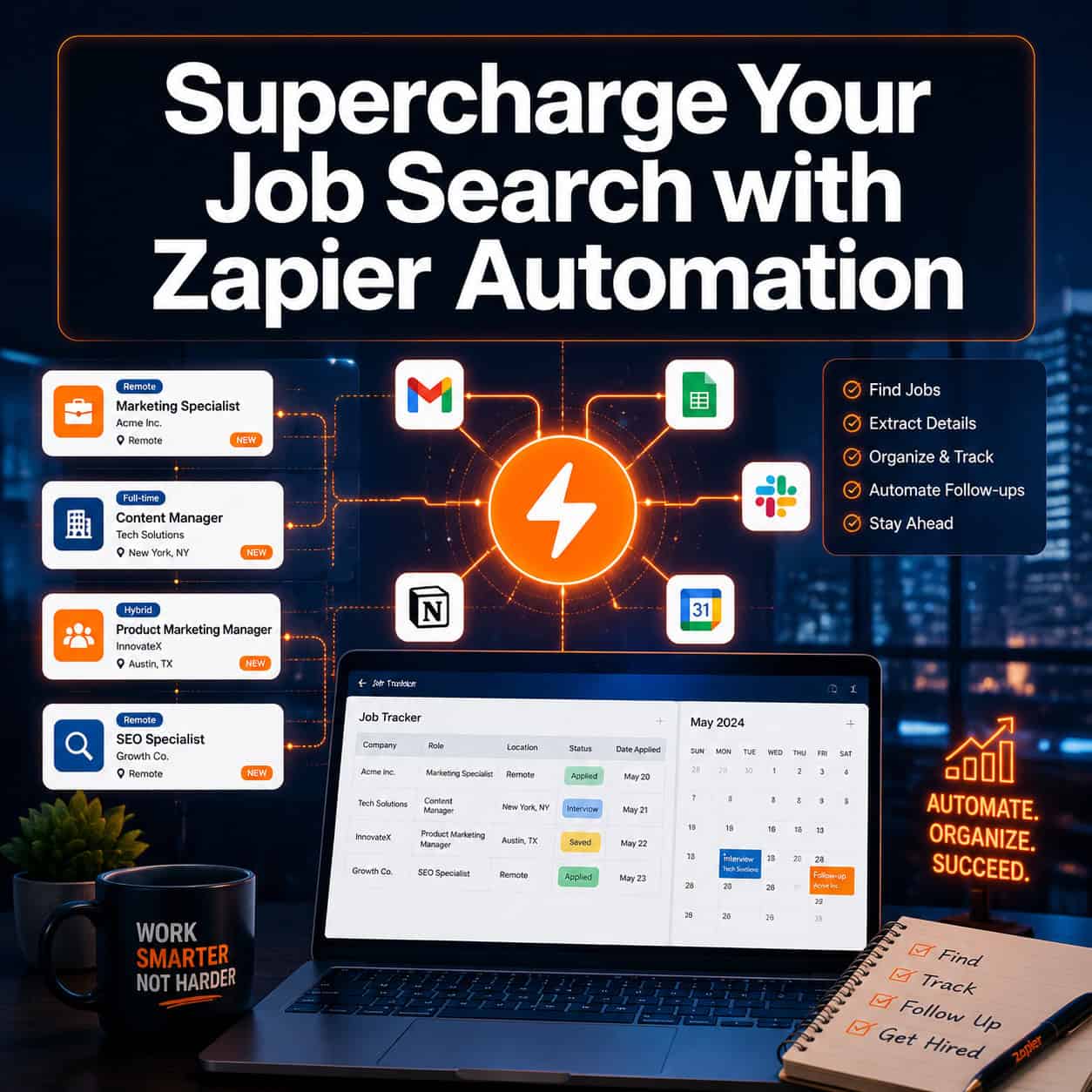
Quick Answer: Zapier connects job boards, email, spreadsheets, and calendars so your job search runs on autopilot. By building simple automated workflows (called “Zaps”), you can track applications, get instant job alerts, and follow up consistently — without spending hours on manual admin work. The 10 game-changing ways Zapier automation can supercharge your job search cover everything from auto-logging applications to scheduling interview prep reminders.
Key Takeaways
- Zapier connects 7,000+ apps, so you can automate nearly every part of a job search without writing code.
- Automated application tracking pulls listings from multiple job boards into one central spreadsheet automatically [1].
- Real-time job alerts mean you apply faster than most candidates — speed matters on competitive postings.
- Zapier’s AI features let you build personalized job search assistants that match listings to your criteria [2].
- Follow-up emails, thank-you notes, and status checks can all be triggered automatically based on dates or actions.
- Consistent, organized tracking reduces the mental load of managing dozens of active applications.
- Zapier automation skills are in demand — over 1,500 freelance Zapier jobs are listed on Upwork alone [7].
- Most job search automations run on Zapier’s free plan or low-cost starter tier.
What Is Zapier and Why Does It Matter for Job Seekers?
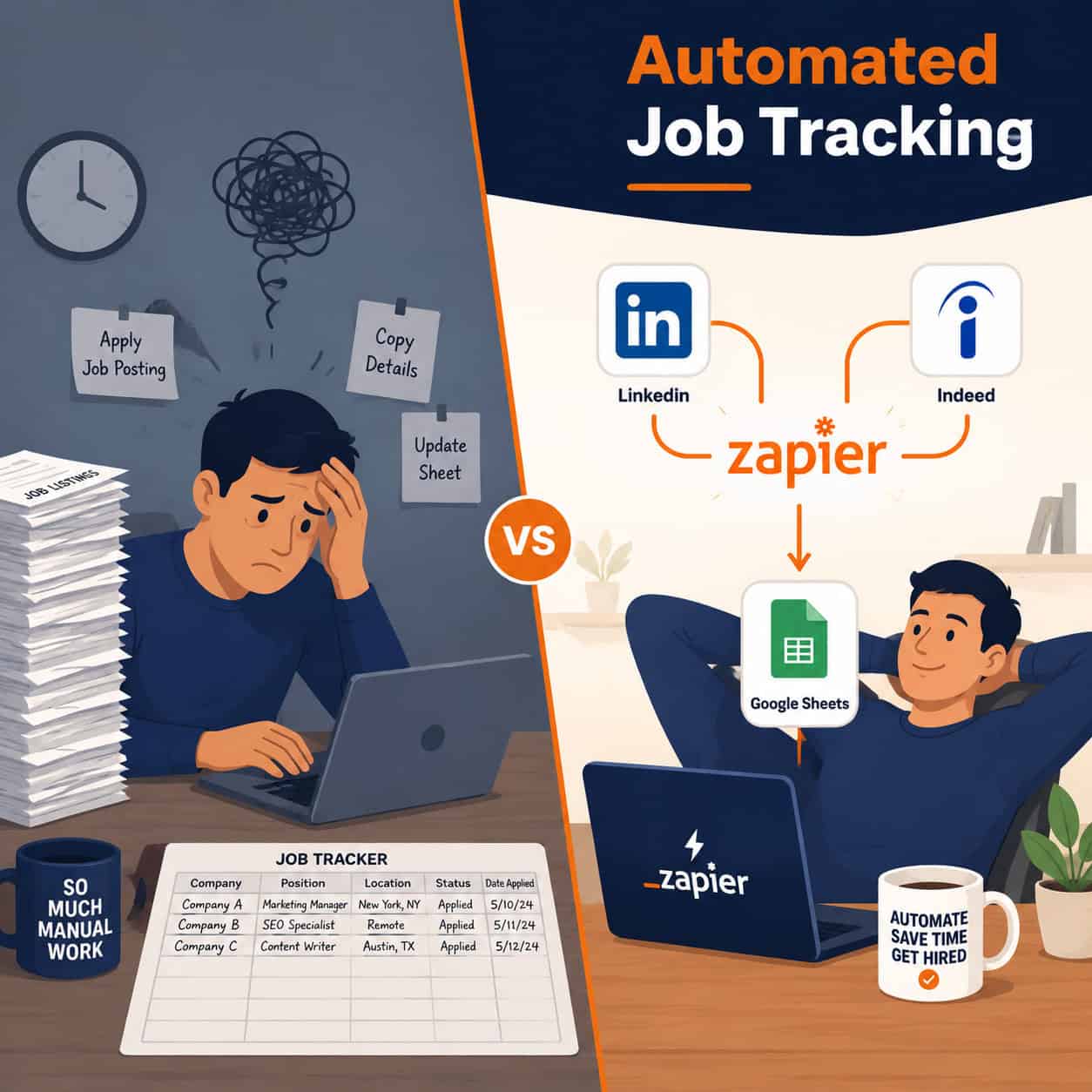
Zapier is a no-code automation platform that connects apps and triggers actions between them. For job seekers, it eliminates repetitive manual tasks — copying job listings, updating spreadsheets, sending follow-up emails — so you can focus on what actually gets you hired: preparing for interviews and building relationships.
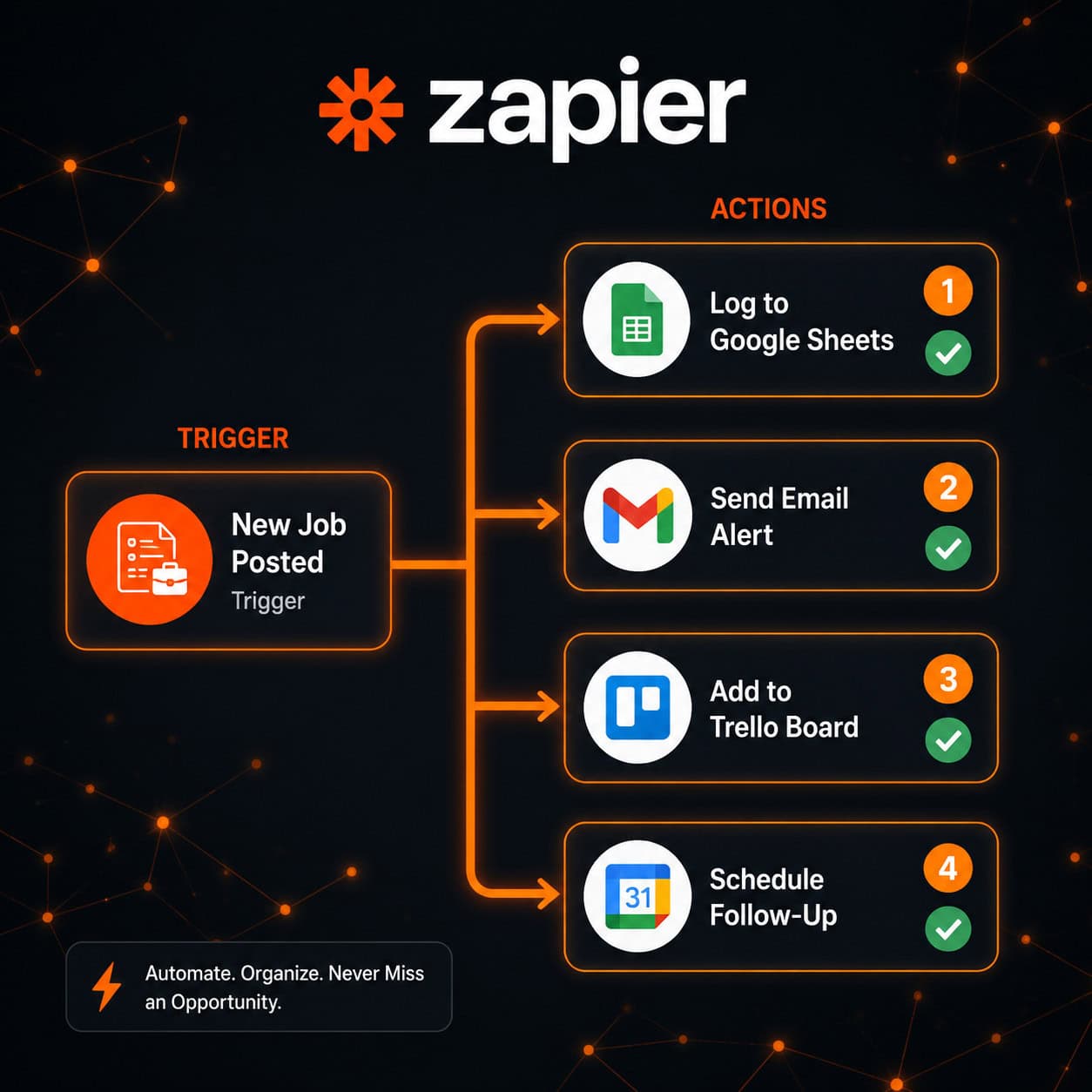
A “Zap” is a simple rule: when X happens, do Y. For example: When a new job is posted on LinkedIn matching “UX Designer,” add it to my Google Sheet and send me a Slack message. No coding required.
Who benefits most: Active job seekers managing 10+ applications at once, career changers monitoring multiple industries, and freelancers tracking client opportunities.
Who may not need it: Someone applying to just one or two roles — the setup time outweighs the benefit at that scale.
How Do the 10 Game-Changing Ways Zapier Automation Can Supercharge Your Job Search Actually Work?
Each of the 10 methods below is a specific Zap or workflow you can build in under 30 minutes. Here’s the full breakdown:
1. 🗂️ Auto-Log Every Application to a Central Tracker
The problem: Most job seekers lose track of where they’ve applied. Zapier fixes this by automatically logging each application to Google Sheets or Airtable the moment you submit it [1].
How to set it up:
- Use a Gmail label like “Jobs Applied” for every application confirmation email.
- Create a Zap: New labeled email in Gmail → Add row to Google Sheets.
- Columns auto-fill: company name, role, date, application link.
“Automated application tracking consolidates multiple job boards and logs every submission automatically into a single database.” [1]
2. ⚡ Get Instant Job Alerts Before Other Candidates See Them
Set up Zaps that monitor RSS feeds from job boards (Indeed, LinkedIn, Glassdoor) and send you a Slack or email alert the second a matching role is posted. Applying within the first few hours of a posting significantly improves your chances on many platforms.
Trigger options: RSS feed from job board search results, Google Alerts for company names, or LinkedIn job search RSS.
3. 🤖 Build a Personalized AI Job Search Assistant
Zapier’s AI features let you create a custom assistant that filters job listings against your criteria — salary range, location, required skills — and only surfaces the ones worth your time [2].
Example Zap: New job listing detected → AI step checks listing against your criteria → If match score is high, add to shortlist and notify you.
This pairs well with tools like AI-powered content generation tools if you also want to auto-draft tailored cover letter templates.
4. 📅 Auto-Schedule Interview Prep Reminders
When you book an interview via Calendly or Google Calendar, trigger a Zap that:
- Adds company research tasks to Todoist or Notion 48 hours before.
- Sends you a prep checklist the morning of the interview.
- Logs the interview date back to your application tracker.
5. 📧 Automate Thank-You Email Drafts After Interviews
Within an hour of an interview ending (based on calendar event end time), Zapier can create a draft thank-you email in Gmail. You review and send — but the heavy lifting is done.
Common mistake: Setting the Zap to send automatically without review. Always draft first; personalization still matters.
6. 🔄 Sync Application Status Updates Automatically
As you move applications through stages (Applied → Phone Screen → Final Round), Zapier can update your tracker, notify a mentor or accountability partner via email, and log the date of each status change [1].
Zapier’s AI detects status changes in emails and syncs details into your central database without manual data entry [1].
7. 📊 Track Networking Contacts in a CRM
Every time you connect with someone on LinkedIn or exchange emails with a recruiter, log them to a simple CRM (HubSpot free tier, Airtable, or Google Sheets). Zapier handles the data entry.
Zap example: New LinkedIn connection email received → Add contact to Airtable CRM with name, company, and date.
For those building a personal brand alongside their search, check out how to auto-share content to social media to keep your professional presence active without extra effort.
8. 🏢 Monitor Target Companies for News and Job Openings
Set up Google Alerts for your target companies, then pipe those alerts into a Slack channel or Notion database via Zapier. You’ll know about layoffs, expansions, or new roles before most candidates.
9. 📬 Automate Follow-Up Reminders for Pending Applications
If you haven’t heard back within 7–10 days, Zapier can trigger a reminder task in your to-do app. Set it based on the date you logged the application in your tracker.
Edge case: If a company explicitly says “no follow-up,” tag that row in your sheet so the Zap skips it.
10. 📈 Build a Weekly Job Search Dashboard
Pull data from your application tracker into a simple Google Data Studio or Notion dashboard. Zapier updates it automatically each week, showing applications sent, response rates, and interviews booked.
This gives you a clear picture of what’s working — and what isn’t.
What Does a Basic Job Search Automation Setup Look Like?
Here’s a simple starter stack that covers the most impactful automations:
| Tool | Role in Your Job Search | Zapier Connection |
|---|---|---|
| Google Sheets | Central application tracker | Logs new applications automatically |
| Gmail | Application confirmations, recruiter emails | Triggers based on labels or keywords |
| Google Calendar | Interview scheduling | Triggers prep reminders and thank-you drafts |
| Slack or Telegram | Real-time job alerts | Receives instant notifications from job boards |
| Todoist or Notion | Task and research management | Receives auto-created prep tasks |
Setup time estimate: 2–4 hours to build all five Zaps. Ongoing maintenance: under 15 minutes per week.
Are There Real Job Opportunities for People Who Know Zapier Automation?
Yes — and it’s worth knowing this as a job seeker. As of early 2026, Glassdoor listed over 138 remote Zapier automation roles [6], and Upwork showed more than 1,500 freelance Zapier jobs [7]. If you build these automations for your own job search, you’re also building a marketable skill.
For anyone interested in expanding their automation skills beyond job searching, the Automation Archives at WebAiStack cover a wide range of practical workflow tools. You might also find value in exploring 12 best AI plugins for WordPress if you’re building a portfolio site alongside your search.
What Are the Most Common Mistakes When Using Zapier for Job Searching?
Mistake 1: Over-automating before testing. Build one Zap, run it for a week, then add more. Broken Zaps that silently fail are worse than no automation.
Mistake 2: Automating the wrong things. Personalized cover letters and interview prep cannot be fully automated. Use Zapier for data entry and reminders — not for the parts that require genuine human thought.
Mistake 3: Ignoring Zap error logs. Check your Zapier dashboard weekly. Failed Zaps don’t always notify you by default.
Mistake 4: Using too many apps. Keep your stack simple. Three to five connected tools work better than ten loosely connected ones.
FAQ: Zapier Automation for Job Searching
Q: Is Zapier free to use for job search automation?
A: Zapier’s free plan allows up to 5 Zaps and 100 tasks per month — enough to cover the core job search automations. Most job seekers won’t need a paid plan unless they’re running high-volume searches.
Q: Do I need coding skills to use Zapier?
A: No. Zapier is entirely no-code. If you can use a spreadsheet and follow step-by-step instructions, you can build these Zaps.
Q: Can Zapier pull job listings directly from LinkedIn?
A: LinkedIn doesn’t offer a direct Zapier integration for job listings, but you can use LinkedIn’s job search RSS feed or email alerts as a trigger. Indeed and other boards have RSS feeds that work well.
Q: How long does it take to set up a full job search automation system?
A: Plan for 2–4 hours to build and test your initial Zaps. After that, the system largely runs itself with minimal weekly maintenance.
Q: Will automated follow-up emails hurt my chances with employers?
A: Only if you send them without personalizing. Use Zapier to draft follow-ups, not to send them automatically. Review every message before it goes out.
Q: Can Zapier help if I’m job searching in multiple industries?
A: Yes. You can create separate Zaps for each industry or role type, each feeding into different tabs in your tracker or different Slack channels.
Q: What’s the best Zapier alternative for job search automation?
A: Make (formerly Integromat) is the closest alternative with more advanced logic. For simpler needs, IFTTT works for basic alerts. Zapier remains the most widely supported for job board integrations.
Q: Can I use Zapier to automate my LinkedIn outreach?
A: Zapier can log and remind you to follow up with contacts, but direct LinkedIn messaging automation violates LinkedIn’s terms of service. Use Zapier for tracking, not for sending messages on your behalf.
Conclusion: Your Next Steps
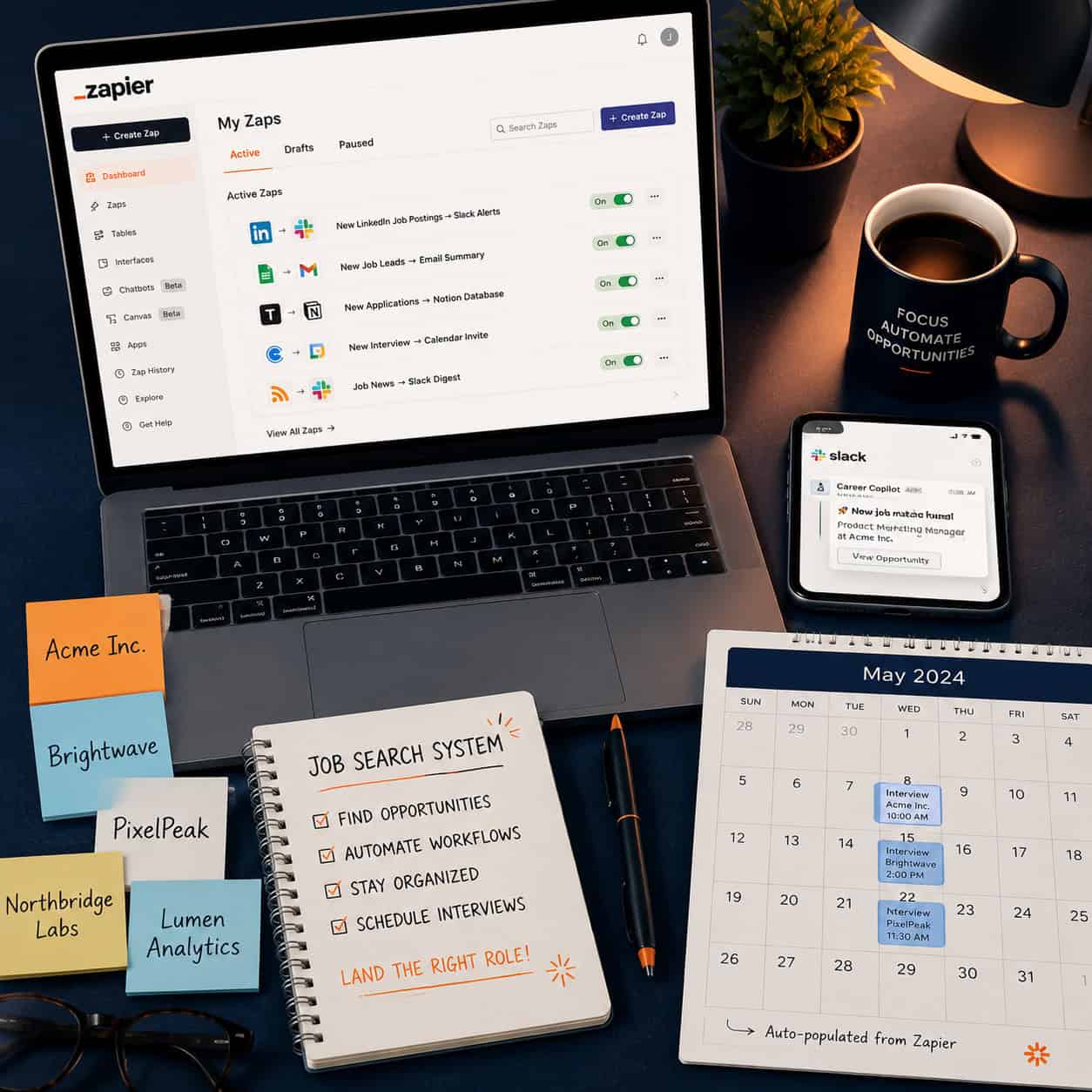
The 10 game-changing ways Zapier automation can supercharge your job search aren’t theoretical — they’re practical workflows you can build this week. Start with the two highest-impact Zaps: the application tracker (Way 1) and the job alert system (Way 2). Get those running, then add the interview prep reminders and follow-up drafts.
Your action plan:
- Create a free Zapier account at zapier.com.
- Set up a Google Sheet with columns: Company, Role, Date Applied, Status, Notes.
- Build your first Zap: Gmail label → new row in Google Sheet.
- Add an RSS-based job alert Zap for your top two target job boards.
- Review your Zap dashboard every Friday and refine from there.
Job searching is already hard. Letting automation handle the admin work means more energy for the parts that actually matter — the conversations, the preparation, and the decisions.
References
[1] Job Automation – https://zapier.com/automation/job-automation
[2] Automate Job Search – https://zapier.com/blog/automate-job-search/
[6] Remote Zapier Automation Jobs – https://www.glassdoor.com/Job/remote-zapier-automation-jobs-SRCH_IL.0,6_IS11047_KO7,24.htm
[7] Zapier Freelance Jobs – https://www.upwork.com/freelance-jobs/zapier/