Last updated: May 11, 2026
Quick Answer
Cursor AI is a VS Code-based code editor with deep AI integration that handles multi-file editing, parallel task execution, automated PR reviews, and security scanning. It’s ranked as the best overall AI code editor in 2026 [8], and users report saving roughly 90 minutes per day on routine coding tasks [5]. However, a 2025 study found newer users may initially be slower until they build proficiency with the tool [6].
Key Takeaways
- Cursor AI is built on VS Code, so existing extensions and keybindings carry over with minimal friction
- The
/multitaskfeature (released May 2026) runs independent coding tasks in parallel using async subagents [1] - Users report 70% less time on boilerplate, 50% less on debugging, and 60% less on understanding unfamiliar codebases [5]
- A METR study showed a 19% slowdown for developers with limited Cursor experience, but a 38% speedup for those with 50+ hours of use [6]
- Cursor 3.3 introduced full PR review workflows, commit history tracking, and inline review threads [1]
- Security Review (beta) scans every PR for vulnerabilities, auth regressions, and prompt injection attacks [1]
- Enterprise admins can set model allow/blocklists and usage spend limits [1]
- Bugbot learns from PR feedback in real-time to improve code review accuracy [3]
- Cursor is considered the fastest-growing SaaS product in history by some analysts [2]
- Windsurf remains a strong alternative for beginners due to its gentler learning curve [8]
What Is Cursor AI and Why Does It Matter in 2026?
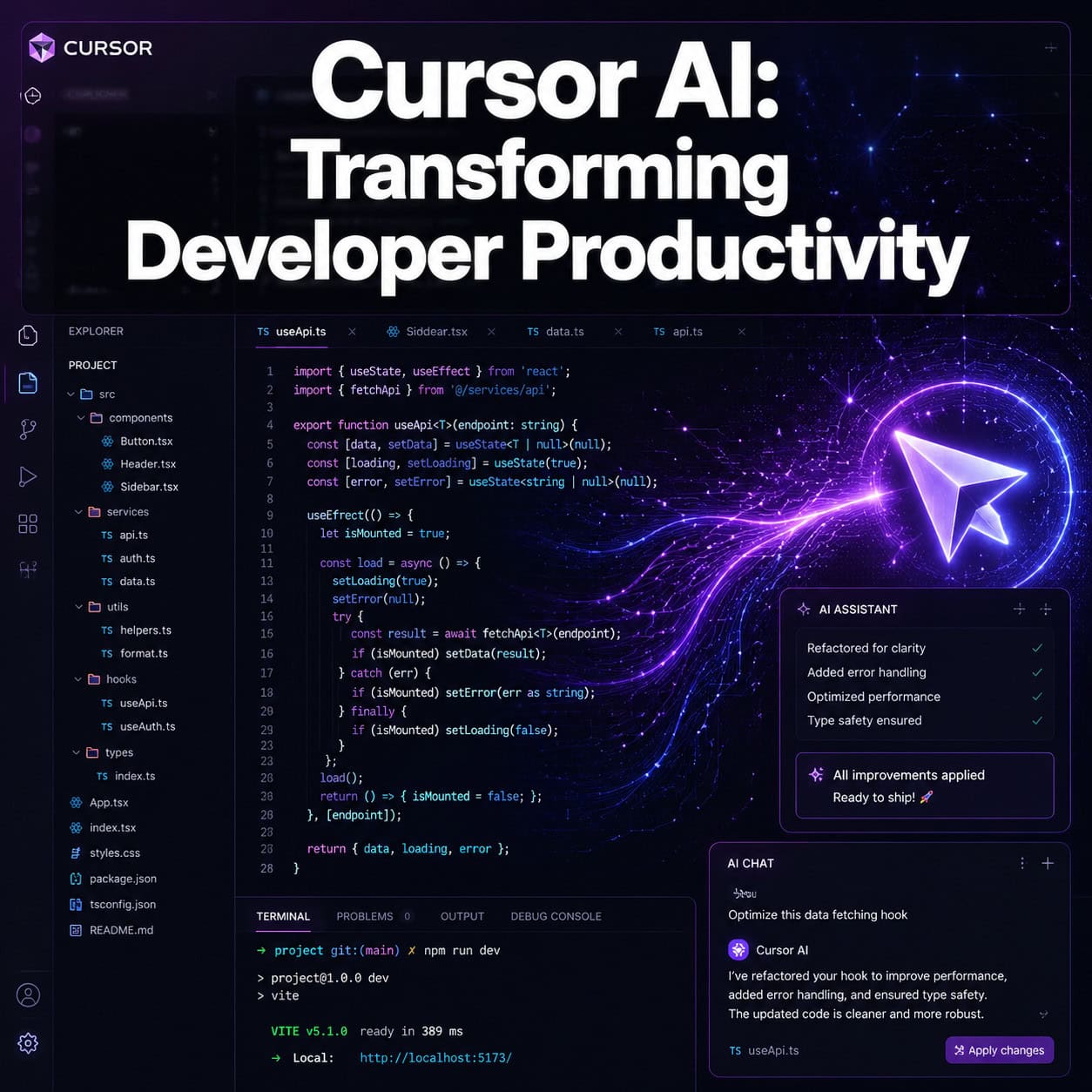
Cursor AI is a code editor forked from Visual Studio Code that embeds large language models directly into the editing experience. Unlike bolt-on AI plugins, Cursor treats AI as a first-class citizen in every workflow: writing code, navigating files, reviewing pull requests, and scanning for security issues.
What makes Cursor AI the next-generation code editor transforming developer productivity isn’t a single feature. It’s the combination of:
- Composer mode for multi-file edits from a single natural language prompt
- Supermaven-powered autocomplete that predicts entire blocks, not just single lines [8]
- Multi-model support so you can switch between Claude, GPT-4, and other models based on the task
- Agent mode that plans, executes, and iterates on complex coding tasks autonomously
For developers already comfortable in VS Code, the transition is nearly frictionless. Your extensions, themes, and keyboard shortcuts all work. The AI layer sits on top.
If you’re exploring how AI tools fit into broader development workflows, our comprehensive guide to AI-powered content generation tools covers the wider ecosystem.
How Does Cursor’s Parallel Agent Execution Work?
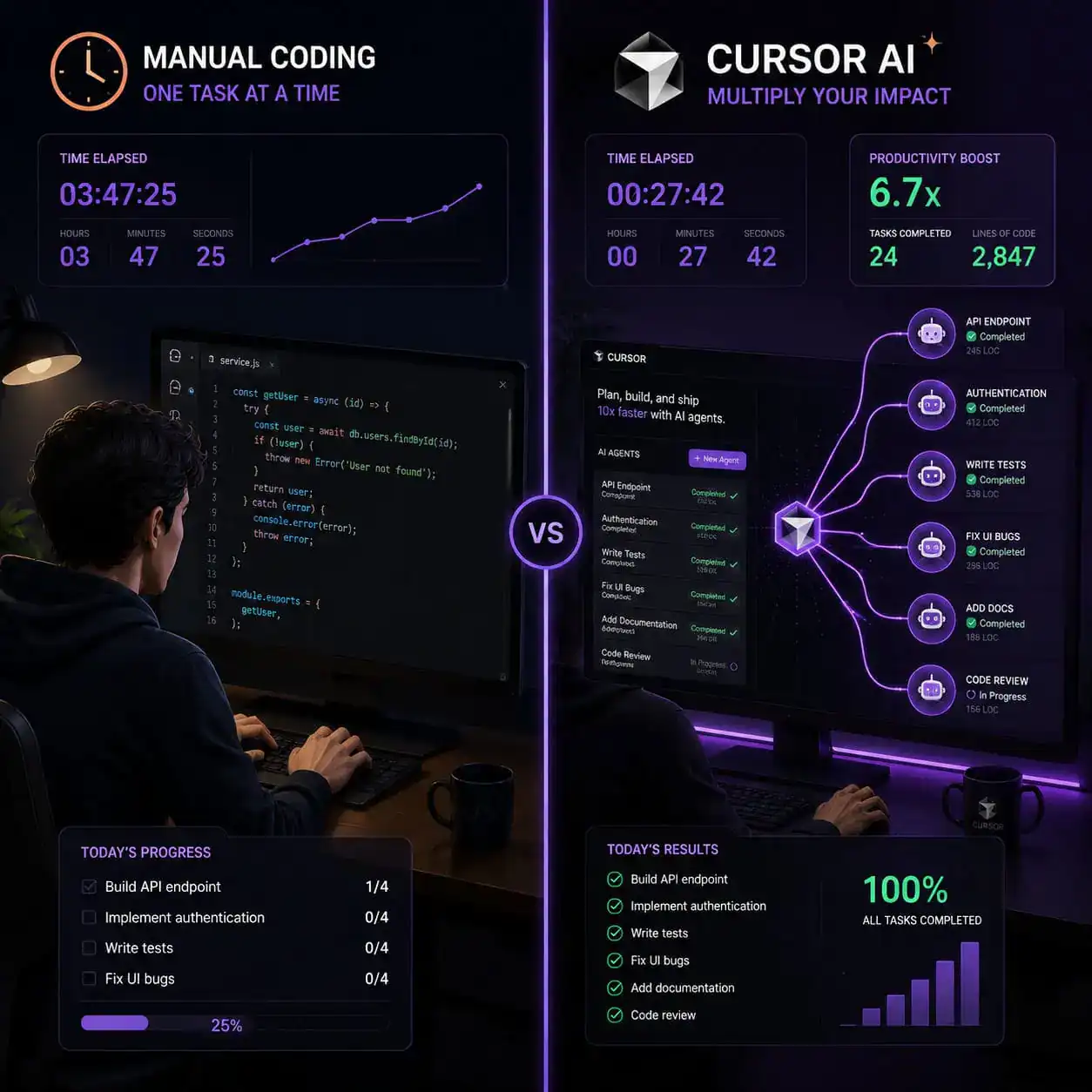
Cursor’s /multitask command, released in May 2026, lets you run multiple independent coding tasks simultaneously rather than waiting for each to finish sequentially [1].
Here’s how it works in practice:
- You describe a development plan (e.g., “Add user authentication, create the dashboard component, and write unit tests for the API layer”)
- Cursor’s system identifies which parts are independent of each other
- It spawns async subagents that work on independent tasks concurrently
- Dependent steps wait until their prerequisites complete before starting [1]
Choose this if: You’re working on feature branches with multiple independent files or components. The speed gains compound when tasks don’t share state.
Skip this if: Your changes are tightly coupled across a single file or require sequential logic that can’t be parallelized.
A common mistake is trying to parallelize tasks that actually depend on each other’s output. Cursor handles ordering for dependent steps, but giving it clearly independent tasks produces the best results.
What Productivity Gains Can You Actually Expect?
The productivity story is nuanced. According to Aiwiner’s 2026 review, Cursor users report saving an average of 90 minutes per day, with the largest gains in boilerplate writing (70% time reduction), debugging (50% reduction), and understanding unfamiliar code (60% reduction) [5].
But there’s an important counterpoint. A METR study of 16 experienced developers found that those using Cursor for bugfixes were actually 19% slower than developers using no AI tools [6]. The catch: developers expected to be 24% faster, revealing a gap between perception and reality.
The key finding? The single developer in that study with 50+ hours of Cursor experience showed a 38% speed increase [6]. This suggests a meaningful learning curve.
| Metric | Reported Gain (Experienced Users) | New User Reality |
|---|---|---|
| Boilerplate writing | −70% time [5] | May be slower initially [6] |
| Debugging | −50% time [5] | 19% slower in METR study [6] |
| Understanding unfamiliar code | −60% time [5] | Depends on prompt skill |
| Feature delivery (ticket to merge) | Significant improvement [9] | Requires workflow adaptation |
According to Milestone AI, the real productivity metric isn’t files touched or lines generated. It’s feature delivery velocity from ticket to production merge, with Post-Review Change Rate (PRCR) being the most telling quality indicator [9].
Decision rule: Give yourself at least 50 hours of active use before judging whether Cursor improves your output. The learning curve is real, but the payoff appears substantial for those who push through it.

How Does Cursor AI Handle Code Review and Security?
Cursor 3.3 introduced a full PR review system that lets you manage pull requests from creation to merge without leaving the editor [1]. This includes:
- Inline review threads attached to specific code lines
- Commit history tracking within the PR view
- File-tree navigation for large pull requests with many changed files
Beyond manual review, Cursor’s Bugbot automatically reviews code and learns from feedback in real-time. It creates and promotes review rules based on patterns it identifies across your team’s PRs, and it has achieved its highest resolution rate to date [3].
The Security Review feature (beta, available on Teams and Enterprise plans) adds two specialized agents [1]:
- Security Reviewer: Checks every PR for vulnerabilities, authentication regressions, and prompt injection attacks
- Vulnerability Scanner: Runs scheduled scans for known vulnerabilities and outdated dependencies
For teams building WordPress plugins or custom themes, this kind of automated security scanning pairs well with WordPress plugin development best practices to catch issues before they reach production.
What Enterprise Controls Does Cursor Offer?
Enterprise admins get granular model access controls as of May 2026 [1]:
- Model allow/blocklists at the model and provider level
- Soft spend limits with intelligent alerts at 50%, 80%, and 100% of usage thresholds
- Team Marketplace where admins distribute plugins bundling MCP servers, skills, subagents, and rules
The marketplace supports three installation modes: Default Off, Default On, or Required [1]. Admins can create team marketplaces without connecting repositories first, which simplifies onboarding.
This matters for organizations that need to control which AI models handle their proprietary code. If your team uses a mix of tools, you might also find value in AI plugins for WordPress that automate website management.
How Does Cursor Compare to Windsurf, Copilot, and Other Alternatives?
According to NXCode’s 2026 comparison, Cursor ranks as the best overall AI code editor, while Windsurf takes the top spot for beginners [8].
| Feature | Cursor | Windsurf | GitHub Copilot |
|---|---|---|---|
| Best for | Advanced multi-file editing | Beginners, gentle learning curve | Existing GitHub workflow users |
| Autocomplete engine | Supermaven-powered [8] | Unlimited free Tab completions [8] | Copilot suggestions |
| Multi-file editing | Composer mode [8] | Cascade flow | Limited |
| Context tracking | Manual + codebase indexing | Cascade intelligent tracking [8] | Repository context |
| Parallel agents | Yes (/multitask) [1] | No | No |
| PR review built-in | Yes [1] | No | Via GitHub |
| Security scanning | Yes (beta) [1] | No | Via GitHub Advanced Security |
Choose Cursor if: You want maximum AI capability, work across many files, and are willing to invest time learning the tool’s workflows.
Choose Windsurf if: You’re newer to AI-assisted coding and want something that works well out of the box with less configuration [8].
Choose Copilot if: Your team is deeply integrated with GitHub and you want minimal disruption to existing workflows.
For teams working across design and development, the Figma to code plugin workflow can complement Cursor’s capabilities when converting designs into functional code.

Who Should (and Shouldn’t) Use Cursor AI?
Cursor is a strong fit for:
- Professional developers working on medium-to-large codebases
- Teams that want integrated PR review and security scanning
- Developers comfortable with prompt engineering and AI interaction
- Organizations needing enterprise-grade model controls
Cursor may not be right for:
- Complete beginners who haven’t yet learned programming fundamentals
- Developers who only write small scripts or single-file projects
- Teams with strict policies against sending code to external AI models
- Anyone unwilling to invest 50+ hours learning the tool’s patterns [6]
If you’re building websites without heavy coding, a no-code platform or AI website creator might serve you better than a code editor.
Common Mistakes When Adopting Cursor AI
- Accepting AI output without review. Cursor generates plausible code that may contain subtle bugs. Always read what it produces.
- Not indexing your codebase. Cursor’s context quality depends on having your project properly indexed. Skip this and suggestions will be generic.
- Over-relying on chat instead of Composer. Single-file chat is fine for questions, but Composer mode is where multi-file productivity gains happen.
- Ignoring the learning curve. The METR study data is clear: expect initial slowdowns before gains materialize [6].
- Using the wrong model for the task. Quick completions work fine with faster models; complex refactoring benefits from more capable (and slower) models.
Conclusion
Cursor AI represents a genuine shift in how developers interact with their code editors. It’s not just autocomplete on steroids. The combination of parallel agents, integrated PR review, automated security scanning, and multi-model support creates a workflow that experienced users find substantially faster than traditional editing [5].
Your next steps:
- Download Cursor from cursor.com (it imports your VS Code settings automatically)
- Index your primary project codebase immediately
- Start with Composer mode on a real task, not a toy example
- Commit to at least 50 hours before evaluating productivity impact [6]
- If you’re on a team, explore the Team Marketplace and Security Review beta [1]
The productivity gains are real for developers who push past the initial learning curve. But go in with realistic expectations: you’re learning a new tool, and that takes time.
FAQ
Is Cursor AI free? Cursor offers a free tier with limited AI requests. Pro and Business plans unlock higher usage limits, more model options, and features like Security Review [1].
Can I use my existing VS Code extensions in Cursor? Yes. Cursor is forked from VS Code, so your extensions, themes, and keybindings transfer directly.
Which AI models does Cursor support? Cursor supports multiple models including Claude, GPT-4, and others. Enterprise admins can control which models are available to their team [1].
Is my code sent to external servers? Yes, code context is sent to AI model providers for processing. Enterprise plans offer additional privacy controls and model restrictions [1].
How long does it take to become productive with Cursor? Based on available data, expect around 50+ hours of active use before seeing consistent speed improvements over your previous workflow [6].
Does Cursor work for non-Python languages? Yes. Cursor supports any language VS Code supports, including JavaScript, TypeScript, Rust, Go, Java, and others.
What is the /multitask command?
It’s a May 2026 feature that runs independent coding tasks in parallel using async subagents, rather than processing them one at a time [1].
Can Cursor replace my entire CI/CD pipeline? No. Cursor handles code editing, review, and security scanning within the editor. It complements but doesn’t replace deployment pipelines.
Is Cursor better than GitHub Copilot? For multi-file editing and integrated workflows, Cursor offers more depth. For teams already embedded in GitHub’s ecosystem, Copilot may be simpler to adopt [8].
Does Bugbot work on all programming languages? Bugbot reviews code across languages, learning from your team’s specific PR feedback patterns to improve over time [3].
References
[1] Changelog – https://cursor.com/changelog [2] Cursor Review 2026 The Ai Code Editor That – https://www.reddit.com/r/cursor/comments/1t28fxd/cursor_review_2026_the_ai_code_editor_that/ [3] Cursor – https://releasebot.io/updates/cursor [5] Cursor Ai Review 2026 – https://aiwiner.com/cursor-ai-review-2026/ [6] Cursor Makes Developers Less Effective – https://newsletter.pragmaticengineer.com/p/cursor-makes-developers-less-effective [8] Best Ai Code Editor 2026 Cursor Windsurf Copilot Zed Compared – https://www.nxcode.io/resources/news/best-ai-coding-tool-2026-cursor-windsurf-copilot-zed-compared [9] Cursor Productivity – https://mstone.ai/cursor-productivity/