Canva- Page 2

AI-powered Canva design tool creating stunning visuals with advanced AI features.

Canva AI design assistant: Create stunning visuals with AI tools

Key Takeaways Canva’s AI suite turns design from a mechanical static process into an intelligent conversational workflow that responds to natural language prompts. Supercharge your productivity by automating repetitive tasks such as background removal, image scaling, and social media scheduling. Brand consistency
April 9, 2026
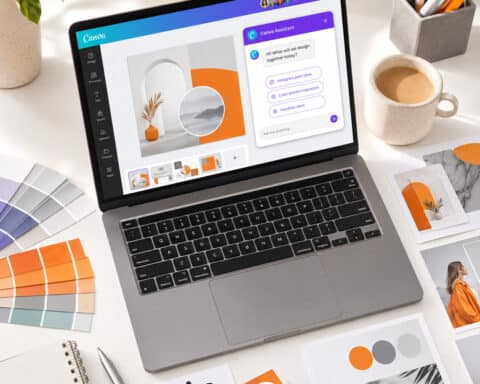
Canva AI Chat: The Complete Guide to Designing With AI in 2026

Canva AI Chat: The Complete Guide to Designing With AI in 2026

Last updated: June 7, 2026 Quick Answer: Canva AI chat is a built-in conversational AI assistant within Canva that lets you describe what you want in plain language and get design suggestions, generated images, text, and layout adjustments in return. It’s available
June 7, 2026
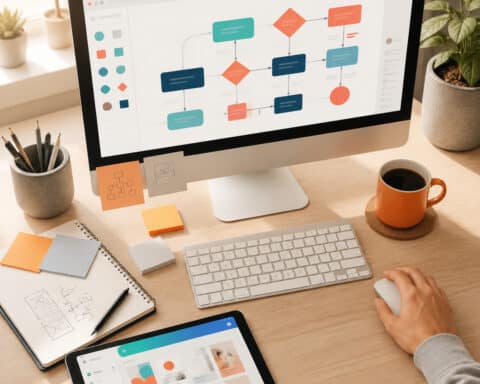
How to Create a Canva Flow Chart: The Complete Guide for 2026

How to Create a Canva Flow Chart: The Complete Guide for 2026

Last updated: June 7, 2026 Quick Answer: A Canva flow chart is a visual diagram you build inside Canva’s drag-and-drop editor to map out processes, decisions, and workflows. You can create one for free using Canva’s built-in templates, shapes, and connectors —
June 7, 2026
Canva Magic: The Complete Guide to AI-Powered Design in 2026

Canva Magic: The Complete Guide to AI-Powered Design in 2026

Last updated: June 7, 2026 Quick Answer: Canva Magic is the suite of AI-powered design tools built into Canva’s platform, branded under the “Magic Studio” umbrella. It includes features like Magic Design, Magic Write, Magic Edit, Magic Eraser, Magic Media, and the
June 6, 2026
1 2 3 4 6