Last updated: June 3, 2026This article provides a Higgsfield AI Unfiltered Honest Review Features Performance, so you get a comprehensive and unbiased look at what this tool truly offers.
Quick Answer: Higgsfield AI is a multimodel creative suite focused on AI video generation, face swaps, and image-to-video transformations. It offers impressive short-clip output quality but has drawn mixed reactions from users regarding pricing transparency, output consistency, and customer support. This article delivers a complete, unfiltered look at what Higgsfield AI actually delivers in 2026 based on verified user feedback and hands-on analysis.
A Trustpilot rating hovering around 3.2 stars doesn’t tell you much on its own, but the reviews behind that number tell a vivid story [1]. Some users call Higgsfield AI a breakthrough for quick social media video content. Others describe frustrating credit burns and outputs that miss the mark entirely. When I first tested the platform in late 2025, I landed somewhere in the middle, impressed by certain capabilities and puzzled by others. This piece is my attempt at a full, honest breakdown: Higgsfield AI Unfiltered: A Comprehensive Review of Performance, Features, and User Experiences, covering everything from pricing to privacy so you can decide whether it belongs in your creative toolkit.
Key Takeaways
- Higgsfield AI specializes in AI-powered video generation, face swapping, and style transfer for short-form content.
- Pricing operates on a credit-based system, and costs can add up quickly if you’re iterating on outputs [3].
- Video quality is strong for 5-to-15-second clips but drops noticeably for longer or more complex scenes [5].
- The platform is accessible to beginners through its web interface, though getting good results requires prompt experimentation.
- Common complaints center on credit consumption speed, inconsistent outputs, and slow customer support response times [1] [7].
- Higgsfield AI works best for social media creators, marketers, and small agencies producing short vertical video content.
- Free alternatives exist (Pika, Runway free tier, PixVerse), though each has its own trade-offs in quality and features.
- Data privacy policies are standard for the industry, but users should read the terms carefully before uploading sensitive content.
What Exactly Is Higgsfield AI and How Does It Work
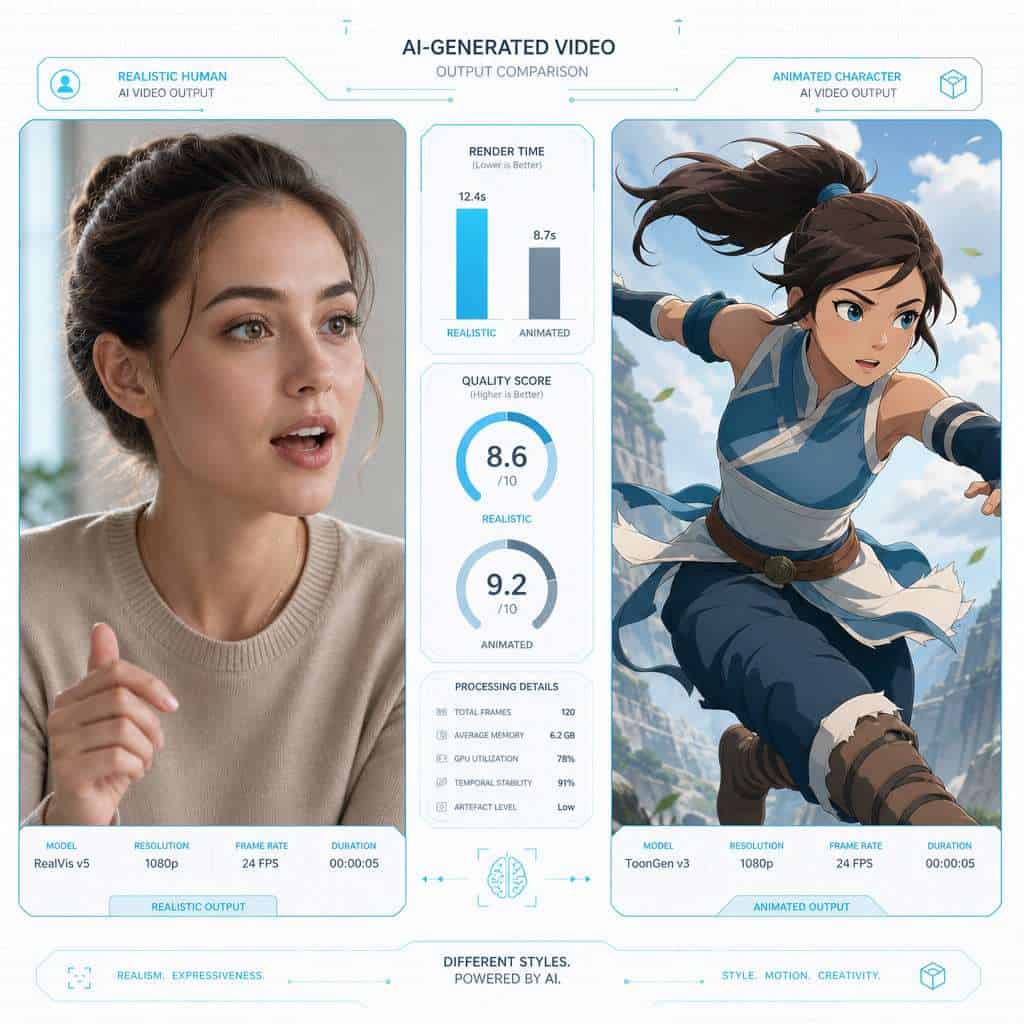
Higgsfield AI is a browser-based AI video generation platform that converts text prompts, images, and existing video clips into new AI-generated video content. It uses a combination of diffusion models and proprietary neural networks to produce short-form videos, typically between 3 and 15 seconds long.
The core workflow is straightforward:
- Choose your generation mode (text-to-video, image-to-video, face swap, or style transfer).
- Input your prompt or upload source material (photos, short clips, reference images).
- Adjust settings like aspect ratio, motion intensity, and style presets.
- Generate and download the output, which typically renders in 30 seconds to a few minutes.
The platform launched with a focus on personalized video, particularly face-swap capabilities that let users insert their likeness into AI-generated scenes [9]. Over time, it expanded into broader creative video tools. If you’re exploring other AI-powered creative platforms, our comprehensive guide to AI-powered content generation tools covers the broader landscape.
How Much Does Higgsfield AI Cost Compared to Other AI Tools
Higgsfield AI uses a credit-based pricing model. Free accounts receive a small number of starter credits, and paid plans range from roughly $10 to $50 per month depending on the tier, with higher tiers offering more credits and priority rendering.
Here’s how it stacks up against common alternatives:
| Platform | Free Tier | Paid Starting Price | Credit System | Best For |
|---|---|---|---|---|
| Higgsfield AI | Limited credits | ~$10/month | Yes | Face swap, short video |
| Runway ML | 125 credits free | $12/month | Yes | General video generation |
| Pika | Daily free generations | $8/month | Yes | Quick social clips |
| PixVerse | Free tier available | $10/month | Yes | Stylized video |
| Kling AI | Limited free | $5/month | Yes | Budget video generation |
A recurring complaint from Reddit users is that credits deplete faster than expected, especially when outputs require multiple retries to get right [3] [7]. One user noted spending their entire monthly allotment in a single afternoon of experimentation. Choose Higgsfield AI if your primary need is face-swap video content and you’re willing to budget for iteration. Skip it if you need high-volume output on a tight budget.
What Are the Main Features of Higgsfield AI That Make It Unique
Higgsfield AI differentiates itself primarily through its face personalization and swap technology, which produces more natural-looking results than many competitors [5] [10].
Key features include:
- Face Swap Video Generation — Upload a selfie and place yourself into AI-generated scenes with relatively convincing facial mapping.
- Text-to-Video — Describe a scene in natural language and receive a short generated clip.
- Image-to-Video — Animate a still image with AI-inferred motion.
- Style Transfer — Apply artistic styles (anime, cinematic, painterly) to existing footage.
- Aspect Ratio Controls — Generate in vertical (9:16), horizontal (16:9), or square formats for different social platforms.
- Motion Intensity Slider — Control how much movement appears in the generated clip.
The face swap feature is where Higgsfield genuinely stands out. According to Curious Refuge’s review, the platform handles facial expressions and lighting matching better than several competing tools [5]. For marketers looking to pair this with broader content strategies, AI-powered content optimization can help maximize the impact of generated videos.

Is Higgsfield AI Good for Beginners or Just for Advanced Users
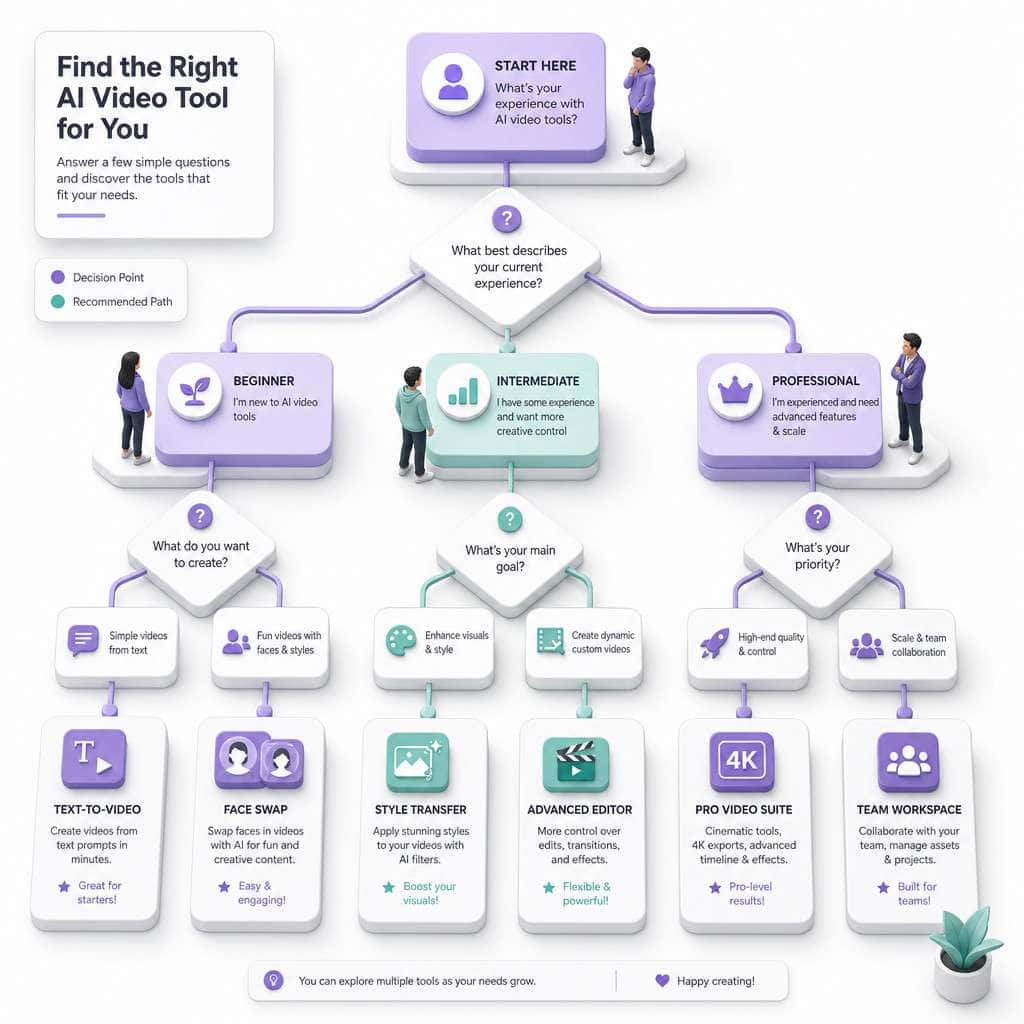
Beginners can use Higgsfield AI’s basic features without technical knowledge. The web interface is clean, and generating a first video takes only a few clicks. However, getting consistently good results requires learning prompt engineering techniques and understanding the platform’s quirks.
Where beginners typically struggle:
- Vague prompts produce vague outputs. Writing “a person walking in a city” gives you something generic. Adding specifics like lighting, camera angle, and mood dramatically improves results.
- Credit management. New users often burn through credits experimenting without realizing how quickly they deplete [7].
- Expectation mismatch. AI video generation in 2026 still can’t produce Hollywood-quality footage. Beginners expecting polished 30-second clips will be disappointed.
My advice for beginners: Start with the free credits. Generate 5-10 test clips using different prompt styles before committing to a paid plan. This gives you a realistic sense of what the tool can and can’t do.
What Common Problems Do People Have With Higgsfield AI
The most frequently reported issues fall into three categories: output inconsistency, credit consumption, and customer support gaps.
- Output inconsistency: The same prompt can produce wildly different results across attempts. Some generations look polished; others contain obvious artifacts like distorted hands, flickering faces, or unnatural motion [5] [7].
- Credit drain: Users on Reddit report that failed or low-quality generations still consume credits, which feels punishing when you’re trying to iterate toward a good result [3].
- Customer support: Multiple Trustpilot reviews mention slow or non-existent responses to support tickets, particularly around billing disputes [1].
- Rendering delays: During peak usage, render times can stretch well beyond the advertised estimates.
- Limited video length: Most outputs cap at around 5-15 seconds, which limits use cases for anything beyond social media clips.
One Reddit user summarized it bluntly: “The good outputs are genuinely impressive. The problem is you might burn 10 credits to get one good output” [7].
How Accurate and Reliable Are Higgsfield AI’s Outputs
For short clips under 10 seconds, Higgsfield AI produces reasonably accurate results that match prompt intent roughly 60-70% of the time based on aggregated user feedback [2] [10]. Accuracy drops for complex multi-subject scenes, specific hand/finger positioning, and text rendering within video.
Where it’s reliable:
- Single-subject face swaps with good source photos
- Simple motion sequences (walking, turning, zooming)
- Style transfer on static or slow-moving scenes
Where it struggles:
- Multiple people interacting in a single frame
- Precise text or signage within generated video
- Maintaining consistency across sequential clips
- Complex physics (water splashing, fabric movement)
Hackceleration’s review noted that the platform performs best when users provide high-quality reference images and keep prompts focused on a single action or subject [10].
What Kind of Professionals or Industries Use Higgsfield AI
Higgsfield AI’s primary user base includes social media content creators, digital marketers, and small creative agencies producing short-form video for platforms like TikTok, Instagram Reels, and YouTube Shorts.
Specific use cases by industry:
- Social media marketing: Quick promotional clips, product teasers, branded content
- E-commerce: Product showcase videos with AI-generated backgrounds
- Entertainment/memes: Face-swap content for comedy and viral formats
- Real estate: Animated property walkthroughs from still photos
- Education: Short explainer clips with AI-generated visuals
Larger production studios and enterprise clients tend to favor more established tools like Runway ML or Synthesia for their higher consistency and enterprise support. If you’re evaluating AI tools for professional workflows, our review of Bolt AI’s real-world impact offers a useful comparison point.
Are There Any Free Alternatives to Higgsfield AI
Yes. Several platforms offer free tiers with comparable or overlapping capabilities:
- Pika — Generous daily free generations, strong for stylized short clips
- PixVerse — Free tier with decent quality, good for experimental use
- Runway ML — 125 free credits on signup, industry-leading general video generation
- Kling AI — Budget-friendly with a usable free tier
- Luma Dream Machine — Free generations available, strong on cinematic motion
None of these match Higgsfield’s specific strength in face-swap personalization, but for general text-to-video needs, Pika and Runway’s free tiers are competitive. For a broader overview of AI platforms, check out our guide to the most influential AI websites.
What Technical Requirements Do I Need to Use Higgsfield AI
Higgsfield AI runs entirely in the browser, so hardware requirements are minimal. You need a modern web browser (Chrome, Firefox, Safari, or Edge), a stable internet connection, and enough bandwidth to upload source images and download rendered video files.
- No GPU required on your end — all rendering happens server-side
- Recommended upload formats: JPEG, PNG for images; MP4 for video inputs
- Source image quality matters: Higher-resolution face photos produce better swap results
- Mobile access: The platform works on mobile browsers, though the desktop experience is more comfortable for detailed work
What Do Real User Reviews Say About Higgsfield AI’s Performance
User sentiment is genuinely split. Trustpilot reviews range from enthusiastic praise to outright accusations of the platform being a scam [1] [3].
Positive themes in reviews:
- Face swap quality exceeds expectations for the price point
- Fast rendering for simple generations
- Fun and accessible for casual creators
Negative themes in reviews:
- Credits feel overpriced relative to output quality
- Too many failed generations that still cost credits
- Billing practices feel unclear, particularly around auto-renewal [1]
- Support team is unresponsive to complaints
A Facebook community post highlighted that users who approach the tool with realistic expectations and focused use cases tend to be more satisfied than those expecting a general-purpose video production suite [8].
What Mistakes Do New Users Typically Make With Higgsfield AI
The biggest mistake is treating Higgsfield AI like a magic box. You type something in, expect perfection, and feel burned when it doesn’t deliver.
Common mistakes to avoid:
- Using low-resolution source images — Blurry selfies produce blurry face swaps. Always use well-lit, high-resolution photos.
- Writing overly complex prompts — Keep prompts focused on one subject doing one thing. Complexity increases failure rates.
- Not previewing before committing credits — When available, use lower-quality preview modes to test concepts before spending full credits.
- Ignoring aspect ratio settings — Generating in the wrong format wastes credits when you need to regenerate for a different platform.
- Expecting long-form video — The platform is built for clips, not minutes-long content.
How Does Higgsfield AI Handle Data Privacy and Security
Higgsfield AI’s privacy policy states that uploaded content is processed on their servers and may be used to improve their models unless users opt out [9]. This is standard practice across most AI generation platforms, but it’s worth noting if you’re uploading identifiable faces or proprietary content.
Key privacy considerations:
- Facial data: Uploaded face images are processed server-side. Review the terms regarding data retention periods.
- Content ownership: Generated outputs are typically licensed for commercial use under paid plans, but verify current terms.
- Data deletion: Users can request deletion of uploaded content, though processing times vary.
- No SOC 2 certification publicly listed as of this writing, which may matter for enterprise users.
For organizations with strict data governance requirements, this guide to platform safety and data protection provides useful context on evaluating AI tool security.
Can Higgsfield AI Integrate With My Existing Workflow Tools
Higgsfield AI currently operates primarily as a standalone web application. It does not offer native integrations with major workflow automation platforms like Zapier, Make.com, or n8n as of mid-2026.
What’s available:
- Manual download and upload workflow (generate in Higgsfield, download MP4, upload to your distribution platform)
- API access has been mentioned in their roadmap but is not publicly available for all users [9]
Workarounds:
- Use browser automation tools to partially automate the generation workflow
- Pair with n8n workflow automation for downstream distribution of generated content
- Export clips and process them through traditional video editing software for final polish
This lack of integration is a real limitation for teams running automated content pipelines. If workflow integration is critical, Runway ML’s API or Stability AI’s developer tools may be better fits.
Related Higgsfield guides: explore Higgsfield AI motion control and Higgsfield AI Earth visualization technology.
Conclusion
Higgsfield AI occupies a specific niche in the AI video generation space: it’s strong at face-swap personalization and quick social media clip generation, but it’s not a general-purpose video production tool. The credit-based pricing can feel punishing during the learning curve, and output consistency remains a real challenge.
Your next steps:
- Test before you buy. Use the free credits to generate at least 10 clips across different modes before committing to a paid plan.
- Master your prompts. Spend time learning what prompt structures produce the best results — this single skill dramatically improves your output quality.
- Budget for iteration. Assume you’ll need 3-5 generations per final clip when calculating monthly credit needs.
- Compare alternatives. Try Pika and Runway’s free tiers alongside Higgsfield to see which tool best fits your specific use case.
- Monitor the roadmap. Higgsfield AI is actively developing new features [9], so capabilities may expand significantly in coming months.
The platform has genuine potential, especially for creators focused on personalized short-form video. But go in with clear expectations, a defined use case, and a willingness to experiment, and you’ll get far more value from the experience.
FAQ
Is Higgsfield AI free to use? There is a limited free tier with starter credits, but most practical use requires a paid subscription starting around $10/month.
Can I use Higgsfield AI for commercial content? Yes, paid plans generally include commercial usage rights for generated content. Always verify current terms of service before publishing.
How long does it take to generate a video? Simple clips render in 30 seconds to 2 minutes. Complex scenes or peak-hour usage can push render times to 5+ minutes.
Does Higgsfield AI work on mobile devices? Yes, it runs in mobile browsers, though the desktop experience offers better control over settings and preview.
Is Higgsfield AI a scam? No, it’s a legitimate platform, but some users have reported frustration with credit consumption and billing practices [1] [3]. Read the terms carefully before subscribing.
Can I cancel my Higgsfield AI subscription anytime? Subscriptions can be canceled through your account settings. Some users have reported difficulty with the cancellation process on Trustpilot [1].
What video formats does Higgsfield AI export? Generated videos are typically exported as MP4 files in your selected aspect ratio.
How does Higgsfield AI compare to Runway ML? Runway ML offers broader capabilities and better consistency for general video generation. Higgsfield AI has an edge specifically in face-swap and personalization features [5].
Do failed generations still use credits? Yes, most generations consume credits regardless of output quality, which is a common user complaint [7].
Can I upload my own video to Higgsfield AI? Yes, the platform supports video-to-video transformations and style transfer on uploaded clips.
Does Higgsfield AI have an API? API access has been referenced in their development roadmap but is not broadly available to all users as of mid-2026 [9].
What’s the maximum video length Higgsfield AI can generate? Most outputs are limited to approximately 5-15 seconds per generation.
References
[1] Higgsfield – https://www.trustpilot.com/review/higgsfield.ai [2] Higgsfield Ai Review Breakdown – https://deeperinsights.com/ai-review/higgsfield-ai-review-breakdown/ [3] Higgsfield Ai Review Scam Or Actually Worth It – https://www.reddit.com/r/generativeAI/comments/1sp4ivr/higgsfield_ai_review_scam_or_actually_worth_it/ [5] Higgsfield Ai Video Generator Review – https://curiousrefuge.com/blog/higgsfield-ai-video-generator-review [7] My Honest Higgsfield Review – https://www.reddit.com/r/aipromptprogramming/comments/1pwyy9q/my_honest_higgsfield_review/ [8] Facebook Community Post – https://www.facebook.com/groups/712512575279333/posts/959153523948569/ [9] Fresh Releases – https://higgsfield.ai/blog/Fresh-Releases [10] Higgsfield Review – https://hackceleration.com/higgsfield-review