Last updated: May 11, 2026
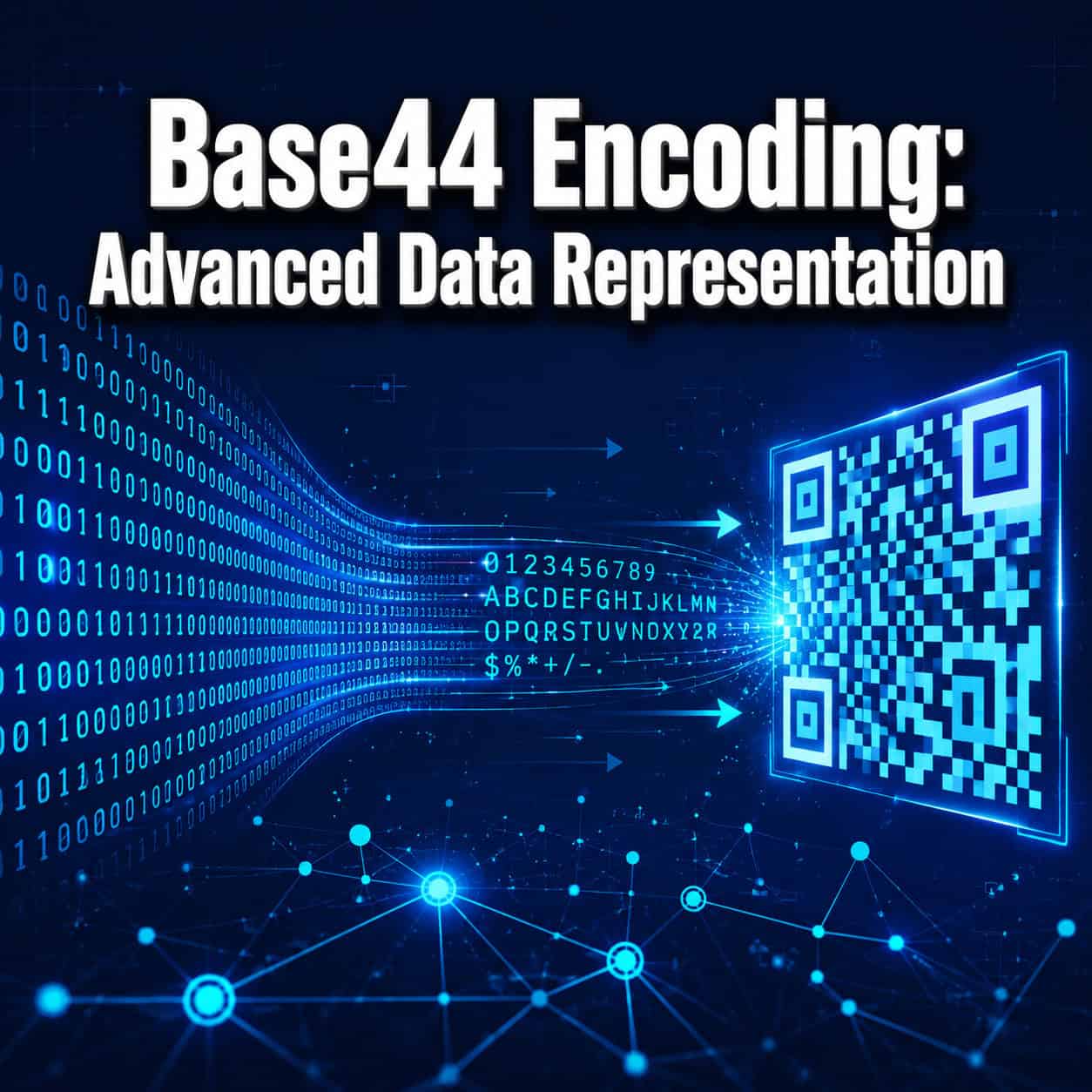
Quick Answer: Base44 encoding is a binary-to-text encoding scheme that uses a 44-character alphabet specifically designed to fit within QR codes’ alphanumeric mode. It encodes 2 bytes into 3 characters (75% efficiency) and avoids the density penalty that Base64 incurs when embedded in QR codes. If you’re building systems that need to pack binary data into QR codes, Base44 is the most space-efficient option available in 2026.
Key Takeaways
- Base44 uses exactly 44 characters:
0-9,A-Z, and$%*+-./:— all valid in QR alphanumeric mode - It encodes 2 input bytes into 3 output characters, or 1 byte into 2 characters [2]
- Base44 produces QR codes that are roughly 10–20% smaller than equivalent Base64-encoded QR codes [6]
- Base64 forces QR scanners into byte mode, which stores fewer characters per module — Base44 avoids this entirely
- The encoding is purpose-built for QR optimization, not a general-purpose replacement for Base64
- Available implementations include the Rust crate
qr-base44(2025) and the Python libraryjwt-eddsa-base44[2] - Base44 lacks broad standardization and library support compared to Base64, so it’s best used in specific QR-focused applications

What Is Base44 Encoding and Why Does It Exist?
Base44 encoding converts binary data into a text string using a 44-character alphabet. It was created to solve a specific problem: getting the most binary data possible into a QR code without wasting space.
Here’s the core issue. QR codes support several data modes, and the two most relevant are:
- Alphanumeric mode: Supports 45 characters (0–9, A–Z, space, and
$%*+-./:) at high density - Byte mode: Supports all 256 ASCII values but at much lower density
Base64 encoding uses 64 characters, including lowercase letters. Lowercase letters aren’t in the QR alphanumeric set, so any Base64 string forces the QR code into byte mode [6]. That means larger, denser QR codes for the same amount of data.
Base44 sidesteps this by using only 44 of the 45 characters in the QR alphanumeric set (it excludes the space character for practical reasons). The result: your encoded data stays in alphanumeric mode, and the QR code stays as small as possible [2][6].
Experts have described Base44 as a “clever, purpose-built solution” for QR optimization that avoids Base64’s fundamental incompatibility with QR alphanumeric mode [6].
How Does Base44 Encoding Work Step by Step?
Base44 encodes data by processing input bytes in pairs, converting each pair into a 3-character string from its 44-character alphabet.
The encoding process:
- Group input bytes in pairs. Take the binary input and split it into 2-byte chunks. If there’s an odd byte left over, it gets processed alone.
- Calculate the integer value. For a 2-byte pair, compute:
value = byte1 * 256 + byte2. This gives a number between 0 and 65,535. - Divide by 44 repeatedly. Convert the integer into base-44 digits:
c2 = value mod 44value = value / 44(integer division)c1 = value mod 44c0 = value / 44
- Map to characters. Each base-44 digit maps to a character in the alphabet:
0123456789ABCDEFGHIJKLMNOPQRSTUVWXYZ$%*+-./:[2] - Handle single remaining bytes. If only 1 byte remains, encode it as 2 characters instead of 3.
Quick example: The bytes [0x48, 0x65] (the ASCII for “He”) would be combined into the integer 18,533. Dividing repeatedly by 44 produces three base-44 digits, each mapped to a character in the alphabet.
This process is straightforward to implement. If you’re working on WordPress plugin development, for instance, a Base44 encoder could be written in PHP in under 50 lines.

How Does Base44 Compare to Base64, Base32, and Hex?
Base44 is more efficient than alternatives when the output will be placed in a QR code. Outside of QR contexts, Base64 remains the better general-purpose choice.
| Feature | Base16 (Hex) | Base32 | Base44 | Base64 |
|---|---|---|---|---|
| Alphabet size | 16 chars | 32 chars | 44 chars | 64 chars |
| Encoding ratio | 1 byte → 2 chars | 5 bytes → 8 chars | 2 bytes → 3 chars | 3 bytes → 4 chars |
| Efficiency | 50% | 62.5% | ~75% | ~75% |
| QR alphanumeric compatible | Yes | Yes | Yes | No |
| QR density | Low | Medium | High | Low (forces byte mode) |
| Library support | Universal | Wide | Limited | Universal |
| Standardized (RFC) | Yes | Yes (RFC 4648) | No | Yes (RFC 4648) |
Key observations from this comparison:
- Base44 vs. Base64: Both achieve roughly 75% encoding efficiency on paper. But in a QR code, Base44 wins by 10–20% in total code size because it stays in alphanumeric mode [6]. Outside QR codes, Base64’s universal support makes it the default choice [4].
- Base44 vs. Hex: Hex encoding doubles your data size (50% efficiency). It’s simple and fast to decode, but for QR codes, the size penalty is severe [1].
- Base44 vs. Base32: Base32 fits QR alphanumeric mode but is less dense than Base44. Choose Base32 if you need case-insensitive encoding in non-QR contexts.
Decision rule: Choose Base44 if your encoded output will be placed in a QR code. Choose Base64 for APIs, email attachments, data URIs, or any context where QR codes aren’t involved [4][10].
If you’re building web applications and want to understand how encoding choices affect performance, our guide on Webflow image compression techniques covers similar optimization thinking for visual assets.
Who Should Use Base44 Encoding (and Who Shouldn’t)?
Base44 is for developers building systems where binary data needs to be embedded in QR codes. It’s not a general-purpose encoding.
Good use cases:
- Digital health certificates and passes — where QR codes carry signed payloads and every byte counts
- JWT tokens in QR codes — the
jwt-eddsa-base44library was built specifically for this [6] - IoT device provisioning — embedding configuration data in QR codes printed on hardware
- Offline data transfer — passing structured data between devices via QR scan
Not a good fit when:
- You need broad library support across languages and platforms (use Base64)
- Your data isn’t going into a QR code (Base44 offers no advantage)
- You need an RFC-standardized encoding for interoperability (Base44 has no RFC)
- You’re working with systems that already expect Base64 input [4]
A common mistake I see is developers reaching for Base44 because it sounds “more efficient” without considering that the efficiency gain only materializes inside QR codes. In a REST API response or a database field, Base44 and Base64 produce similarly sized output, but Base64 has vastly better tooling.
For those building AI-powered applications that generate QR-based outputs, Base44 is worth evaluating during the design phase.

What Implementations Are Available in 2026?
The ecosystem for Base44 is small but functional. Here are the main options:
- Rust: The
qr-base44crate (published November 2025) provides encode and decode functions for arbitrary byte sequences. It’s well-documented and production-ready [2]. - Python: The
jwt-eddsa-base44library handles Base44 encoding specifically for JWT tokens destined for QR codes [6]. - Custom implementations: Because the algorithm is simple (division by 44 with character mapping), many teams write their own encoder in whatever language they need. The entire encode function typically fits in 20–40 lines of code.
If you’re working in JavaScript, PHP, Go, or another language without a dedicated library, implementing Base44 from scratch is straightforward. The algorithm has no complex dependencies — just integer arithmetic and a lookup table.
Teams building on no-code platforms may need to use custom code blocks or plugins to add Base44 support, since no major no-code tool includes it natively.
What Are Common Mistakes When Working With Base44?
Three errors come up repeatedly when developers adopt Base44:
Including the space character. QR alphanumeric mode supports 45 characters including space, but Base44 deliberately excludes it. Spaces cause issues in URLs, command-line arguments, and many parsers. Don’t add it back.
Assuming Base44 compresses data. It doesn’t. Base44 expands data by roughly 33% (2 bytes become 3 characters). The gain is only relative to how QR codes handle the output — not in raw data size.
Mixing up Base44 with the no-code platform “Base44.” A search for “Base44” in 2026 returns results for both the encoding scheme and an AI-powered app-building platform with the same name [8]. They are completely unrelated. The encoding predates the platform.
Edge case to watch: When encoding a single trailing byte, the output is 2 characters, not 3. Your decoder must handle this correctly by checking whether the final chunk is 2 or 3 characters long.
How Can You Optimize QR Code Data Density Beyond Base44?
Base44 is one piece of the QR optimization puzzle. For maximum density:
- Compress before encoding. Apply zlib, gzip, or Brotli compression to your binary data before Base44 encoding. This reduces the input size, which directly shrinks the QR code.
- Minimize payload structure. Use compact binary formats (CBOR, MessagePack) instead of JSON before encoding.
- Choose the right QR error correction level. Lower error correction (L instead of H) allows more data per code, but reduces scan reliability.
- Split across multiple QR codes if your data exceeds a single code’s capacity. The QR standard supports structured append for up to 16 codes.
For web projects where SEO and performance matter, keeping QR codes small also means they render faster and scan more reliably on mobile devices.
Conclusion
Base44 encoding fills a narrow but important niche: it’s the most efficient way to represent binary data inside QR codes in 2026. By using a 44-character alphabet that fits perfectly within QR alphanumeric mode, it avoids the density penalty that Base64 and other encodings incur.
Your next steps:
- Evaluate your use case. If your data ends up in a QR code, Base44 is worth adopting. If not, stick with Base64.
- Pick an implementation. Use the Rust
qr-base44crate or Pythonjwt-eddsa-base44library, or write your own — it’s a simple algorithm. - Compress first, then encode. Always apply binary compression before Base44 encoding for the smallest possible QR output.
- Test with real QR scanners. Verify that your encoded output scans reliably across devices before deploying to production.
Base44 isn’t trying to replace Base64 everywhere. It’s a focused tool for a focused problem, and when that problem is yours, it works exceptionally well.
FAQ
What does “Base44” mean? It means the encoding uses a 44-character alphabet to represent binary data as text. Each character is one of 44 possible values, similar to how Base64 uses 64 characters [6].
Is Base44 an official standard? No. Unlike Base64 and Base32, which are defined in RFC 4648, Base44 has no formal RFC or standards body behind it [4]. It’s a community-developed encoding.
Can I use Base44 outside of QR codes? Technically yes, but there’s no advantage. Base44’s benefit is specifically that its character set matches QR alphanumeric mode. In other contexts, Base64 is equally efficient and far better supported [6].
How much smaller are Base44 QR codes compared to Base64? Roughly 10–20% smaller for the same binary payload, because Base44 keeps the QR code in alphanumeric mode while Base64 forces byte mode [6].
Is Base44 the same as the Base44 app-building platform? No. The encoding scheme and the no-code platform share a name but are completely unrelated [8].
What programming languages support Base44?
Rust (via qr-base44) and Python (via jwt-eddsa-base44) have published libraries. For other languages, you’ll likely need to implement it yourself [2].
Does Base44 compress data? No. Base44 expands data by approximately 33%. It’s an encoding, not a compression algorithm. Compress your data before encoding for best results.
Why does Base44 use 44 characters instead of all 45 in QR alphanumeric mode? The 45th character is the space, which causes problems in URLs, command lines, and many data formats. Excluding it makes Base44 output safer to handle in practice [2].
Can Base44 handle any type of binary data? Yes. It encodes arbitrary byte sequences — images, cryptographic signatures, compressed archives, or any other binary content [2].
How do I decode Base44 back to binary? Reverse the encoding: take each 3-character group, convert characters back to base-44 digits, compute the integer value, and split it into 2 bytes. For a final 2-character group, output 1 byte.
References
[1] base64encode – https://www.base64encode.org [2] Qr Base44 – https://github.com/kookyleo/qr-base44 [4] Base64 – https://en.wikipedia.org/wiki/Base64 [6] Decoding Base44 The Ai The Encoding And The Red Herring – https://skywork.ai/blog/decoding-base44-the-ai-the-encoding-and-the-red-herring/ [8] The Power Of Plain English Build Professional Apps With Base44 – https://www.pcmag.com/articles/the-power-of-plain-english-build-professional-apps-with-base44 [10] Guide Encode Decoded Base64 – https://www.sentinelone.com/blog/guide-encode-decoded-base64/