Last updated: May 22, 2026
Quick Answer
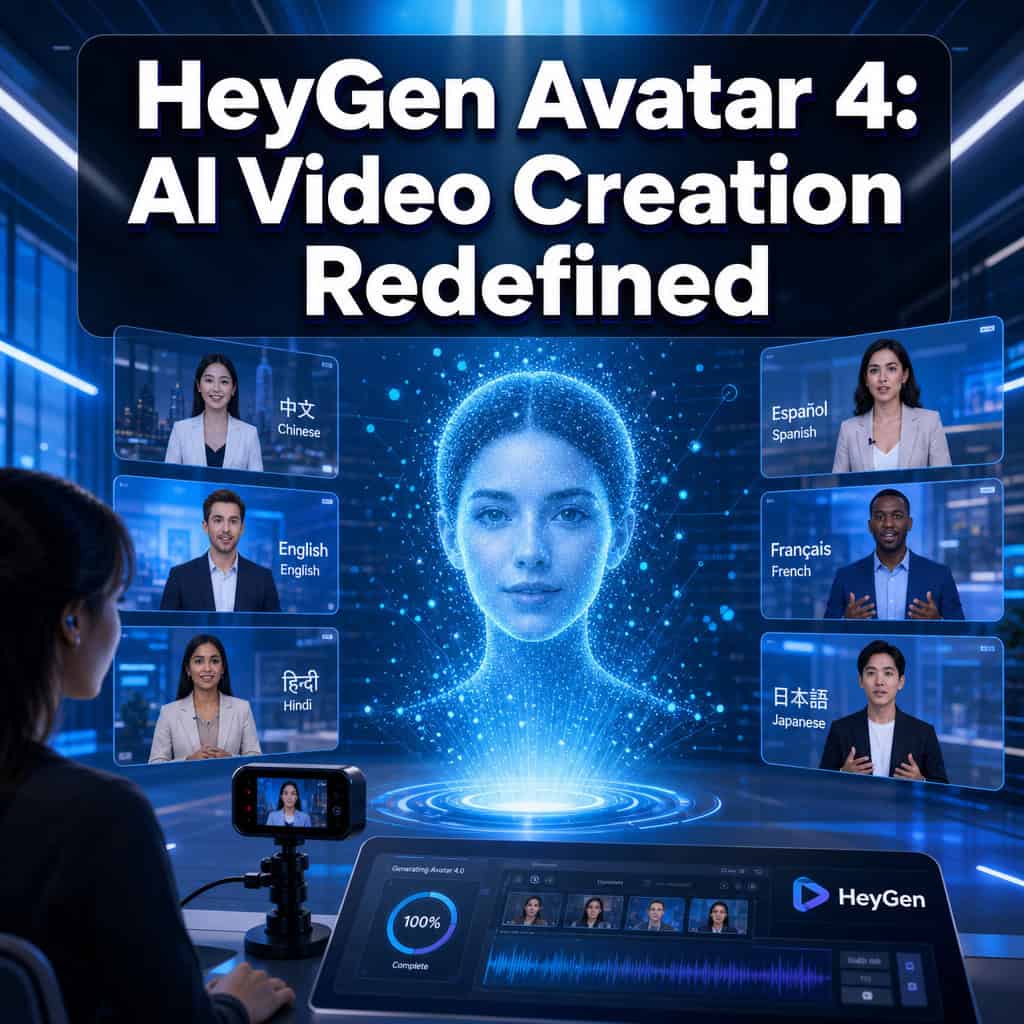
HeyGen Avatar 4 (also called Avatar IV) is an AI video generation system that creates realistic digital presenters from a single 15-second webcam recording. It captures your appearance, voice, and natural motion in one take, then lets you produce professional videos in 175+ languages without a camera crew or studio. Plans range from free (3 videos/month) to $99/month for Pro users, making it accessible whether you’re a solo creator or a marketing team scaling video output.
Key Takeaways
- 15-second setup: A single webcam recording captures your look, voice, and movement to build a custom avatar [5].
- 175+ languages and dialects supported with voice cloning and accent matching [9].
- Free tier available: 3 videos per month with access to Avatar IV and 500+ stock avatars at no cost.
- Pro plan launched January 2026 at $99/month with 4K export, 2,000 credits, and translation proofread.
- Video Agent 2.0 lets you describe a video in plain language and review a scene-by-scene blueprint before rendering.
- Avatar IV API is available for developers to integrate avatar video generation into their own apps [6].
- Credit system: Avatar IV generation costs 20 credits per minute, with unused credits rolling over one month.
- Best use cases: Training content, multilingual marketing, internal communications, and e-commerce product videos [10].
- Privacy safeguards: Consent verification is required during avatar creation to prevent unauthorized deepfakes.
- Ongoing improvements: HeyGen actively patches issues like credit-deduction bugs reported by the community [4].
What Exactly Is HeyGen Avatar 4 and How Does It Work?
HeyGen Avatar 4 is a cloud-based AI system that generates lifelike digital avatars capable of speaking any script you write. It works by analyzing a short webcam recording to capture three things simultaneously: your facial appearance, your voice characteristics, and your natural head and body movements [5].
Here’s the process in practice:
- Record a 15-second webcam clip — the system captures your likeness, voice tone, and motion patterns in one session.
- Verify consent — HeyGen requires a consent step to confirm you’re creating an avatar of yourself (or have permission).
- Write or paste your script — type text in any of 175+ supported languages.
- Preview and edit — the redesigned script panel shows pronunciation controls, pause timing, and voice delivery settings in a single view.
- Render the video — your avatar speaks the script with synchronized lip movements, natural gestures, and your cloned voice.
The underlying technology combines facial modeling, voice synthesis, and motion generation into one pipeline. Unlike earlier versions that handled these separately, Avatar 4 processes them together, which is why the results look more cohesive [9].

Common mistake: Recording your webcam clip in poor lighting or with background noise. The AI can only work with what you give it — a well-lit, quiet recording produces a noticeably better avatar.
If you’re exploring other AI-powered creative tools, our comprehensive guide to AI-powered content generation tools covers the broader landscape.
How Much Does HeyGen Avatar 4 Cost Compared to Other AI Video Tools?
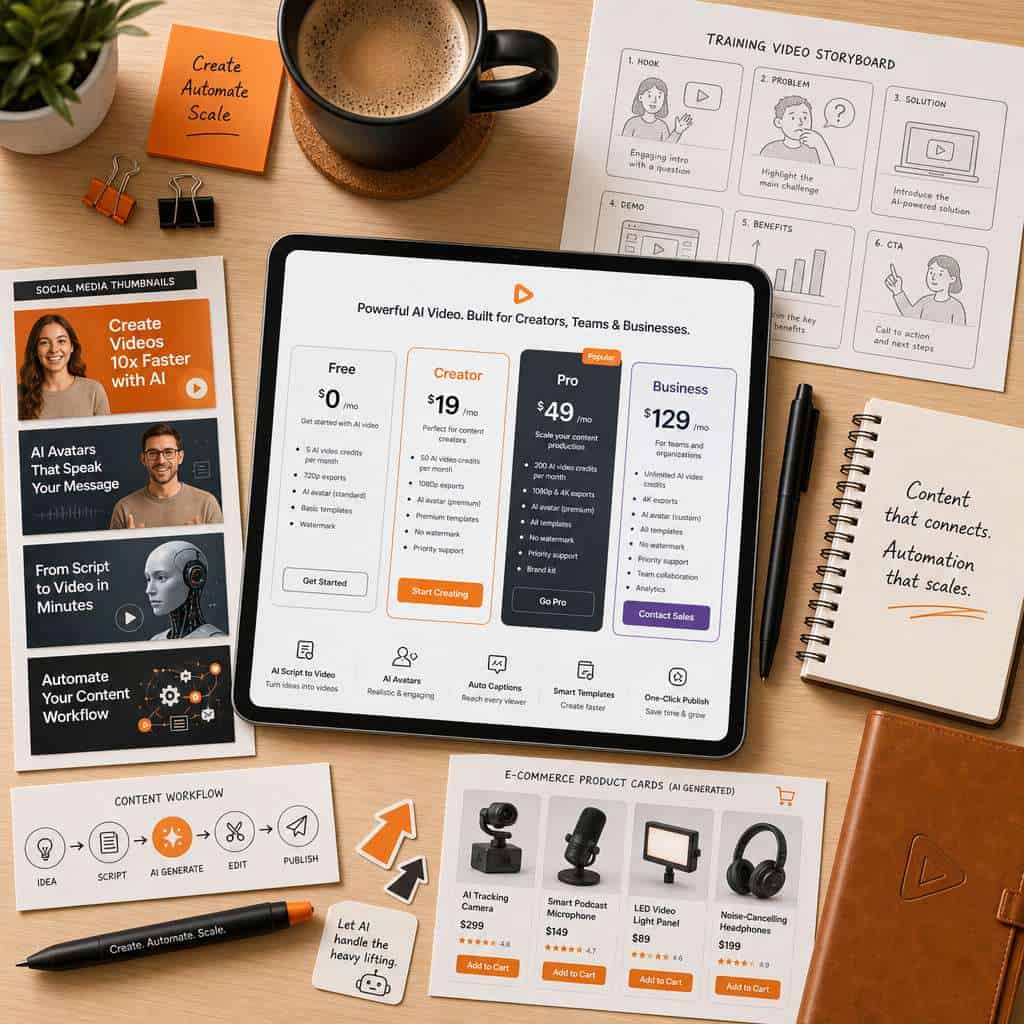
HeyGen offers four pricing tiers as of 2026. The free plan is genuinely usable for testing, while paid plans scale based on credits, export quality, and team features.
| Plan | Monthly Cost | Credits | Key Features |
|---|---|---|---|
| Free | $0 | 3 videos/month | Avatar IV access, 500+ stock avatars, Video Agent |
| Creator | $29/month | 600 credits | 1080p export, voice cloning, 175+ languages |
| Pro | $99/month | 2,000 credits | 4K export, translation proofread, extended Avatar IV |
| Business | Custom pricing | Custom | Shared workspaces, SSO, 5 custom avatars, 60-min videos |
Avatar IV generation costs 20 credits per minute of video output. So a 1-minute video on the Creator plan uses about 3.3% of your monthly credits. Unused credits roll over for one additional month [7].
How does this compare? Traditional video production for a single presenter-style video can run $1,000–$5,000 when you factor in filming, editing, and talent costs. HeyGen’s own estimates suggest AI video tools can reduce production costs by up to 70 percent. Competitors like Synthesia and Colossyan offer similar avatar-based video tools, generally in the $30–$100/month range, but HeyGen’s Avatar IV is currently considered among the most realistic options available [2].
Choose HeyGen if you need repeatable, presenter-style videos at scale — especially for training or multilingual content. Look elsewhere if you primarily need cinematic B-roll or complex multi-camera scenes.
Can I Use HeyGen Avatar 4 If I’m Not a Professional Video Creator?
Yes, and that’s one of its strongest selling points. HeyGen Avatar 4 was designed so that anyone who can type a script can produce a video. You don’t need video editing experience, a camera, or a studio [10].
The Video Agent 2.0 feature makes this even easier. You describe what you want in plain language — “a 2-minute product walkthrough for our new app” — and the system generates a full creative blueprint with scene-by-scene breakdowns. You review and tweak before anything renders, so you stay in control without needing to understand video production terminology.
I’ve seen small business owners with zero video background use HeyGen to create weekly product updates. One e-commerce seller I spoke with replaced her $500/month freelance video editor entirely by scripting avatar videos herself in about 20 minutes each.
That said, there’s a learning curve with the credit system and script formatting. Beginners should start with the free tier to understand how credits are consumed before committing to a paid plan.
For those building content strategies alongside video, our AI-powered content optimization guide explains how to make your content work harder across channels.
What Are the Main Differences Between HeyGen Avatar 4 and Previous Versions?
Avatar IV represents a full rebuild of HeyGen’s avatar technology, not an incremental update. The biggest change: previous versions required separate steps for appearance capture, voice recording, and motion calibration. Avatar IV does all three from a single 15-second recording [9].
Key differences from Avatar 3 and earlier:
- Setup time: Avatar 3 required multiple recordings and longer processing. Avatar IV needs one 15-second clip.
- Motion quality: Earlier avatars had limited gesture range and sometimes exhibited the “uncanny valley” stiffness. Avatar IV captures natural micro-expressions and head movements from your recording.
- Voice integration: Voice cloning is now built into the avatar creation flow rather than being a separate feature.
- Script panel: The redesigned editor combines script input, pronunciation, pauses, and voice delivery controls into one unified view — previously these were spread across multiple panels.
- Video Agent: Version 2.0 (launched alongside Avatar IV) adds the describe-and-review workflow that didn’t exist in earlier releases.
A community thread from May 2026 shows that Avatar 3 generation is still available but has experienced credit-related bugs, suggesting HeyGen’s engineering focus has shifted primarily to Avatar IV maintenance and development [4].
What Kind of Videos Can I Actually Create with HeyGen Avatar 4?
HeyGen Avatar 4 is strongest for presenter-led, talking-head style videos. Think of any scenario where a person speaks directly to the camera — that’s where this tool excels [10].
Specific video types that work well:
- Training and onboarding videos for employees
- Product explainers and feature walkthroughs
- Multilingual marketing videos (translate once, render in dozens of languages)
- Internal company announcements
- E-commerce product descriptions
- Social media content with consistent branding
- Course content for online education platforms
- Customer support tutorials
What it doesn’t do well: cinematic storytelling, multi-person dialogue scenes, videos requiring physical interaction with real objects, or content that needs complex camera movements. If your project requires those elements, you’ll still need traditional production or a different tool.
For social media video content specifically, check out our guide on mastering graphic design for social media marketing to pair your avatar videos with strong visual assets.
Is HeyGen Avatar 4 Good for Marketing or Just Personal Projects?
HeyGen Avatar 4 is built primarily for business and marketing use cases. The platform’s strongest practical value shows up in three marketing scenarios: training content, internal communications, and multilingual campaigns [10].
For marketing teams specifically, the Business plan offers shared workspaces with governance controls, meaning brand guidelines stay consistent across team members. You can create up to five custom avatars per team — useful for having different “presenters” for different product lines or regions.
The translation proofread feature (available on Pro and above) is particularly valuable for global marketing. Rather than just auto-translating and hoping for the best, you can review and adjust translations before the avatar renders them. This matters because a mistranslated marketing video can damage brand credibility fast.
Edge case: If your marketing relies heavily on authenticity and personal connection (like a founder-led brand), an AI avatar may feel impersonal to your audience. Test with a small segment before rolling out broadly.
If you’re also building marketing websites, our AI-powered content generation tools guide and Canva AI design assistant overview can help round out your content stack.
What Languages and Accents Can the AI Avatars Speak In?
HeyGen Avatar 4 supports 175+ languages and dialects with voice cloning that preserves your vocal characteristics across languages [9]. This means your avatar can speak Japanese, Portuguese, or Arabic while still sounding like you — not like a generic text-to-speech voice.
The Voice Director feature (introduced alongside Avatar IV) gives you control over delivery style: you can adjust pacing, emphasis, and emotional tone within the script panel. This is useful because the same script might need an energetic delivery for a marketing video and a calm, measured tone for a training module.
Supported language highlights: English (multiple regional accents), Spanish, French, German, Mandarin, Japanese, Korean, Arabic, Hindi, Portuguese, and many more. The full list is available on HeyGen’s platform after sign-up.
Limitation to know: While the lip-sync technology works across languages, some users report that less common dialects may have slightly less natural mouth movements compared to major languages like English or Spanish.
How Realistic Do the AI-Generated Avatars Actually Look?
Avatar IV is currently ranked among the most realistic AI avatar tools available in 2026 [2]. The realism improvement over previous versions comes from processing appearance, voice, and motion together rather than layering them separately.
In practical terms: at standard viewing distances (like watching on a phone or laptop), most viewers won’t immediately identify an Avatar IV video as AI-generated. The lip sync is tight, micro-expressions like eyebrow raises and subtle head tilts appear natural, and the voice matches the visual convincingly [10].
Where realism breaks down:
- Extended close-ups can reveal subtle texture inconsistencies around the hairline or ears
- Rapid head movements occasionally produce brief artifacts
- Hand gestures are limited compared to real footage
- Emotional range is improving but still can’t match a skilled human actor’s nuanced performance
A BigVU review from May 2026 described the output as “genuinely impressive” for scripted, presenter-style content [10]. The consensus among reviewers is that Avatar IV cleared the threshold where the technology stops being distracting and starts being useful for professional contexts.
What Are the Technical Requirements to Use HeyGen Avatar 4?
HeyGen Avatar 4 runs entirely in the cloud, so the technical requirements are minimal. You need:
- A modern web browser (Chrome, Firefox, Safari, or Edge — current versions)
- A webcam for creating your custom avatar (built-in laptop cameras work fine)
- A stable internet connection for uploading recordings and downloading rendered videos
- No special hardware — rendering happens on HeyGen’s servers, not your machine
There’s no software to install. Everything runs through HeyGen’s web-based AI Studio. This also means it works on Mac, Windows, Linux, and Chromebooks equally.
For developers, HeyGen launched the Avatar IV API in 2026, which allows integration into custom applications [6]. The API requires standard REST API knowledge and an active HeyGen plan with sufficient credits.
If you’re building websites that will host these videos, our guide on building professional sites without code covers platforms that handle video embedding well.
Can I Customize My Avatar’s Appearance and Clothing?
Yes, but with boundaries. HeyGen Avatar 4 captures your appearance from the webcam recording, so your avatar will wear whatever you’re wearing during that 15-second clip. If you want your avatar in a business suit, record wearing one. Want a casual look? Record in a t-shirt.
Beyond your custom avatar, HeyGen provides 500+ stock digital twins — pre-made avatars with diverse appearances, ages, and styles. These are useful when you don’t want to use your own likeness or need different presenters for different content types.
The Business plan includes 5 custom avatar slots, meaning you can create multiple versions of yourself (different outfits, different settings) or create avatars for different team members.
What you can’t do: You can’t digitally change your avatar’s clothing after creation, alter facial features, or create fantasy/non-human avatars. The system is designed for realistic human representation, not character design.
Are There Limitations or Things HeyGen Avatar 4 Can’t Do Well?
Every tool has boundaries, and being honest about them saves you time and money.
Known limitations:
- No real-time video: Avatar IV generates pre-rendered video, not live streams or real-time video calls
- Single-presenter focus: Multi-person conversations or group scenes aren’t supported natively
- Physical interaction: Your avatar can’t hold, point to, or interact with real objects
- Credit consumption: At 20 credits per minute, longer videos (10+ minutes) can burn through monthly allocations quickly
- Background customization: While you can change backgrounds, options are more limited than dedicated video editing software
- Emotional subtlety: The avatar can convey basic emotions but won’t match a professional actor’s range
- Processing time: Complex videos may take several minutes to render, depending on length and server load
Decision rule: If more than 30% of your video content requires physical demonstrations, product unboxing, or location-based filming, HeyGen should supplement — not replace — your video production.
How Does HeyGen Protect My Privacy When Creating AI Avatars?
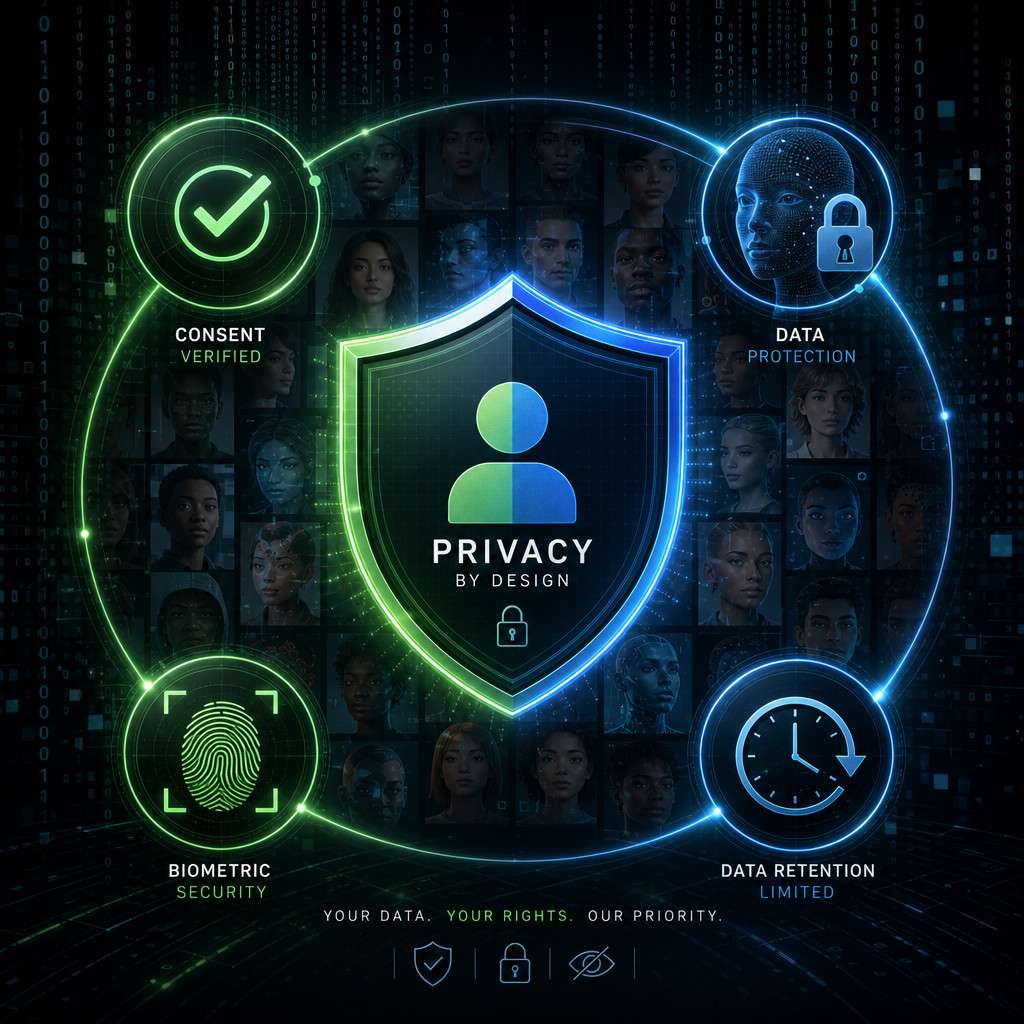
HeyGen requires a consent verification step during avatar creation to confirm that you’re creating an avatar of yourself or have explicit permission from the person being recorded [5]. This is designed to prevent unauthorized deepfakes.
Additional privacy measures include:
- Biometric data handling: Your facial and voice data is processed to create the avatar model, and HeyGen’s terms outline how this data is stored and used
- Enterprise controls: The Business plan includes SSO (single sign-on) and governance features, giving IT teams control over who can create and use avatars within an organization
- No public sharing of training data: Your custom avatar recordings aren’t used to train other users’ models
What to be aware of: Like any AI platform handling biometric data, you should review HeyGen’s current privacy policy and data retention terms before uploading recordings — especially if you’re creating avatars for employees or clients in regions with strict data protection laws (like the EU’s GDPR).
For organizations concerned about data governance across their tech stack, our AI-powered chatbot integration guide discusses similar privacy considerations for AI tools.
Common Mistakes People Make with AI Video Generation
Avoiding these errors will save you credits and frustration:
- Poor recording conditions: Bad lighting or background noise during your 15-second clip degrades avatar quality significantly. Use natural front-facing light and a quiet room.
- Overly long scripts: Writing a 15-minute monologue when a 2-minute video would be more effective — and cheaper on credits.
- Skipping the preview step: Video Agent 2.0 lets you review scene-by-scene before rendering. Skipping this and going straight to render wastes credits on videos you’ll redo.
- Ignoring pronunciation controls: Names, technical terms, and acronyms often need manual pronunciation adjustments in the script panel.
- Using AI video where authenticity matters most: Investor pitches, crisis communications, and deeply personal messages usually land better with real footage.
- Not testing translations: Auto-translated scripts can contain errors. Always use the proofread feature before rendering multilingual content.
Conclusion
HeyGen Avatar 4 represents a genuine shift in how accessible professional video production has become. The ability to create a realistic digital presenter from a 15-second webcam clip, then have that avatar speak in 175+ languages, makes it a practical tool for anyone producing regular video content — from solo entrepreneurs to enterprise marketing teams.
Your next steps:
- Start with the free tier — create 3 videos to test avatar quality with your actual use case
- Record your webcam clip properly — good lighting, quiet room, neutral background
- Use Video Agent 2.0 to generate your first video from a plain-language description
- Track your credit usage on the first few videos before upgrading to a paid plan
- Test multilingual output if you serve international audiences — this is where HeyGen’s ROI is strongest
The technology isn’t perfect — it won’t replace a film crew for cinematic content, and emotional nuance still has room to grow. But for the 80% of business video that involves someone talking to a camera, Avatar IV delivers professional results at a fraction of traditional costs.
Explore more AI-powered tools and workflows on WebAiStack.com to build a complete content creation system around your needs.
FAQ
How long does it take to create an avatar with HeyGen Avatar 4? The initial avatar creation takes about 15 seconds of recording plus a few minutes of processing. You can start making videos within minutes of signing up [5].
Is HeyGen Avatar 4 free to use? Yes, there’s a free plan that includes 3 videos per month, access to Avatar IV, Video Agent, and 500+ stock avatars. Paid plans start at $29/month for more credits and features.
Can I use HeyGen Avatar 4 for commercial purposes? Yes. All paid plans include commercial usage rights for the videos you create. Check the specific terms for stock avatars versus custom avatars.
How many credits does a 1-minute video cost? Avatar IV generation costs 20 credits per minute of rendered video [7].
Does HeyGen Avatar 4 work on mobile devices? HeyGen’s AI Studio is web-based and works on modern mobile browsers, though the experience is optimized for desktop. Avatar creation (webcam recording) works best on a laptop or desktop.
Can I create an avatar of someone else? Only with their explicit consent. HeyGen’s consent verification process requires the person being recorded to confirm authorization [5].
What happens to unused credits? Unused monthly credits roll over for one additional month. After that, they expire.
Is there an API for developers? Yes. HeyGen launched the Avatar IV API in 2026, allowing developers to integrate avatar video generation into custom applications [6].
How does Avatar IV compare to Synthesia? Both are leading AI avatar video platforms. Avatar IV is generally considered more realistic in facial expressions and motion as of 2026, while Synthesia has a larger library of pre-built templates. Pricing is comparable [2].
Can I export videos in 4K? 4K export is available on the Pro plan ($99/month) and above. The Creator plan exports at 1080p.
What if my avatar doesn’t look right? Re-record your webcam clip with better lighting and a neutral background. The quality of your input recording directly affects avatar quality.
References
[2] 5 Most Realistic AI Avatar Tools In 2026 – https://resident.com/amp/story/technology-and-digital-resources/2026/05/21/5-most-realistic-ai-avatar-tools-in-2026 [4] I Cant Generate Anymore Avatar 3 Videos I Thought They Were Unlimited – https://community.heygen.com/public/forum/boards/troubleshooting/posts/i-cant-generate-anymore-avatar-3-videos-i-thought-they-were-unlimited-t89purrp87 [5] Avatar IV – https://www.heygen.com/avatars/avatar-iv [6] Announcing The Avatar IV API – https://www.heygen.com/blog/announcing-the-avatar-iv-api [7] HeyGen Avatar IV Complete Guide 2026 – https://wavespeed.ai/blog/posts/heygen-avatar-iv-complete-guide-2026/ [9] Introducing Voice Director And Avatar IV – https://www.heygen.com/blog/introducing-voice-director-and-avatar-iv [10] HeyGen 2026 Tested: 4 Things It Does Well, 3 Reasons To Pick Something Else – https://bigvu.tv/blog/heygen-2026-tested-4-things-does-well-3-reasons-pick-something-else/