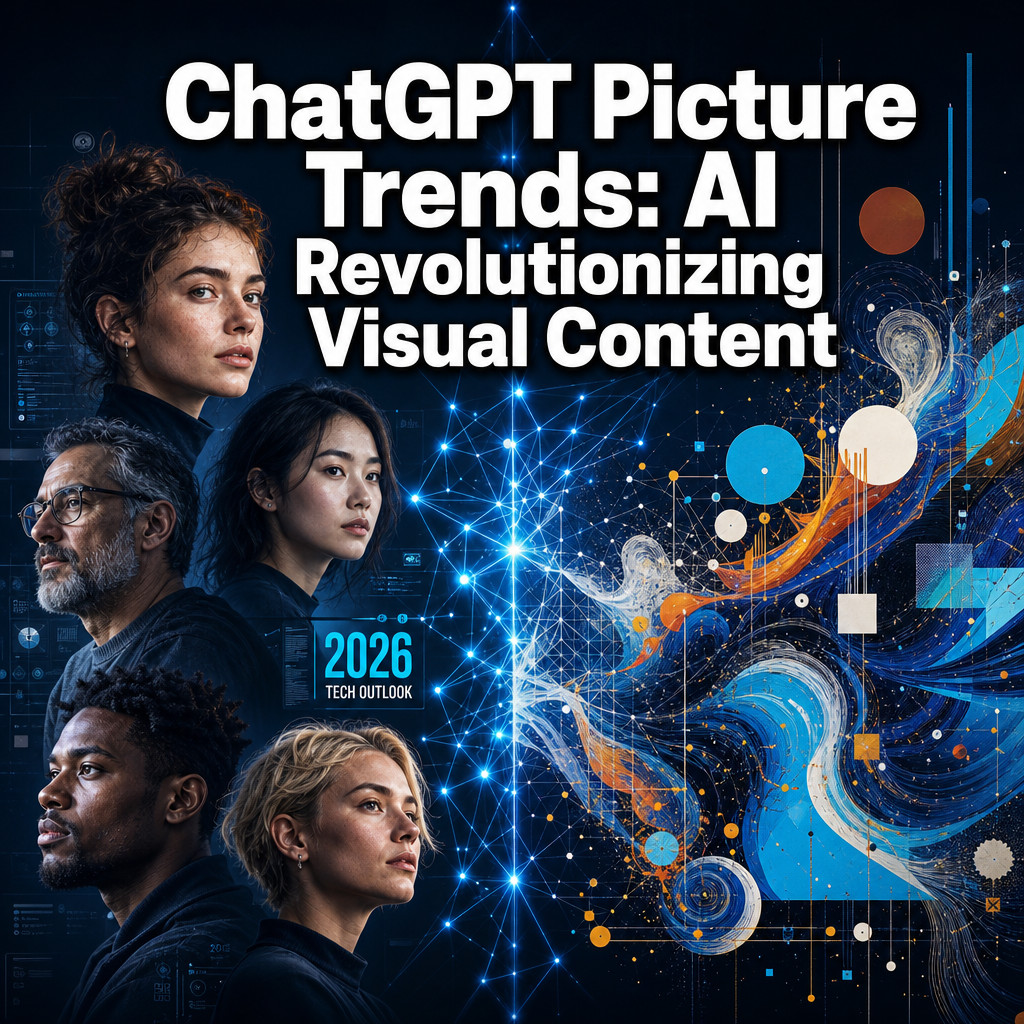
Last updated: June 9, 2026. In this article, we explore how ChatGPT Picture Trends AI is revolutionizing visual content across various industries.
Quick Answer: AI image generation tools, led by platforms like ChatGPT’s DALL-E integration and Midjourney, have fundamentally changed how creators, marketers, and businesses produce visual content. In 2026, generating a publication-quality image takes seconds and costs a fraction of traditional photography or illustration. The rise of ChatGPT picture trends reflects a broader shift: visual storytelling is no longer gated by artistic skill or large budgets.
Key Takeaways
- AI image generation converts text prompts into visual outputs using deep learning models trained on billions of images.
- ChatGPT (via DALL-E 3) and Midjourney serve different use cases: ChatGPT excels at conversational, iterative prompting; Midjourney produces more stylized, artistic results.
- Free tiers exist on several platforms, but commercial use typically requires a paid plan.
- Weird or distorted outputs usually come from vague prompts, conflicting instructions, or tool limitations with hands and text.
- Commercial use of AI images is legal in most jurisdictions but carries copyright nuance depending on the platform and country.
- Certain professionals (photographers, brand designers with strict guidelines) should use AI as a supplement, not a replacement.
- The most reliable AI image results come from product mockups, concept illustrations, backgrounds, and abstract art.
What Exactly Is AI Image Generation?
AI image generation is the process of using machine learning models to create visual content from text descriptions, called prompts. The model has learned patterns from vast datasets of images and their associated descriptions, allowing it to synthesize new visuals that match a user’s written input.
The core technology behind most tools is a type of model called a diffusion model. These models start with random noise and gradually refine it into a coherent image based on the prompt. Some tools, like ChatGPT’s DALL-E 3, also use large language model reasoning to interpret complex or nuanced prompts more accurately than earlier systems could.
Who it’s for: Anyone who needs visual content quickly, from social media managers to product designers to indie game developers.
When it applies: AI generation works best when you need original, non-photographic imagery, concept exploration, or rapid iteration. It’s less suited for capturing real people, real locations, or events.
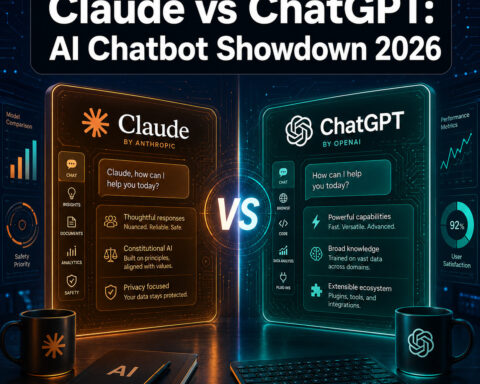
How Do ChatGPT and Midjourney Compare for Making Pictures?
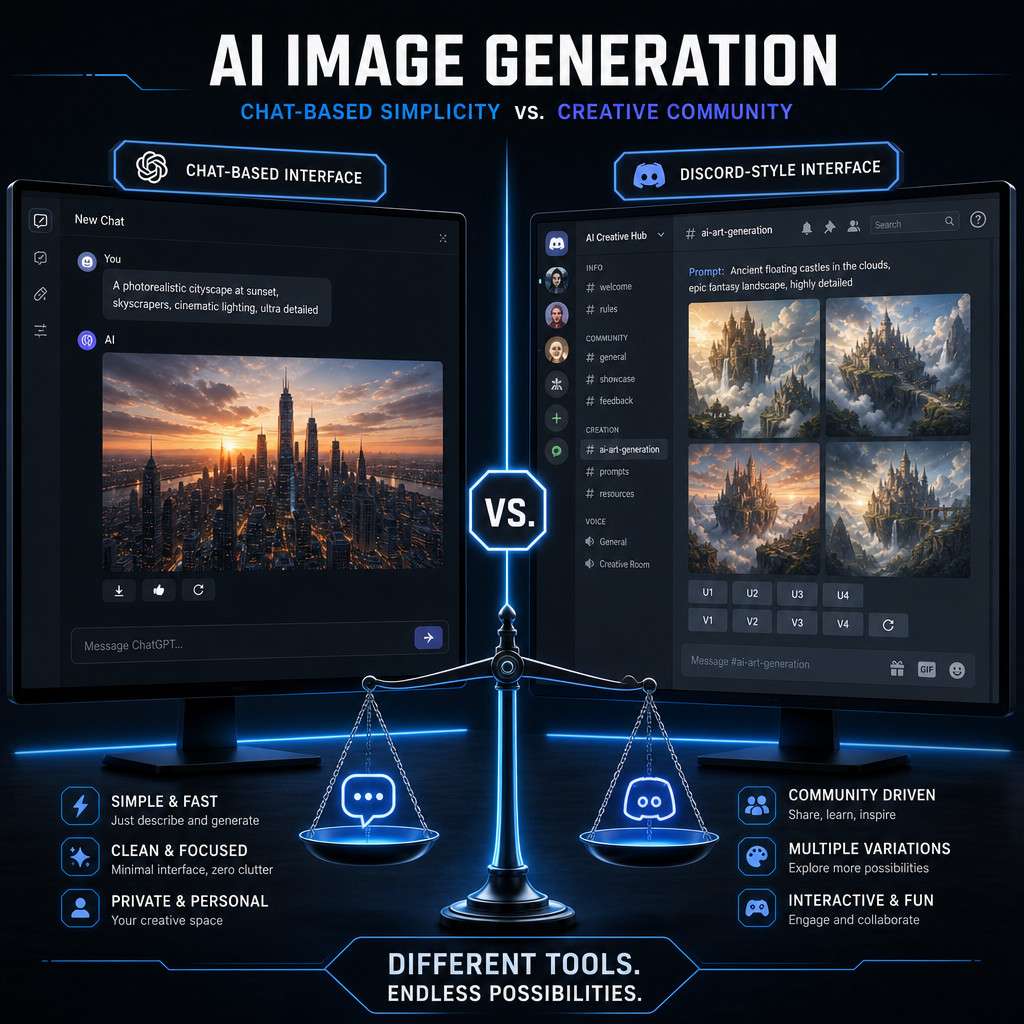
ChatGPT (DALL-E 3) is better for conversational iteration and photorealistic outputs; Midjourney is better for stylized, artistic, and highly aesthetic imagery. The right choice depends on your workflow and the visual style you need.
| Feature | ChatGPT (DALL-E 3) | Midjourney |
|---|---|---|
| Interface | Chat-based, conversational | Discord commands or web app |
| Prompt style | Natural language, flexible | Keyword-heavy, parameter-driven |
| Photorealism | Strong | Moderate |
| Artistic style | Good | Excellent |
| Free tier | Limited (ChatGPT free plan) | No free tier as of 2026 |
| Commercial use | Yes (with paid plan) | Yes (with paid plan) |
| Iteration ease | Very easy via chat | Requires re-prompting or variations |
Choose ChatGPT if you want to describe images the way you’d explain them to a colleague and refine them through conversation. Choose Midjourney if you’re producing editorial art, game assets, or highly stylized brand visuals and don’t mind a steeper prompt-learning curve.
For a broader look at AI-powered tools across content types, the comprehensive guide to AI-powered content generation tools is worth reading alongside this comparison.
How Much Does It Cost to Create AI Art?
Creating AI art ranges from free to roughly $60 per month for professional-tier access, depending on the platform and volume of images you need.
Here’s a practical cost breakdown as of 2026:
- Free options: Adobe Firefly (limited credits), Microsoft Designer (Bing Image Creator), Canva AI (limited monthly generations on free plan), Stable Diffusion (self-hosted, free but requires technical setup).
- Mid-tier paid plans: ChatGPT Plus at $20/month includes DALL-E 3 access. Midjourney’s basic plan starts around $10/month.
- Professional plans: Midjourney Pro ($60/month) and Adobe Firefly Premium offer higher volume, faster generation, and stronger commercial licensing.
Common mistake: Many users assume free-tier images are safe for commercial use. Always check the platform’s terms of service. Free tiers often restrict commercial licensing.
What Are the Best Free AI Image Generation Platforms?
The best free options in 2026 are Adobe Firefly (via the web app), Microsoft Designer powered by DALL-E, and Canva’s AI image generator. Each provides a limited number of free generations per month without requiring a credit card.
- Adobe Firefly: Trained on licensed Adobe Stock images, making it one of the safest choices for commercial use even on the free tier.
- Microsoft Designer: Accessible via a Microsoft account, produces solid photorealistic outputs using DALL-E technology.
- Canva AI: Integrated directly into the design workflow, useful if you’re already building graphics in Canva. See how Canva’s AI tools fit into a broader design process with this guide to Canva AI design creation.
- Stable Diffusion (self-hosted): Technically free but requires a capable GPU and comfort with command-line tools.
Edge case: If you need high-volume generation for a business, free tiers will run out quickly. Budget for a paid plan if you need more than 20-30 images per week.
Why Are My AI-Generated Images Coming Out Weird?
Distorted AI images almost always result from vague prompts, conflicting instructions, or known model limitations. The most common issues are warped hands, garbled text within images, and inconsistent lighting.
Specific fixes:
- Hands and fingers: Add “anatomically correct hands” or “realistic fingers” to your prompt. Some tools handle this better than others; DALL-E 3 has improved significantly here.
- Text in images: AI models still struggle to render readable text inside images. Use your design tool (Canva, Photoshop) to add text after generation.
- Weird compositions: Your prompt may contain conflicting spatial instructions. Keep scene descriptions simple and sequential.
- Wrong style: Be explicit. Instead of “a nice portrait,” write “a studio-lit headshot on a white background, professional photography style.”
- Repetitive or generic outputs: Add specific adjectives, lighting conditions, camera angles, and color palettes to your prompt.
A well-structured prompt follows this pattern: subject + setting + style + lighting + mood + technical details.
What Kind of Artists or Designers Can Use AI Image Tools?
Most creative professionals can benefit from AI image tools, particularly for ideation, rapid prototyping, and content at scale. The tools are especially useful for:
- Social media managers who need daily visual content without a design budget.
- UX/UI designers generating concept illustrations and mood boards quickly.
- Game developers creating concept art, texture references, and environment sketches.
- Marketing teams producing ad creatives, banner variations, and product mockups.
- Authors and bloggers illustrating articles, book covers, or social posts.
For content creators building automated visual pipelines, exploring AI content automation strategies can help connect image generation to broader workflows.
Who Shouldn’t Rely on AI for Visual Content?
Photojournalists, legal documentation photographers, and brands with strict visual identity guidelines should not rely primarily on AI-generated images. AI cannot capture real events, real people (without explicit consent and legal clearance), or produce consistent branded characters without significant additional tooling.
Specific cases where AI falls short:
- News and documentary photography: Authenticity and verifiability are non-negotiable. AI images cannot serve as evidence of real events.
- Portrait photography for clients: Real subjects require real cameras.
- Brands with locked visual systems: If your brand guidelines specify exact photography styles, lighting, and real human models, AI outputs will rarely match without heavy post-processing.
- Medical or scientific illustration: Accuracy requirements often exceed what current models reliably produce.
Common Mistakes People Make When Generating AI Images
The biggest mistake is writing prompts that are too short or too abstract. “A dog” produces a generic result. “A golden retriever sitting on a wooden porch at sunset, warm backlight, shallow depth of field, photorealistic” produces something usable.
Other frequent errors:
- Skipping negative prompts: Most platforms allow you to specify what you don’t want. Use this to avoid common artifacts.
- Ignoring aspect ratio settings: Default outputs are often square. Specify landscape or portrait orientation for platform-specific content.
- Not iterating: The first output is rarely the best. Use variation tools, adjust prompts, and regenerate.
- Over-relying on one platform: Different tools excel at different styles. Test two or three before settling.
- Forgetting post-processing: AI images almost always benefit from minor adjustments in brightness, sharpness, or cropping before publishing.
Can AI Images Be Used Commercially Without Getting Sued?
AI images can generally be used commercially, but the answer depends on which platform generated them and where you’re located. Most paid-tier platforms explicitly grant commercial use rights in their terms of service.
Key rules to follow:
- Read the platform’s terms before any commercial use. Adobe Firefly’s paid tier is among the most legally clear for commercial use.
- Avoid generating images that closely mimic a living person’s likeness without consent.
- Do not prompt for images “in the style of” a specific living artist and sell the output commercially. This remains a legal gray area in most jurisdictions.
- In the United States, the Copyright Office has ruled that purely AI-generated images (with no human creative input) are not eligible for copyright protection, meaning you cannot copyright them yourself, but you also aren’t infringing anyone else’s copyright by using them.
Are AI Images Legal and Ethical to Use?
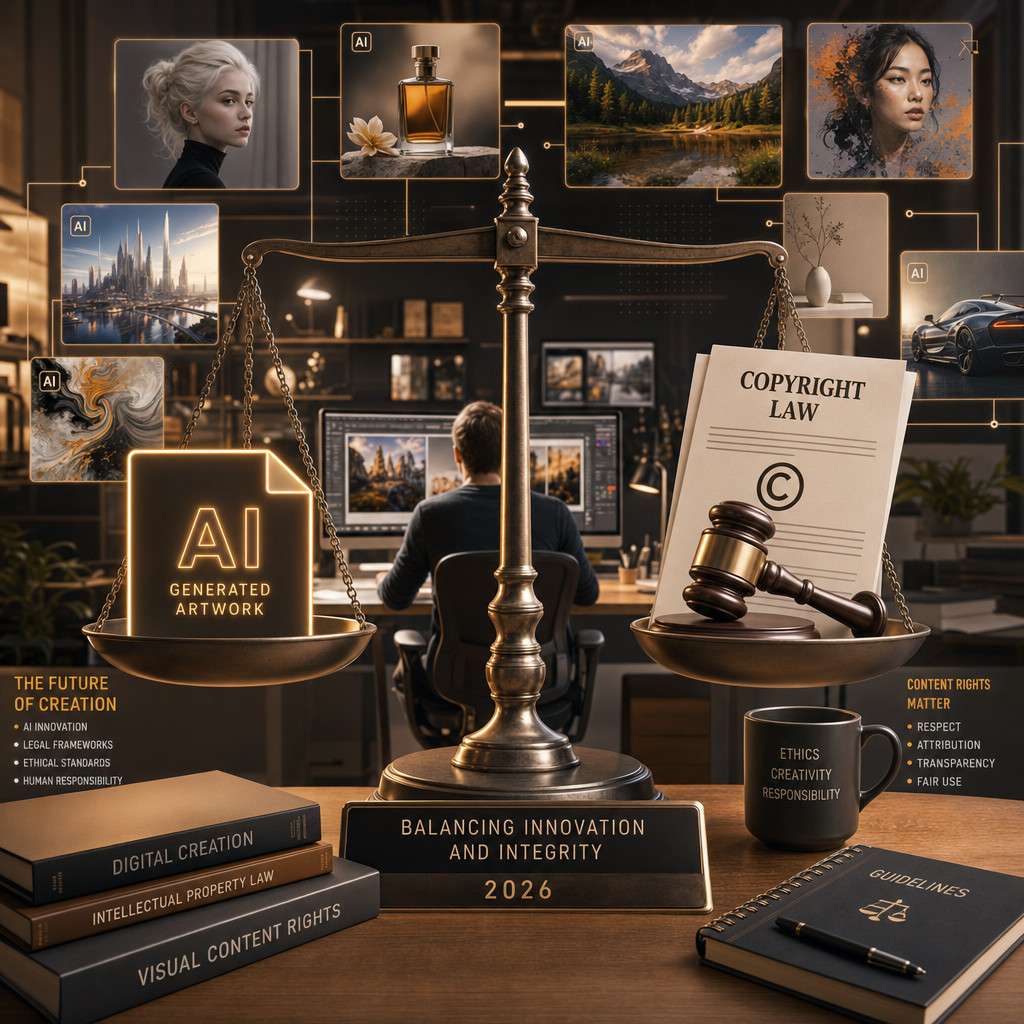
AI images are legal to use in most countries when generated through licensed platforms and used within their terms of service. The ethical questions are more nuanced and center on attribution, displacement of human artists, and potential misuse.
Ethical best practices:
- Disclose AI-generated content when publishing in editorial, journalistic, or academic contexts.
- Do not use AI to replicate a specific artist’s style for profit without acknowledgment.
- Avoid generating images of real people in fabricated or misleading scenarios.
- Support human artists by commissioning original work for projects where authenticity matters.
The legal landscape is evolving quickly. Staying current with platform-specific licensing changes is essential for anyone building a business around AI-generated visuals. For a broader view of AI content creation practices and tools, the AI content creation tag archive covers ongoing developments.
What Types of Images Work Best with Current AI Tools?
Abstract art, product mockups, landscape and environment illustrations, and concept art produce the most consistently strong results from current AI image tools. These categories avoid the two biggest weaknesses: accurate human anatomy and readable text.
Best-performing image types:
- Background images and textures
- Product lifestyle mockups (no real product required)
- Fantasy or sci-fi environments
- Abstract and decorative art
- Icon and logo concept exploration
- Mood boards and style references
- Social media graphic backgrounds
Harder to get right:
- Realistic group portraits with multiple people
- Images requiring readable text or numbers
- Accurate maps, charts, or technical diagrams
- Images of specific real-world locations
For creators building video content alongside images, the HeyGen creator plan guide to AI video generation explores how visual AI tools extend into motion content.
How Realistic Can AI Actually Make Pictures Look?
In 2026, the best AI image tools can produce photorealistic outputs that are indistinguishable from real photography in controlled scenarios, particularly for product shots, landscapes, and single-subject portraits. However, realism breaks down in complex scenes with multiple interacting people or highly specific real-world locations.
Tools like DALL-E 3, Adobe Firefly, and Stable Diffusion XL can generate images that pass casual inspection as real photographs. Trained eyes and forensic tools can still detect AI origin through subtle texture patterns, lighting inconsistencies, and background anomalies. This is why disclosure practices matter.
Conclusion
The rise of ChatGPT picture trends and AI-driven visual content creation is not a distant forecast. It’s the current reality for millions of creators and businesses in 2026. Understanding how these tools work, where they excel, and where they fall short puts you in a far stronger position than either dismissing them or over-relying on them.
Actionable next steps:
- Start with a free platform (Adobe Firefly or Microsoft Designer) to learn prompt writing without financial commitment.
- Study prompt structure: subject, style, lighting, mood, technical specs. Practice this formula for two weeks before upgrading to a paid plan.
- Review the terms of service on any platform you plan to use commercially before publishing a single image.
- Use AI for ideation and volume, and reserve human creative work for projects where authenticity, accuracy, or brand precision is non-negotiable.
- Stay current. This space moves fast. Bookmark resources like the ChatGPT archives at WebAIStack and the AI art generation tag for ongoing updates.
The creators who will benefit most from these tools are not the ones who use them blindly, but the ones who understand their mechanics, respect their limits, and apply them with intention.
FAQ
What is the difference between DALL-E and Midjourney? DALL-E (used in ChatGPT) is better for conversational, photorealistic prompting. Midjourney produces more stylized, artistic imagery and requires parameter-based prompting through Discord or its web app.
Can I use ChatGPT to generate images for free? Yes, ChatGPT’s free plan includes limited DALL-E image generation. Volume and quality increase with a ChatGPT Plus subscription at $20/month.
Do AI-generated images have copyright protection? In the United States, purely AI-generated images are not eligible for copyright protection under current Copyright Office guidance. Human-authored elements added during creation may be protectable.
Why do AI images often have distorted hands? Human hands are anatomically complex and highly variable. AI models trained on image datasets historically struggled with finger count and joint articulation. Newer models have improved, but adding “anatomically correct hands” to your prompt still helps.
Is it ethical to use AI art for commercial projects? It can be, provided you use a platform with clear commercial licensing, avoid mimicking specific living artists’ styles for profit, and disclose AI origin where appropriate. Ethics also depends on context and audience expectations.
What prompt length works best for AI image generation? Prompts between 20 and 60 words tend to produce the best results. Too short produces generic outputs; too long can confuse the model with conflicting instructions.
Can AI generate consistent characters across multiple images? Consistency across images is still a significant challenge for most tools. Some platforms offer character reference features, but results vary. This is one area where human illustrators still hold a clear advantage.
Which AI image tool is best for beginners? Adobe Firefly and Canva AI are the most beginner-friendly options because they integrate into familiar design workflows and use plain-language prompting without requiring technical knowledge.
Are there AI image tools specifically for product photography? Yes. Tools like Photoroom AI and Adobe Firefly’s generative fill feature are designed for product image enhancement and background replacement, which are common e-commerce use cases.
How fast can AI generate an image? Most platforms generate a standard image in 5 to 30 seconds, depending on resolution, model complexity, and server load.
Useful Resources: ChatGPT by OpenAI & OpenAI research blog