Last updated: May 7, 2026
Quick Answer: n8n is an open-source workflow automation platform with a native GraphQL node that lets you send queries and mutations to any GraphQL API directly from a visual canvas. To integrate GraphQL with n8n, you add a GraphQL node, configure your endpoint URL and authentication, write your query or mutation, map the response data to downstream nodes, and activate the workflow. This works for both cloud-hosted and self-hosted n8n instances.
Key Takeaways
- n8n provides a dedicated GraphQL node that supports queries, mutations, and custom headers out of the box [6]
- The platform connects to 400+ services, making GraphQL a powerful data layer within larger multi-step workflows [3]
- You can authenticate GraphQL endpoints using Bearer tokens, API keys, or OAuth2 directly in the node settings
- 2,000+ pre-built workflow templates are available, including patterns that combine GraphQL with AI, databases, and messaging tools [3]
- n8n supports self-hosting, giving teams full data control — a key advantage over SaaS-only alternatives
- GraphQL and Evaluation workflows can be combined for automated testing of API responses within n8n [1]
- Common mistakes include forgetting
Content-Type: application/jsonheaders and not handling nested GraphQL response objects before passing data downstream - n8n’s built-in error handling and execution logs make debugging GraphQL calls significantly faster than manual API testing
What Is n8n and Why Does GraphQL Integration Matter?
n8n is an open-source, fair-code workflow automation platform that gives technical teams the flexibility of writing code alongside the speed of a visual no-code builder [2]. Unlike purely no-code tools, n8n lets you drop into JavaScript or Python at any node when you need custom logic — without leaving the canvas.
GraphQL integration matters because GraphQL APIs are now the standard data layer for modern web apps, headless CMS platforms, e-commerce systems, and internal tools. When you connect GraphQL to n8n, you can:
- Pull structured data from any GraphQL endpoint on a schedule or trigger
- Push mutations to update records in external systems automatically
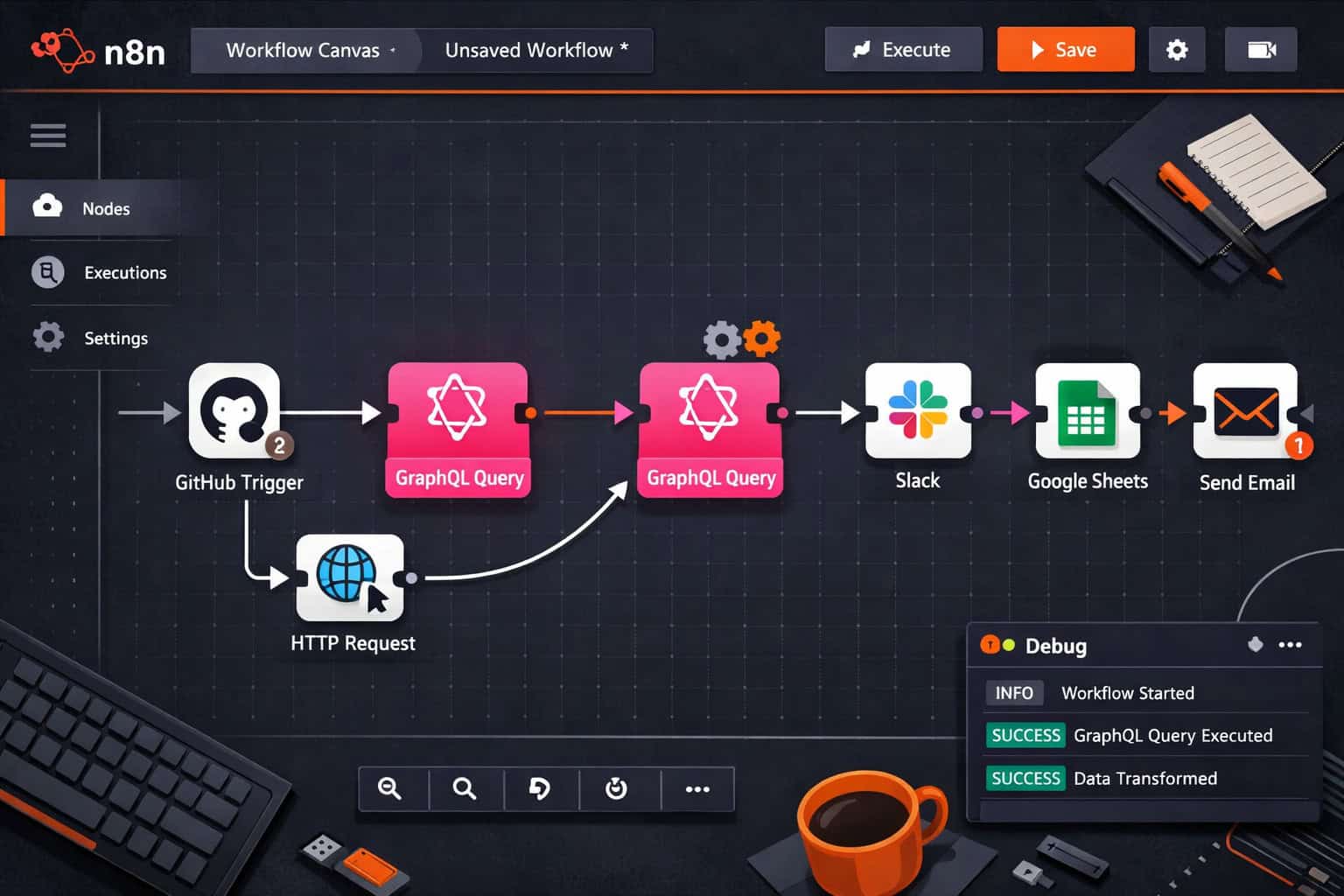
- Chain GraphQL responses into downstream nodes that send Slack messages, update spreadsheets, or trigger AI models
Without native GraphQL support, you’d have to use generic HTTP nodes and manually construct every request. n8n’s dedicated GraphQL node handles the boilerplate so you can focus on the workflow logic itself [6].
For teams already exploring broader automation strategies, the Automation Archives on WebAiStack cover complementary tools and patterns worth reviewing alongside this guide.
How Does n8n’s GraphQL Node Actually Work?
The n8n GraphQL node sends HTTP POST requests to a GraphQL endpoint, wrapping your query or mutation in the standard { "query": "..." } JSON body format. It handles the request/response cycle and parses the returned JSON automatically.
Core node settings you’ll configure:
| Setting | What It Does |
|---|---|
| Endpoint URL | The full GraphQL API URL (e.g., https://api.example.com/graphql) |
| Authentication | None, Header Auth, OAuth2, or predefined credentials |
| Query/Mutation | The GraphQL operation text |
| Variables | Optional JSON object for parameterized queries |
| Headers | Custom headers including Content-Type |
| Response Format | JSON (default) |
The node returns the full response object, including the data and errors fields from the GraphQL response. You’ll typically use an Expression or Set node downstream to extract {{ $json.data.yourField }} before passing it further.
Common mistake: Many beginners forget to set
Content-Type: application/jsonas a custom header when their GraphQL server requires it explicitly. If you’re getting 400 errors, this is the first thing to check.
Step-by-Step: Setting Up Your First GraphQL Workflow in n8n
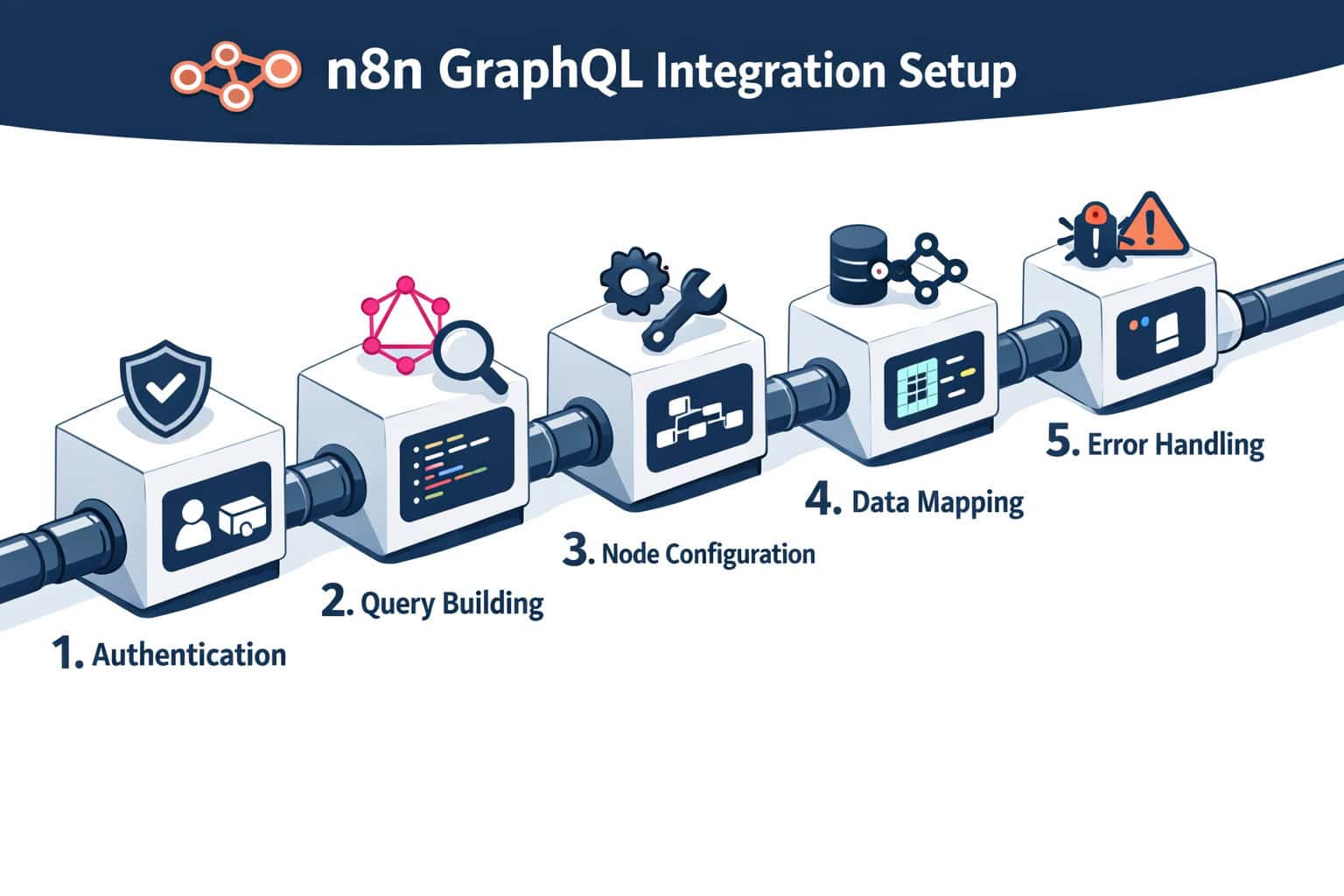
Mastering GraphQL integration with n8n starts with a clean, repeatable setup process. Here’s a practical walkthrough for connecting any GraphQL API.
Prerequisites:
- An active n8n instance (cloud or self-hosted) [2]
- A GraphQL API endpoint and credentials
- Basic familiarity with GraphQL query syntax
Step 1: Create a New Workflow
Open your n8n canvas and click + New Workflow. Give it a descriptive name like “GitHub GraphQL — Fetch Open Issues.”
Step 2: Add a Trigger Node
Choose your trigger based on when the workflow should run:
- Schedule Trigger — runs on a cron schedule (e.g., every hour)
- Webhook Trigger — fires when an external system sends a POST request
- Manual Trigger — useful for testing before going live
Step 3: Add the GraphQL Node
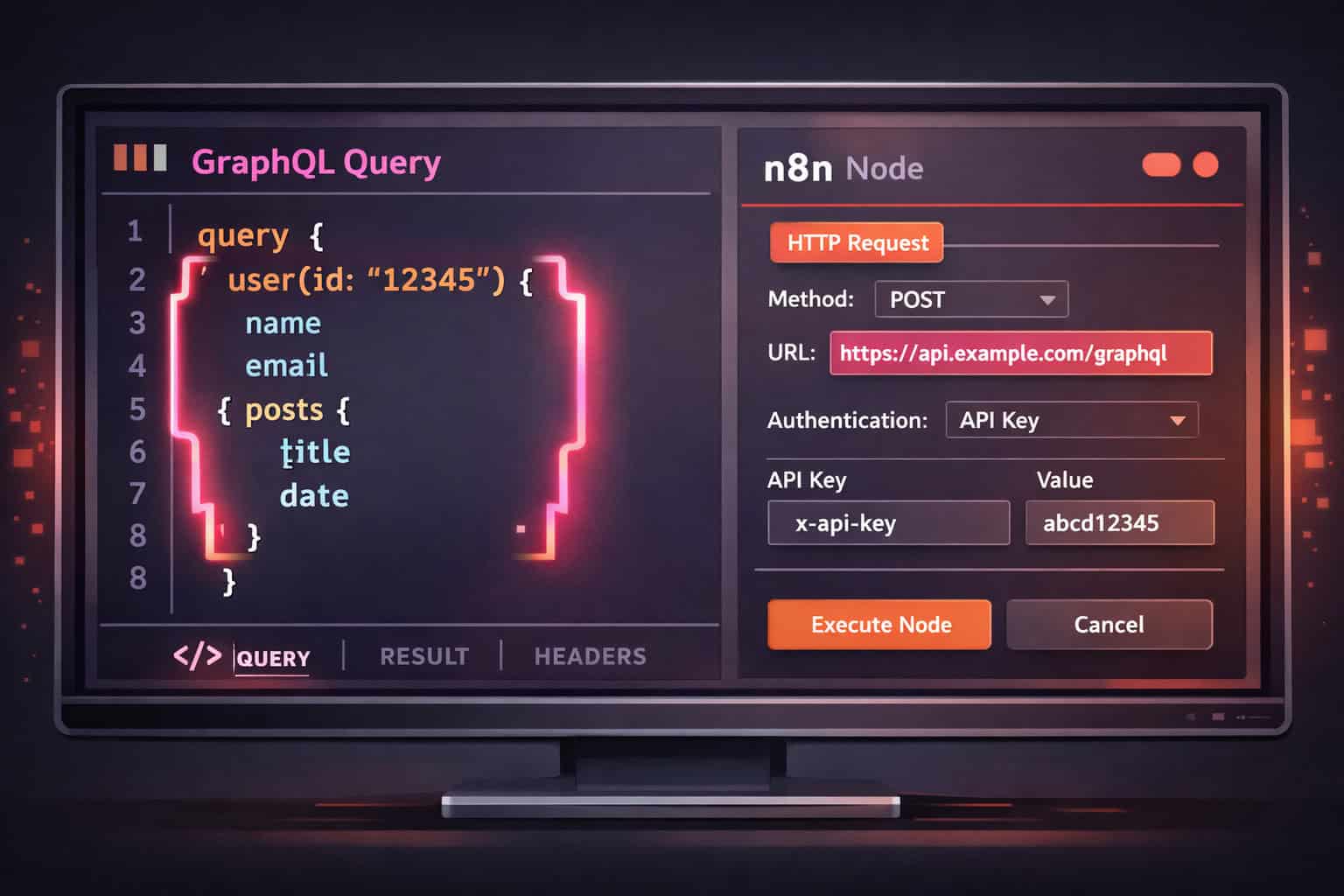
Click the + button after your trigger, search for “GraphQL,” and select the node. Configure:
- Endpoint URL: Paste your API’s GraphQL endpoint
- Authentication: Select the appropriate method and link credentials
- Query: Write or paste your GraphQL query
Example query for GitHub’s GraphQL API:
<code class="language-graphql">query {
  repository(owner: "n8n-io", name: "n8n") {
    issues(states: OPEN, first: 10) {
      nodes {
        title
        url
        createdAt
      }
    }
  }
}
</code>
Step 4: Map the Response Data
After the GraphQL node, add a Set node to extract the fields you need. Use expressions like:
{{ $json.data.repository.issues.nodes }}to get the issues array
Step 5: Connect Downstream Actions
Route the extracted data to wherever it needs to go — a Google Sheets row, a Slack message, an email, or another API call. n8n supports 400+ service integrations, so the options are broad [3].
Step 6: Test and Activate
Use the Execute Workflow button to run a test. Check each node’s output in the execution panel, fix any errors, then toggle the workflow to Active.
What Authentication Methods Work with GraphQL in n8n?
n8n supports several authentication patterns for GraphQL endpoints, and choosing the right one depends on what your API requires [4].
Supported authentication options:
- No Auth — for public GraphQL APIs (rare in production)
- Header Authentication — pass an
Authorization: Bearer <token>orX-API-Key: <key>header; this covers most modern GraphQL APIs - OAuth2 — for APIs that use token refresh flows (e.g., Shopify, Salesforce)
- Basic Auth — username/password encoded in the Authorization header
- Predefined Credentials — n8n has built-in credential types for popular services; use these when available
Choose Header Auth if your API uses a static API key or JWT token that doesn’t expire frequently. Choose OAuth2 if your API requires token refresh — n8n handles the refresh cycle automatically once configured.
Security note: Store all credentials in n8n’s built-in credential manager, not hardcoded in the query or URL. This keeps secrets out of workflow exports and version control.
How Do You Handle GraphQL Variables and Dynamic Data?
Static queries are useful, but the real power comes from passing dynamic data into GraphQL variables from earlier nodes in the workflow.
In the GraphQL node’s Variables field, you can reference data from any previous node using n8n expressions. For example, if a Webhook trigger receives a userId parameter:
Query:
<code class="language-graphql">query GetUser($id: ID!) {
  user(id: $id) {
    name
    email
    role
  }
}
</code>
Variables field (JSON):
<code class="language-json">{
  "id": "{{ $json.body.userId }}"
}
</code>
n8n evaluates the expression at runtime and injects the actual value before sending the request. This pattern works for any input — form submissions, database lookups, webhook payloads, or data from a previous GraphQL call.
Edge case: If your variable value might be null or undefined, add a Filter node or IF node before the GraphQL node to validate the input. Sending a null variable to a required GraphQL argument will return an error, not gracefully skip the operation.
For teams building content pipelines that combine GraphQL data with automated publishing, the guide on how to auto-share WordPress blog posts to social media shows a complementary automation pattern worth adapting.
n8n vs. Alternatives: How Does GraphQL Support Compare?
Mastering GraphQL integration with n8n is more straightforward than with most competing tools, but the comparison depends on your team’s technical profile and hosting requirements.
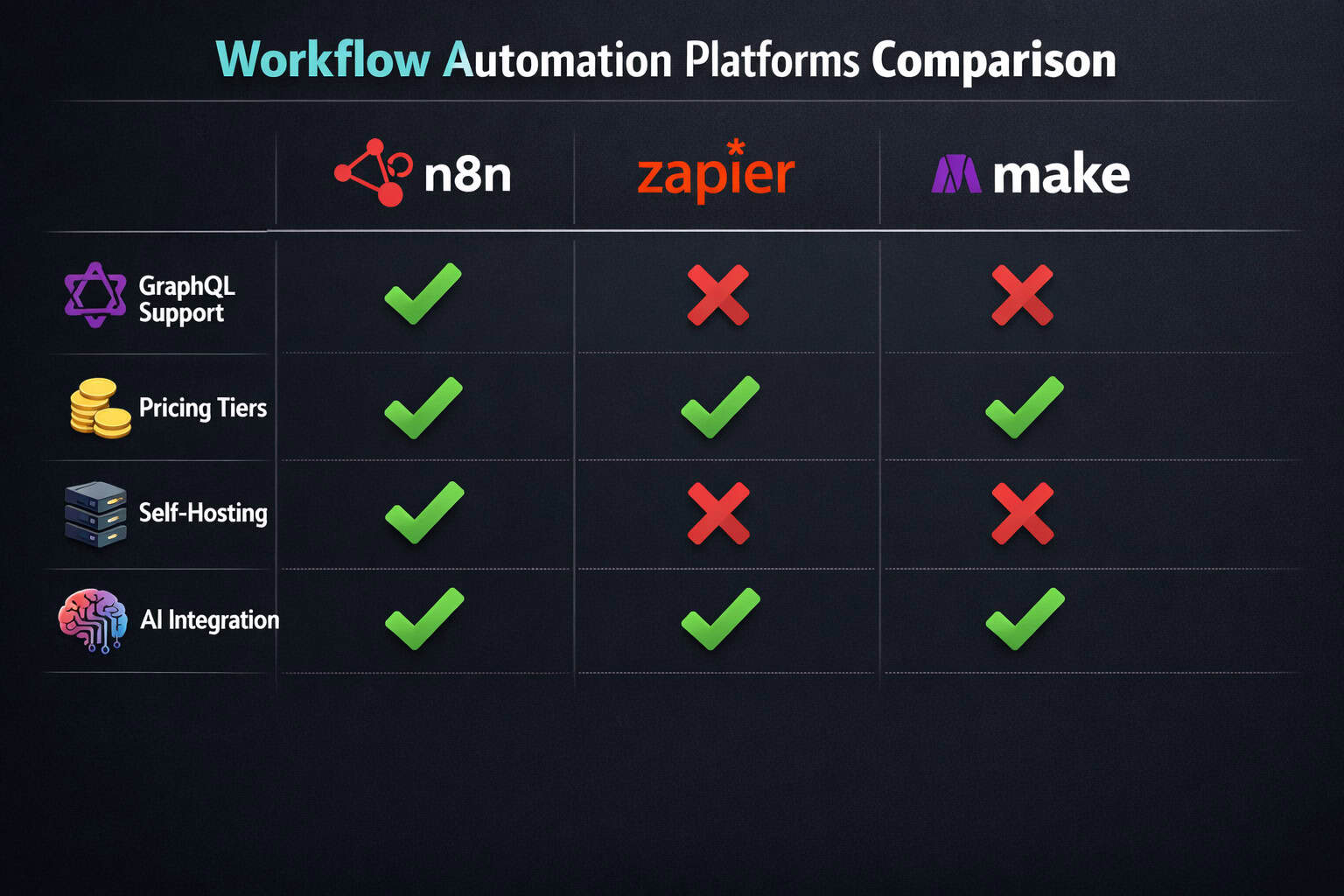
| Feature | n8n | Zapier | Make (Integromat) |
|---|---|---|---|
| Native GraphQL node | ✅ Yes [6] | ❌ No (HTTP module only) | ⚠️ Via HTTP module |
| Self-hosting | ✅ Yes [2] | ❌ No | ❌ No |
| Open source | ✅ Yes | ❌ No | ❌ No |
| Built-in AI integration | ✅ Yes [5] | ⚠️ Limited | ⚠️ Limited |
| Free tier | ✅ Generous | ⚠️ Very limited | ⚠️ Limited |
| GraphQL variables support | ✅ Yes | ❌ Manual | ⚠️ Manual |
| Workflow templates | 2,000+ [3] | 6,000+ | 1,000+ |
Choose n8n if your team is technical, you need self-hosting for data compliance, or your workflows involve GraphQL APIs and AI models together. Choose Zapier if your team is non-technical and your integrations are simple trigger-action pairs with popular SaaS tools.
n8n’s built-in AI integrations are a genuine differentiator for teams building intelligent automation — something Zapier and Make have been slower to develop natively [5].
For developers who also work with WordPress-based systems, the 12 best AI plugins for WordPress to automate website management covers automation tools that pair well with n8n workflows.
What Are the Most Useful GraphQL + n8n Workflow Patterns?
Beyond basic queries, several workflow patterns consistently deliver high value when combining GraphQL with n8n’s broader capabilities [4].
1. Scheduled Data Sync Trigger on a cron schedule → GraphQL query to fetch updated records → compare with existing data in a database → write new records to Airtable, Notion, or Google Sheets.
2. Event-Driven Mutations Webhook trigger receives a form submission → validate input → GraphQL mutation to create a record in your backend → send confirmation email via SendGrid.
3. GraphQL + AI Pipeline Fetch content via GraphQL → pass text to an OpenAI or Anthropic node → store the AI-generated summary back via a GraphQL mutation. This pattern works well for content enrichment and tagging at scale.
4. Multi-API Orchestration GraphQL query to fetch user data → REST API call to enrich with third-party data → merge results → push to a CRM via another GraphQL mutation. n8n’s Merge node makes combining data from multiple sources clean and reliable.
5. Automated Testing with Evaluation Workflows n8n supports combining GraphQL nodes with Evaluation workflows to run automated checks on API response structure and data quality [1]. This is useful for teams who need to monitor API health as part of a CI/CD pipeline.
For teams building AI-powered content workflows alongside these patterns, the comprehensive guide to AI-powered content generation tools covers the AI layer in more depth.
How Do You Debug and Troubleshoot GraphQL Errors in n8n?
n8n’s real-time execution logs make debugging GraphQL calls much faster than testing APIs manually [3]. Here’s a systematic approach.
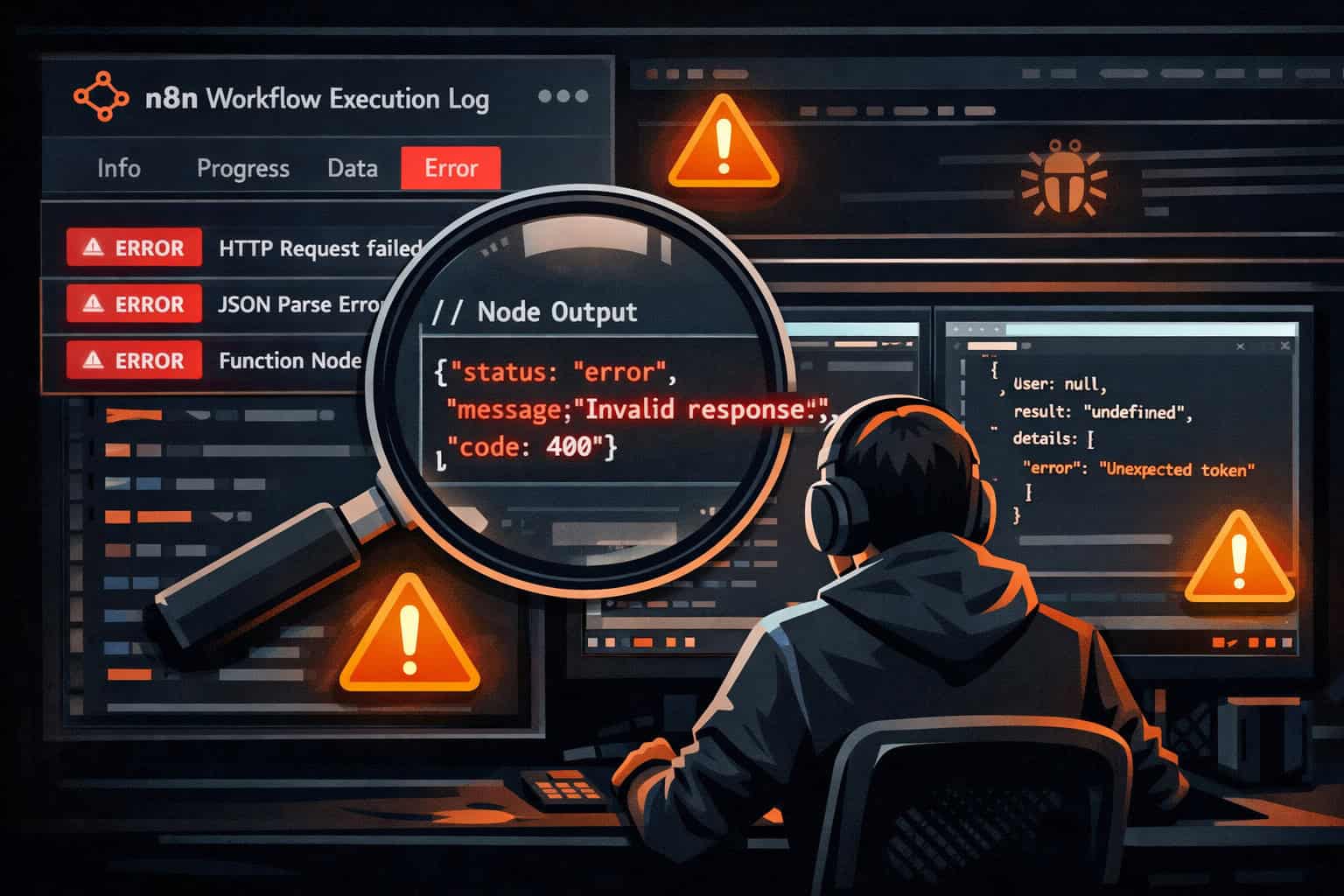
Common GraphQL errors and fixes:
| Error | Likely Cause | Fix |
|---|---|---|
400 Bad Request | Missing Content-Type header or malformed query | Add Content-Type: application/json header; validate query syntax |
401 Unauthorized | Invalid or expired credentials | Refresh token or re-enter credentials in n8n credential manager |
Cannot query field X | Field doesn’t exist in schema | Check the API’s schema documentation; use introspection query |
Variable not found | Expression returns undefined | Add an IF node to validate input before the GraphQL node |
null data with no errors | Query succeeded but returned empty results | Check query logic and filter conditions in your GraphQL operation |
Debugging steps:
- Click on the failed node in the execution view to see the full request and response
- Check the Input tab to confirm variables resolved correctly
- Check the Output tab to see the raw GraphQL response including any
errorsarray - Use n8n’s Error Trigger node to catch failures and route them to a Slack alert or logging system
- Test the query directly in a GraphQL playground (like GraphiQL) before adding it to n8n
Pro tip: Enable n8n’s Continue on Fail option on the GraphQL node during development. This lets the workflow complete even when one node errors, so you can inspect the full execution path before fixing issues.
For teams also managing complex web projects alongside automation workflows, the advanced WordPress strategies for power users guide covers complementary automation approaches.
FAQ: GraphQL Integration with n8n
Q: Does n8n support GraphQL subscriptions? A: Not natively through the GraphQL node. Subscriptions use WebSocket connections, which n8n doesn’t handle in the standard GraphQL node. Use a Webhook trigger to receive subscription events pushed from your server instead.
Q: Can I use n8n’s GraphQL node with Shopify’s GraphQL API?
A: Yes. Configure the node with Shopify’s Admin API endpoint (https://your-store.myshopify.com/admin/api/2026-01/graphql.json), use Header Auth with your Shopify Admin API token, and set X-Shopify-Access-Token as the header name.
Q: How do I paginate through large GraphQL result sets in n8n?
A: Use a Loop node combined with cursor-based pagination. Store the endCursor from each response in a workflow variable, pass it as a variable to the next GraphQL query, and continue looping until hasNextPage is false.
Q: Is n8n’s GraphQL node available on the free plan? A: Yes. The GraphQL node is available on all n8n plans, including the self-hosted community edition, which is free with no execution limits [2].
Q: Can I send GraphQL mutations that include file uploads? A: Standard file uploads via multipart form data are not directly supported by the GraphQL node. Use n8n’s HTTP Request node with a multipart body for file upload mutations instead.
Q: How do I handle GraphQL errors without failing the whole workflow?
A: Enable Continue on Fail on the GraphQL node, then add an IF node after it that checks {{ $json.errors }}. Route error cases to a notification or logging branch while successful responses continue normally.
Q: What’s the difference between using the GraphQL node vs. the HTTP Request node for GraphQL? A: The GraphQL node is purpose-built — it handles the POST body structure, content type, and response parsing automatically. The HTTP Request node works too, but requires you to manually construct the JSON body and parse responses. Use the GraphQL node whenever possible.
Q: Can n8n workflows be triggered by GraphQL mutations from an external app? A: Yes. Use n8n’s Webhook trigger node to receive POST requests from your app. Your app sends a standard HTTP POST (not a GraphQL subscription), and n8n processes the payload. This is the standard pattern for event-driven GraphQL workflows.
Q: How many GraphQL nodes can I have in a single workflow? A: There’s no hard limit. You can chain multiple GraphQL nodes in a single workflow — for example, fetching data from one API and writing it to another via separate nodes. Performance depends on your n8n instance resources and API rate limits.
Q: Does n8n log GraphQL request bodies for debugging? A: Yes. The execution log shows the full input and output for each node, including the request body sent to the GraphQL endpoint. This is visible in the node’s Input/Output tabs during execution review.
Conclusion: Your Next Steps for GraphQL Automation with n8n
Mastering GraphQL integration with n8n gives your team a practical, scalable way to connect modern APIs without building custom integration code from scratch. The combination of a dedicated GraphQL node, 400+ service integrations, self-hosting flexibility, and built-in AI capabilities makes n8n one of the strongest choices for technical teams in 2026 [3][5].
Actionable next steps:
- Start with a real use case — pick one GraphQL API you already use (GitHub, Shopify, your own backend) and build a simple fetch-and-notify workflow this week
- Explore the template library — browse n8n’s 2,000+ templates for GraphQL patterns you can adapt rather than build from scratch [3]
- Add error handling from day one — set up an Error Trigger node and a Slack notification before your workflows go live
- Combine GraphQL with AI nodes — the most valuable workflows in 2026 chain data fetching with AI processing; start experimenting with this pattern early [4]
- Consider self-hosting — if your workflows handle sensitive data, deploying n8n on your own infrastructure eliminates third-party data exposure [2]
The Automation Archives on WebAiStack are a good ongoing resource as you expand your workflow automation practice beyond GraphQL into broader integration patterns.
References
[1] GraphQL + Evaluation Integration – https://n8n.io/integrations/evaluation/and/graphql/ [2] n8n GitHub Repository – https://github.com/n8n-io/n8n [3] I Discovered This N8n Repo That Actually 10xd My Workflow Automation Efficiency – https://milvus.io/blog/i-discovered-this-n8n-repo-that-actually-10xd-my-workflow-automation-efficiency.md [4] Build Complex Workflows With N8n And Master AI Integration – https://www.freecodecamp.org/news/build-complex-workflows-with-n8n-and-master-ai-integration/ [5] N8n Workflow Automation – https://www.helloroketto.com/articles/n8n-workflow-automation [6] GraphQL Integration Page – https://n8n.io/integrations/graphql/ [9] No Code Workflow Automation With N8n – https://hatchworks.com/blog/ai-agents/no-code-workflow-automation-with-n8n/ [10] n8n Course for Beginners (YouTube) – https://www.youtube.com/watch?v=GIZzRGYpCbM